3D Illustration 提示词分类

3D Illustration AI 图像提示词

浏览 3D Illustration 相关示例与可复用的 AI 图像提示词方向,用于规划主体、构图、灯光、色彩、材质和视觉风格。

该合集依据 PromptPlum 的 3D Illustration 分类整理。可将这些参考方向改写为适合自身主体、尺寸与视觉目标的提示词。

视觉参考组
3d illustration
内容规模
5 个公开提示词
视觉参考组04 / REF
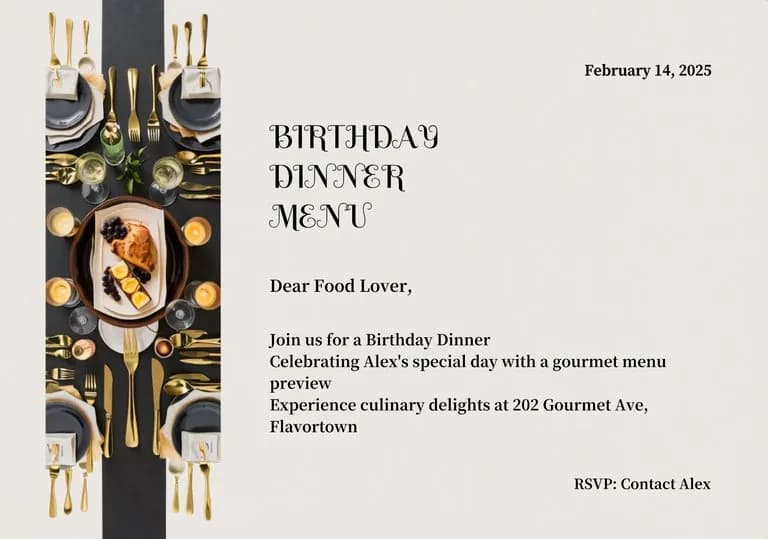
3D Illustration AI 图像提示词 reference 101
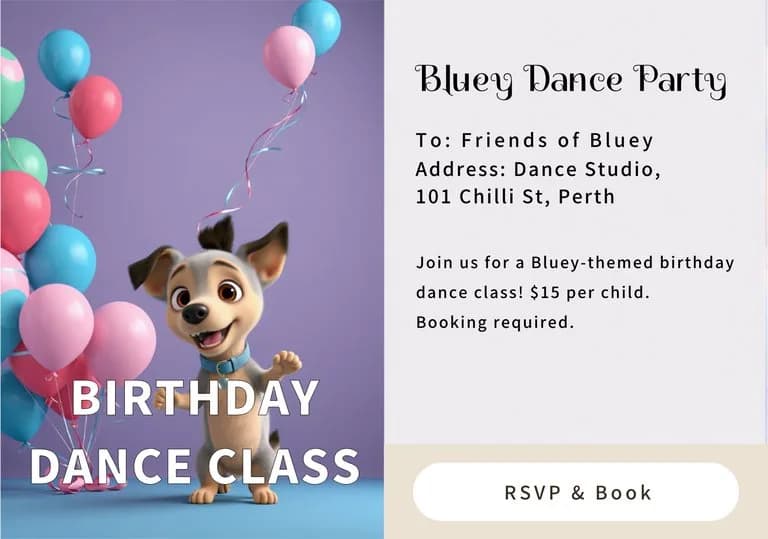
3D Illustration AI 图像提示词 reference 202
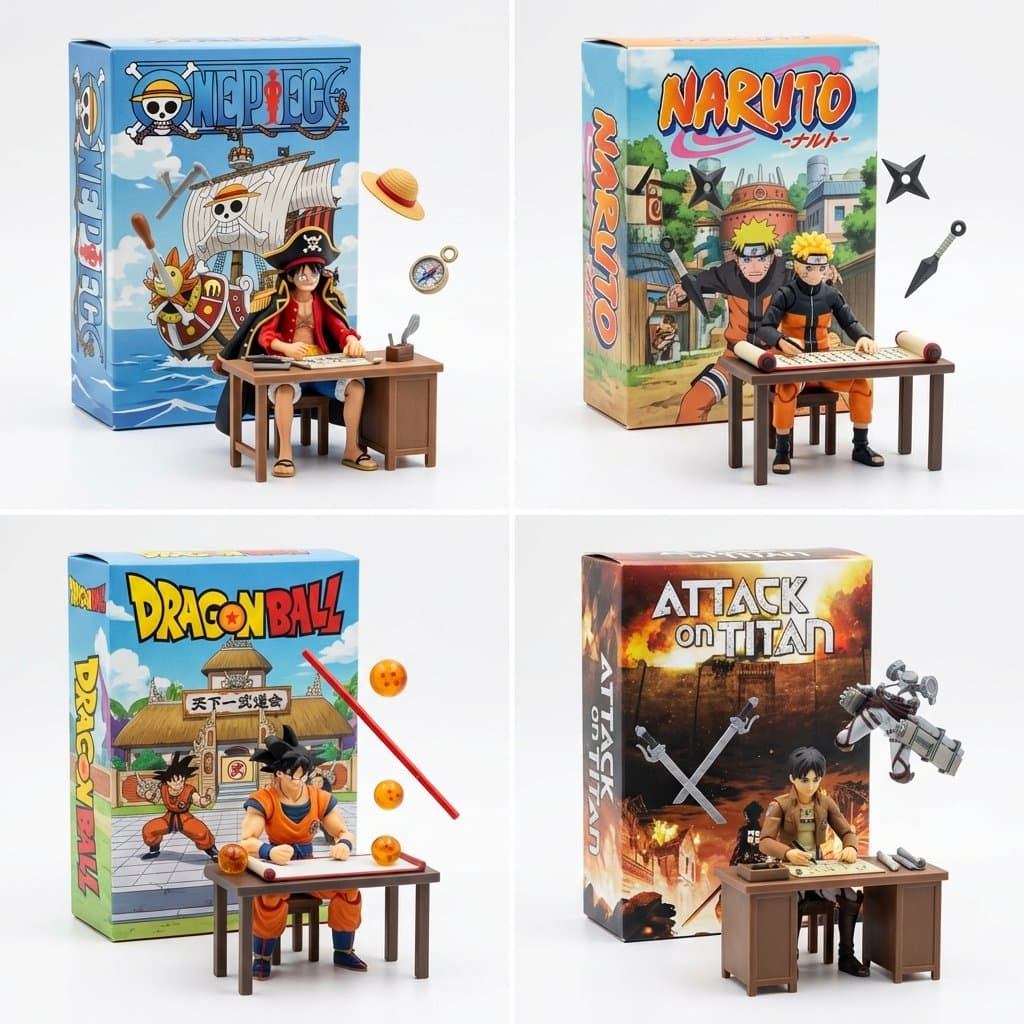
3D Illustration AI 图像提示词 reference 303
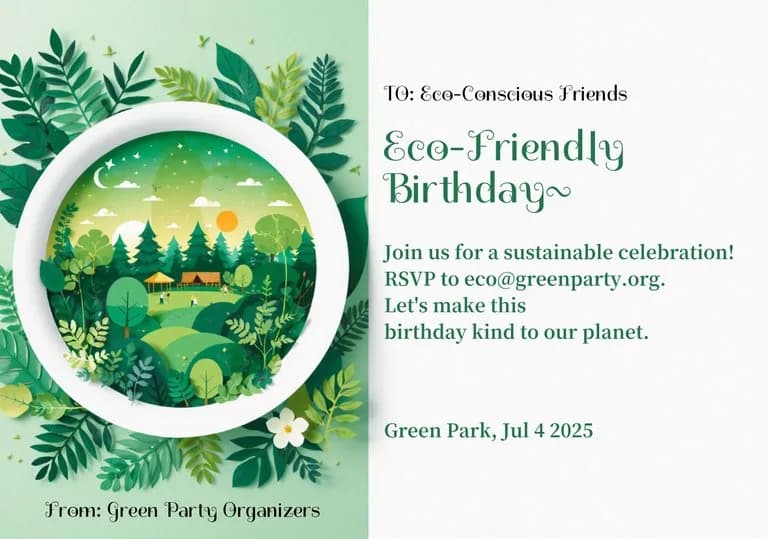
3D Illustration AI 图像提示词 reference 404
VEYVIA / 3D-ILLUSTRATION已整理
提示词画廊

选择一个最接近的画面。

打开任意样片查看完整提示词,或直接带着参考图与画面比例进入生成器。

5 个公开提示词
3D Illustration AI 图像提示词 prompt 101
wedding invitation3d reliefpaper craft

Elegant wedding invitation featuring 3D paper-craft relief. Soft pink camellias and green leaves adorn corners. Decorative white embossed scrollwork frame. Centered typography in serif and script on cream textured paper.

3D Illustration AI 图像提示词 prompt 202
invitationtemplatevibrant

Modern birthday invitation card template, split layout. Left: 3D paper-cut circular frame with a vibrant tiered cake, floating balloons, and scattered confetti. Right: clean white area for text. Cheerful primary color palette, playful festive icons, soft depth-of-field, high-quality digital illustration.

3D Illustration AI 图像提示词 prompt 303
invitationvibrantfestive

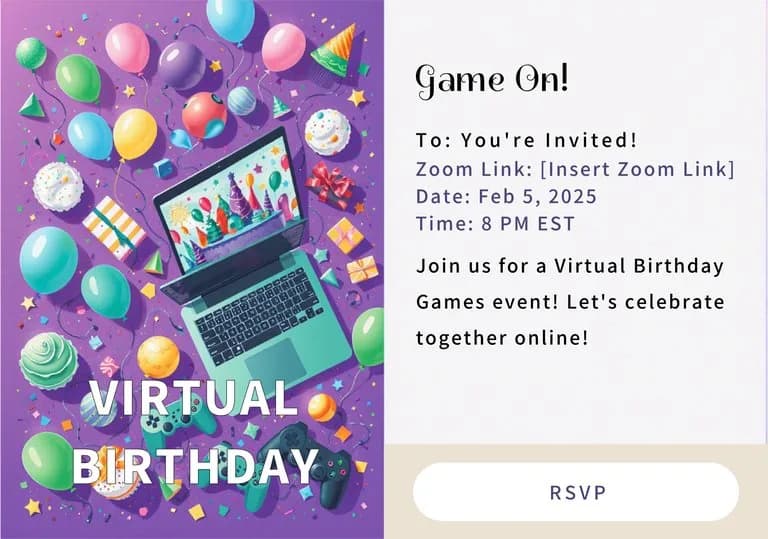
Playful birthday invitation template. Vertical side border with vibrant 3D balloons, confetti, and cake icons. Clean off-white space for customizable text. Cheerful teal, pink, and yellow palette. Modern graphic design, flat layout, high-quality print aesthetic.

3D Illustration AI 图像提示词 prompt 404
invitationtemplateplayful

Modern landscape birthday invitation template. Features a vertical photo placeholder on the left and elegant script typography on the right. The design is framed by a vibrant border of colorful 3D balloons and scattered confetti. Clean white background for text, professional graphic design, high-contrast, festive and cheerful aesthetic.

3D Illustration AI 图像提示词 prompt 505
twitter3d-illustrationcharacter-design

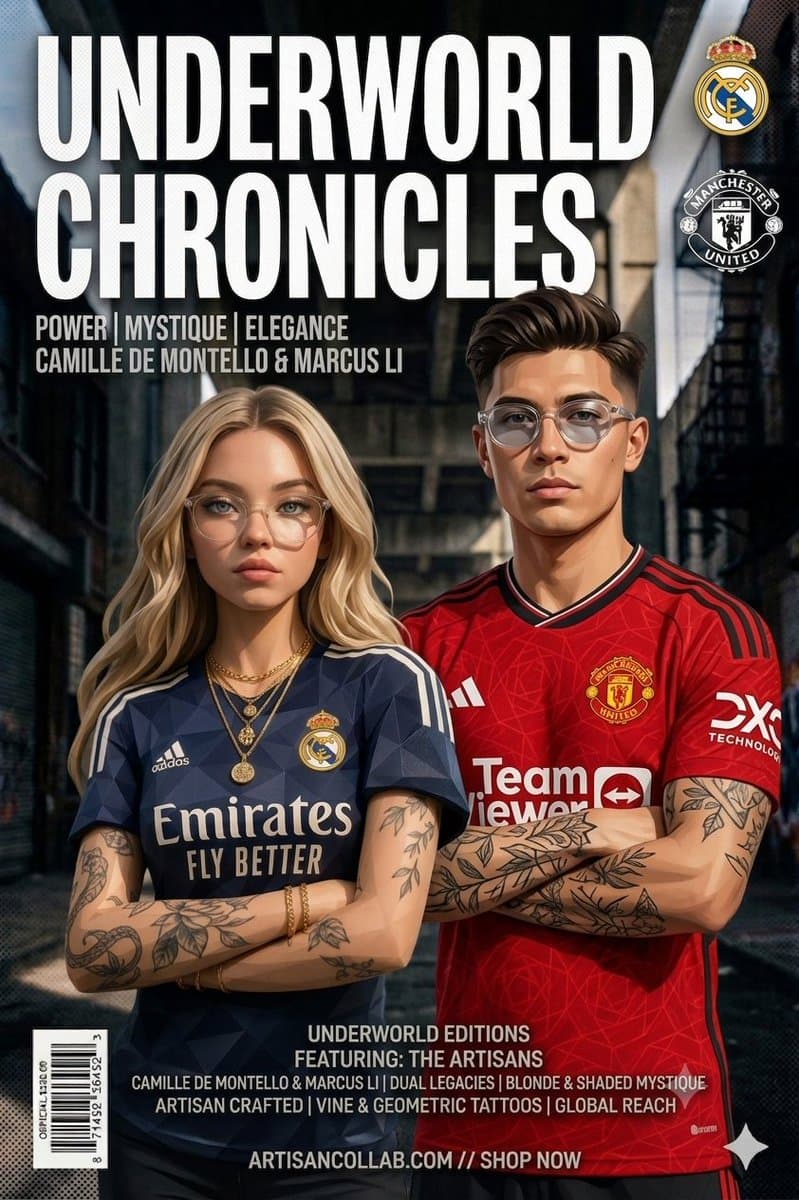
Still working on fun ways to visualize manga and anime. This works pretty well 2x2 grid, do this for famous manga <spatial_topology> [ seamless studio backdrop (pure white) ] [ product box (upright) ] ( 2d graphic art of [the_creation] ) ( bold typography: "ai inferred title" ) \ | / \ [box] / <-- floating [tools] crossing the \ [lid] / boundary of the box into reality \ / [ foreground: 3d action figure of [profession] ] ( sitting at [workstation], intensely focused ) ( suspended [tools] frozen in mid-air around them ) </spatial_topology> instruction: render macro toy photography. create a sharp material contrast: the background box is flat printed cardboard. the foreground figure and floating tools are tangible injection-molded plastic.

从参考到成图

三步开始,不必从空白画布想起。

  1. 01

    选择参考

    先按构图、色彩和用途选择最接近目标的样片。

  2. 02

    调整细节

    进入生成器后修改主题、文案、风格和画面比例。

  3. 03

    生成成图

    保留预填参考图,一键生成,再针对结果继续微调。

没有完全合适的样片?

从空白提示词开始,自由定义主题、构图、文字和画面比例。

从零创作
使用说明

让第一次生成更接近成品。

01

3D Illustration 提示词适合做什么

3D Illustration 提示词用于围绕特定风格、主体、媒介或摄影用途组织视觉创意,公开示例会随内容发布持续更新。

02

怎样写好 3D Illustration 提示词

先写明主要主体,再补充构图、环境、灯光、配色、材质、镜头或渲染方式、画面比例与最终用途。

03

如何继续优化生成结果

删除互相冲突的风格要求,保持一个清晰的视觉方向,并在发布前检查结构、文字、标志、透视和分类相关细节。

常见问题

开始前,你可能还想知道。

3D Illustration AI 图像提示词是什么?

这是归入 3D Illustration 分类的可复用视觉简报,可根据不同主体、参考图、构图和输出尺寸进行修改。

3D Illustration 示例是如何加入这个合集的?

当已发布提示词的主体、风格或用途与 3D Illustration 分类匹配时,它们会被归入这个合集。

这些 3D Illustration 提示词可以修改吗?

可以。替换主体和场景后,再根据项目调整灯光、配色、材质、镜头或渲染方式、画面比例和细节程度。