Wedding portrait studio

Two portraits. One lasting frame.

Upload one clear photo of each person, choose the atmosphere, and create wedding portraits that stay true to both of you.

Identity-aware portraits from two source images
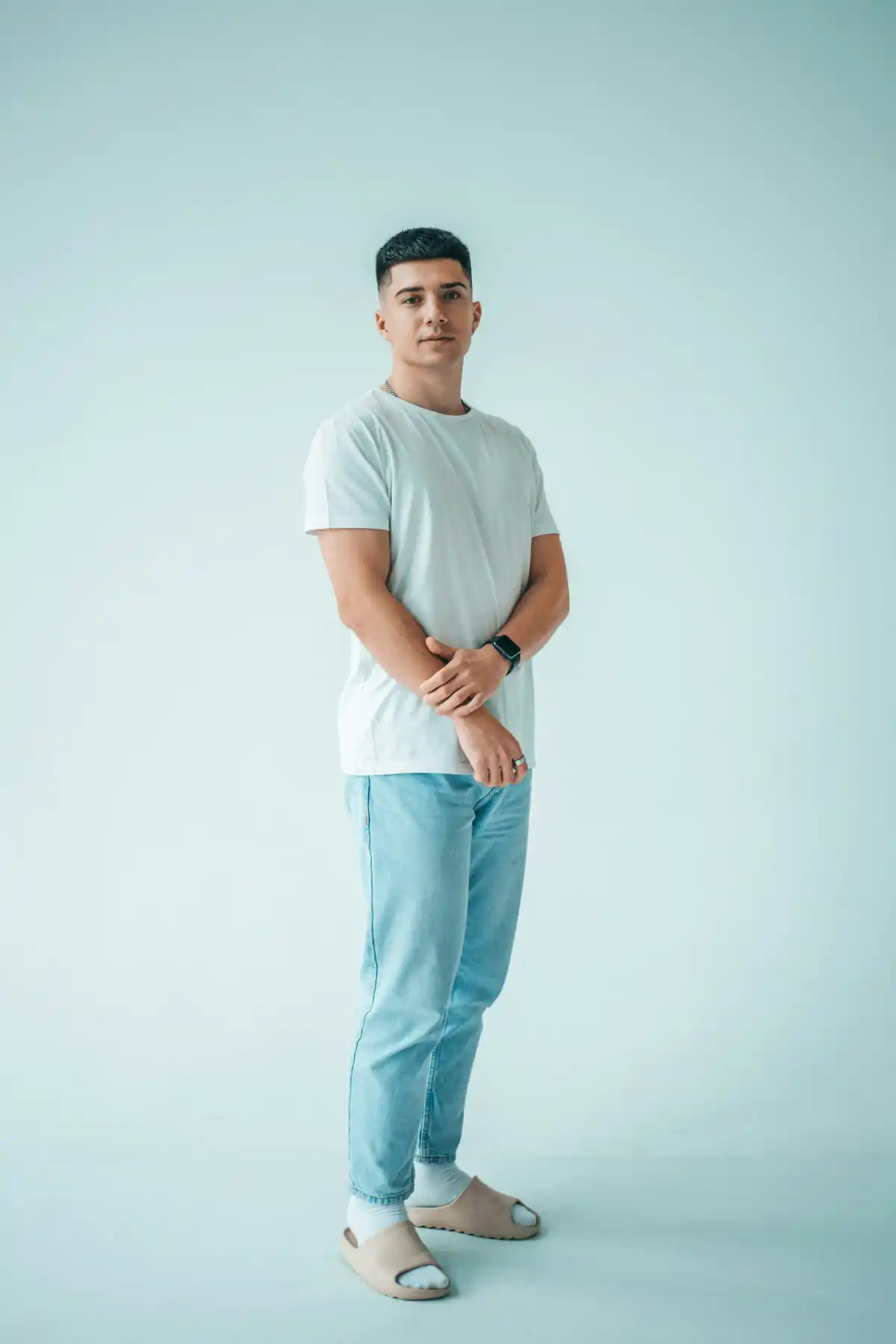
Source portrait of the groom
Source 01
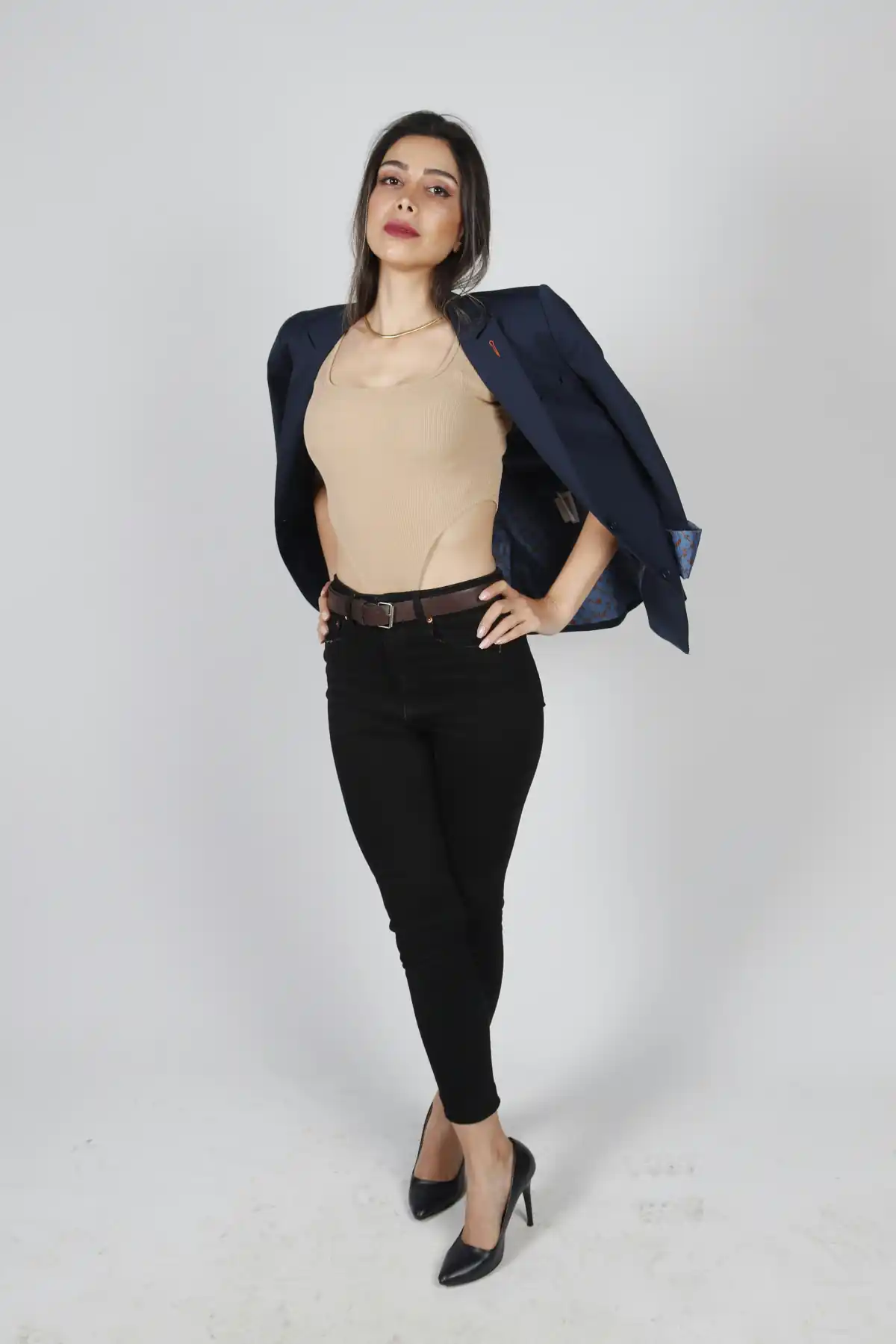
Source portrait of the bride
Source 02
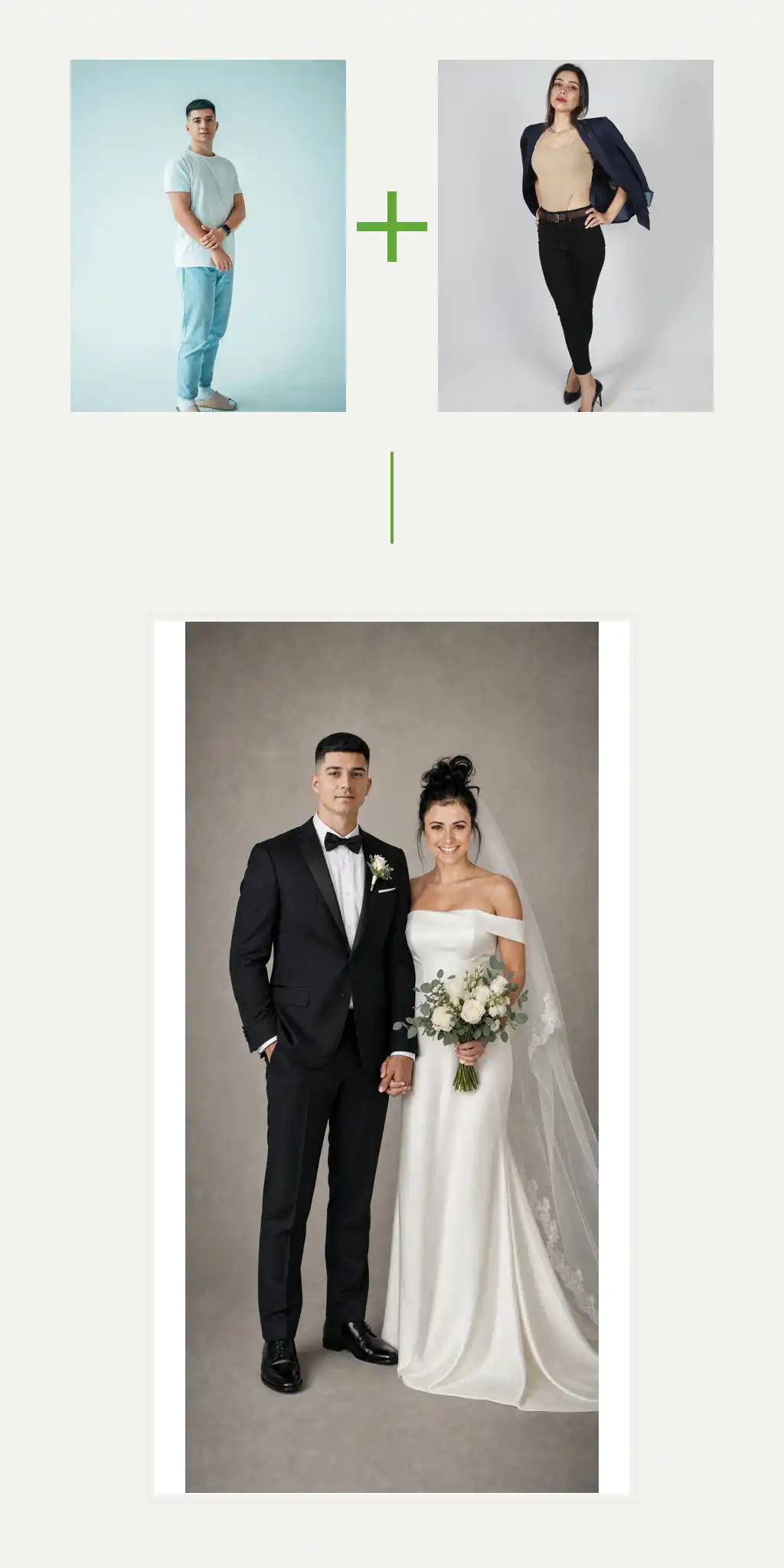
Generated wedding portrait example
Generated

Create

Start with the two of you

Add two source portraits, then optionally choose one wedding image as the blueprint.

Your two source portraits *

Add one clear, face-visible photo for each person.

0 added

Wedding style (optional)

Use one wedding photo as the final pose, scene, and wardrobe blueprint.

0 added
Resolution
Aspect ratio
Result
Wedding portrait generation example
First source portraitSecond source portrait
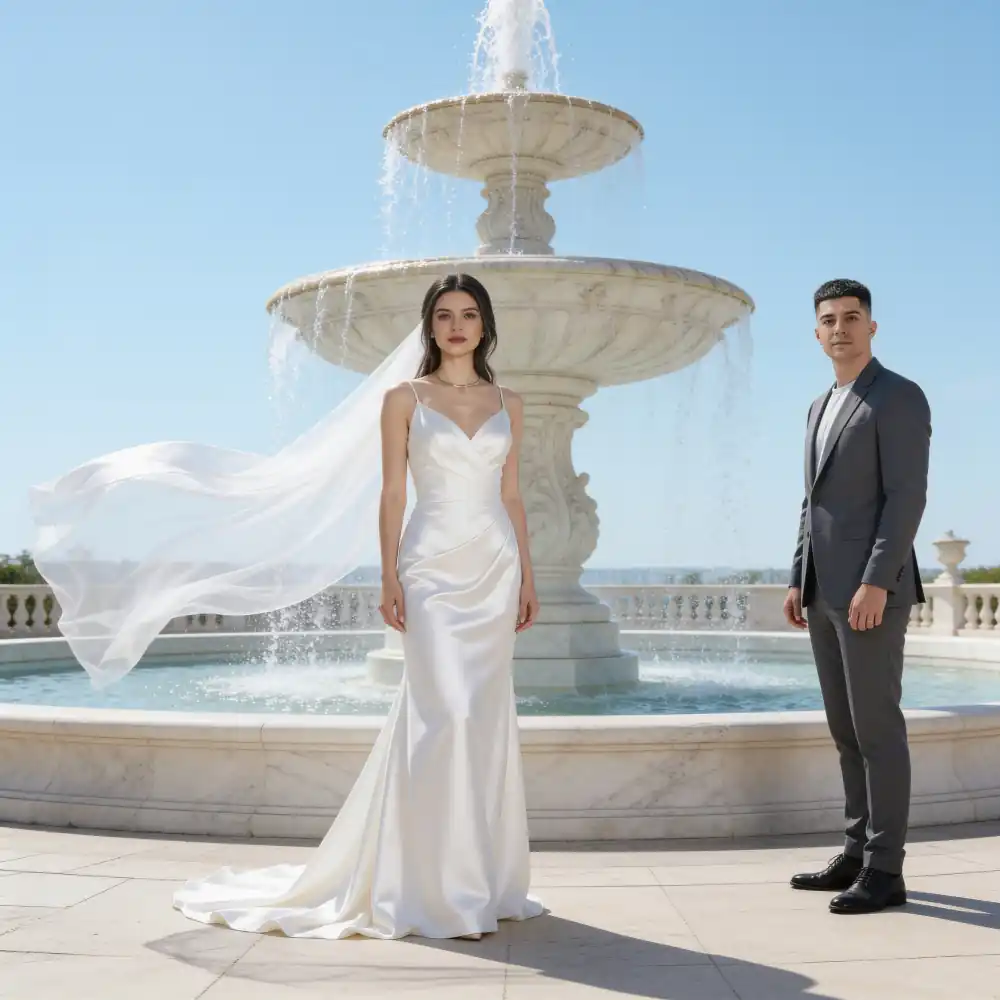
Garden wedding portrait generated from source images

Two sources, many possibilities

Make the moment unmistakably yours.

  1. 01Add one source portrait for each person.
  2. 02Set a scene, add a style reference, or keep it simple.
  3. 03Create a wedding portrait in the format you need.

Wedding style gallery

Choose the scene you want to make your own.

Each style keeps its original pose, setting, and visual mood while your two source portraits replace the people in it.

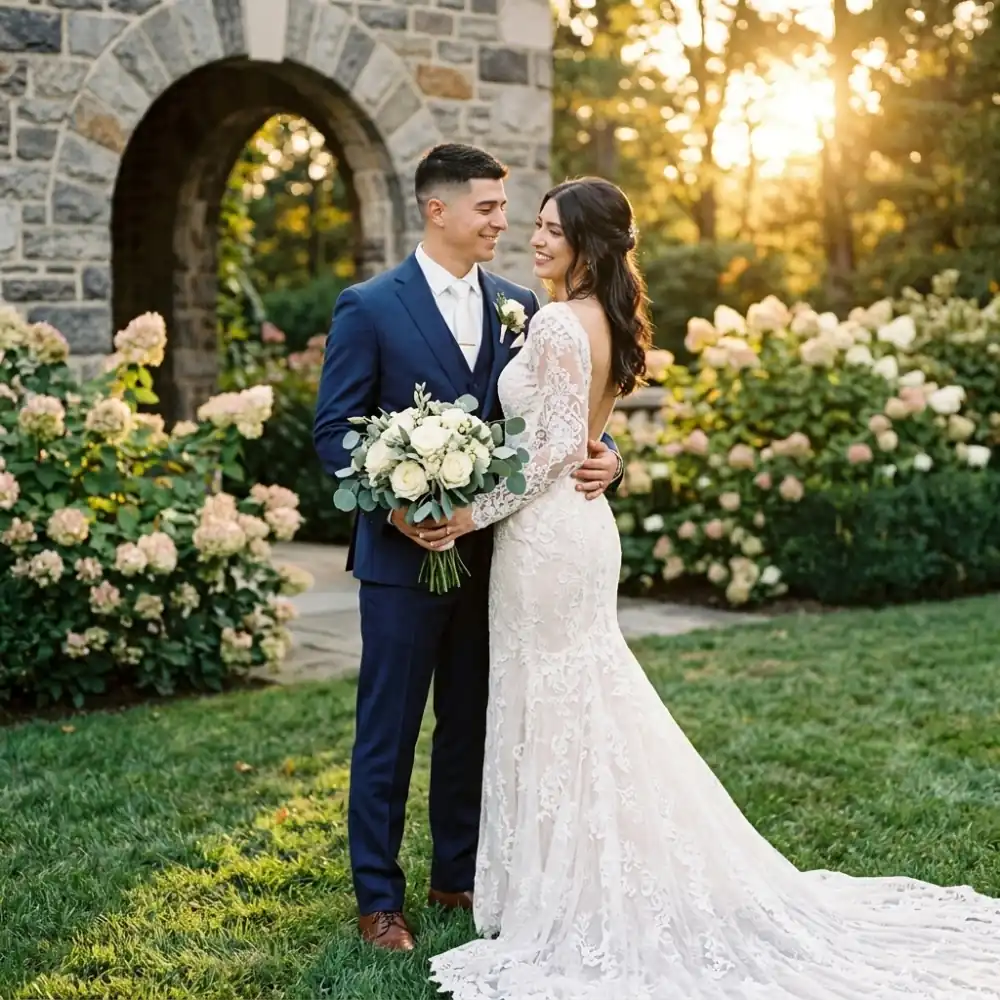
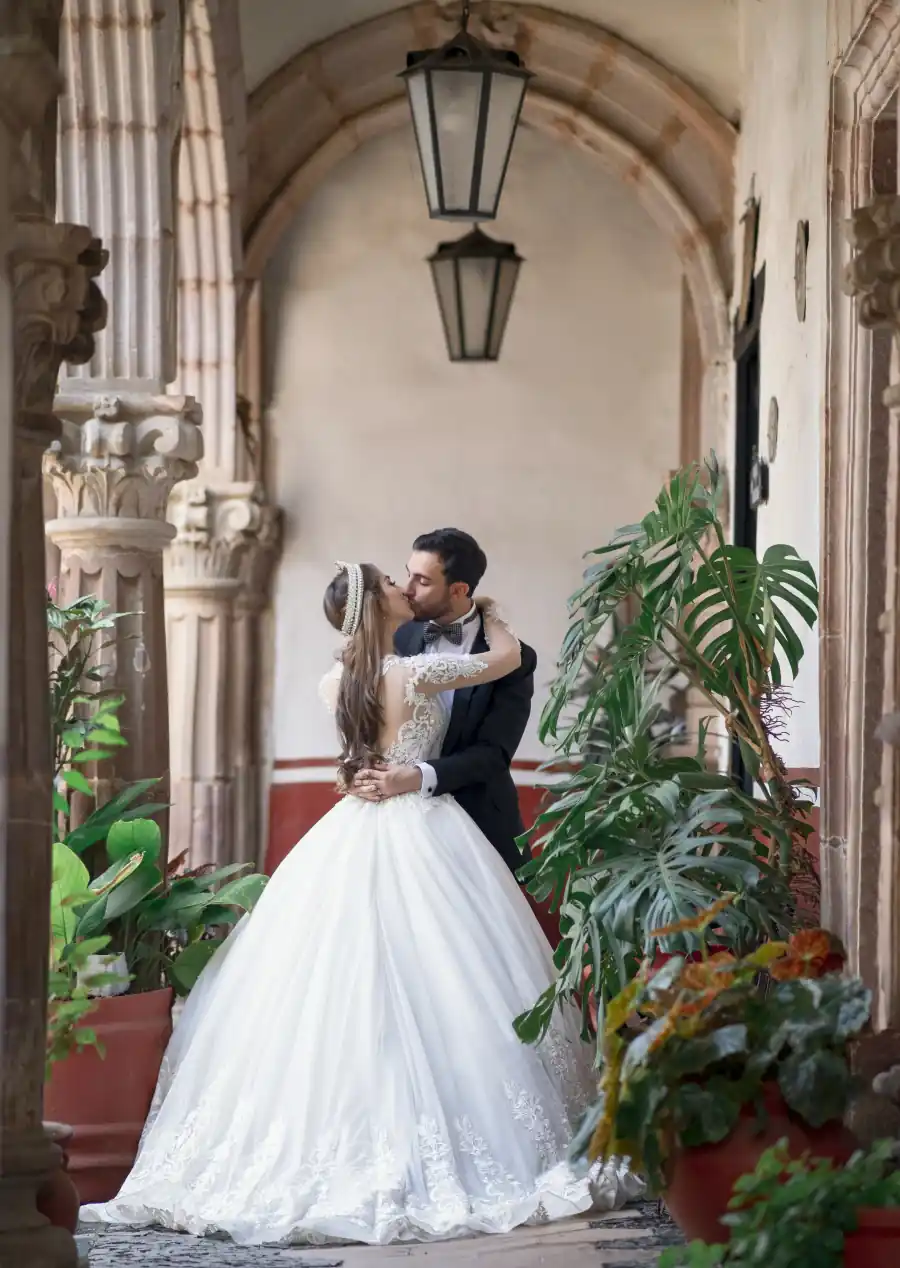
Courtyard embrace wedding style example

Courtyard embrace

Romantic stone arches and a formal evening look.

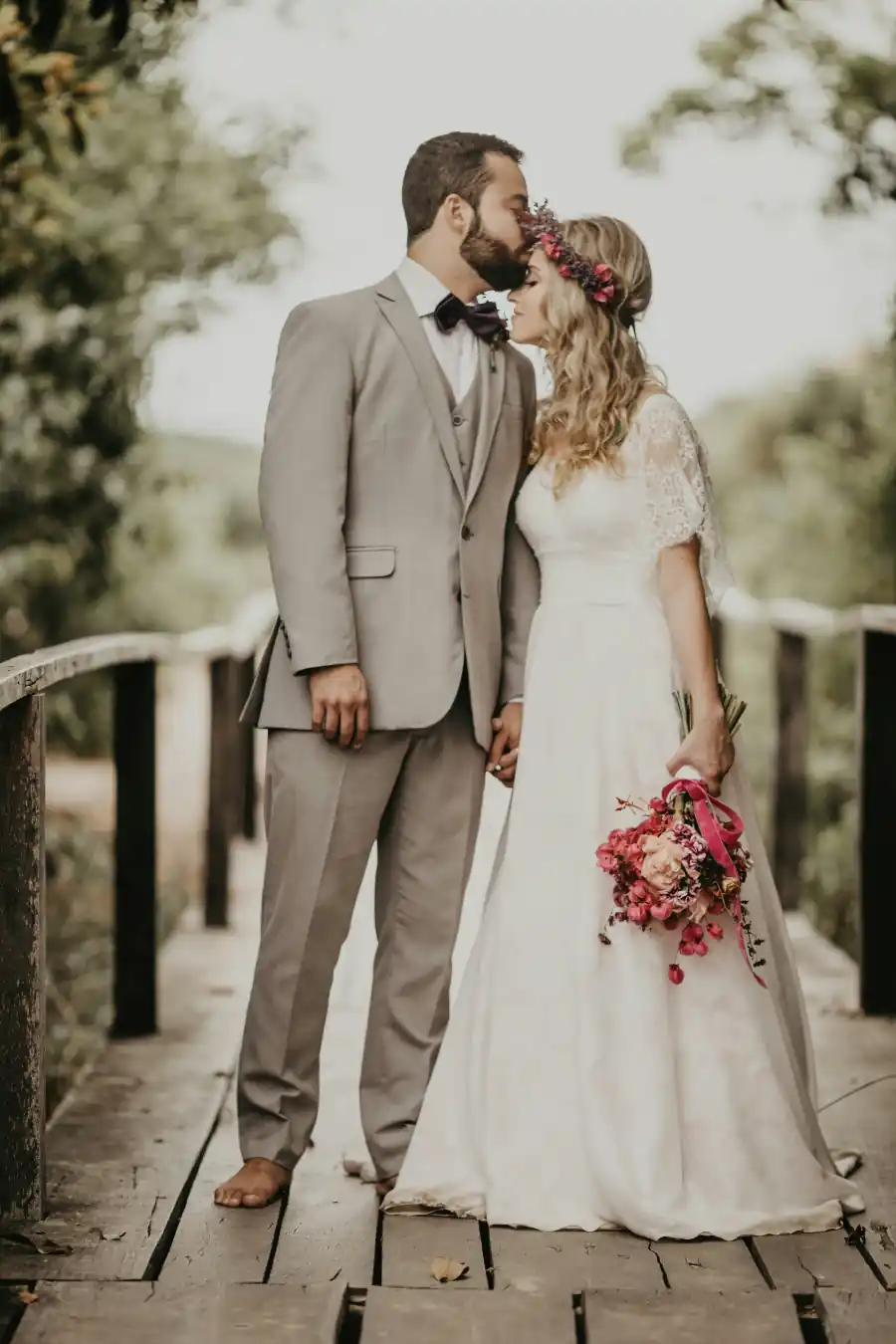
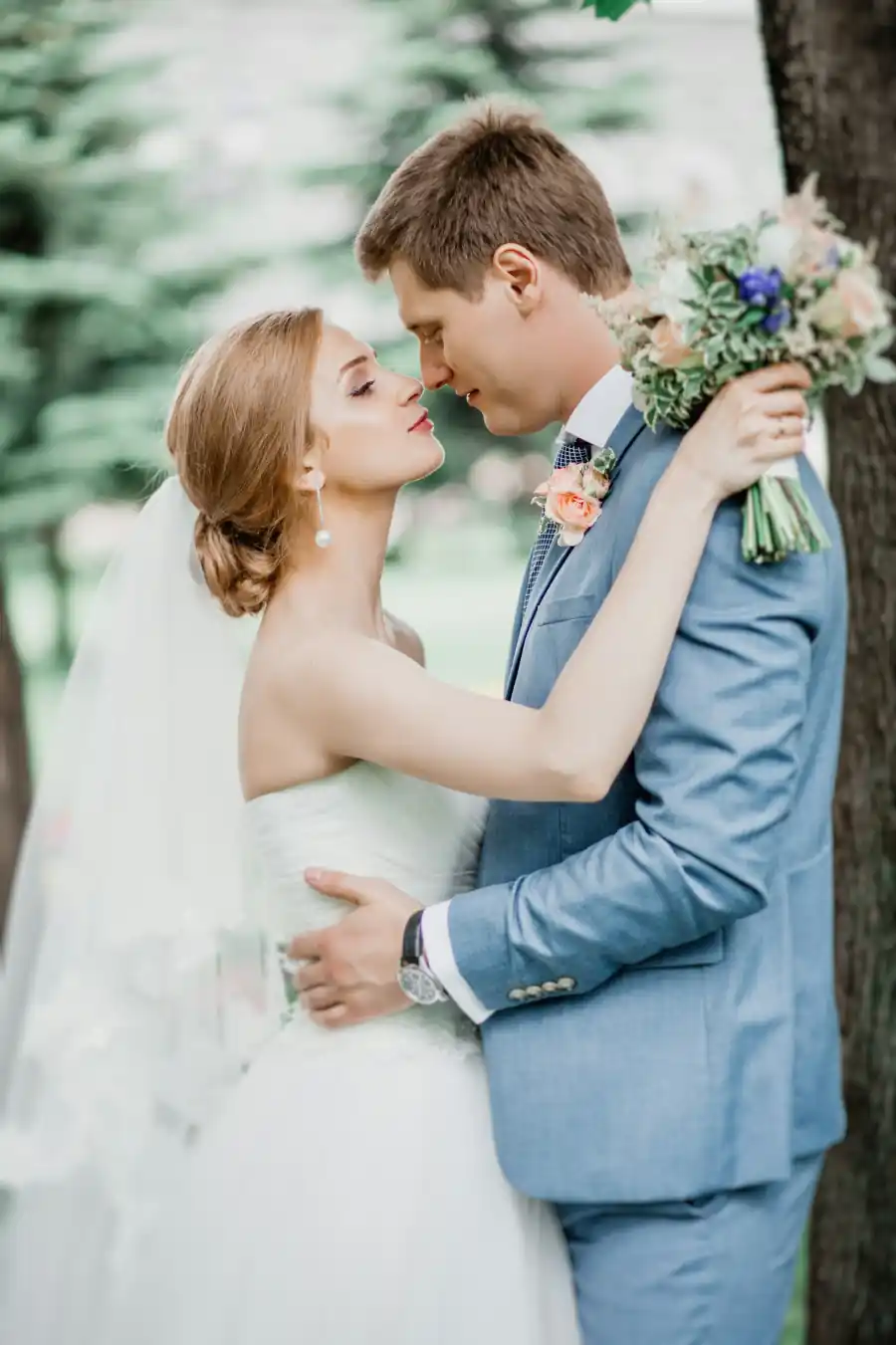
Garden bridge kiss wedding style example

Garden bridge kiss

Soft, editorial ceremony portrait with floral detail.

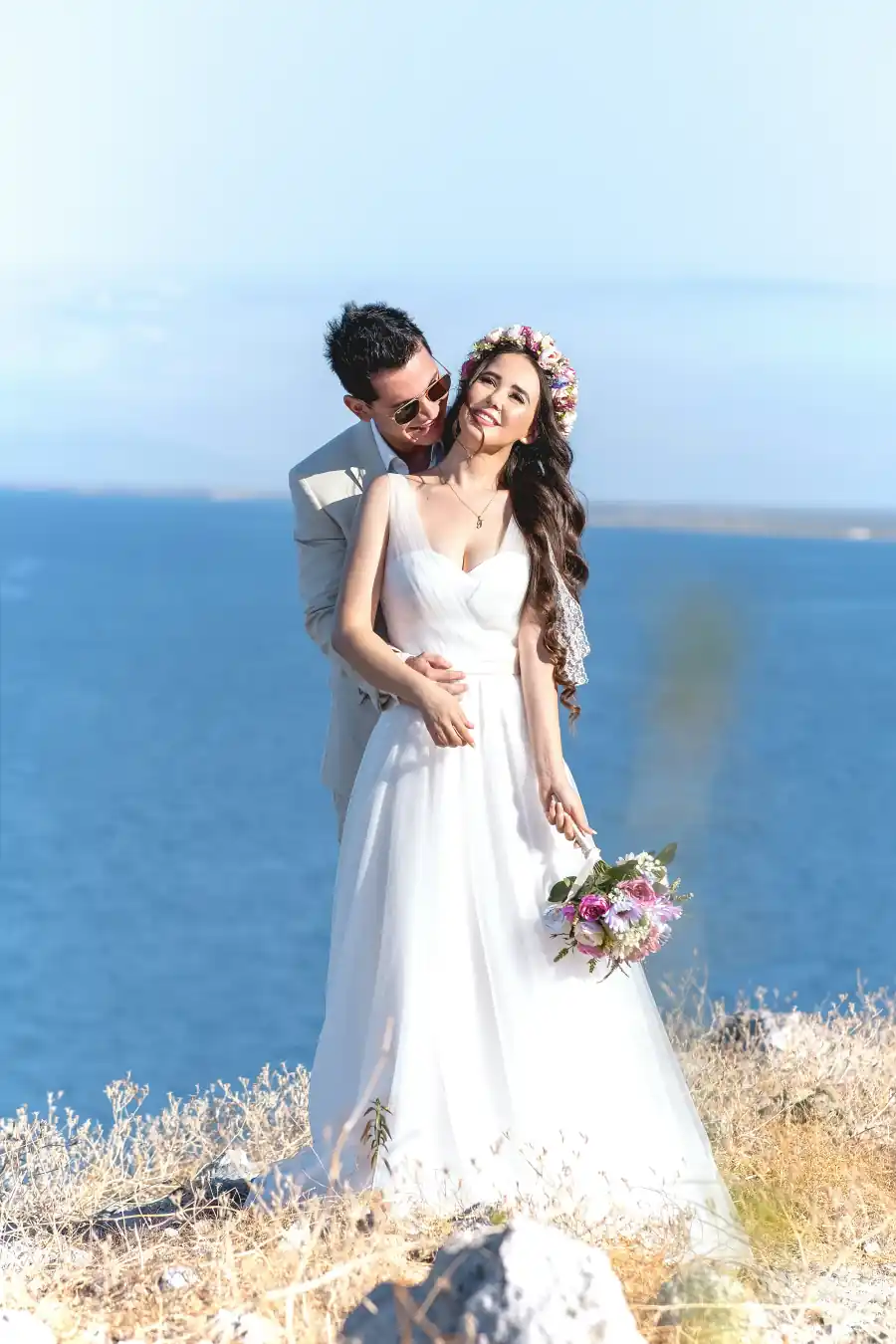
Seaside celebration wedding style example

Seaside celebration

Bright coastal light and an effortless destination mood.

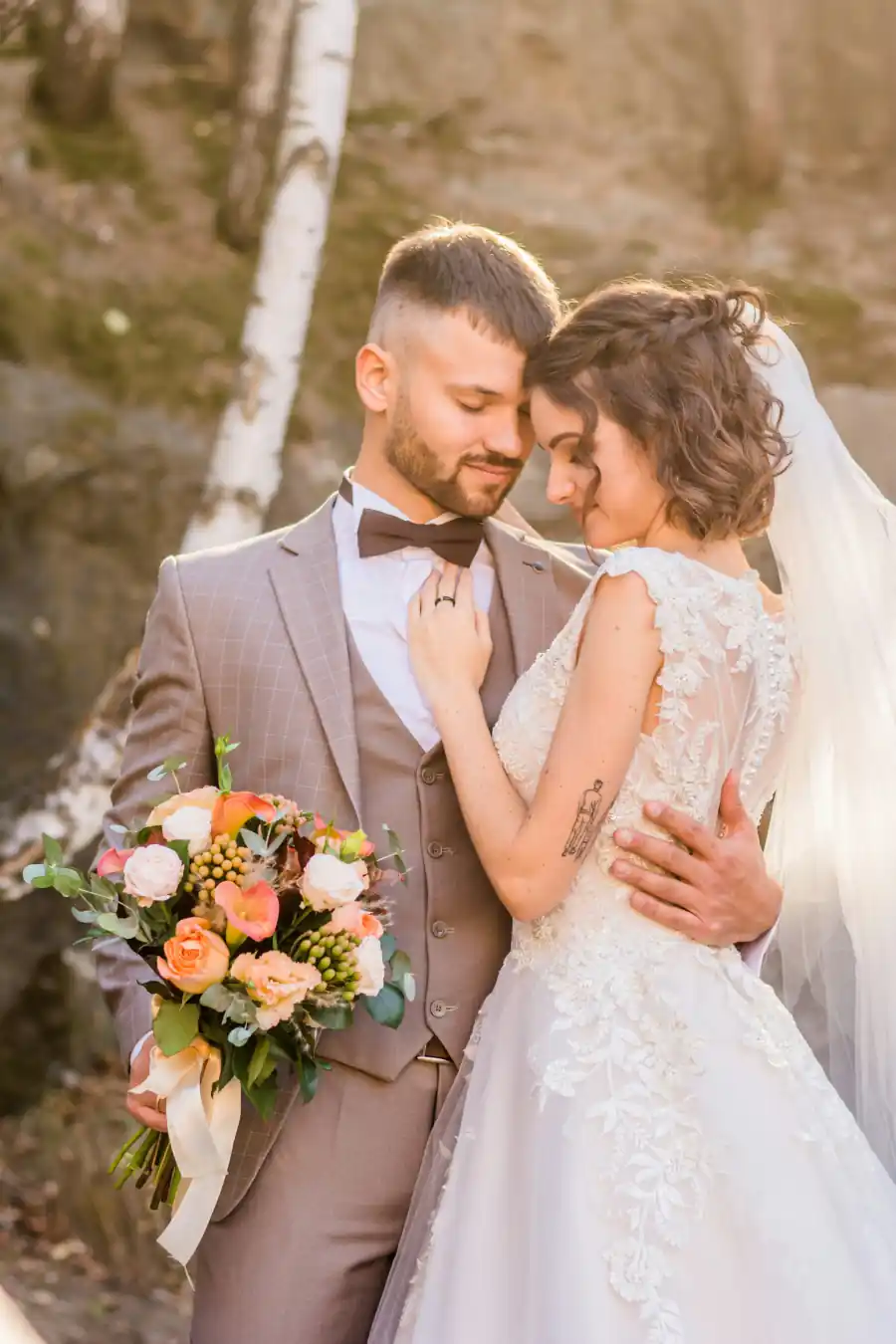
Golden hour wedding style example

Golden hour

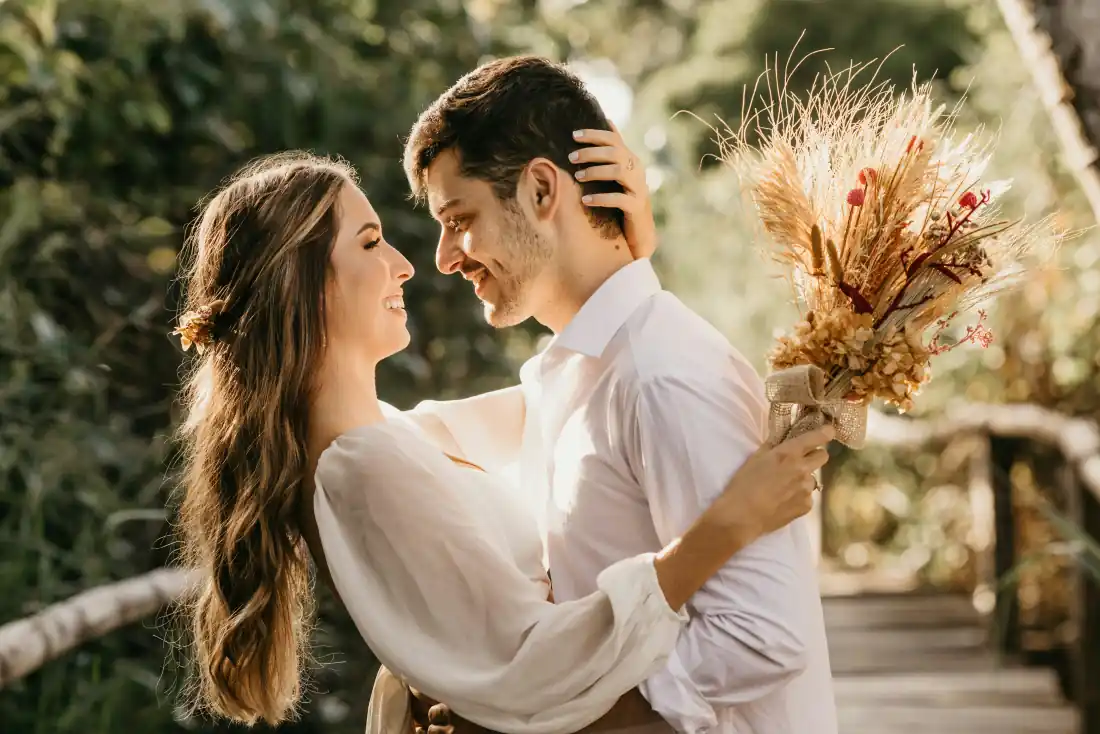
Warm, intimate portrait with a classic bouquet.

Sunlit bouquet wedding style example

Sunlit bouquet

A candid garden moment in natural, glowing light.

Garden embrace wedding style example

Garden embrace

A close, timeless portrait framed by summer greenery.

Wedding portrait generator

Create wedding portraits that still look like you.

Veyvia's AI wedding portrait generator turns two clear source portraits into polished wedding imagery. Start from a written scene to create an original portrait, or choose a Wedding style to preserve a specific pose, ceremony setting, wardrobe, and lighting.

When you select a Wedding style, the tool uses that image as the composition blueprint and replaces the couple with the people from your two source photos. This gives you a consistent wedding look without losing the facial identity and details that make the portrait personal.

Use it to explore ceremony portraits, garden celebrations, destination weddings, engagement-inspired imagery, and refined keepsakes in the aspect ratio you need.