旧照片修复
让旧时光,重新清晰。
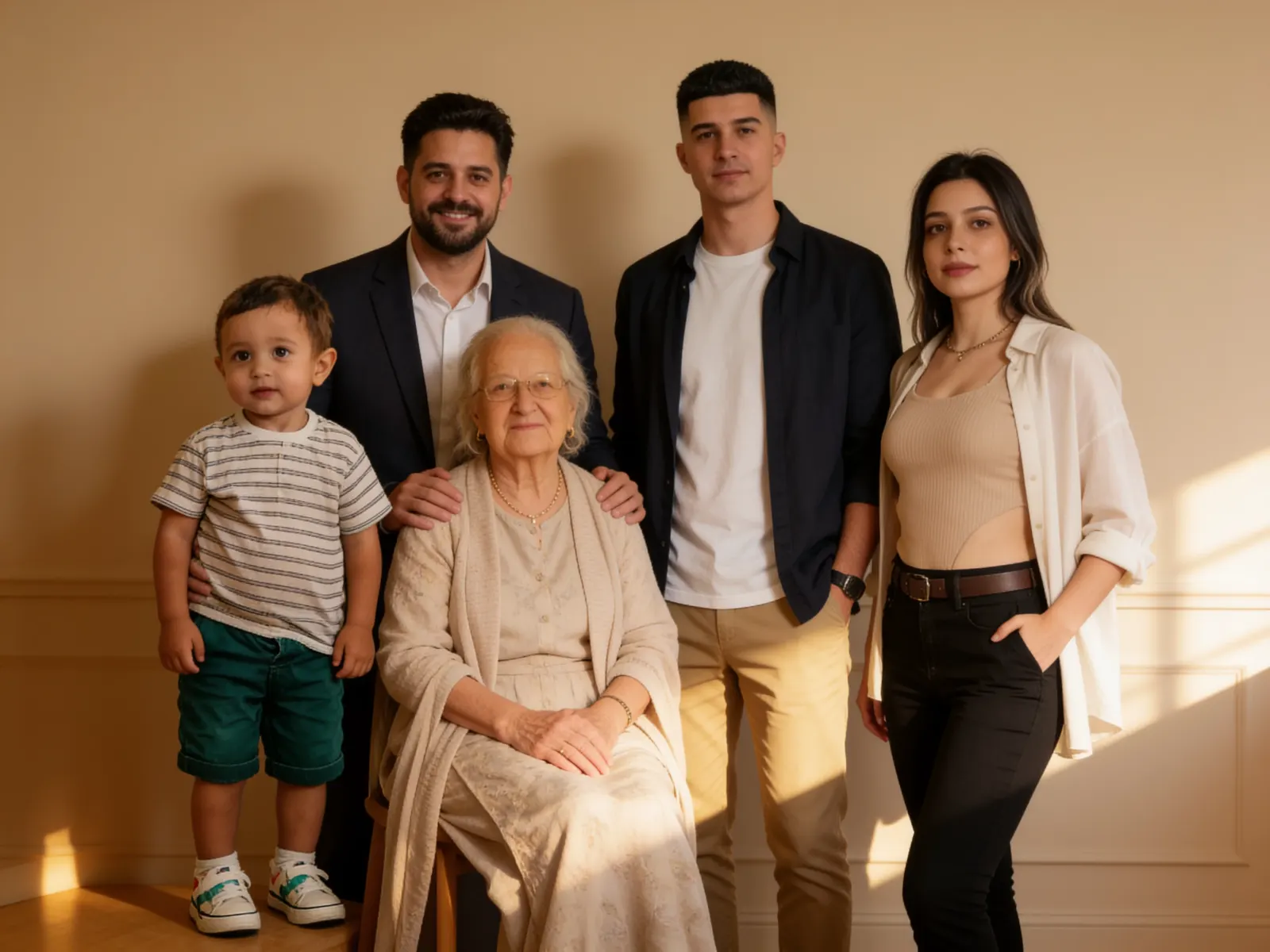
褪色的人像、折痕斑驳的相片、珍藏多年的全家福。从一张老照片开始,找回记忆里的模样。
上传旧照片
登录后即可修复照片,生成失败会退还相应积分。
照片修复前后
修复示例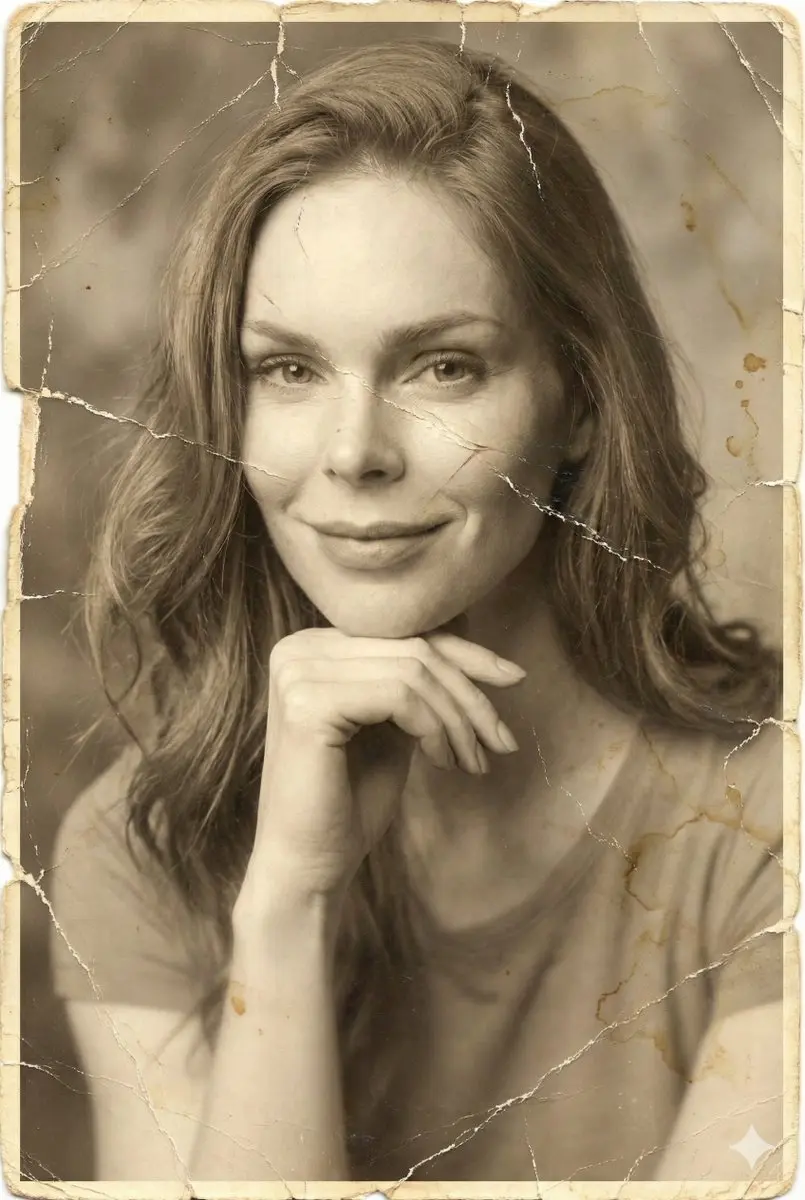

点击修复前,预览仅在本地进行。开始修复后,照片会上传用于 AI 处理,结果会保存到你的账号。
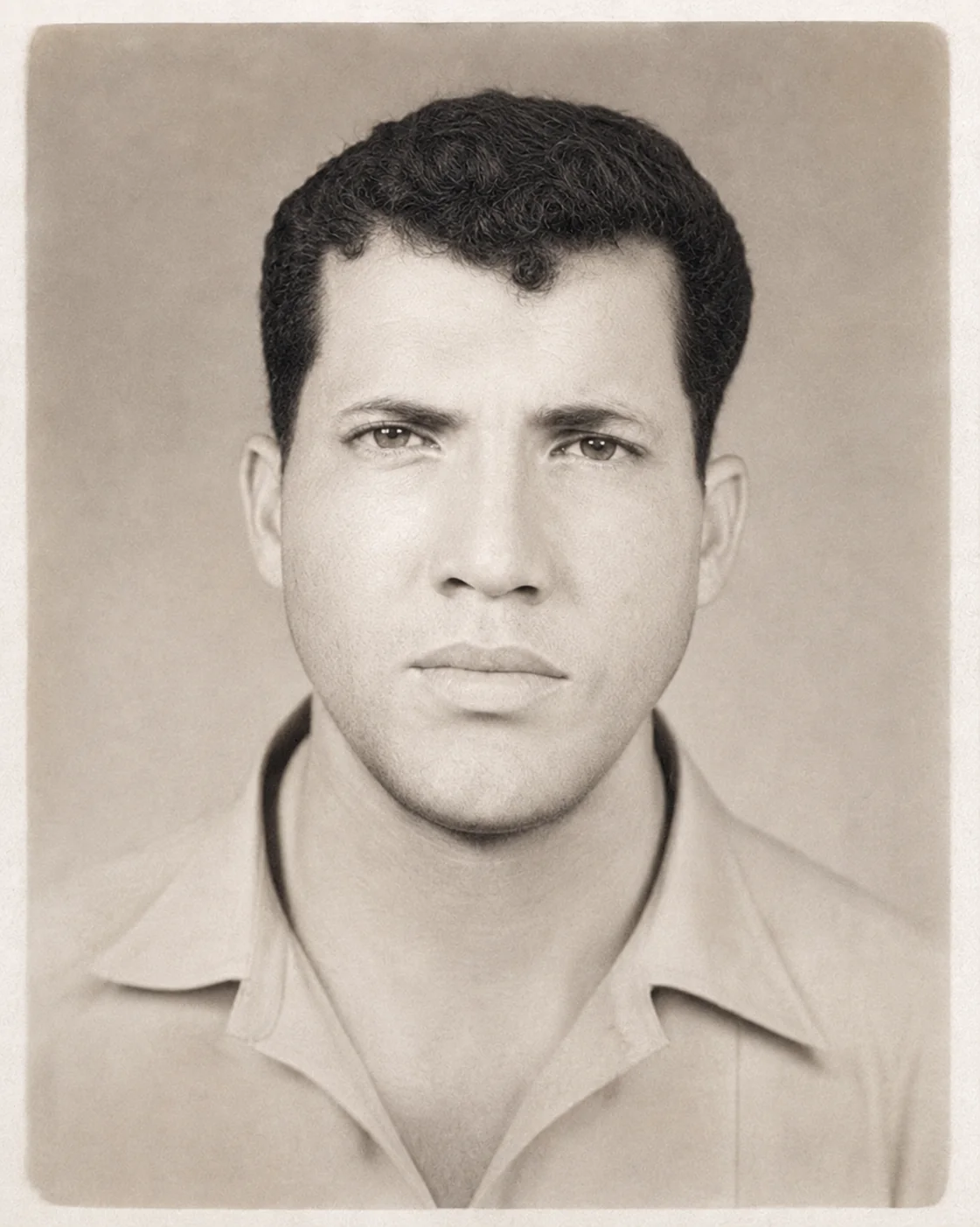
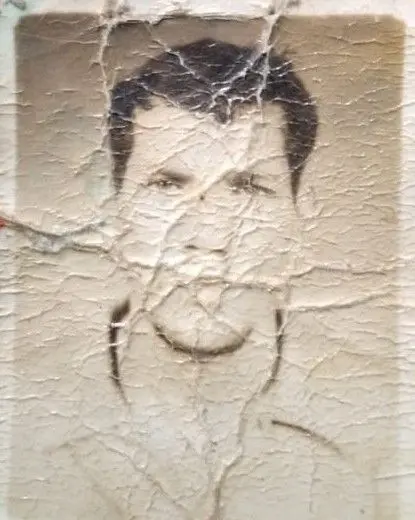
旧照片修复前后对比
对比原始照片与 AI 修复后的效果。
左右拖动,查看对比
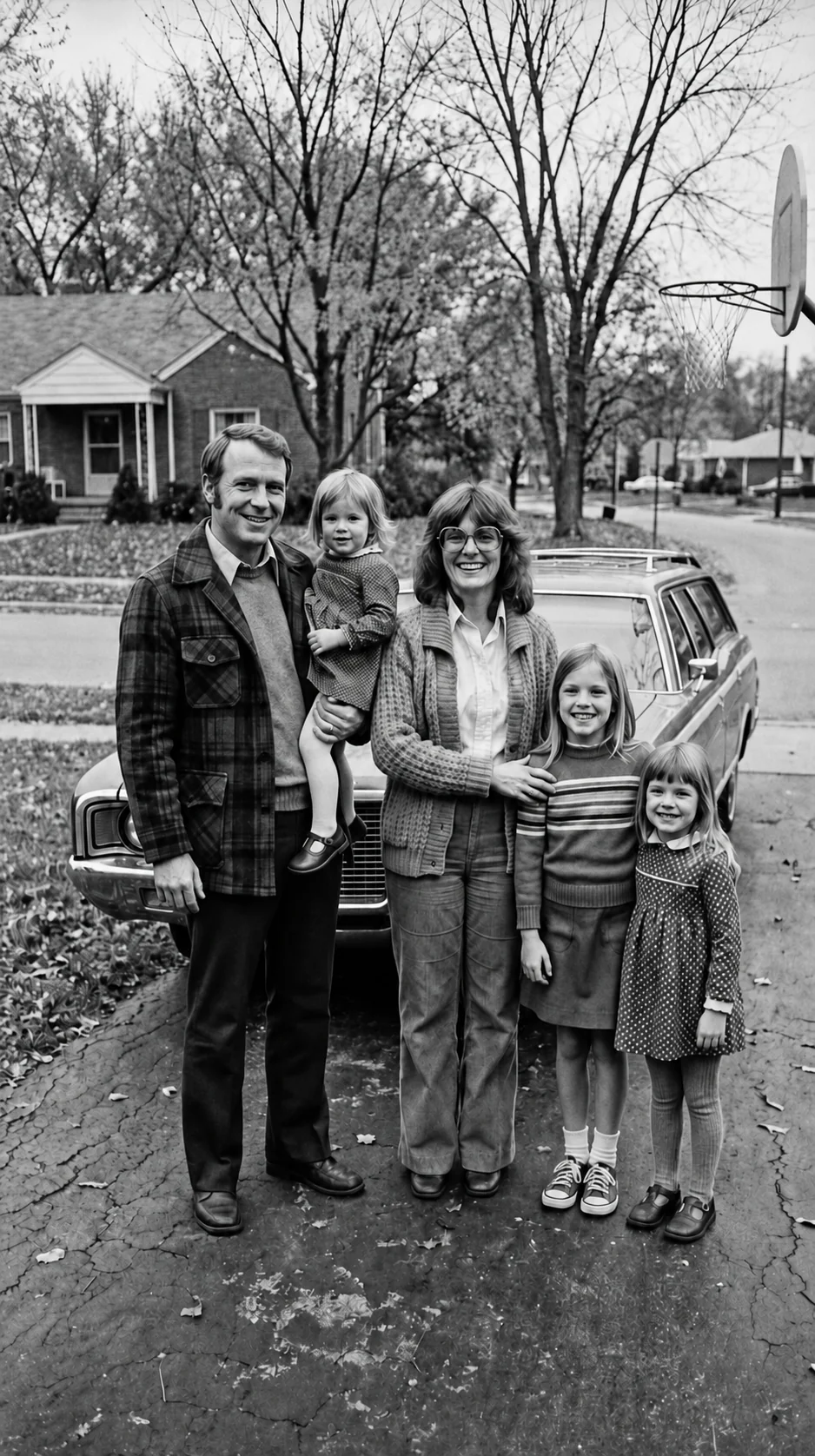
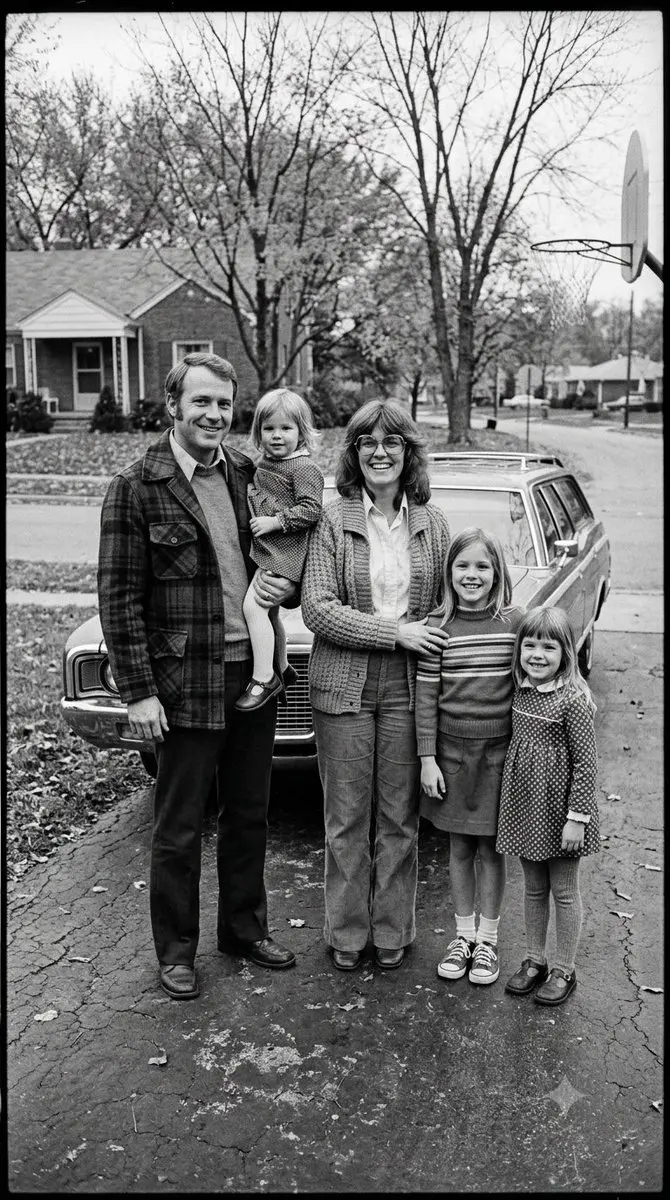
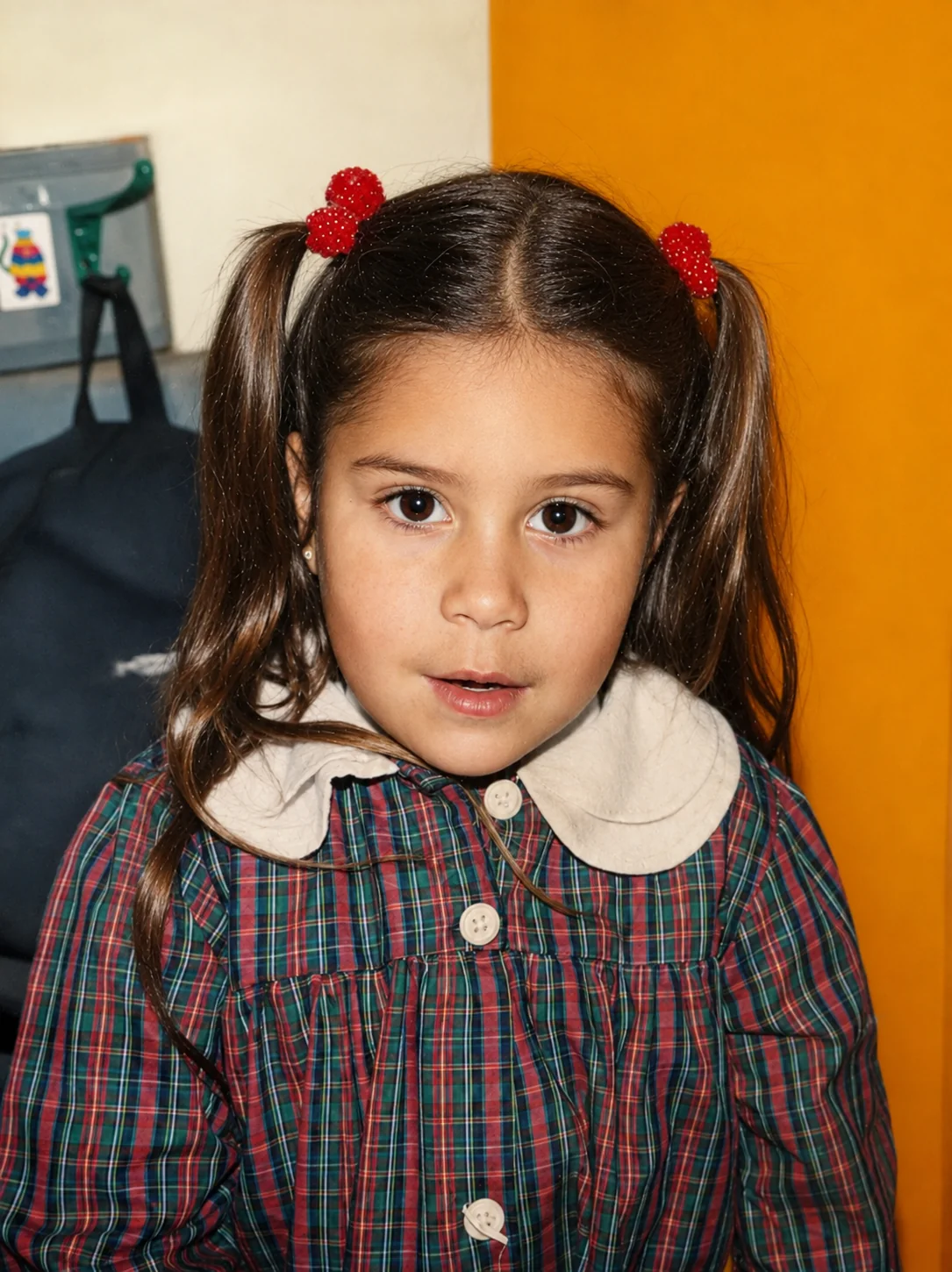
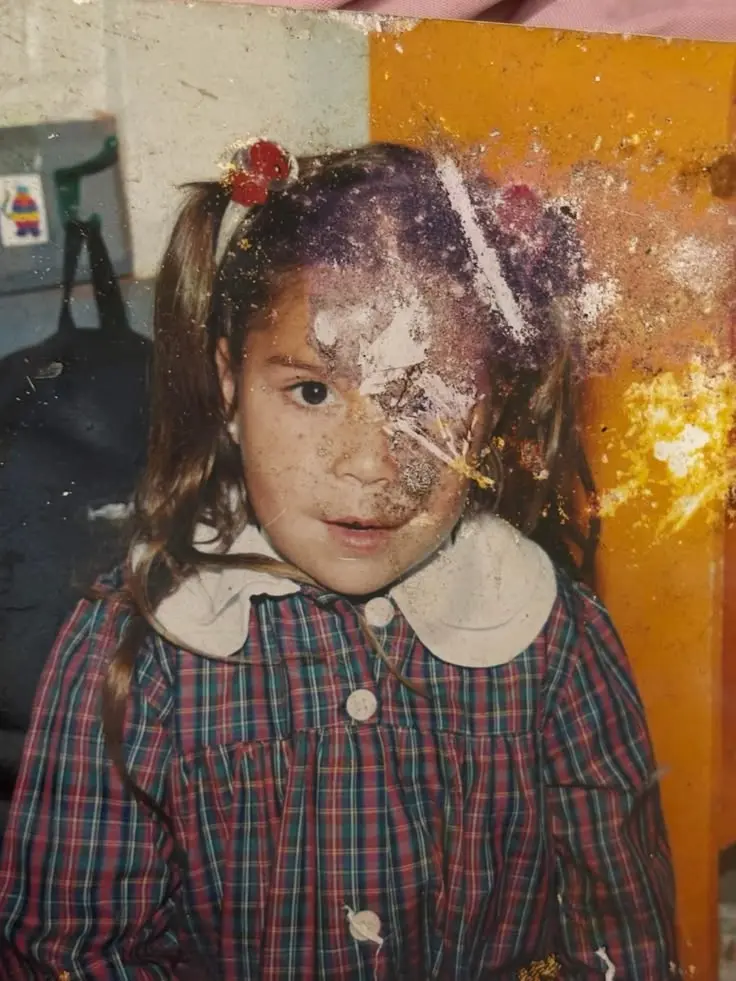
旧照片修复提示词示例
更多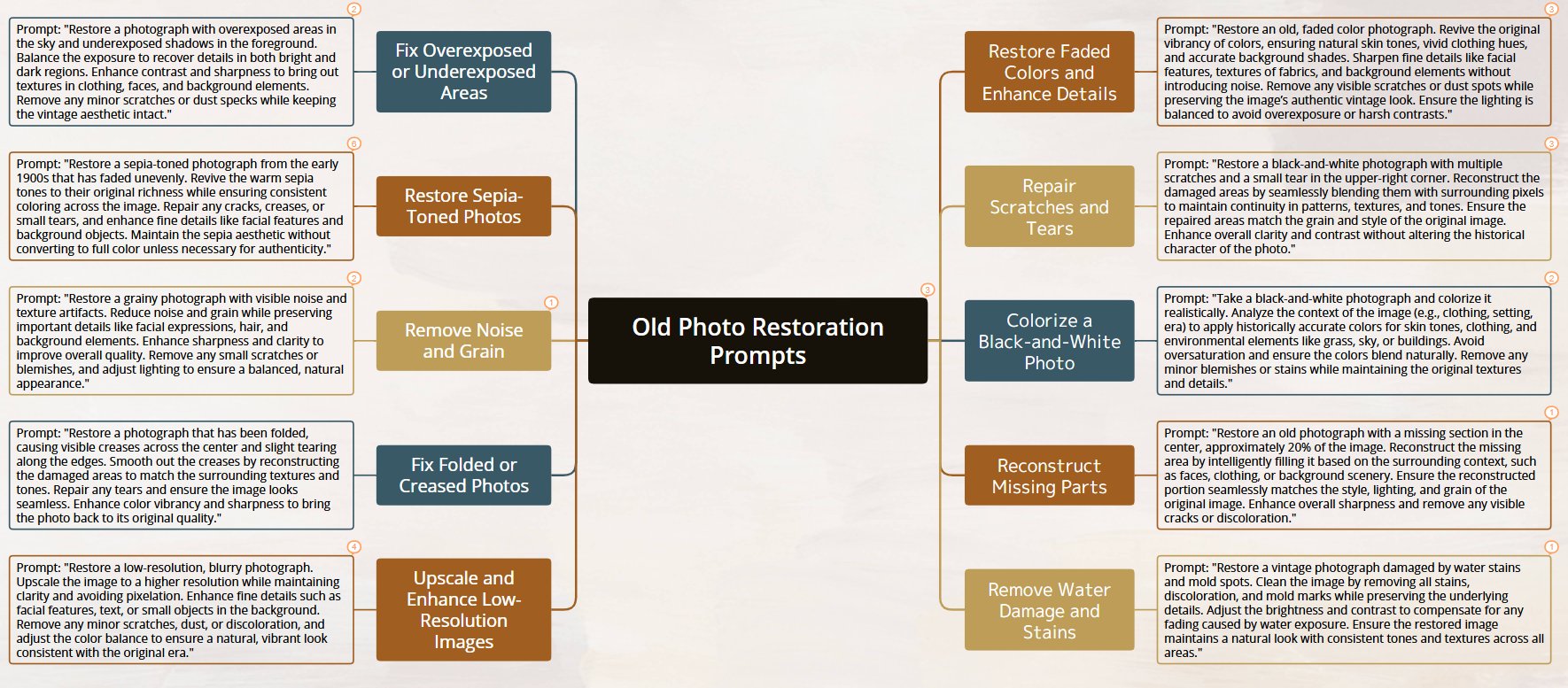
Restore a black-and-white photograph with multiple scratches and a small tear in the upper-right corner. Reconstruct the damaged areas by seamlessly blending them with surrounding pixels to preserve continuity in patterns, textures, and tones. Match the repaired areas to the grain and style of the original image. Enhance overall clarity and contrast without altering the historical character of the photo.
查看提示词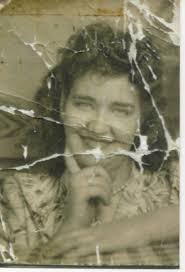
"Restore this old photo into professional portrait of DLSR - quality colour and detail, using an advanced upscaling algorithm comparable to the results from canon EOS R6 II. Ensure the restored the image looks natural, retains exact facial features, has great clarity......"
查看提示词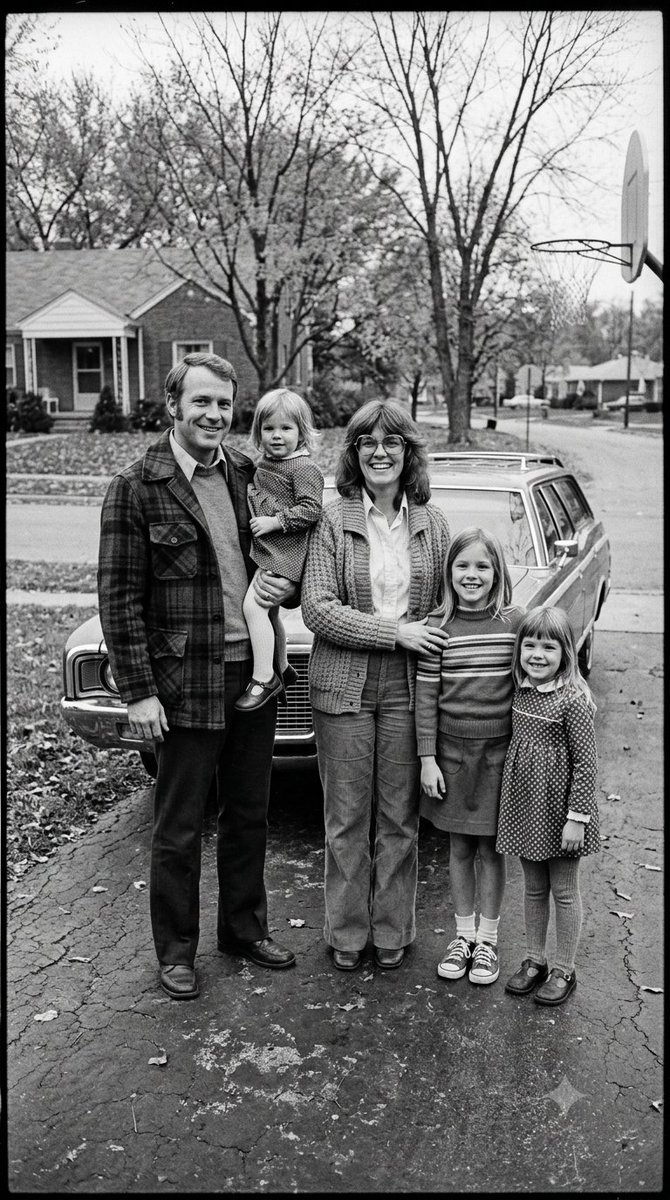
🎨 Prompt Gemini : Restoration photography ⚙️ This photo is Fictional- Generated by Gemini Restore this old black-and-white family photo with high realism and respect for the original image. Sharpen the photo, reduce noise and grain, remove minor damage, stains and blur, and improve overall clarity while preserving natural facial features, expressions, clothing details and the original composition. Colorize the image accurately and tastefully in a way that fits the historical period, likely late 1970s to early 1980s. Use realistic, slightly muted vintage tones typical of that era, with natural skin tones, believable hair colors, and period-appropriate colors for clothing and background. Keep the result authentic, subtle and historically plausible — not overly saturated, not too modern-looking, and not artificially beautified. Maintain the original proportions, group arrangement and photographic feel of a vintage family portrait. Final result should look like a professionally restored archival photo: clean, sharp, denoised and naturally colorized. #aiart #digitalart #ai #gemini #photography #photographyrestoration #PhotoRestoration #OldPhotoRestoration #PhotoColorization #VintagePhotography #RestoredPhoto #FamilyHistory #HistoricalPhotos #BeforeAndAfter #PhotoEnhancement #MemoriesRestored
查看提示词从老相册,到新的珍藏
准备清晰的原图
扫描旧照片,或在光线均匀的地方翻拍。保持相纸平整,尽量避免反光。
选择修复方向
预览照片,选择需要修复的细节。黑白上色为可选项,可保留原本色调。
查看并保存新副本
对比原图和修复效果,再下载新副本珍藏或分享。
你可能想了解
如何修复旧照片?
上传照片,选择划痕修复、人像增强或黑白上色,登录后点击「修复照片」。AI 处理会使用账号积分,完成后即可预览并下载结果。
适合使用什么样的照片?
建议使用旧照片的扫描件或清晰翻拍图。预览支持最大 20 MB 的 JPG、PNG 和 WebP 文件。翻拍时尽量避免反光,并保留完整画面。
黑白照片会自动上色吗?
上色选项默认关闭。关闭时会保留原来的黑白、棕褐色或已有色彩,开启后可为黑白照片上色。新增颜色是对画面的推测,不能代表当时的真实色彩。
更多照片工具
让人像更清晰、细节更丰富,或为家人创作一张新的纪念合照。