A hyper-realistic 8K cinematic up-close photo of a man (use attached photo) performing an avatar bending stance outdoors. A swirling ring of all four elements: earth, air, water, and fire surrounds him, forming...
Avatar AI 图像提示词
浏览 Avatar 相关示例与可复用的 AI 图像提示词方向,用于规划主体、构图、灯光、色彩、材质和视觉风格。
该合集依据 PromptPlum 的 Avatar 分类整理。可将这些参考方向改写为适合自身主体、尺寸与视觉目标的提示词。
- 视觉参考组
- avatar
- 内容规模
- 2 个公开提示词
选择一个最接近的画面。
打开任意样片查看完整提示词,或直接带着参考图与画面比例进入生成器。
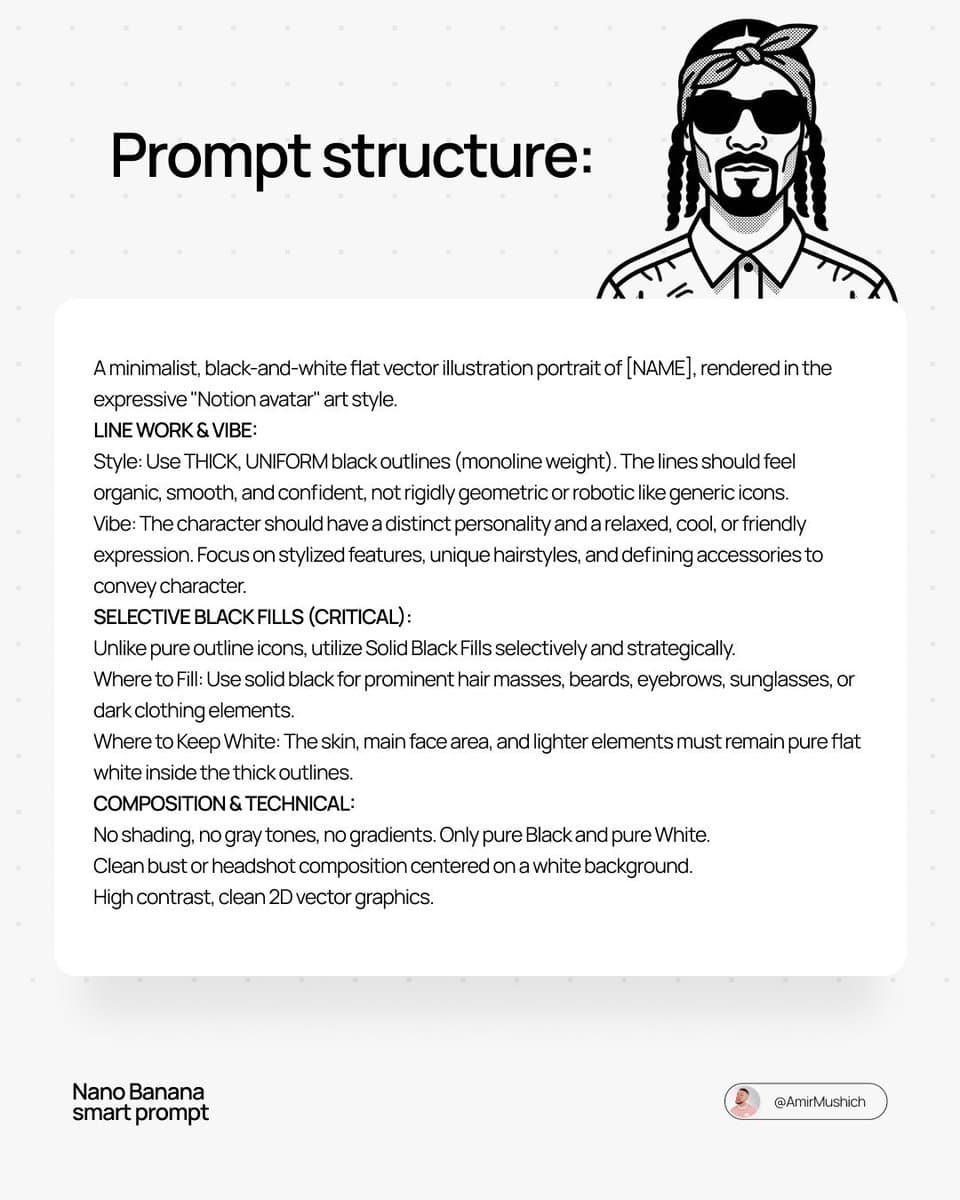
2 个公开提示词(access Nano Banana 2 here: A minimalist, black-and-white flat vector illustration portrait of [NAME], rendered in the expressive "Notion avatar" art style. LINE WORK & VIBE: Style: Use THICK, UNIFORM black outlines (monoline weight). The lines should feel organic, smooth, and confident, not rigidly geometric or robotic like generic icons. Vibe: The character should have a distinct personality and a relaxed, cool, or friendly expression. Focus on stylized features, unique hairstyles, and defining accessories to convey character. SELECTIVE BLACK FILLS (CRITICAL): Unlike pure outline icons, utilize Solid Black Fills selectively and strategically. Where to Fill: Use solid black for prominent hair masses, beards, eyebrows, sunglasses, or dark clothing elements. Where to Keep White: The skin, main face area, and lighter elements must remain pure flat white inside the thick outlines. COMPOSITION & TECHNICAL: No shading, no gray tones, no gradients. Only pure Black and pure White. Clean bust or headshot composition centered on a white background. High contrast, clean 2D vector graphics.
三步开始,不必从空白画布想起。
- 01
选择参考
先按构图、色彩和用途选择最接近目标的样片。
- 02
调整细节
进入生成器后修改主题、文案、风格和画面比例。
- 03
生成成图
保留预填参考图,一键生成,再针对结果继续微调。
没有完全合适的样片?
从空白提示词开始,自由定义主题、构图、文字和画面比例。
让第一次生成更接近成品。
Avatar 提示词适合做什么
Avatar 提示词用于围绕特定风格、主体、媒介或摄影用途组织视觉创意,公开示例会随内容发布持续更新。
怎样写好 Avatar 提示词
先写明主要主体,再补充构图、环境、灯光、配色、材质、镜头或渲染方式、画面比例与最终用途。
如何继续优化生成结果
删除互相冲突的风格要求,保持一个清晰的视觉方向,并在发布前检查结构、文字、标志、透视和分类相关细节。
开始前,你可能还想知道。
Avatar AI 图像提示词是什么?
这是归入 Avatar 分类的可复用视觉简报,可根据不同主体、参考图、构图和输出尺寸进行修改。
Avatar 示例是如何加入这个合集的?
当已发布提示词的主体、风格或用途与 Avatar 分类匹配时,它们会被归入这个合集。
这些 Avatar 提示词可以修改吗?
可以。替换主体和场景后,再根据项目调整灯光、配色、材质、镜头或渲染方式、画面比例和细节程度。