Education 提示词分类

Education AI 图像提示词

浏览 Education 相关示例与可复用的 AI 图像提示词方向,用于规划主体、构图、灯光、色彩、材质和视觉风格。

该合集依据 PromptPlum 的 Education 分类整理。可将这些参考方向改写为适合自身主体、尺寸与视觉目标的提示词。

视觉参考组
education
内容规模
6 个公开提示词
视觉参考组04 / REF
Education AI 图像提示词 reference 101
Education AI 图像提示词 reference 202
Education AI 图像提示词 reference 303
Education AI 图像提示词 reference 404
VEYVIA / EDUCATION已整理
提示词画廊

选择一个最接近的画面。

打开任意样片查看完整提示词,或直接带着参考图与画面比例进入生成器。

6 个公开提示词
Education AI 图像提示词 prompt 101
twitterphotographyediting

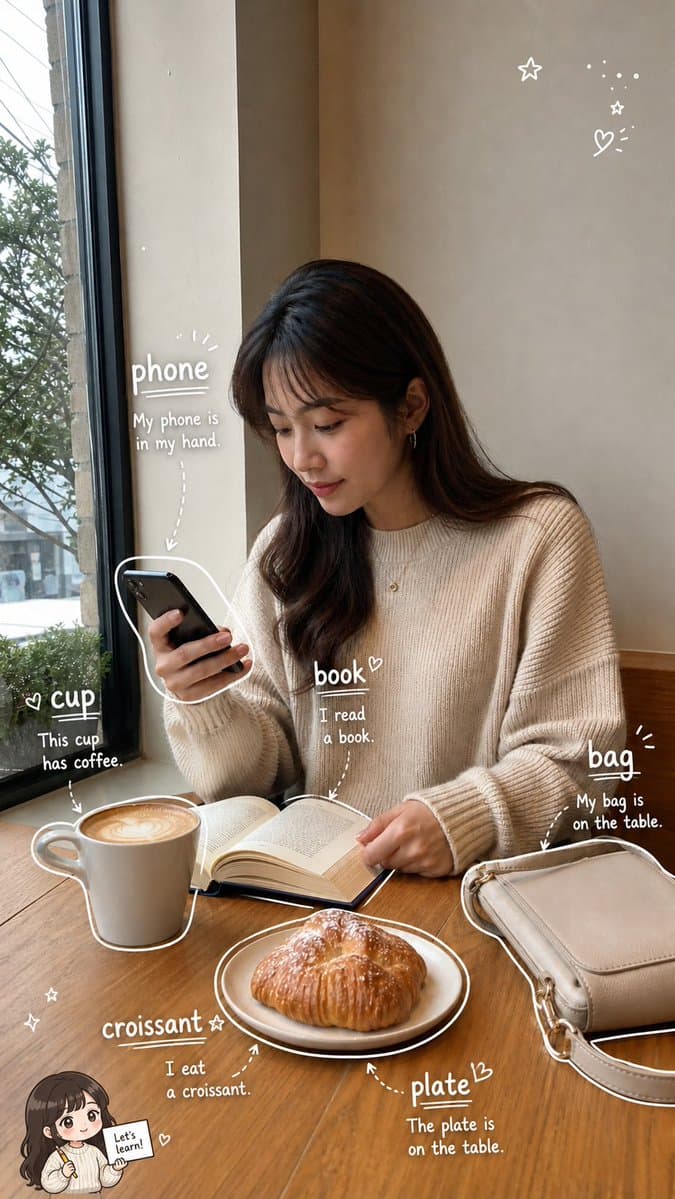
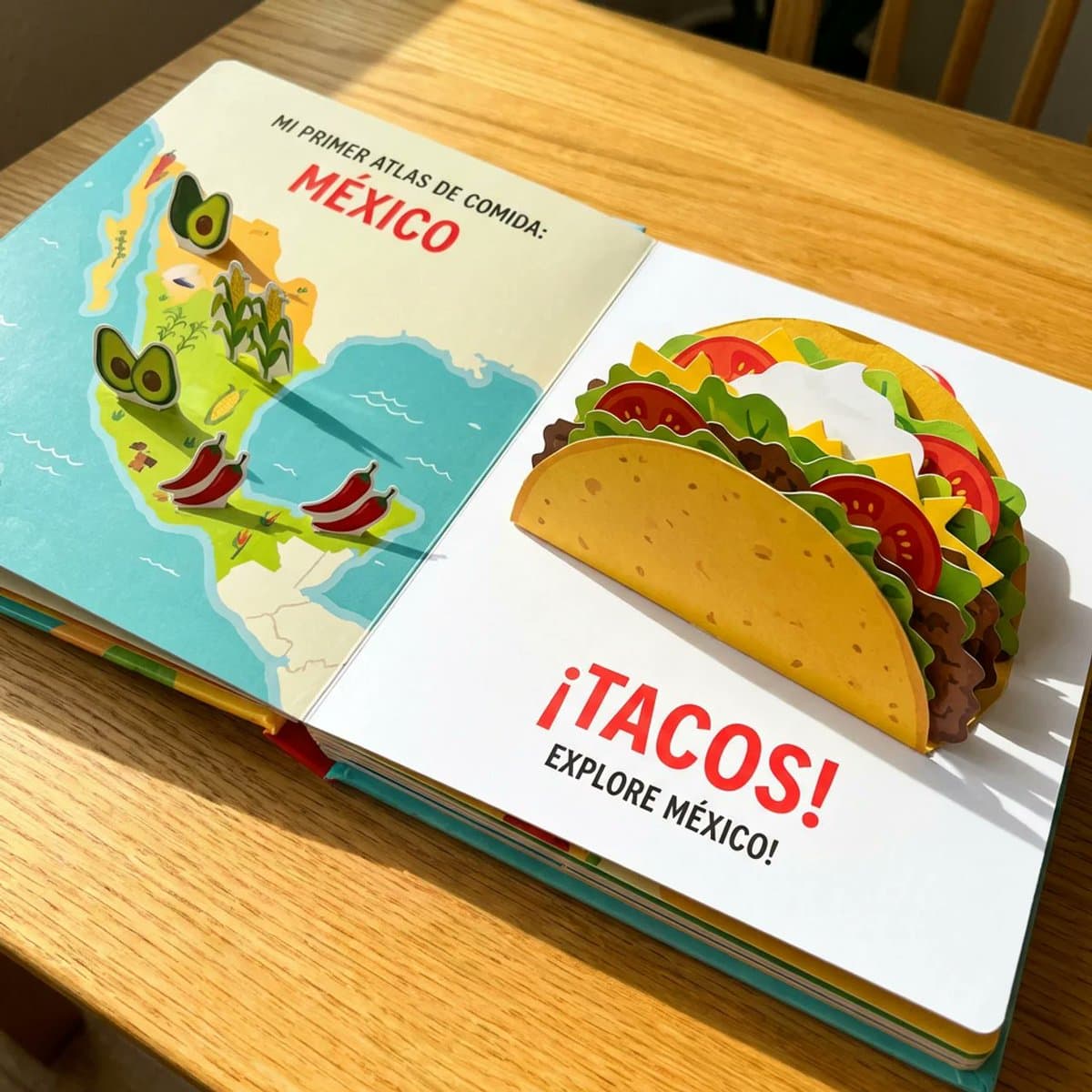
《看图学单词手账》提示词: 请根据用户上传的生活照片(Image A),创作一张高完成度的「看图学单词手账照 / Photo Vocabulary Scrapbook」。 【核心任务】 基于用户上传的真实生活照片,在尽量保留原图真实感与主体内容的基础上,把这张照片增强成一张“轻学习手账风”的英语单词学习图。 请自动识别照片中清晰、常见、适合英语初学者学习的日常物品,并用白色细线手绘风格圈出物品,再为每个物品添加英文单词和简短英文例句,让整张图看起来像一页清爽、自然、适合社交媒体发布的 photo vocabulary scrapbook。 【原图保留要求】 Image A 是用户上传的原始照片,也是本次创作的基础底图。 请尽量保留原图中的: - 真实人物(如果有) - 场景环境 - 物体摆放关系 - 光线氛围 - 构图结构 - 照片原本的生活感与真实摄影感 不要大幅改动原图,不要把照片整体变成插画,不要破坏照片的真实感。 如果照片中有人物,不要换脸,不要明显改变人物身份与姿态。 【物品识别规则】 请优先识别 6 个日常生活中常见、清晰可见、适合英语学习的物品。 如果画面中合适物品不足,或者画面空间不足以清晰呈现 6 个标注,则可降为 5 个。 不要为了凑数而选择太小、太模糊、太抽象或不常见的物品。 优先选择: - 日常高频物品 - 容易理解和学习的名词 - 视觉上清晰可辨认的物品 【标注呈现方式】 请用白色细线手绘风格对每个被识别的物品进行标注。 要求如下: - 用白色细线沿着物体边缘轻轻描出轮廓 - 线条要像随手画上去的一笔画,轻松自然,不要太工整 - 可加入少量箭头、虚线、圈线或辅助指向线 - 标注风格要自然、有留白、像手账笔记 - 不要把整张图画满,不要过度装饰 - 标注应尽量分布均衡,形成自然阅读路径 【文字内容格式】 每个物品旁边只写两部分内容: 1. 英文单词(最突出、字号最大) 2. 一句简短英文例句(比单词小一号) 不要写中文,不要写复杂英文释义,不要写太长的解释段落。 整体以“纯英文轻学习标注”为主。 句子要求: - 简短 - 自然 - 容易理解 - 适合英语初学者 - 难度控制在 A1–A2 - 尽量使用基础词汇和基础句型 - 每句尽量短,建议 4–8 个英文单词左右 - 不要写复杂从句,不要使用生僻词 【文字排版要求】 - 英文单词最突出 - 例句略小一号 - 文字整体清晰可读 - 不要让文字块过大 - 文字颜色以白色为主 - 如有需要,可加极轻微描边或阴影,保证在照片背景上清晰可读 - 保持手写笔记感,不要像正式排版海报 【Chibi 学习助手规则】 可选加入 1 个很小的 chibi 学习助手,但必须遵循以下规则: 1. 如果照片中有清晰可见的人物: 可以加入 1 个小型 chibi 学习助手。 该助手应基于照片中的主要人物形象延展而来,保留人物的基本发型、服装特征或整体气质,像一个迷你英语学习小助手。 2. 如果照片中没有人物,但有清晰可见的动物或宠物: 也可以加入 1 个很小的动物学习助手。 该助手应基于该动物形象进行可爱化处理,并与原动物保持一定对应关系。 3. 如果照片中既没有人物,也没有动物: 不要加入任何 chibi 学习助手。 4. chibi 学习助手只能有 1 个,而且必须很小: - 放在角落或边缘区域 - 不能成为主视觉 - 不能遮挡主体物品、英文单词或例句 - 只能作为轻微辅助装饰 5. chibi 学习助手的动作可以是: - 拿着单词卡 - 拿着铅笔 - 拿着小本子 - 轻轻指向某个单词 - 做出学习、提醒、陪伴的可爱动作 【手绘辅助元素】 可以在画面空白处加入少量辅助性的手绘装饰元素,用于增强 scrapbook / 手账学习感,例如: - stars - sparkles - arrows - circles - underlines - dotted lines - tiny hearts - cute little icons 要求: - 数量少 - 点到为止 - 以白色为主 - 不要太花 - 不要喧宾夺主 - 不能影响物品学习标注的清晰度 【整体构图要求】 整体视觉应以“原始生活照片 + 物品学习标注”为主。 构图逻辑如下: - 保持原图主体清晰 - 6 个(或 5 个)英语单词标注分散在画面中 - 白色手绘线把物品与文字自然连接起来 - 标注布局均衡,不要都挤在一个区域 - 优先避开人物脸部和主体核心区域 - 让观众的阅读顺序自然形成: 先看照片 → 再看被圈出的物品 → 再读单词 → 再读例句 【整体风格关键词】 realistic lifestyle photo, photo vocabulary scrapbook, white hand-drawn annotations, English vocabulary notes, clean and natural layout, light learning content, soft doodle style, social-media-friendly, minimal scrapbook aesthetic, casual study notes, cute but clear. 【避免事项】 请避免以下问题: - 标注数量过多 - 物品选择不典型 - 文字太长 - 例句太复杂 - 手绘线条太乱 - 元素堆得太满 - 遮挡主体 - 把照片改得不像真实照片 - chibi 助手太大或太抢眼 - 没有人物/动物却硬加 chibi - 文字乱码 - 英文错误或不自然 - 排版拥挤难读 【最终目标总结】 把一张普通生活照,变成一页: “可爱、清爽、自然的英文单词学习手账图”。

Education AI 图像提示词 prompt 202
twitteranimals-wildlifegraphic-design

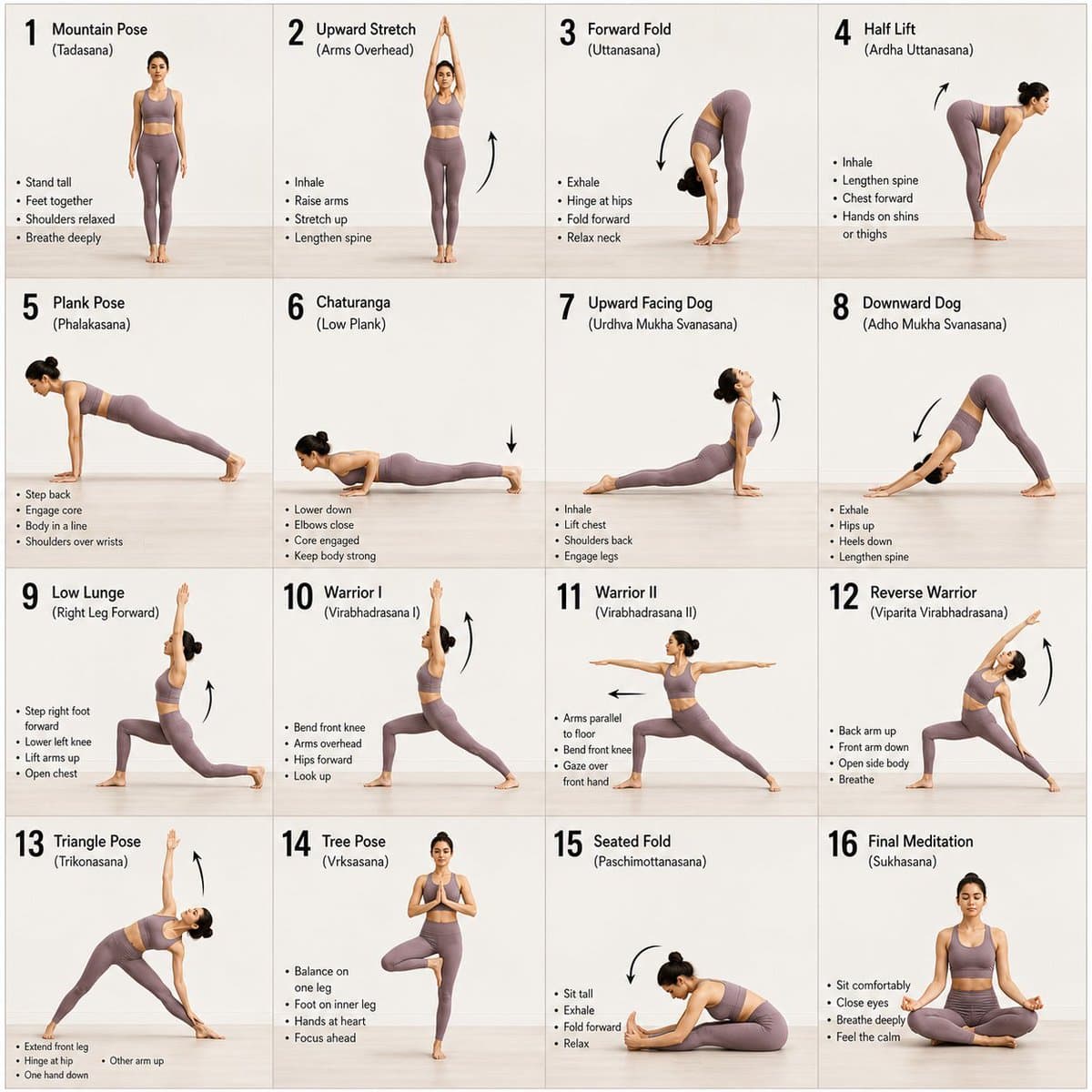
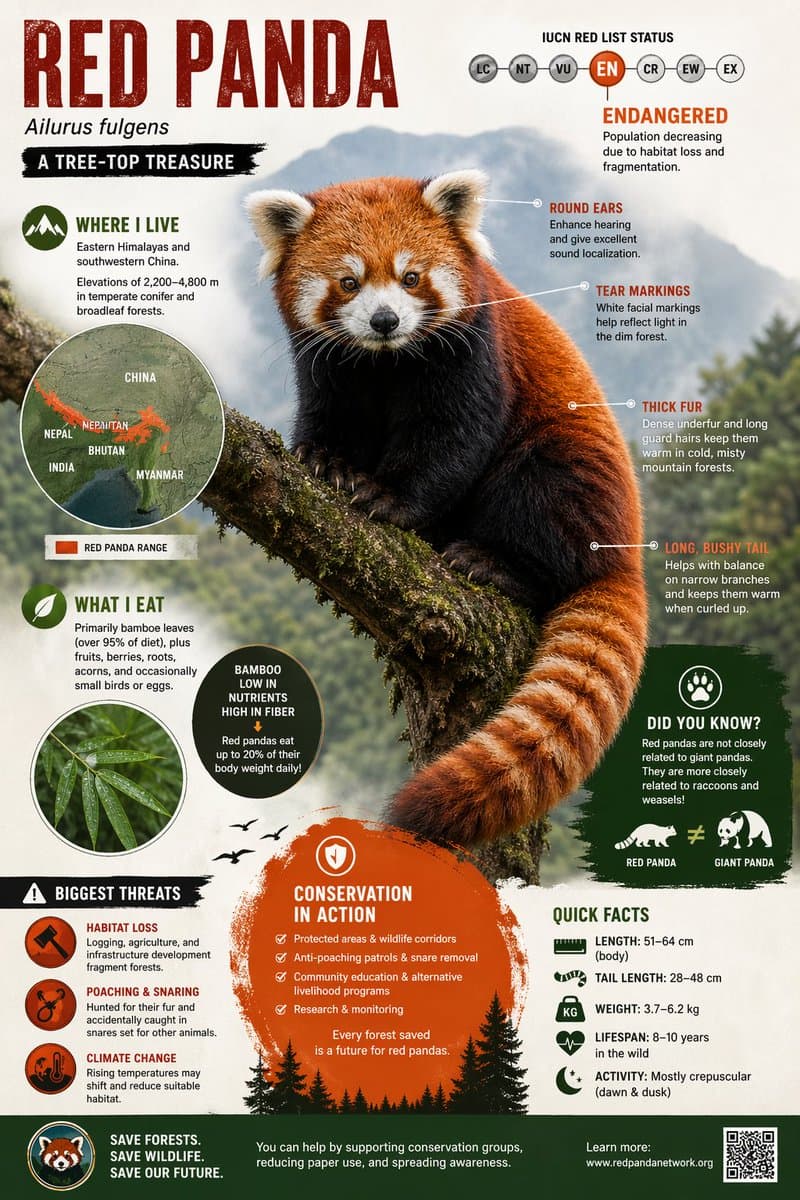
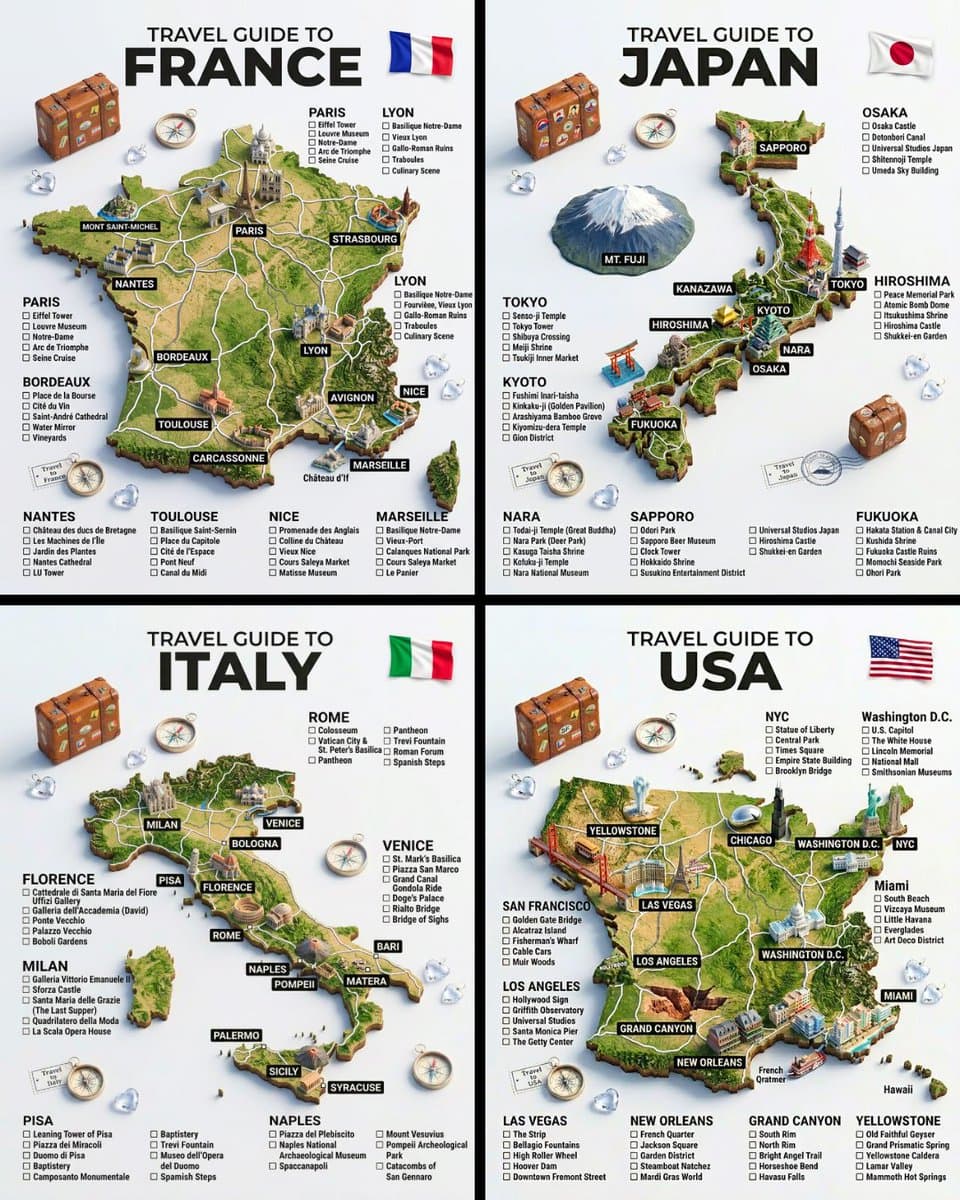
GPT Image 2 on ChatGPT Prompt Create a visually rich infographic about an endangered animal. Start by finding one online, research its habitat, diet, and unique traits. Present information through annotated visuals and structured callouts, not generic sections. Style it like a bold graphic illustration: a detailed, photorealistic central animal as the focal point, supported by diagrams, callouts, and concise text elements. Use clean backgrounds and a mix of photorealism with strong graphic elements (shapes, icons, color blocking) in a layered composition. Make it dense, tactile, and professionally authored.

Education AI 图像提示词 prompt 303
twittergraphic-designillustration

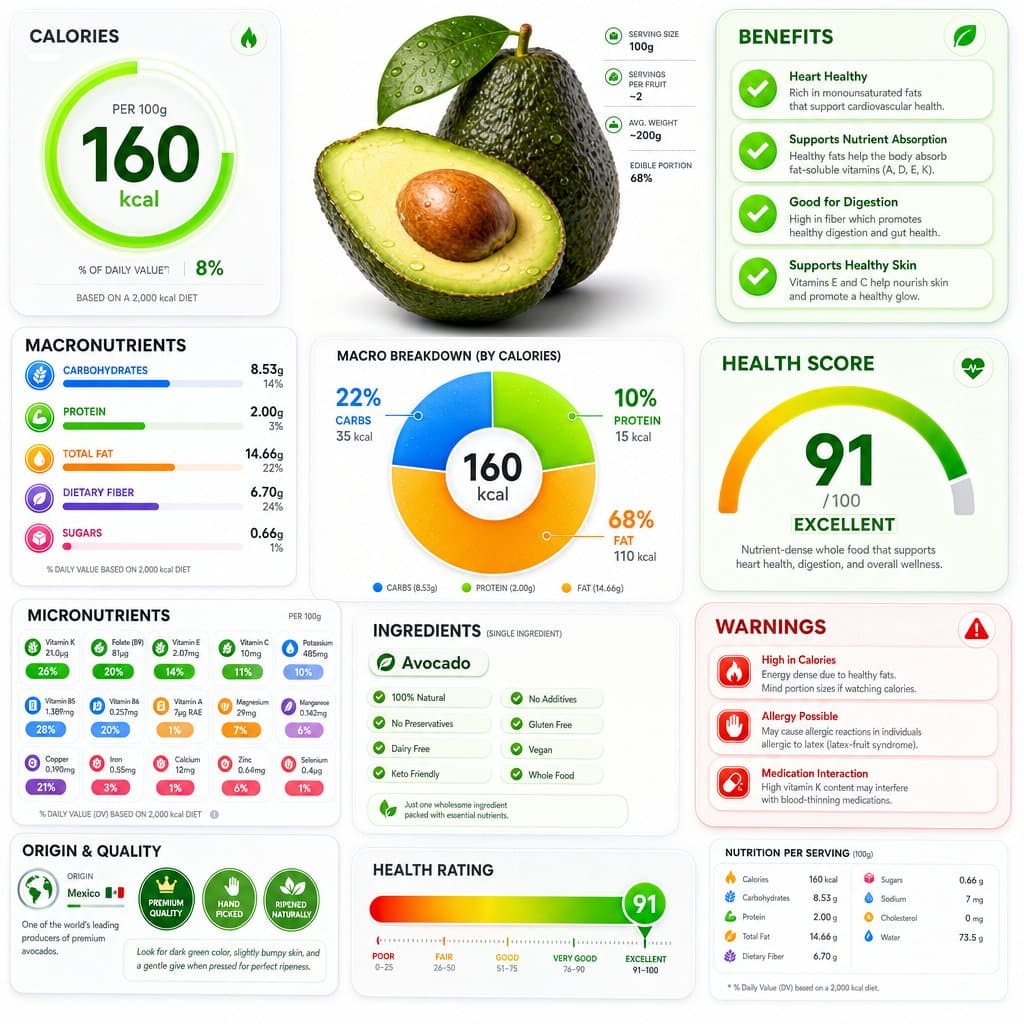
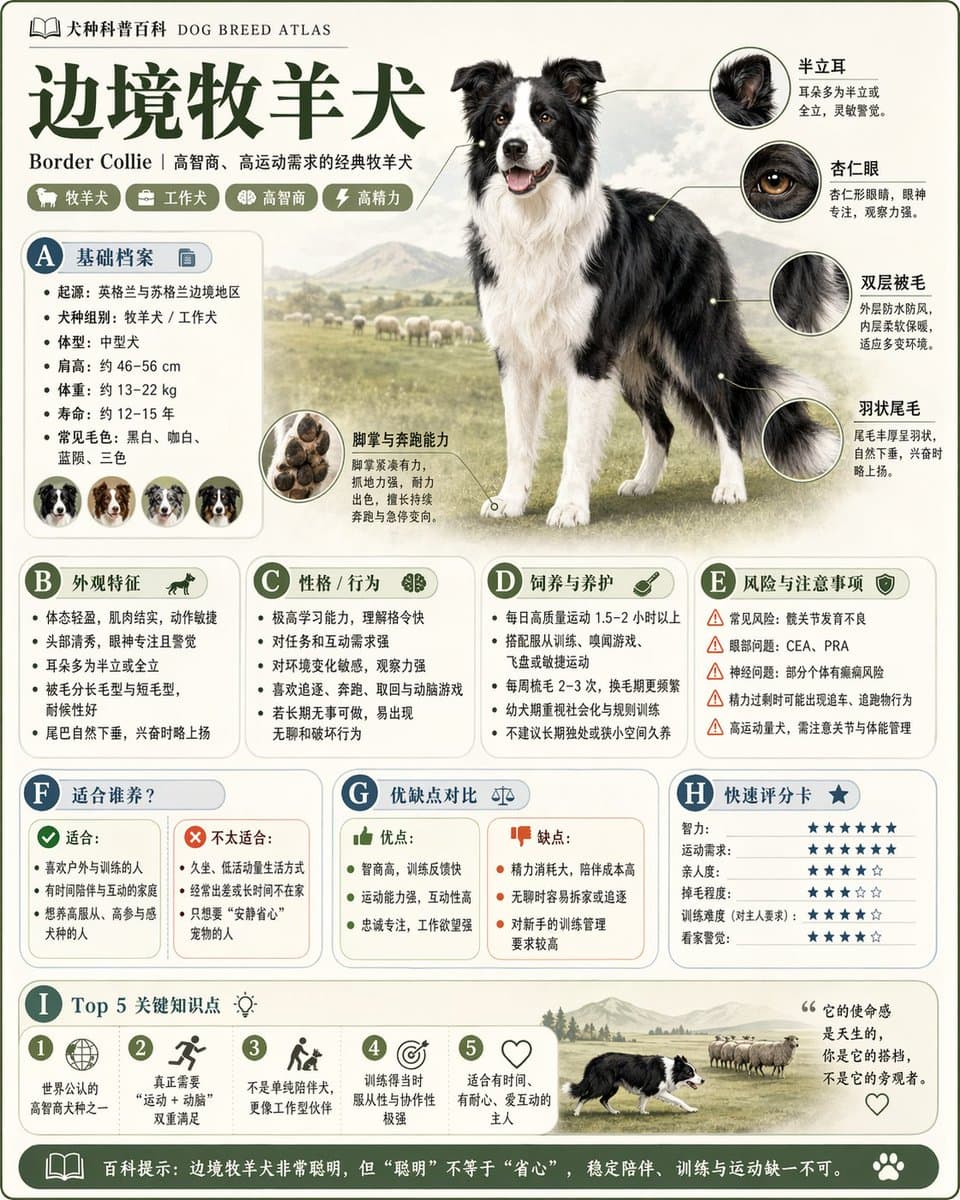
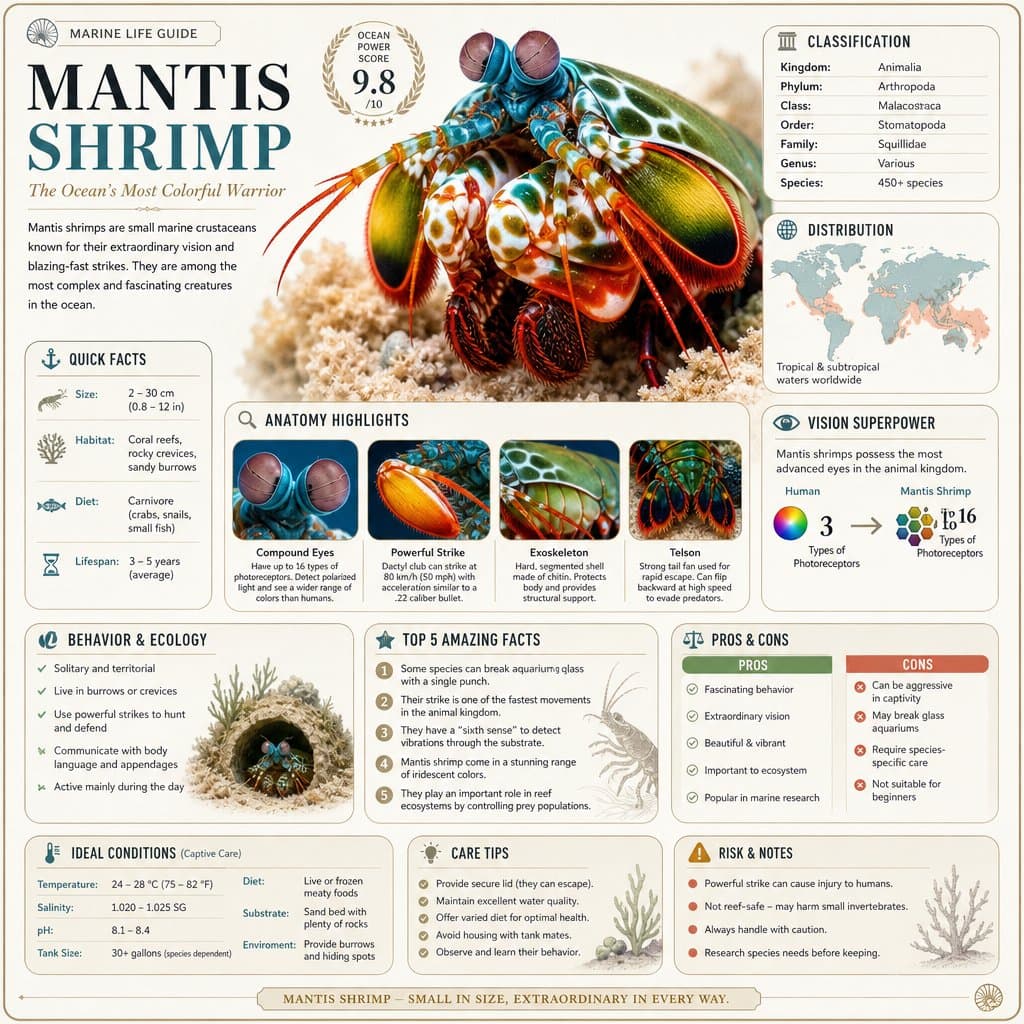
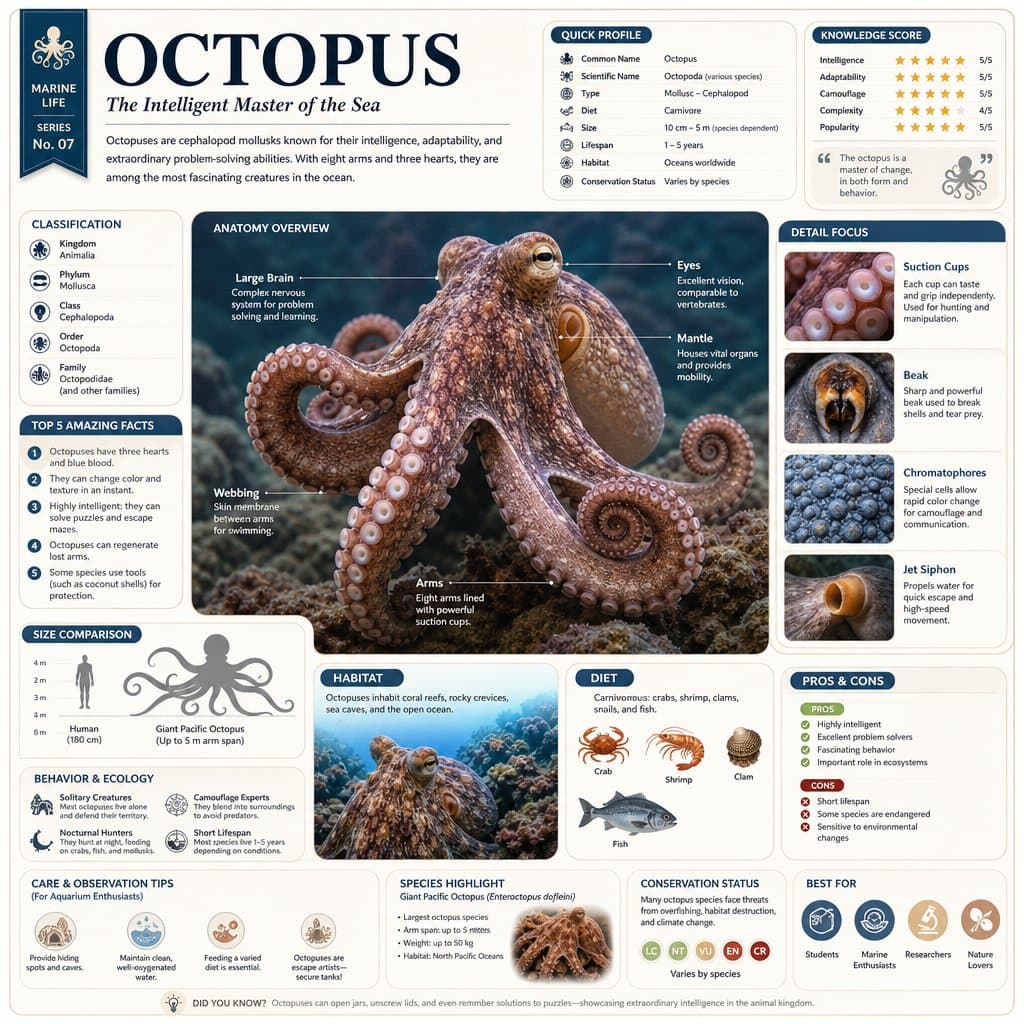
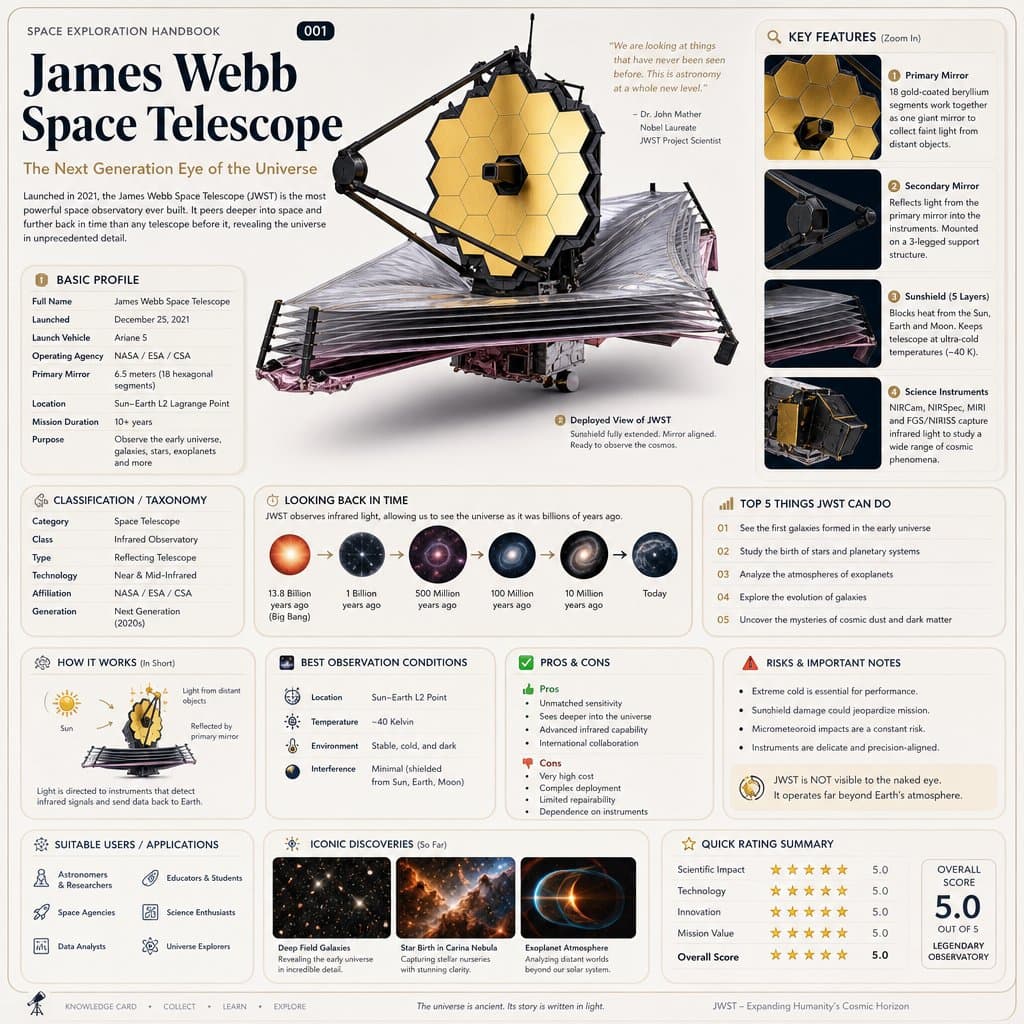
用GPT-image-2生成科普百科图,快速扫盲不懂的知识!😉 这个提示词是通用模板,把主题换成任何动物、植物等等,你就可以通过一张图了解到TA的档案、习性、特征、养护等知识。 提示词: 请根据【主题】生成一张高质量竖版「科普百科图」。 这张图不是普通海报,也不是单纯插画,而是一张兼具“图鉴感、百科感、信息结构感、收藏感”的模块化科普信息图。整体风格参考高级博物图鉴、现代百科书页、生活方式知识卡和社交媒体高传播信息图的结合。 请让画面包含: - 一个清晰漂亮的主题主视觉 - 若干局部特征放大细节 - 多个圆角模块化信息分区 - 清楚的标题层级与重点标签 - 简洁但丰富的百科内容 - 可视化评分、要点总结或Top 5模块 内容栏目请根据主题自动适配,优先从这些方向中选择并合理组合: 基础档案、分类信息、外观特征、习性/生态、形成机制/结构组成、生长或使用条件、养护或维护建议、风险与注意事项、适合人群或适用场景、优缺点对比、快速评分卡。 视觉要求: 浅色干净背景,柔和配色,轻阴影,精致小图标,圆角信息框,整洁排版,信息密度高但不拥挤,阅读体验好。整体必须像真正可以发布、阅读、收藏、系列化生产的科普百科卡,而不是广告图。 请不要做成普通商业宣传海报。要突出“知识整理 + 模块信息 + 图鉴式展示”的特征。

Education AI 图像提示词 prompt 404
twitterillustrationgraphic-design

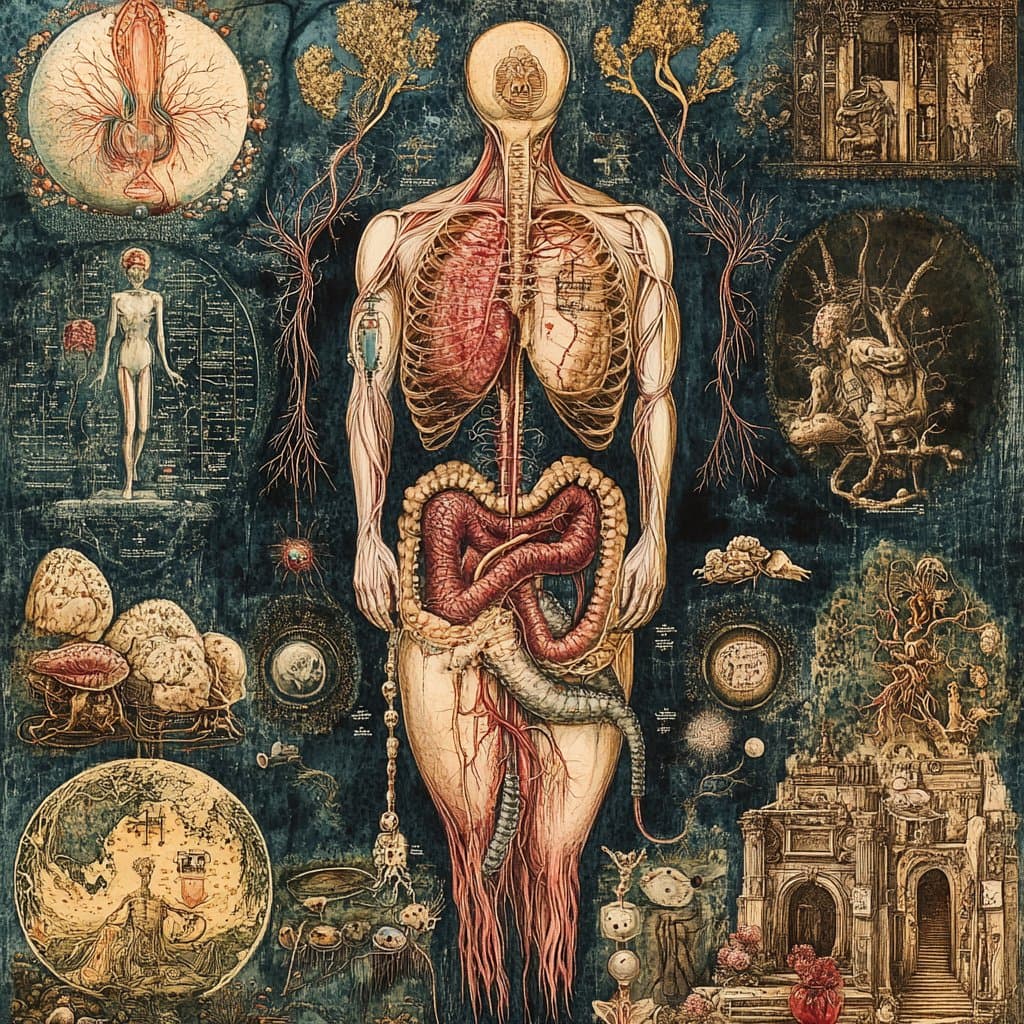
提示词如下 Role: World-class Scientific Encyclopedia Illustrator & Knowledge Graph Architect. Task: Generate a highly detailed, extremely intricate, and visually stunning "Universal Illustrated Encyclopedia Science Infographic" in a classic, unbranded (NO logos) scientific encyclopedia style. Subject Matter: Choose one from [People, Plants, or Animals]. Specific Subject: [e.g., The Giant Squid / Leonardo da Vinci / The Sequoia Tree]. Style: Fine, detailed scientific illustration on a retro, aged beige paper background. Delicate linework. Intricately complex and professional. Key Visual Requirements: 1. Lifelike 3D Effect (The Central Subject): The central subject in the "C position" must be rendered with extraordinary realism and dynamism. Create a dramatic sense of depth where the character, plant, or animal appears to break the frame, leaping or bursting out of the flat paper towards the viewer (an effect similar to anamorphic 3D or dynamic pop-out, with high-precision realism). 2. Layout & Strategic White Space: * Central Subject: Dominates the center, with intentional "strategic white space" around it to enhance the popping-out effect and make the figure the clear focal point. * Surrounding Modules: The surrounding area (left, right, top, bottom, and corners) must be filled with 6-8 distinct, highly organized knowledge modules, depending on the subject. There should be a sense of organized density, not random clutter. The modules themselves must have clear borders, headers, and extensive, detailed content. 3. Connections: Use a complex, logical network of fine leader lines, arrows, brackets, dotted lines, and small connection points to link the central figure to all surrounding modules, and interconnect the modules themselves into a cohesive knowledge web. 4. Text & Annotation (Hard Requirement - Must be CLEAR Chinese): * Main Title: A large, prominent, beautifully executed **Chinese calligraphy** (书法体) of the specific subject's name [e.g., "大王乌贼"]. * Calligraphic Accents: Scattered throughout the main content and module titles, use beautiful, clear Chinese calligraphy for important terms. * Standard Chinese Text: All other descriptive text, handwritten notes (大量清晰中文手写注释), module content, and annotations must be clear, legible Chinese characters (简体中文), not gibberish or unreadable symbols. Ensure text clarity is prioritized. * Leader Line Annotations: Every single small component, detail, submodule, diagram, or illustration within the modules must have detailed leader line annotations (拟解剖图) pointing directly to it for maximum professionalism and educational value. Every part should be labeled. Subject-Specific Module Structure (Example for general reference): A. For Humans [People]: - Module 1: Anatomy & Skeletal Structure (w/ magnified cross-sections) - Module 2: Physiological Processes (e.g., Circulatory/Nervous System) - Module 3: Historical Context & Timeline (Key Achievements) - Module 4: Major Contribution Diagram (Detailed breakdown) - Module 5: Cognitive Process / Psychological Insight - Module 6: Genetic Profile / Evolution - Module 7: Global Influence & Cultural Impact - Module 8: Cultural Representations / Legacy B. For Animals: - Module 1: Full External Sketch & Anatomy (w/ microscope magnified detail circular windows) - Module 2: Behavioral Patterns & Lifecycle (e.g., Mating/Migration, Flowchart style) - Module 3: Digestive & Skeletal System - Module 4: Habitats & Distribution Map (with environmental details) - Module 5: Unique Adaptations (e.g., camouflage, hunting tools) - Module 6: Evolutionary History & Relatives - Module 7: Symbiotic Relationships / Ecosystem Role - Module 8: Conservation Status & Human Interaction C. For Plants: - Module 1: Full Plant Sketch & Anatomy (w/ magnified leaf/root details) - Module 2: Photosynthesis & Lifecycle Flow (w/ icons for environment) - Module 3: Cellular Structure (Magnified circular views) - Module 4: Medicinal Properties / Practical Applications (as in original original prompt) - Module 5: Environmental Adaptations / Unique Features - Module 6: Distribution Map & Environmental Context - Module 7: Genetic Variations & Cultivation - Module 8: Historical Usage & Folklore Overall Composition: Extremely dense with information, organized into 6-8 structured modules, but balanced with strategic empty space around the center to allow the main, hyper-realistic figure to pop. Hard-core, professional, academic, but visually engaging due to the dynamic 3D central figure. No branding from any specific encyclopedia (e.g., no "DK" logos). All annotations must be legible. All handwritten notes must be clear. Main titles in Chinese calligraphy. Aspect Ratio: 3:4. 主题内容:蜜蜂

Education AI 图像提示词 prompt 505
twitterillustrationeducation

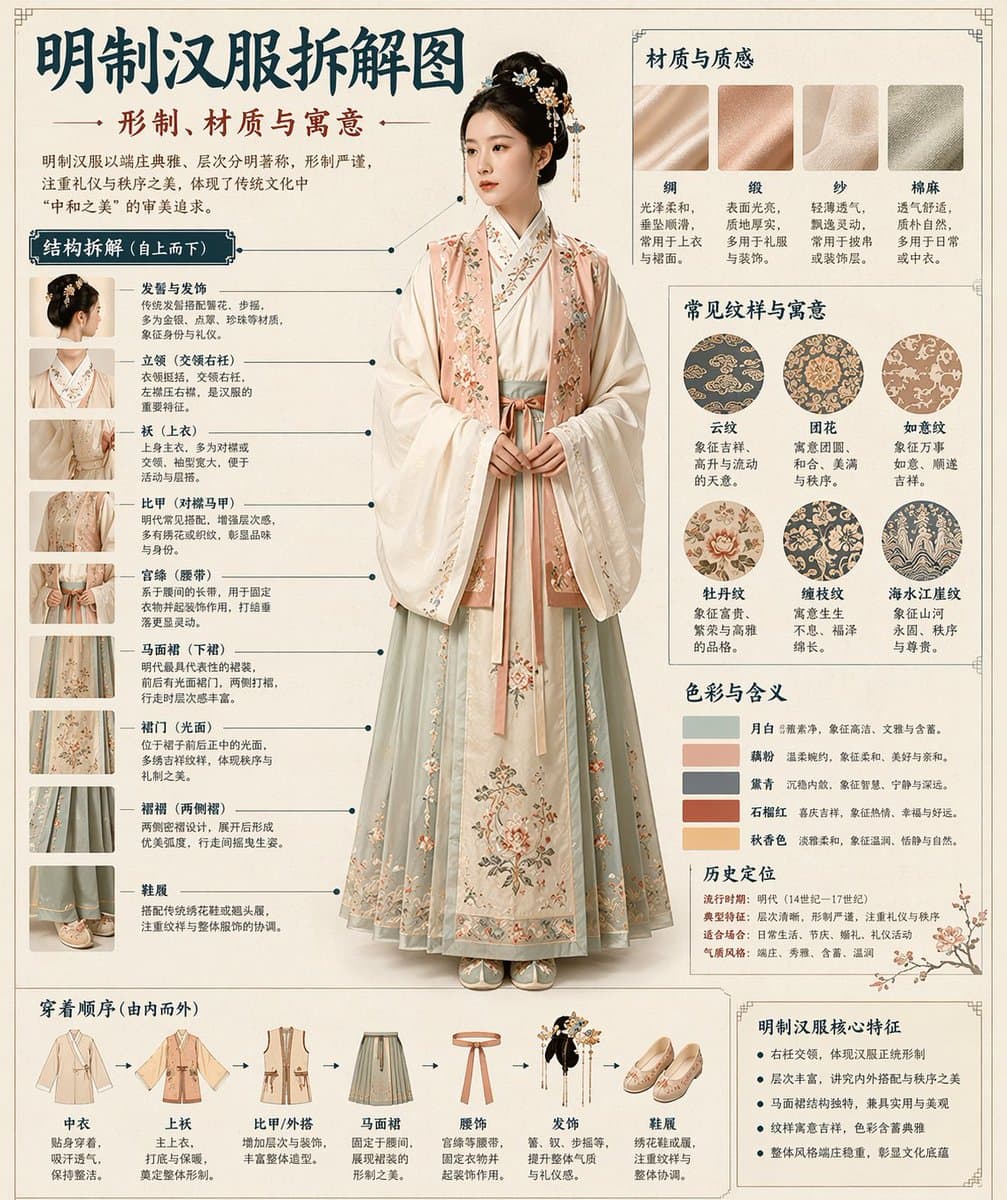
GPT-image-2 生成汉服拆解图🤯图鉴式风格,拆的很细! 这个提示词是通用模板,把主题替换成你想生成的内容,就可以扩展到汉服、凤冠、盔甲、器物等各种拆解图。 提示词: 请根据【主题】自动生成一张“博物馆图鉴式中文拆解信息图”。 要求整张图兼具真实写实主视觉、结构拆解、中文标注、材质说明、纹样寓意、色彩含义和核心特征总结。你需要根据【主题】自动判断最合适的主体对象、服饰体系、器物结构、时代风格、关键部件、材质工艺、颜色方案与版式结构,用户无需再提供其他信息。 整体风格应为:国家博物馆展板、历史服饰图鉴、文博专题信息图,而不是普通海报、古风写真、电商详情页或动漫插画。背景采用米白、绢纸白、浅茶色等纸张质感,整体高级、克制、专业、可收藏。 版式固定为: - 顶部:中文主标题 + 副标题 + 导语 - 左侧:结构拆解区,中文引线标注关键部件,并配局部特写 - 右上:材质 / 工艺 / 质感区,展示真实纹理小样并附说明 - 右中:纹样 / 色彩 / 寓意区,展示主色板、纹样样本和文化解释 - 底部:穿着顺序 / 构成流程图 + 核心特征总结 若主题适合人物展示,则以真实人物全身站姿为中央主体;若更适合器物或单体结构,则改为中心主体拆解图,但整体仍保持完整中文信息图形式。所有文字必须为简体中文,清晰、规整、可读,不要乱码、错字、英文或拼音。重点突出真实结构、材质差异、文化说明与图鉴气质。 避免:海报感、影楼感、电商感、动漫感、cosplay感、乱标注、错结构、糊字、假材质、过度装饰。

Education AI 图像提示词 prompt 606
twittereducationgraphic-design

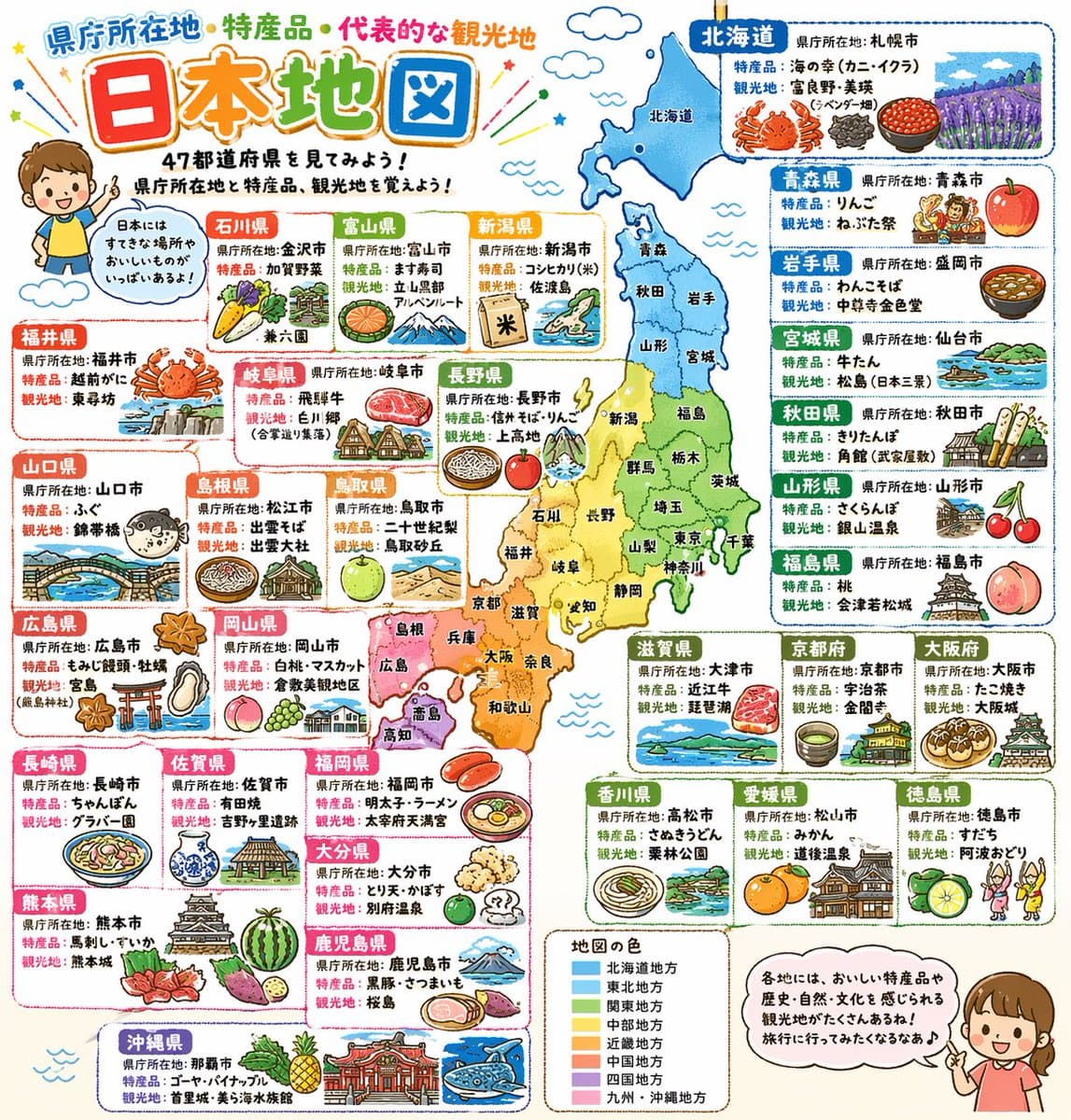
これもduct-tape-3なんだけど、ホントに凄いや… プロンプトは以下です。 詳細でポップな日本地図。県庁所在地と特産品と代表的な観光地をイラスト付きで記載。小学校高学年向け。 九州がどっか行ってたり間違った情報はあるけど、Nano banana Proから半年経たずにコレですからね。秋には完璧なのが出せるようになりそう。 これがもうすぐChatGPTで誰でも出せるようになってしまうとなると、本当にいろんな業界の前提が変わりそうだなぁ…

从参考到成图

三步开始,不必从空白画布想起。

  1. 01

    选择参考

    先按构图、色彩和用途选择最接近目标的样片。

  2. 02

    调整细节

    进入生成器后修改主题、文案、风格和画面比例。

  3. 03

    生成成图

    保留预填参考图,一键生成,再针对结果继续微调。

没有完全合适的样片?

从空白提示词开始,自由定义主题、构图、文字和画面比例。

从零创作
使用说明

让第一次生成更接近成品。

01

Education 提示词适合做什么

Education 提示词用于围绕特定风格、主体、媒介或摄影用途组织视觉创意,公开示例会随内容发布持续更新。

02

怎样写好 Education 提示词

先写明主要主体,再补充构图、环境、灯光、配色、材质、镜头或渲染方式、画面比例与最终用途。

03

如何继续优化生成结果

删除互相冲突的风格要求,保持一个清晰的视觉方向,并在发布前检查结构、文字、标志、透视和分类相关细节。

常见问题

开始前,你可能还想知道。

Education AI 图像提示词是什么?

这是归入 Education 分类的可复用视觉简报,可根据不同主体、参考图、构图和输出尺寸进行修改。

Education 示例是如何加入这个合集的?

当已发布提示词的主体、风格或用途与 Education 分类匹配时,它们会被归入这个合集。

这些 Education 提示词可以修改吗?

可以。替换主体和场景后,再根据项目调整灯光、配色、材质、镜头或渲染方式、画面比例和细节程度。

Education AI 图像提示词 | Veyvia