Funny 提示词分类

Funny AI 图像提示词

浏览 Funny 相关示例与可复用的 AI 图像提示词方向,用于规划主体、构图、灯光、色彩、材质和视觉风格。

该合集依据 PromptPlum 的 Funny 分类整理。可将这些参考方向改写为适合自身主体、尺寸与视觉目标的提示词。
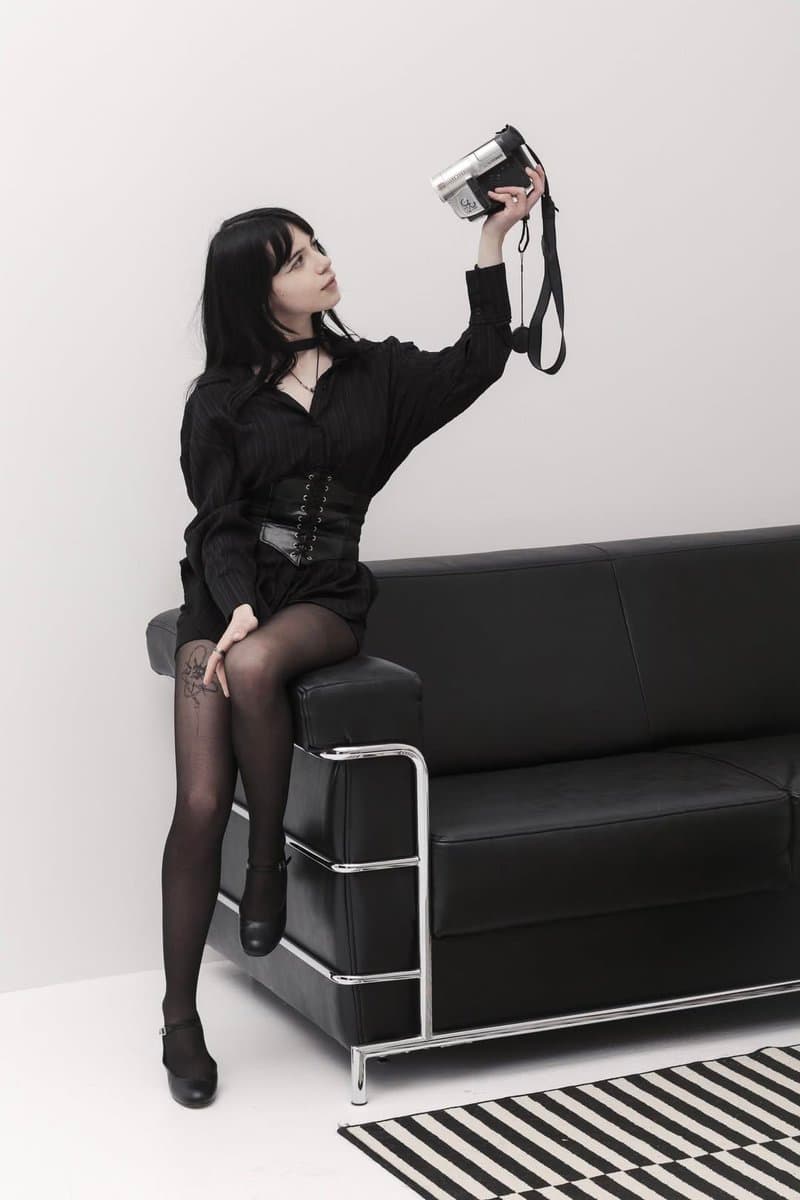
视觉参考组
funny
内容规模
3 个公开提示词
视觉参考组03 / REF
Funny AI 图像提示词 reference 101
Funny AI 图像提示词 reference 202
Funny AI 图像提示词 reference 303
VEYVIA / FUNNY已整理
提示词画廊

选择一个最接近的画面。

打开任意样片查看完整提示词,或直接带着参考图与画面比例进入生成器。

3 个公开提示词
Funny AI 图像提示词 prompt 101
funnydrawing-sketchfashion-editorial

Turn your image into a fashion caricature sketch using GPT Image 2 on @SocialSight Prompt: Turn the person from the photo into a grotesque humorous fashion caricature sketch. Strongly exaggerated anatomy, elongated proportions, expressive crooked hands, dramatic face, awkward elegant posture, satirical fashion energy, messy ink lines, rough watercolor, sketchbook style, vintage magazine illustration on beige aged paper. Add handwritten English notes, arrows, funny observations, doodles, and absurd personality analysis around the character. Make the notes unique to the person in the photo. IMPORTANT: keep it clearly hand-drawn and caricatured, NOT photorealistic, NOT cinematic, NOT glossy AI beauty art. Push the distortion and sketchiness hard.

Funny AI 图像提示词 prompt 202
twitterselfiepop-culture

Google Gemini Nano Banana Pro nailed it🔥 Prompt ⤵️ "Ultra-realistic 9:16 vertical format fisheye selfie of a person with [shinchan, Doraemon, Naruto, Nobita, Satoru Gojo, Sung Jin who, Ash from pokimon]. All making silly, exaggerated faces. Set in a small, bright living roo'n with white tones. High camera angle. Extreme fisheye distortion. Realistic, cinematic lighting, anime characters integrated with stylized realism."

Funny AI 图像提示词 prompt 303
twitterpets-animalsphotorealistic-photography

🙂 Generated with Nano Banana Pro Prompt: "A highly detailed, photorealistic orange tabby cat sitting at a modern desk, looking directly at the camera with a deadpan expression. The cat is holding up a white cardboard sign that perfectly reads: "I survived the API rate limits". Natural window lighting."

从参考到成图

三步开始,不必从空白画布想起。

  1. 01

    选择参考

    先按构图、色彩和用途选择最接近目标的样片。

  2. 02

    调整细节

    进入生成器后修改主题、文案、风格和画面比例。

  3. 03

    生成成图

    保留预填参考图,一键生成,再针对结果继续微调。

没有完全合适的样片?

从空白提示词开始,自由定义主题、构图、文字和画面比例。

从零创作
使用说明

让第一次生成更接近成品。

01

Funny 提示词适合做什么

Funny 提示词用于围绕特定风格、主体、媒介或摄影用途组织视觉创意,公开示例会随内容发布持续更新。

02

怎样写好 Funny 提示词

先写明主要主体,再补充构图、环境、灯光、配色、材质、镜头或渲染方式、画面比例与最终用途。

03

如何继续优化生成结果

删除互相冲突的风格要求,保持一个清晰的视觉方向,并在发布前检查结构、文字、标志、透视和分类相关细节。

常见问题

开始前,你可能还想知道。

Funny AI 图像提示词是什么?

这是归入 Funny 分类的可复用视觉简报,可根据不同主体、参考图、构图和输出尺寸进行修改。

Funny 示例是如何加入这个合集的?

当已发布提示词的主体、风格或用途与 Funny 分类匹配时,它们会被归入这个合集。

这些 Funny 提示词可以修改吗?

可以。替换主体和场景后,再根据项目调整灯光、配色、材质、镜头或渲染方式、画面比例和细节程度。

Funny AI 图像提示词 | Veyvia