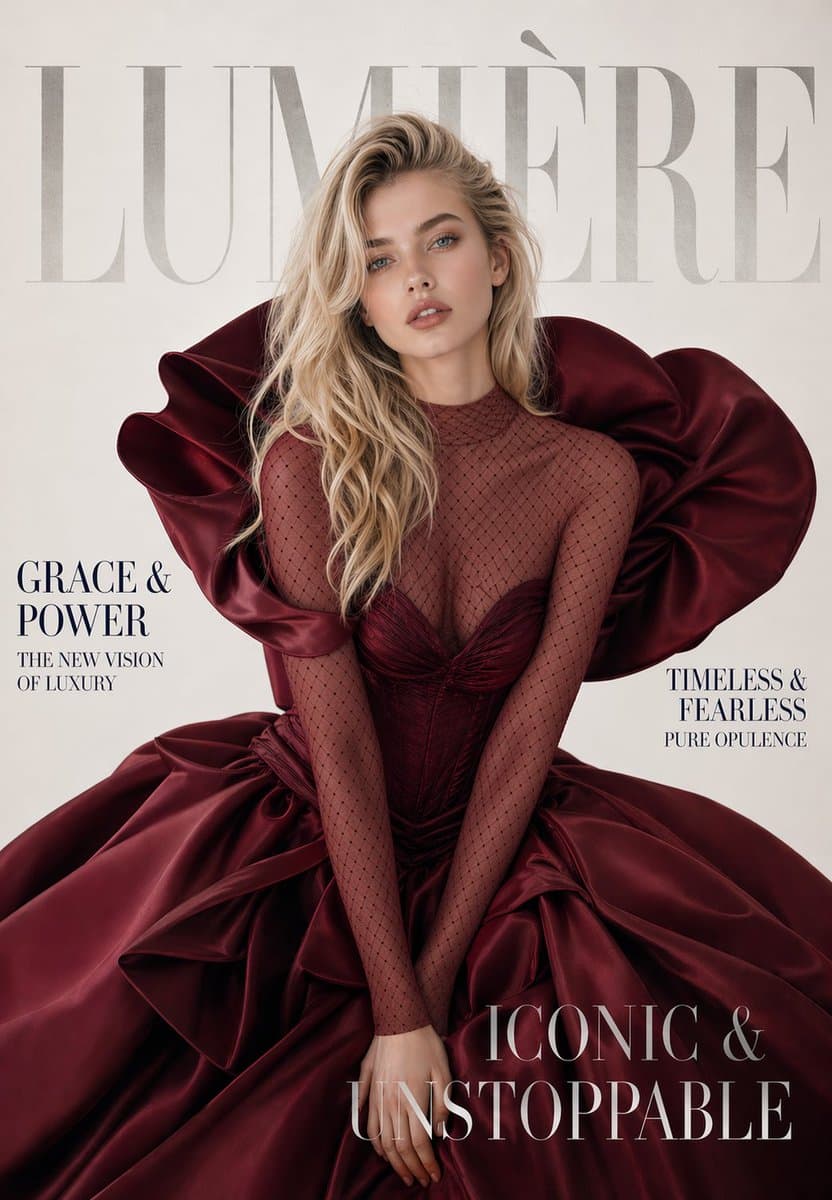
Studio Portraiture 提示词分类

Studio Portraiture AI 图像提示词

浏览 Studio Portraiture 相关示例与可复用的 AI 图像提示词方向,用于规划主体、构图、灯光、色彩、材质和视觉风格。

该合集依据 PromptPlum 的 Studio Portraiture 分类整理。可将这些参考方向改写为适合自身主体、尺寸与视觉目标的提示词。

视觉参考组
studio portraiture
内容规模
3 个公开提示词
视觉参考组03 / REF
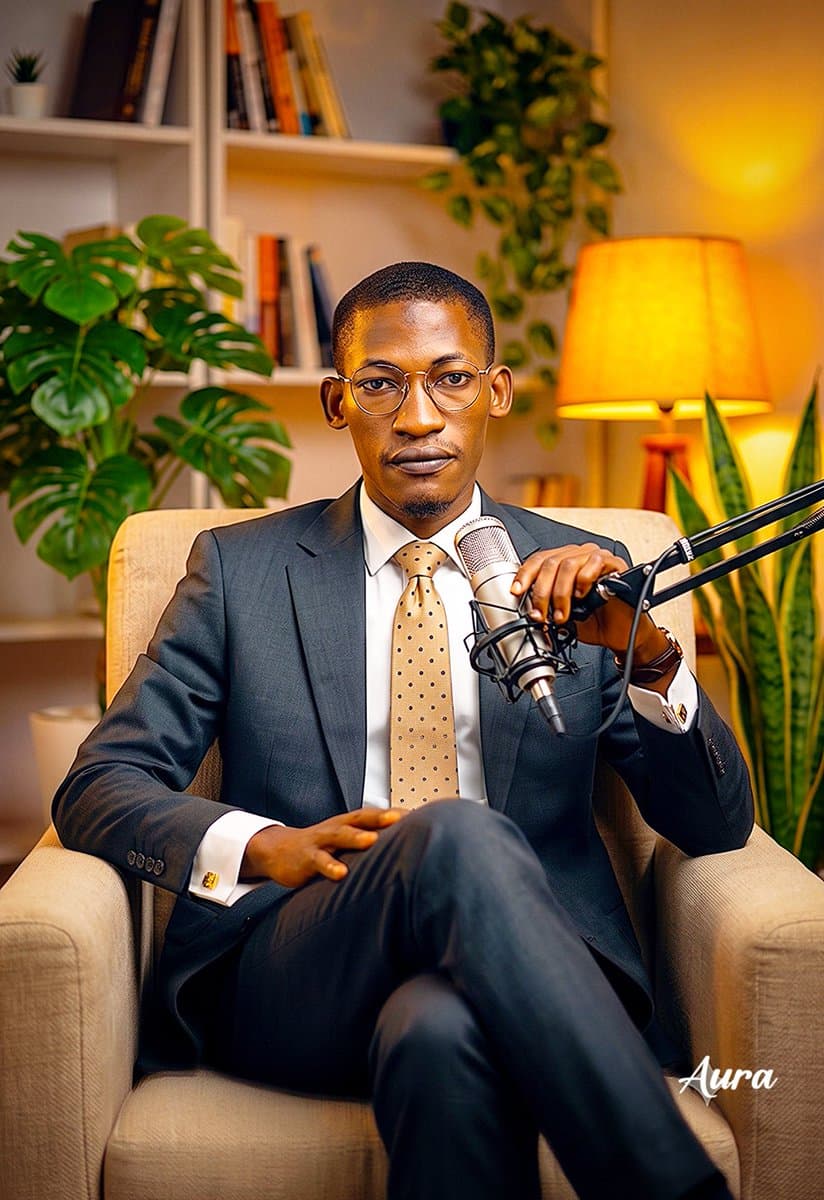
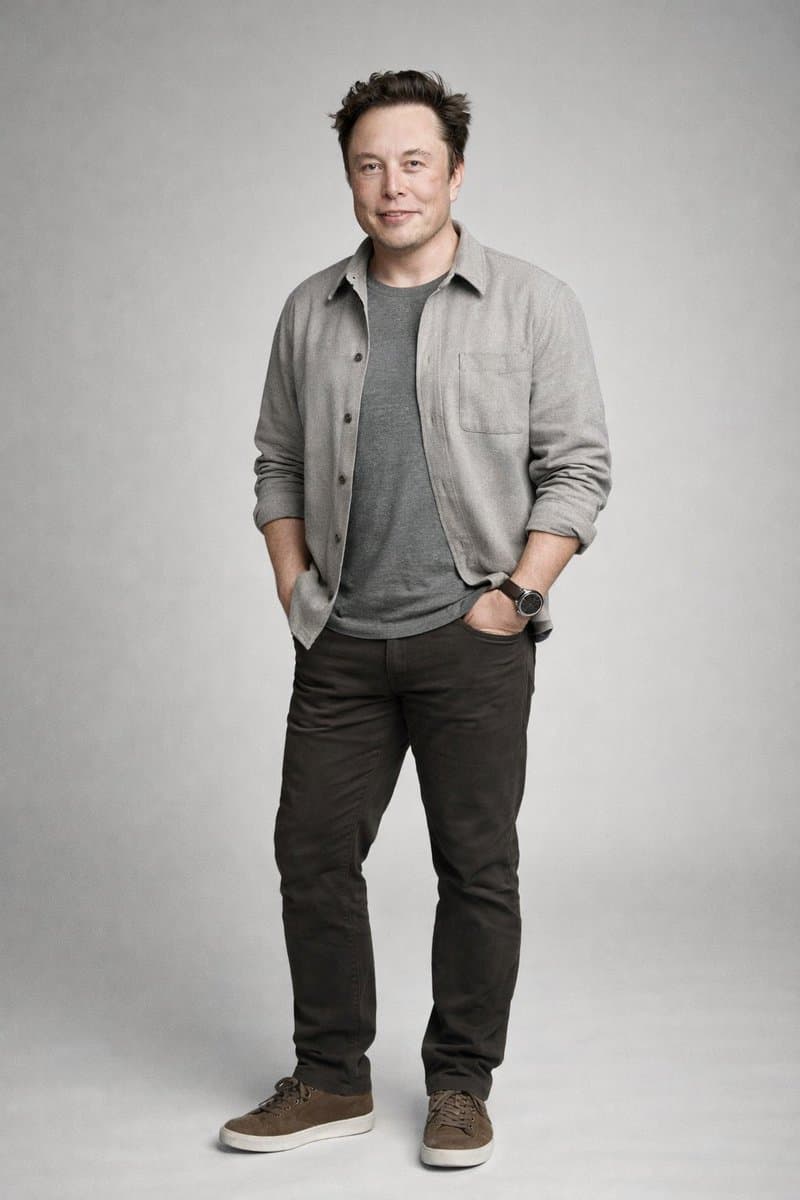
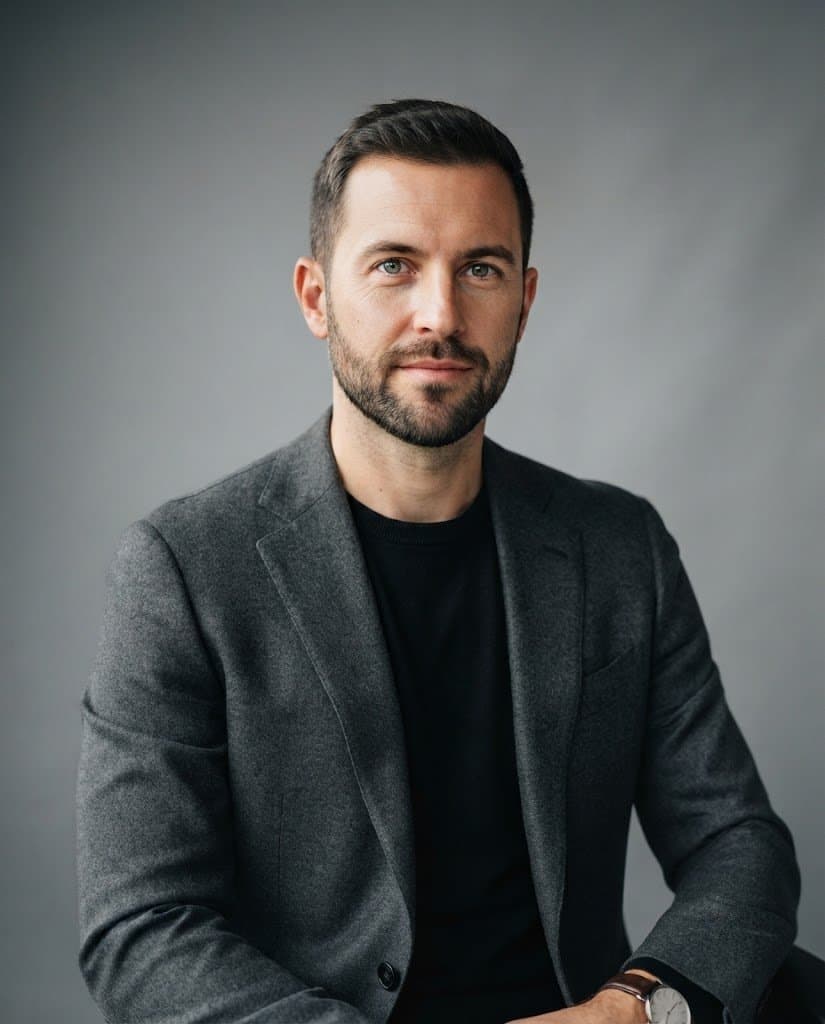
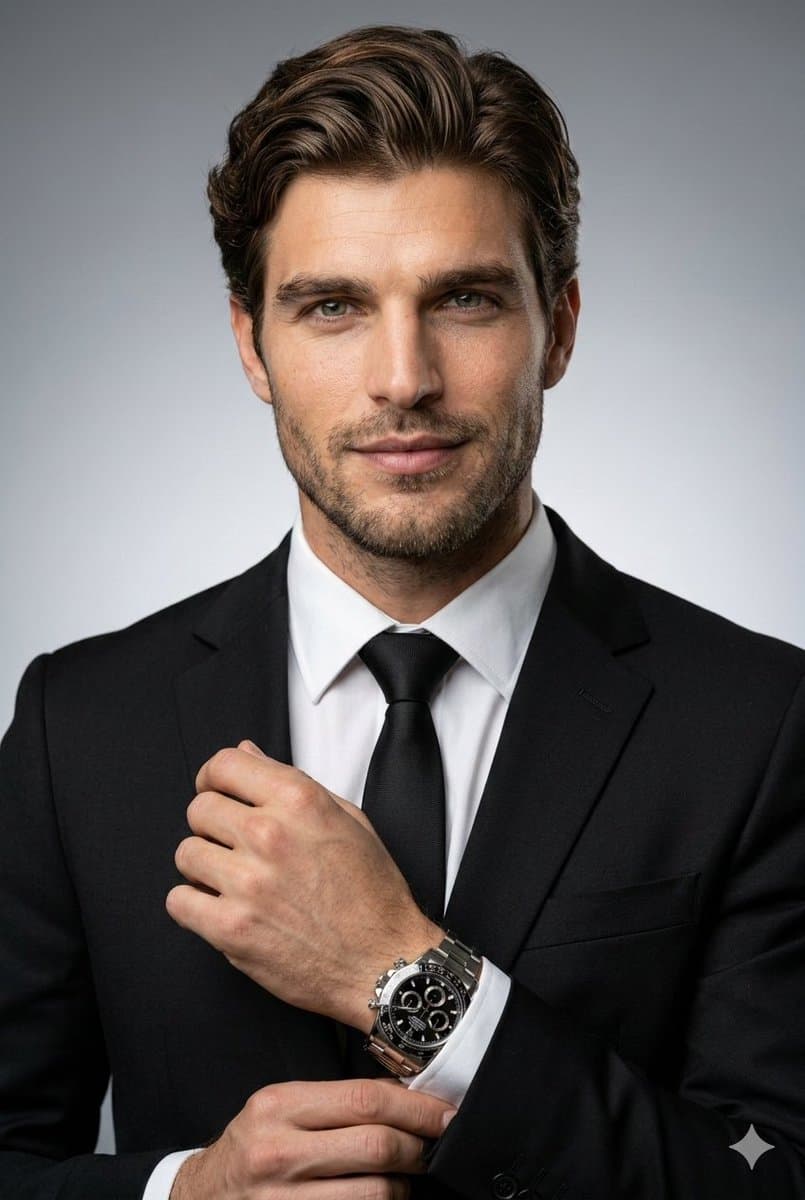
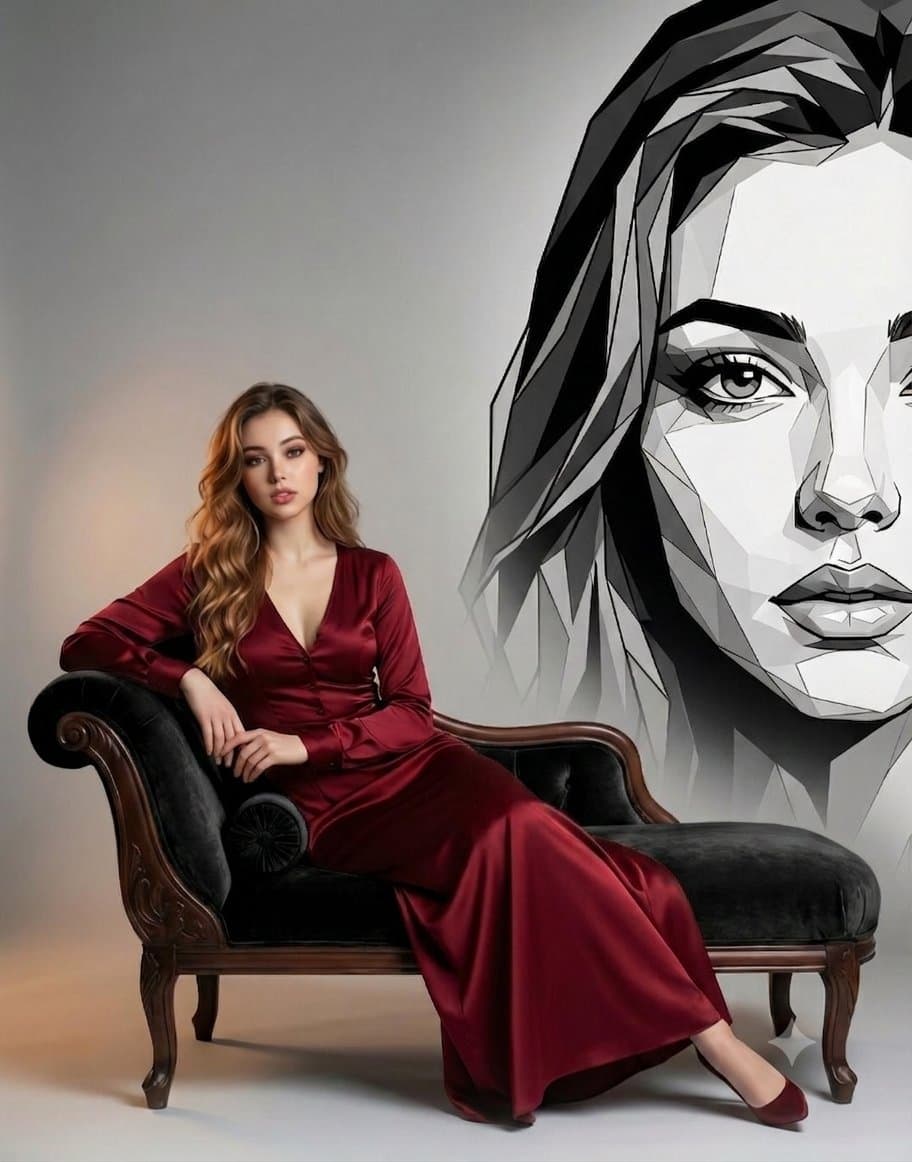
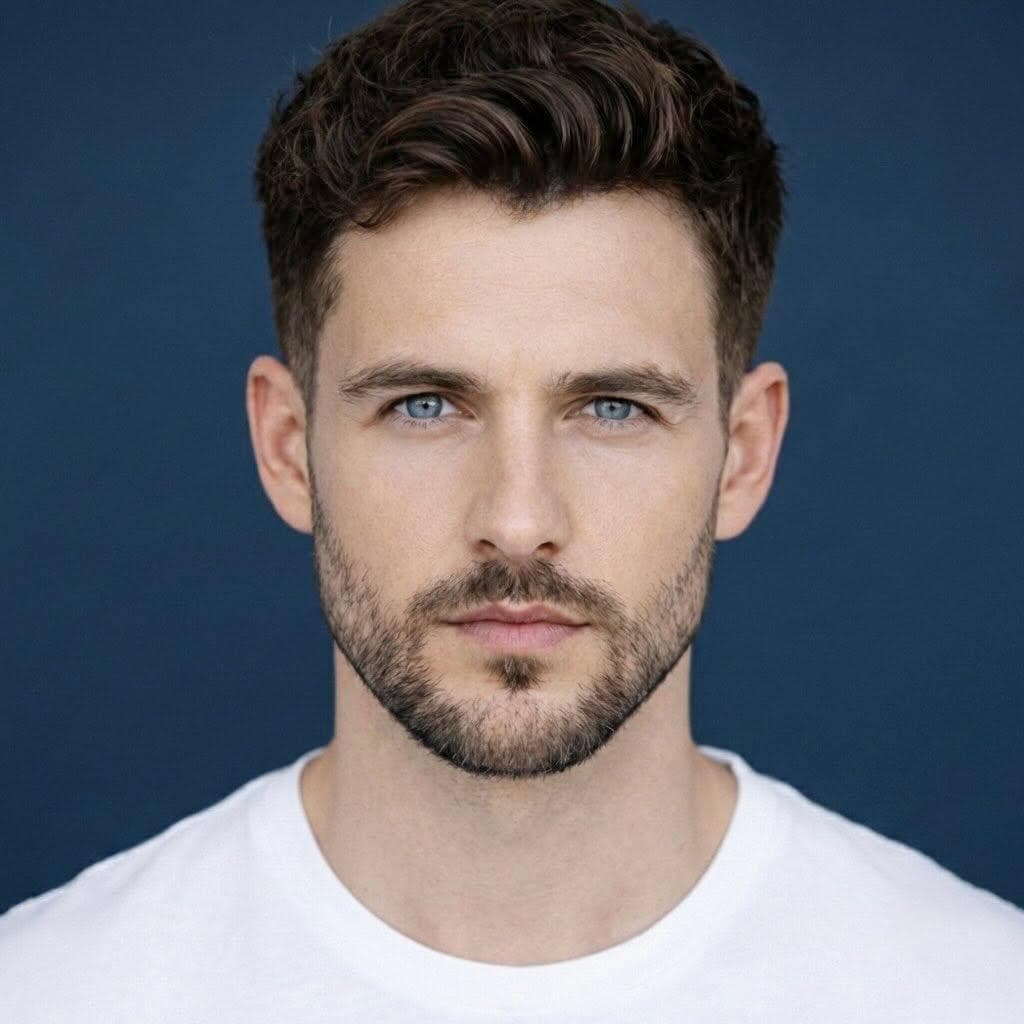
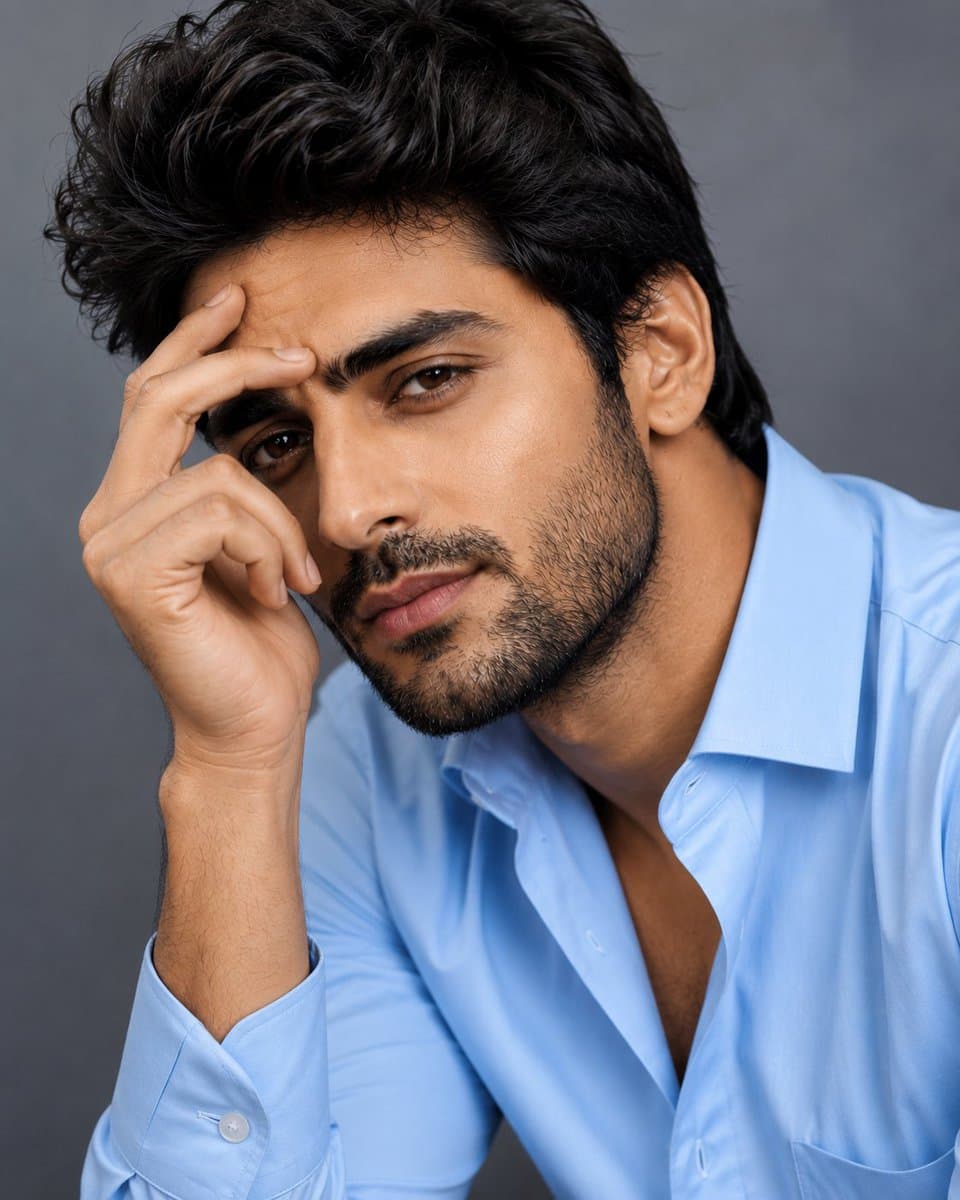
Studio Portraiture AI 图像提示词 reference 101
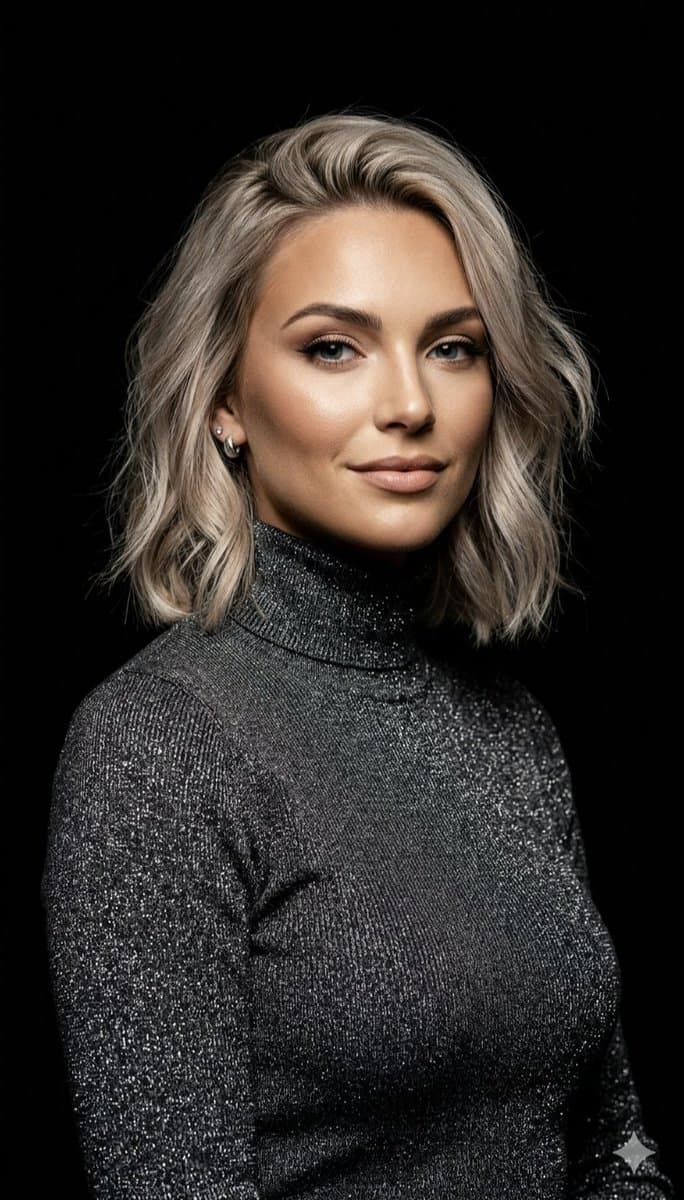
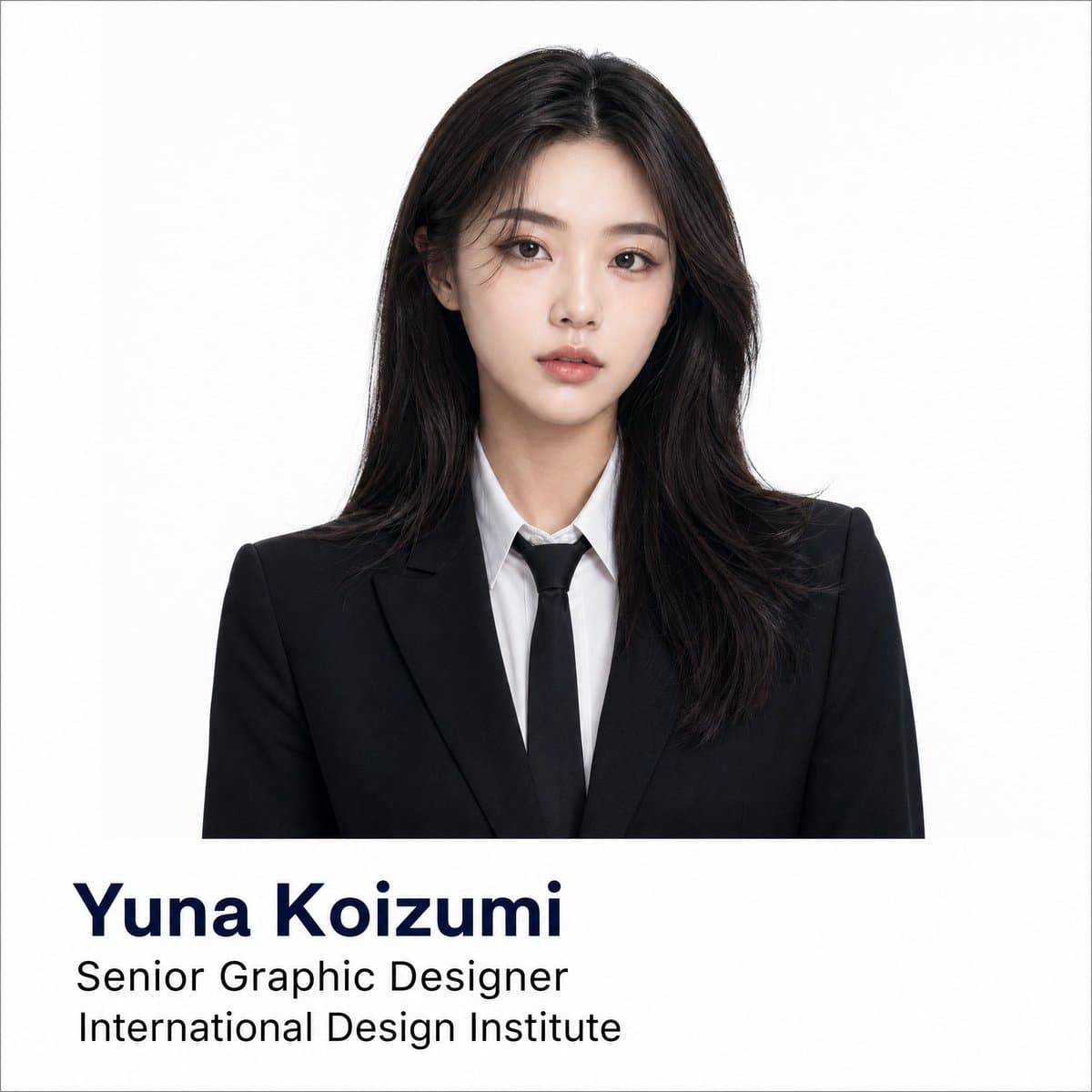
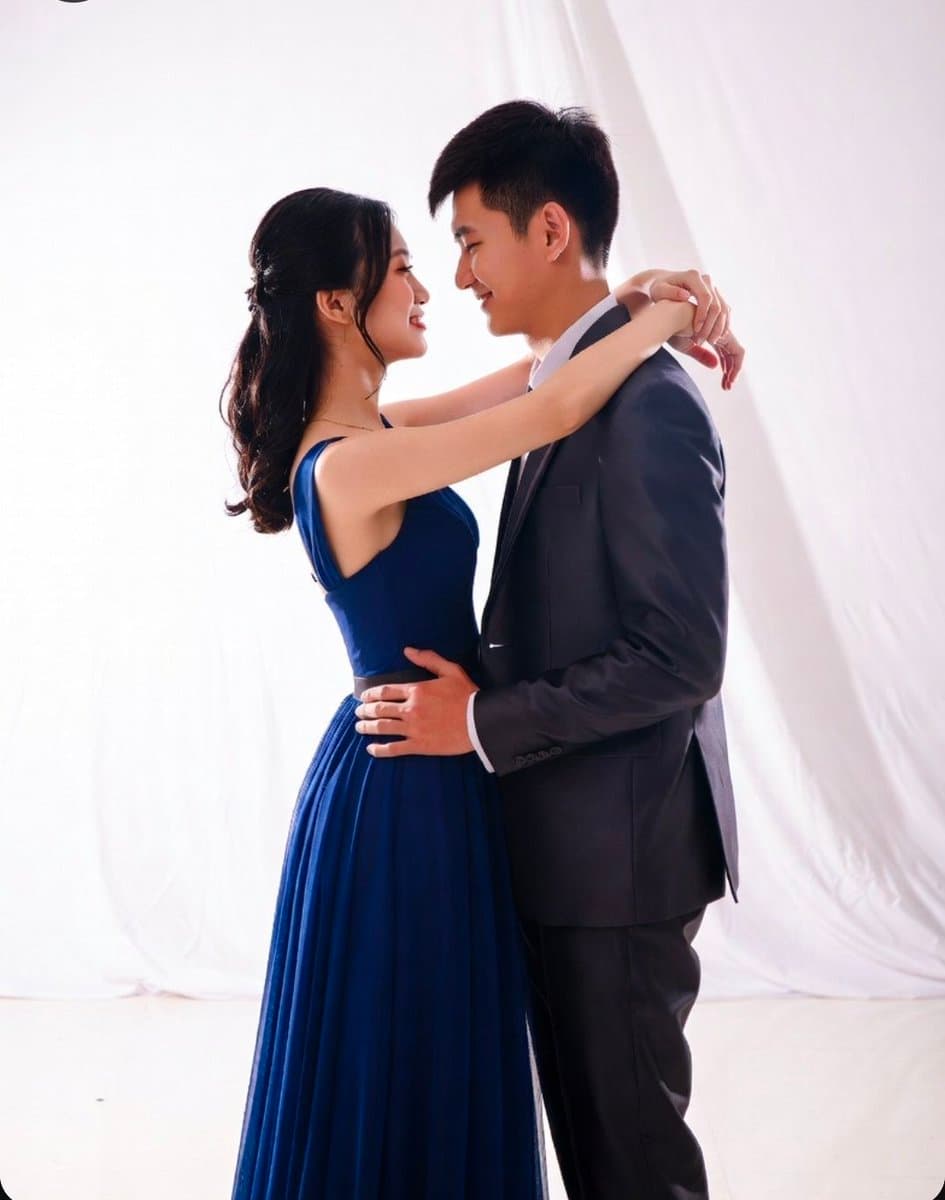
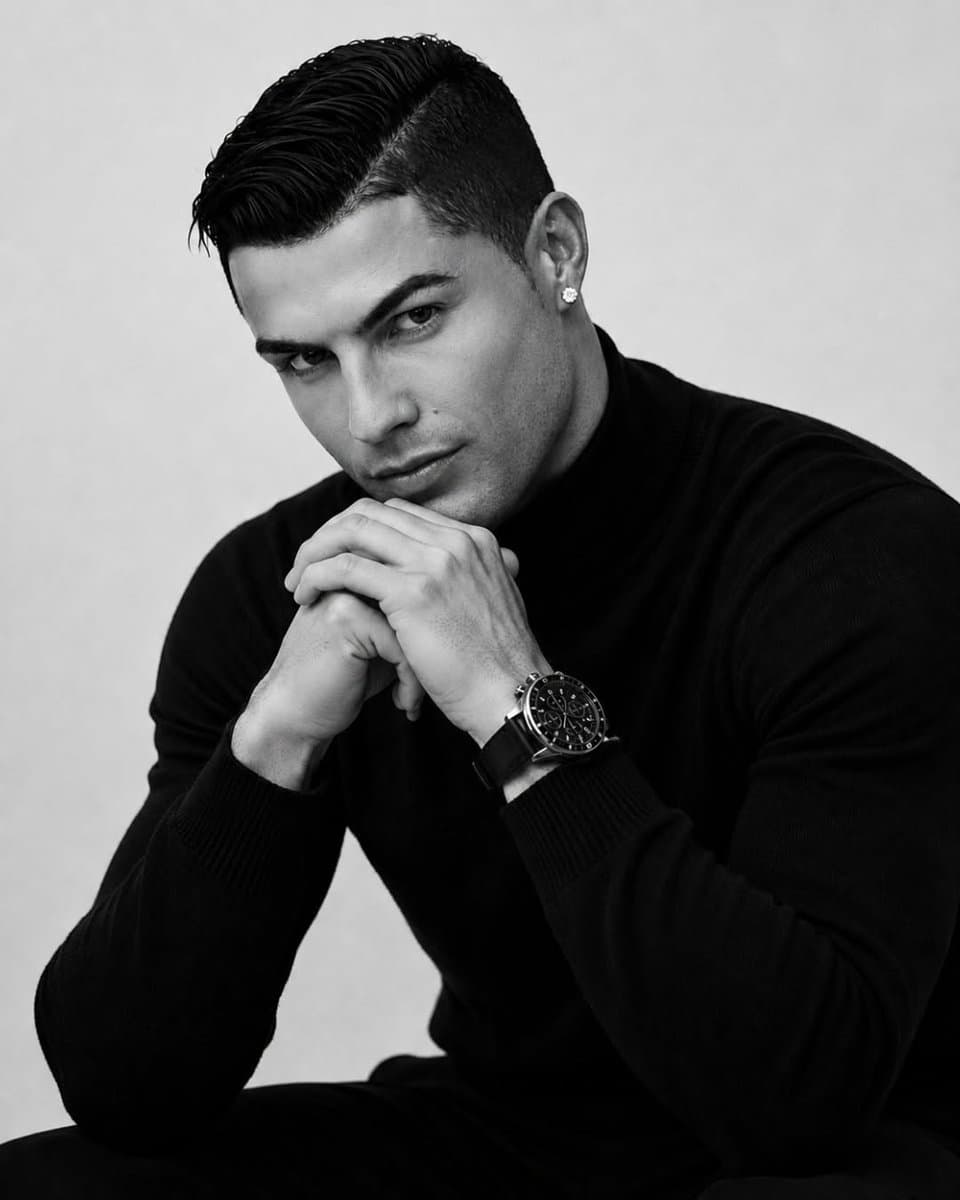
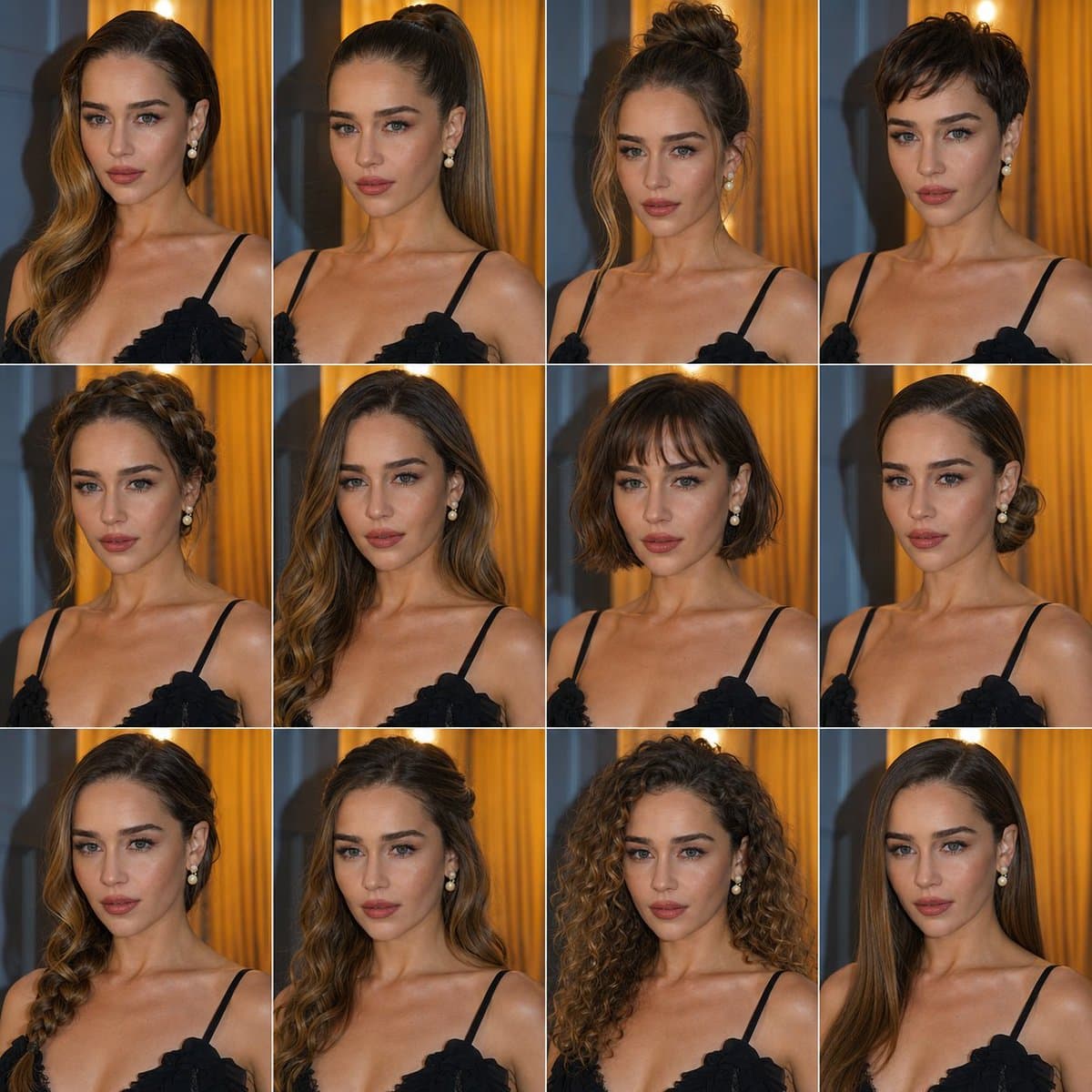
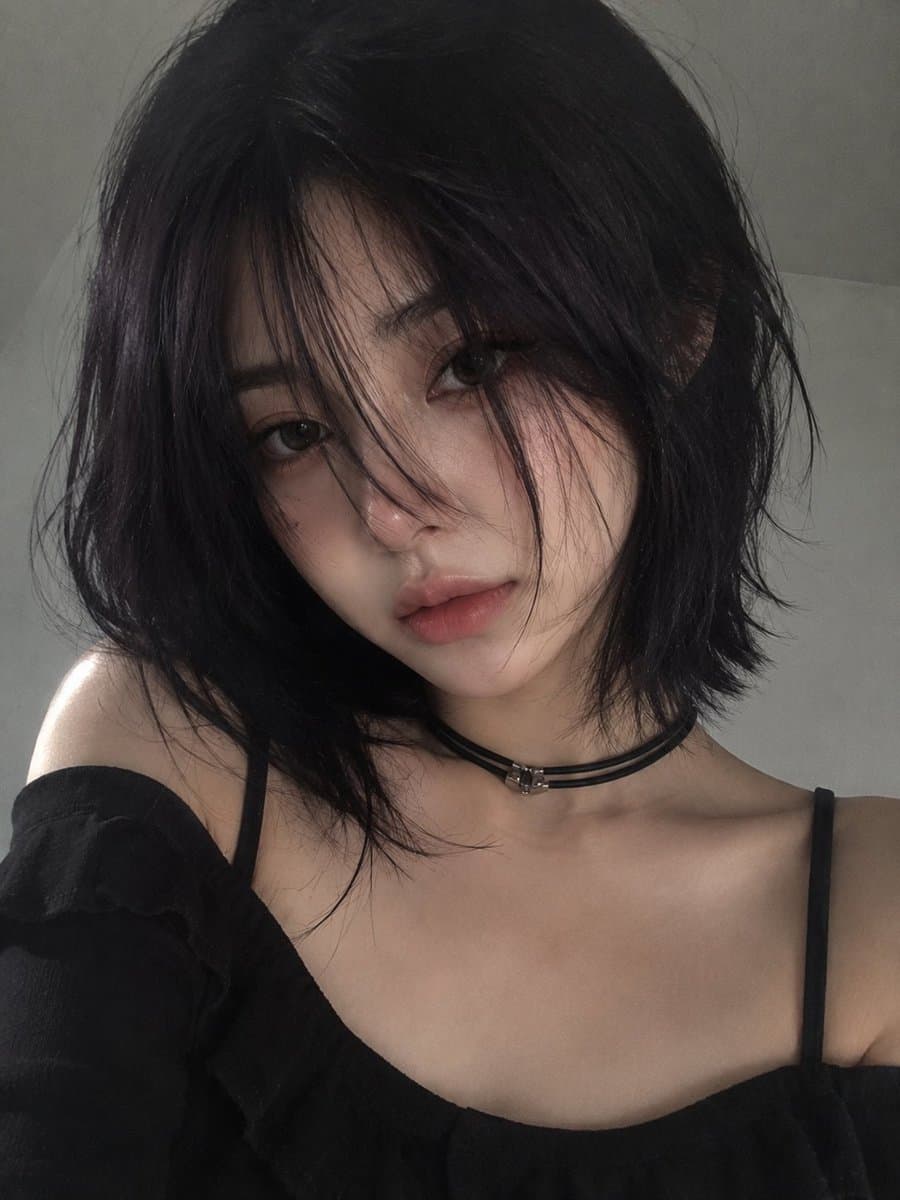
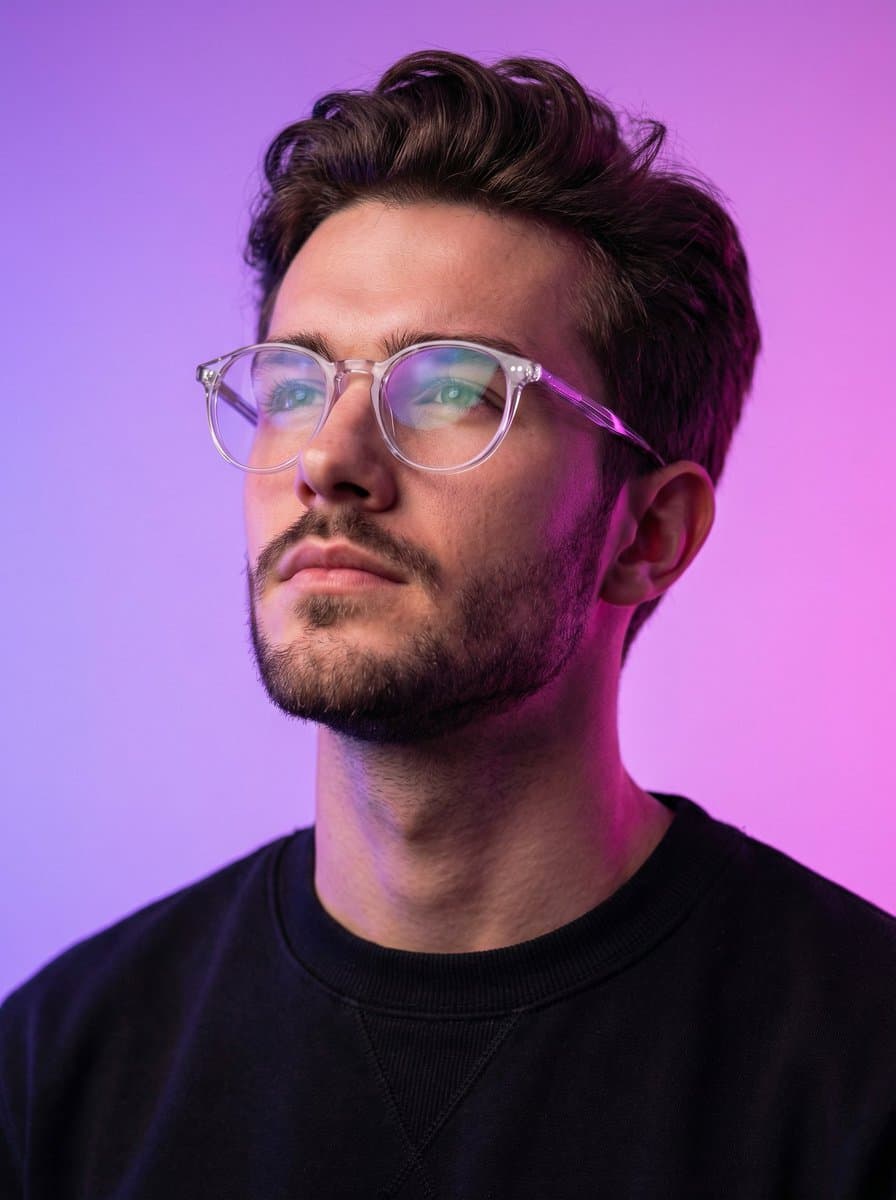
Studio Portraiture AI 图像提示词 reference 202
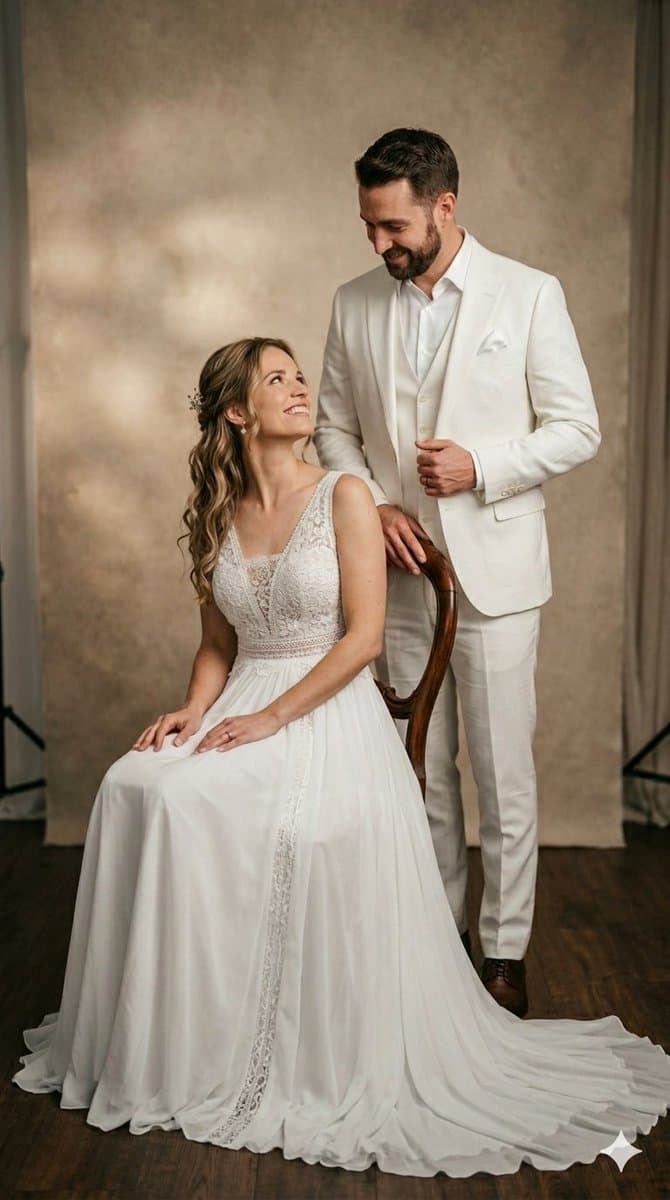
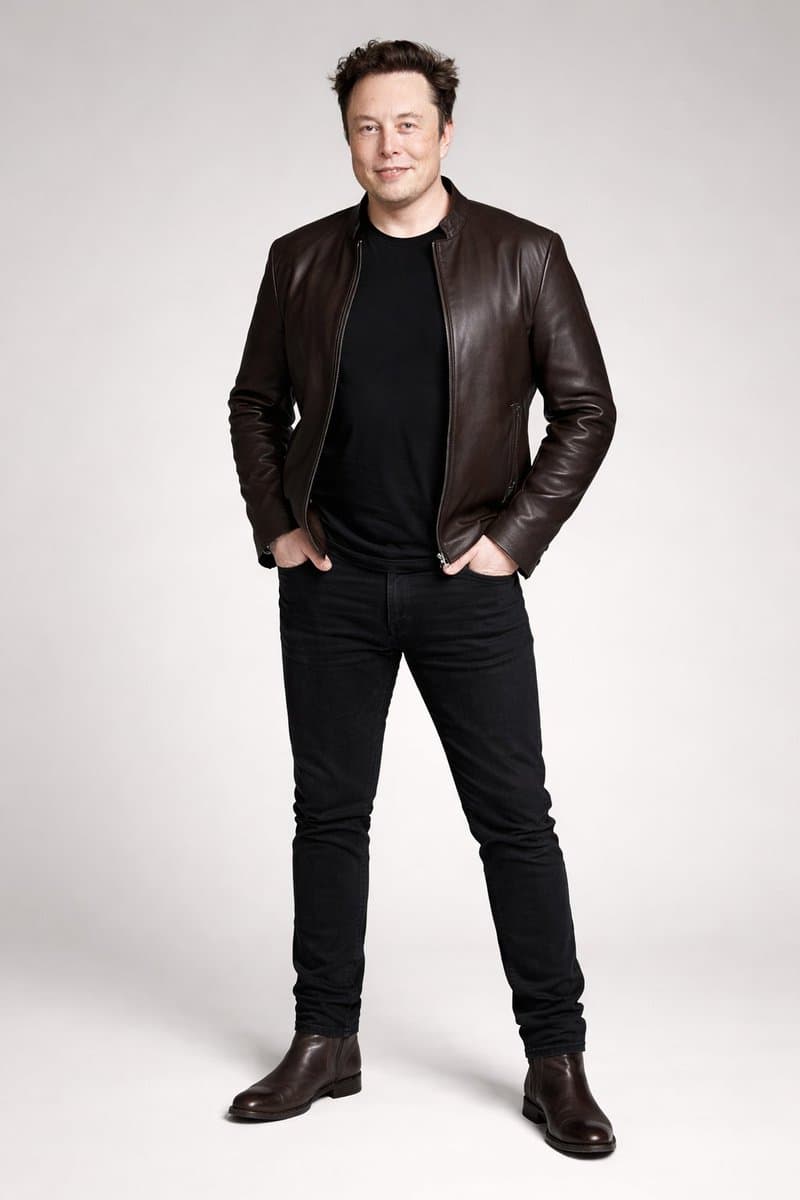
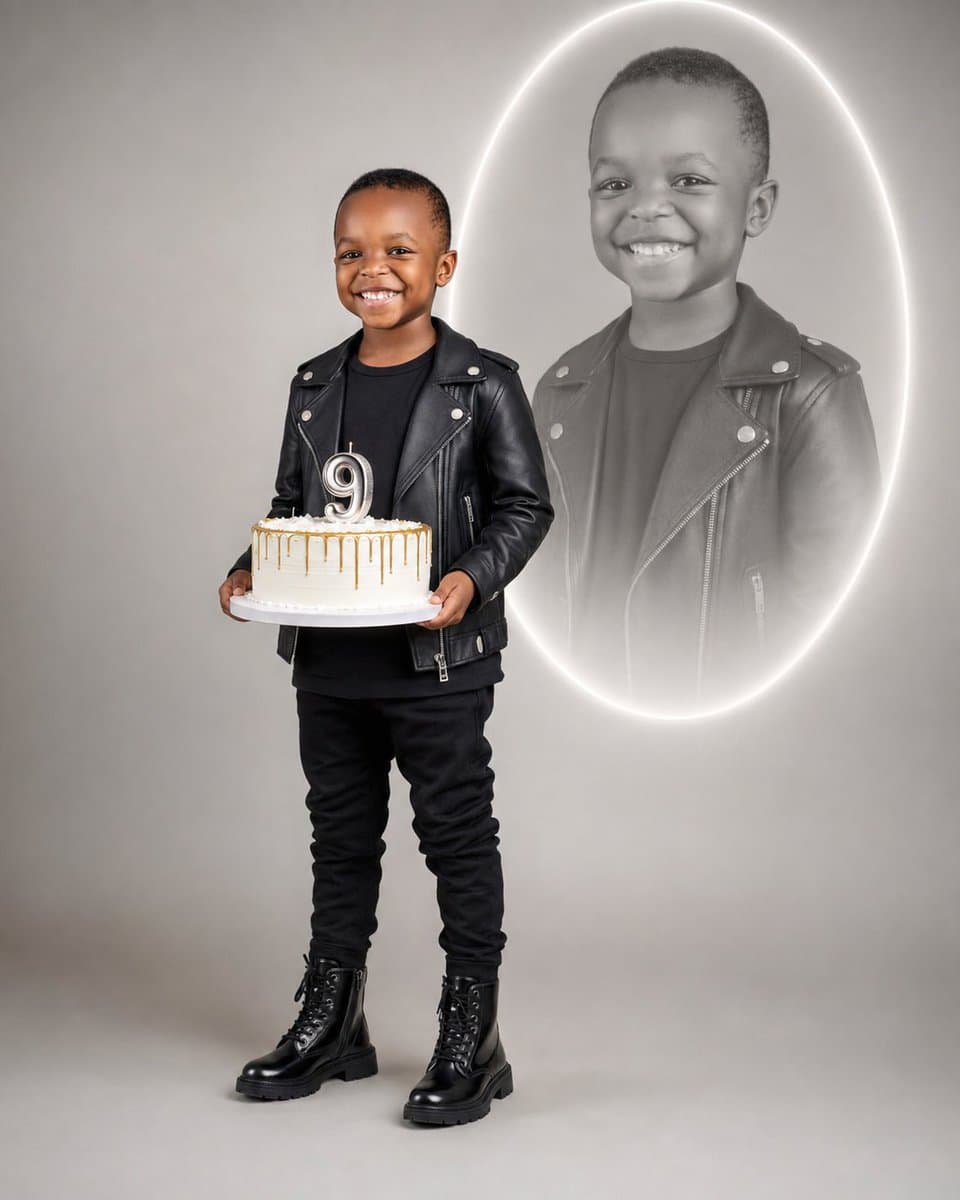
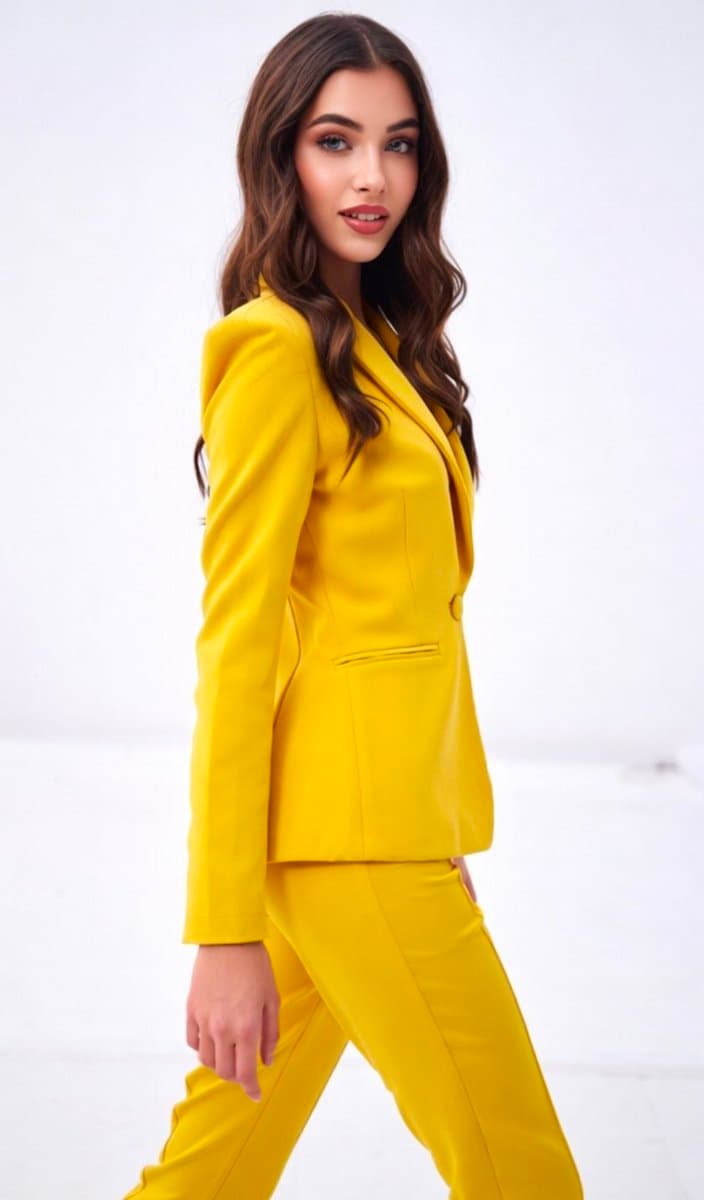
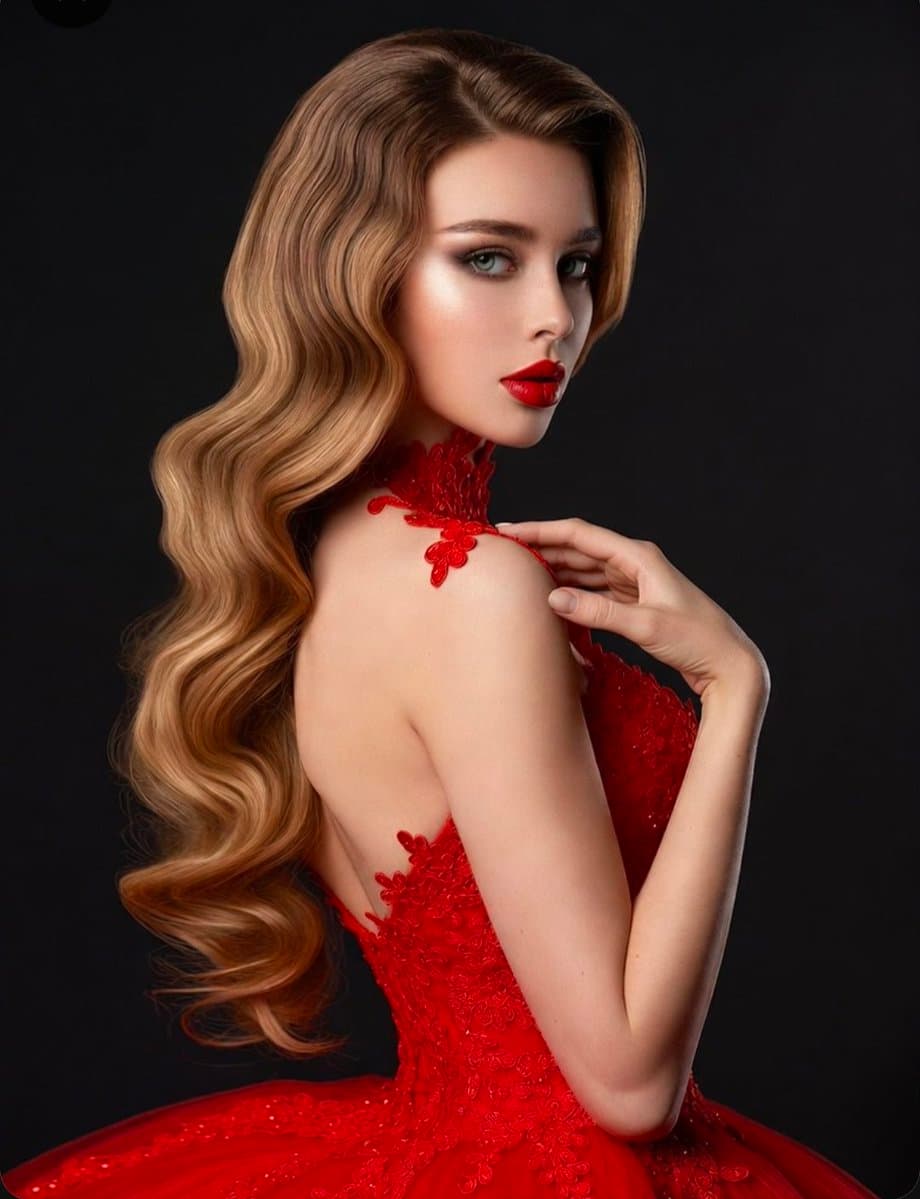
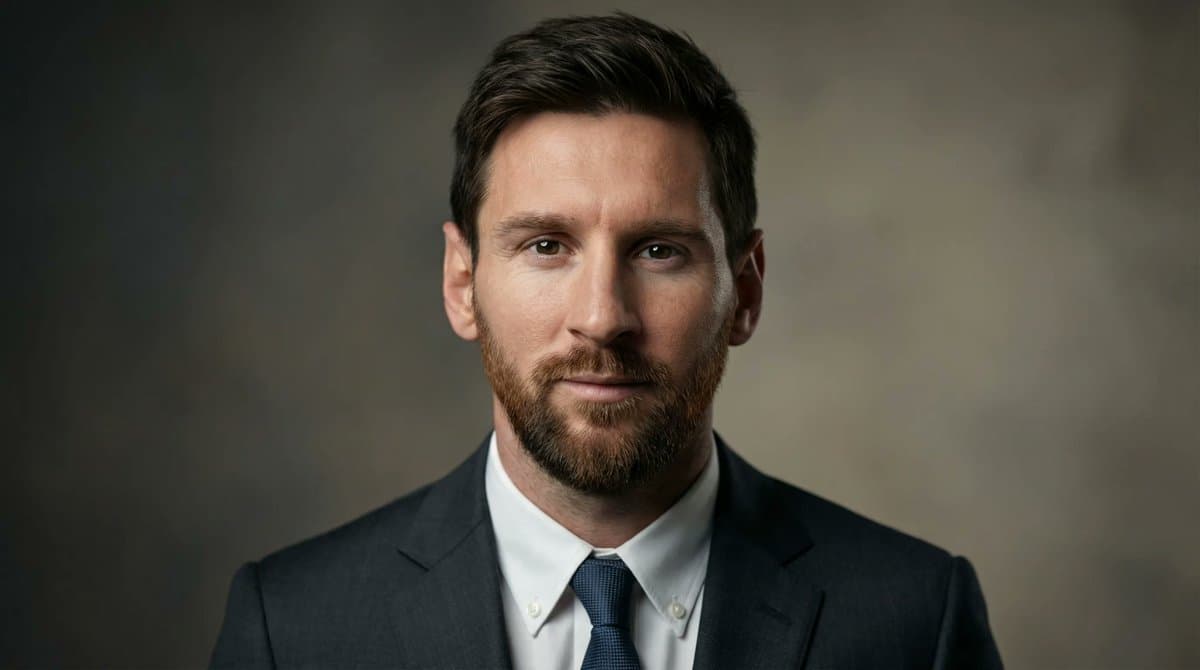
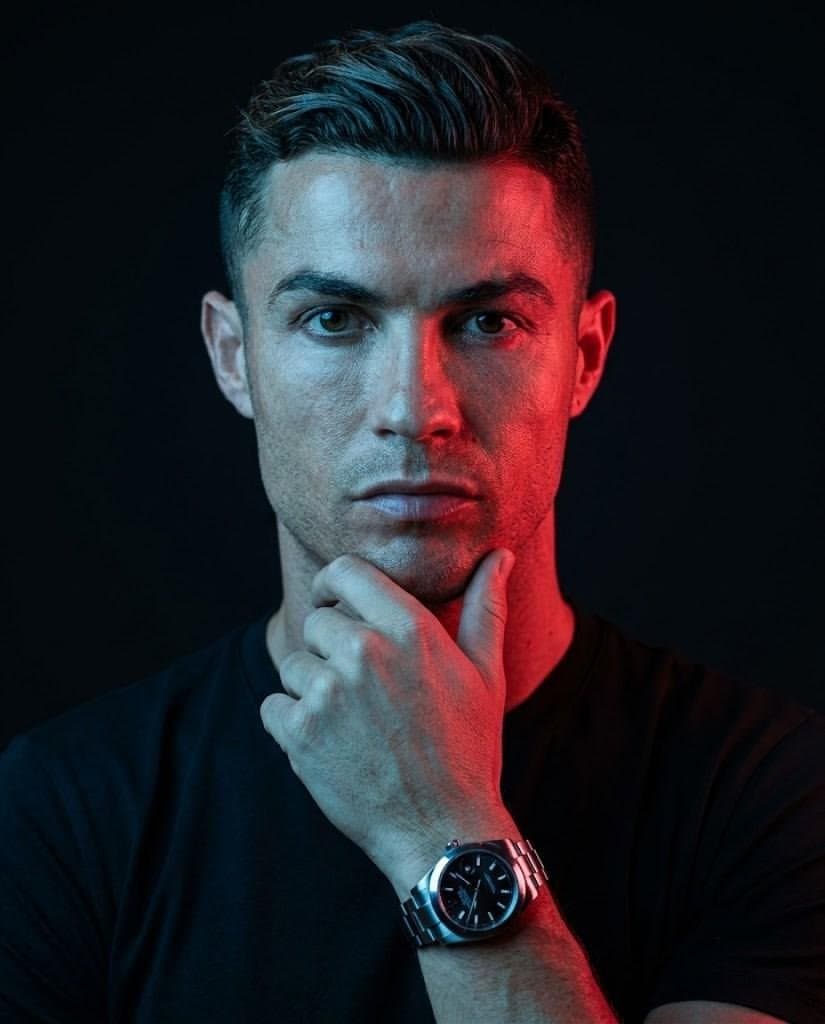
Studio Portraiture AI 图像提示词 reference 303
VEYVIA / STUDIO-PORTRAITURE已整理
提示词画廊

选择一个最接近的画面。

打开任意样片查看完整提示词,或直接带着参考图与画面比例进入生成器。

3 个公开提示词
Studio Portraiture AI 图像提示词 prompt 101
studio-portraiturestudio portraitureai image prompts

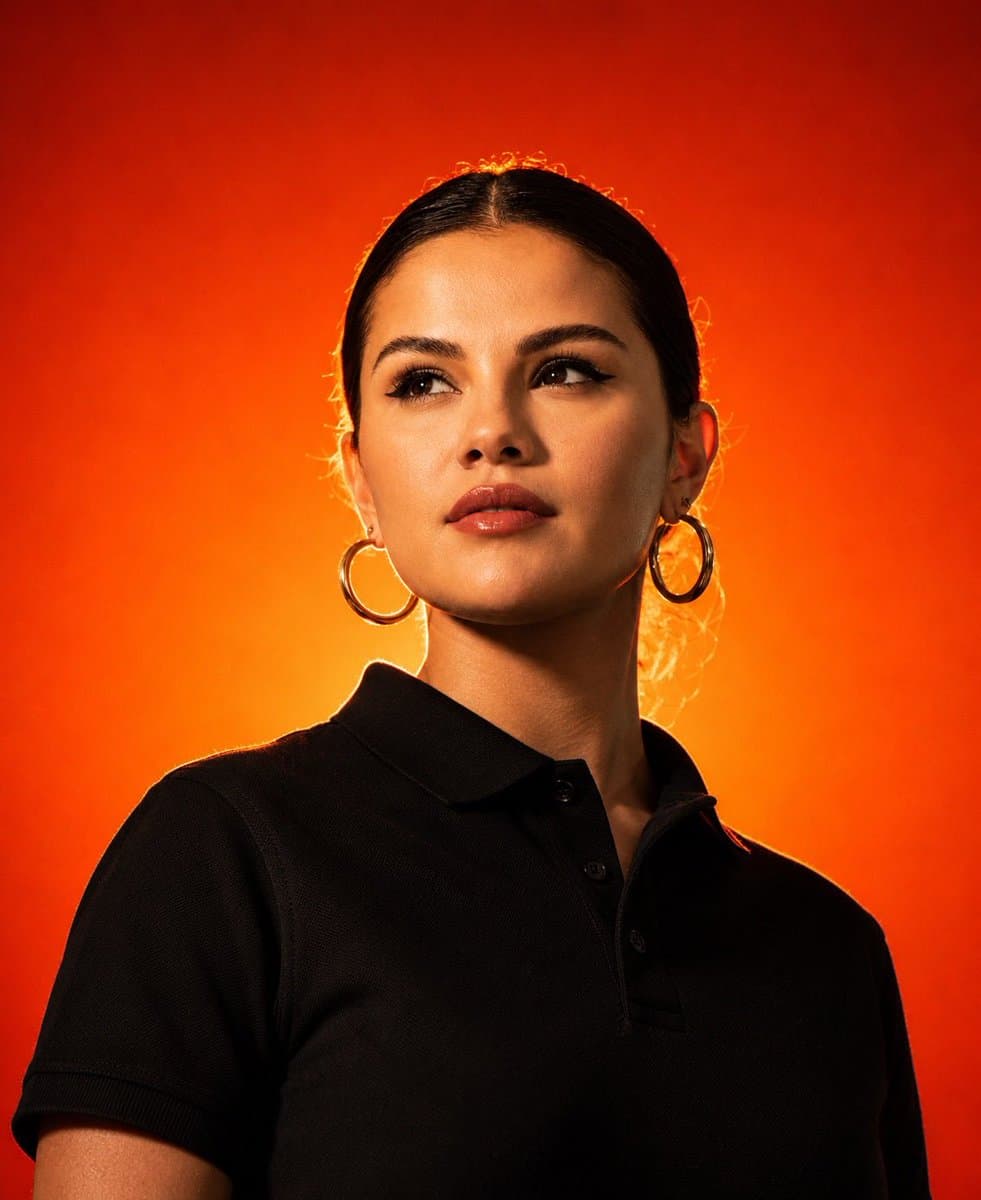
Create an ultra-realistic waist-up studio portrait of a confident fashion model wearing a plain black polo shirt and looking slightly upward away from the camera. Use a vibrant fiery orange-to-red gradient background, intense golden rim light around the hair and shoulders, a soft beauty key light on the face, and strong cinematic contrast. Preserve natural skin texture and sharp facial detail. Frame symmetrically with an 85mm lens at f/2, shallow depth of field, warm color grading, clean minimal composition, premium apparel-campaign styling, HDR detail, and no text, logos, or visible equipment.

Studio Portraiture AI 图像提示词 prompt 202
studio-portraiturestudio portraitureai image prompts

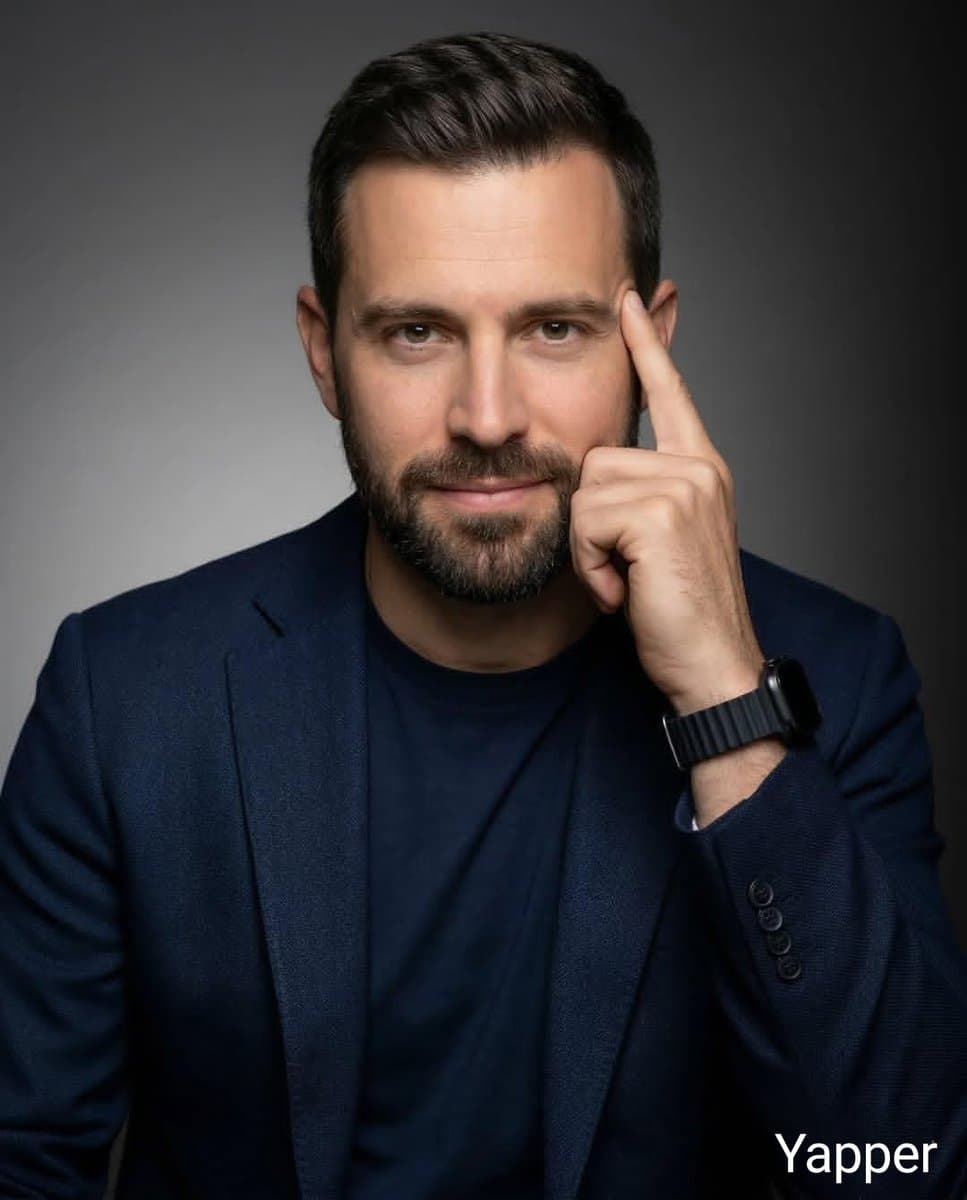
(Orange Background Male Portrait) Ultra-realistic professional studio headshot of a young man wearing transparent eyeglasses and a navy blue crew-neck t-shirt, seated at a wooden table with hands folded, looking directly at the camera with a confident friendly smile. Clean short dark hair, sharp facial features, natural skin texture, warm orange seamless background, soft diffused studio lighting, shallow depth of field, crisp focus on eyes, commercial branding photography, modern corporate portrait, premium DSLR quality, 85mm lens, f/2.0, high detail, natural color grading, centered composition, photorealistic, 8K. Prompt :(Blue Background Female Portrait) Ultra-realistic professional studio portrait of a young woman with long blonde hair wearing transparent eyeglasses and a dark teal t-shirt, seated in a relaxed pose, smiling naturally at the camera. Soft blue textured backdrop, clean minimal styling, natural makeup, soft diffused key light with subtle rim lighting, shallow depth of field, sharp eye focus, modern lifestyle photography, premium corporate headshot, authentic expression, DSLR quality, 85mm lens, f/2.0, realistic skin texture, high detail, photorealistic, 8K, elegant composition.

Studio Portraiture AI 图像提示词 prompt 303
twitterblack-and-whiteportrait-photography

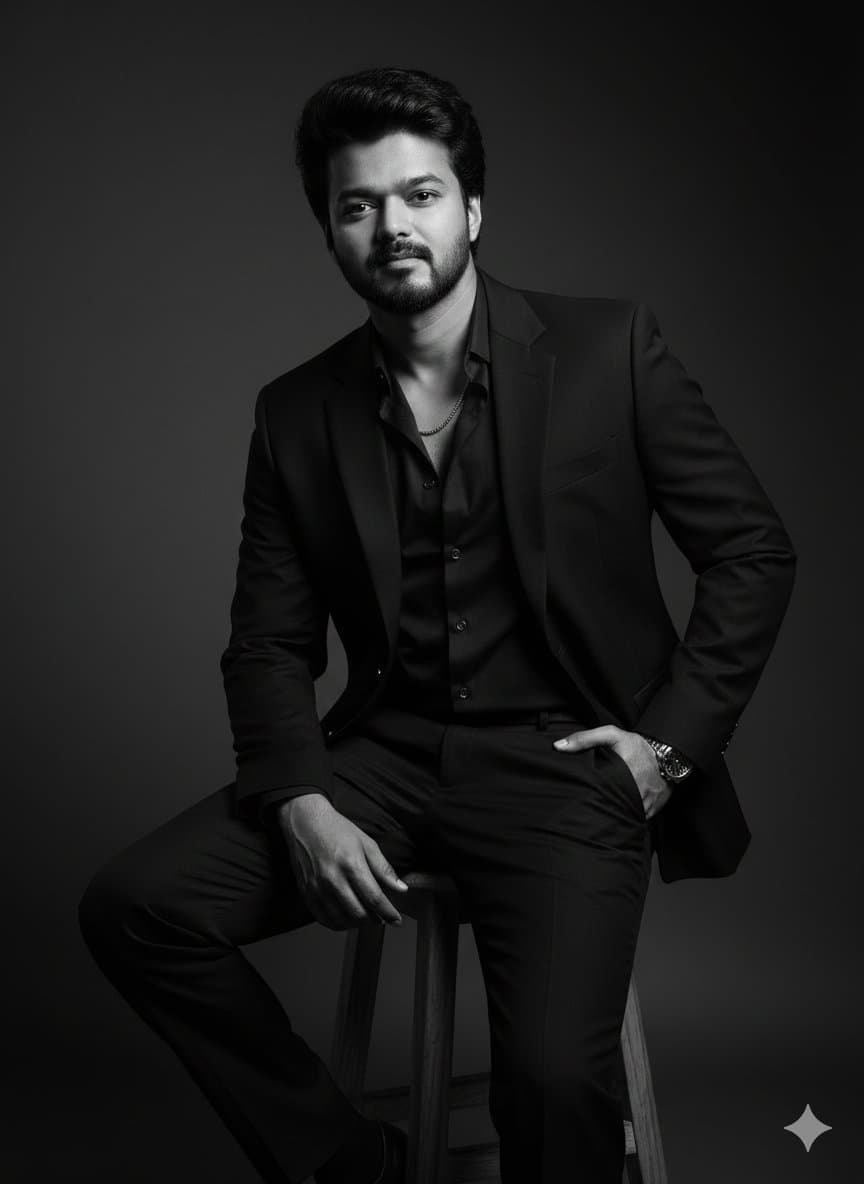
Google Gemini Nano banana 2 pro Prompt👇 { "generation_request": { "meta_data": { "task_type": "black_and_white_photobooth_expression_grid_4x4", "language": "en", "priority": "highest", "version": "v3.0_BW_PHOTOBOOTH__GIRL_4X4" }, "input": { "mode": "image_to_image", "reference_image_usage": "very_high", "preserve_identity": true, "preserve_facial_features": true, "preserve_hairstyle": true, "notes": "Use the reference image as the primary identity anchor. Maintain 100% facial accuracy, proportions, and natural skin texture. Keep hairstyle consistent across all panels. Every frame must feature the same girl wearing sunglasses. Expressions should vary while identity remains locked." }, "output": { "aspect_ratio": "1:1", "resolution": "ultra_high", "num_images": 1, "layout": { "type": "grid", "rows": 4, "cols": 4, "gutter": "thin", "panel_consistency": "very_high" }, "sharpness": "crisp_photobooth", "grain": "subtle_analog_bw" }, "scene": { "concept": " black-and-white photobooth contact sheet with expressive girl wearing sunglasses in every panel", "environment": "clean flat neutral backdrop, no props", "lighting": { "style": "direct photobooth flash", "key_light": "front-facing flash, slightly hard but flattering", "shadows": "soft minimal shadows behind subject", "avoid": "cinematic lighting, colored lights, dramatic shadows" }, "camera": { "lens": "50mm", "distance": "tight head-and-shoulders framing", "focus": "eyes sharp behind sunglasses in every panel" } }, "subject": { "type": "girl (reference person)", "wardrobe": "modern fashion styling — sleek off-shoulder top, fitted minimal chic outfit with aesthetic (no logos)", "accessories": "high-end designer sunglasses in every panel (stylish variations in angle/tilt but consistent design language)", "hair": "same hairstyle preserved across all panels", "makeup": "soft glam, natural skin texture, slightly enhanced lips and subtle contour", "vibe": "confident, playful, expressive, fashion editorial feel", "anatomy_rules": "perfect facial symmetry, no distortion" }, "expression_set": { "panel_01": "scrunched smile, playful energy", "panel_02": "intense confident stare with fingers framing sunglasses", "panel_03": "big joyful laugh, head slightly tilted", "panel_04": "bored unimpressed pose, chin resting on hand", "panel_05": "sad pout expression, soft emotional look", "panel_06": "goofy playful horns gesture above head", "panel_07": "tongue out, cheeky attitude", "panel_08": "sharp angry glare, strong attitude", "panel_09": "flirty pose, hand touching cheek", "panel_10": "surprised expression, raised brows", "panel_11": "excited scream pose, hands near face", "panel_12": "mischievous grin with claw-like hand pose", "panel_13": "confused frown, thoughtful look", "panel_14": "dramatic crying pose, hands on head", "panel_15": "eyes closed, tongue out playful vibe", "panel_16": "duck face with playful devil horns gesture" }, "style": { "color": "pure black and white", "contrast": "medium-high fashion contrast", "background": "flat gray seamless backdrop", "finish": "clean photobooth aesthetic with slight analog grain", "aesthetic": " editorial meets classic photobooth" }, "branding": { "watermark": "Swarika Playtime", "placement": "bottom center or subtly across grid edge", "style": "small, elegant, semi-transparent" }, "quality_control": { "identity_lock": "strict", "hands_priority": "high", "sunglasses_consistency": "mandatory in all panels", "avoid": [

从参考到成图

三步开始,不必从空白画布想起。

  1. 01

    选择参考

    先按构图、色彩和用途选择最接近目标的样片。

  2. 02

    调整细节

    进入生成器后修改主题、文案、风格和画面比例。

  3. 03

    生成成图

    保留预填参考图,一键生成,再针对结果继续微调。

没有完全合适的样片?

从空白提示词开始,自由定义主题、构图、文字和画面比例。

从零创作
使用说明

让第一次生成更接近成品。

01

Studio Portraiture 提示词适合做什么

Studio Portraiture 提示词用于围绕特定风格、主体、媒介或摄影用途组织视觉创意,公开示例会随内容发布持续更新。

02

怎样写好 Studio Portraiture 提示词

先写明主要主体,再补充构图、环境、灯光、配色、材质、镜头或渲染方式、画面比例与最终用途。

03

如何继续优化生成结果

删除互相冲突的风格要求,保持一个清晰的视觉方向,并在发布前检查结构、文字、标志、透视和分类相关细节。

常见问题

开始前,你可能还想知道。

Studio Portraiture AI 图像提示词是什么?

这是归入 Studio Portraiture 分类的可复用视觉简报,可根据不同主体、参考图、构图和输出尺寸进行修改。

Studio Portraiture 示例是如何加入这个合集的?

当已发布提示词的主体、风格或用途与 Studio Portraiture 分类匹配时,它们会被归入这个合集。

这些 Studio Portraiture 提示词可以修改吗?

可以。替换主体和场景后,再根据项目调整灯光、配色、材质、镜头或渲染方式、画面比例和细节程度。