Babies & Children prompt library

Babies & Children AI Image Prompts

Browse babies & children examples and reusable AI image prompts for composition, lighting, color, materials, and style.

Browse a focused babies & children category based on the PromptPlum taxonomy. Use the references as starting points, then rewrite each prompt for your own subject, format, and visual goal.

Visual reference set
babies children
Library size
3 public prompts
Visual reference set04 / REF
Babies & Children AI Image Prompts reference 101
Babies & Children AI Image Prompts reference 202
Babies & Children AI Image Prompts reference 303
Babies & Children AI Image Prompts reference 404
VEYVIA / BABIES-CHILDRENCURATED
Prompt library

Choose the closest frame to begin.

Open any reference to inspect the full prompt, or take its image and aspect ratio straight into the generator.

3 public prompts
Babies & Children AI Image Prompts prompt 101
ai image promptsprompt libraryfamily

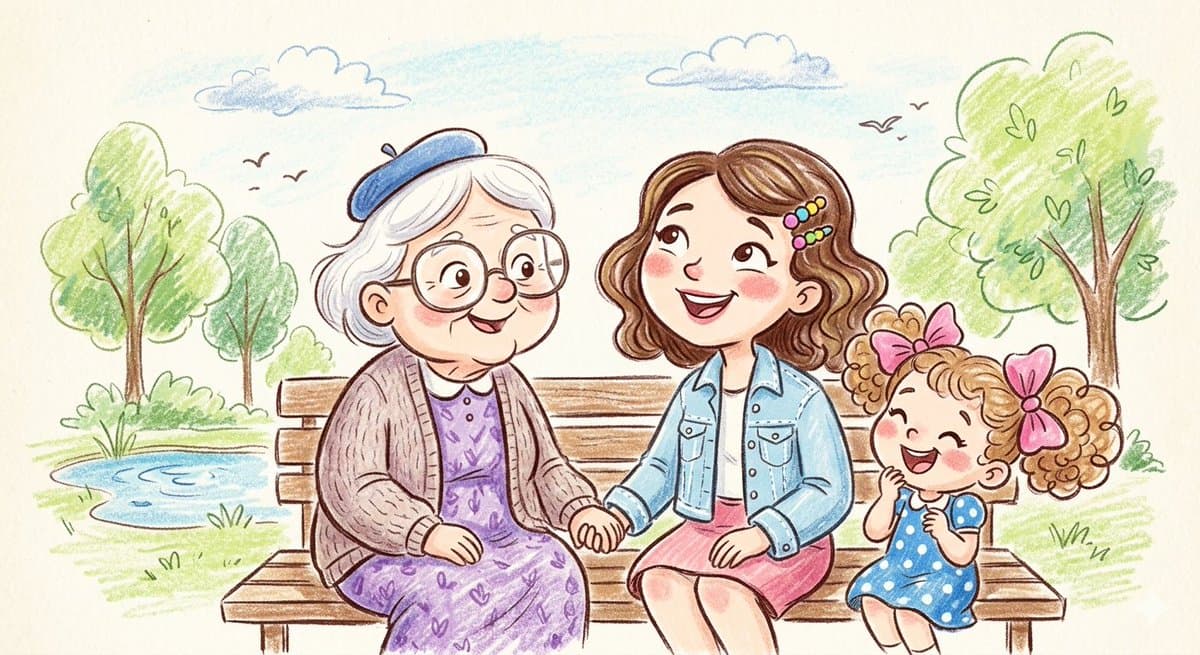
A heartwarming family-themed illustration set in a vibrant outdoor meadow, rendered in a charming crayon-and-pencil sketch style. The scene captures generations coming together, from a smiling grandmother in a blue beret and floral dress to a young girl with pink bows, and a happy family enjoying a sunny picnic with their pet rabbit. The artwork features soft, textured coloring, cheerful expressions, and a bright, smiling sun in a blue sky, creating a whimsical and nostalgic atmosphere full of warmth and connection.
Babies & Children AI Image Prompts prompt 202
twitter3d-renderbabies-children

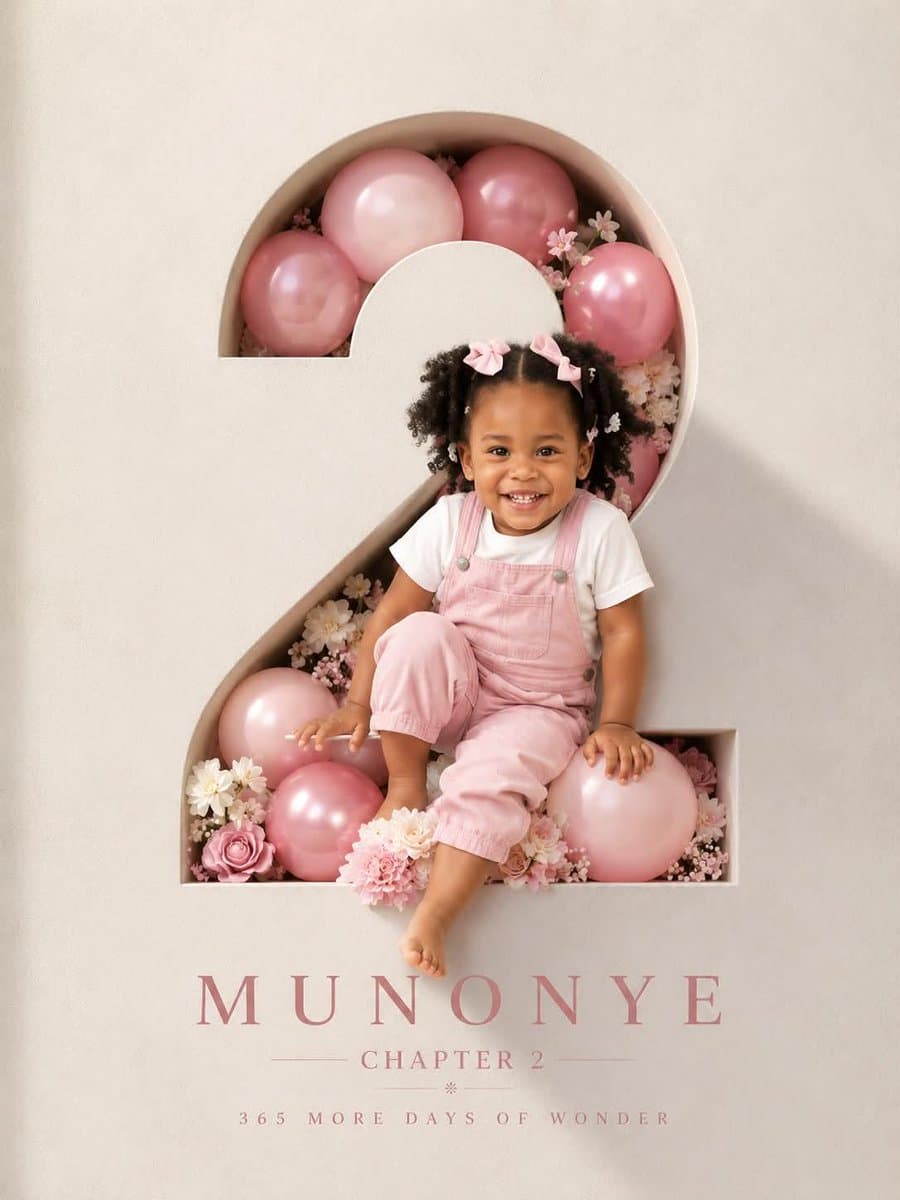
GPT image 2 on Chatgpt Prompt: Professional luxury birthday poster, 3:4 ratio. Entire frame filled with a premium off white luxury paper textured wall. Large number “2” precisely carved in the wall with visible depth and realistic inner shadows. Inside the number: soft pink and pink balloons, subtle white flowers, elegant bouquet arrangement, premium celebration styling. A happy 2 year old child with preserved reference facial features, wearing a milky white T shirt and pink denim overalls, laughing naturally. Face, shoulder, one hand and one foot extend outside the number creating a realistic 3D effect. Warm cinematic sunlight from one side, soft rim light, photorealistic skin, premium studio photography, ultra realistic, sharp focus. Typography on wall: MUNONYE, CHAPTER 2, 365 MORE DAYS OF WONDER. Clean minimalist layout, luxury magazine cover aesthetic, high end art direction, realistic shadows, natural colors, no tree shadows, no fake lighting, no AI artifacts.

Babies & Children AI Image Prompts prompt 303
twitterillustrationbabies-children

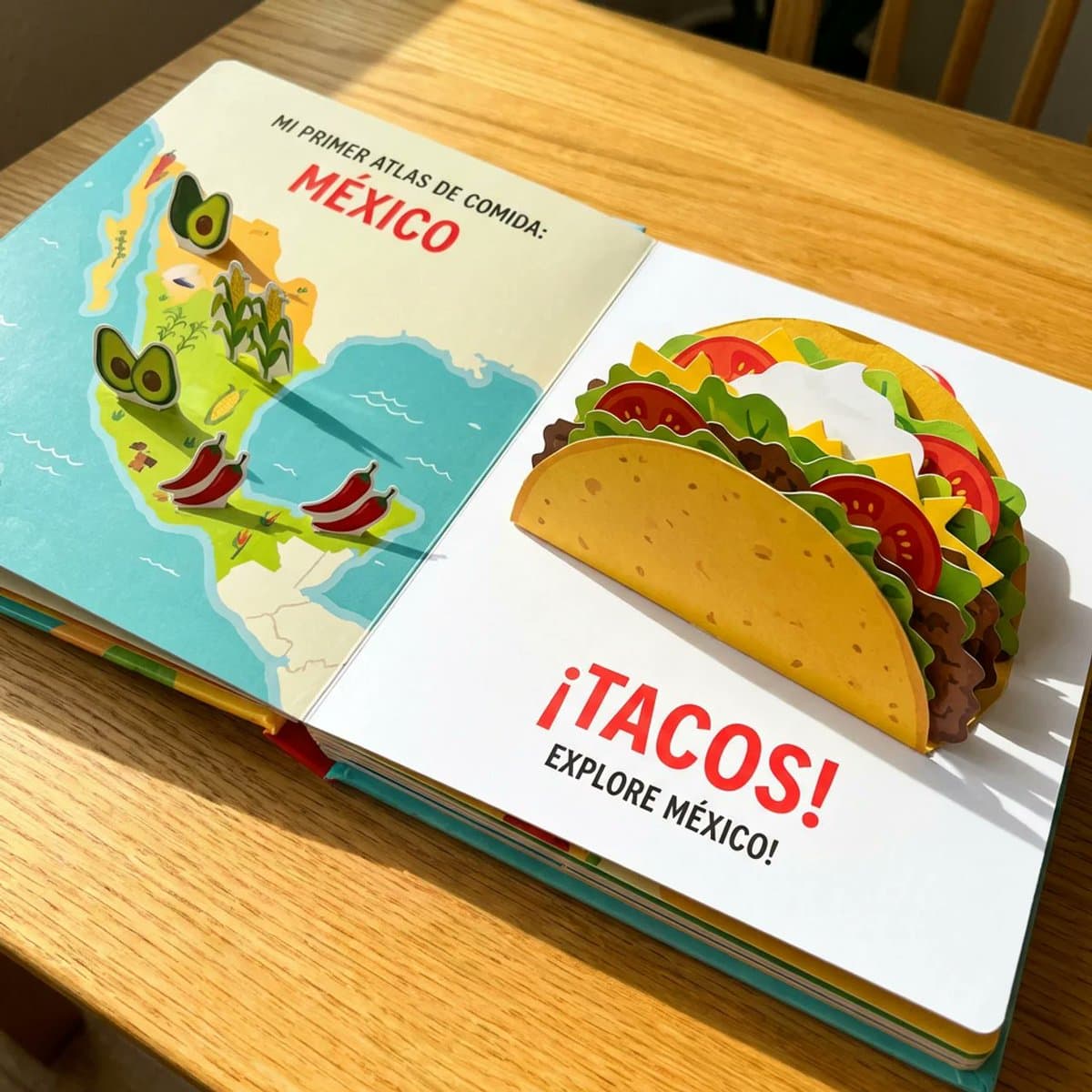
Most of my food prompts are for adults but I thought why not make one for kids. do this for a famous mexican dish <instructions> A Child's Pop-Up Cookbook: The "Atlas of Food" reimagined as a vibrant, interactive child's pop-up cookbook. The edible map elements literally pop up further, and the [food / dish] is also a pop-up, with layers of paper representing the [$dish's main ingredients]. Bright, cheerful colors and simple, bold text. Subject: Pop-up edible map, pop-up [$dish], child-like illustration. Style: Children's book illustration, pop-up book, whimsical, colorful. Environment: Open book on a bright, clean surface. Lighting: Bright, even, cheerful, as if from a sunny day. Composition: Eye-level, emphasizing the playful and interactive nature. Color palette: Vibrant primary colors, yellows, reds, greens, blues. Mood: Joyful, innocent, whimsical, charming. Details: Bold outlines, simplified textures, visible paper folds, cheerful colors. Output quality: High resolution, artistic rendering, vibrant. </instructions>

Reference to result

Three steps forward, without starting from a blank canvas.

  1. 01

    Pick a reference

    Choose the frame closest to your goal in composition, color, and purpose.

  2. 02

    Adjust the details

    Change the subject, copy, style, and image ratio in the generator.

  3. 03

    Generate the image

    Keep the prefilled reference, generate, then refine from the result.

Nothing quite fits?

Start with a blank prompt and define the subject, composition, typography, and aspect ratio yourself.

Create from scratch
Working notes

Get closer to a finished image on the first pass.

01

About Babies & Children prompts

Babies & Children prompts help organize visual ideas around a specific style, subject, medium, or photography use case. Published examples may change as the collection grows.

02

How to write a stronger Babies & Children prompt

Name the main subject first, then define composition, environment, lighting, palette, materials, camera or rendering technique, aspect ratio, and the intended output.

03

How to refine the generated result

Remove conflicting style instructions, keep one clear visual direction, and review anatomy, text, logos, perspective, and important category-specific details before publishing.

Common questions

A few things to know before you begin.

What are Babies & Children AI image prompts?

They are reusable visual briefs grouped under the Babies & Children category. Each brief can be adapted to a different subject, reference image, composition, or output size.

How are Babies & Children examples selected for this collection?

Published prompts are assigned to this collection when their subject, style, or intended use matches the Babies & Children category.

Can I customize these Babies & Children prompts?

Yes. Replace the subject and context, then adjust the lighting, palette, materials, lens or rendering method, aspect ratio, and detail level for your project.