Soft-focus portrait
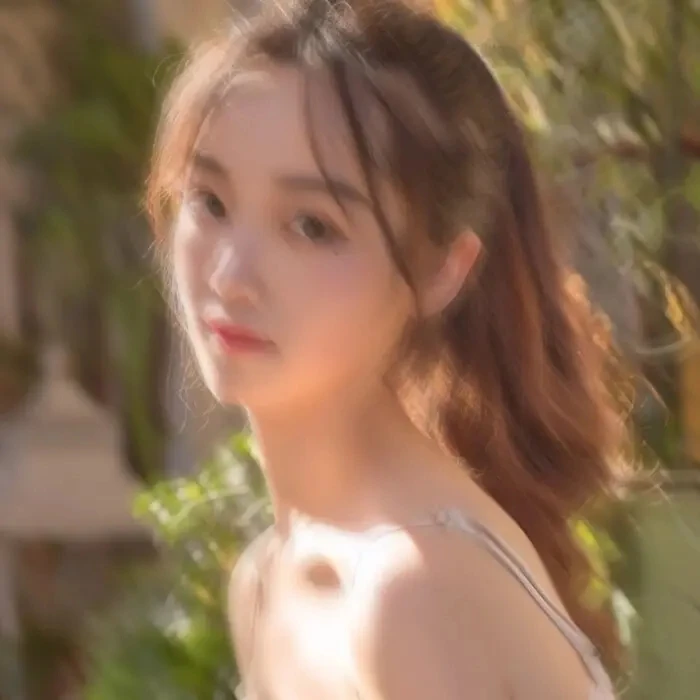
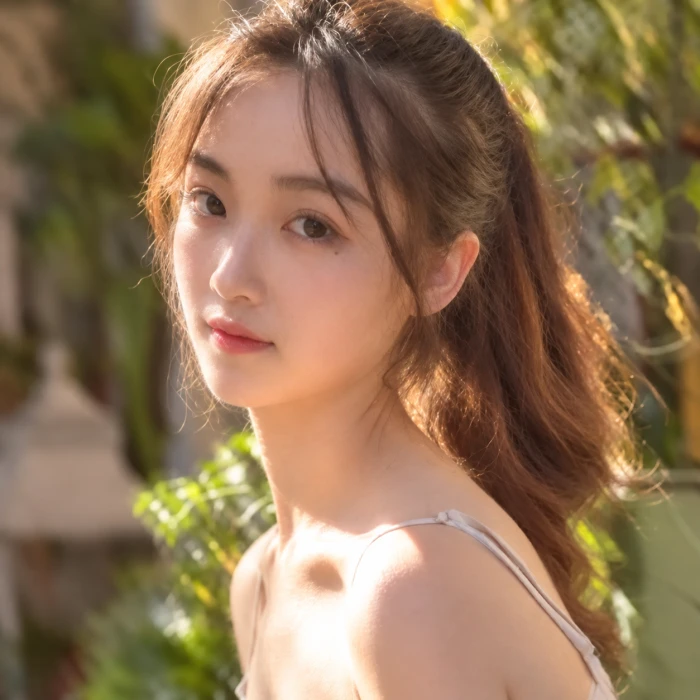
Compare the eyes, hair and facial contours while checking whether the expression and proportions remain faithful to the source.
AI photo restoration
Upload one blurry, soft, or compressed photo and create a sharper AI-restored result that keeps the original people, scene, and composition intact.
Upload one blurry or soft image to restore.
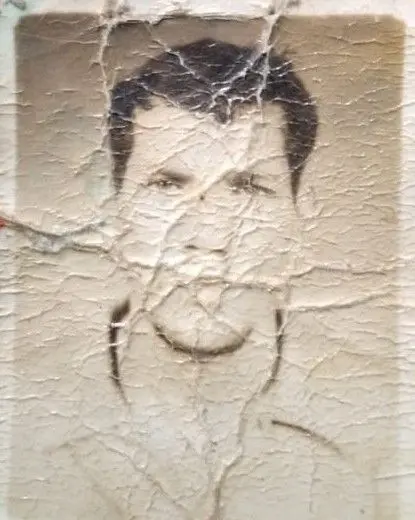
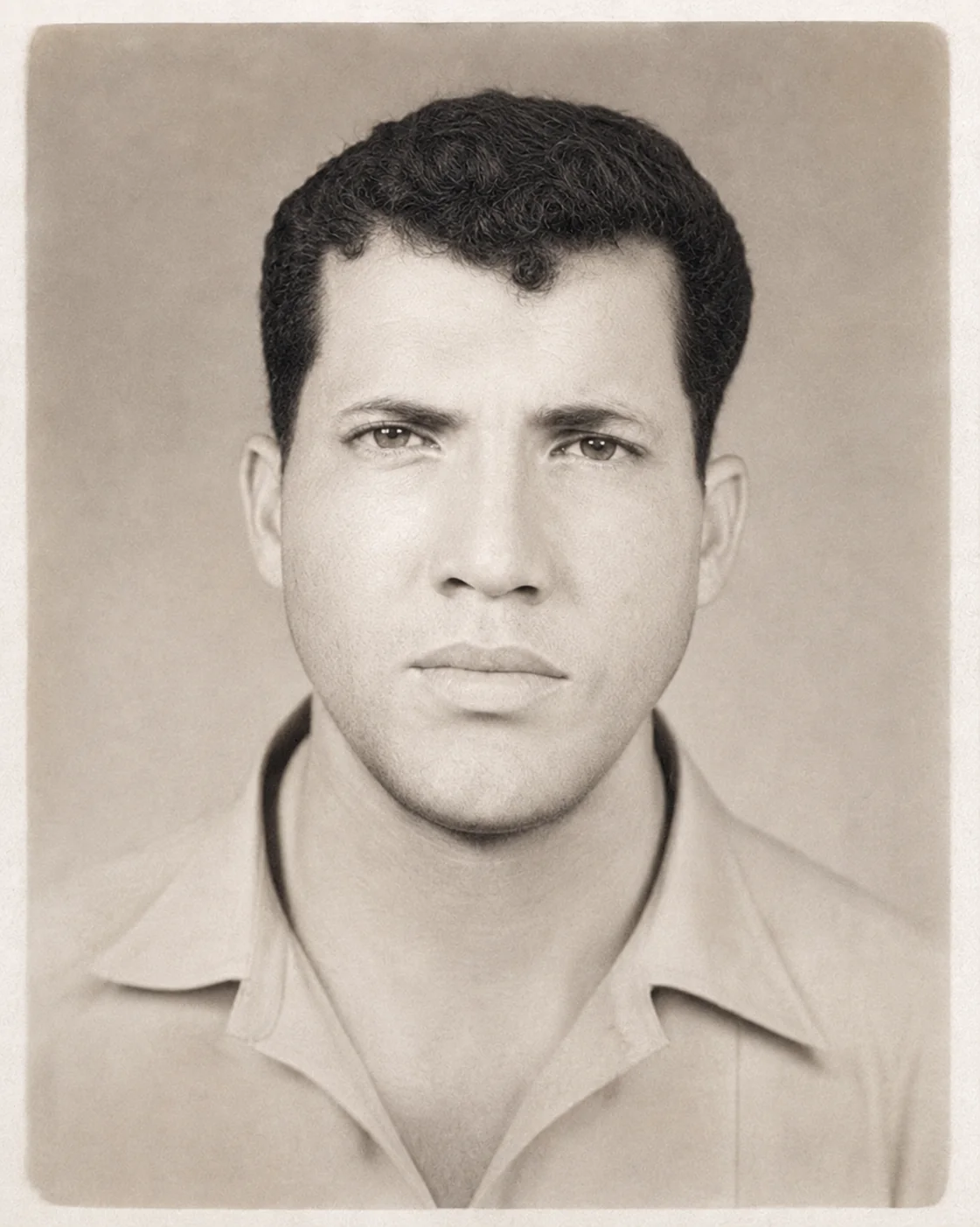
Upload a source photo, choose the restoration strength, and generate a sharper result here.
Compare the supplied source photos with AI-generated restoration illustrations. Inspect facial features and edges as well as overall sharpness.
Compare the eyes, hair and facial contours while checking whether the expression and proportions remain faithful to the source.
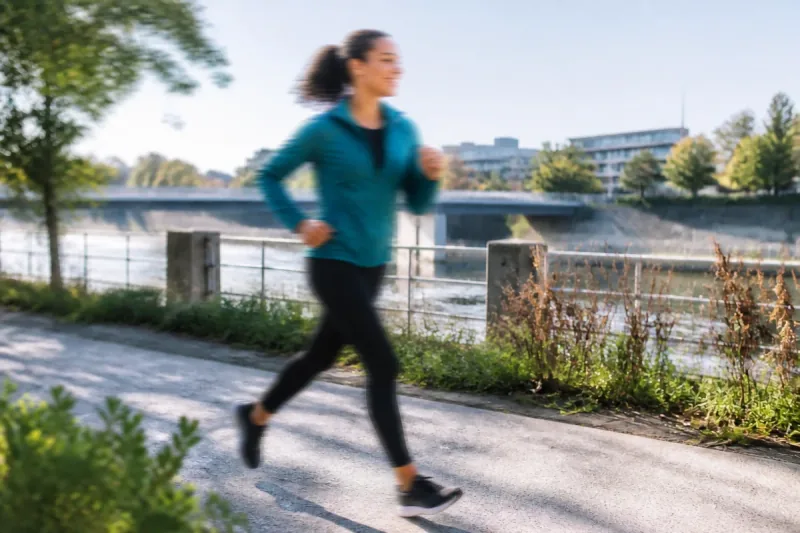
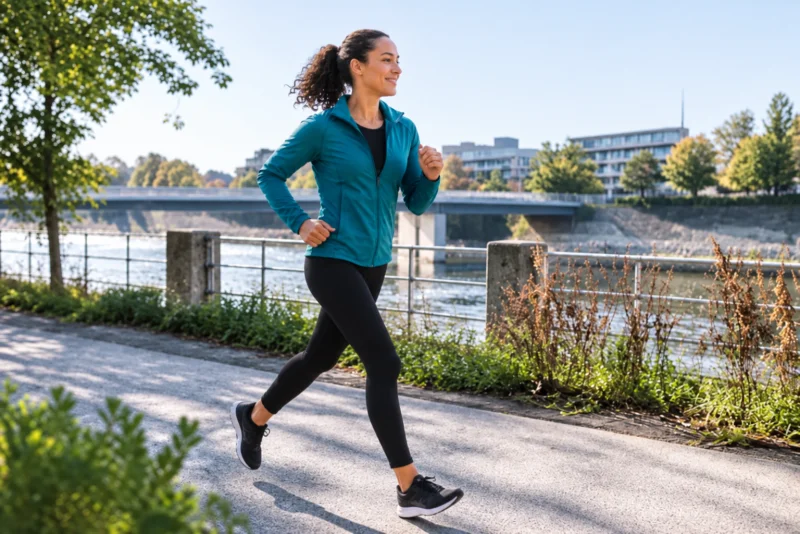
Compare the runner’s face, jacket and moving limbs. A sharper-looking reconstruction does not establish what the missing original details were.
These two illustrations were generated with Codex imagegen, not processed through the Veyvia tool. They are not a benchmark or a guarantee of results. AI may reconstruct or change details.
Restoration controls
Target focus softness, motion blur, haze, noise, and heavy compression artifacts in one guided restoration prompt.
The prompt keeps faces, age, clothing, background, composition, and subject count tied to the uploaded source image.
Save the restored output immediately, or open the edit dialog to remove remaining artifacts and fine-tune the result.
Use cases
Transform common photo defects into crisp, clean memories with specialized AI restoration.
Recover lost facial expression, eye detail, and skin texture from old, faded, or scanned family photos.
Fix blur caused by fast movement or accidental camera shake during candid moments.
Sharpen soft edges and restore focal point details when the lens missed primary focus.
Clean up heavy WebP/JPEG compression artifacts, pixelation, and fuzzy softness.