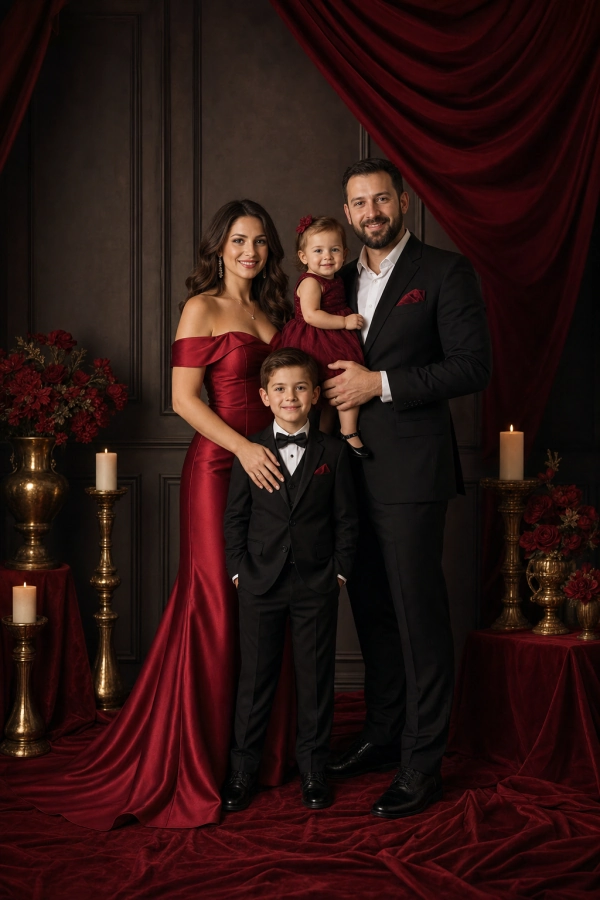
Luxury red studio
Formal red, black, and gold styling with a dramatic premium studio set.
Family photo studio
Upload clear portraits for 1 to 6 family members, choose a setting, and create a polished family photo where everyone still looks like themselves.
Create
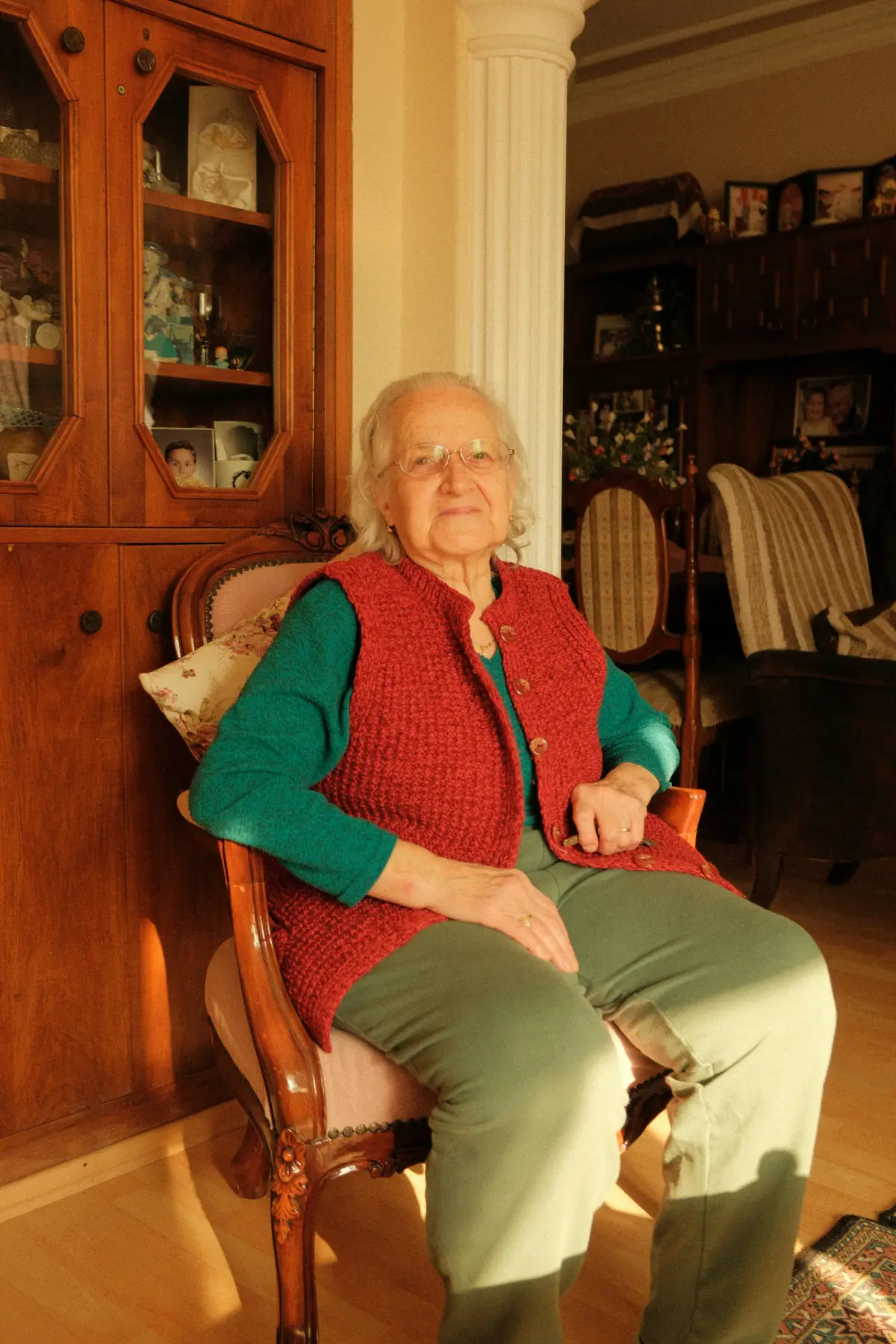
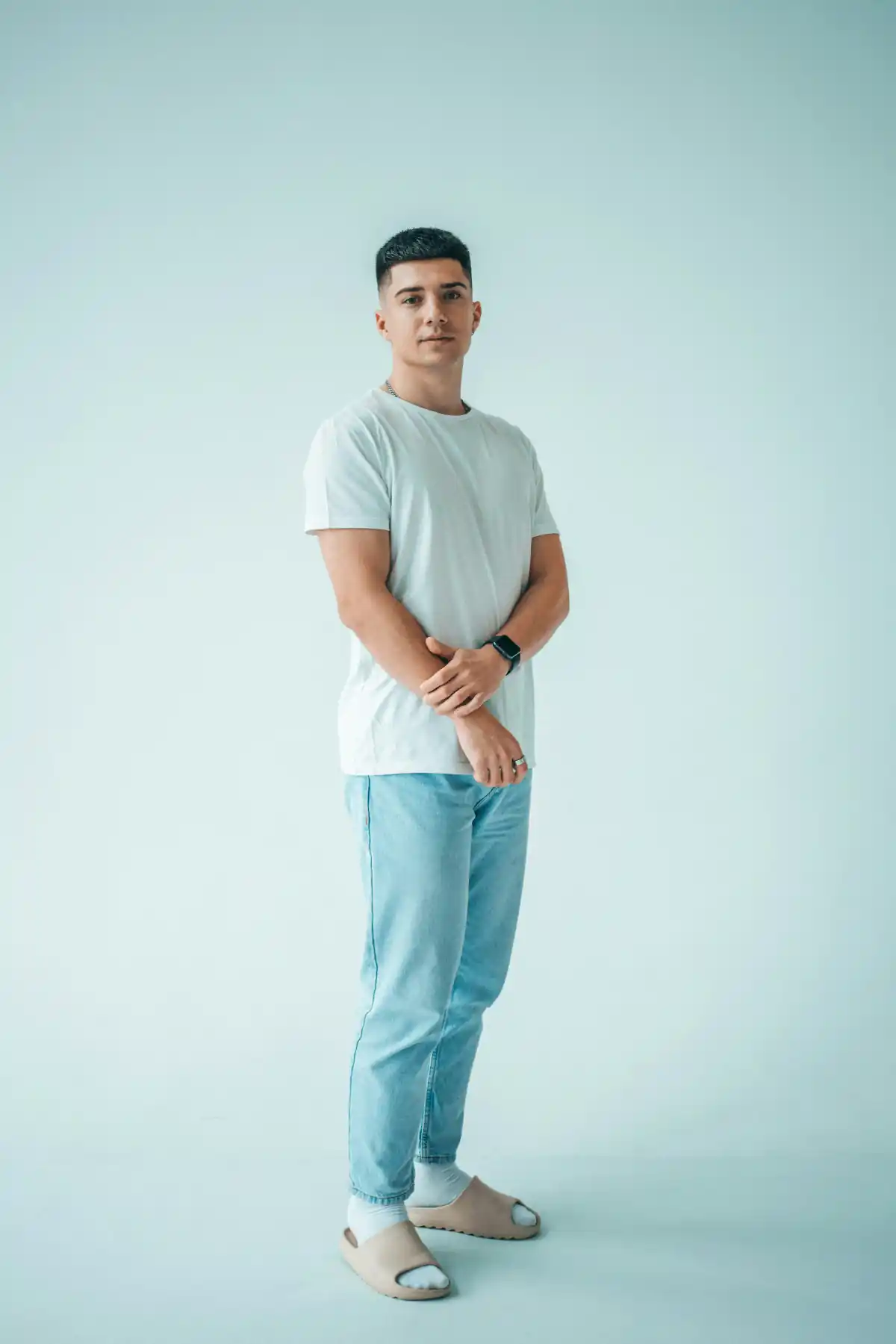
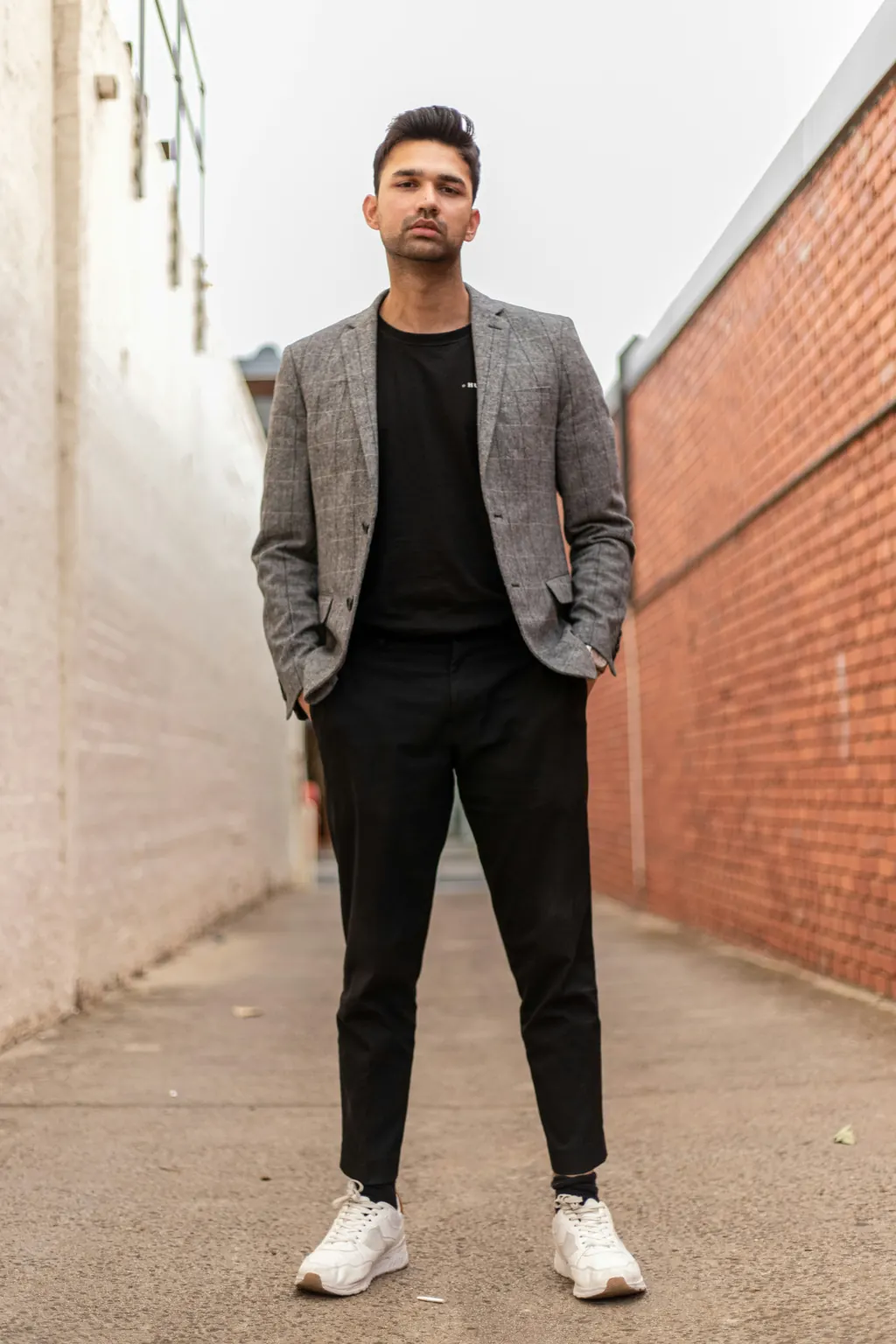
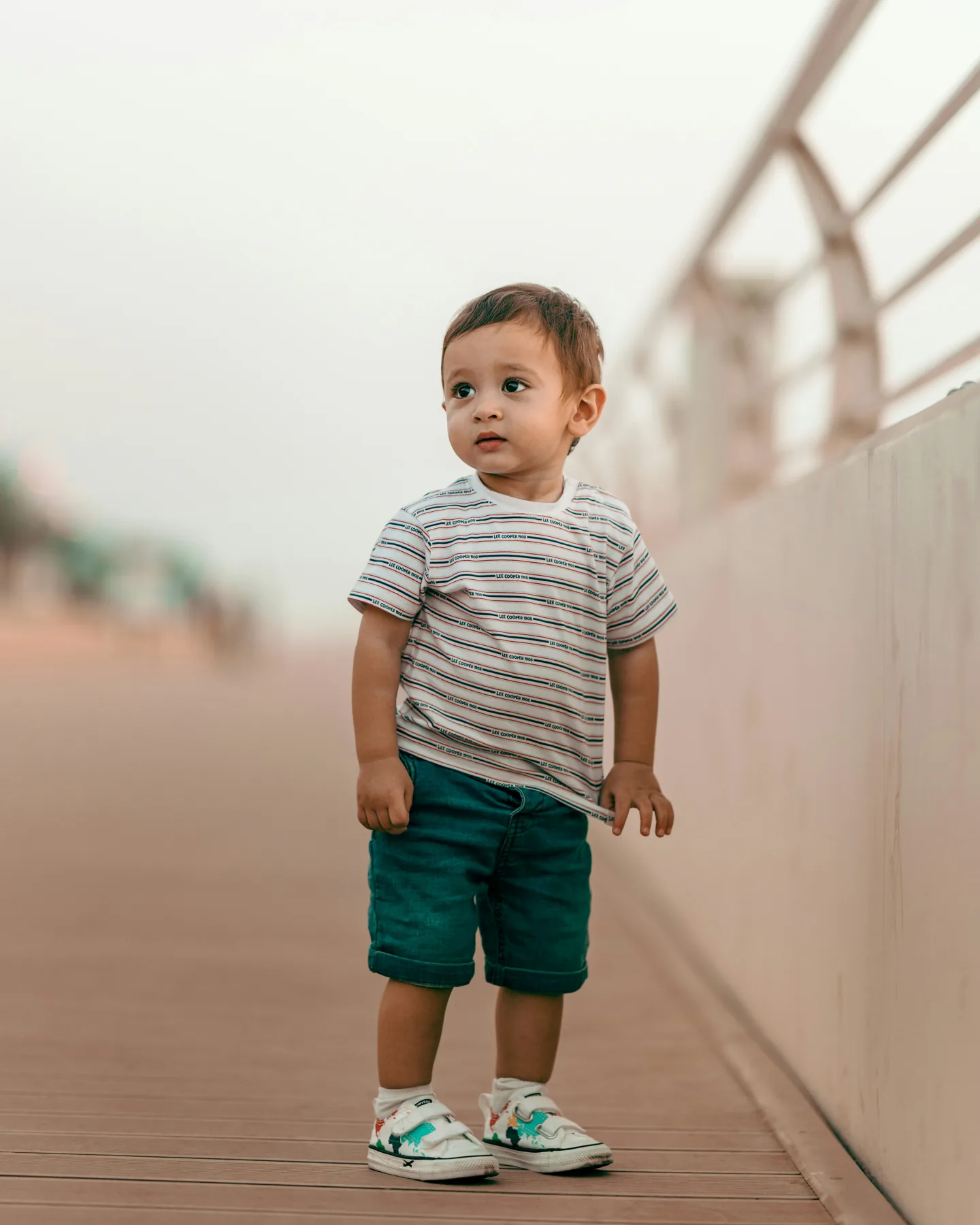
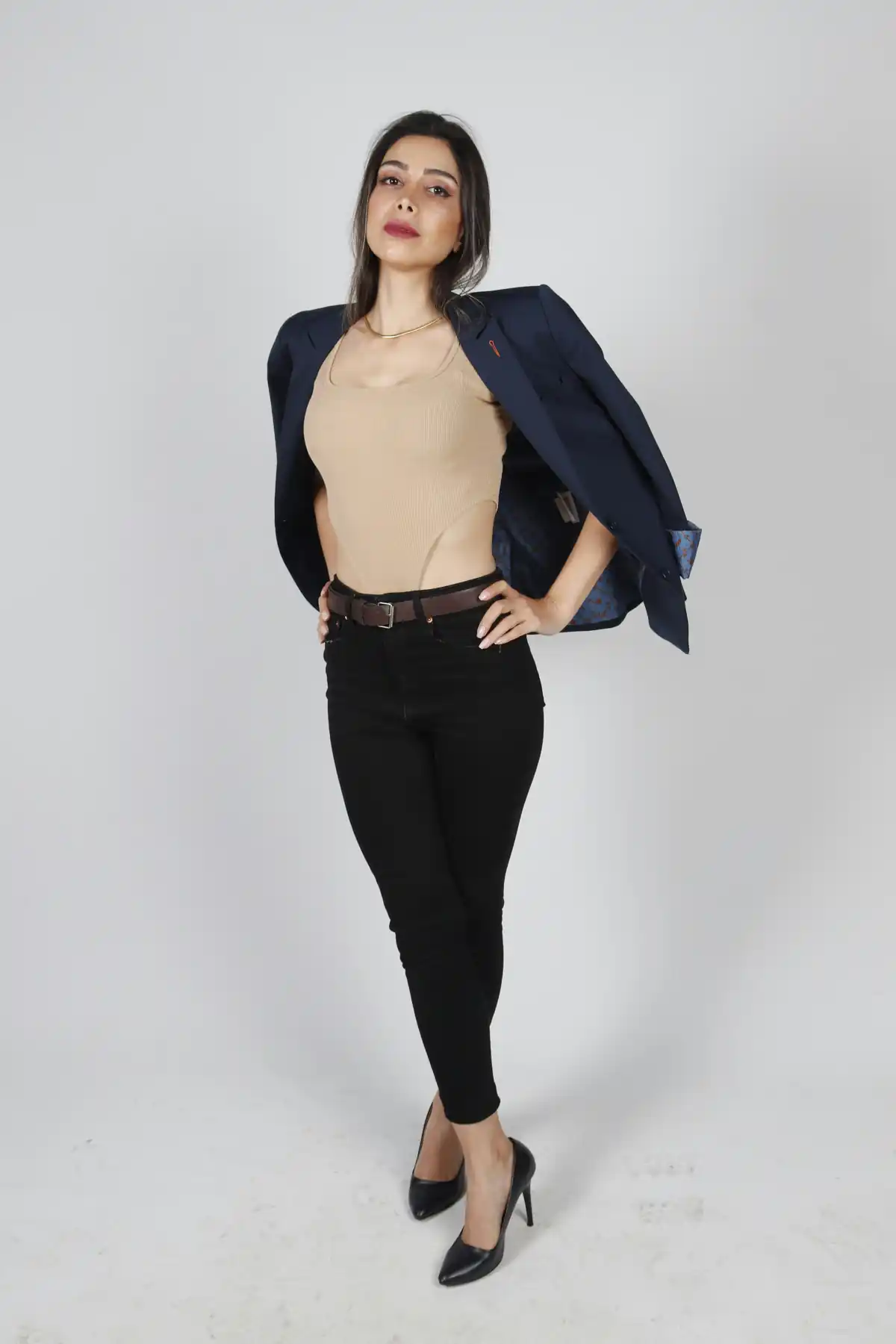
Add 1-6 source portraits, then optionally choose one family photo as the blueprint.
Add 1-6 clear, face-visible photos. Add each person separately; the order guides the final family photo.
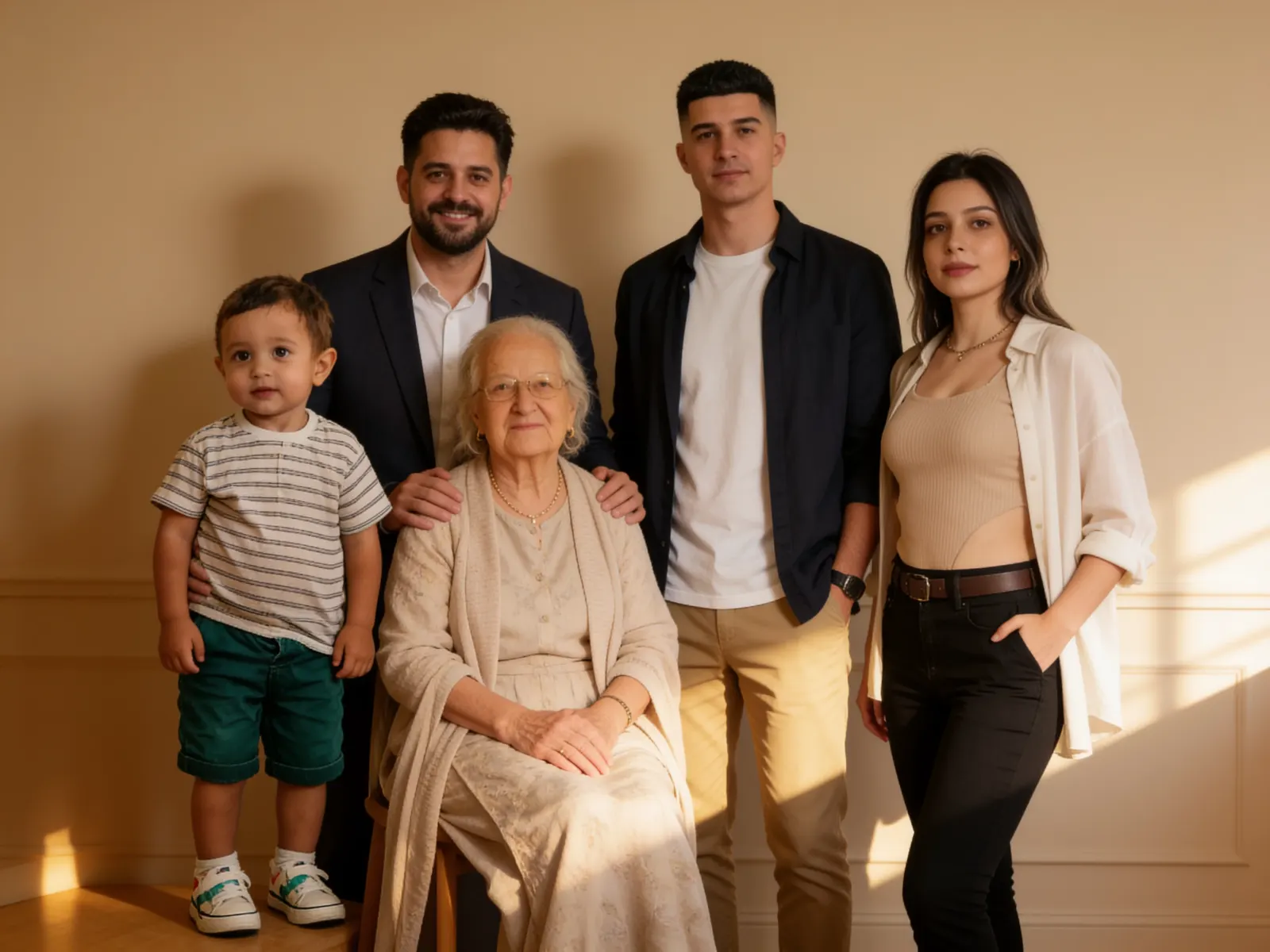
Use one family photo as the final pose, scene, and wardrobe blueprint.
1-6 people, one family photo
Family prompt gallery
Each card fills the scene box with an English prompt for pose, setting, wardrobe mood, lighting, and visual style.
Formal red, black, and gold styling with a dramatic premium studio set.
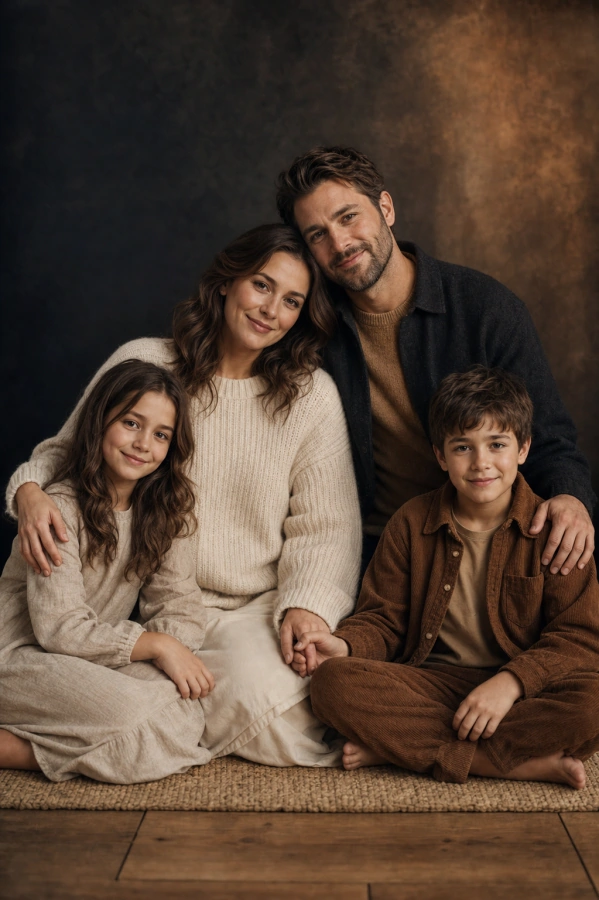
Warm knit textures, close seated posing, and a timeless editorial studio mood.
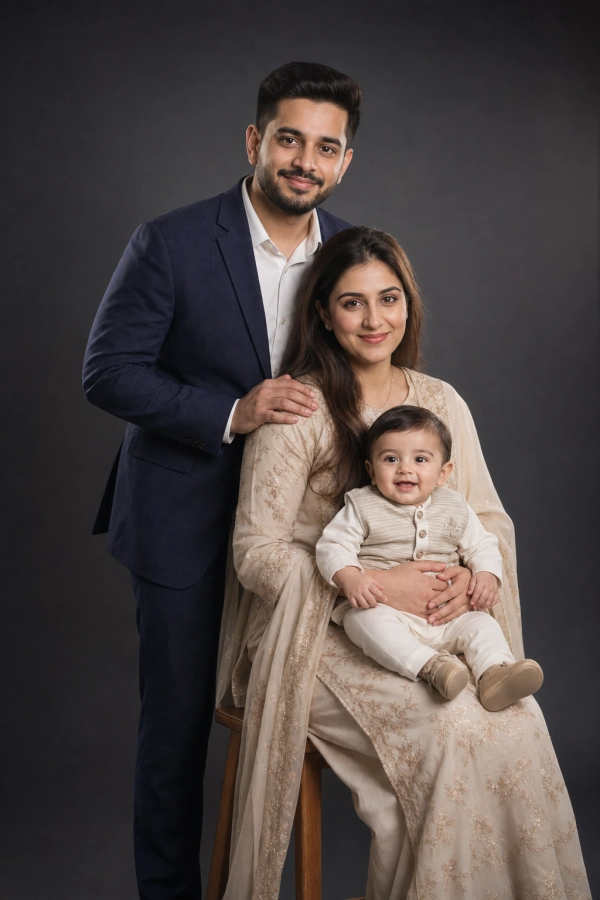
A clean dark studio portrait with soft rim light and polished family clarity.
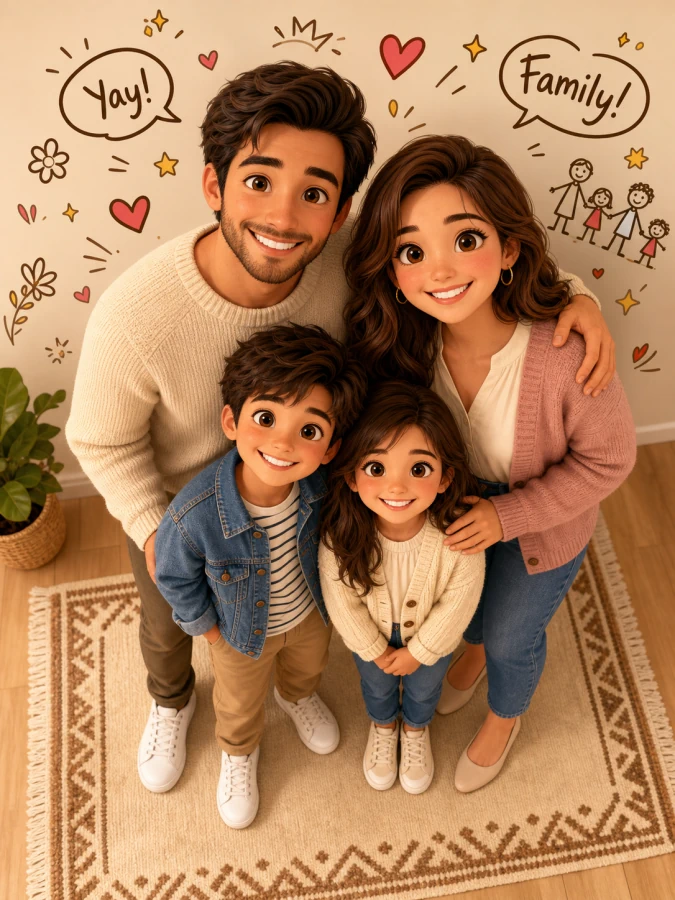
Cute high-angle 3D family illustration with playful wall doodles.
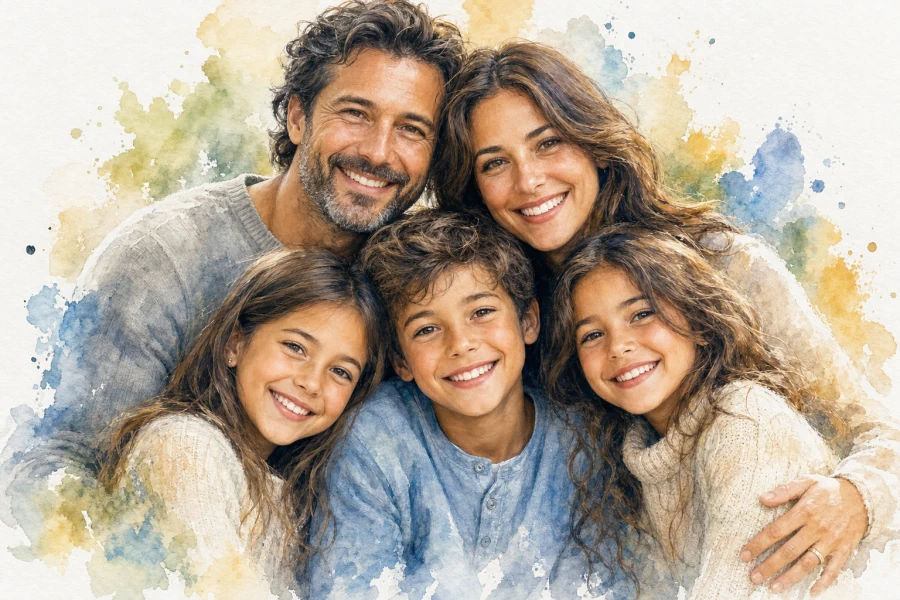
A close mixed-media watercolor family cluster with crisp, expressive faces.

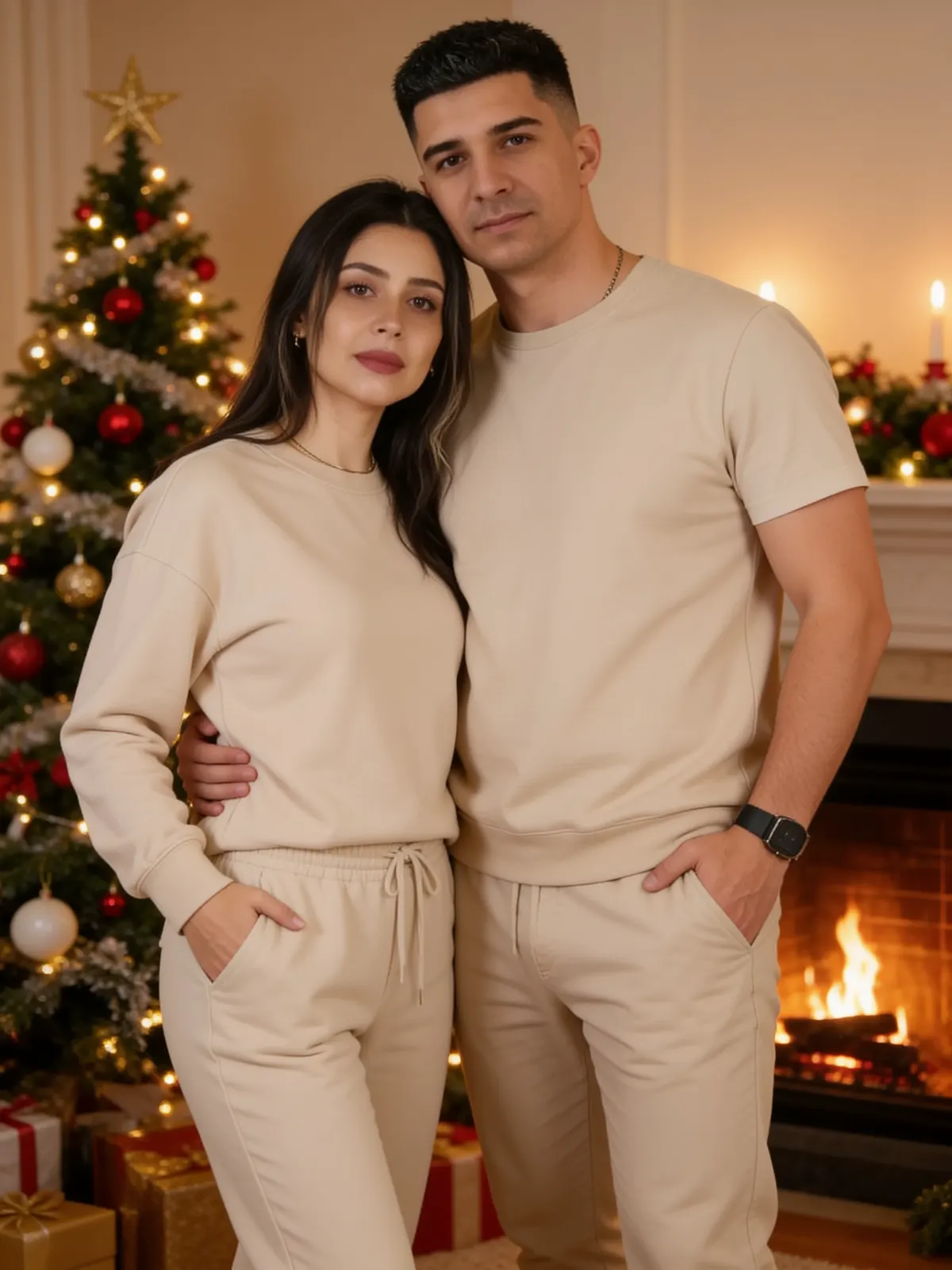
A cozy holiday portrait with fireplace glow, gold decor, and soft winter light.
AI family photo generator
Veyvia's AI family photo generator turns 1-6 clear source portraits into one polished family photo. Start from a written scene to create an original keepsake, or choose a Family style to preserve a specific setting, composition, wardrobe, and lighting.
When you select a Family style, the tool uses that image as the composition blueprint and replaces its people with everyone from your uploaded portraits. This gives you a consistent family-photo look without losing the facial identity and details that make the portrait personal.
Use it for reunions, holiday cards, parent-child portraits, sibling photos, and shared family moments in the aspect ratio you need.