JPG / JPEG
Upload and exportBest for photos, product shots, blog images, and large image batches where small file size matters more than transparency. Use JPG when you need broad platform compatibility and efficient downloads.
Drop in multiple images, resize them in bulk by width, height, percentage, or custom dimensions, and download instantly. Everything runs locally in your browser.
No uploads, no sign-up, local processing only.
Or click to choose images for bulk resizing
Drop in multiple images, adjust their dimensions, and download the resized results in bulk.
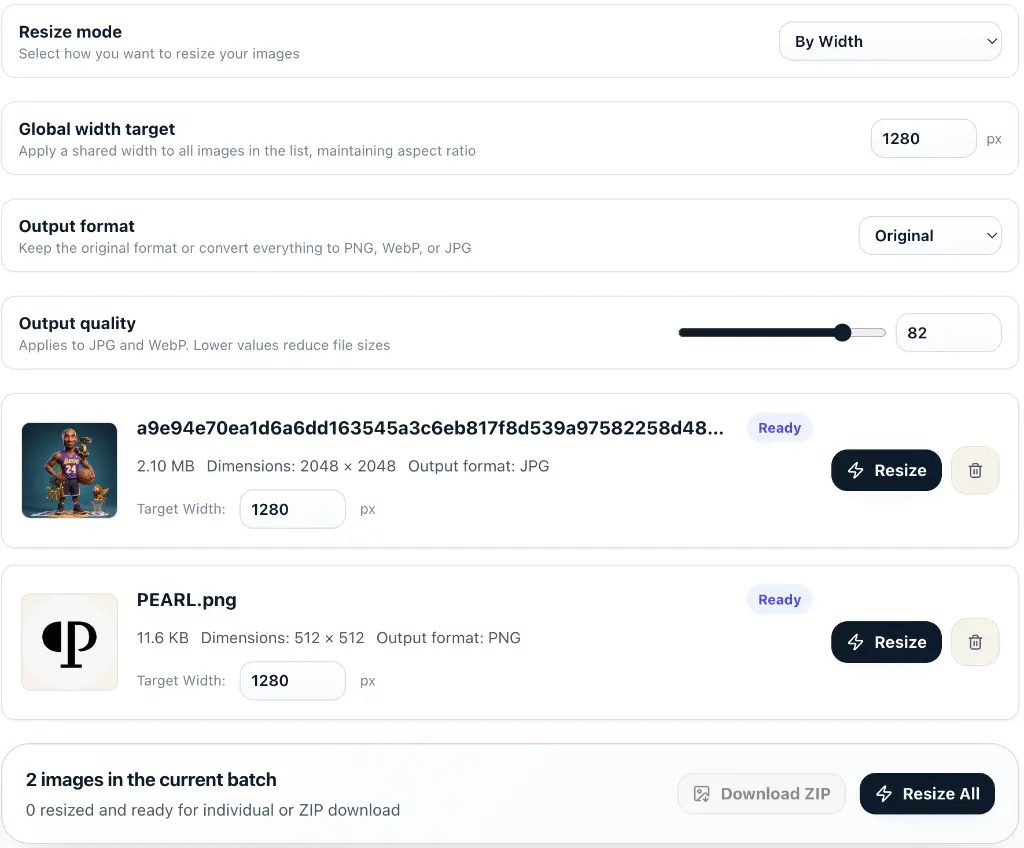
Your images stay in the browser. Resizing, canvas scaling, and downloads all run on your device without server uploads.
Drop in multiple files, apply a global dimension setting, and quickly prepare smaller or scaled images for web publishing.
Download each resized result one by one or export the whole batch as a ZIP file when everything is ready.
This batch image resizer is designed for quickly changing image dimensions and file sizes. You can drag in multiple images at once, apply one shared width, height, or percentage, or fine-tune dimensions for each image individually. Everything runs locally in the browser, which makes it perfect for web asset adjustments, social media image prep, and lightweight delivery files.
This image resizer works with common browser-readable image files. After resizing, you can keep the original format or export every result as PNG, WebP, or JPG.
Best for photos, product shots, blog images, and large image batches where small file size matters more than transparency. Use JPG when you need broad platform compatibility and efficient downloads.
Best for screenshots, interface graphics, logos, icons, and images that need transparent backgrounds or crisp edges. Use PNG when lossless detail matters more than the smallest possible file size.
Best for modern websites, landing pages, and content libraries that need high visual quality with smaller files. Use WebP for faster page loads while still supporting photos and transparent graphics.
Drag in several JPG, PNG, or WebP files at once, or click the uploader to choose them in bulk.
Choose your resize mode (width, height, percentage, or custom dimensions) and set target sizes globally or individually.
Resize one image at a time or process the whole batch concurrently. The browser scales each image instantly.
Once resizing is done, download files individually or export the whole set as a ZIP file.
Drag and drop multiple images at once. Easily process small or large batches concurrently in your browser, saving substantial time.
Convert images to different output formats during resizing, allowing you to easily match platform-specific requirements.
Scale down or up by width, height, scale percentage, or force to exact dimensions with crop/pad options, preserving aspect ratios.
Stretching or cropping images to resize them often ruins the composition. Why not use our AI Creative Studio to generate high-resolution images in the exact aspect ratio you need from the very beginning?