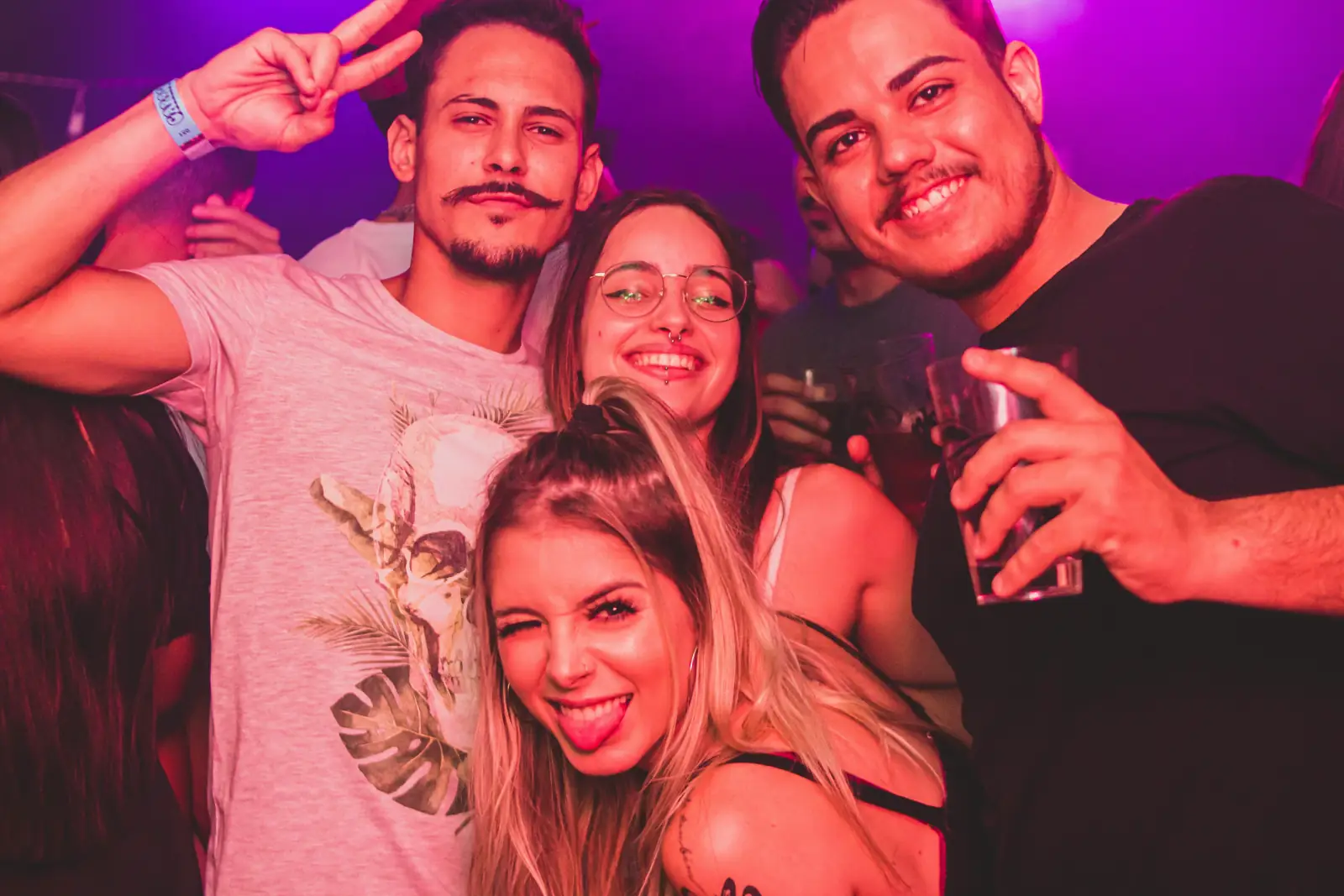
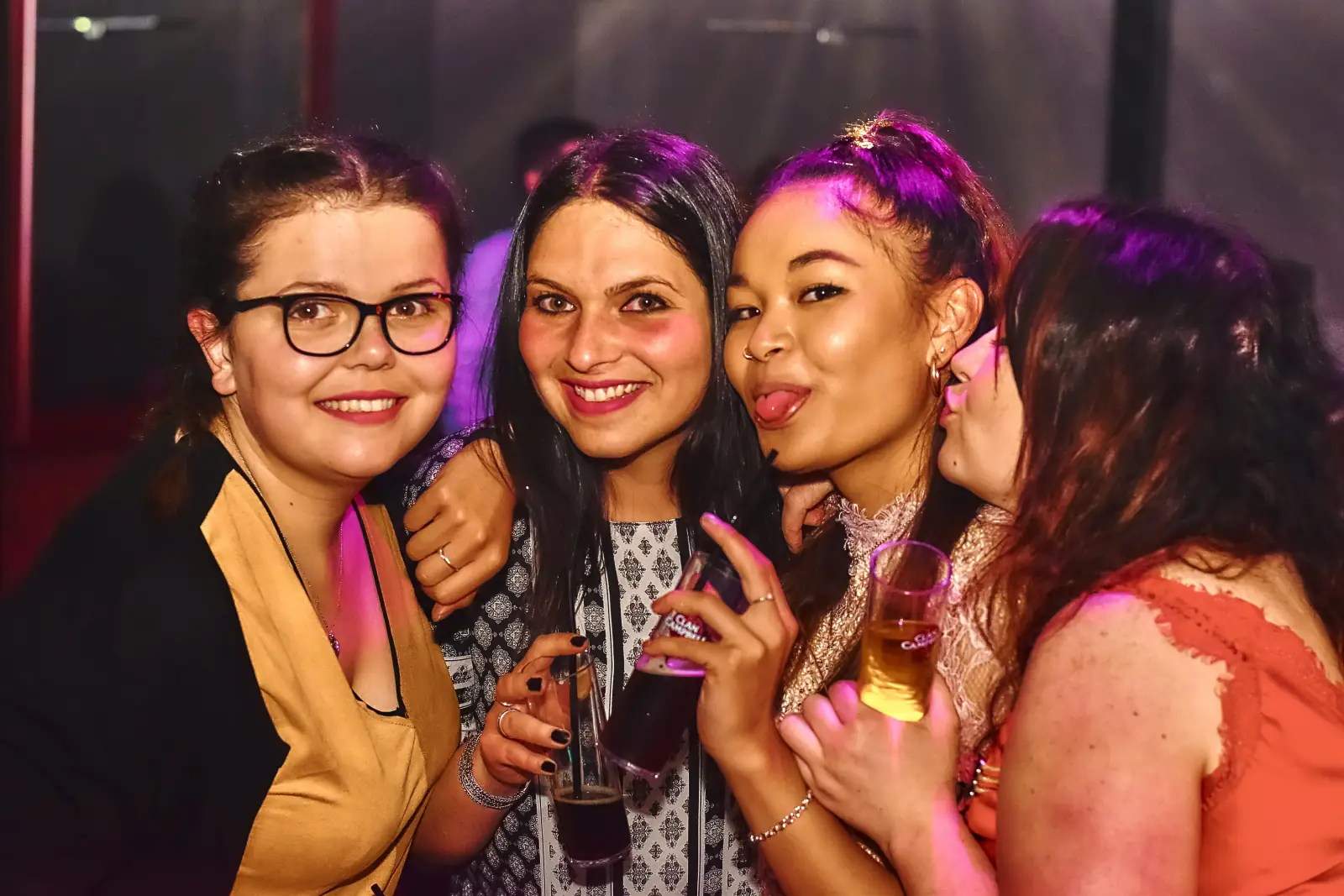
Neon night
Vivid color, close friends, and a high-energy club atmosphere.
Party portrait studio
Use our AI party portrait generator to upload clear portraits for 1 to 6 friends, choose an atmosphere, and create a group photo where everyone still looks like themselves.
Create
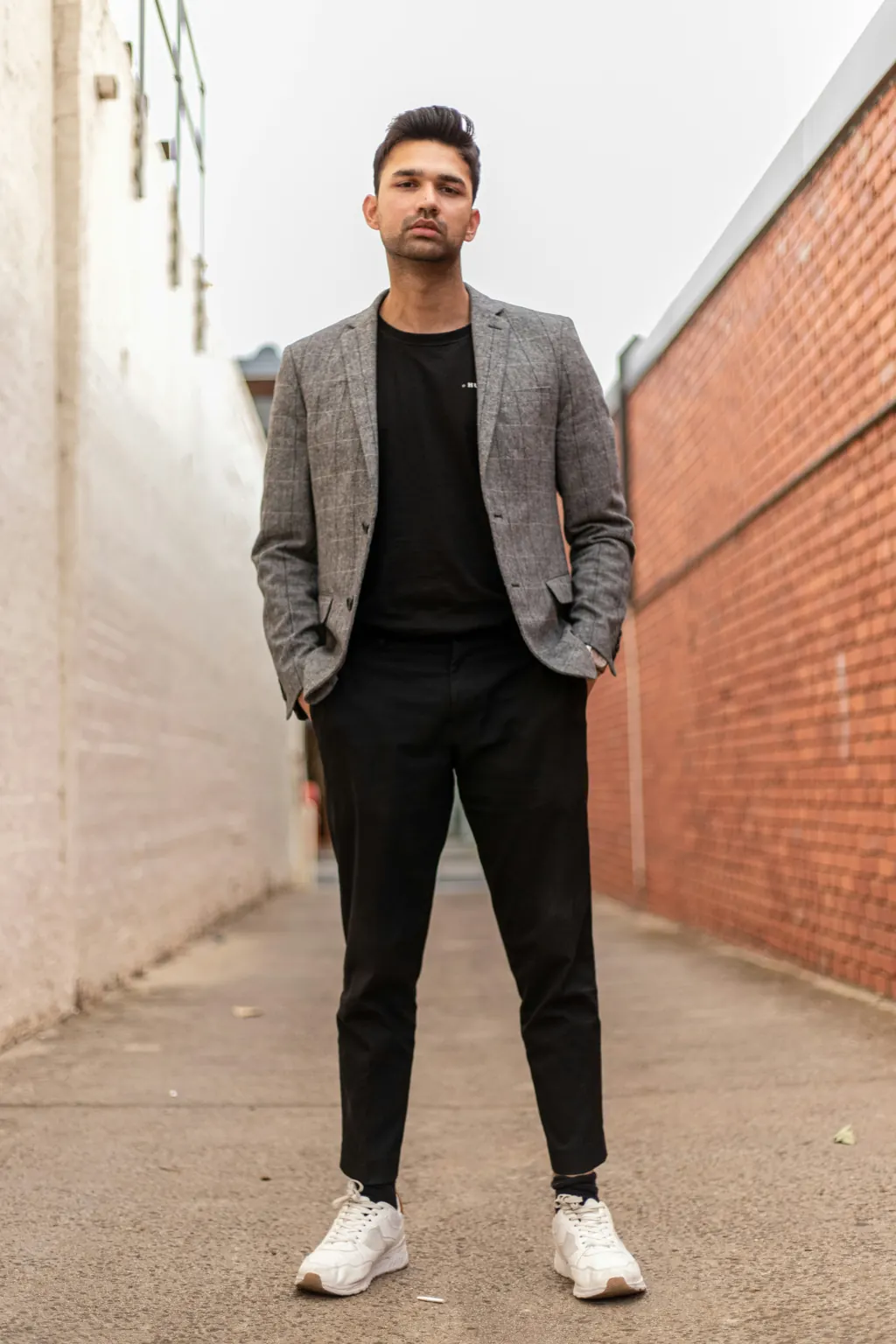
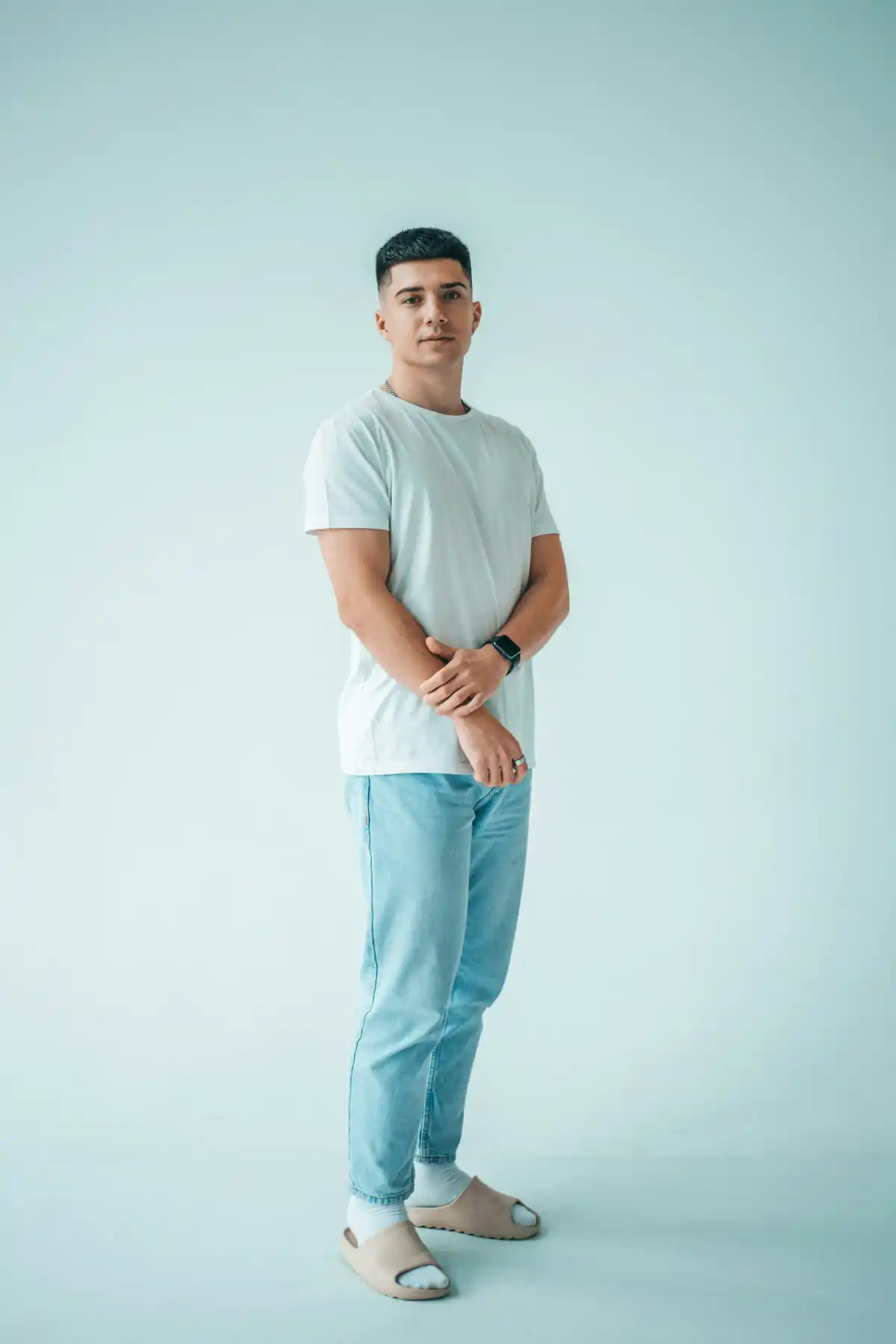
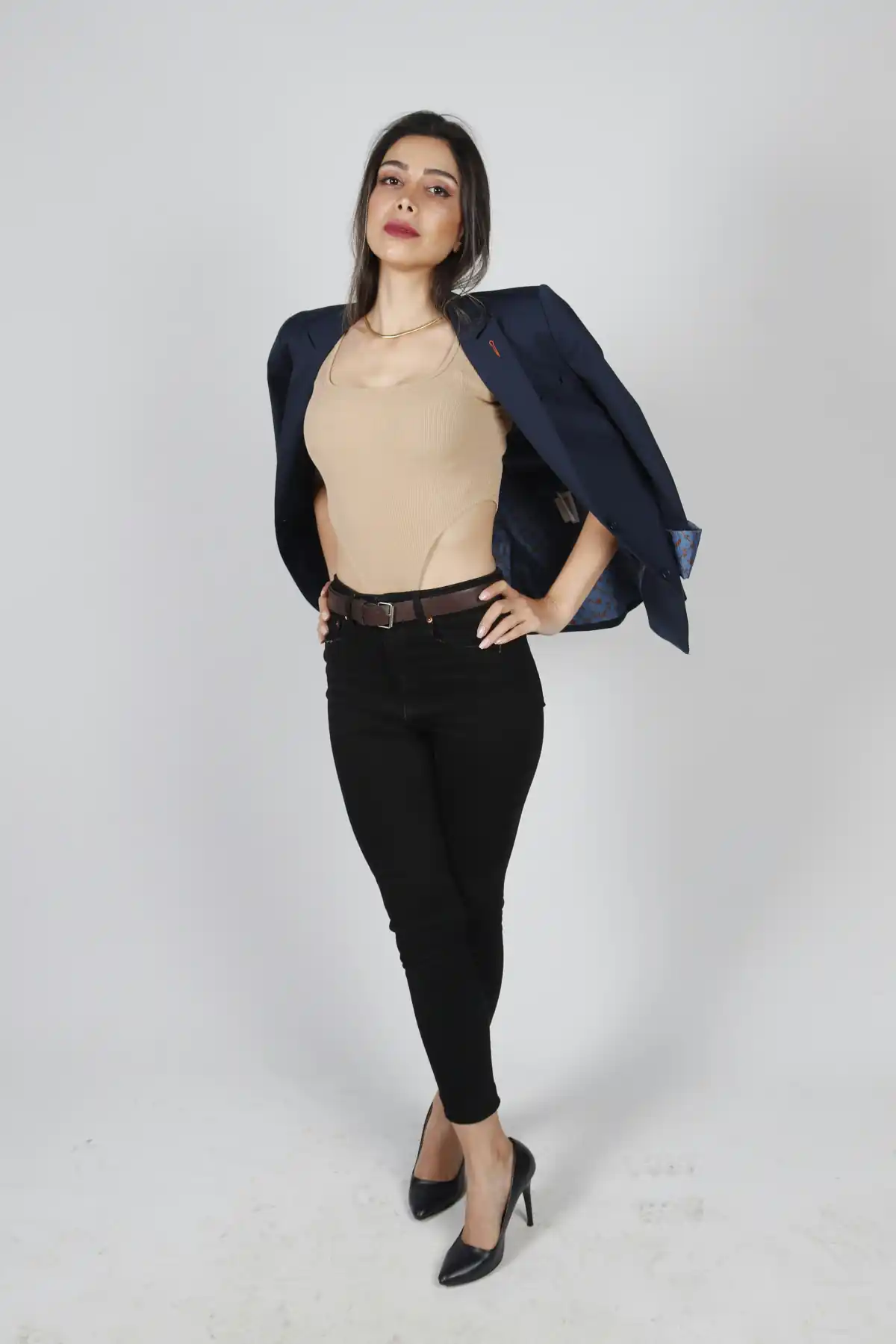
Add 1-6 source portraits, then optionally choose one party photo as the blueprint.
Add 1–6 clear, face-visible photos. Add people one at a time; the order controls the group photo.
Use one party photo as the final pose, scene, and wardrobe blueprint.
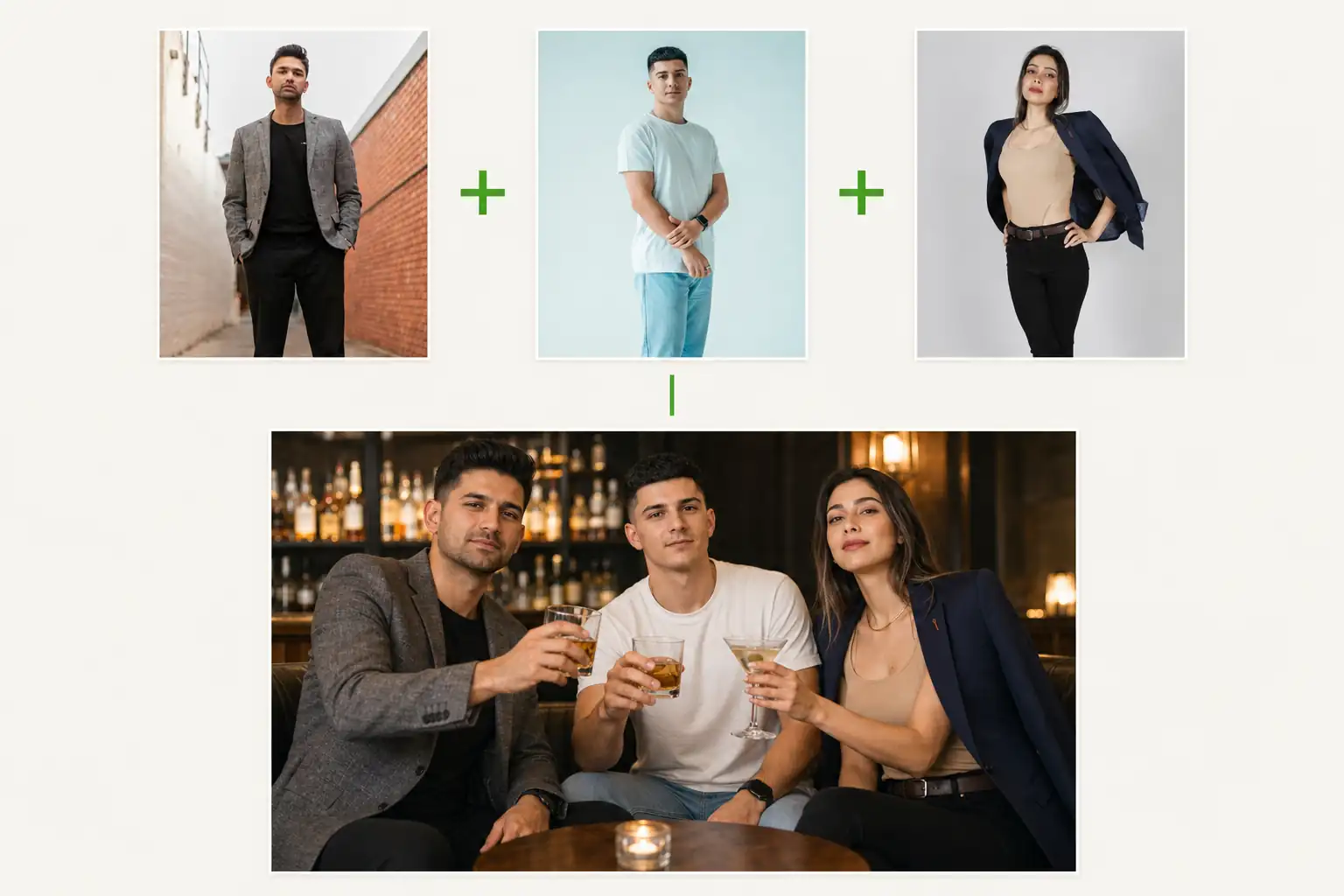
1–6 people, one scene
Party style gallery
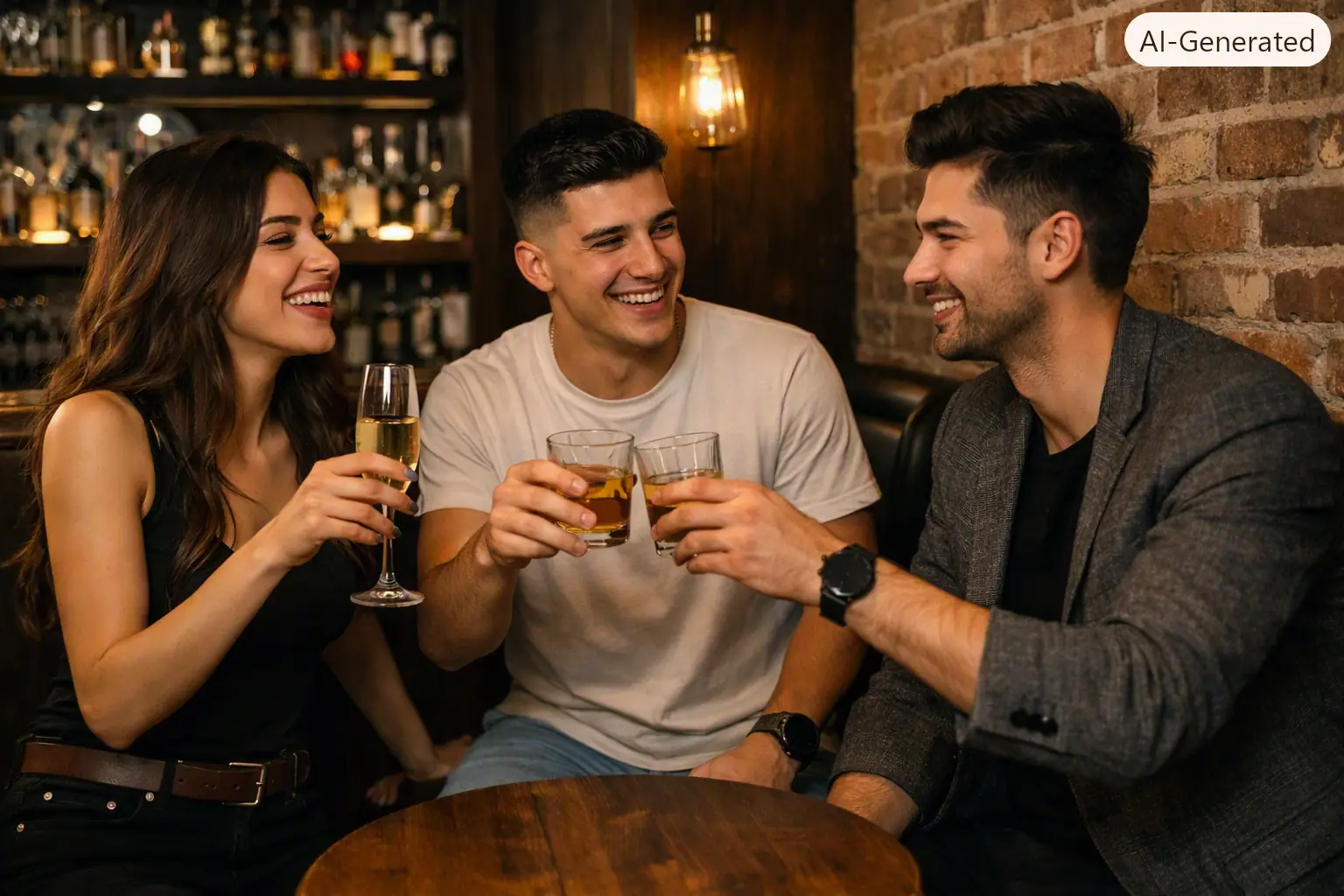
Each style keeps its original pose, setting, and visual mood while your 1-6 source portraits replace the people in it.
Vivid color, close friends, and a high-energy club atmosphere.
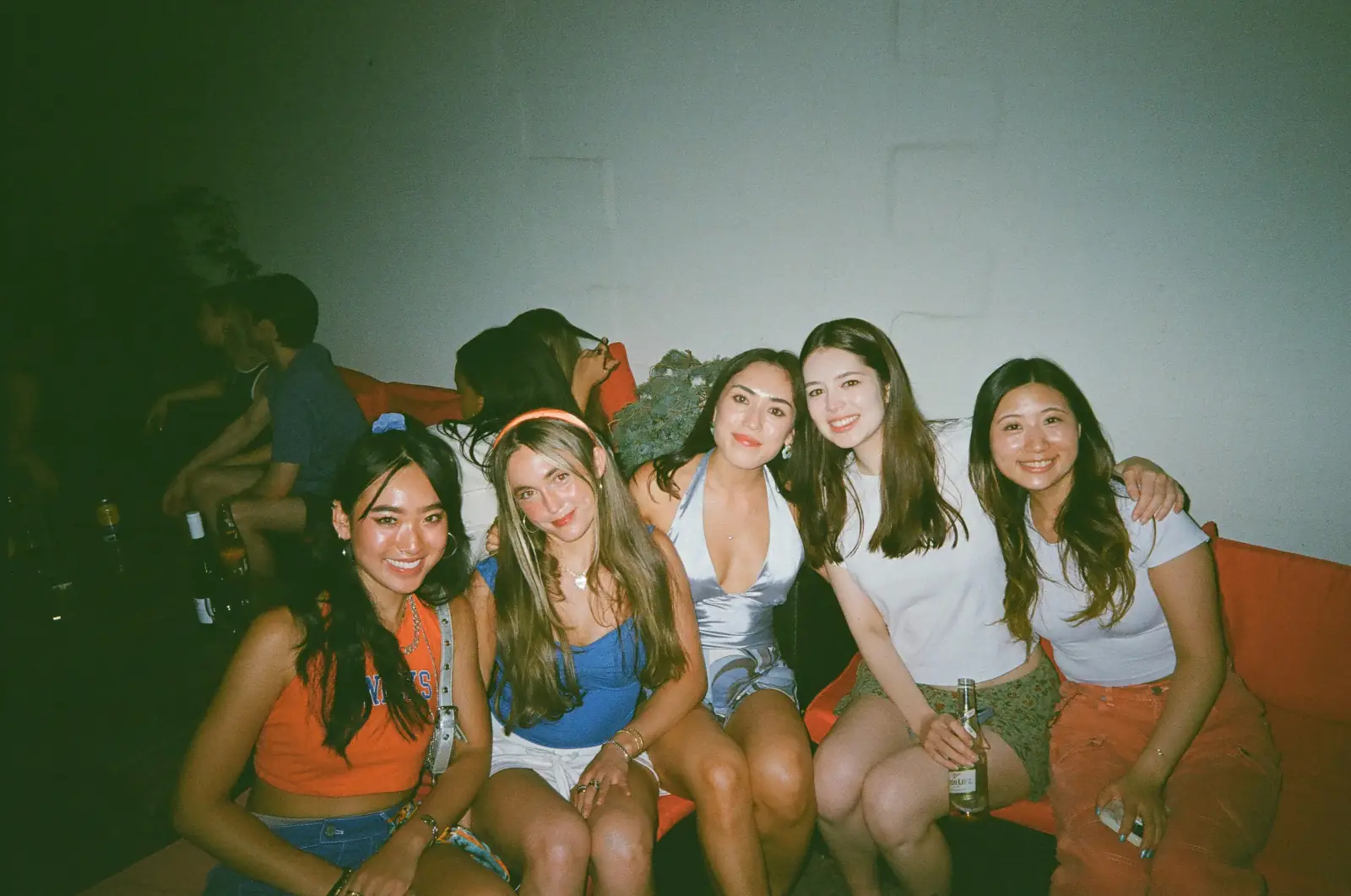
A relaxed, flash-lit apartment party with your closest people.
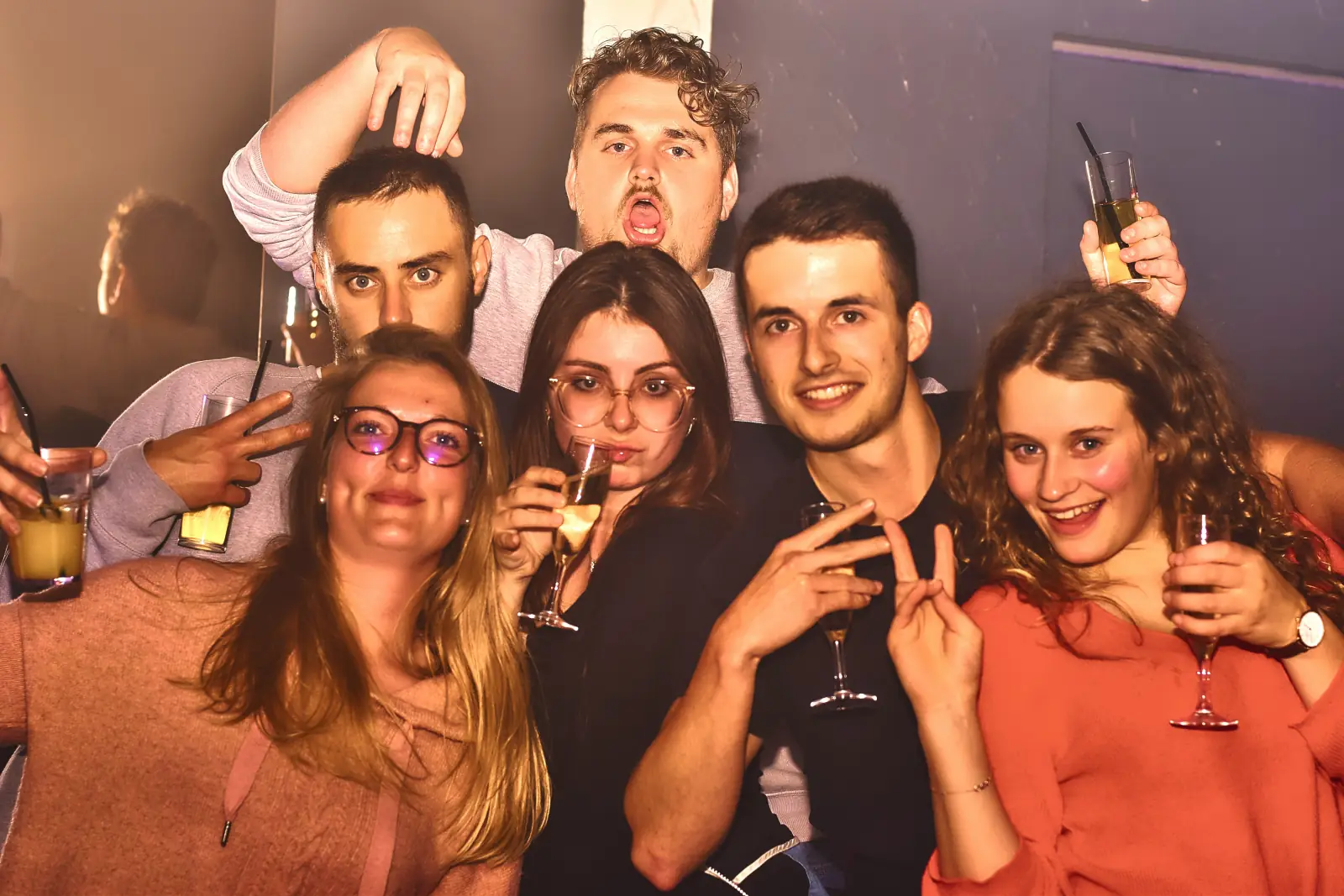
A lively full-frame party photo with candid celebration energy.
A spontaneous toast with bold direct flash and a packed dance floor.
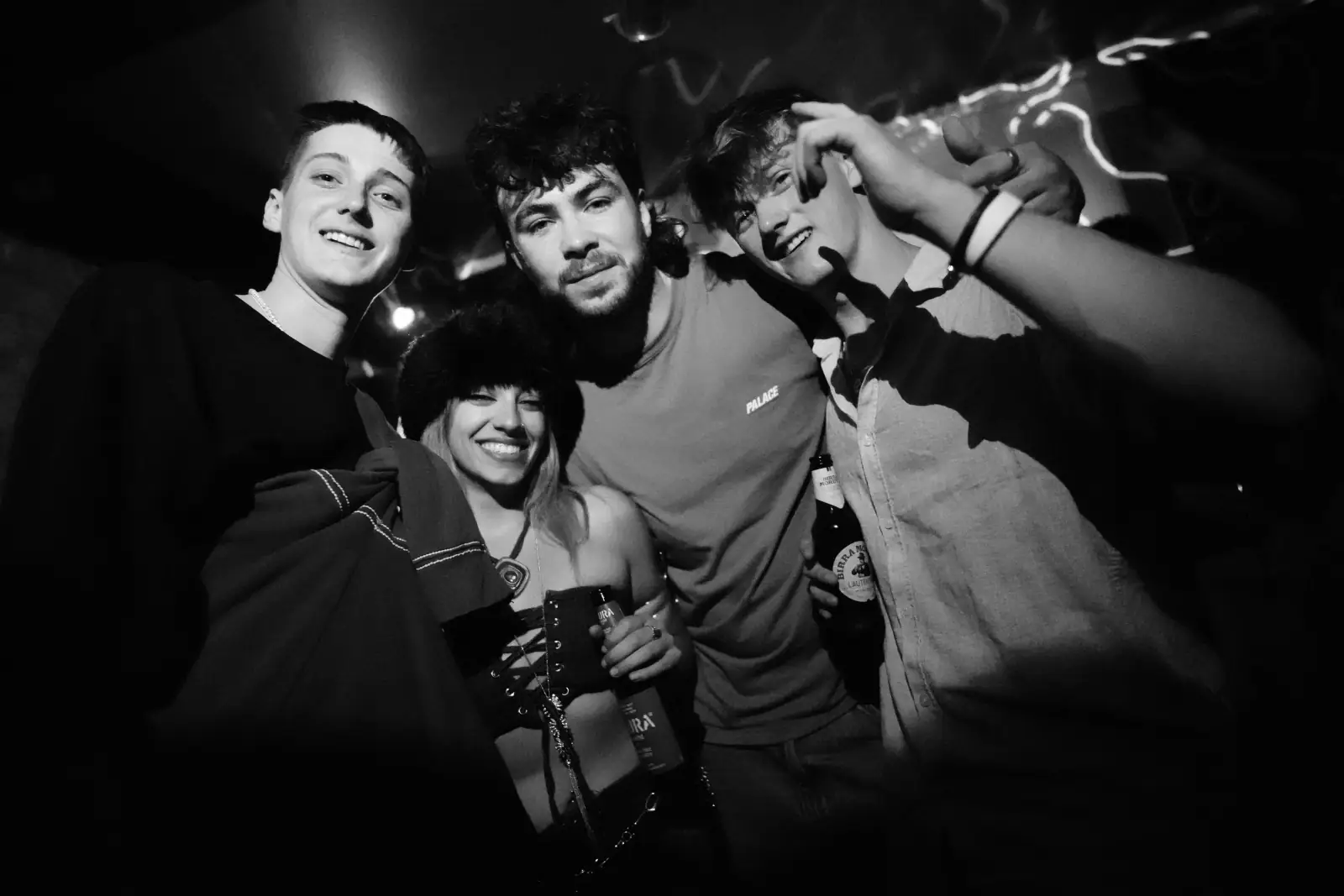
A close, colorful late-night portrait with editorial flash.
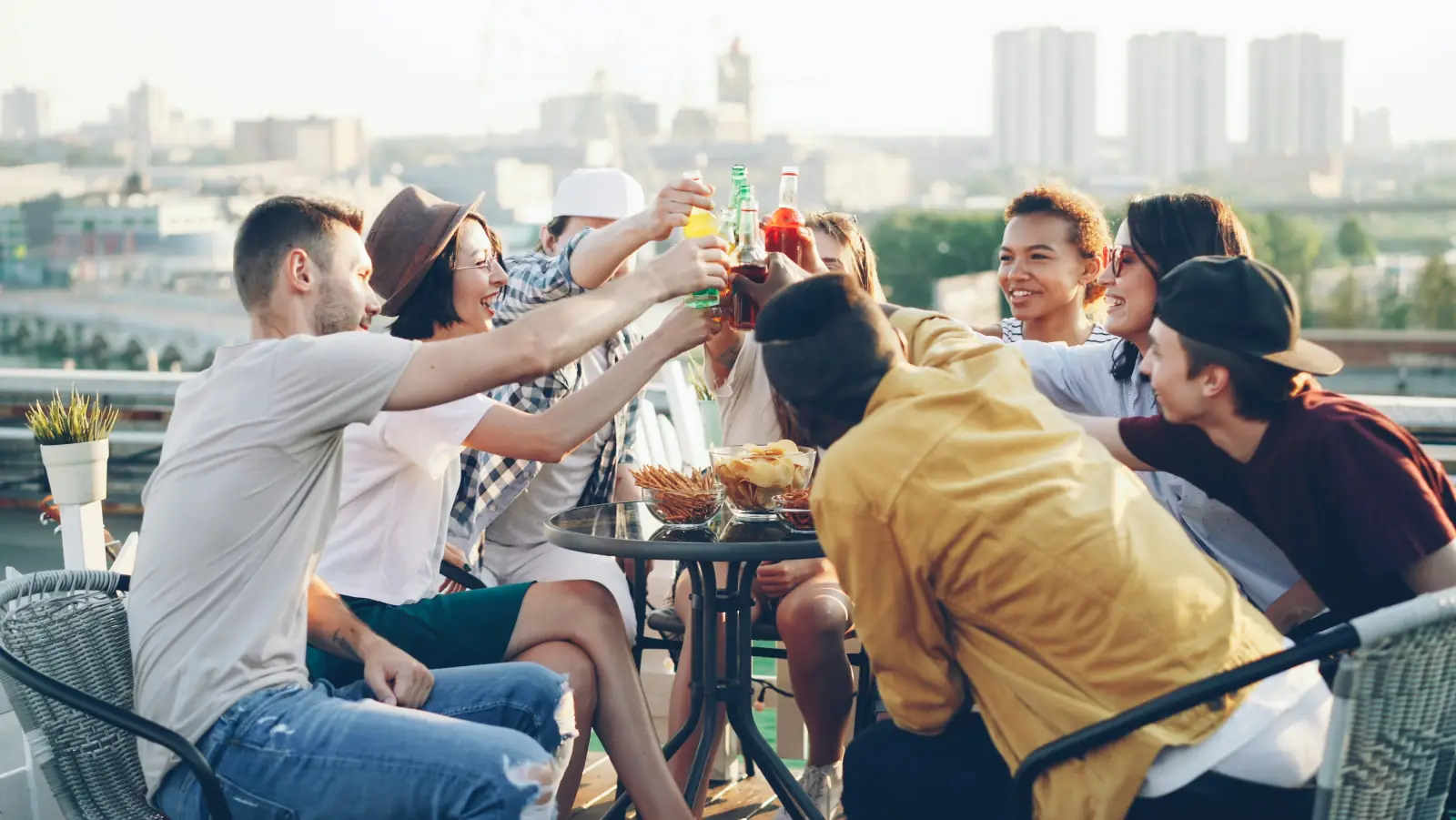
Bright city views and an easy daytime celebration outdoors.
Party portrait generator
Veyvia's AI party portrait generator turns 1-6 clear source portraits into one polished party group photo. Start from a written scene to create an original portrait, or choose a Party style to preserve a specific party setting, composition, wardrobe, and lighting.
When you select a Party style, the tool uses that image as the composition blueprint and replaces its people with everyone from your uploaded portraits. This gives you a consistent party look without losing the facial identity and details that make the portrait personal.
Use it to explore birthdays, friend groups, nights out, house parties, reunions, and shared celebrations in the aspect ratio you need.
More products
Continue with related Veyvia tools for portraits, celebrations, and polished keepsake images.
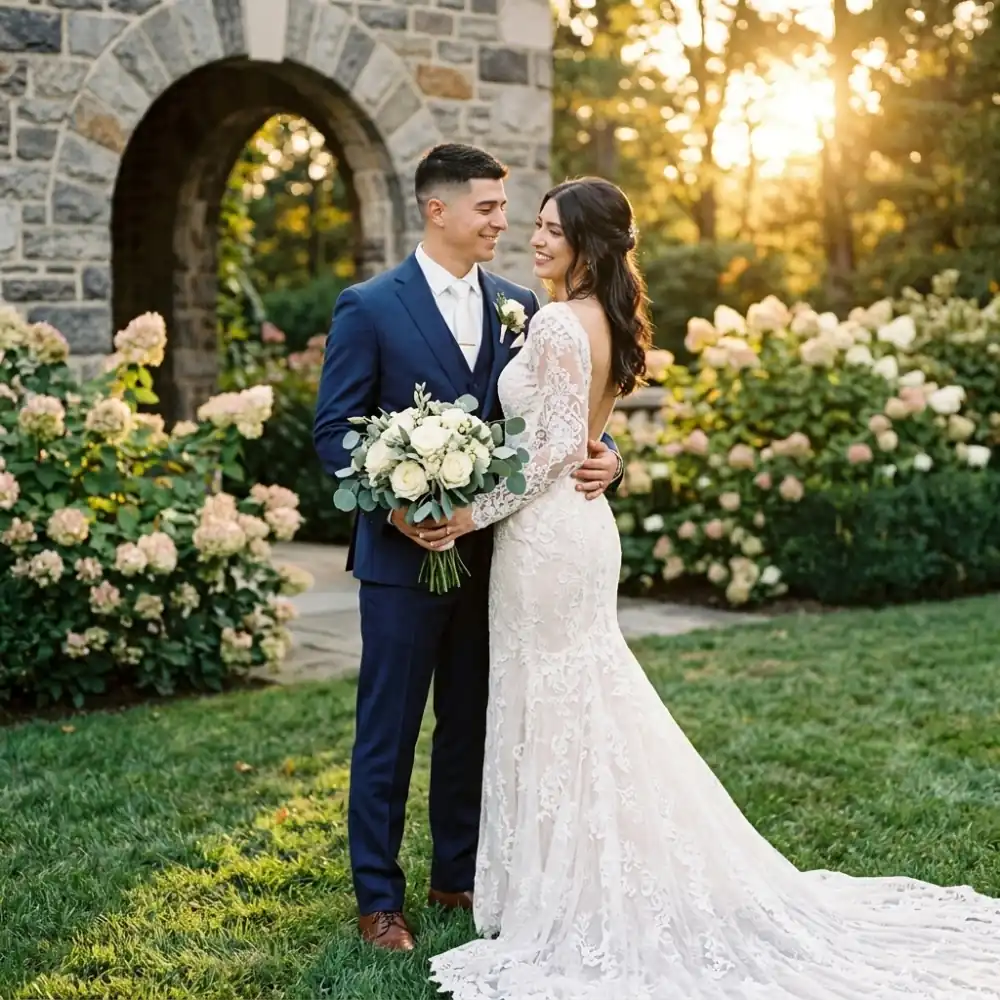
Turn source photos into a polished wedding portrait with a style reference.
Open product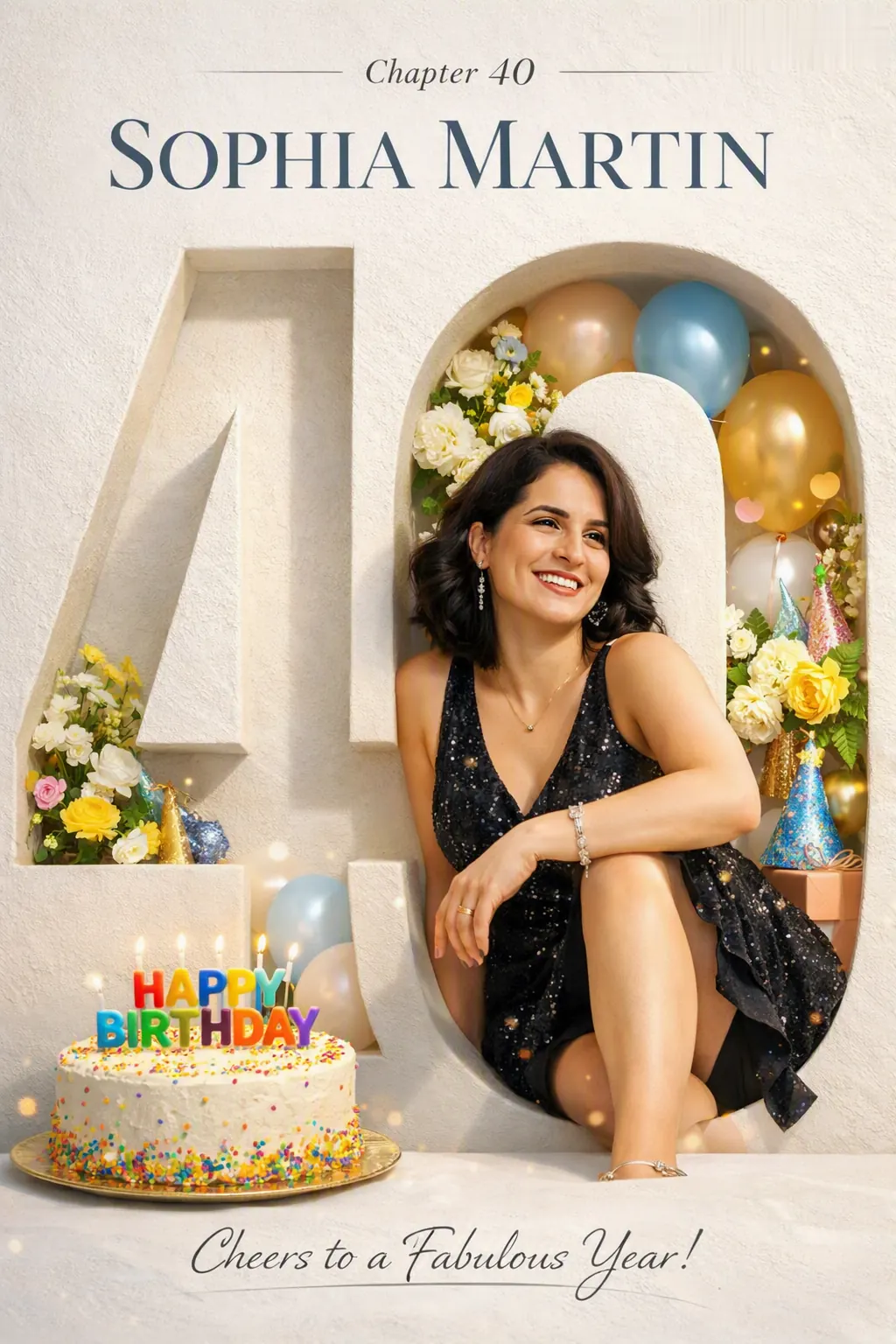
Create a polished birthday photoshoot from one source photo and an optional reference.
Open product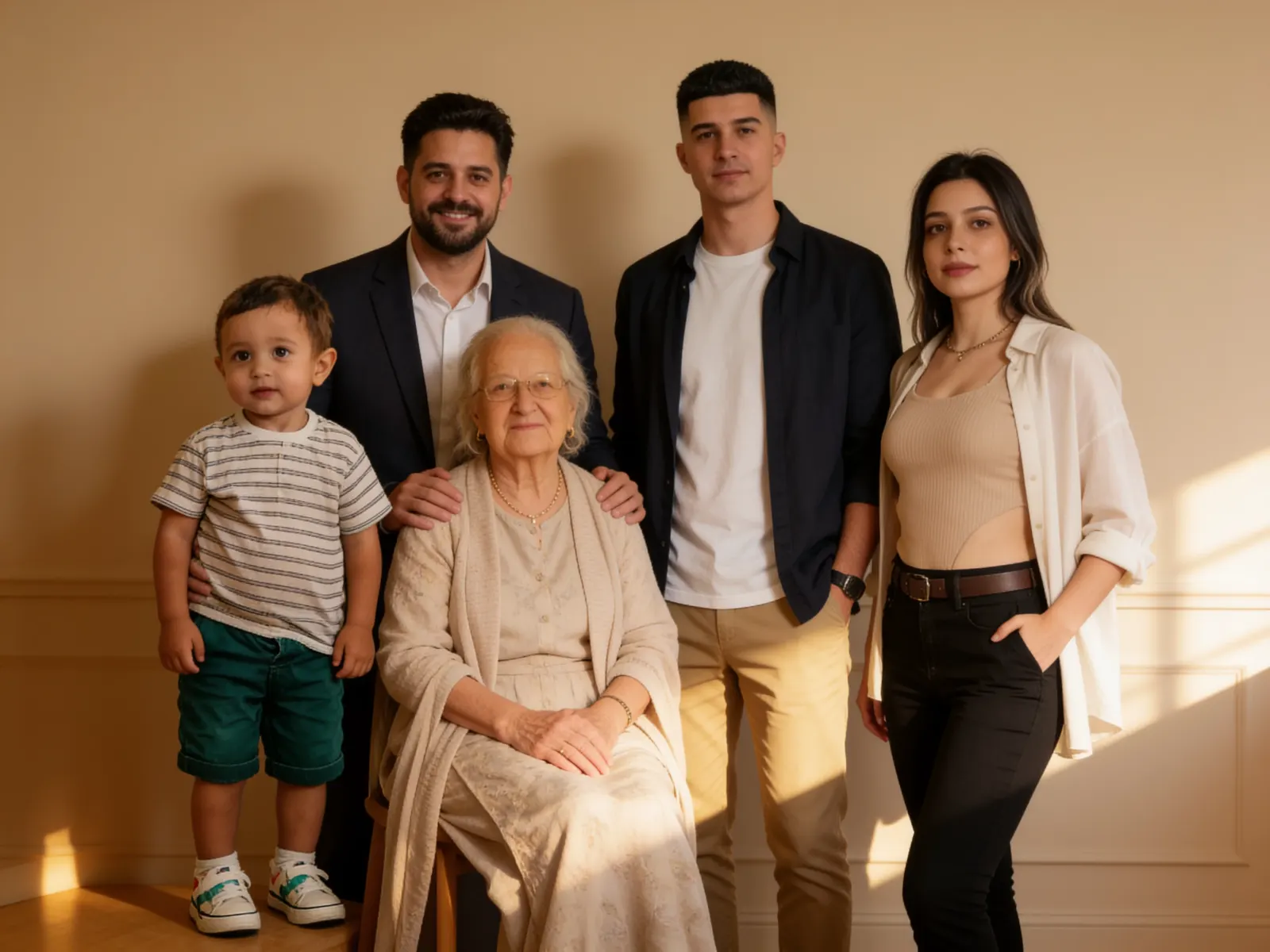
Create a family photo from individual portraits and an optional style reference.
Open product