Veyvia photo tools
Red Eye Remover
Keep the moment. Lose the red eyes. Upload a photo to correct the red reflections caused by a camera flash.
Your photo
Red eyes are corrected automatically. No selections or written instructions needed.
10 credits per photo · 1K output · View plans
Your result
Upload a photo to get started. Your corrected image will appear here, ready to compare and download.
AI correction may change fine details. Output uses the closest supported aspect ratio and may differ from the original dimensions.
Before and after examples
Compare original photos with AI-edited results.
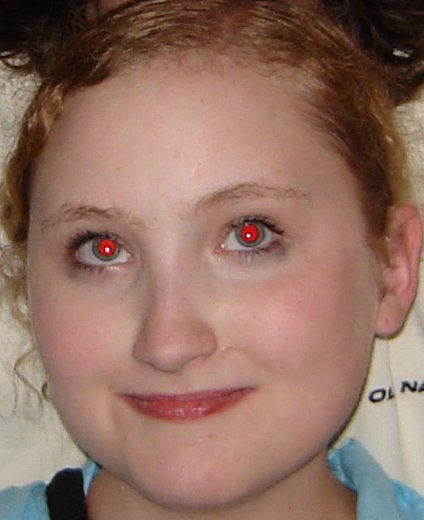
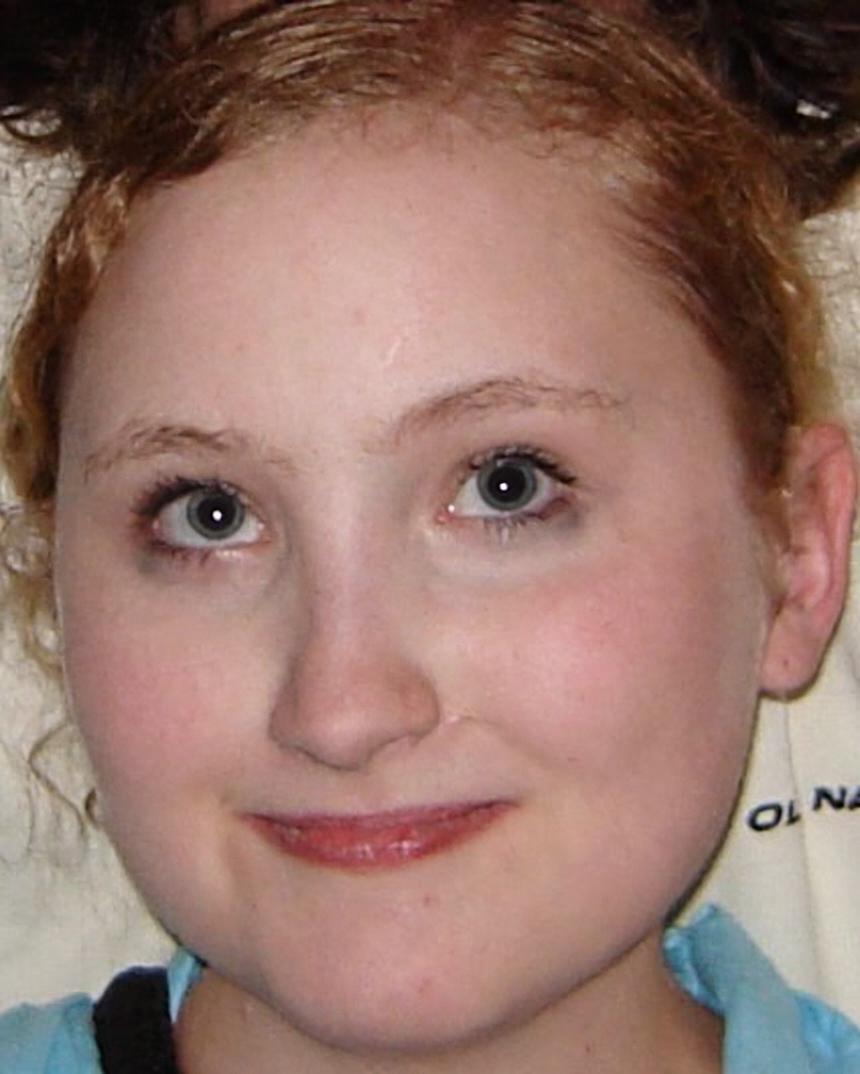
Original photo: Ich / Wikimedia Commons · CC BY-SA 2.5. Corrected version: AI red-eye removal and resizing by Veyvia, shared under the same license.

Flash portrait


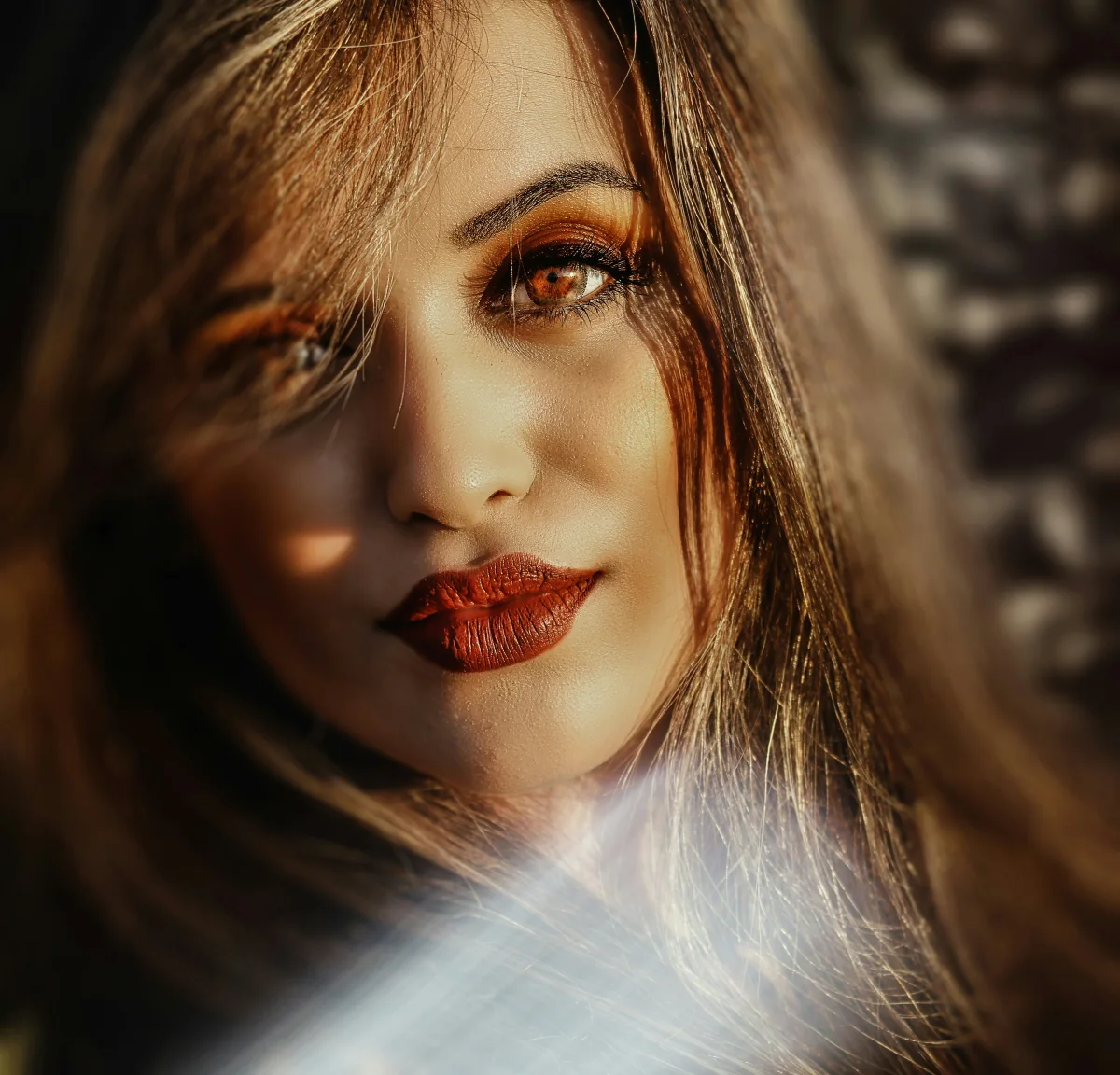
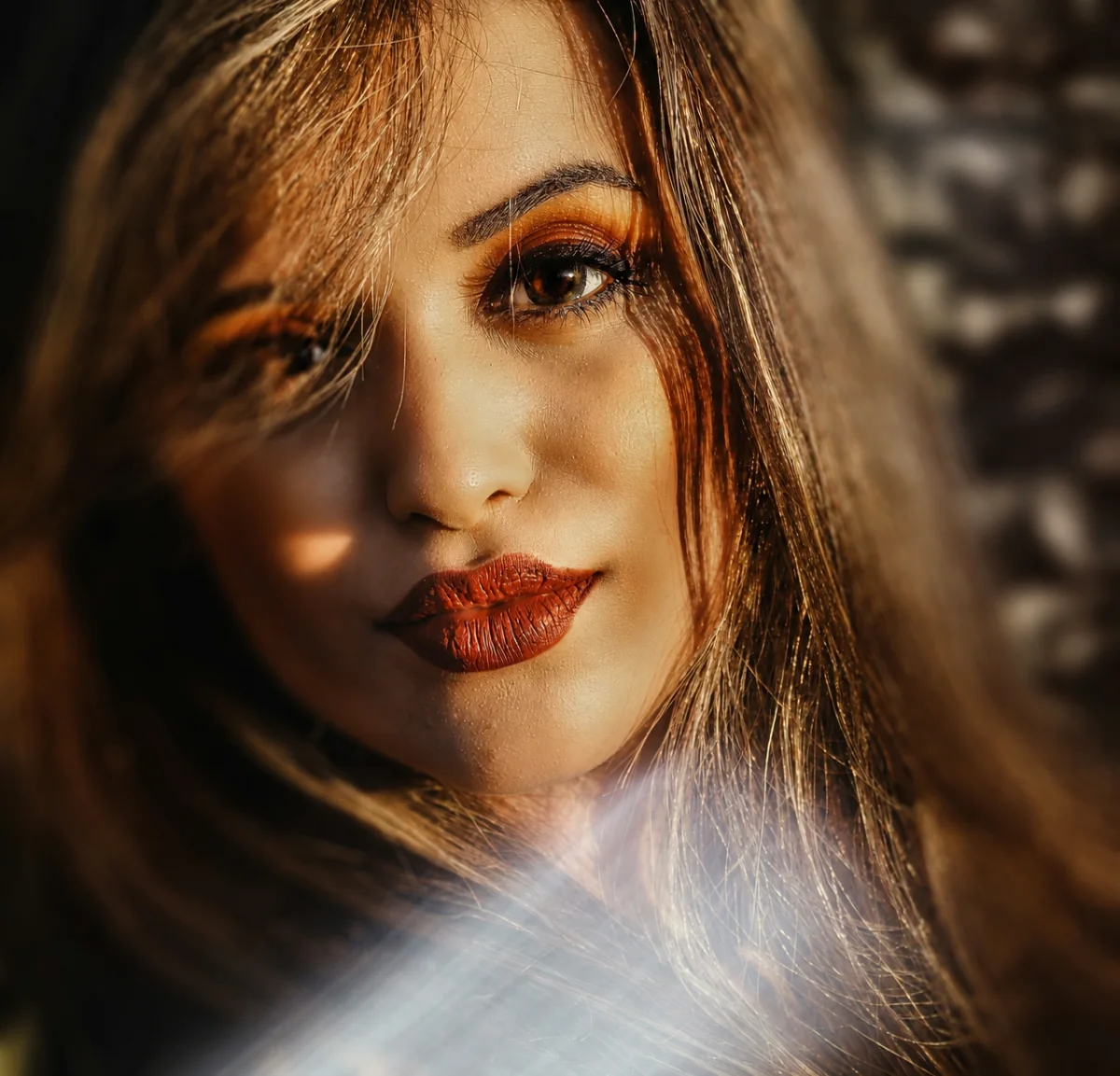
Eye close-up
How to remove red eye
- Upload one photo with visible red eyes.
- Sign in and click Remove Red Eye. An active plan and credits are required.
- Compare the original and corrected photo, then download your result.
Questions about red eye removal
What does this tool fix?
It targets the red reflection in pupils caused by camera flash. It is not intended to change naturally red objects, makeup or the whites of the eyes.
Can I use a group photo?
Yes. The correction instructs AI to look for affected eyes in every visible person. Very small or obscured eyes can be harder to correct.
Will the rest of my photo stay the same?
The tool asks AI to preserve faces, gaze, natural iris color, skin texture and the scene. Generative processing may still change fine details, so compare the result before downloading.
What if my photo has no red eyes?
The tool asks AI to leave unaffected eyes unchanged. A submitted request still uses credits, so use a photo that actually needs correction.
Is red eye removal free?
Processing requires signing in, an active plan and credits. The button area shows the credit cost before you submit a photo.
Which images can I upload?
Upload one JPG, PNG or WebP image up to 10 MB. Large photos are optimized before upload. Output uses a supported size and the closest available aspect ratio.