AI hairstyle changer · your next look
New hair. Still you.
Upload your photo, find your cut, and make the color yours. Try a new hairstyle before your next salon visit.
hairstyles
a fresh perspective
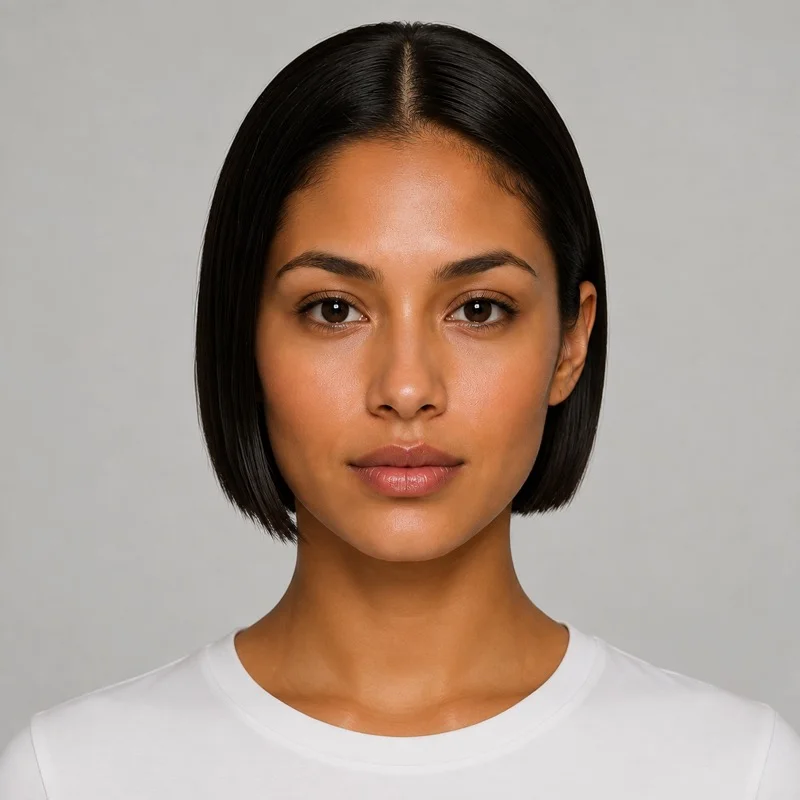 Hairstyle reference
The classic bob
Photos are optimized on your device and uploaded only when you select Generate.
A different frame for your face
See what a new hairstyle changes.
Four comparisons using our hairstyle reference images. Explore the looks before trying your own photo.
Drag to compare
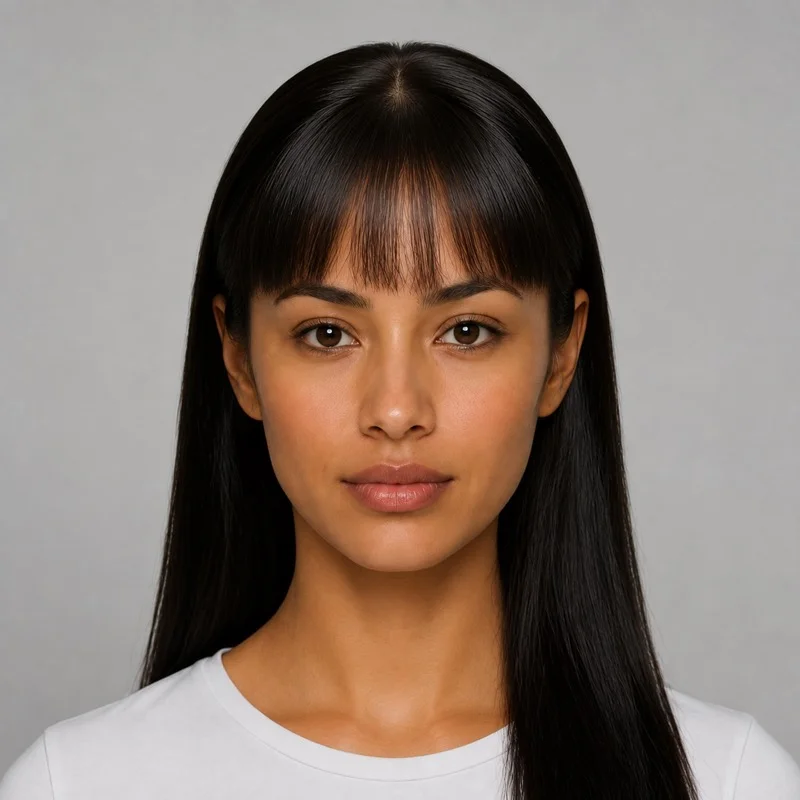
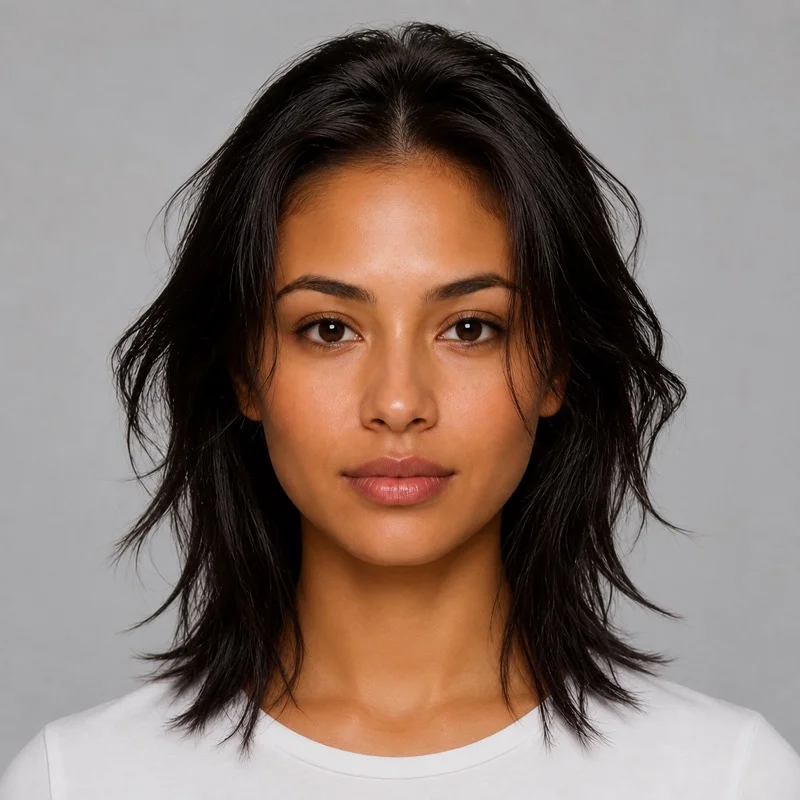
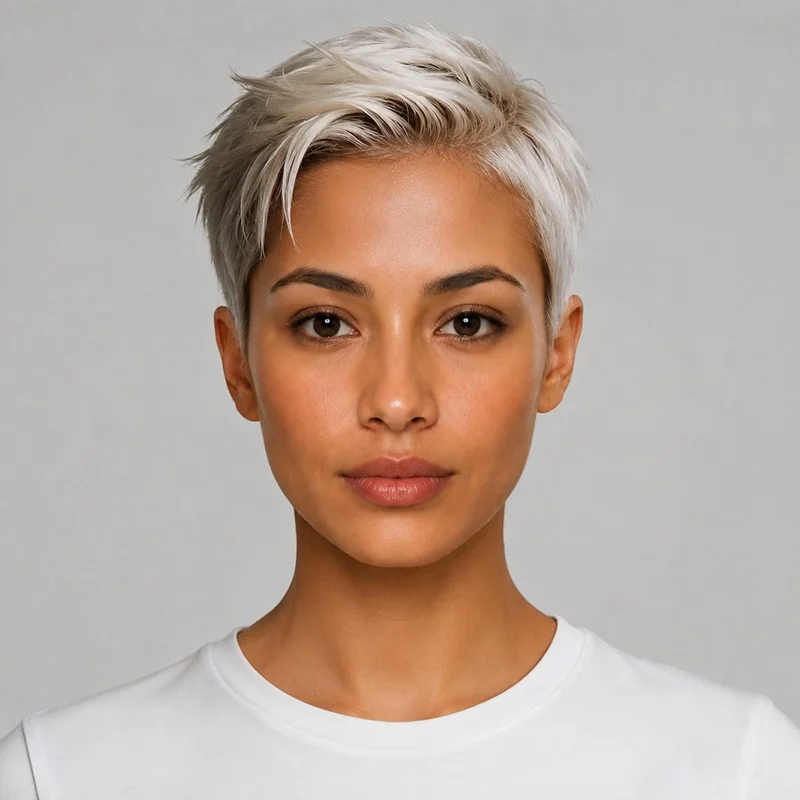
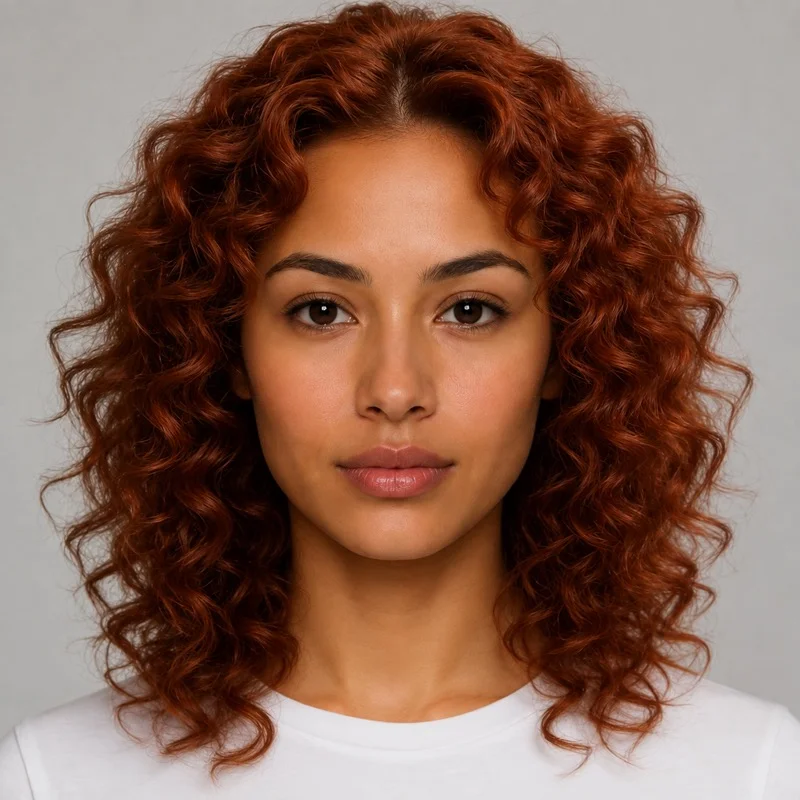
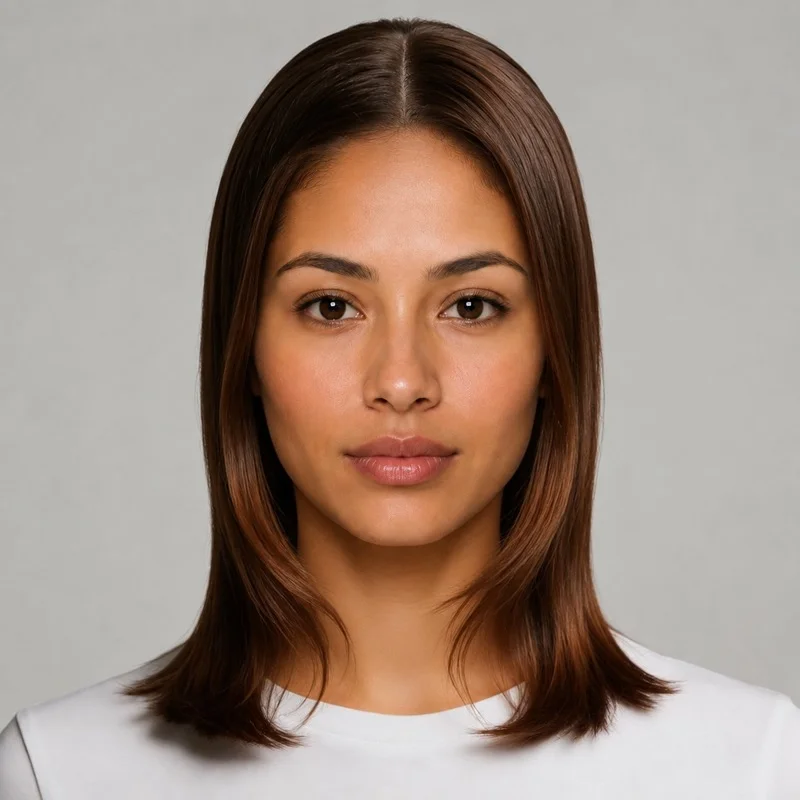
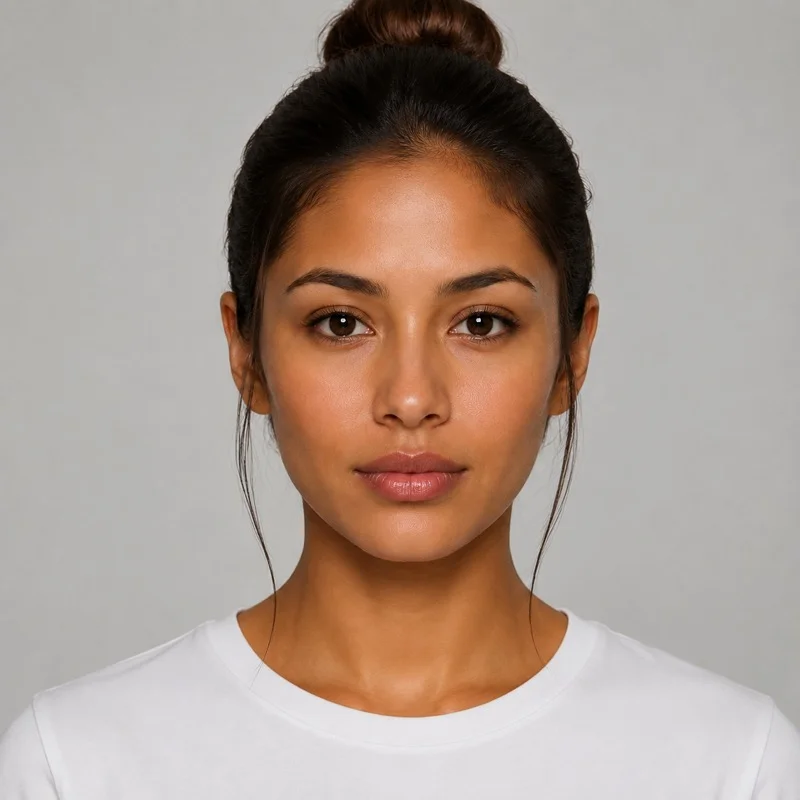
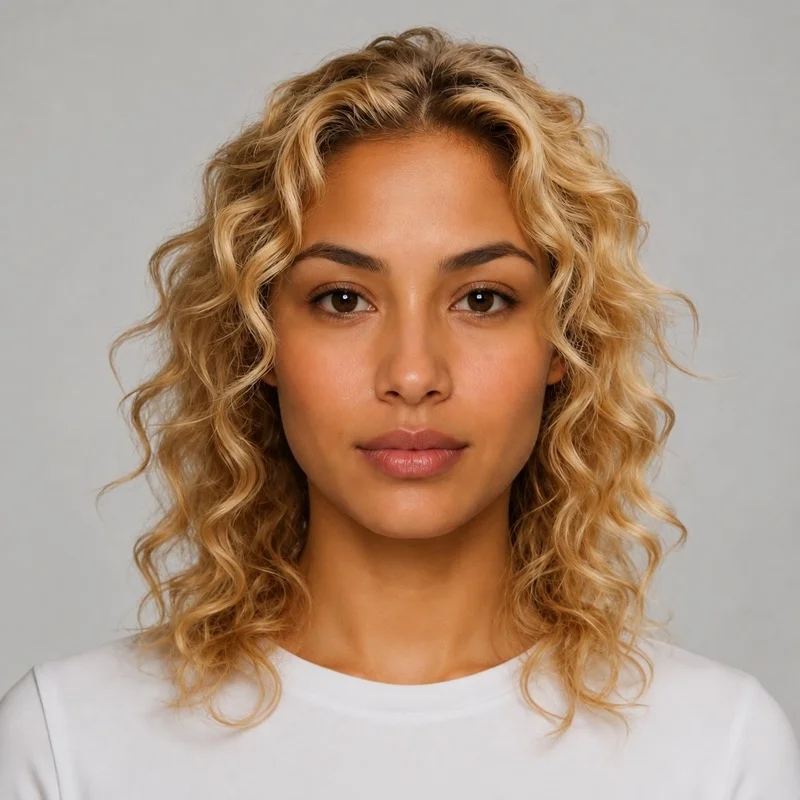
Your next-look moodboard
Small change. Whole new feeling.
You don’t have to commit to get curious. Find the looks you’d like to bring to your next salon appointment.
- 01
Start with your photo
A clear face, natural light, and a little room around your head.
- 02
Find your silhouette
Go shorter, add soft waves, or explore an elegant updo.
- 03
Make the color yours
Stay close to your natural shade or choose something unexpected.
Private · Free · Online
Put your new look to use.
Download your generated hairstyle image, then use these two free online tools to prepare it for sharing. Both process your images locally in your browser to protect your privacy, with no image uploads, sign-up, or software installation needed.
- 01
Convert to the format you need
Open your downloaded image in the converter, choose JPEG, WebP, PNG, or another supported format, and save the converted file.
Convert image format - 02
Resize for social media
Open your downloaded image in the social image tool, choose sizes for posts, stories, or covers, adjust the crop to keep your new hairstyle in frame, and download the sizes you need.
Create social media images
Before the big change
A few things about AI hairstyle try-on
From hairstyle inspiration to your next haircut.
How do I choose a hairstyle?+
Start with a length you would feel comfortable wearing, then compare the silhouette, fringe, and volume. A blunt bob, a pixie cut, shoulder-length curls, and long waves create different frames around the face. Use these references as inspiration; your hair texture, density, and daily styling routine also shape the final haircut.
Can I choose a different hair color?+
Yes. Keep your own hair color, use the reference shade, or choose black, chocolate, blonde, copper, pink, blue, or a custom color. Your selection is applied during AI generation. Each new color variation creates another image and uses the credits shown on the button. Lighting and hair texture may affect the final shade.
What kind of photo should I upload?+
Use a clear photo of one person facing the camera, with even light and the full head visible. Avoid hats, hands covering the face, heavy filters, and group photos. JPG, PNG, and WebP files up to 10 MB are supported.
How does AI hairstyle try-on work?+
Upload a clear portrait, then choose one of 40 hairstyles or upload your own hairstyle reference. Set your color and click Generate. Uploaded images are optimized on your device first. The AI receives your portrait as the identity reference and the selected style as a separate hair reference. It aims to preserve your face, clothes, and background while changing the hair. Compare and download the result. AI previews can differ from a real salon outcome.
Where does my photo go?+
Your portrait and any uploaded hairstyle reference stay on your device until you click Generate. Optimized copies are then uploaded to our server and sent to an AI service. Your portrait is accessible through your signed-in account. Generated images are saved to your image library for viewing and downloading; they are not automatically added to the public gallery.