Corporate Lifestyle AI Image Prompts
Browse corporate lifestyle examples and reusable AI image prompts for composition, lighting, color, materials, and style.
Browse a focused corporate lifestyle category based on the PromptPlum taxonomy. Use the references as starting points, then rewrite each prompt for your own subject, format, and visual goal.
Create a corporate lifestyle image


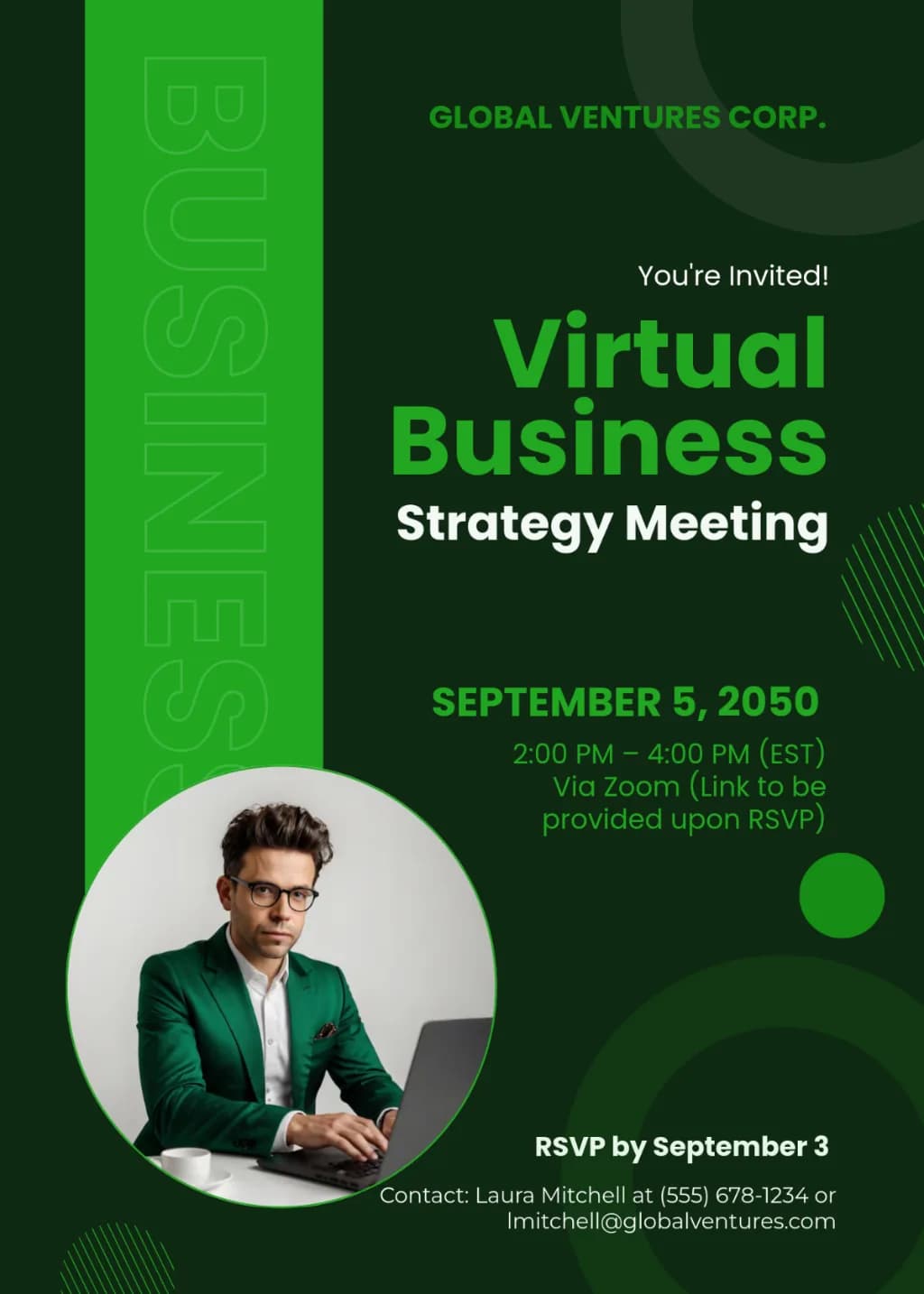
A vertical corporate flyer with a dark forest green background and vibrant lime green accents. A bold lime green vertical side bar features vertical typography. Includes a circular photo frame for a professional portrait. Layout uses geometric circle patterns and hatched line textures. Clean, bold sans-serif text for event headers and details.
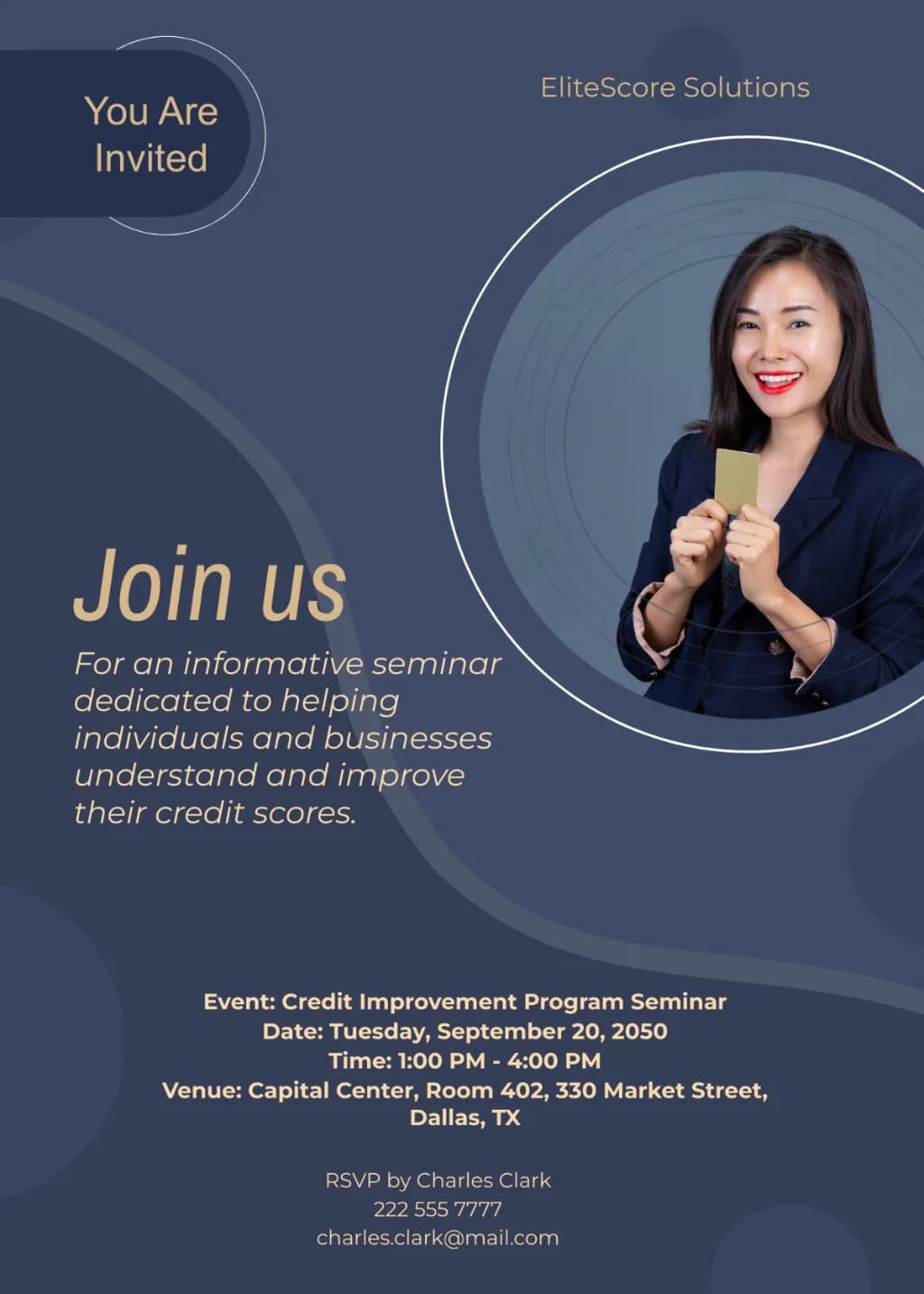
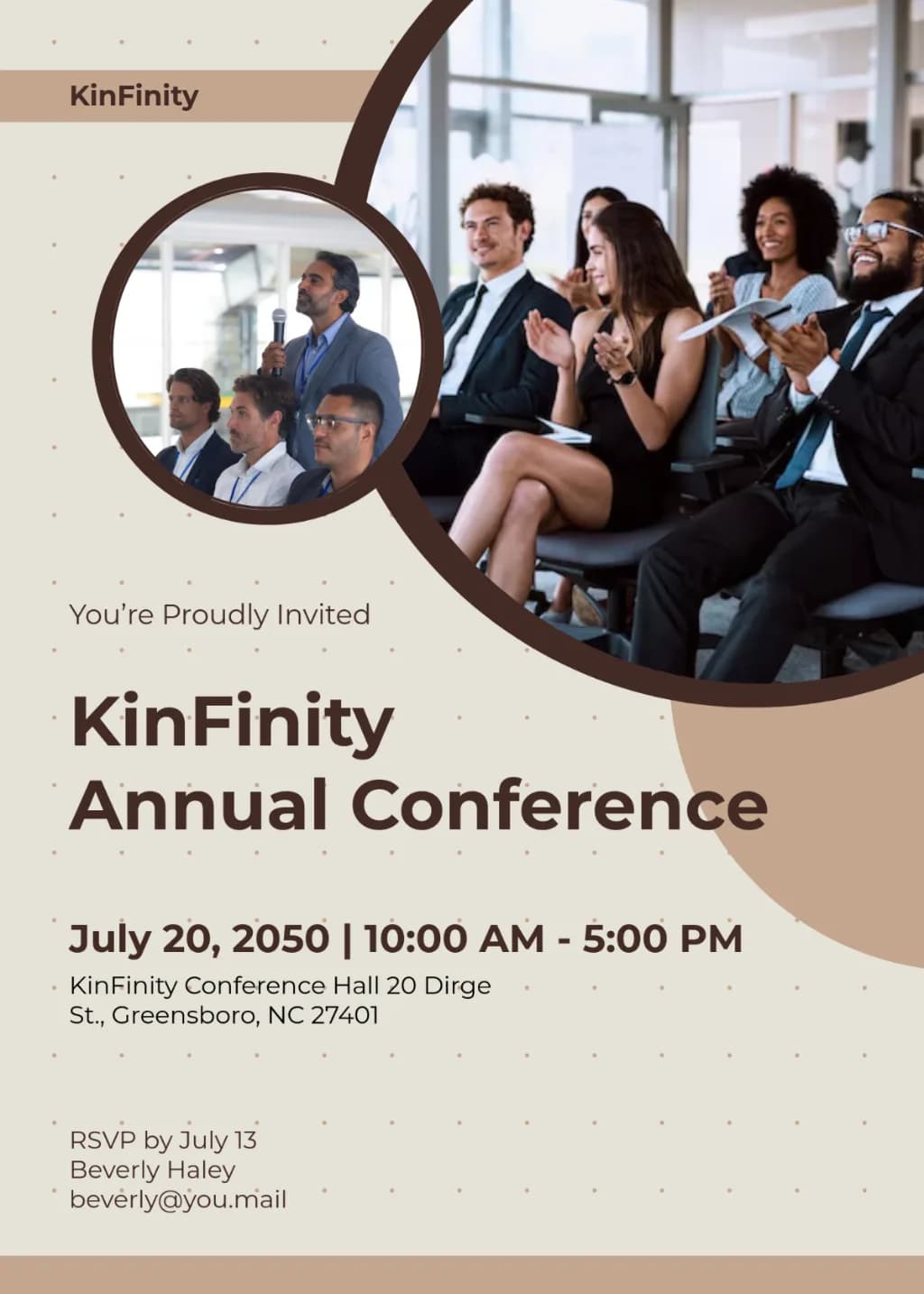
Modern business flyer with a beige and mocha brown palette. Features overlapping circular image frames showing diverse professionals in a conference setting. Clean sans-serif typography on a cream background with a subtle dotted grid pattern. Minimalist geometric curved shapes and professional corporate layout.

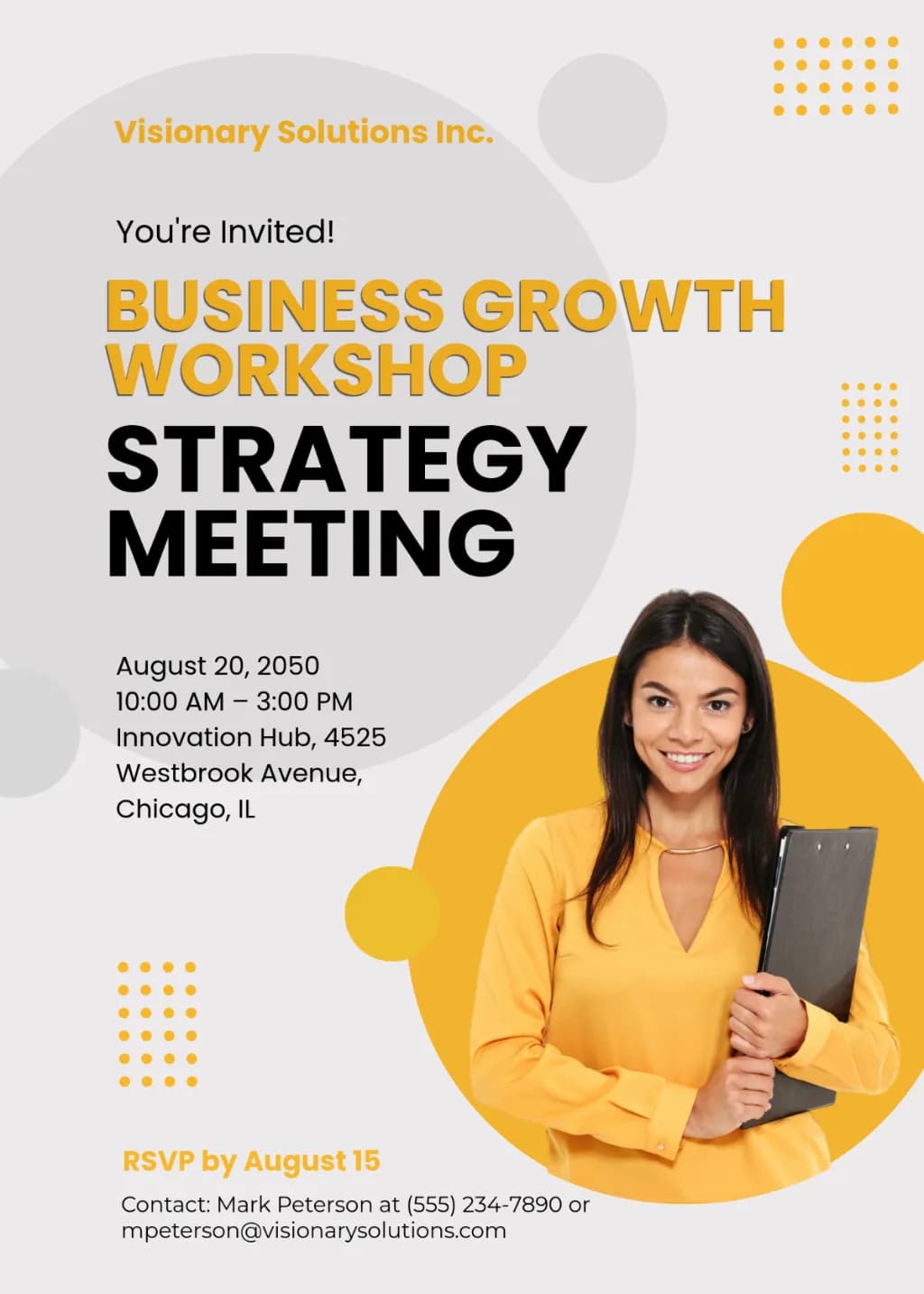
Professional corporate flyer featuring a smiling businesswoman in a yellow shirt holding a clipboard. The layout uses overlapping yellow and grey geometric circles against a light grey background. Includes bold sans-serif typography in black and yellow, accented by yellow dot grid patterns. Clean, modern, and minimalist graphic design.

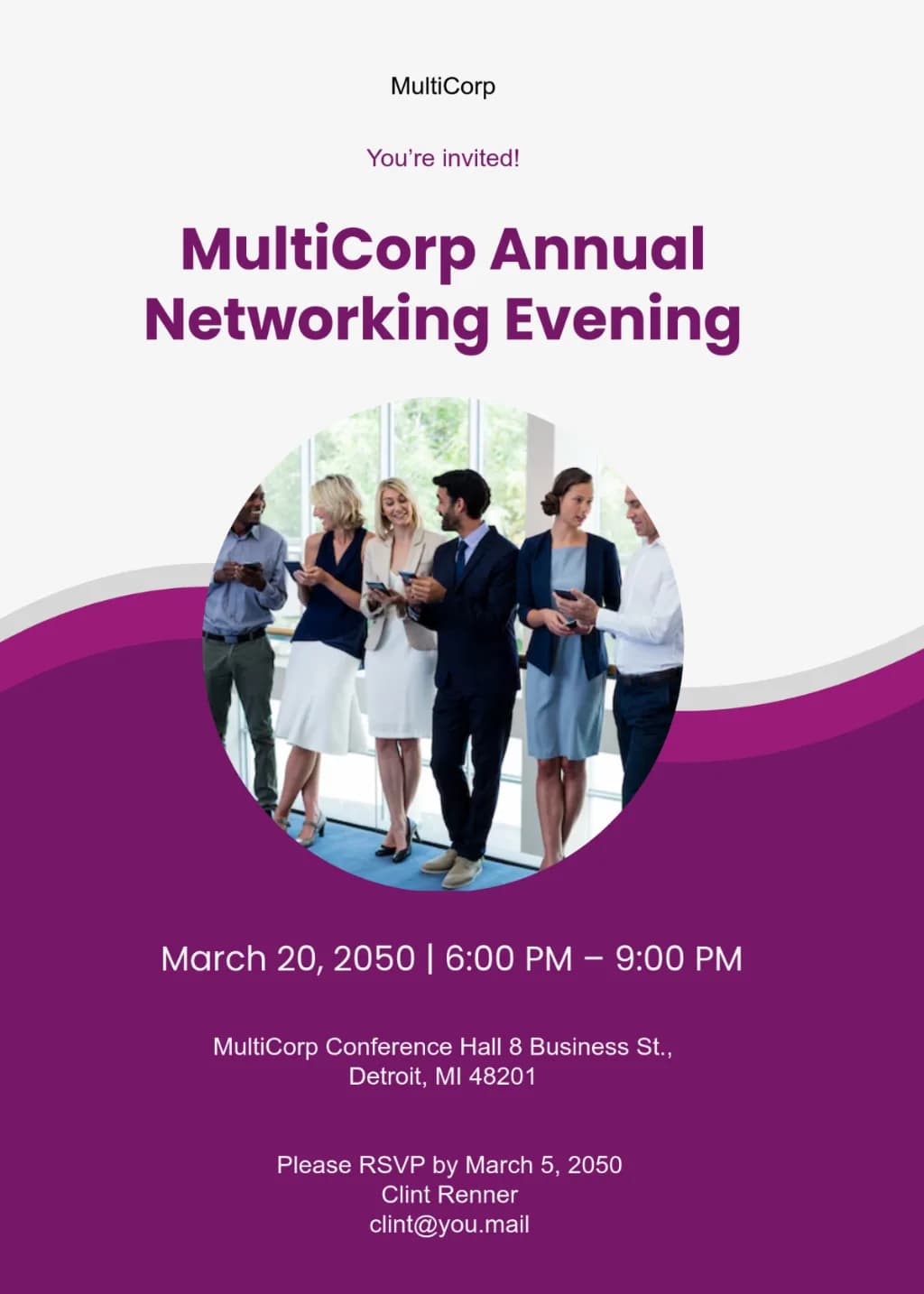
A modern corporate invitation layout with a white top and plum purple bottom divided by a fluid wavy curve. Features a central circular photo of diverse professionals in business attire. Uses bold sans-serif typography with high contrast between background colors. Clean, professional graphic design style.

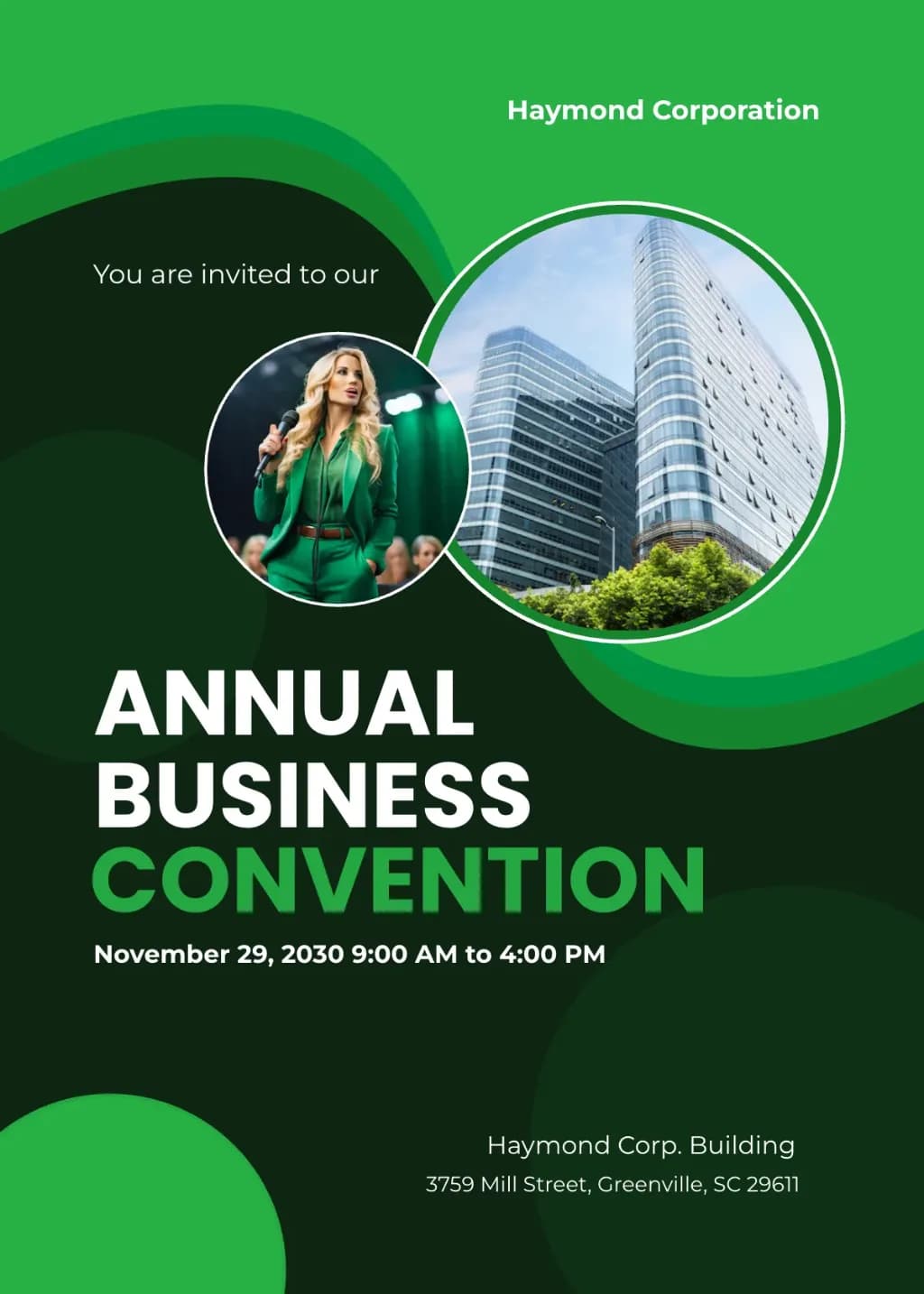
Professional business event poster with green wave and circle design. Features two circular image placeholders: one with a female speaker in a green suit and one with glass skyscrapers. Large bold sans-serif text 'ANNUAL BUSINESS CONVENTION' on a dark green background. Clean corporate layout with emerald and lime accents.

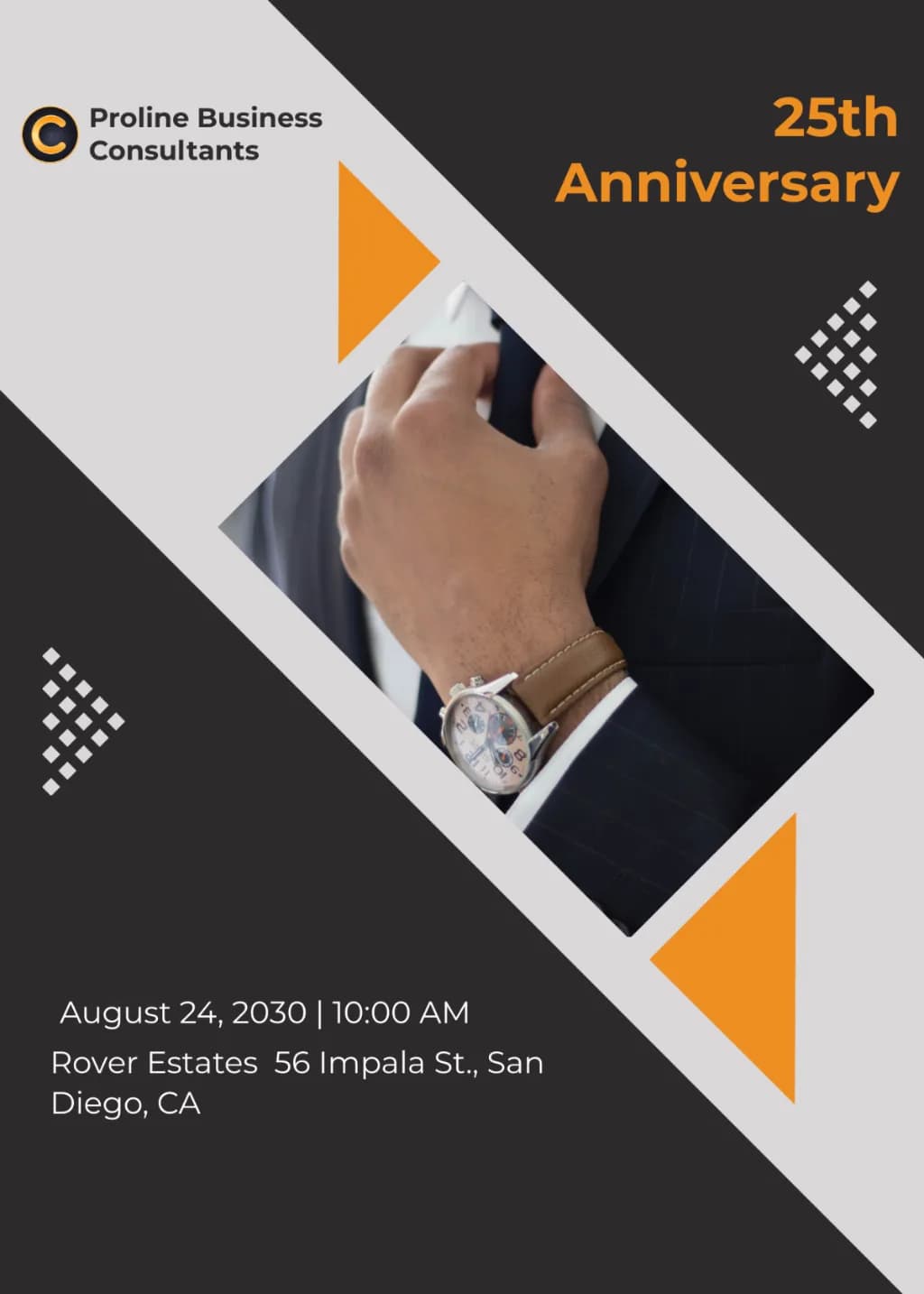
Minimalist corporate flyer with diagonal geometric segments in charcoal and light grey. Central diamond-shaped photo of a businessman's wrist with a watch. Features vibrant orange triangle accents and white dotted grid patterns. Clean sans-serif typography on a balanced, professional layout with sharp graphic edges.

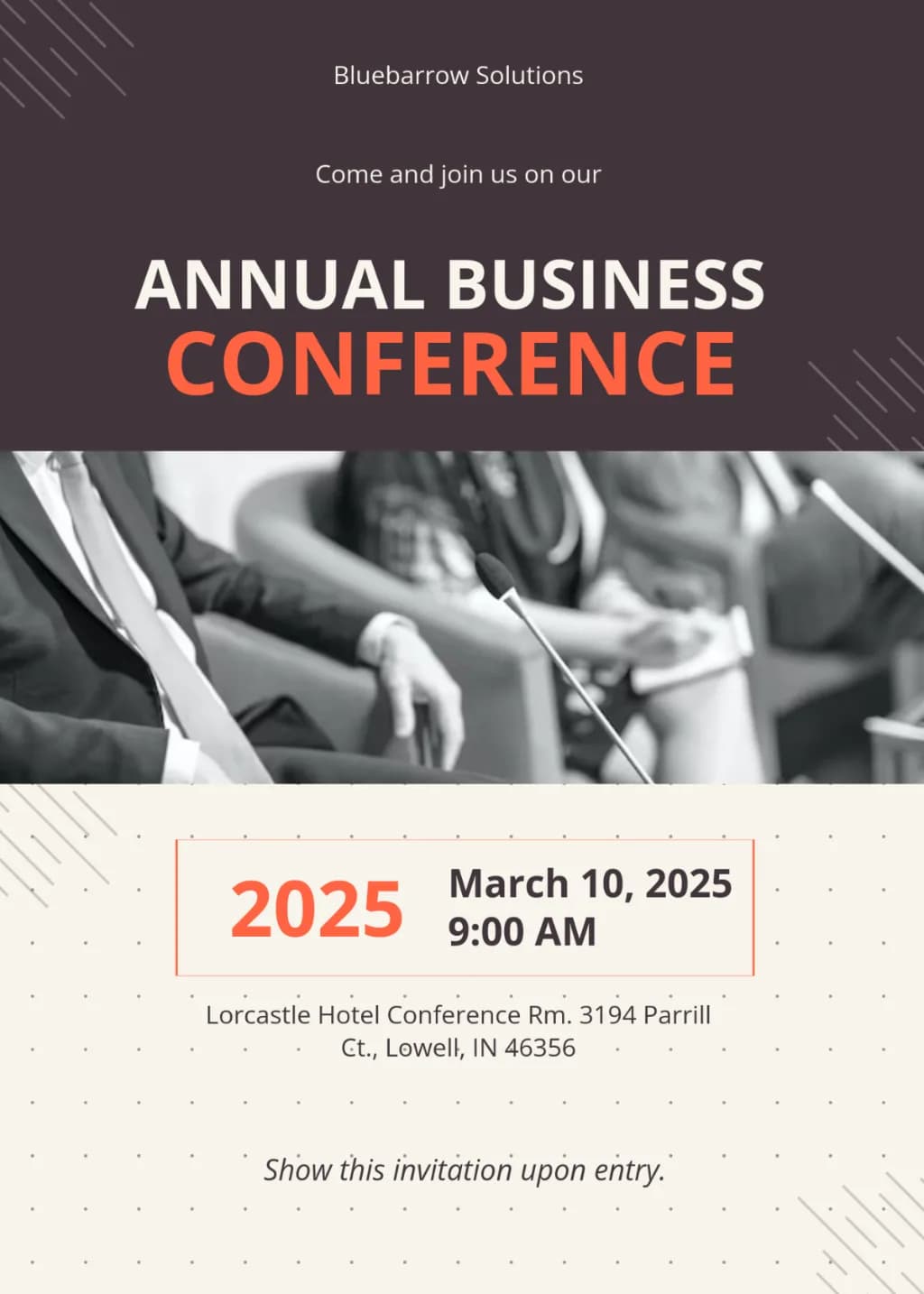
Vertical corporate flyer layout. Top: dark charcoal background with bold white and orange sans-serif typography. Middle: wide horizontal greyscale photograph of a professional panel conference. Bottom: light cream background featuring a subtle dot grid, orange date accents, and centered text. Decorative diagonal line patterns in the corners.

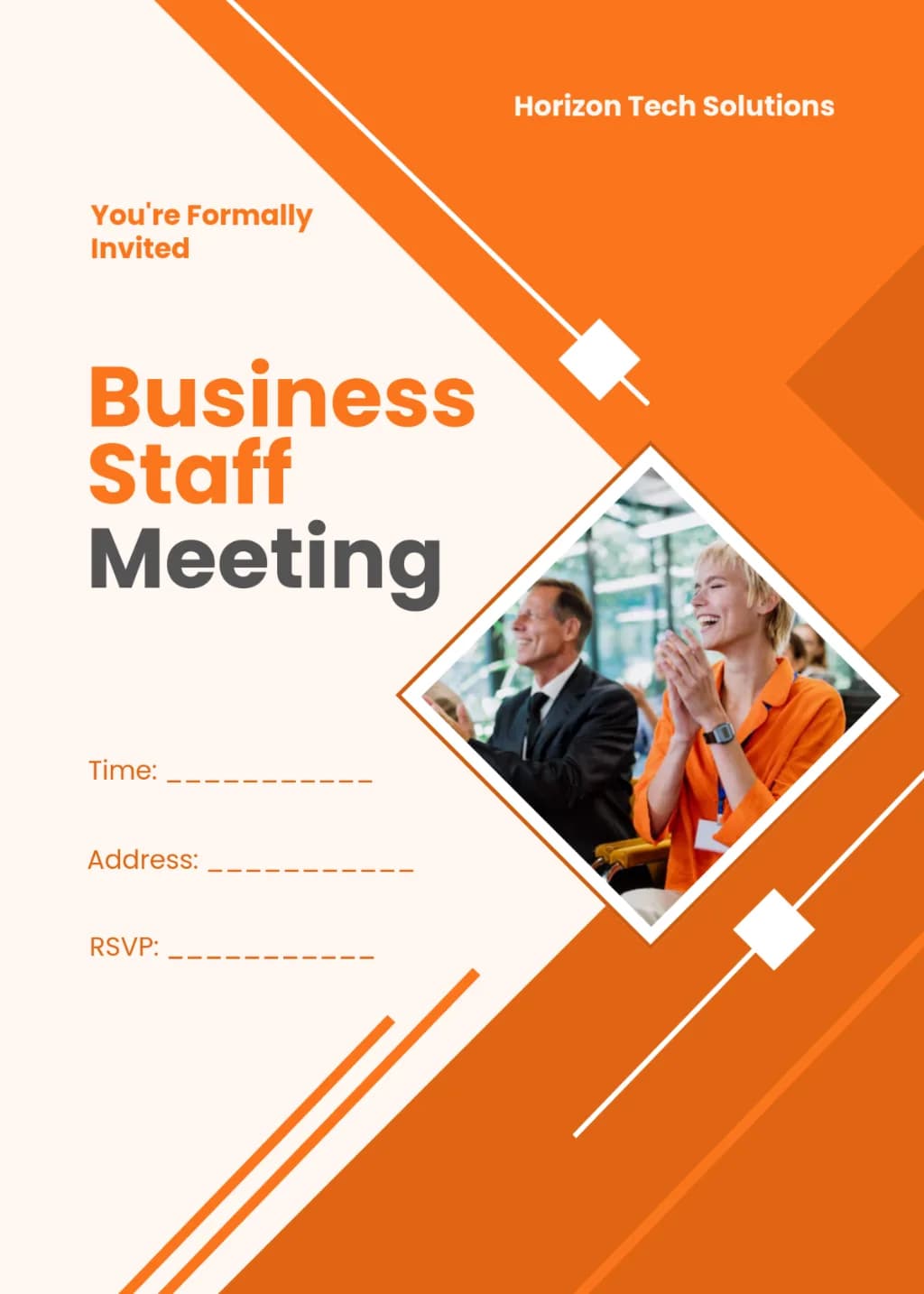
Corporate flyer with diagonal orange and cream layout. Central diamond-framed photo of smiling professionals. Bold sans-serif typography for business headings. Features geometric orange stripes, diamond accents, and clean placeholders for event details. High-contrast, professional aesthetic.
How to generate Corporate Lifestyle AI Image Prompts in three steps in seconds
Use our finely tuned templates to spark your AI creativity instantly
Choose template & click AI
Browse the templates below, select a suitable style, and click the 'AI' button.
Enter relevant information
Customize the pre-filled prompt by entering relevant design details.
Generate and wait
Click generate and wait; usually, your creation finishes in just a few seconds.
Or, create your own Corporate Lifestyle AI Image Prompts
Can't find the perfect template? You can customize your own prompt from scratch, defining your own styles and settings.
FAQ
What are Corporate Lifestyle AI image prompts?
They are reusable visual briefs grouped under the Corporate Lifestyle category. Each brief can be adapted to a different subject, reference image, composition, or output size.
How are Corporate Lifestyle examples selected for this collection?
Published prompts are assigned to this collection when their subject, style, or intended use matches the Corporate Lifestyle category.
Can I customize these Corporate Lifestyle prompts?
Yes. Replace the subject and context, then adjust the lighting, palette, materials, lens or rendering method, aspect ratio, and detail level for your project.