 01
01twitteravatars-profile-picturessocial-media-graphics
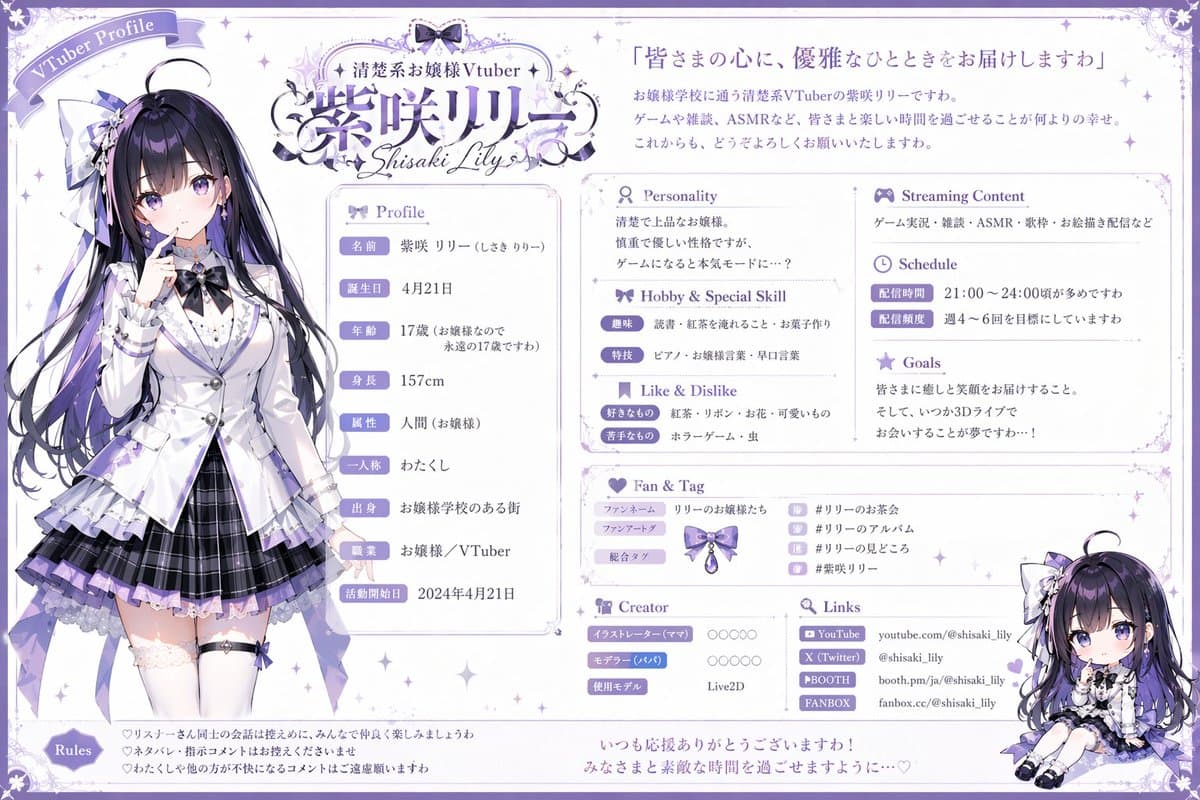
GPT-Image2の活用事例。 こんな感じでプロフィール紹介画像と配信用サムネイルも一括してつくれます。 セルフ受肉を予定している人の参考になれば。
Browse digital portrait examples and reusable AI image prompts for composition, lighting, color, materials, and style.
Browse a focused digital portrait category based on the PromptPlum taxonomy. Use the references as starting points, then rewrite each prompt for your own subject, format, and visual goal.
01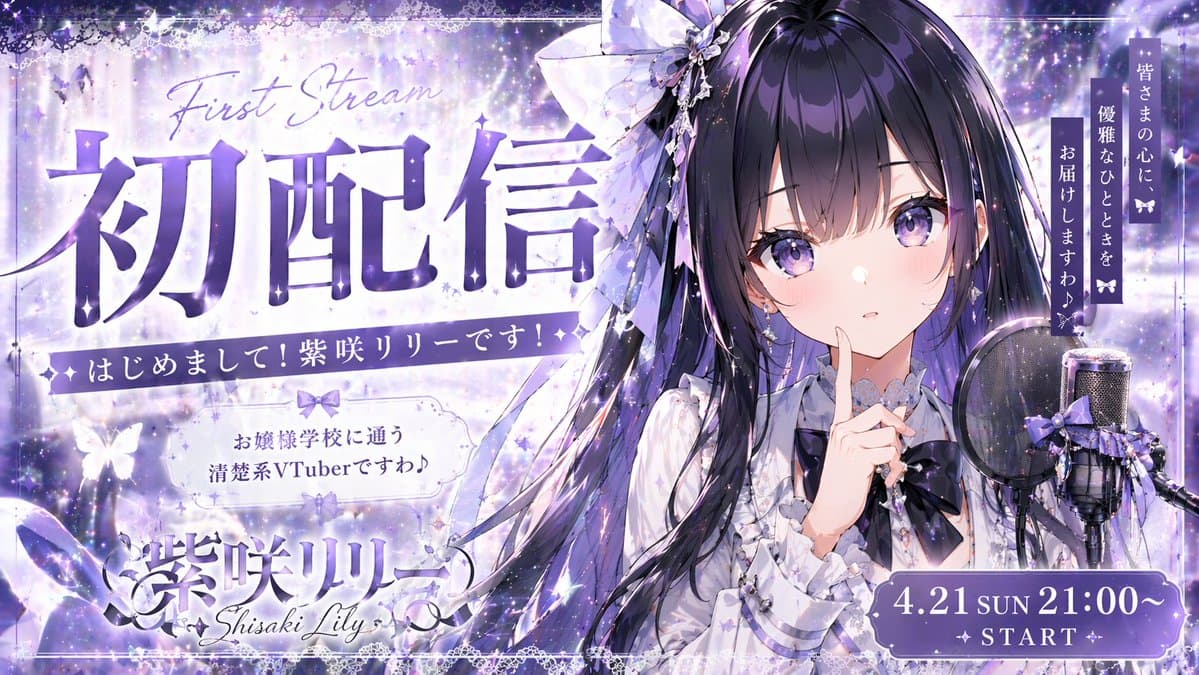 02
02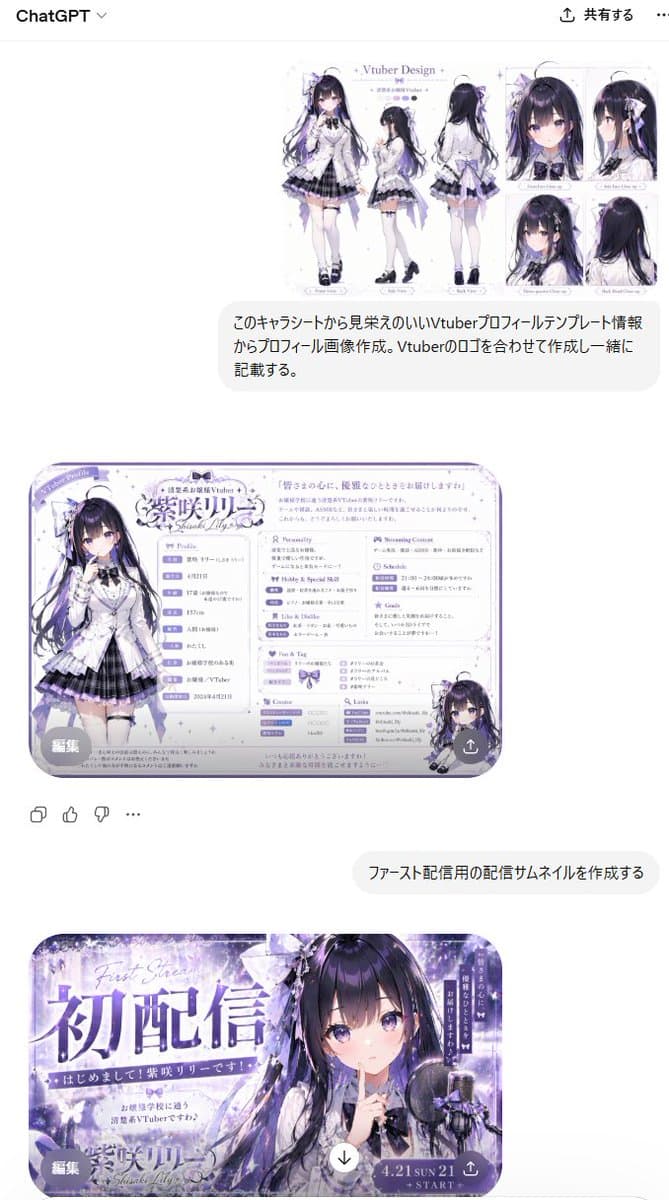 03
03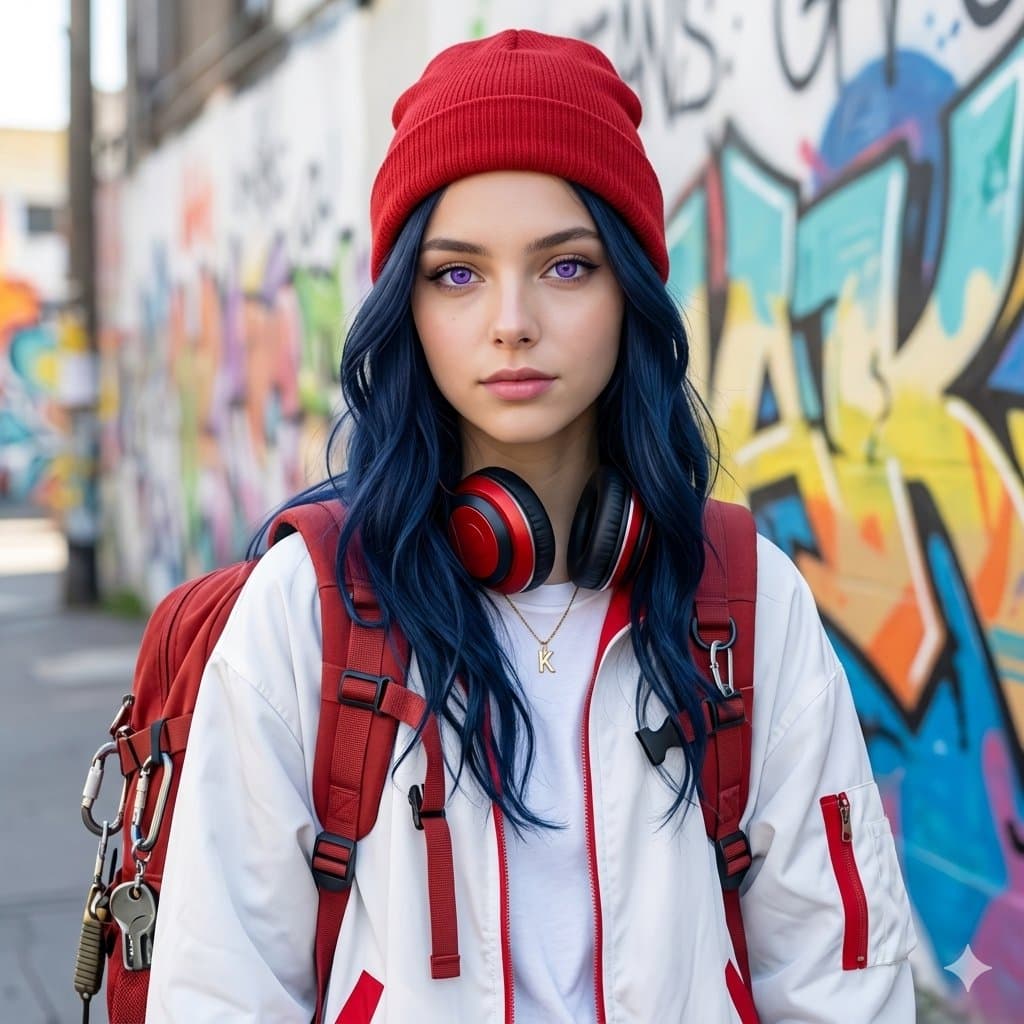 04
04Open any reference to inspect the full prompt, or take its image and aspect ratio straight into the generator.
2 public prompts01GPT-Image2の活用事例。 こんな感じでプロフィール紹介画像と配信用サムネイルも一括してつくれます。 セルフ受肉を予定している人の参考になれば。
02Gemini Nano bnana pro Prompt Create a picture of me. A Stylish girl with long wavy dark blue hair and violet eyes, wearing a red beanie and large red-and-black headphones around her neck. She has a red backpack with detailed straps and gear, and she’s dressed in a casual street wear outfit — oversized white jacket with red accents. The background is minimal and bright street with colorful vandalism on wall, emphasizing her cool and calm expression. Highly detailed, clean lighting, soft shadows, aesthetic
Choose the frame closest to your goal in composition, color, and purpose.
Change the subject, copy, style, and image ratio in the generator.
Keep the prefilled reference, generate, then refine from the result.
Start with a blank prompt and define the subject, composition, typography, and aspect ratio yourself.
Digital Portrait prompts help organize visual ideas around a specific style, subject, medium, or photography use case. Published examples may change as the collection grows.
Name the main subject first, then define composition, environment, lighting, palette, materials, camera or rendering technique, aspect ratio, and the intended output.
Remove conflicting style instructions, keep one clear visual direction, and review anatomy, text, logos, perspective, and important category-specific details before publishing.
They are reusable visual briefs grouped under the Digital Portrait category. Each brief can be adapted to a different subject, reference image, composition, or output size.
Published prompts are assigned to this collection when their subject, style, or intended use matches the Digital Portrait category.
Yes. Replace the subject and context, then adjust the lighting, palette, materials, lens or rendering method, aspect ratio, and detail level for your project.