cafe-cultureillustrationdrawing-sketch
GPT Image 2 on Chatgpt
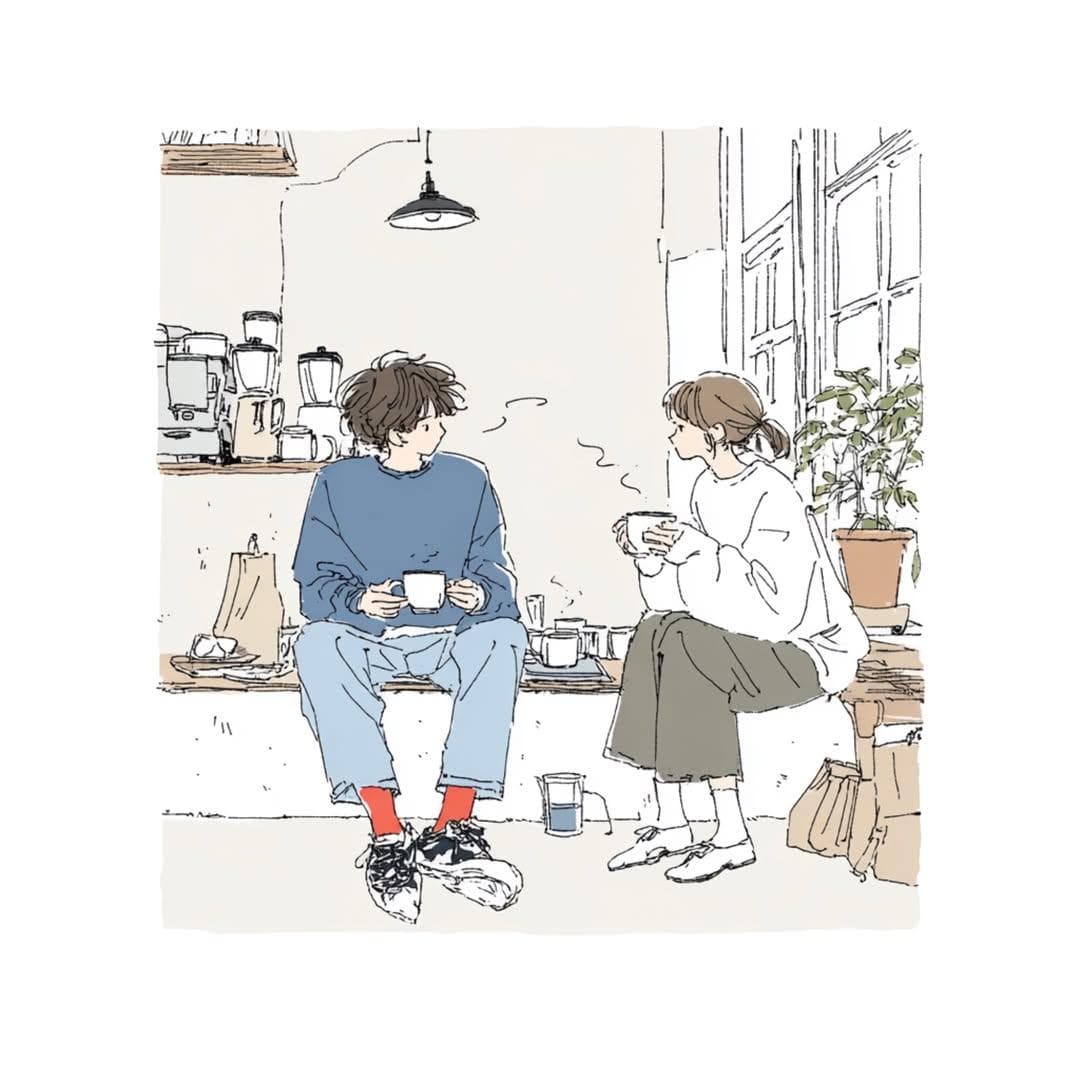
Prompt: Create a delicate contemporary Japanese lifestyle illustration with a cozy slice-of-life atmosphere.
ART STYLE
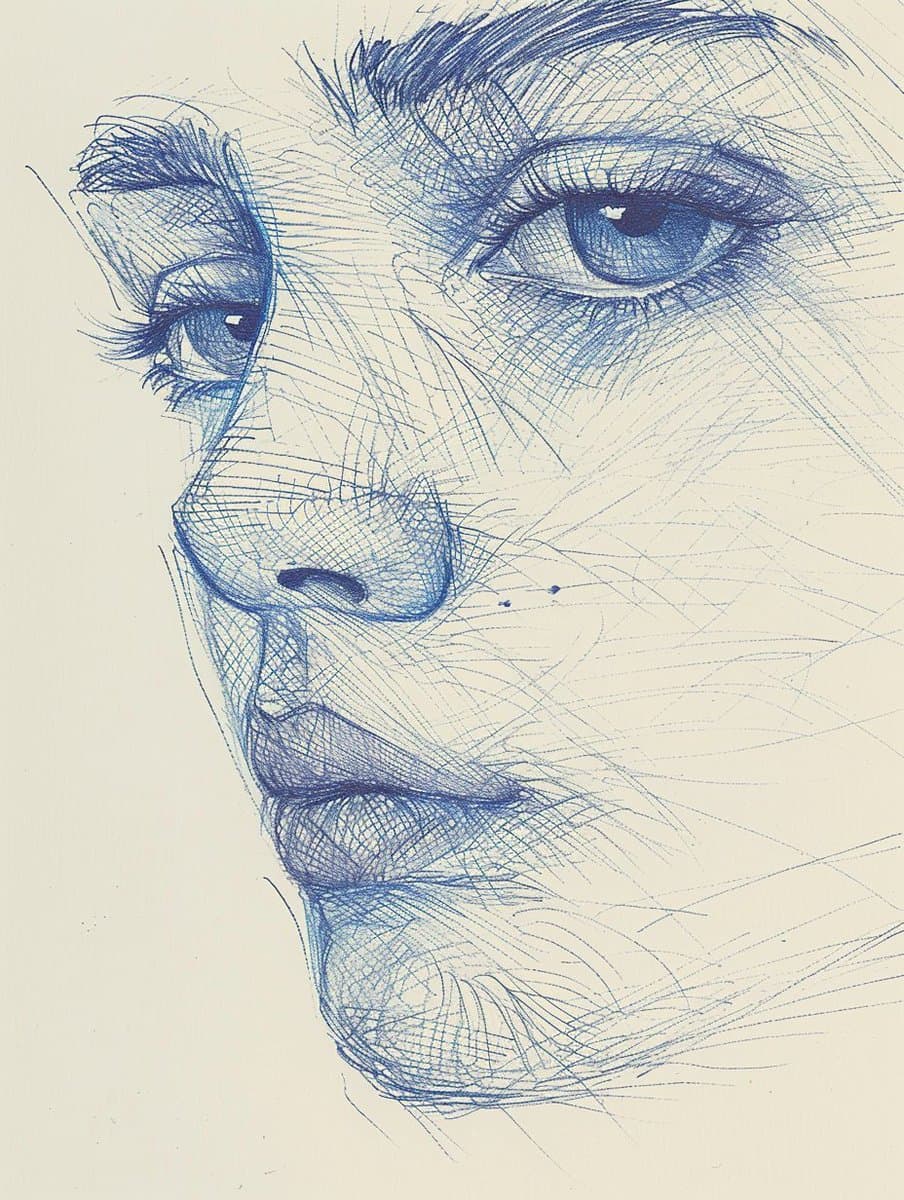
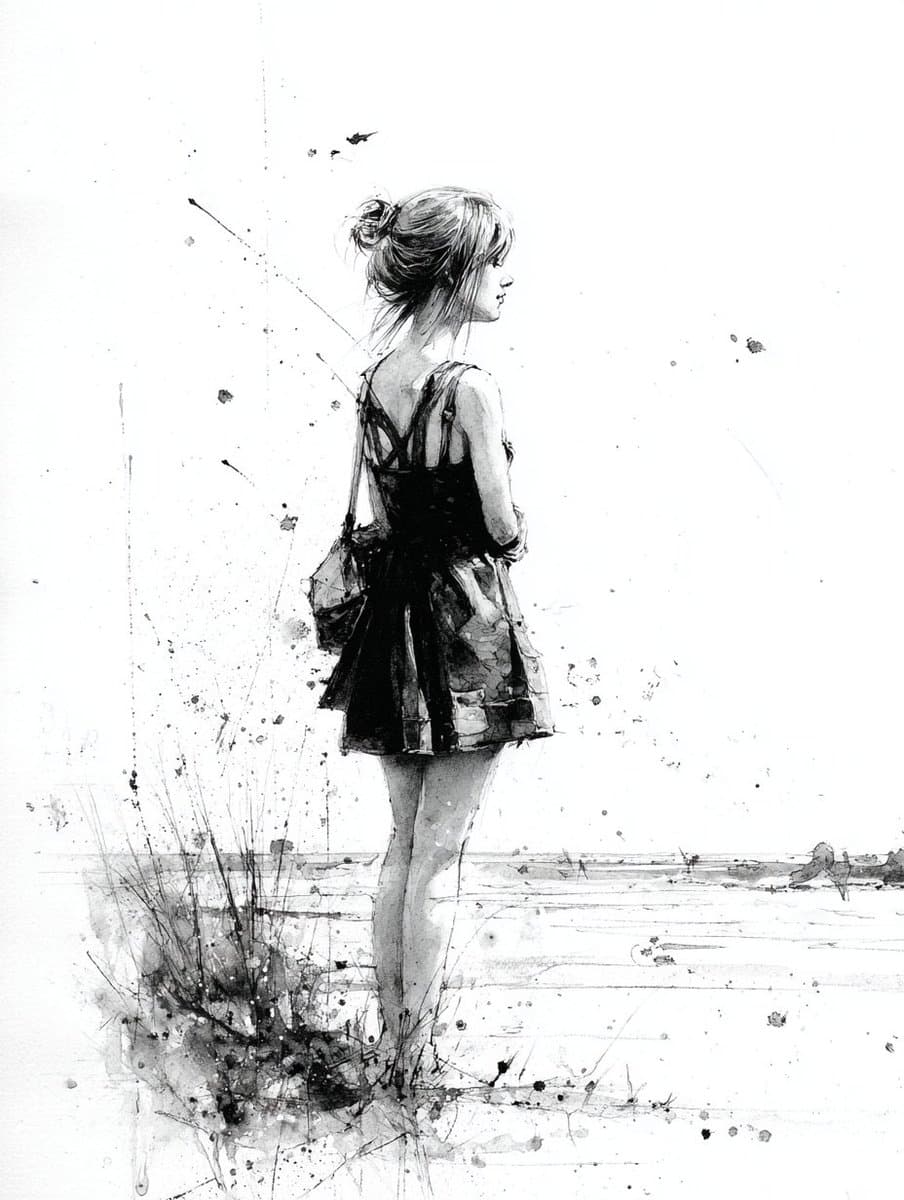
Hand-drawn pen-and-ink sketch illustration, thin expressive linework, loose imperfect contours, minimalist editorial artwork, soft watercolor washes, subtle paper texture, elegant negative space, sketchbook aesthetic, modern Japanese indie illustration, light and airy composition, contemporary café-art style, emotionally warm and intimate.
CHARACTERS
Two young adults with soft, simplified facial features and natural expressions. Casual oversized clothing, relaxed body language, authentic interaction, candid everyday moment. Faces are minimally rendered with delicate linework rather than detailed realism.
ENVIRONMENT
A cozy indoor setting such as a café, coffee shop, apartment, studio, bookstore, kitchen corner, or creative workspace. Include wooden furniture, coffee mugs, indoor plants, shelves, books, windows, soft decorative details, and small everyday objects. The environment should feel lived-in yet uncluttered.
COMPOSITION
Full-body or three-quarter-body view. Characters seated naturally and facing one another. Balanced asymmetrical layout. Large areas of clean negative space. Storytelling through posture and atmosphere rather than action. Editorial illustration framing. Eye-level perspective.
COLOR PALETTE
Muted and desaturated colors only:
• Dusty blue
• Warm cream
• Soft beige
• Light gray
• Sage green
• Warm brown
• Off-white
Add only one small accent color element such as red socks, red shoes, a red mug, or a small red object.
LIGHTING
Soft natural daylight entering through windows. Gentle ambient illumination. No dramatic shadows. Warm, peaceful, calming mood.
RENDERING
Minimal shading. Sparse details. Watercolor-style color fills inside delicate ink outlines. Slightly unfinished sketch quality. High-quality illustration with visible hand-drawn imperfections. Soft edges and subtle texture.
MOOD
Comfortable, quiet, nostalgic, peaceful, intimate, cozy, everyday happiness, slow living, café culture, thoughtful conversation, gentle human connection.
AVOID
Anime screenshots, manga panels, cel shading, digital painting, hyperrealism, photorealism, 3D rendering, glossy surfaces, vibrant saturated colors, cinematic effects, dramatic lighting, excessive details, sharp outlines, heavy shadows, complex backgrounds.
SCENE:
[INSERT YOUR SCENE DESCRIPTION HERE]
The final image should feel like a premium Japanese lifestyle illustration found in an art book, café magazine, design journal, or independent sketchbook collection.


 01
01