Fine Art prompt library

Fine Art AI Image Prompts

Browse fine art examples and reusable AI image prompts for composition, lighting, color, materials, and style.

Browse a focused fine art category based on the PromptPlum taxonomy. Use the references as starting points, then rewrite each prompt for your own subject, format, and visual goal.

Create a fine art image
Prompt visualization 1
1200 × 904

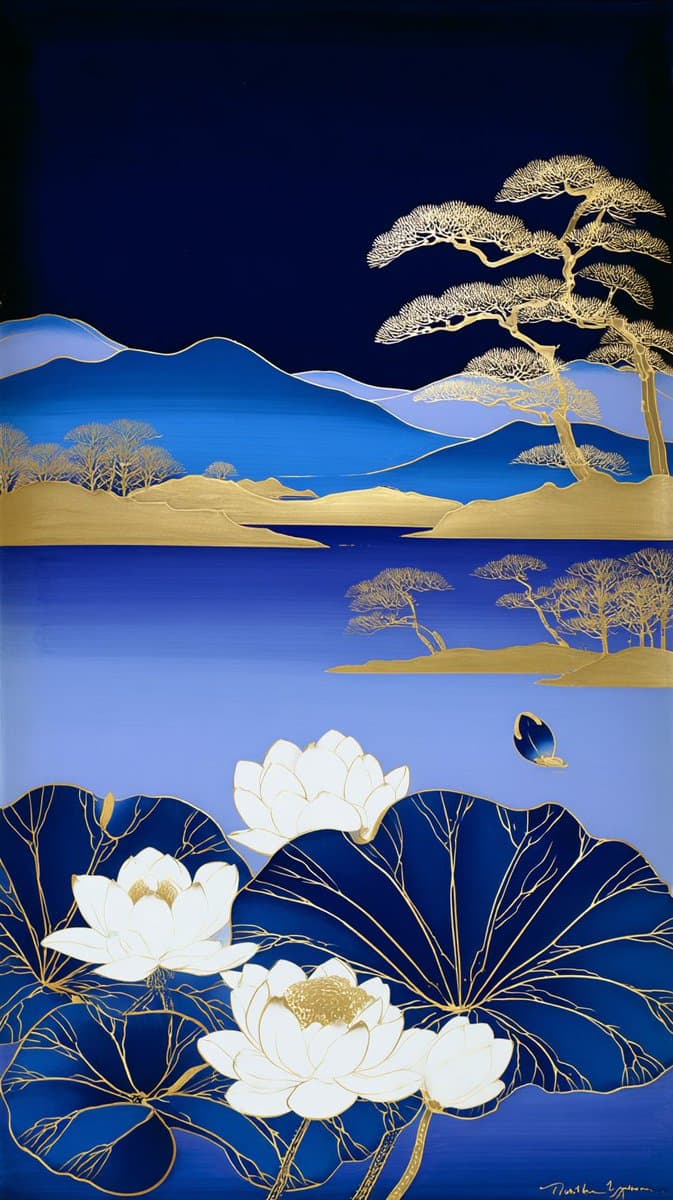
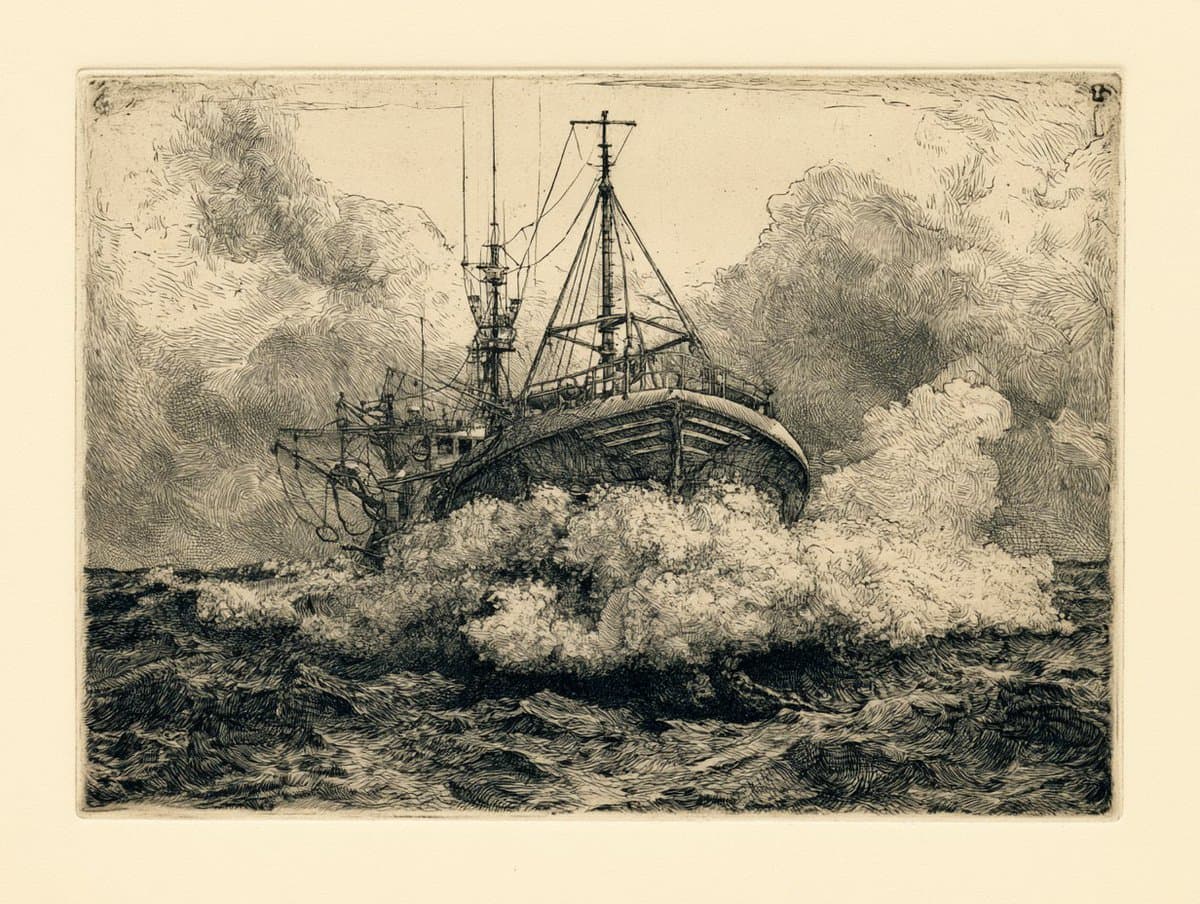
Prompt Studio: Etching, Artistic Styles with Midjourney v8.1 An etching of a [subject], cross-hatched lines building tone and volume, [color] ink on warm cream paper, plate mark embossed into the sheet, Dürer density in the shadow work, printed in a small edition. See ALTs for ideas 👇

Prompt visualization 1
Prompt visualization 2
Prompt visualization 3
Prompt visualization 4
1080 × 1446

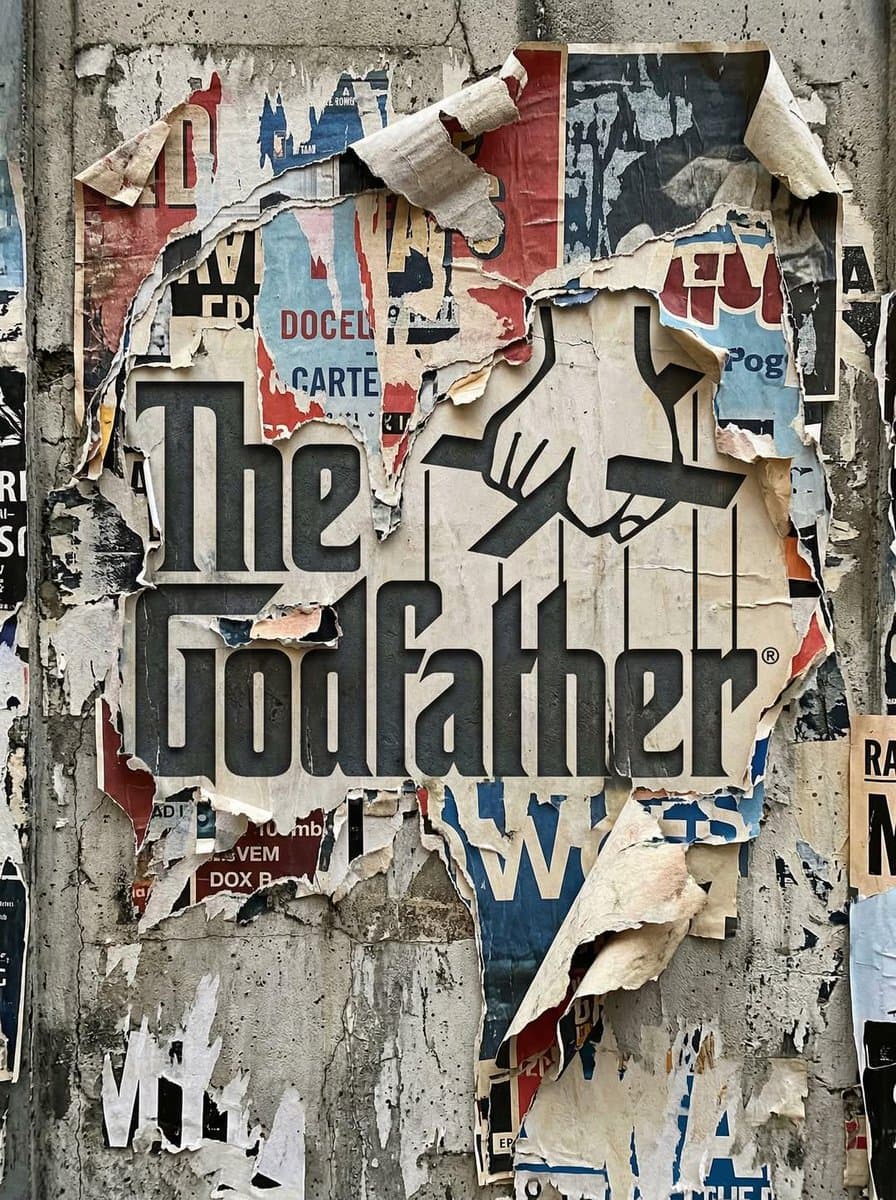
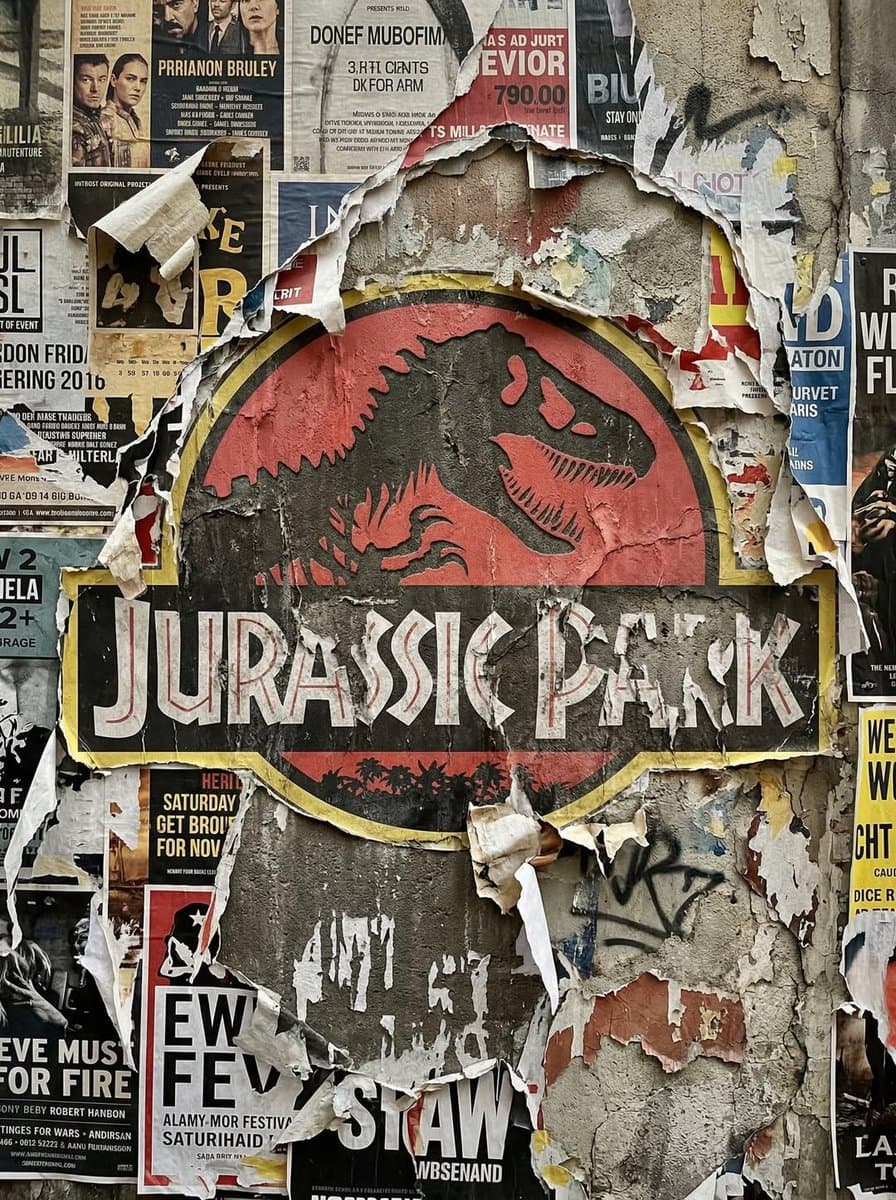
Gemini Nano Banana Prompt: Transform the uploaded logo into a realistic urban wall scene where the logo silhouette is revealed through layers of torn posters. The logo must keep its exact shape and proportions, appearing as if multiple posters have been ripped away over time, exposing the shape naturally within the layered paper textures. Material details: Multiple overlapping poster layers with different colors, prints, and paper types. Ripped edges with fibrous texture, curls, and torn fragments. Aged paper with fading, stains, glue residue, and slight peeling. Some areas showing older layers beneath, creating depth. Physics behavior: Paper tearing should look natural — irregular edges, varying thickness, partial detachment. Edges curling outward due to humidity and time. Glue holding some sections while others peel away. Layer separation revealing deeper textures gradually. Surface interaction: Rough concrete or plaster wall beneath the posters. Glue marks and residue where posters were attached. Cracks, dirt, and weathering visible on exposed wall areas. Environment: Urban street setting - alley wall or city corner. Hints of surrounding posters, graffiti, or wear. No overly clean or staged look. Lighting: Natural daylight or soft urban lighting. Shadows inside torn layers creating depth. Subtle highlights on curled paper edges. Atmosphere: Raw. Layered. Time-worn. Authentic street texture. Camera & composition: Straight-on or slightly angled close-up view. Logo clearly visible through torn layers. Depth emphasized through overlapping paper textures. Format: Aspect ratio: STRICT 4:5 vertical. No text overlays. Style: Hyper-real urban surface photography. Physically accurate material aging and layering.
Prompt visualization 1
Prompt visualization 2
Prompt visualization 3
Prompt visualization 4
1232 × 928

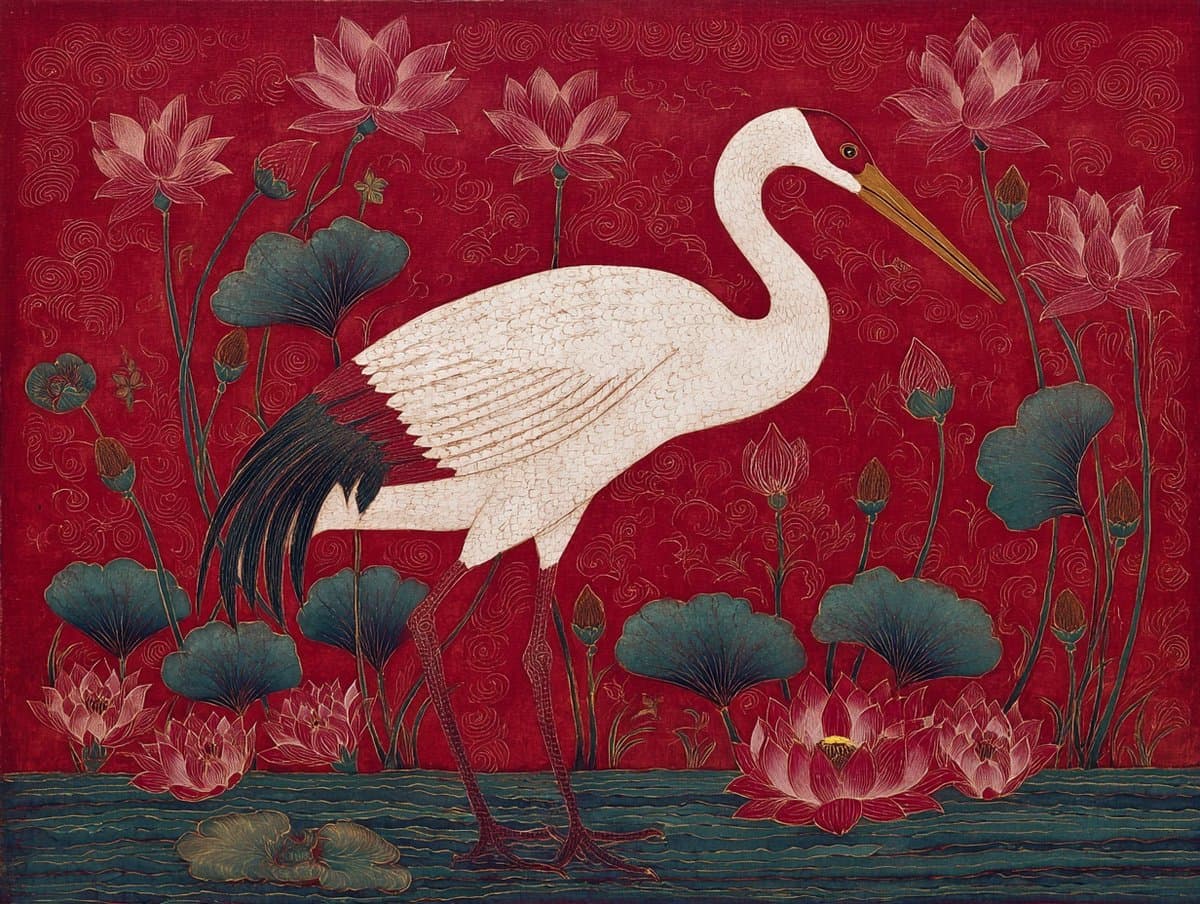
Prompt Studio: Korean Minhwa Folk Painting, Artistic Styles A Korean minhwa folk painting of a [subject], bold outlines and flat saturated [color1] and [color2], naive perspective and symbolic arrangement, hanji paper with visible fiber, Joseon-era auspicious energy, meant to bless a household. Stylization 100, no --p used, --ar 4:3, v7 Check ALTs for ideas 👇

Prompt visualization 1
1024 × 1024

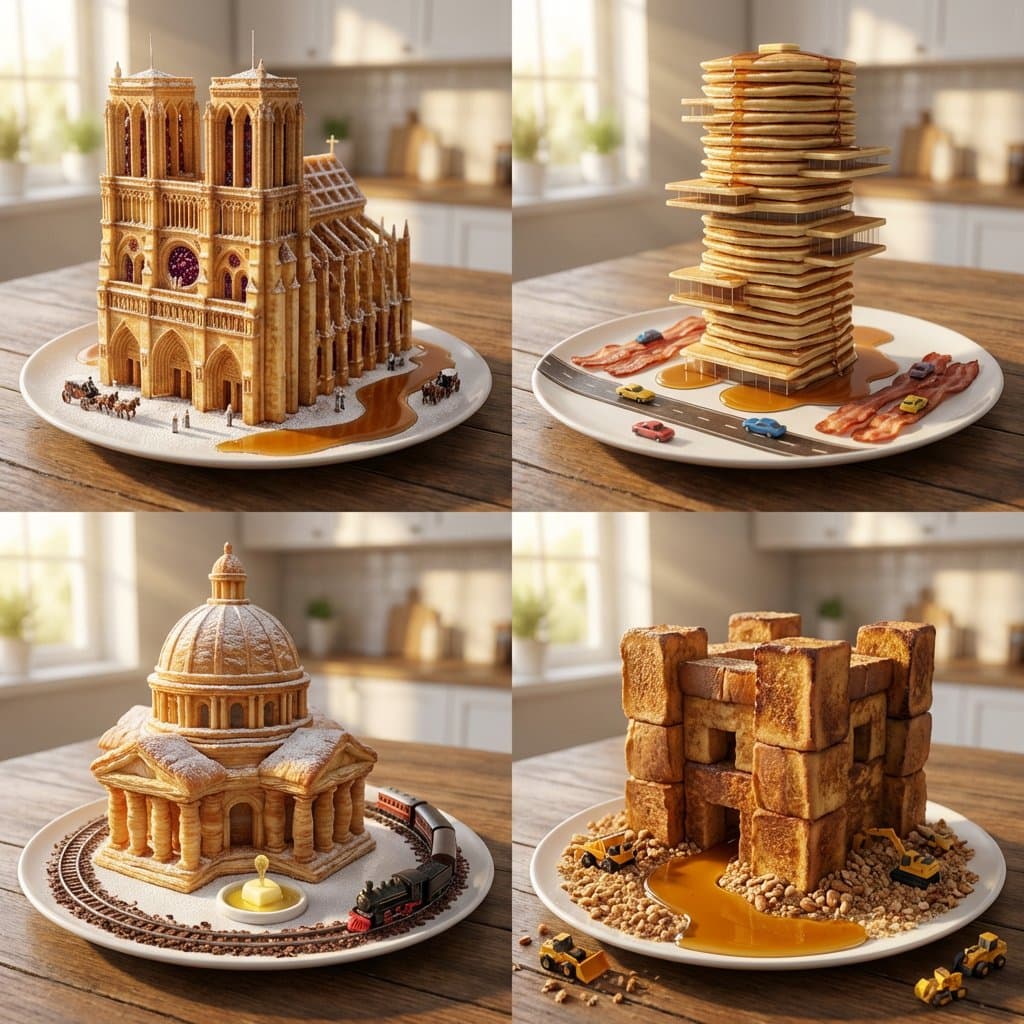
I don't like playing with my breakfast but if I did, I'd probably try these :) Nano banana prompt: <instructions> Role: Michelin Pastry Chef & Master Architect Input: [Architectural Era] + [Breakfast Item] Phase 1: Structural Logic Pick 4 defining elements of the architectural era (e.g., Gothic = flying buttresses, stained glass). Translate these elements into the physical properties of the breakfast food (e.g., a waffle grid becoming a skyscraper facade). Phase 2: Visual Execution Goal: 2x2 Grid of "Breakfast Foods Sculpted as Buildings." Rules per Panel: Subject: A single plate of the breakfast food, but it is architecturally structured as a monumental building from the chosen era. Set: Syrup acts as rivers, powdered sugar as snow, or steam as low-hanging fog. Scale: Tiny vehicles or people at the base to establish massive scale. Camera : Golden hour morning sunlight slicing through a window, photorealistic food textures (crispy, buttery, glistening), 85mm portrait lens, blurred kitchen background. </instructions>

How to generate Fine Art AI Image Prompts in three steps in seconds

Use our finely tuned templates to spark your AI creativity instantly

01

Choose template & click AI

Browse the templates below, select a suitable style, and click the 'AI' button.

02

Enter relevant information

Customize the pre-filled prompt by entering relevant design details.

03

Generate and wait

Click generate and wait; usually, your creation finishes in just a few seconds.

+

Or, create your own Fine Art AI Image Prompts

Can't find the perfect template? You can customize your own prompt from scratch, defining your own styles and settings.

FAQ

What are Fine Art AI image prompts?

They are reusable visual briefs grouped under the Fine Art category. Each brief can be adapted to a different subject, reference image, composition, or output size.

How are Fine Art examples selected for this collection?

Published prompts are assigned to this collection when their subject, style, or intended use matches the Fine Art category.

Can I customize these Fine Art prompts?

Yes. Replace the subject and context, then adjust the lighting, palette, materials, lens or rendering method, aspect ratio, and detail level for your project.