Photo Restyle prompt library

Photo Restyle AI Image Prompts

Browse photo restyle examples and reusable AI image prompts for composition, lighting, color, materials, and style.

Browse a focused photo restyle category based on the PromptPlum taxonomy. Use the references as starting points, then rewrite each prompt for your own subject, format, and visual goal.

Visual reference set
photo restyle
Library size
4 public prompts
Visual reference set04 / REF
Photo Restyle AI Image Prompts reference 101
Photo Restyle AI Image Prompts reference 202
Photo Restyle AI Image Prompts reference 303
Photo Restyle AI Image Prompts reference 404
VEYVIA / PHOTO-RESTYLECURATED
Prompt library

Choose the closest frame to begin.

Open any reference to inspect the full prompt, or take its image and aspect ratio straight into the generator.

4 public prompts
Photo Restyle AI Image Prompts prompt 101
photo-restylevector-illustrationillustration

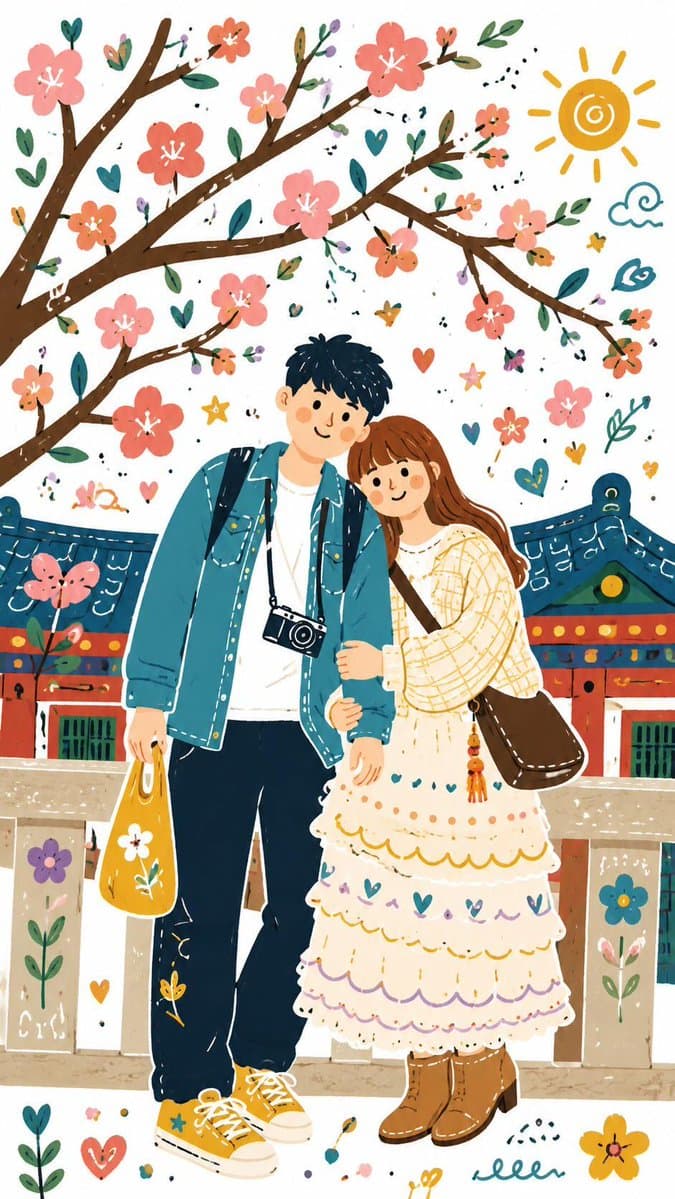
Transform your image into a Decorative Folk Flat Illustration using GPT Image 2 on @itsPolloAI Prompt: Please transform the entire image into a single Decorative Folk Flat Illustration with Doodle elements. Use a bold and playful color palette, completely different from the original image. Simplify all details into clean, flat shapes with a handmade, slightly imperfect feel, as if drawn on a sheet of white paper. The overall style should look cute, childlike, and whimsical.

Photo Restyle AI Image Prompts prompt 202
humor-comedydrawing-sketchcartoon-animation

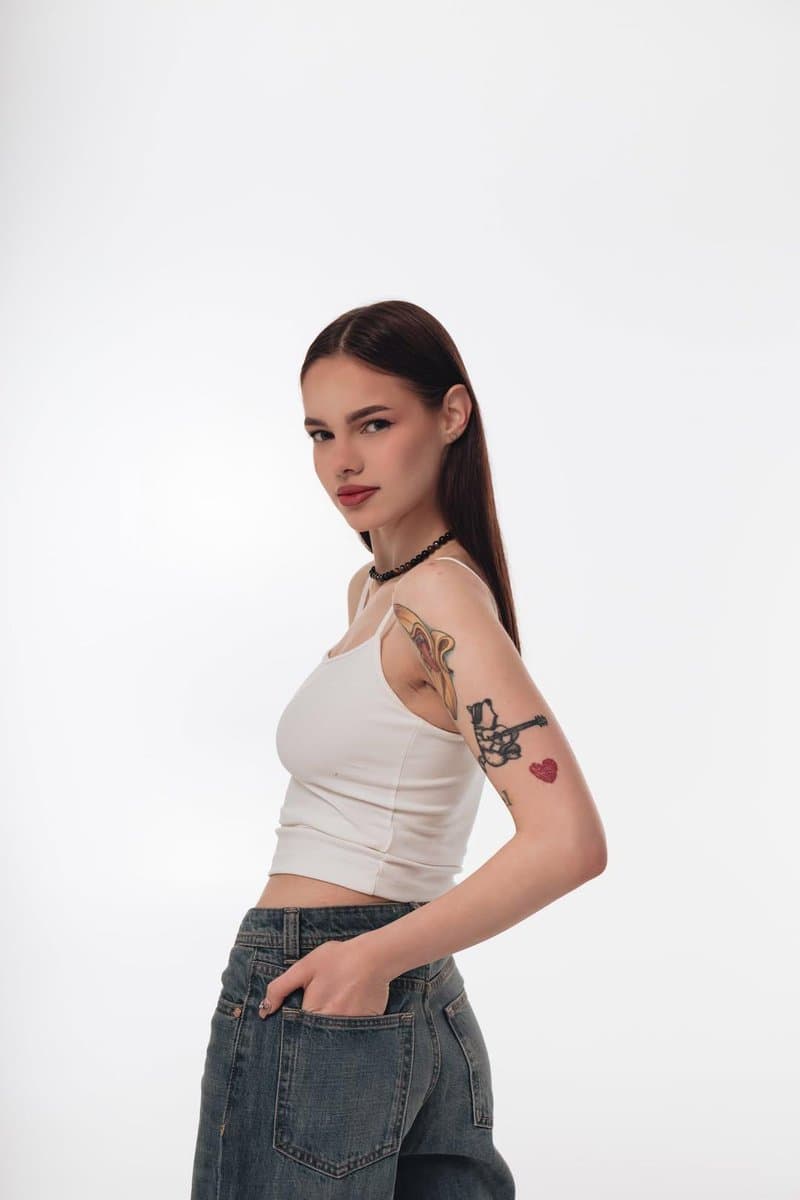
GPT Image 2 on @SocialSight Prompt: Turn this photo into a funny ugly doodle drawing. Make it look like: a quick sketch using a cheap marker or crayon messy, rough, childlike style bad perspective and awkward proportions slightly exaggerated facial features Add: simple cartoon background (like buildings, trees, street) random sketchy lines and details uneven coloring and visible strokes Style: looks like a lazy drawing, not polished humorous and a bit stupid-looking meme-like, casual, internet style Do NOT: make it realistic

Photo Restyle AI Image Prompts prompt 303
photo-restylephoto restyleai image prompts

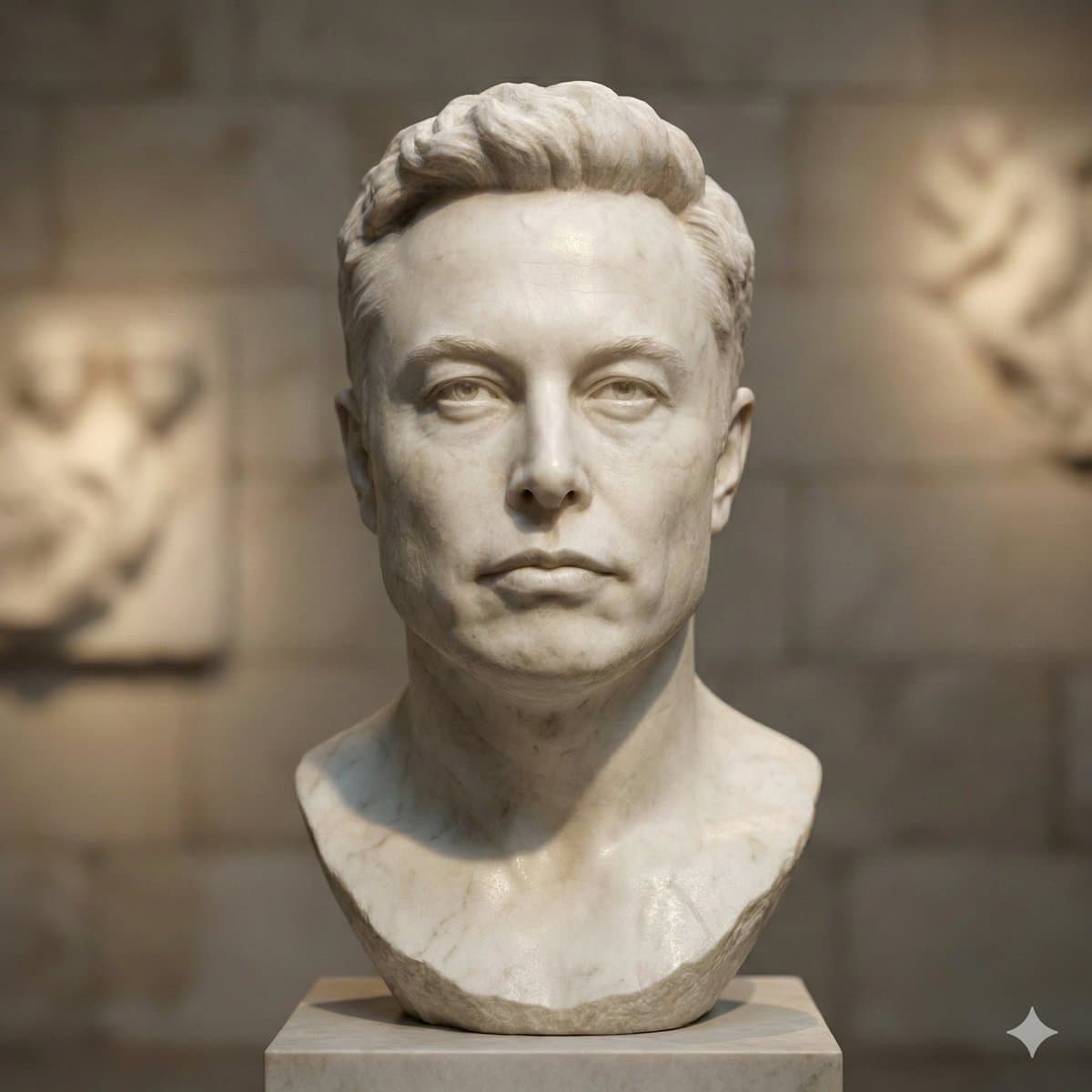
Transform the uploaded photo into a hyper-realistic marble sculpture avatar in classical Greco-Roman statue style. Preserve the subject's recognizable identity and proportions while translating the face, hair, clothing, and shoulders into finely carved stone. Add precisely chiseled features, subtle imperfections, visible stone veins, natural marble grain, realistic sculpting marks, and a smooth but slightly weathered surface. Use soft museum-style directional lighting, gentle contour shadows, a neutral gallery background, shallow depth of field, timeless fine-art atmosphere, cinematic realism, and a square 1:1 composition.

Photo Restyle AI Image Prompts prompt 404
photo restyleai image promptsprompt library

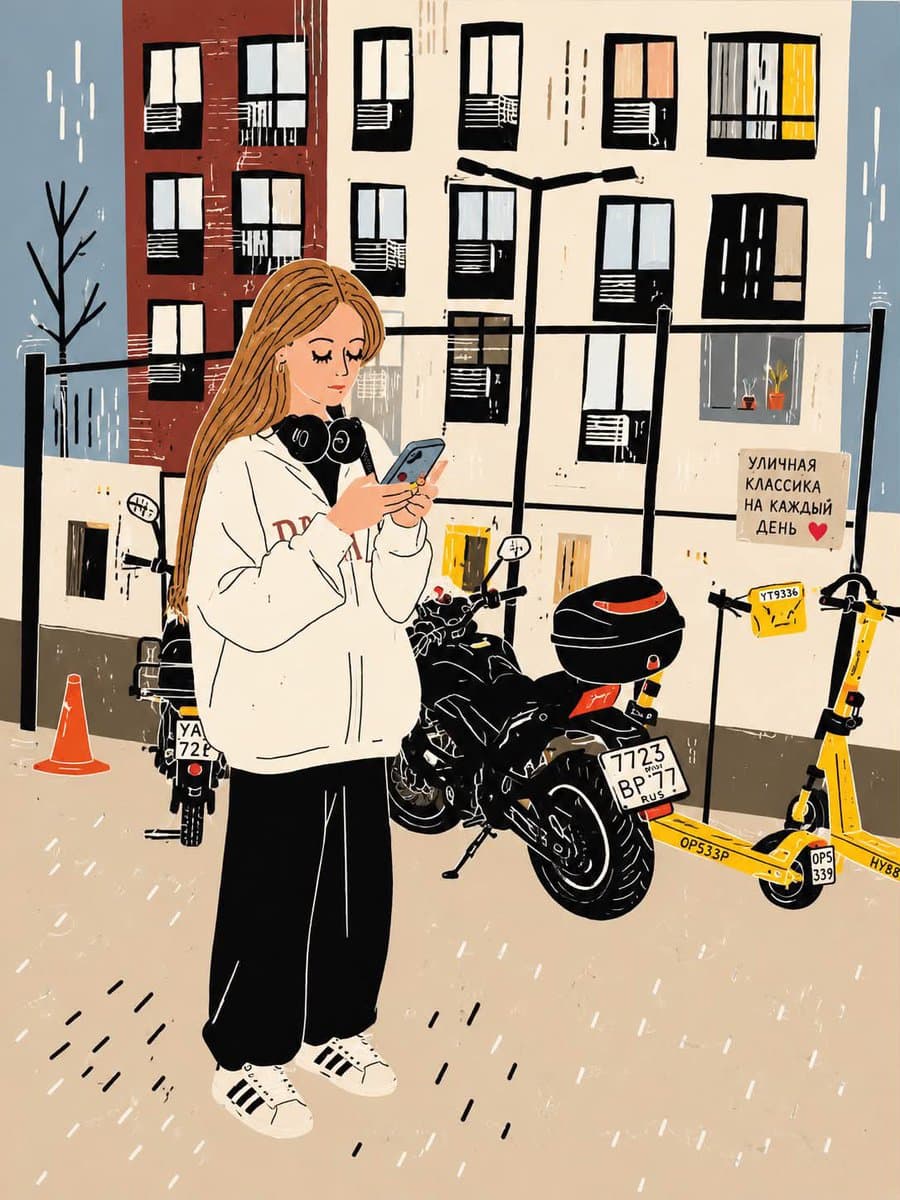
Transform this photo into a clean, hand-drawn editorial illustration with a modern urban lifestyle aesthetic. Preserve the exact composition, pose, clothing, headphones around the neck, smartphone, motorcycle, yellow e-scooters, glass fence, and apartment buildings in the background. Use bold black outlines, simplified geometric shapes, minimal facial details, soft beige and cream tones, muted brick red, slate blue, charcoal black, and warm yellow accents. Apply a textured paper/grain finish with subtle ink scratches and brush imperfections. Flatten the lighting with gentle shadows, giving it a cozy Scandinavian-inspired illustrated poster look. Maintain a calm, everyday city atmosphere while keeping the proportions accurate and the character recognizable from the original photo. High-quality digital illustration, flat colors, vector-inspired, minimalistic, artistic, clean linework, textured print aesthetic, 4:5 aspect ratio. Negative prompt (optional): Photorealistic, 3D render, anime, watercolor, oil painting, excessive detail, hyper-realistic skin, blurry, distorted anatomy, extra limbs, messy lines, noisy background, oversaturated colors, text, logo, watermark, low quality.
Reference to result

Three steps forward, without starting from a blank canvas.

  1. 01

    Pick a reference

    Choose the frame closest to your goal in composition, color, and purpose.

  2. 02

    Adjust the details

    Change the subject, copy, style, and image ratio in the generator.

  3. 03

    Generate the image

    Keep the prefilled reference, generate, then refine from the result.

Nothing quite fits?

Start with a blank prompt and define the subject, composition, typography, and aspect ratio yourself.

Create from scratch
Working notes

Get closer to a finished image on the first pass.

01

About Photo Restyle prompts

Photo Restyle prompts help organize visual ideas around a specific style, subject, medium, or photography use case. Published examples may change as the collection grows.

02

How to write a stronger Photo Restyle prompt

Name the main subject first, then define composition, environment, lighting, palette, materials, camera or rendering technique, aspect ratio, and the intended output.

03

How to refine the generated result

Remove conflicting style instructions, keep one clear visual direction, and review anatomy, text, logos, perspective, and important category-specific details before publishing.

Common questions

A few things to know before you begin.

What are Photo Restyle AI image prompts?

They are reusable visual briefs grouped under the Photo Restyle category. Each brief can be adapted to a different subject, reference image, composition, or output size.

How are Photo Restyle examples selected for this collection?

Published prompts are assigned to this collection when their subject, style, or intended use matches the Photo Restyle category.

Can I customize these Photo Restyle prompts?

Yes. Replace the subject and context, then adjust the lighting, palette, materials, lens or rendering method, aspect ratio, and detail level for your project.