
Professional & Corporate prompt library

Professional & Corporate AI Image Prompts

Browse professional & corporate examples and reusable AI image prompts for composition, lighting, color, materials, and style.

Browse a focused professional & corporate category based on the PromptPlum taxonomy. Use the references as starting points, then rewrite each prompt for your own subject, format, and visual goal.

Visual reference set
professional corporate
Library size
7 public prompts
Visual reference set04 / REF
Professional & Corporate AI Image Prompts reference 101
Professional & Corporate AI Image Prompts reference 202
Professional & Corporate AI Image Prompts reference 303
Professional & Corporate AI Image Prompts reference 404
VEYVIA / PROFESSIONAL-CORPORATECURATED
Prompt library

Choose the closest frame to begin.

Open any reference to inspect the full prompt, or take its image and aspect ratio straight into the generator.

7 public prompts
Professional & Corporate AI Image Prompts prompt 101
office-workspaceprofessional-corporateportrait-photography

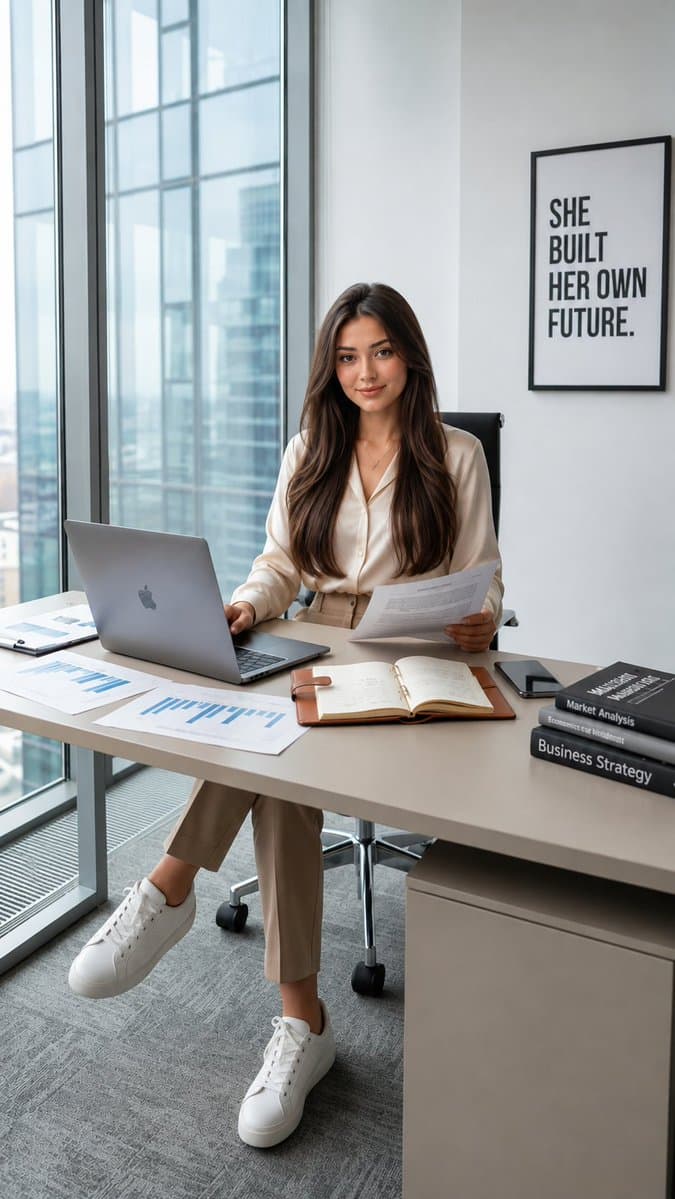
Create a 9:16 vertical photorealistic office portrait using the second image as the exact face reference. Keep her facial identity, hair, and features unchanged. Place her seated at the same modern office desk with laptop, documents, books, floor-to-ceiling windows, city view, and wall frame from the first image. Keep the same outfit and professional mood. Soft natural daylight, premium corporate aesthetic, realistic details, 4K.
Professional & Corporate AI Image Prompts prompt 202
business invitationecardcorporate flyer

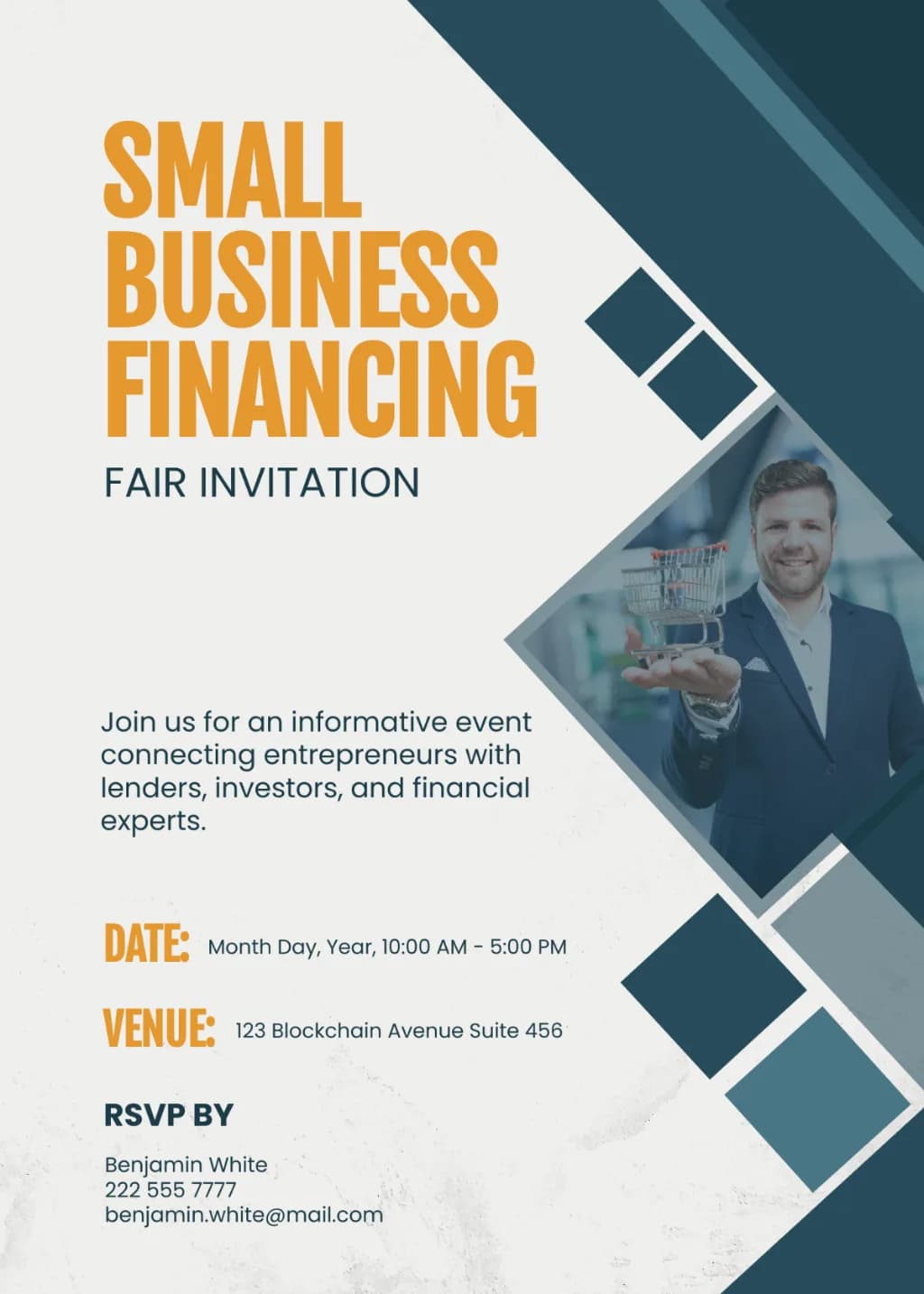
A corporate flyer with clean geometric layout. Features off-white background and bold mustard-yellow and navy typography. Right side includes navy diagonal overlays with square accents and a diamond-shaped photo frame containing a professional businessman. Minimalist graphic design, modern corporate aesthetic.

Professional & Corporate AI Image Prompts prompt 303
business invitationecardcorporate

Corporate flyer design with a solid blue background and circular photo cutouts showing office meetings. Features bold white sans-serif typography for headlines and clean white accent lines. Minimalist, professional graphic layout with high contrast blue and white color palette.

Professional & Corporate AI Image Prompts prompt 404
business invitationecardminimalist

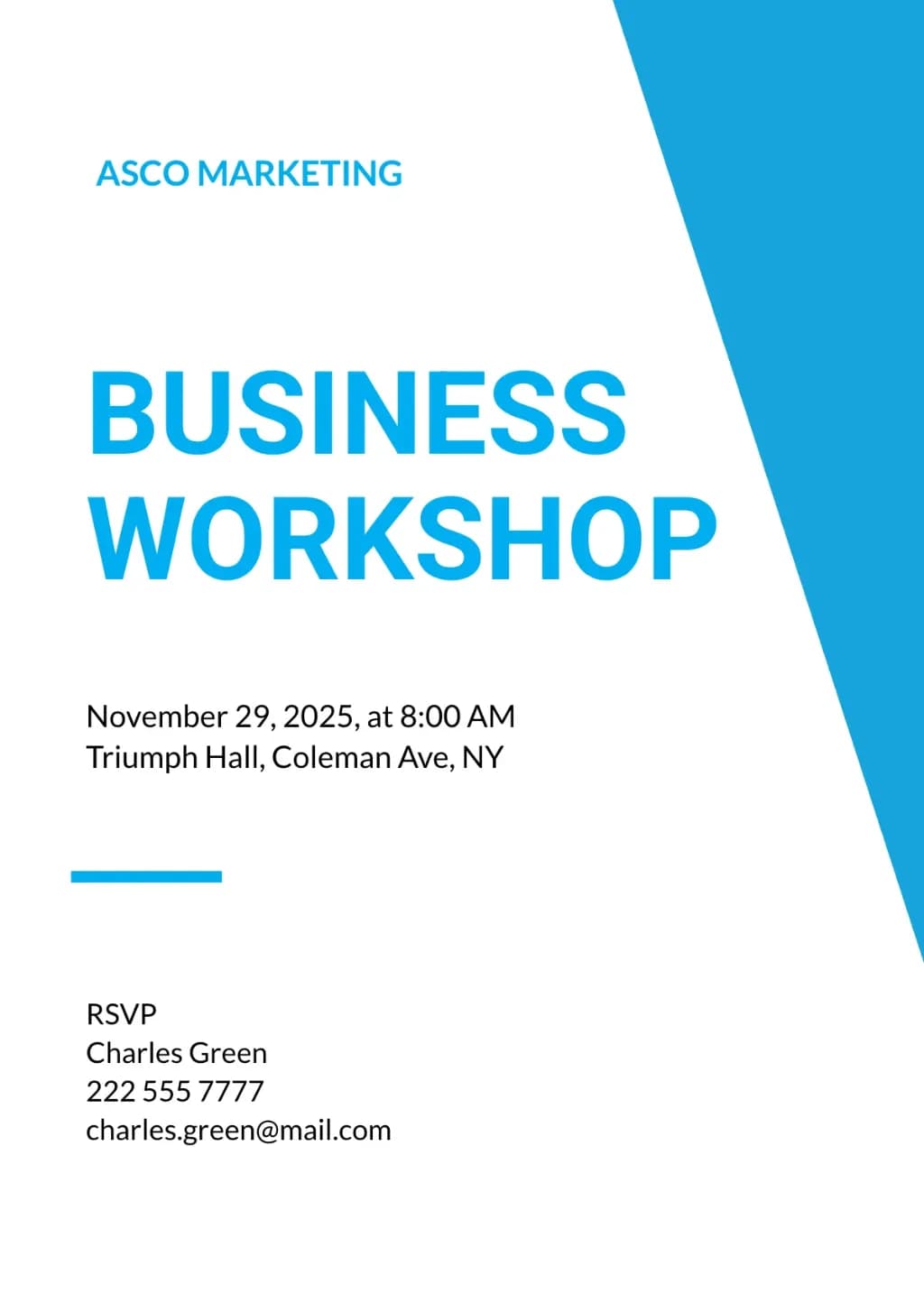
Minimalist corporate flyer, white background, large cyan diagonal block on right. Bold sans-serif cyan heading. Left-aligned black text details. Clean, professional graphic design, high contrast.

Professional & Corporate AI Image Prompts prompt 505
business invitationecardcorporate

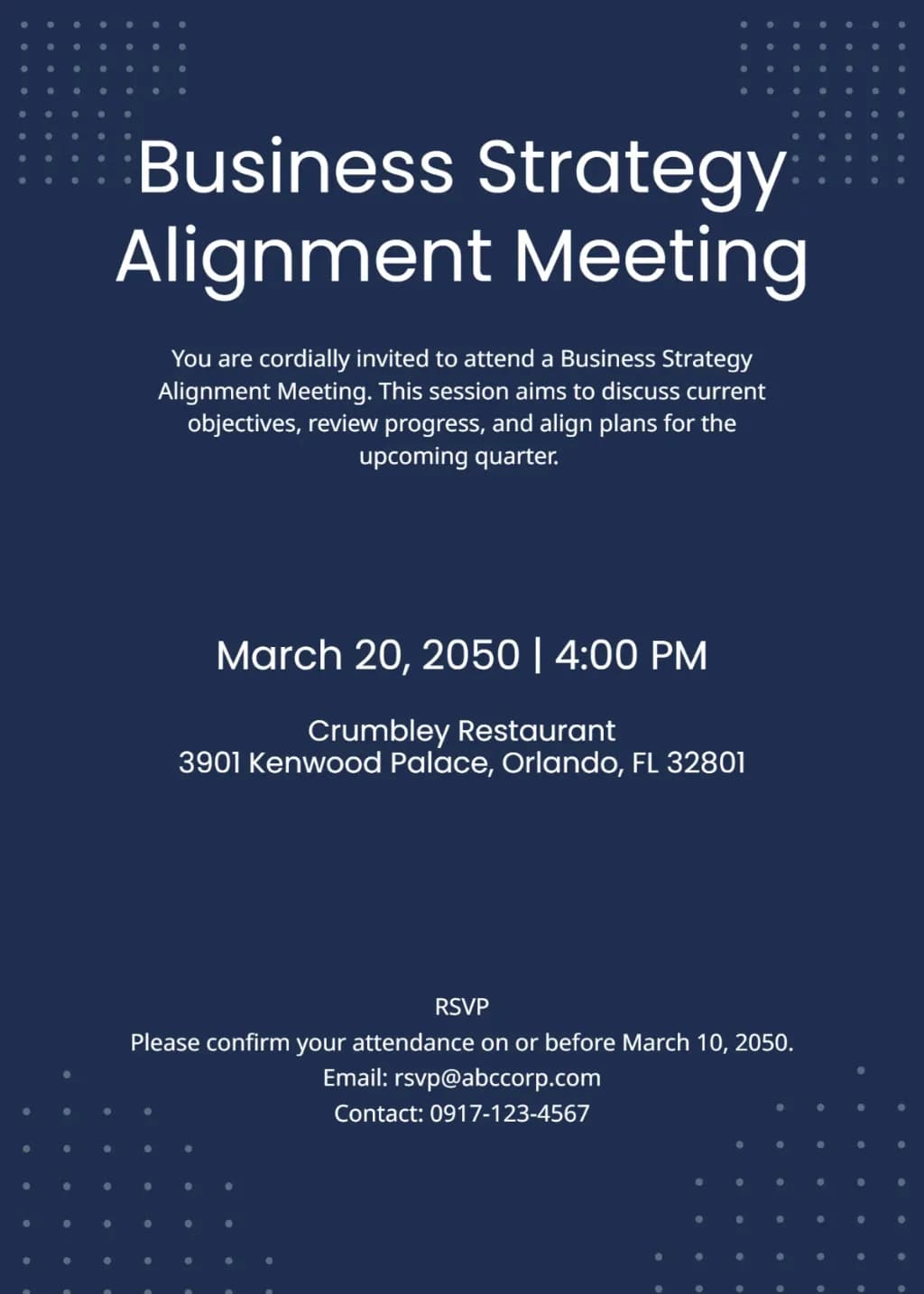
Minimalist corporate invitation on dark navy background. Large white sans-serif title, centered text hierarchy. Accented by small white dot grid patterns in four corners. Clean professional layout, high contrast, modern aesthetic.

Professional & Corporate AI Image Prompts prompt 606
business invitationecardinvitation

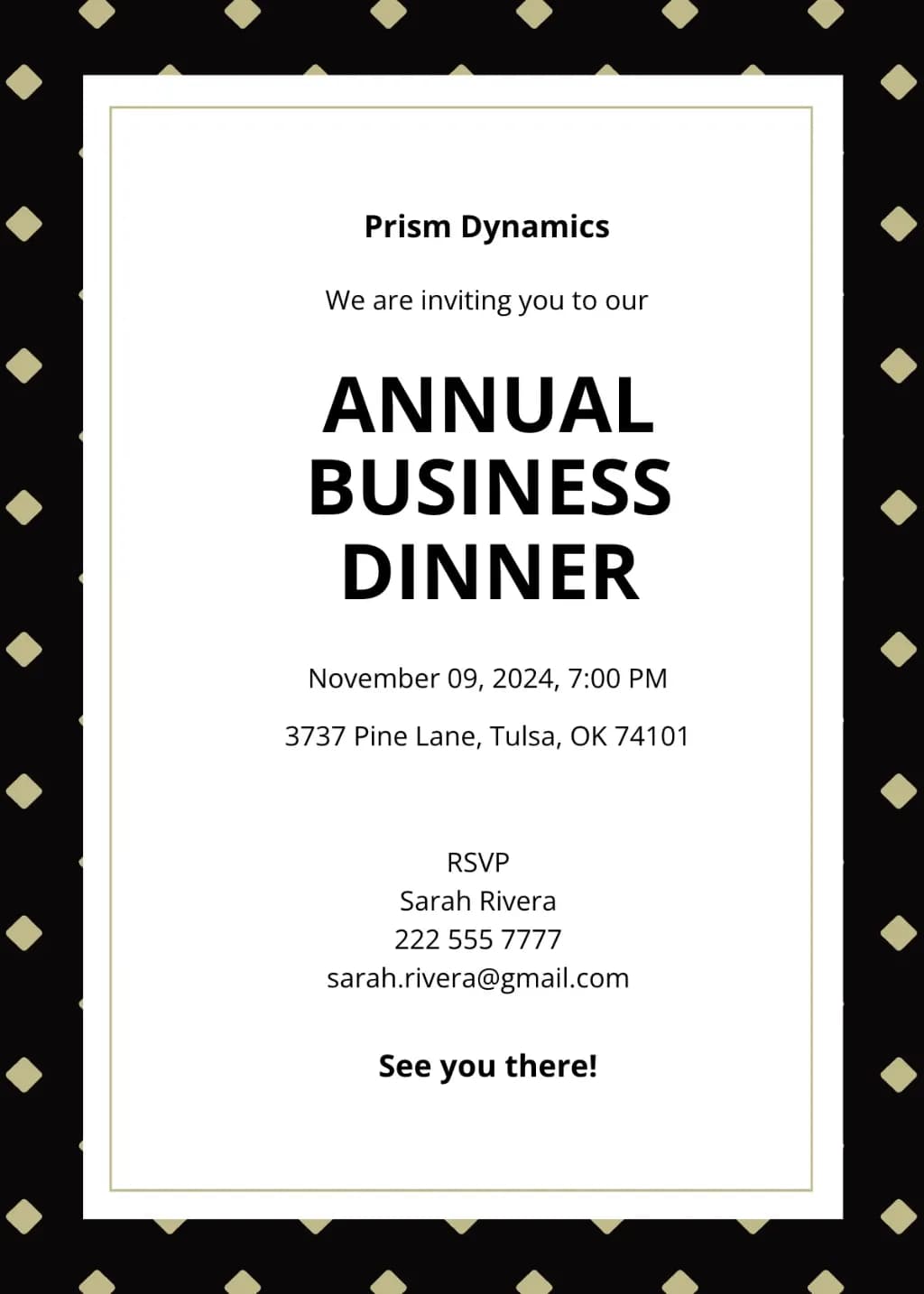
Formal business invitation template. Outer frame: black border with gold diamond pattern. Inner frame: white field with thin gold double-line border. Centered black sans-serif typography. Elegant corporate style, professional layout, minimalist aesthetic.

Professional & Corporate AI Image Prompts prompt 707
business invitationecardinvitation

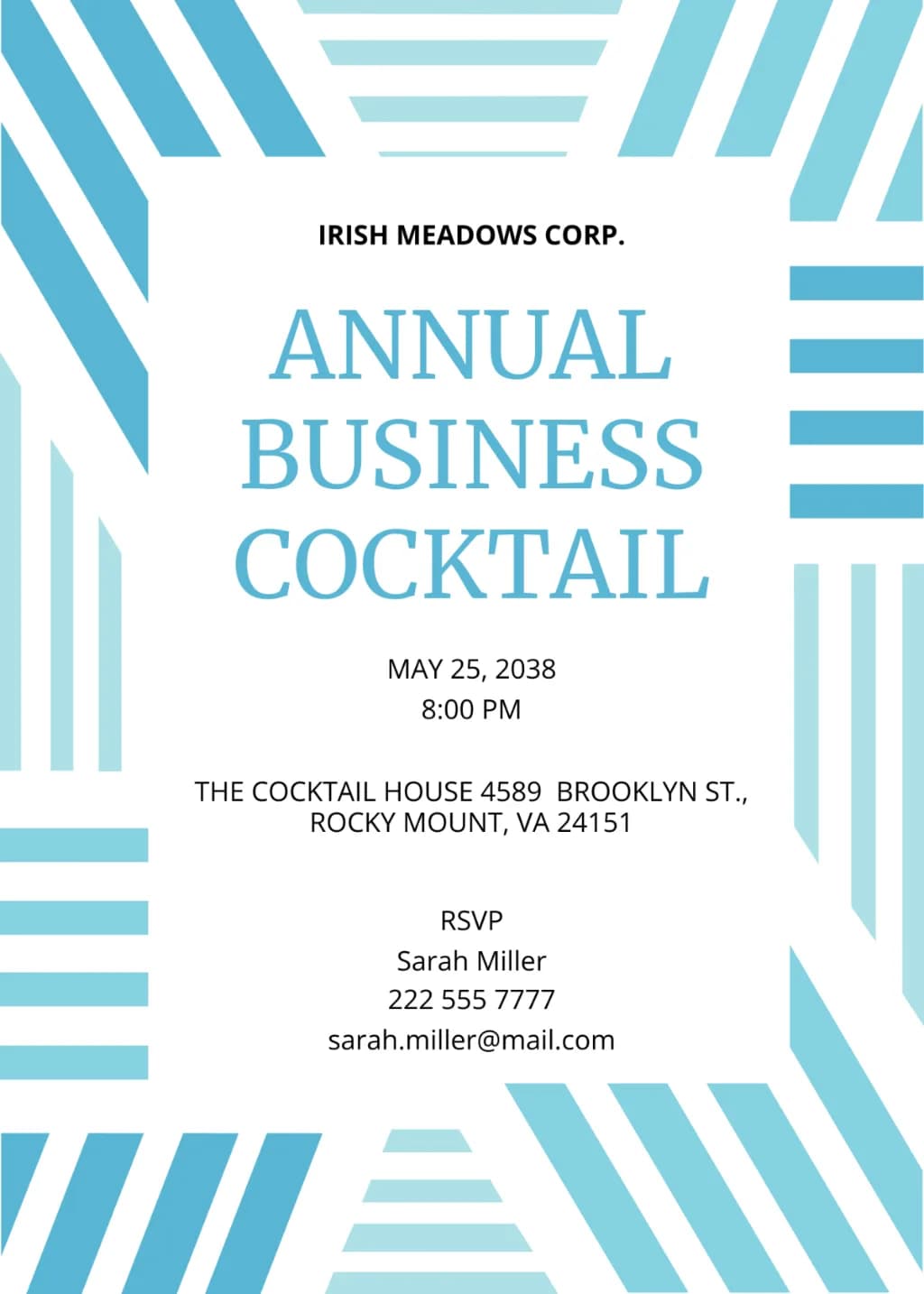
Modern corporate invitation with a thick border of abstract, interlocking blue and cyan stripes. Vertical, horizontal, and diagonal patterns surround a central white space. Features centered serif and sans-serif text in light blue and black. Minimalist, clean, geometric layout.

Reference to result

Three steps forward, without starting from a blank canvas.

  1. 01

    Pick a reference

    Choose the frame closest to your goal in composition, color, and purpose.

  2. 02

    Adjust the details

    Change the subject, copy, style, and image ratio in the generator.

  3. 03

    Generate the image

    Keep the prefilled reference, generate, then refine from the result.

Nothing quite fits?

Start with a blank prompt and define the subject, composition, typography, and aspect ratio yourself.

Create from scratch
Working notes

Get closer to a finished image on the first pass.

01

About Professional & Corporate prompts

Professional & Corporate prompts help organize visual ideas around a specific style, subject, medium, or photography use case. Published examples may change as the collection grows.

02

How to write a stronger Professional & Corporate prompt

Name the main subject first, then define composition, environment, lighting, palette, materials, camera or rendering technique, aspect ratio, and the intended output.

03

How to refine the generated result

Remove conflicting style instructions, keep one clear visual direction, and review anatomy, text, logos, perspective, and important category-specific details before publishing.

Common questions

A few things to know before you begin.

What are Professional & Corporate AI image prompts?

They are reusable visual briefs grouped under the Professional & Corporate category. Each brief can be adapted to a different subject, reference image, composition, or output size.

How are Professional & Corporate examples selected for this collection?

Published prompts are assigned to this collection when their subject, style, or intended use matches the Professional & Corporate category.

Can I customize these Professional & Corporate prompts?

Yes. Replace the subject and context, then adjust the lighting, palette, materials, lens or rendering method, aspect ratio, and detail level for your project.