3D Animation prompt library

3D Animation AI Image Prompts

Browse 3d animation examples and reusable AI image prompts for composition, lighting, color, materials, and style.

Browse a focused 3d animation category based on the PromptPlum taxonomy. Use the references as starting points, then rewrite each prompt for your own subject, format, and visual goal.
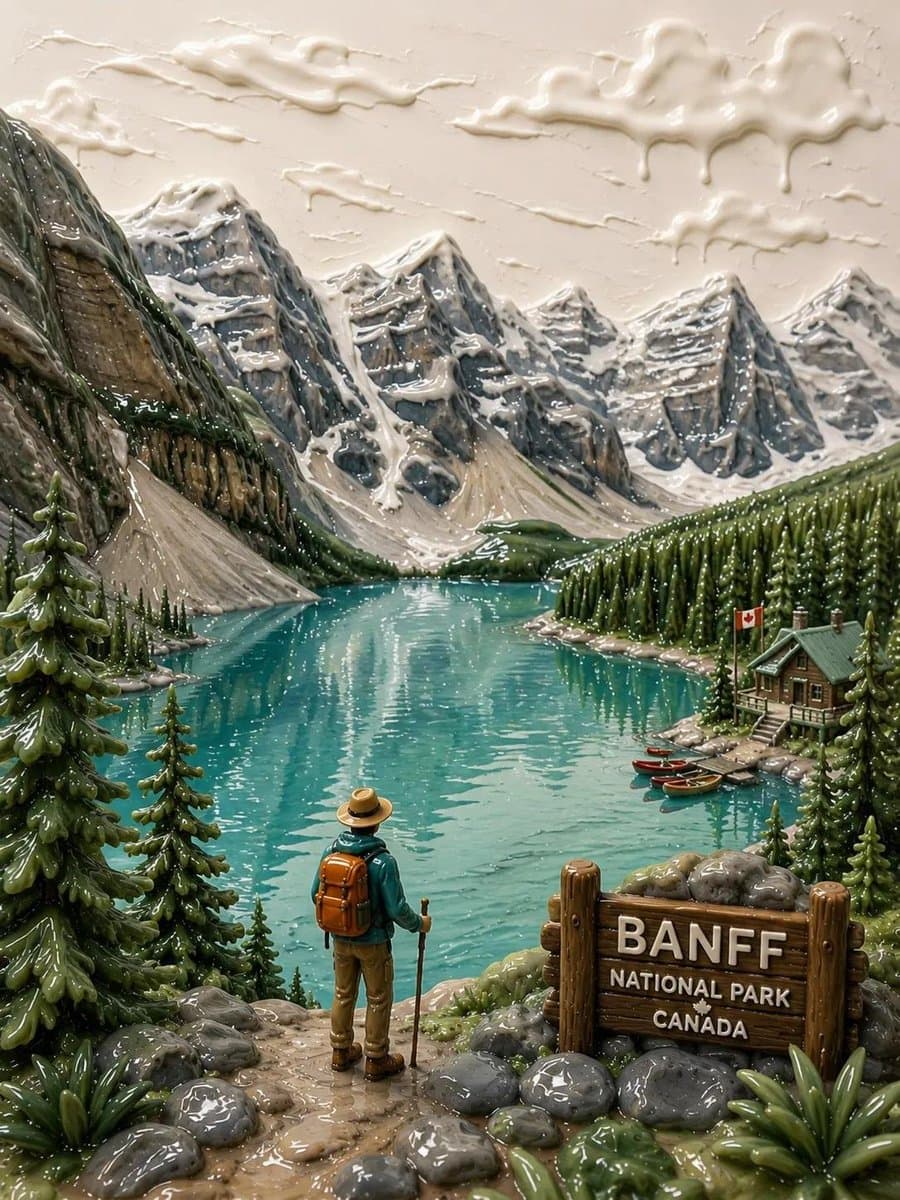
Visual reference set
3d animation
Library size
3 public prompts
Visual reference set04 / REF
3D Animation AI Image Prompts reference 101
3D Animation AI Image Prompts reference 202
3D Animation AI Image Prompts reference 303
3D Animation AI Image Prompts reference 404
VEYVIA / 3D-ANIMATIONCURATED
Prompt library

Choose the closest frame to begin.

Open any reference to inspect the full prompt, or take its image and aspect ratio straight into the generator.

3 public prompts
3D Animation AI Image Prompts prompt 101
3d-animation3d animationai image prompts

Create [CHARACTER] as a polished feature-animation-style 3D figure in a full-body centered composition on a pure black background. Dress the character as a futuristic Tang Dynasty swordsman using [COLOR PALETTE], with elegant layered clothing, cyber-fantasy armor, glowing energy details, and a refined weapon silhouette. Give the character a cheerful heroic expression and an agile balanced stance. Use clean materials, expressive proportions, cinematic rim lighting, detailed fabric and metal surfaces, and a premium animated-film character-design finish.

3D Animation AI Image Prompts prompt 202
3d-animation3d animationai image prompts

2x2 grid, 16:9, do this for 4 famous emperors: system_role: infer(render_role from "designer_toy_model_sheet_presentation" + {$subject}) [subject / topic] + [urban vinyl collectible character system] + [street-luxe fashion-toy aesthetic] + [multi-view collector sheet with hero render, orthographic views, accessory tray, packaging callouts, colorway chips, edition marks] + [matte vinyl, soft resin accents, premium toy documentation board] - [generic turnaround sheet] - [flat technical boringness] - [photoreal fashion photography] - [messy toy clutter] = [luxury blind-box concept board] input_binding { subject_identity : "{$subject}" character_core : infer(toy persona from subject_identity) attitude_signal : infer(lazy cool / sly rebellion / antihero cuteness / bored swagger from subject_identity) style_subculture : infer(skate / streetwear / sneaker / music-scene / city-night / underground-design cues) accessory_set : infer(3-6 collectible accessories from subject_identity + style_subculture) packaging_theme : infer(box graphics, icons, edition badge, warning stripe motif, sticker system) color_family : infer(primary, secondary, accent, chase_variant colors) } canvas { aspect_ratio : "4:5 or square" composition : "collector presentation board" reading_order : "hero render -> side/front/back views -> accessory tray -> packaging details" } layout_engine { panel_1 : "large central hero figure in slouched or anti-pose stance" panel_2 : "front / side / back miniature orthographic views" panel_3 : "accessory tray with molded insert layout" panel_4 : "mini blind-box packaging art, logo area, edition stamp, rarity badge" panel_5 : "color chips, material swatches, tiny design notes" } figure_language { shape : "chunky urban vinyl silhouette, oversized head, compact torso, simplified limbs" gesture : "slouched, leaning, shrugging, hands-in-pocket, seated-on-air, or subtle kick-forward pose" expression : "minimal deadpan, sleepy defiance, detached mischief, half-bored swagger" fashion_layer : infer(simplified streetwear silhouettes, puffy forms, oversized proportions, urban utility details) } material_system { body : "soft matte vinyl" accents : infer(satin resin, translucent charm, rubberized accessory, glossy enamel badge) finish : "premium toy-production finish with tight paint masks and soft studio reflections" } graphic_layer { call_outs : "clean product callouts, edition labels, accessory captions, rarity icon" typography : "minimal boutique collector typography" design_notes : "tiny layout labels only, no long paragraphs" background : "light studio gradient or paper-board presentation field" } lighting { style : "clean softbox product lighting with slightly elevated editorial contrast" shadows : "soft and tidy, suitable for product documentation" } output_contract { produce a richly detailed multi-view designer-toy presentation board for {$subject}. show a premium urban vinyl collectible with model-sheet clarity, accessory tray logic, blind-box packaging cues, and fashion-forward street-luxe styling. maintain a chunky stylized silhouette, matte vinyl materiality, and collector-market sophistication. ai should infer the persona, subculture details, accessory system, and packaging flavor. }

3D Animation AI Image Prompts prompt 303
twitter3d-animationpixar-style

Google Gemini Nano Banana 2 🍌 Prompt: 3D animated selfie of an anthropomorphic fox and rabbit, inspired by modern animated film style, standing close together and smiling at the camera, fox on the left with orange fur wearing a light green shirt and striped tie, slightly smirking expression, rabbit on the right with gray-white fur wearing a blue police uniform vest, making a peace sign with fingers, both looking directly into camera, wide-angle selfie perspective with fox’s arm extended, bright blue sky background with soft fluffy clouds, vibrant colors, soft cinematic lighting, ultra-detailed fur texture, sharp focus, depth of field, high quality Pixar-style rendering, cheerful mood, vertical composition

Reference to result

Three steps forward, without starting from a blank canvas.

  1. 01

    Pick a reference

    Choose the frame closest to your goal in composition, color, and purpose.

  2. 02

    Adjust the details

    Change the subject, copy, style, and image ratio in the generator.

  3. 03

    Generate the image

    Keep the prefilled reference, generate, then refine from the result.

Nothing quite fits?

Start with a blank prompt and define the subject, composition, typography, and aspect ratio yourself.

Create from scratch
Working notes

Get closer to a finished image on the first pass.

01

About 3D Animation prompts

3D Animation prompts help organize visual ideas around a specific style, subject, medium, or photography use case. Published examples may change as the collection grows.

02

How to write a stronger 3D Animation prompt

Name the main subject first, then define composition, environment, lighting, palette, materials, camera or rendering technique, aspect ratio, and the intended output.

03

How to refine the generated result

Remove conflicting style instructions, keep one clear visual direction, and review anatomy, text, logos, perspective, and important category-specific details before publishing.

Common questions

A few things to know before you begin.

What are 3D Animation AI image prompts?

They are reusable visual briefs grouped under the 3D Animation category. Each brief can be adapted to a different subject, reference image, composition, or output size.

How are 3D Animation examples selected for this collection?

Published prompts are assigned to this collection when their subject, style, or intended use matches the 3D Animation category.

Can I customize these 3D Animation prompts?

Yes. Replace the subject and context, then adjust the lighting, palette, materials, lens or rendering method, aspect ratio, and detail level for your project.