01Elegant wedding invitation featuring 3D paper-craft relief. Soft pink camellias and green leaves adorn corners. Decorative white embossed scrollwork frame. Centered typography in serif and script on cream textured paper.
Browse 3d illustration examples and reusable AI image prompts for composition, lighting, color, materials, and style.
Browse a focused 3d illustration category based on the PromptPlum taxonomy. Use the references as starting points, then rewrite each prompt for your own subject, format, and visual goal.
01
02
03
04Open any reference to inspect the full prompt, or take its image and aspect ratio straight into the generator.
5 public prompts
01Elegant wedding invitation featuring 3D paper-craft relief. Soft pink camellias and green leaves adorn corners. Decorative white embossed scrollwork frame. Centered typography in serif and script on cream textured paper.
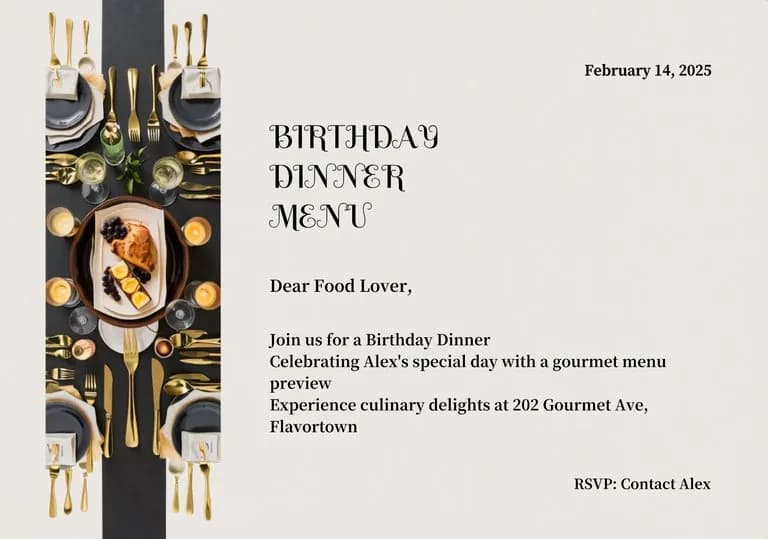
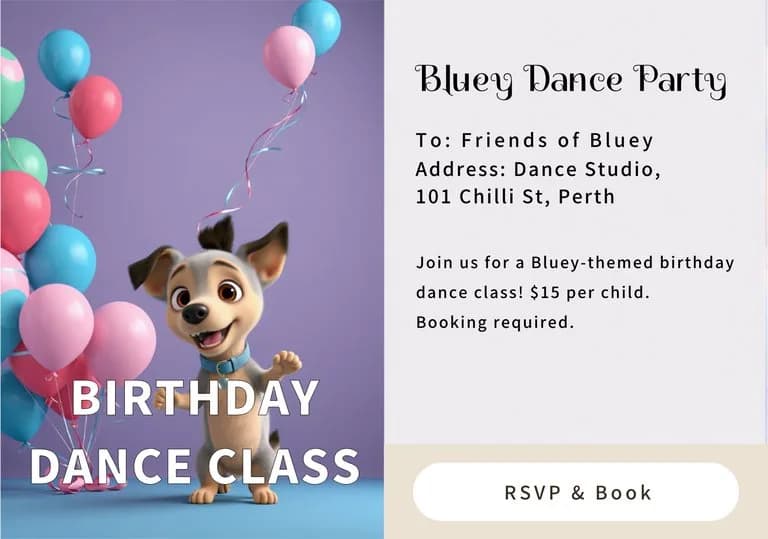
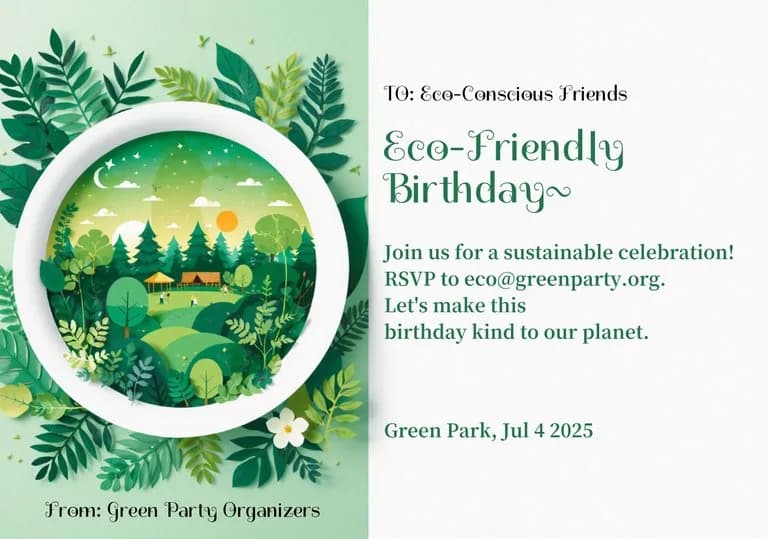
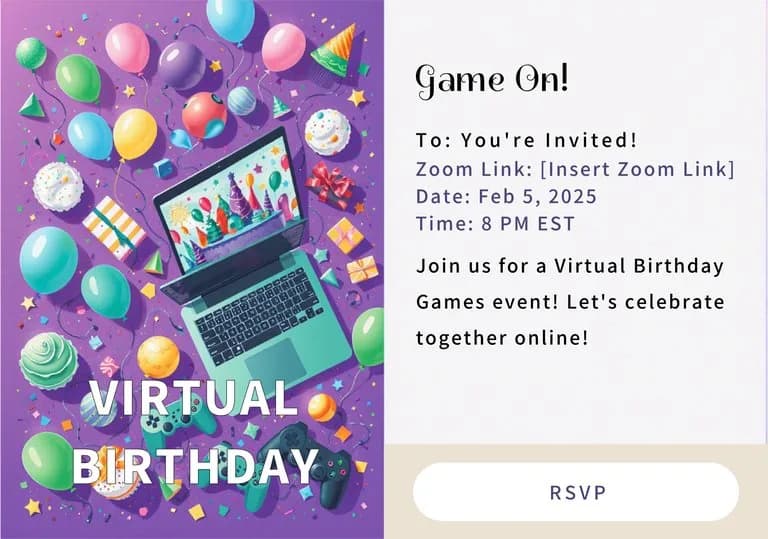
02Modern birthday invitation card template, split layout. Left: 3D paper-cut circular frame with a vibrant tiered cake, floating balloons, and scattered confetti. Right: clean white area for text. Cheerful primary color palette, playful festive icons, soft depth-of-field, high-quality digital illustration.
03Playful birthday invitation template. Vertical side border with vibrant 3D balloons, confetti, and cake icons. Clean off-white space for customizable text. Cheerful teal, pink, and yellow palette. Modern graphic design, flat layout, high-quality print aesthetic.
04Modern landscape birthday invitation template. Features a vertical photo placeholder on the left and elegant script typography on the right. The design is framed by a vibrant border of colorful 3D balloons and scattered confetti. Clean white background for text, professional graphic design, high-contrast, festive and cheerful aesthetic.
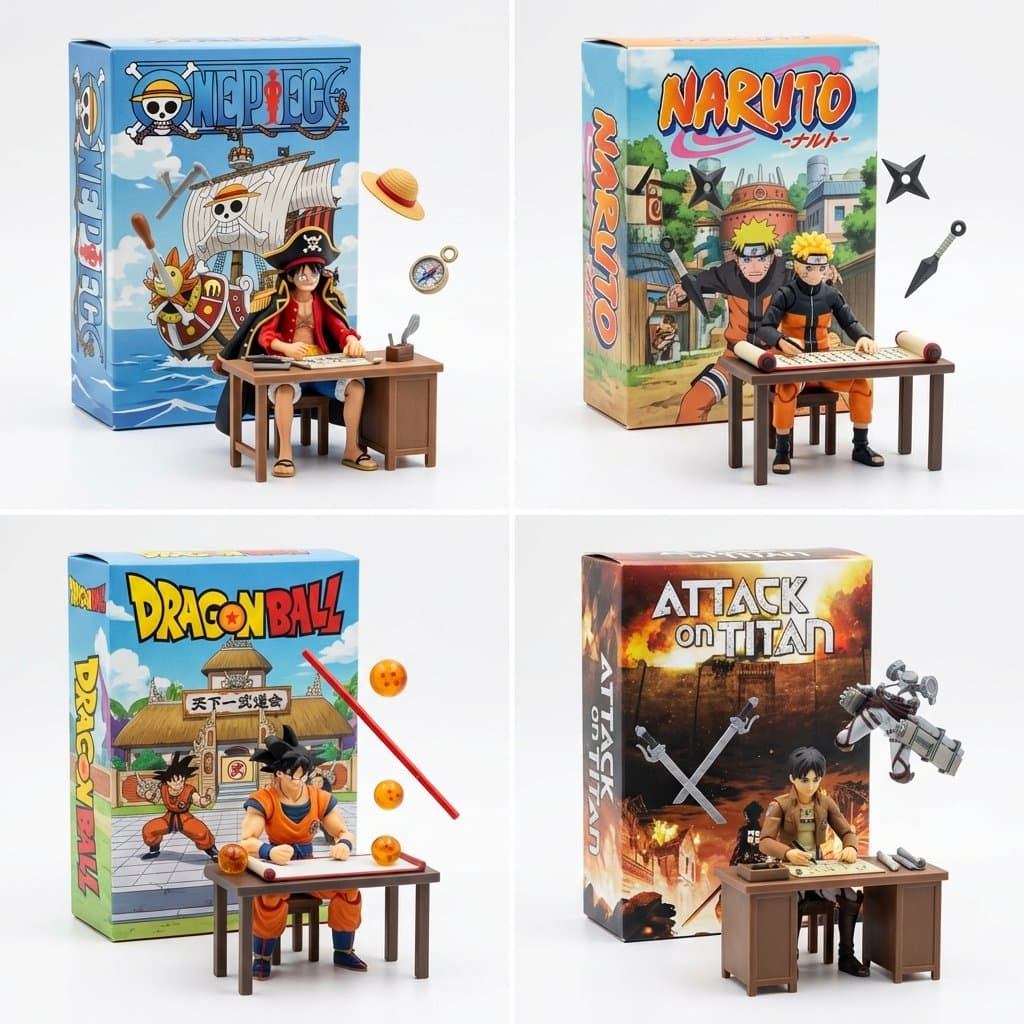
05Still working on fun ways to visualize manga and anime. This works pretty well 2x2 grid, do this for famous manga <spatial_topology> [ seamless studio backdrop (pure white) ] [ product box (upright) ] ( 2d graphic art of [the_creation] ) ( bold typography: "ai inferred title" ) \ | / \ [box] / <-- floating [tools] crossing the \ [lid] / boundary of the box into reality \ / [ foreground: 3d action figure of [profession] ] ( sitting at [workstation], intensely focused ) ( suspended [tools] frozen in mid-air around them ) </spatial_topology> instruction: render macro toy photography. create a sharp material contrast: the background box is flat printed cardboard. the foreground figure and floating tools are tangible injection-molded plastic.
Choose the frame closest to your goal in composition, color, and purpose.
Change the subject, copy, style, and image ratio in the generator.
Keep the prefilled reference, generate, then refine from the result.
Start with a blank prompt and define the subject, composition, typography, and aspect ratio yourself.
3D Illustration prompts help organize visual ideas around a specific style, subject, medium, or photography use case. Published examples may change as the collection grows.
Name the main subject first, then define composition, environment, lighting, palette, materials, camera or rendering technique, aspect ratio, and the intended output.
Remove conflicting style instructions, keep one clear visual direction, and review anatomy, text, logos, perspective, and important category-specific details before publishing.
They are reusable visual briefs grouped under the 3D Illustration category. Each brief can be adapted to a different subject, reference image, composition, or output size.
Published prompts are assigned to this collection when their subject, style, or intended use matches the 3D Illustration category.
Yes. Replace the subject and context, then adjust the lighting, palette, materials, lens or rendering method, aspect ratio, and detail level for your project.