Elevate your professional gatherings with sleek and modern AI Business Invitation Card Templates. Designed to reflect sophistication and clarity, these templates help you create invitations that resonate with corporate style and purpose. Whether it’s a networking event, product launch, seminar, or executive meeting, AI ensures your cards are both visually appealing and business‑appropriate.
With customizable layouts, fonts, and branding options, you can align each invitation with your company’s identity while saving valuable time. Share them digitally for instant reach or print them for a polished, tangible touch — perfect for making a lasting impression on colleagues, clients, and partners.
Pick a reference style, then generate a new image with the prompt, reference image, and aspect ratio prefilled.
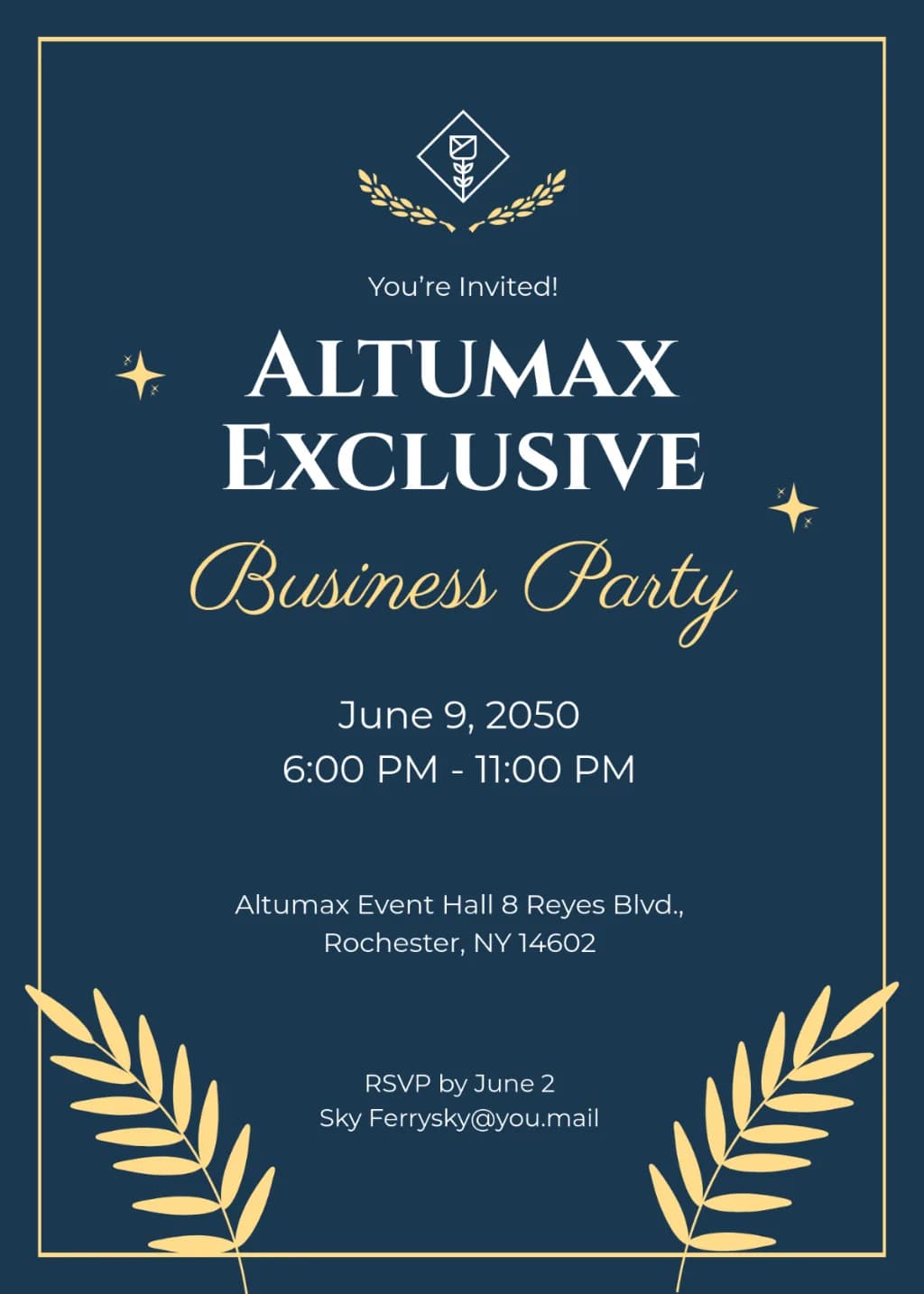
Elegant navy blue business invitation design. Features a thin gold rectangular border, centered white bold serif and gold script typography. Includes gold laurel crest at top, large gold leaf motifs in bottom corners, and scattered gold stars. Sophisticated, minimalist layout with high contrast dark background.
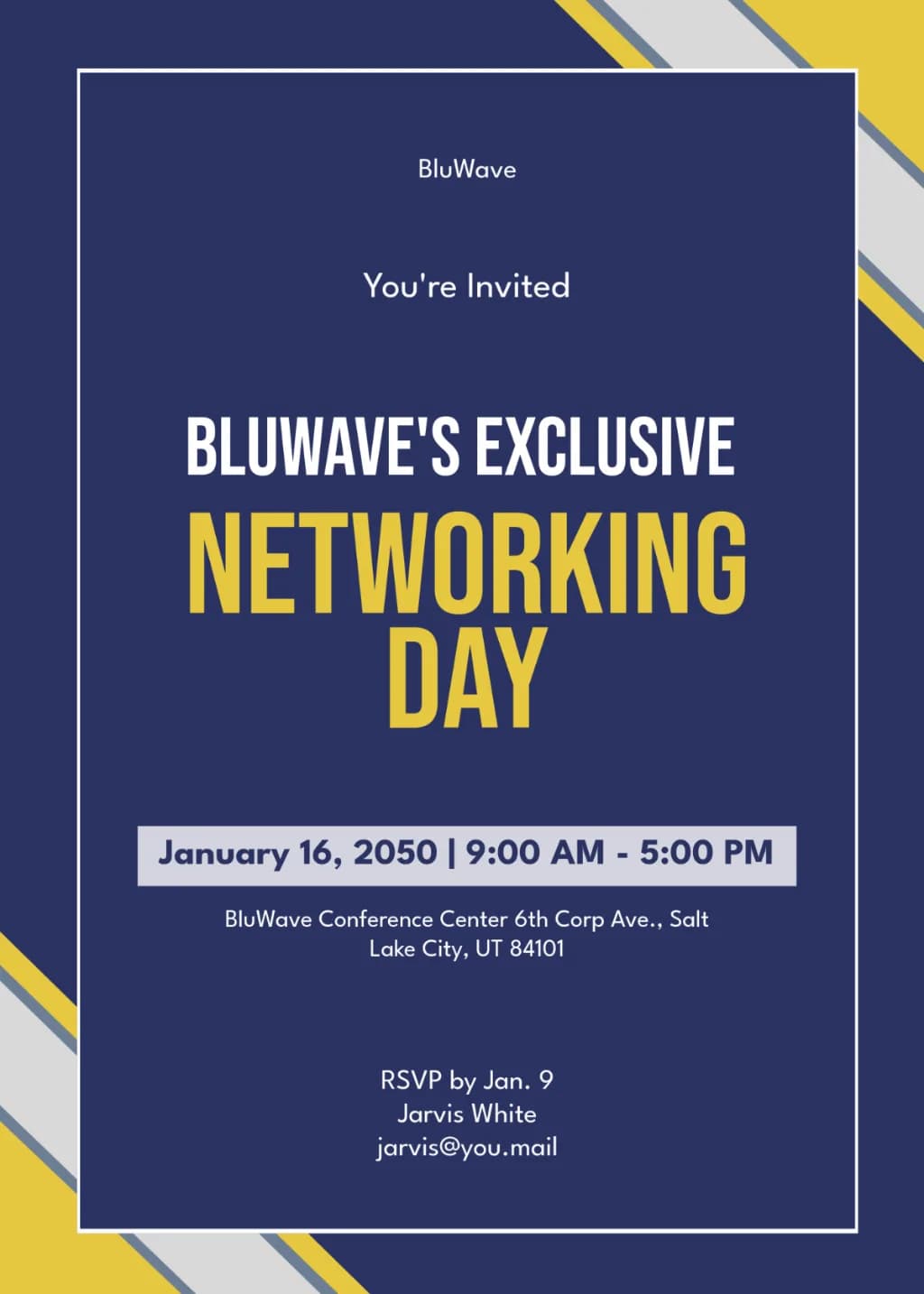
Professional event invitation on navy blue background. Features diagonal yellow and grey geometric corner stripes and a thin white inner border. Bold centered sans-serif typography with title in large yellow caps. Clean minimalist corporate layout with light grey highlight bar for dates.
Elegant business invitation on a deep navy background. Minimalist gold sunburst icons and floating dots frame centered bold gold serif typography. Modern, sophisticated, clean vector layout.
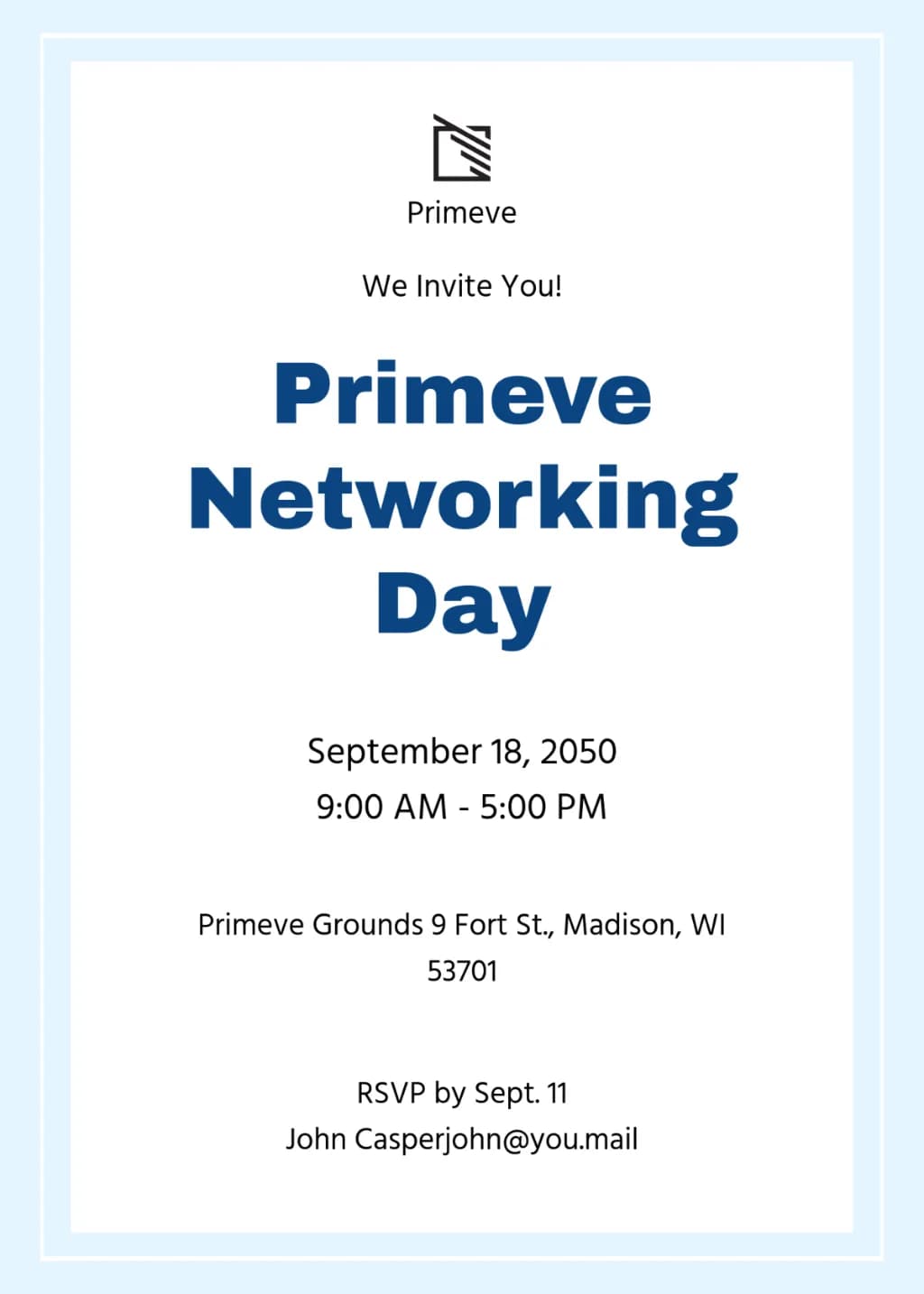
Clean minimalist corporate invitation layout. White background with pale blue border frame. Centered bold navy blue sans-serif typography. Small black abstract logo at top. Vertical text alignment for event details. Professional, high-contrast graphic design.
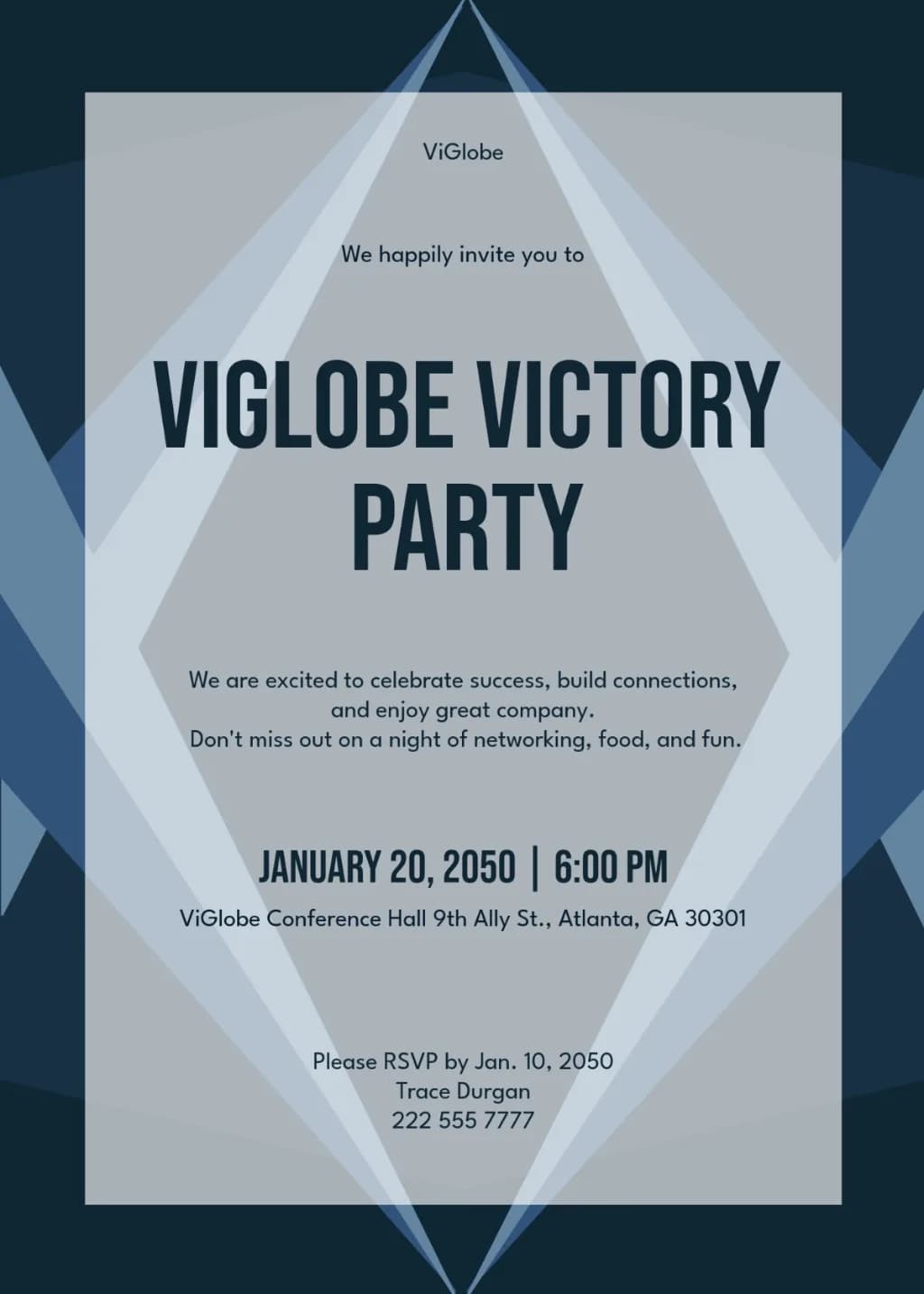
Modern corporate invitation featuring overlapping navy and slate blue geometric triangles. Central light grey diamond layout. Bold, condensed navy sans-serif typography. Symmetrical, minimalist, clean professional aesthetic.
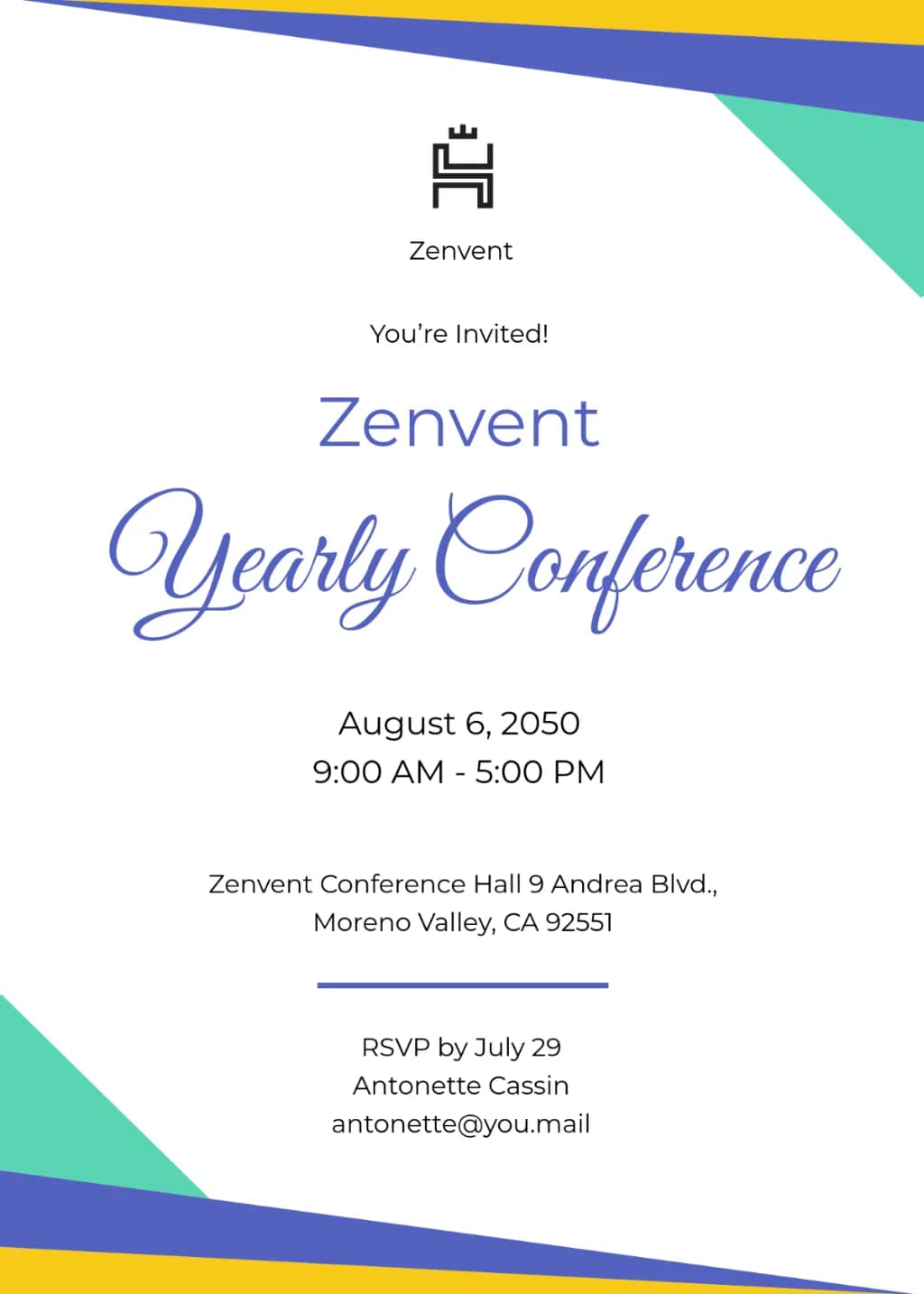
A minimalist event invitation on white paper. Angled geometric shapes in blue, teal, and yellow accent the corners. Centered typography combines clean sans-serif fonts with large, elegant blue cursive script. Professional, clean, and balanced corporate layout.
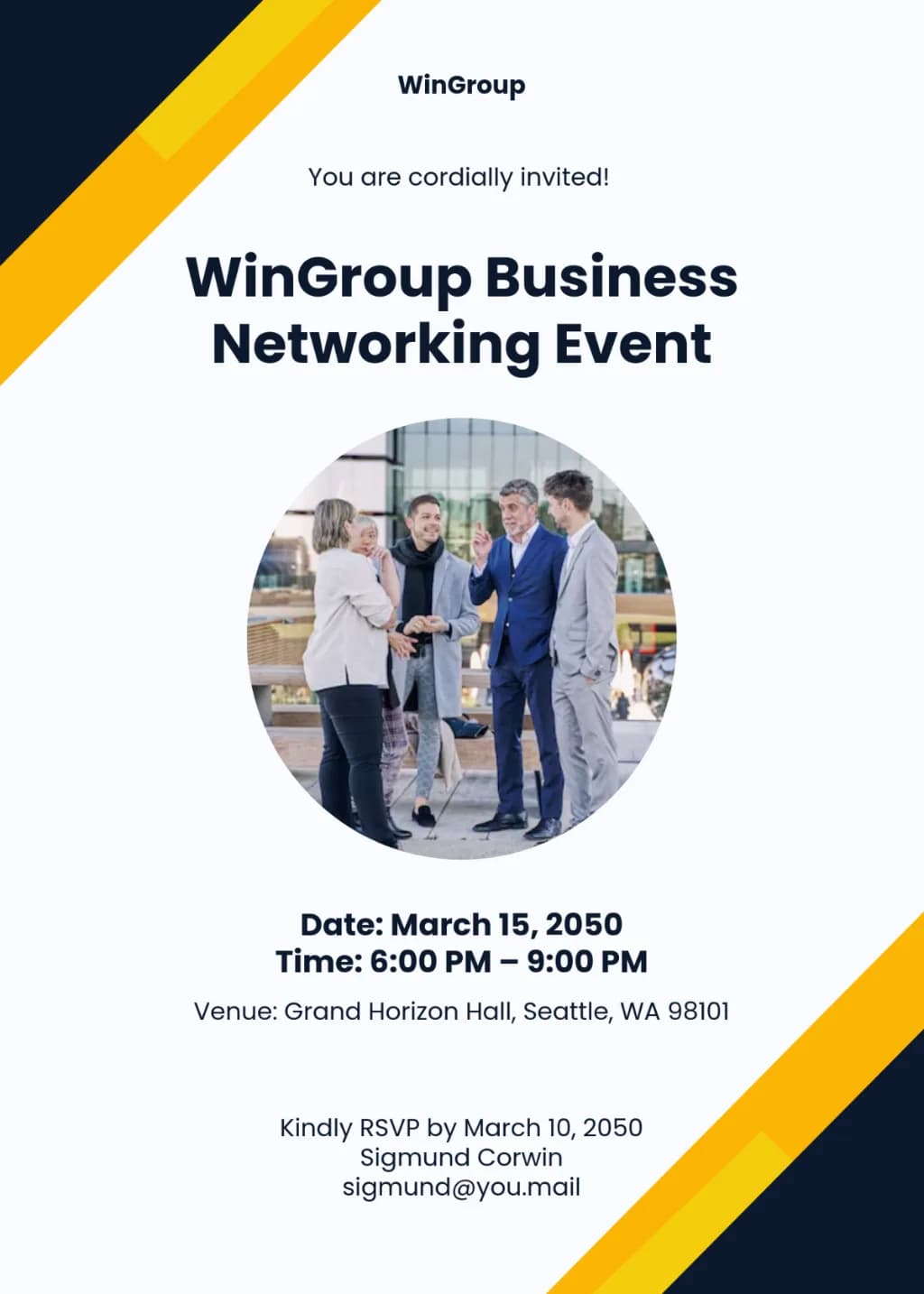
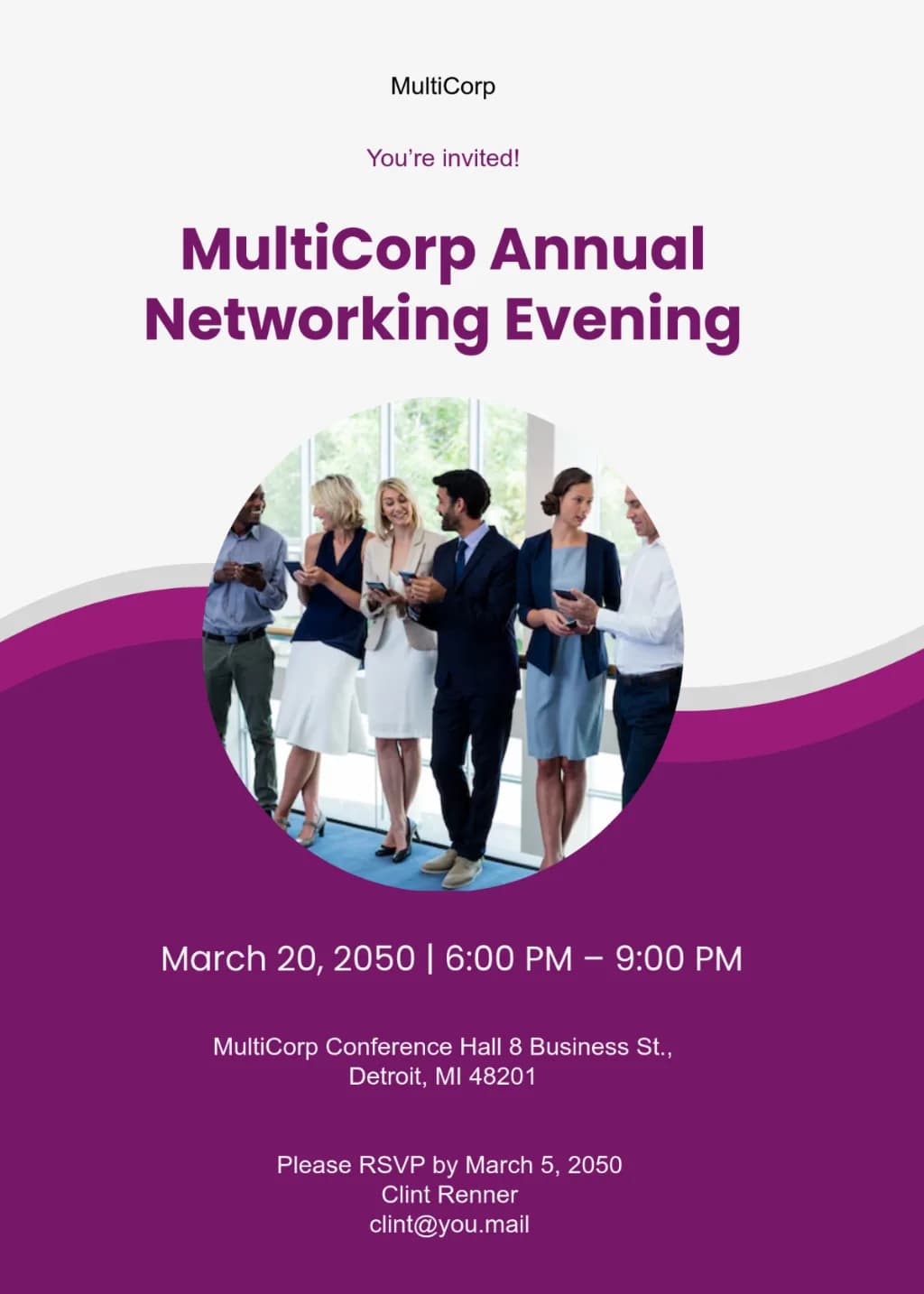
Corporate invitation flyer, white background, diagonal navy and yellow corner accents. Central circular photo of professionals. Bold sans-serif typography, clean minimalist layout.
A modern corporate invitation layout with a white top and plum purple bottom divided by a fluid wavy curve. Features a central circular photo of diverse professionals in business attire. Uses bold sans-serif typography with high contrast between background colors. Clean, professional graphic design style.
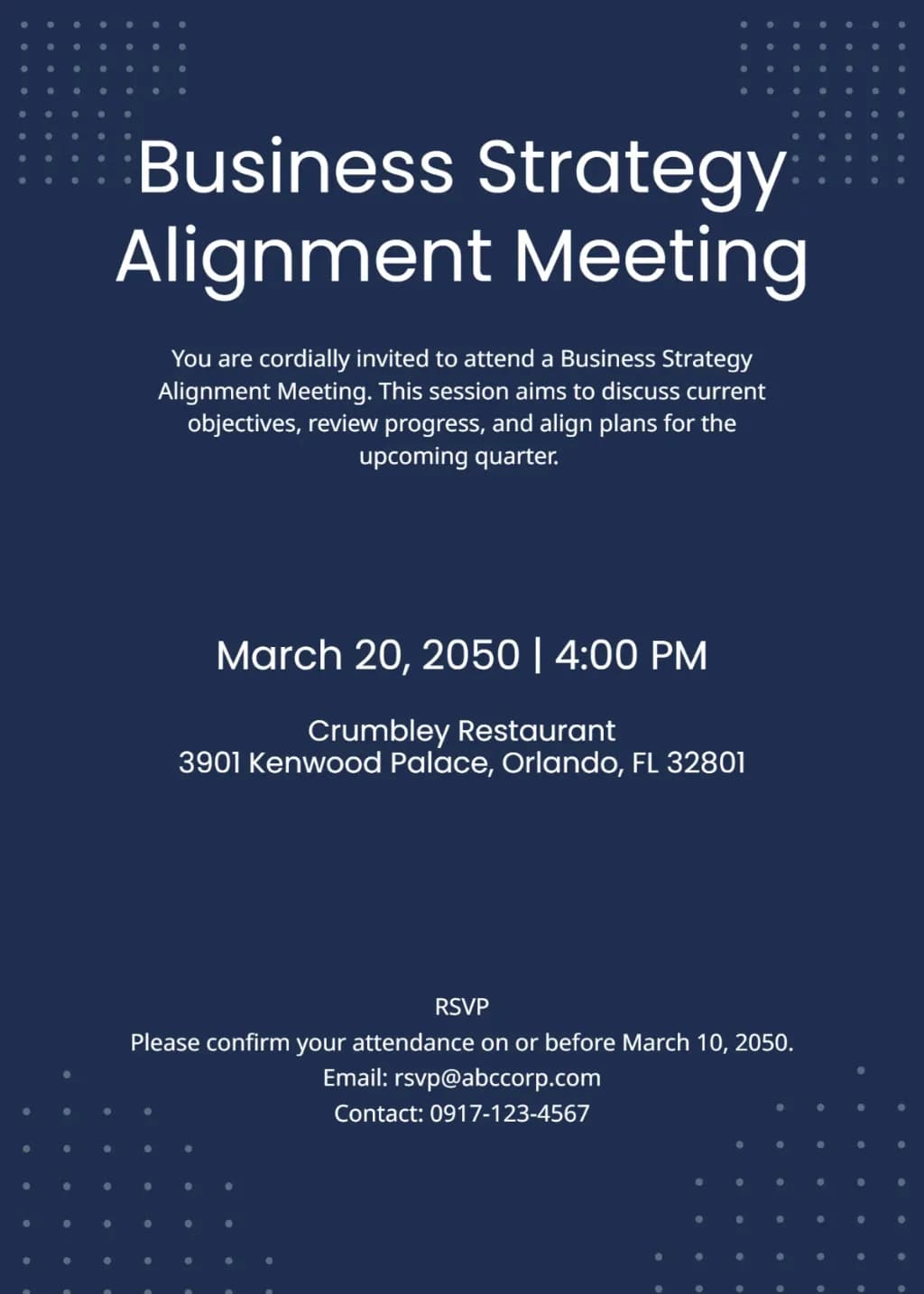
Minimalist corporate invitation on dark navy background. Large white sans-serif title, centered text hierarchy. Accented by small white dot grid patterns in four corners. Clean professional layout, high contrast, modern aesthetic.
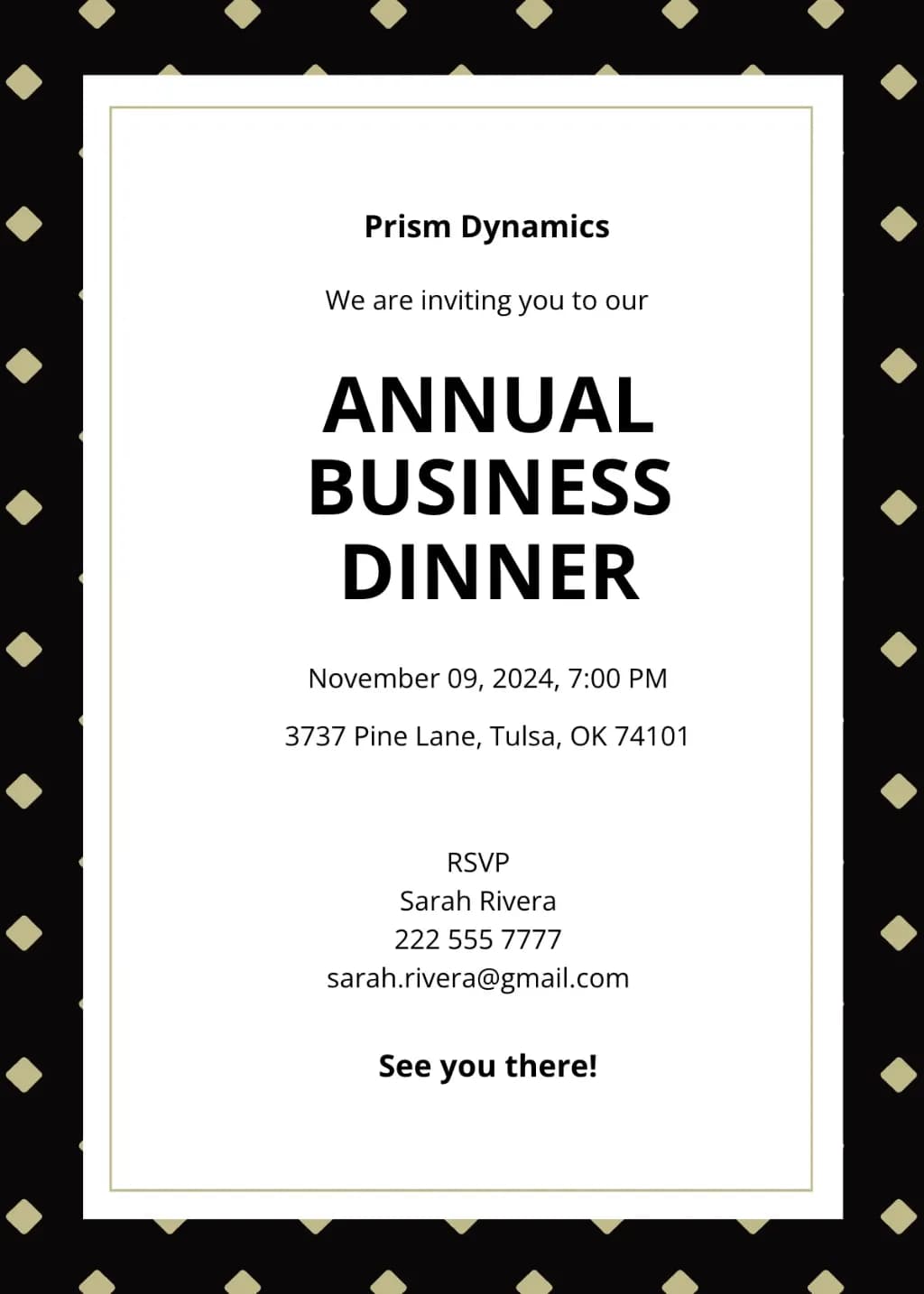
Formal business invitation template. Outer frame: black border with gold diamond pattern. Inner frame: white field with thin gold double-line border. Centered black sans-serif typography. Elegant corporate style, professional layout, minimalist aesthetic.
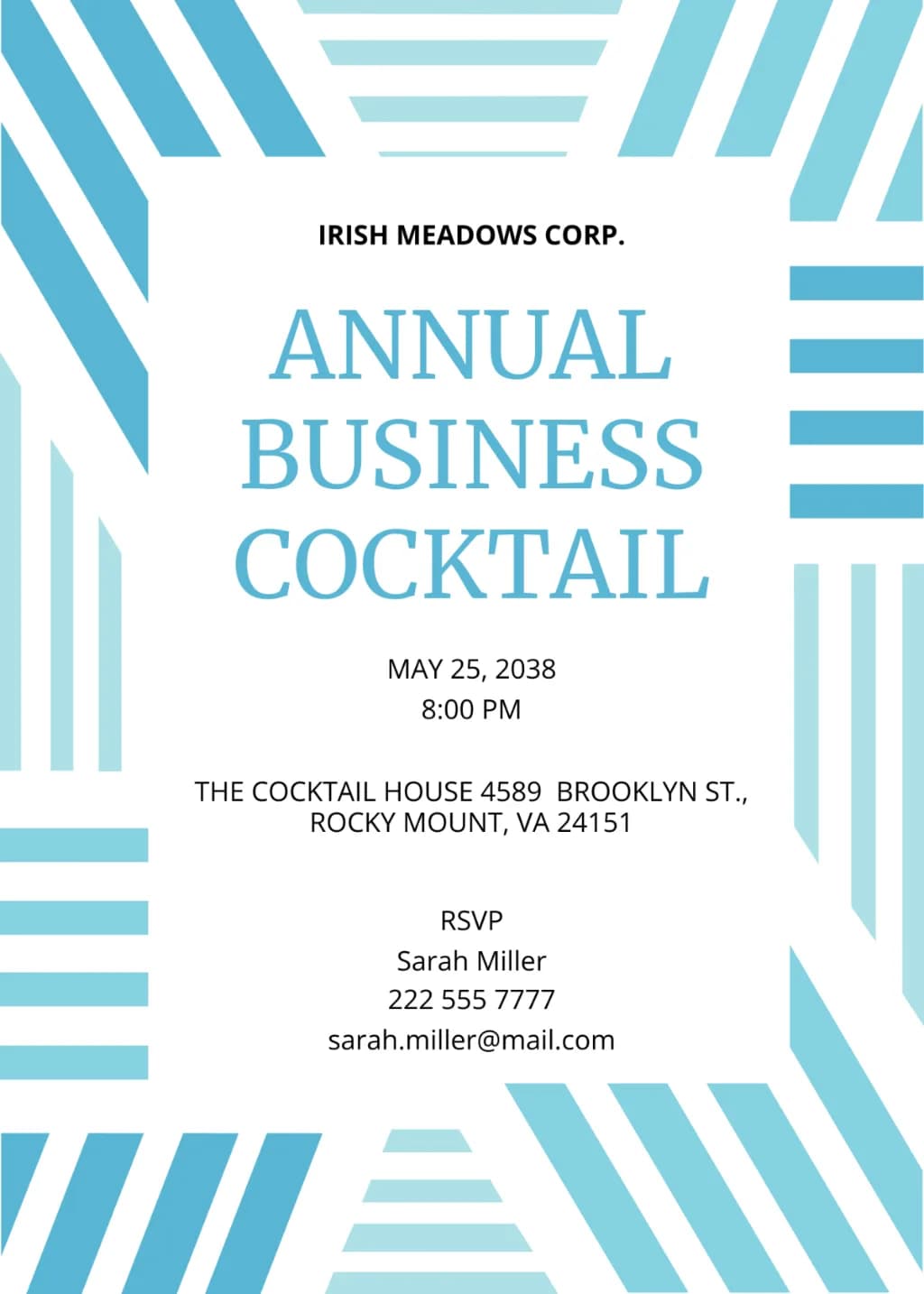
Modern corporate invitation with a thick border of abstract, interlocking blue and cyan stripes. Vertical, horizontal, and diagonal patterns surround a central white space. Features centered serif and sans-serif text in light blue and black. Minimalist, clean, geometric layout.
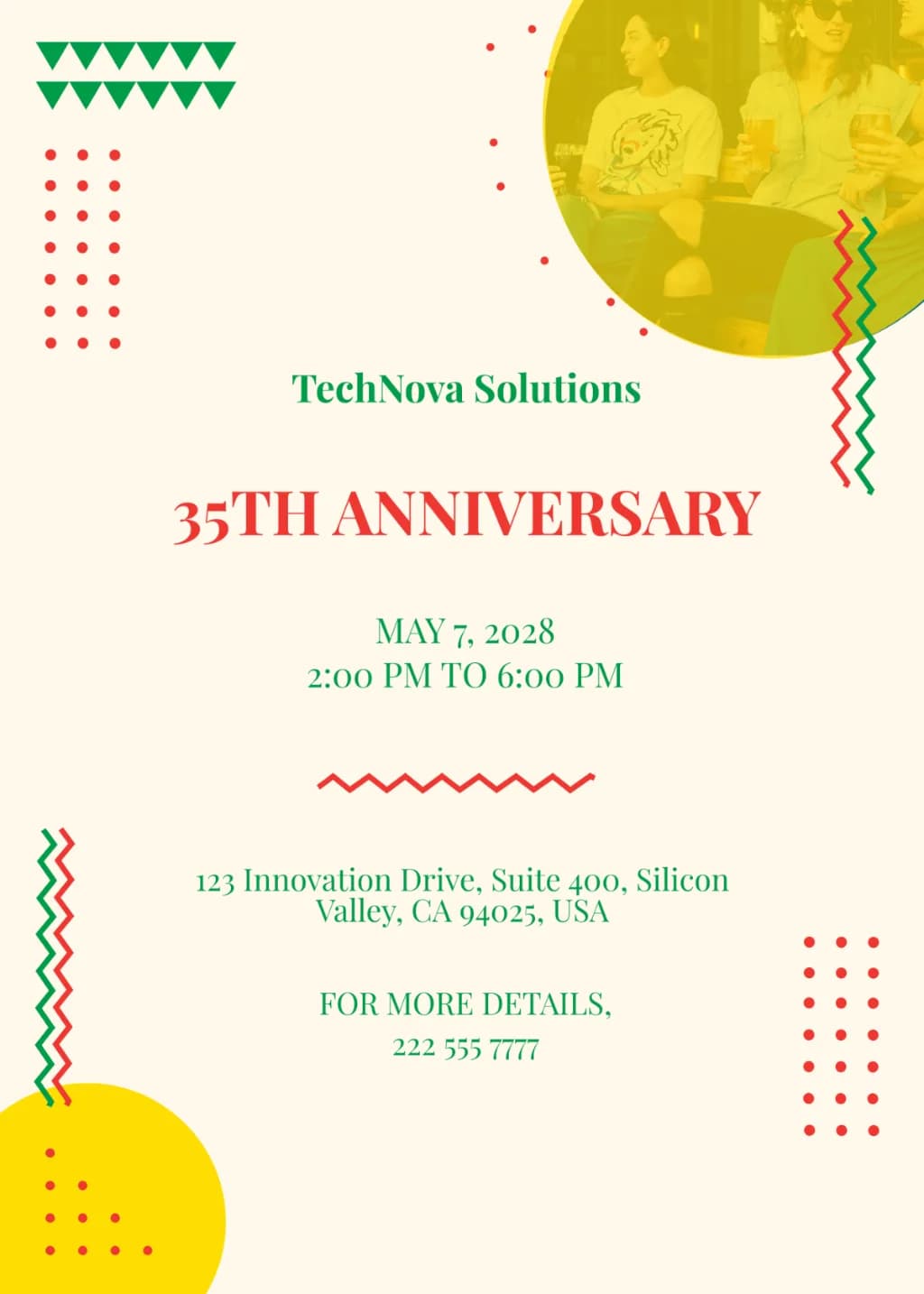
Vertical corporate invitation on a cream background. Features red, green, and yellow geometric accents like dot grids, zig-zags, and triangles. Top-right circular photo cutout with a yellow tint. Central red serif text for '35TH ANNIVERSARY'. Balanced minimalist layout with green serif text details. Modern graphic design style.

 01
01