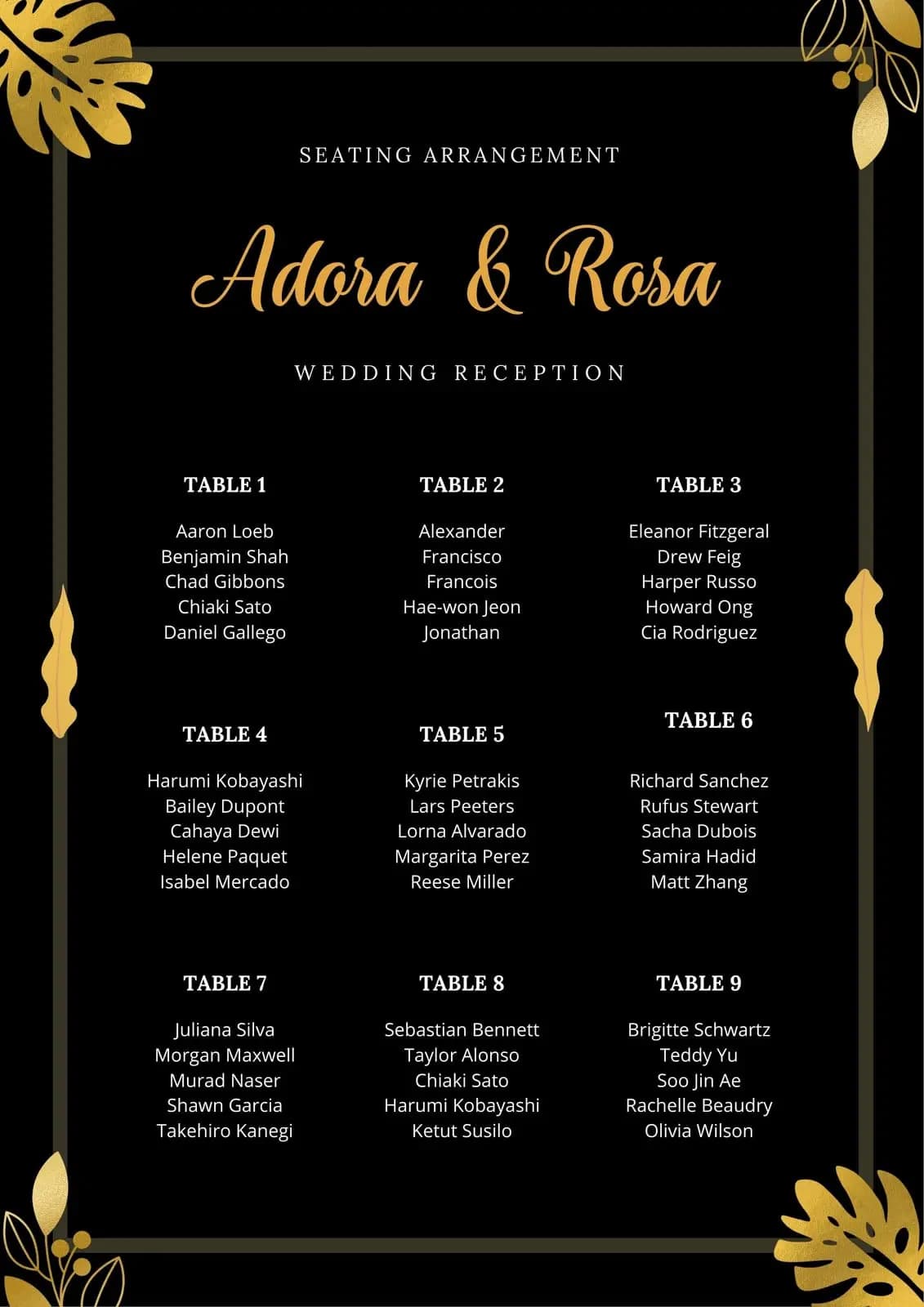
AI Wedding Seating Chart

AI Wedding Seating Chart

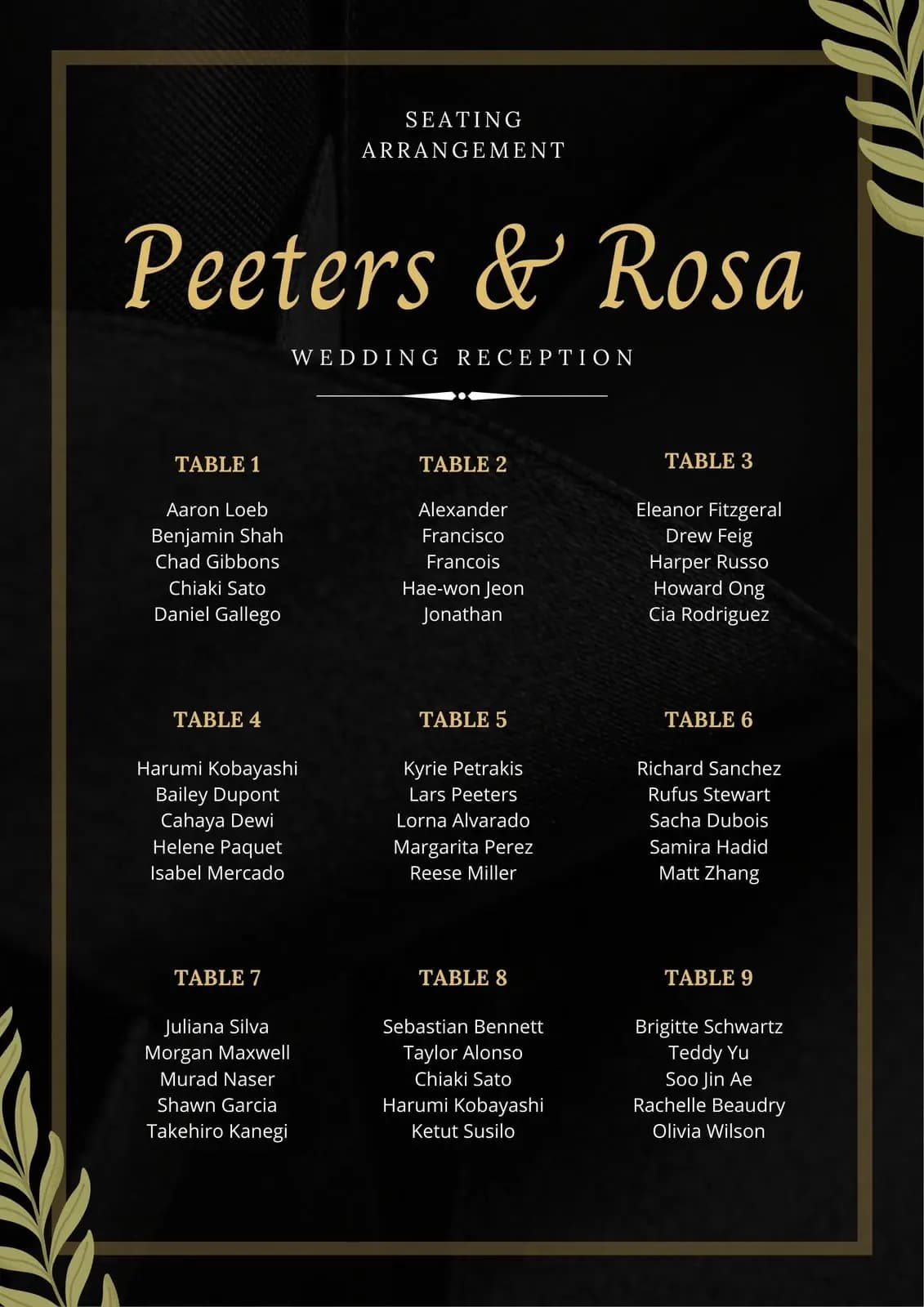
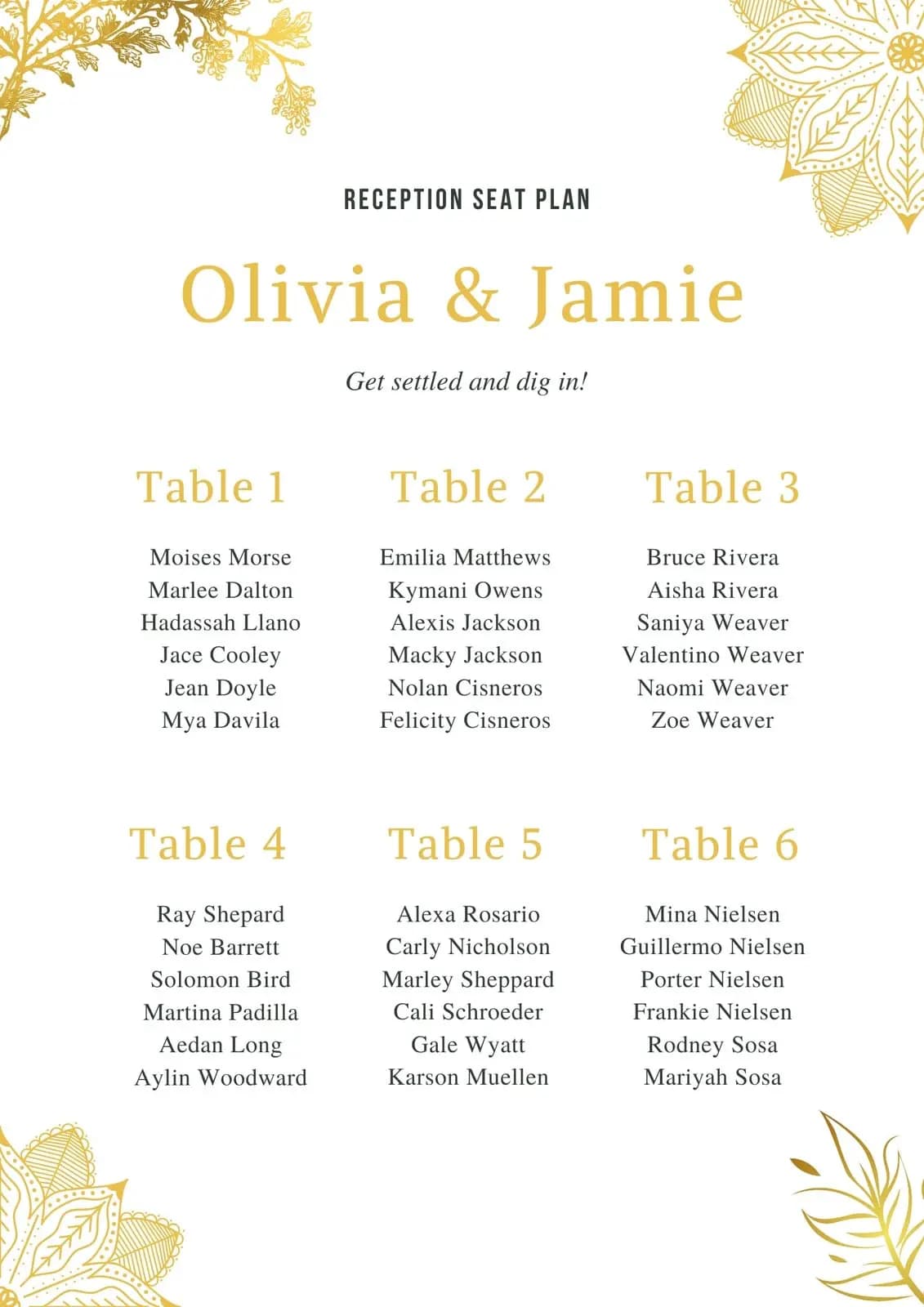
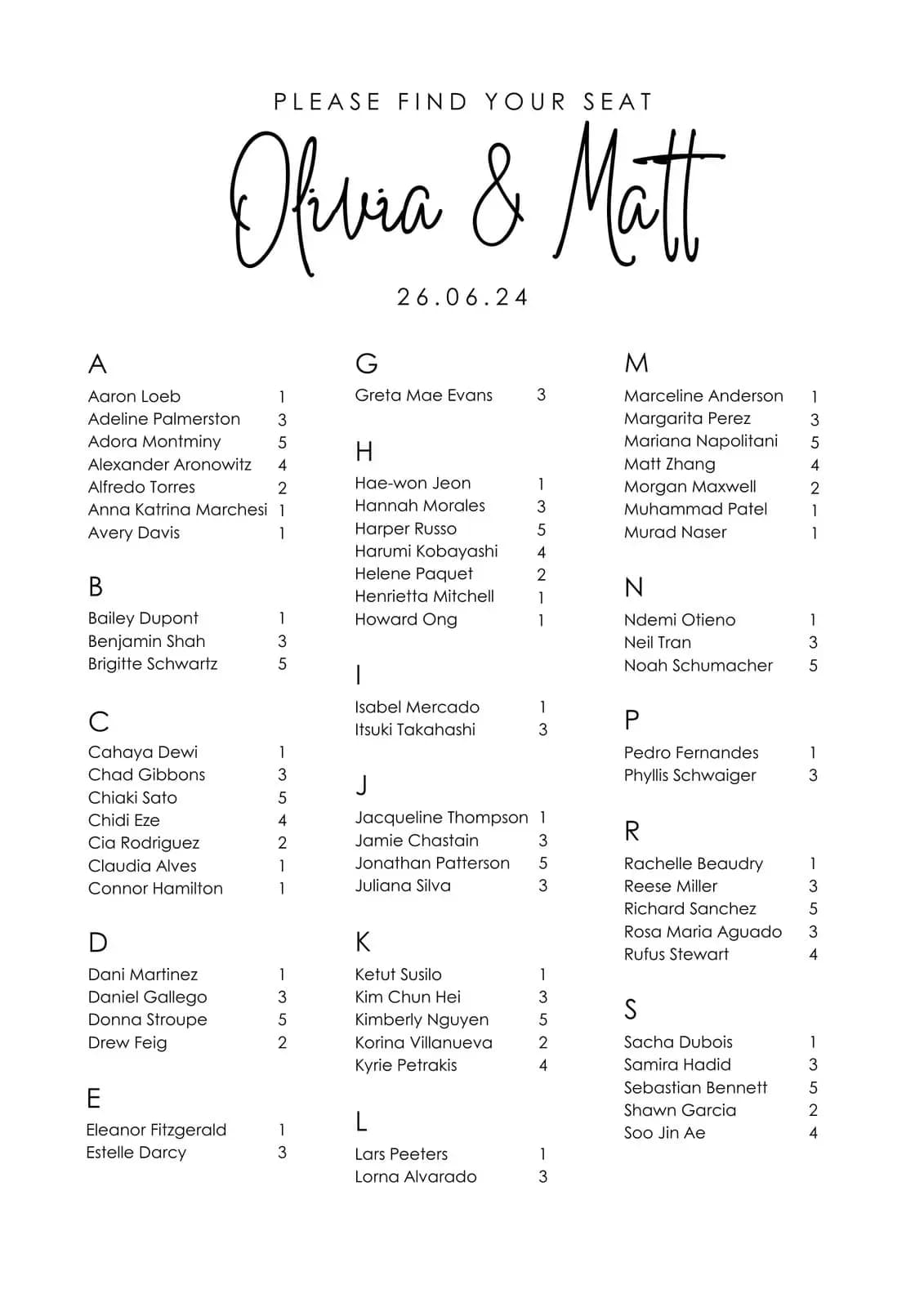
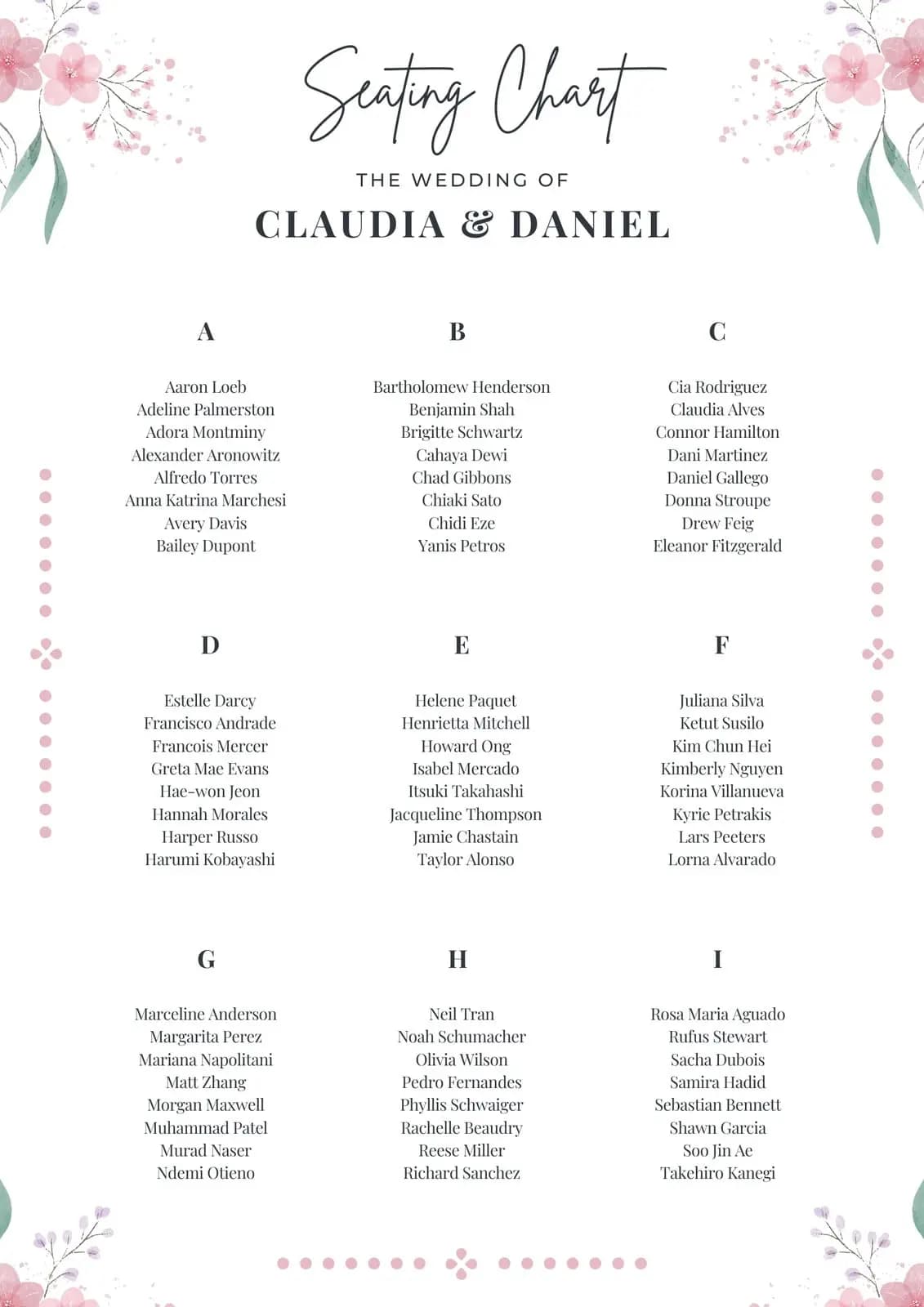
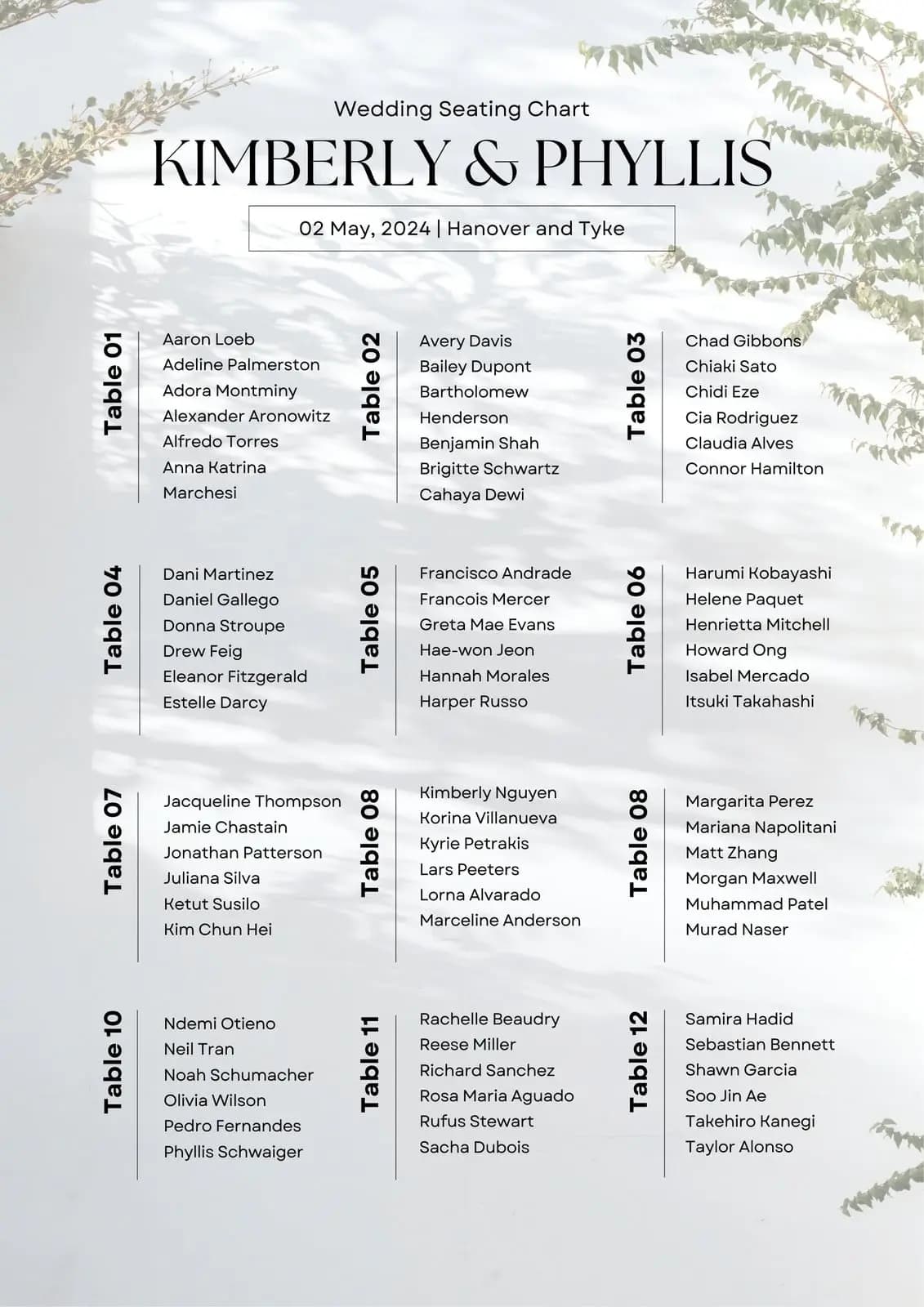
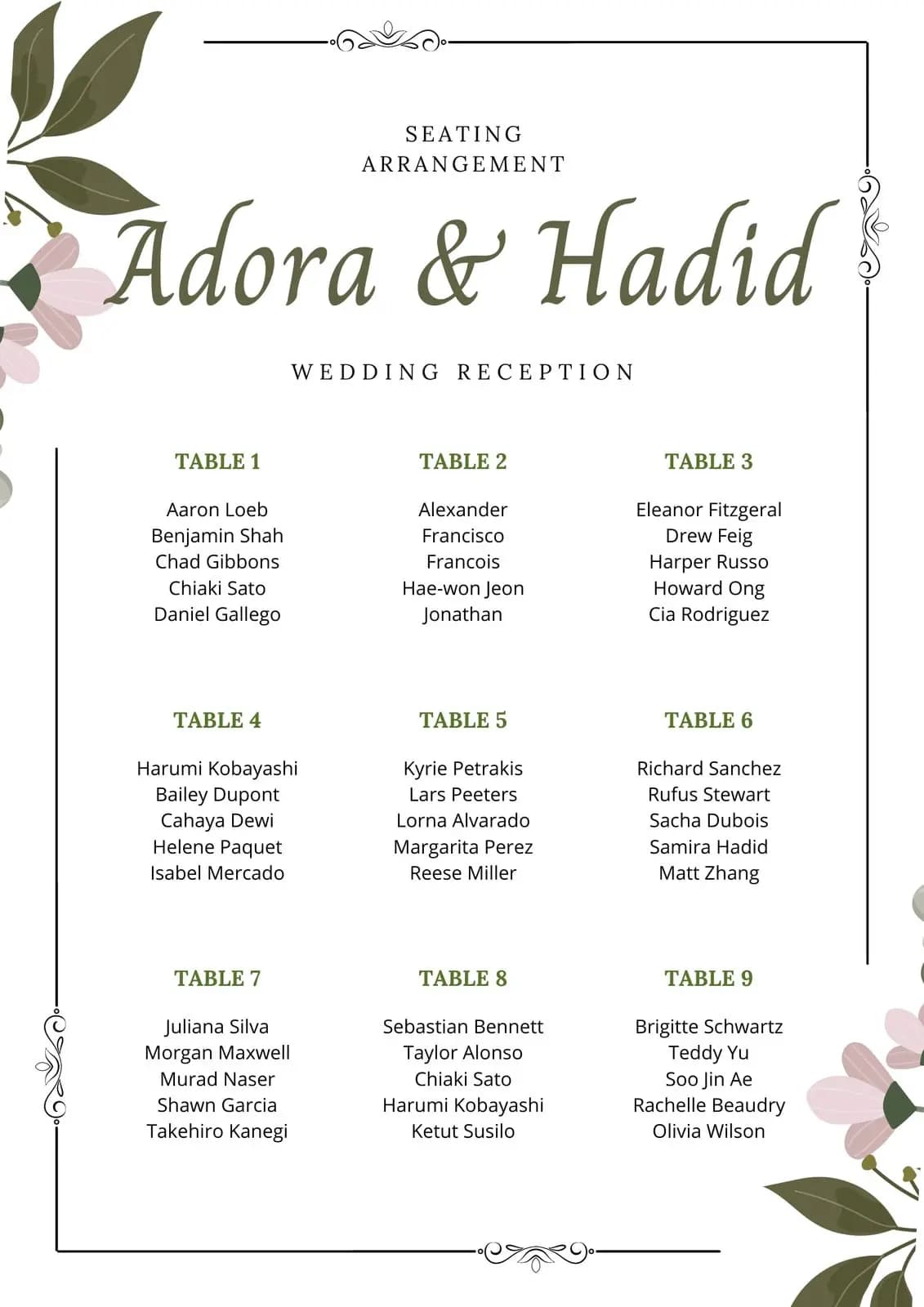
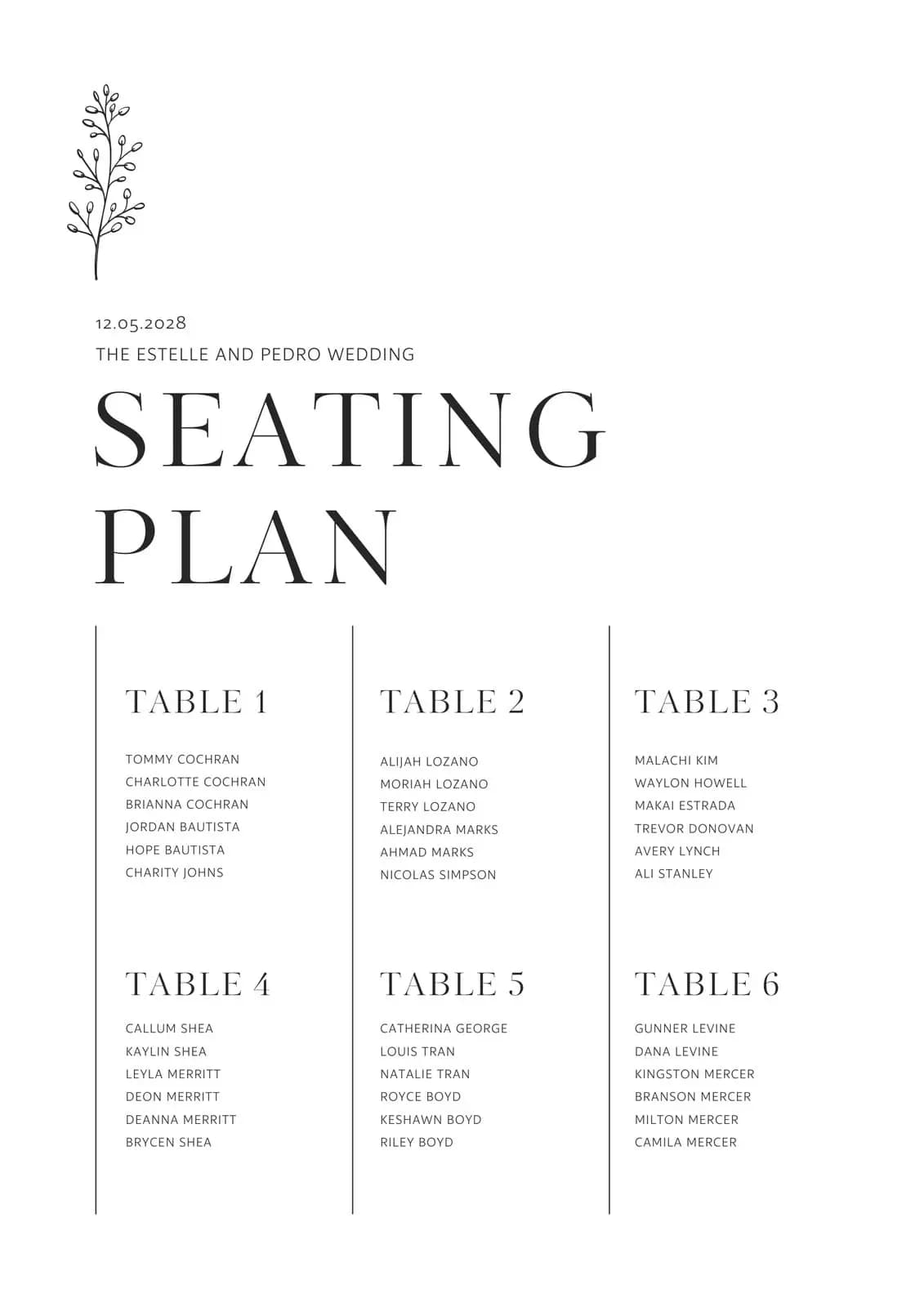
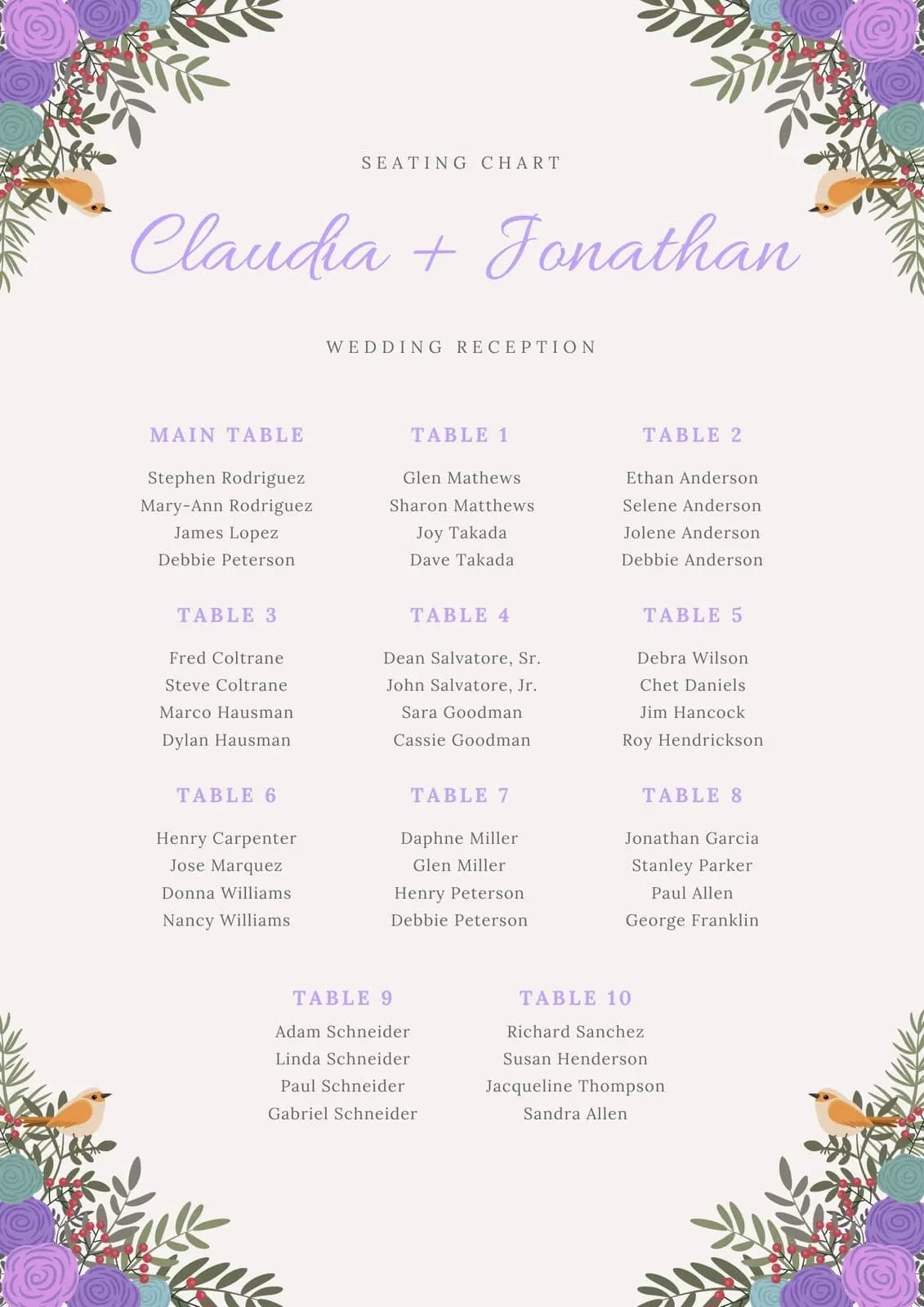
AI Wedding Seating Chart Templates make guest arrangement effortless and stress‑free. Powered by smart algorithms, these templates automatically generate seating layouts, optimize table placement, and personalize guest assignments with just a few clicks. Couples can save hours of manual planning while ensuring a smooth reception flow, elegant design, and a memorable guest experience. Perfect for modern weddings, AI‑driven seating chart tools combine efficiency with creativity to simplify wedding planning.

Pick a reference style, then generate a new image with the prompt, reference image, and aspect ratio prefilled.

Generate an image
Prompt visualization 1
462 × 740

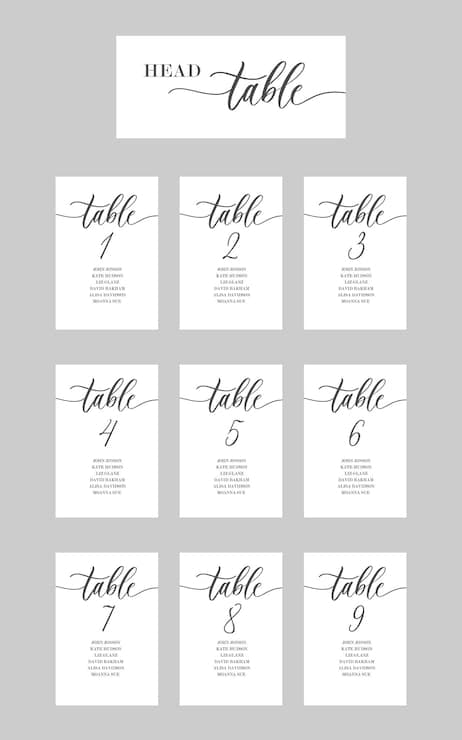
Minimalist wedding seating chart set on grey background. Includes one 'HEAD table' card and nine numbered cards (1-9). Features black cursive calligraphy headers and small serif text for custom guest names. White cardstock, clean layout, centered typography.

Prompt visualization 1
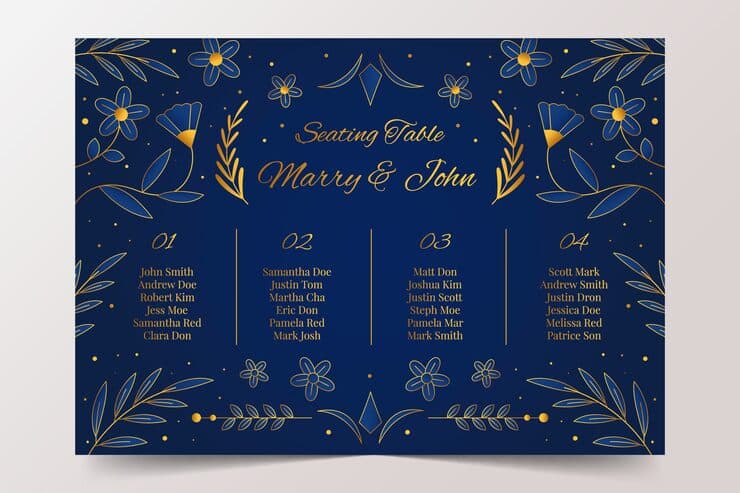
740 × 489

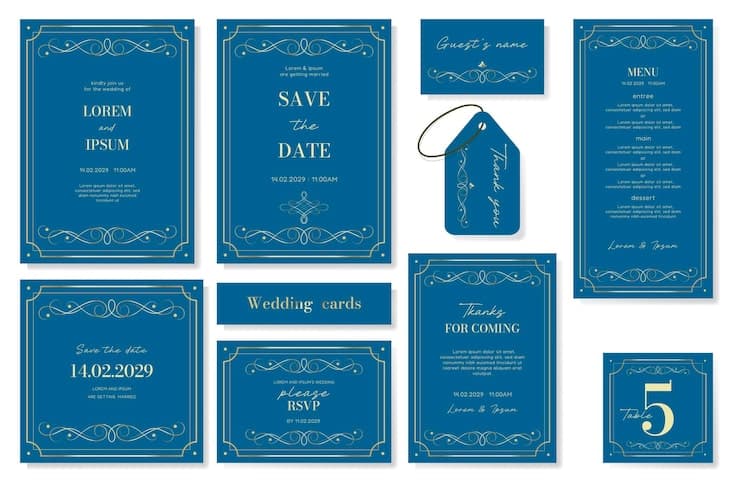
Navy blue wedding seating chart template. Gold foil ornate borders and scrollwork. Table layout with custom guest names in elegant serif and script fonts. Luxurious aesthetic, high-contrast gold on blue, clean composition, flat lay style.

Prompt visualization 1
740 × 569

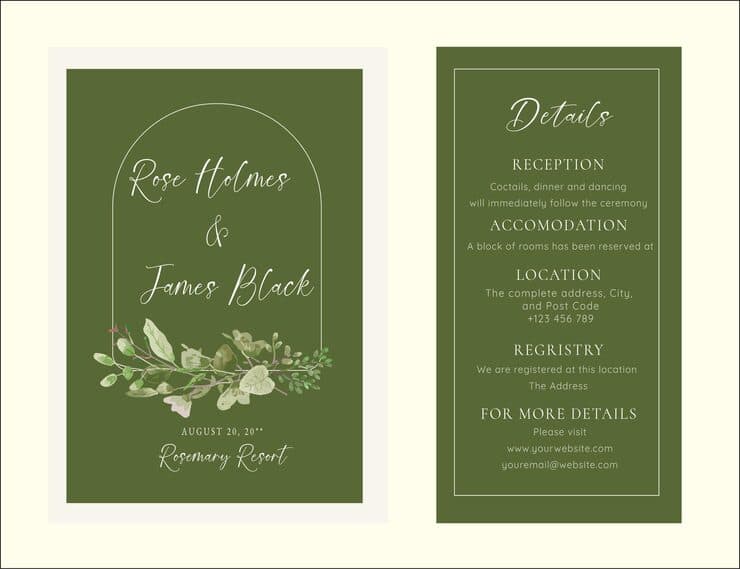
Olive green wedding seating chart with white 'Find Your Seat' script inside a minimalist arch. Features a watercolor greenery bouquet at the bottom. Guest names are organized by table numbers in a clear white sans-serif font. Clean, modern, botanical design.

Prompt visualization 1
740 × 740

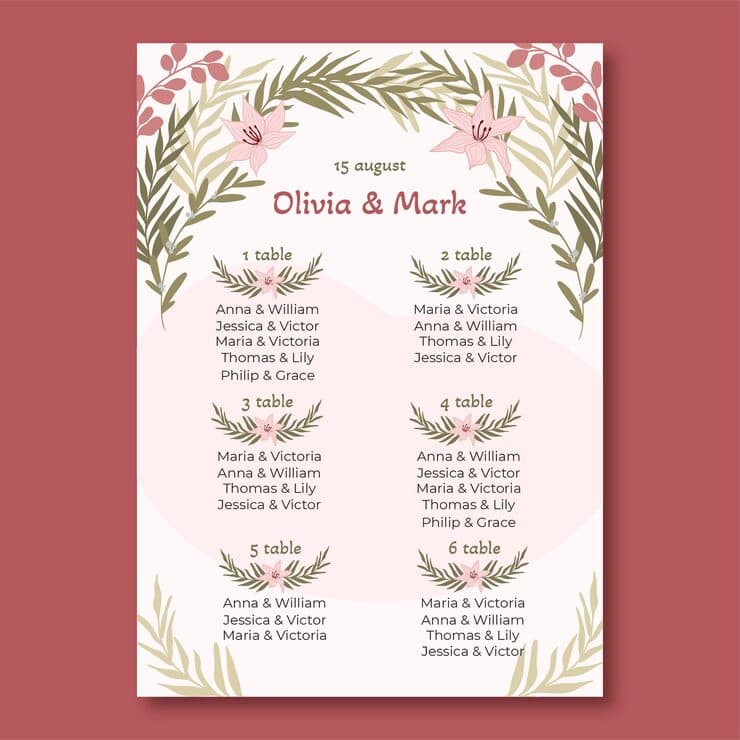
Elegant vertical wedding seating chart titled 'Sophia & Ethan' dated 'September 20'. Soft pink background decorated with muted green olive branches and pink lilies. Organized in a two-column grid for six tables. Features custom guest names such as 'James & Mia', 'Lucas & Chloe', and 'Henry & Aria' in clean maroon typography. Minimalist botanical illustration style.

Prompt visualization 1
740 × 379

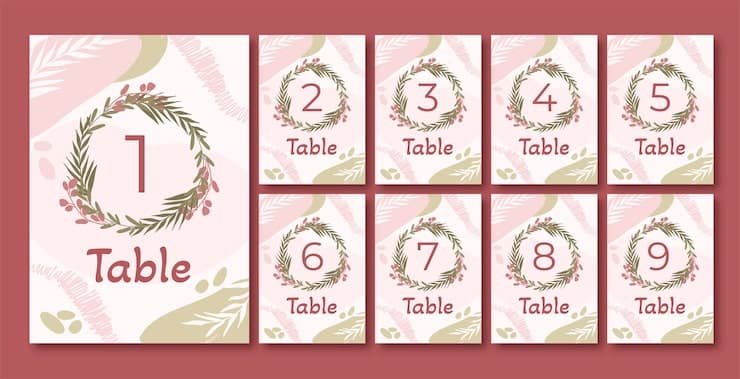
Grid of boho wedding seating cards. Each card has a delicate olive leaf and berry wreath. Backgrounds feature abstract dusty rose and sage watercolor shapes. Table numbers and guest names like 'Alice Miller' are printed in clean maroon typography. Minimalist, modern aesthetic on textured cream cardstock. Flat lay composition.

Prompt visualization 1
740 × 740

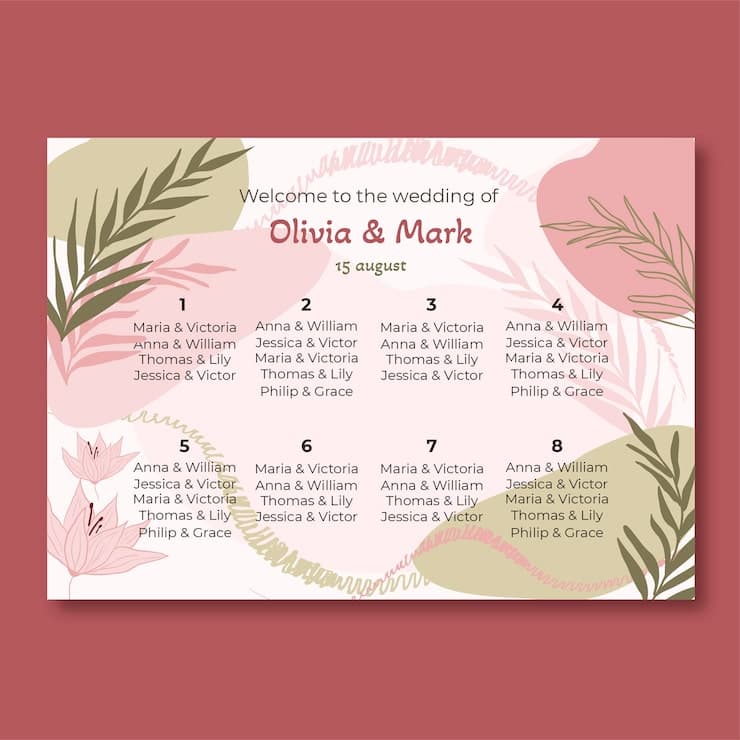
Modern wedding seating chart template with an 8-table grid layout. Minimalist aesthetic featuring blush pink and sage green abstract blobs, hand-drawn botanical leaves, and lily illustrations. Centered header text 'Welcome to the wedding of Emily & James' in elegant script and sans-serif fonts. Guest lists organized under bold table numbers 1-8. Professional graphic design with soft pastel tones on a clean, light background.

Prompt visualization 1
740 × 740

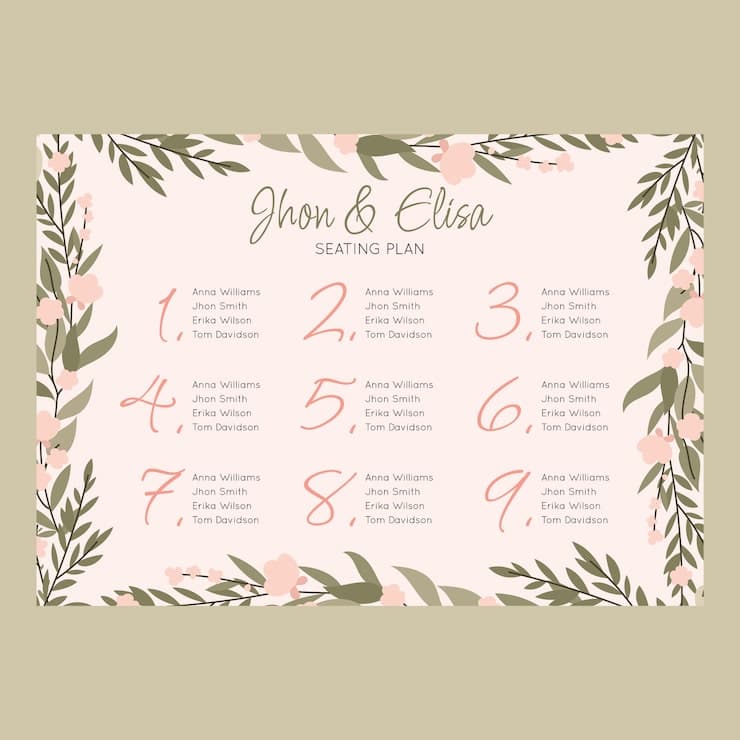
Elegant wedding seating chart with a 3x3 grid layout on a pale blush background. Framed by a delicate border of olive green leaves and soft pink blossoms. Top features 'Alexander & Sophia' in refined green script. Tables 1-9 are marked by large pink cursive numerals, each followed by guest names like 'Michael Brown' and 'Emma Davis' in a clean, minimal sans-serif font. High-quality graphic design with a romantic, botanical aesthetic.

Prompt visualization 1
740 × 740

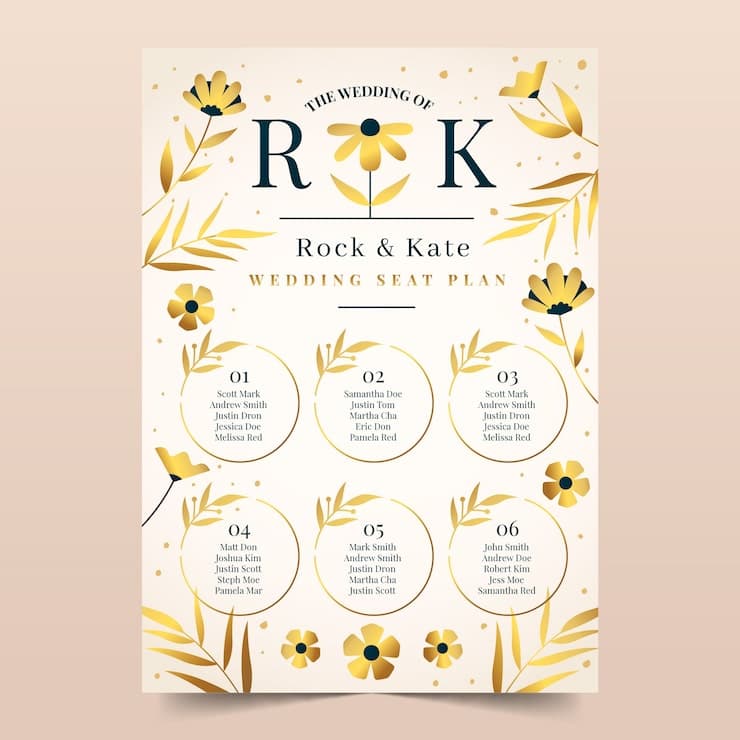
Elegant wedding seating chart on cream paper with gold foil floral accents. Features a 2x3 grid of gold circles containing custom guest names in black serif font. Top includes large navy initials 'A & M' and names 'Alice & Michael'. Sophisticated minimalist layout with stylized gold leaves and flowers bordering the design.

Prompt visualization 1
740 × 493

Elegant navy blue horizontal wedding seating chart featuring four columns of custom guest names in gold serif typography. The design includes intricate gold foil floral line art, symmetrical leaf borders, and a cursive gold header at the top center. High-end stationery aesthetic with a luxurious dark blue and gold color palette.

How to generate AI Wedding Seating Chart in three steps in seconds

Use our finely tuned templates to spark your AI creativity instantly

01

Choose template & click AI

Browse the templates below, select a suitable style, and click the 'AI' button.

02

Enter relevant information

Customize the pre-filled prompt by entering relevant design details.

03

Generate and wait

Click generate and wait; usually, your creation finishes in just a few seconds.

+

Or, create your own AI Wedding Seating Chart

Can't find the perfect template? You can customize your own prompt from scratch, defining your own styles and settings.

FAQ

Are these editable templates?

No. They are AI prompt templates and visual references for generating new images.

What happens when I click a template?

Veyvia opens the image generation page with the selected prompt, reference image, and closest aspect ratio already filled in.

Can I use the generated image for printing?

You can use it as a visual draft or poster image. Before printing, review text clarity, final dimensions, and final content.