beauty-portraiteditorial-beauty-photographyfemale-portrait
"Use the face from the reference photo and preserve the exact identity, facial features, proportions, expression, skin tone, and natural skin texture. Maintain visible pores and authentic facial details. Do not beautify, reshape, or create an AI-looking face.
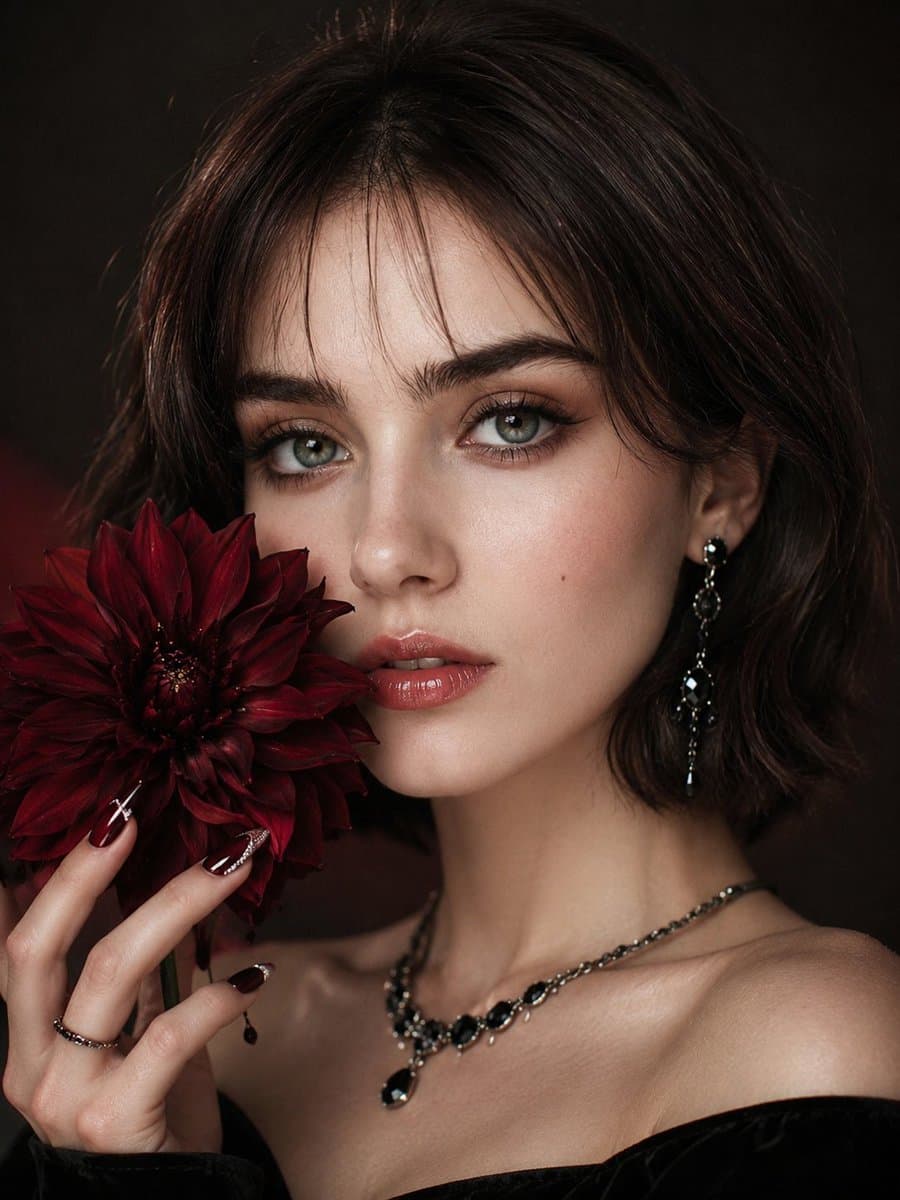
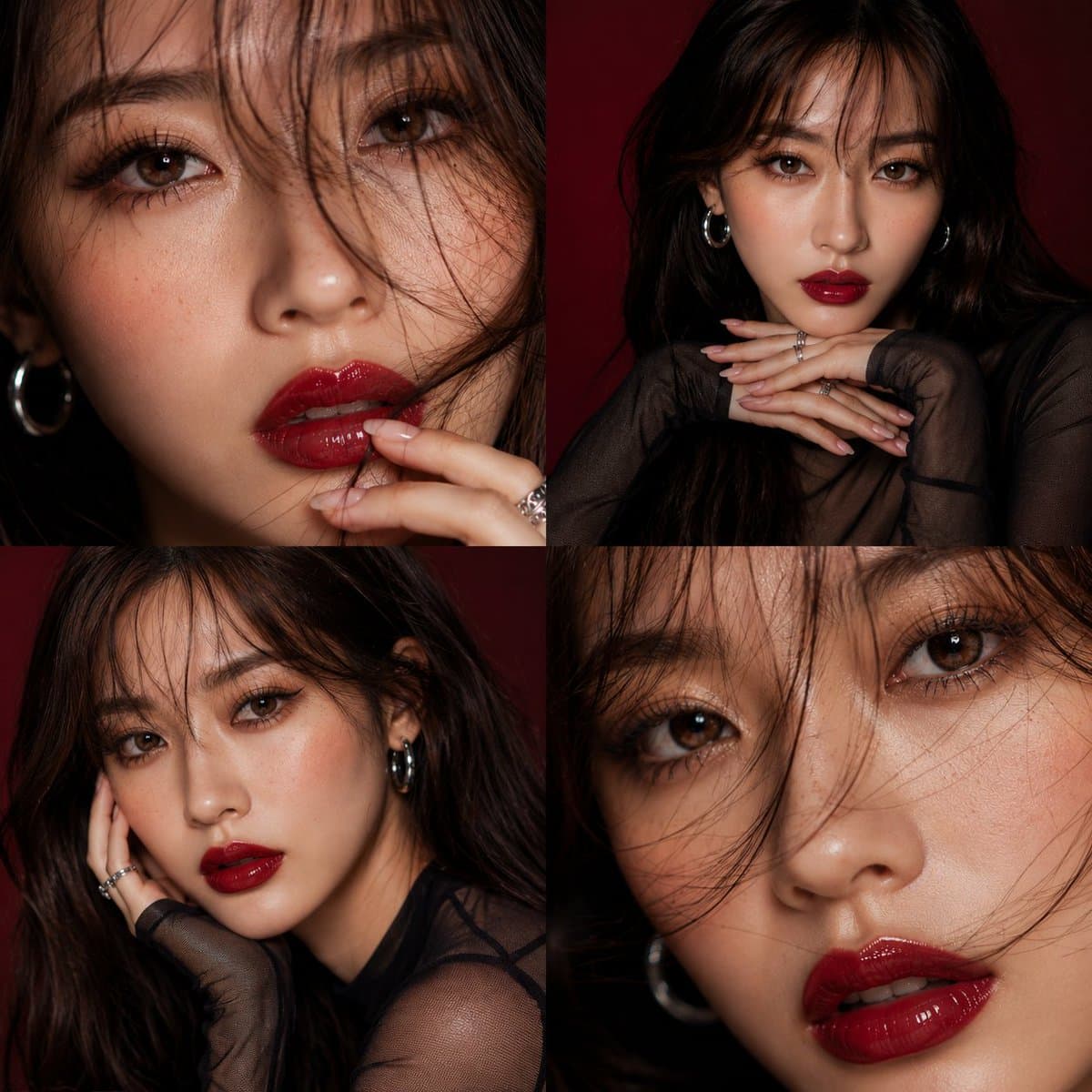
Create an ultra-realistic shoulder-up Korean beauty editorial profile portrait with a dark red dahlia luxury campaign aesthetic. The mood is moody, romantic, mysterious, cinematic, and high-fashion. The subject faces the camera in a soft three-quarter angle with direct eye contact, a slightly raised chin, softly parted lips, and a calm, powerful expression.
Frame one side of the face with a large realistic dark red dahlia held near the lips, cheek, jawline, or collarbone. The flower may slightly overlap the face but must never hide the identity.
Style the subject in a black velvet off-shoulder or high-neck top with black crystal earrings, a delicate dark metallic necklace, and thin silver or antique-gold ring.
Hair is styled in a sleek jaw-length bob with soft see-through bangs, glossy texture, and a clean, modern finish that keeps the eyes fully visible.
Makeup features Korean smoky glam with luminous glass skin, visible pores, feathered brows, smoky taupe eyeshadow, brown-black eyeliner, lifted lashes, subtle aegyo-sal, muted rose-brown blush, and glossy deep rose gradient lips.
Show elegant long almond nails with black cherry jelly polish, dark red aura details, red chrome edges, black crystal accents, pearl details, silver linework, and a glossy finish while gently holding the flower.
Background & lighting: Dark charcoal or smoky black gradient studio background with soft beauty lighting, deep red reflections from the dahlia, gentle bloom, halation, cinematic contrast, and fine 35mm film grain.
Ultra-realistic DSLR beauty photography, 85mm lens, shallow depth of field, sharp facial detail, natural skin texture, premium Korean editorial colour grading.
Aspect ratio: 3:4.
Negative prompt: Changed identity, AI-looking or beautified face, plastic skin, fake skin texture, distorted features, extra or missing fingers, deformed hands, flower covering the face, oversized flower, hair covering the eyes, heavy bangs, muddy red lighting, overly dark face, harsh shadows, flat lighting, cluttered background, cartoon, illustration, anime, CGI, text, logo, watermark."
Prompt 2:
"Create an extreme close-up portrait of a beautiful young woman who is turning her head toward the camera, as if looking back over her shoulder. She has bright green or hazel eyes that are sharp and captivating, with long, curled eyelashes. Her eyebrows are thick, dark, and naturally textured, and she wears very sharp winged eyeliner. She has a small silver nose piercing on one side only.Her skin is natural with clearly visible, and the skin texture should look realistic and smooth. Her lips are full and have a natural nude pink color. Her hair is dark, either black or dark brown, with a few loose strands intentionally falling across her face. She is wearing small gold hoop earrings.The lighting is the most important element, using a dramatic slit lighting or chiaroscuro style. A sharp beam of cool-toned, slightly bluish light highlights her left eye, part of her nose, and her lips, while the right side of her face and the background are immersed in deep shadow.
The overall mood should feel cinematic, mysterious, moody, aesthetic, and intimate. Ensure that the face is 100% identical to the provided reference."
 01
01