Black & White prompt library

Black & White AI Image Prompts

Browse black & white examples and reusable AI image prompts for composition, lighting, color, materials, and style.

Browse a focused black & white category based on the PromptPlum taxonomy. Use the references as starting points, then rewrite each prompt for your own subject, format, and visual goal.

Visual reference set
black and white
Library size
2 public prompts
Visual reference set02 / REF
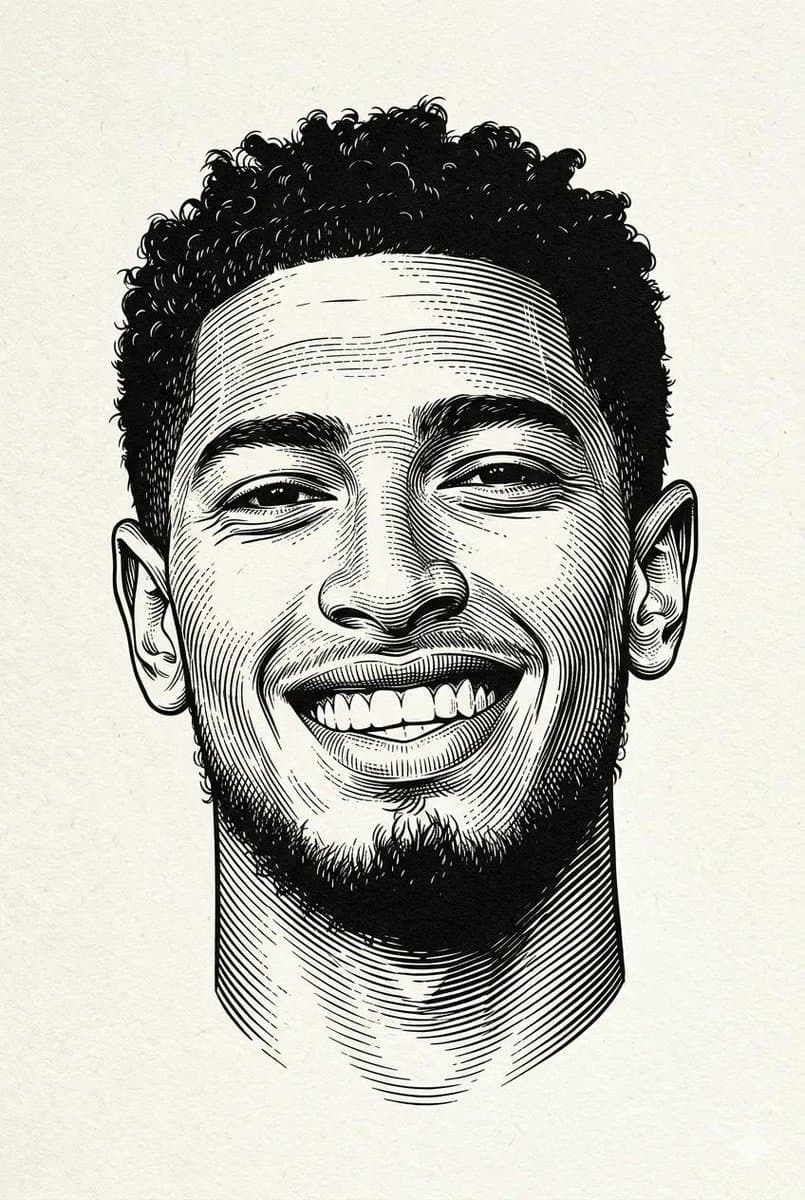
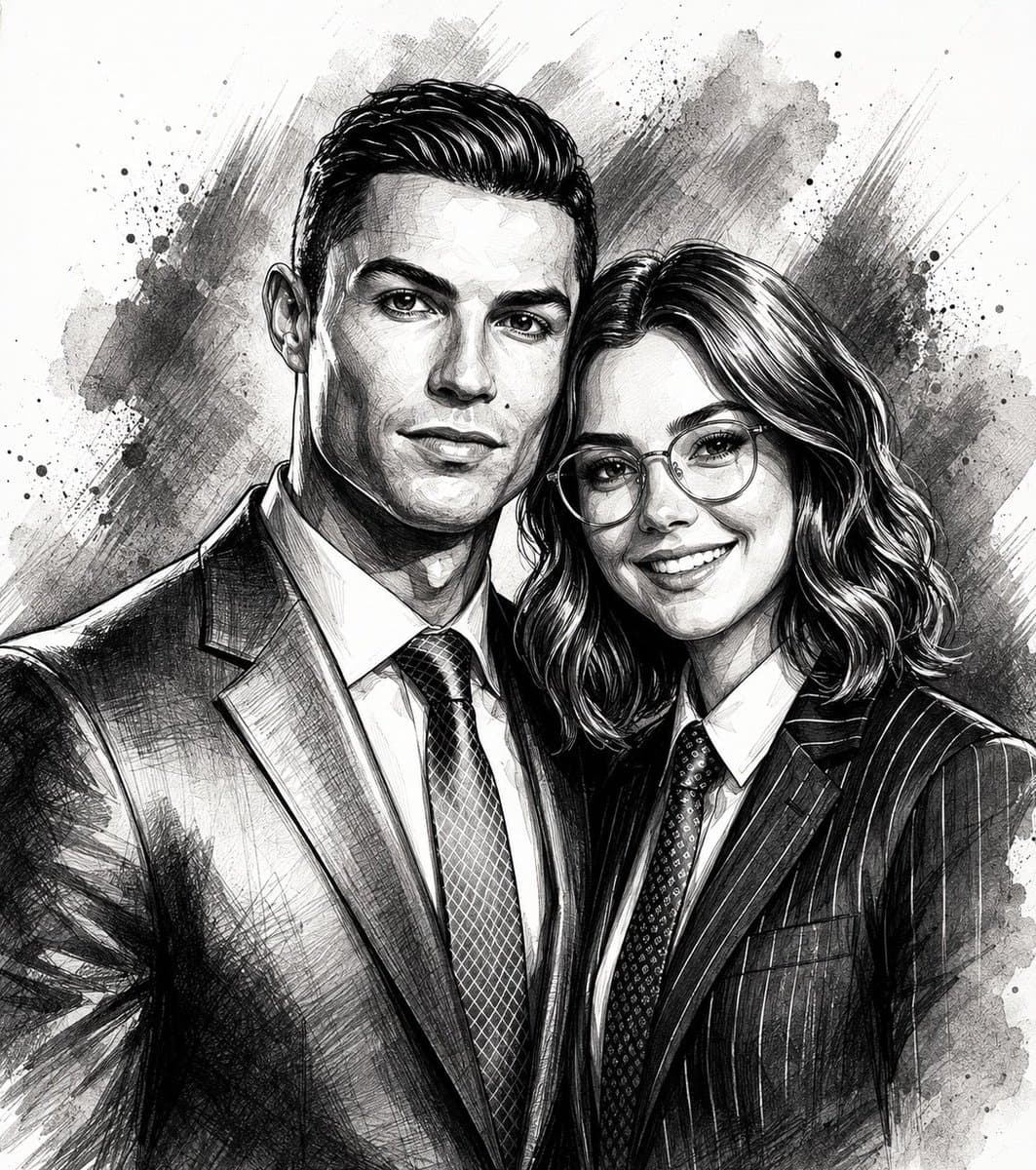
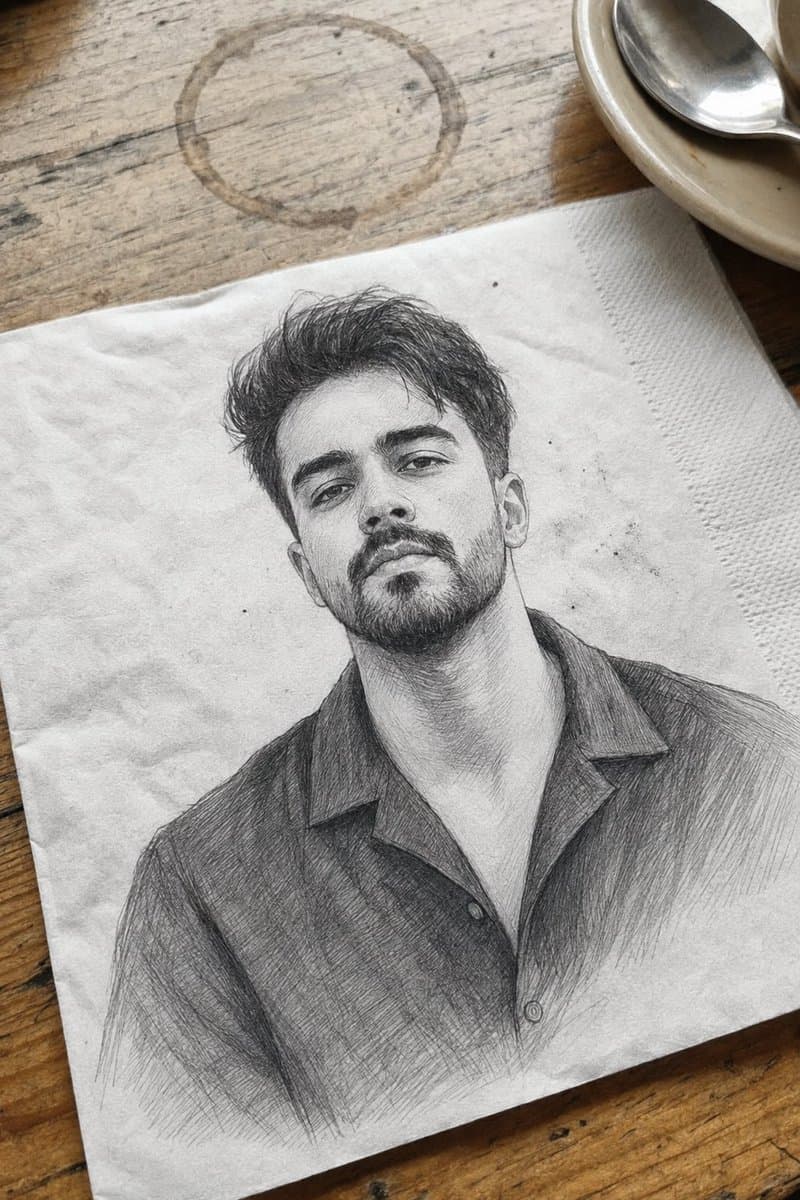
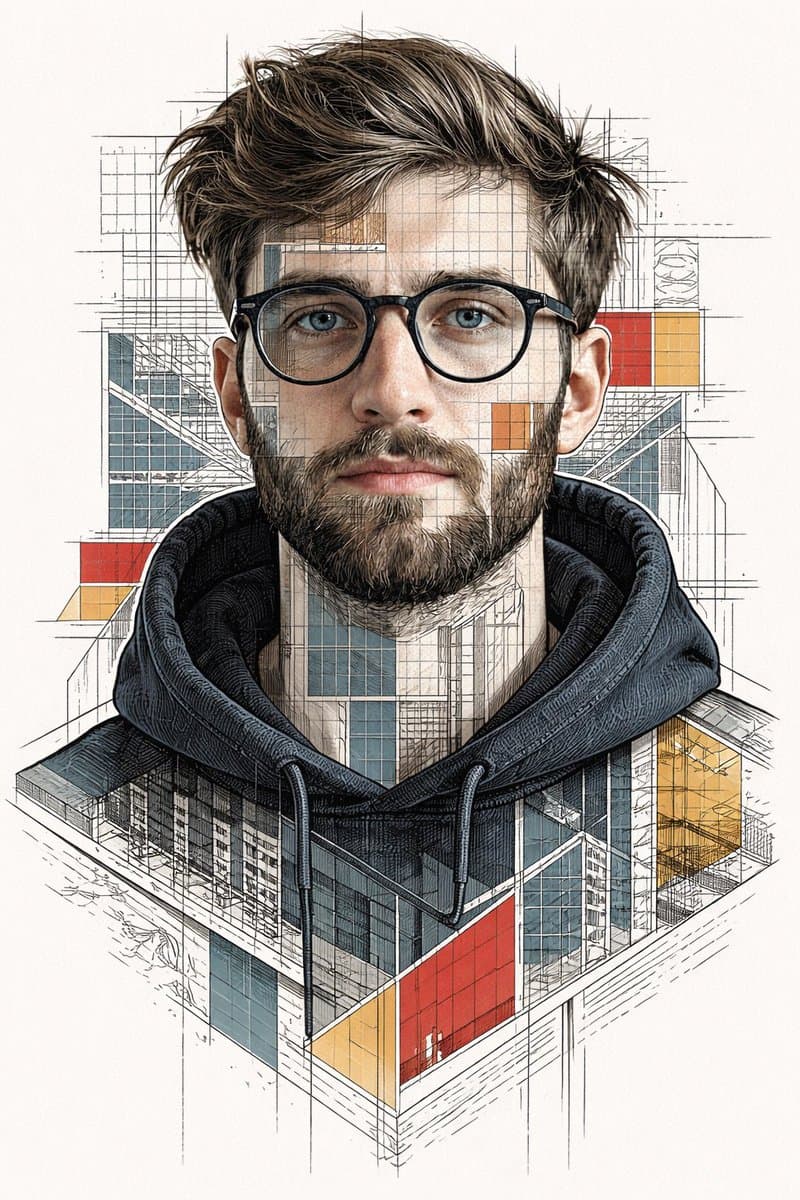
Black & White AI Image Prompts reference 101
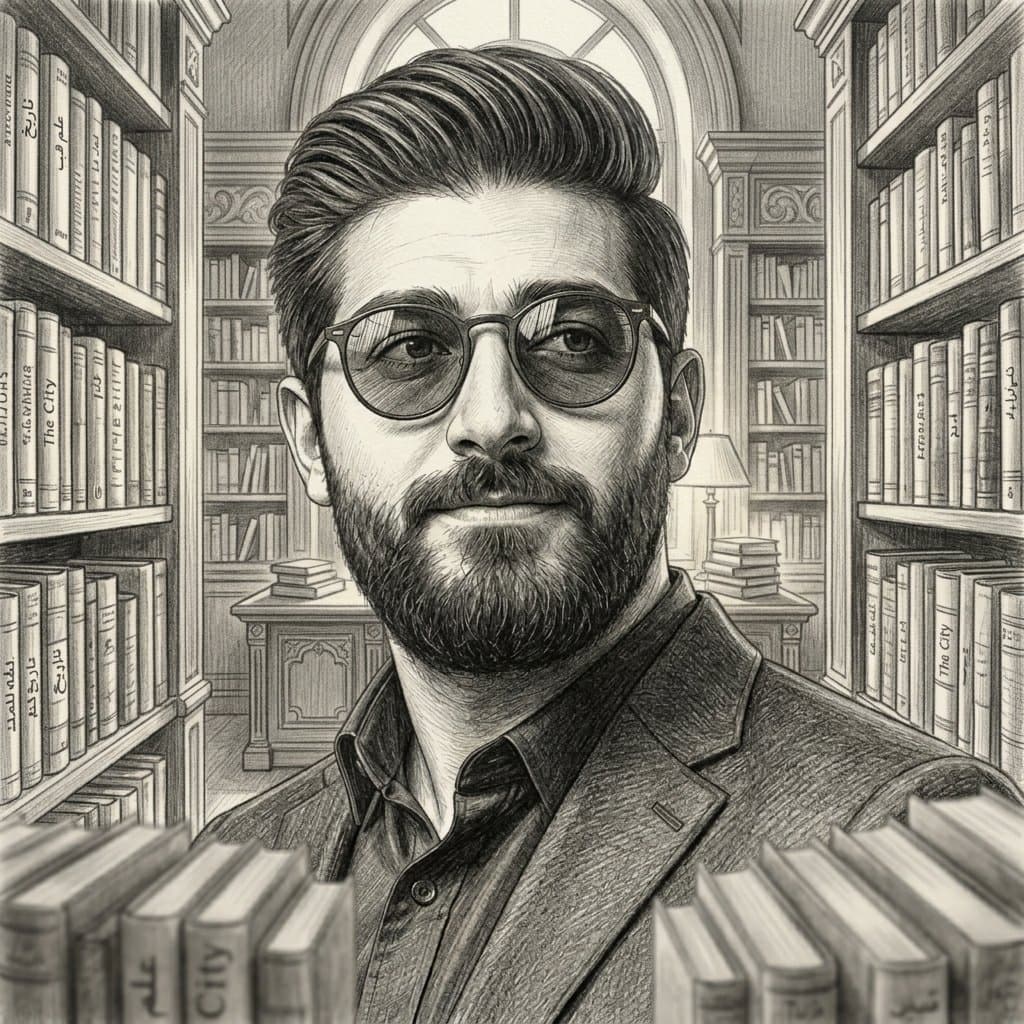
Black & White AI Image Prompts reference 202
VEYVIA / BLACK-AND-WHITECURATED
Prompt library

Choose the closest frame to begin.

Open any reference to inspect the full prompt, or take its image and aspect ratio straight into the generator.

2 public prompts
Black & White AI Image Prompts prompt 101
black & whiteai image promptsprompt library

Create image. Ar 2:3. Black and white engraved portrait illustration of a person. Drawn in classic woodcut / linocut engraving style, high contrast black ink on textured off-white paper background. Fine cross-hatching and line shading to create depth and shadow, bold black ink shadows under chin and around hair, strong contour lines, traditional printmaking aesthetic. Minimal composition, centered portrait, no body visible, clean negative space, vintage editorial illustration style, ultra detailed linework, sharp crisp ink strokes, professional vector-ready engraving look, monochrome palette, dramatic contrast. Negative Prompt: color, watercolor, soft shading, blurred lines, low contrast, realistic photography, 3D render, anime style, cartoon style, messy sketch, thick uneven strokes, background objects, noisy texture, pixelated, distorted face, extra eyes, extra ears, bad anatomy, modern digital painting, glossy skin, overexposed highlights

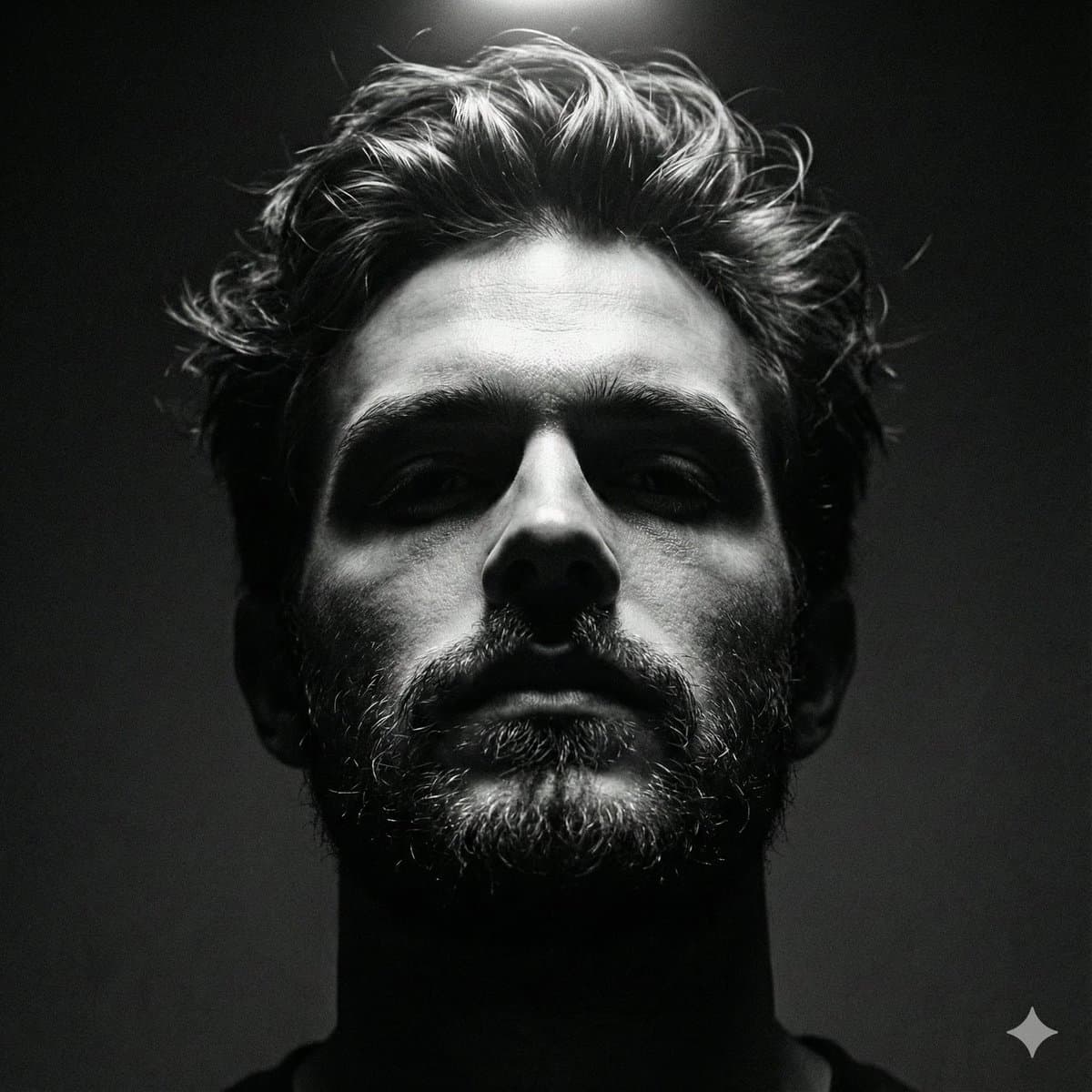
Black & White AI Image Prompts prompt 202
twitterblack-and-whiteportrait-photography

Google Gemini Nano banana 2 pro Prompt👇 { "generation_request": { "meta_data": { "task_type": "black_and_white_photobooth_expression_grid_4x4", "language": "en", "priority": "highest", "version": "v3.0_BW_PHOTOBOOTH__GIRL_4X4" }, "input": { "mode": "image_to_image", "reference_image_usage": "very_high", "preserve_identity": true, "preserve_facial_features": true, "preserve_hairstyle": true, "notes": "Use the reference image as the primary identity anchor. Maintain 100% facial accuracy, proportions, and natural skin texture. Keep hairstyle consistent across all panels. Every frame must feature the same girl wearing sunglasses. Expressions should vary while identity remains locked." }, "output": { "aspect_ratio": "1:1", "resolution": "ultra_high", "num_images": 1, "layout": { "type": "grid", "rows": 4, "cols": 4, "gutter": "thin", "panel_consistency": "very_high" }, "sharpness": "crisp_photobooth", "grain": "subtle_analog_bw" }, "scene": { "concept": " black-and-white photobooth contact sheet with expressive girl wearing sunglasses in every panel", "environment": "clean flat neutral backdrop, no props", "lighting": { "style": "direct photobooth flash", "key_light": "front-facing flash, slightly hard but flattering", "shadows": "soft minimal shadows behind subject", "avoid": "cinematic lighting, colored lights, dramatic shadows" }, "camera": { "lens": "50mm", "distance": "tight head-and-shoulders framing", "focus": "eyes sharp behind sunglasses in every panel" } }, "subject": { "type": "girl (reference person)", "wardrobe": "modern fashion styling — sleek off-shoulder top, fitted minimal chic outfit with aesthetic (no logos)", "accessories": "high-end designer sunglasses in every panel (stylish variations in angle/tilt but consistent design language)", "hair": "same hairstyle preserved across all panels", "makeup": "soft glam, natural skin texture, slightly enhanced lips and subtle contour", "vibe": "confident, playful, expressive, fashion editorial feel", "anatomy_rules": "perfect facial symmetry, no distortion" }, "expression_set": { "panel_01": "scrunched smile, playful energy", "panel_02": "intense confident stare with fingers framing sunglasses", "panel_03": "big joyful laugh, head slightly tilted", "panel_04": "bored unimpressed pose, chin resting on hand", "panel_05": "sad pout expression, soft emotional look", "panel_06": "goofy playful horns gesture above head", "panel_07": "tongue out, cheeky attitude", "panel_08": "sharp angry glare, strong attitude", "panel_09": "flirty pose, hand touching cheek", "panel_10": "surprised expression, raised brows", "panel_11": "excited scream pose, hands near face", "panel_12": "mischievous grin with claw-like hand pose", "panel_13": "confused frown, thoughtful look", "panel_14": "dramatic crying pose, hands on head", "panel_15": "eyes closed, tongue out playful vibe", "panel_16": "duck face with playful devil horns gesture" }, "style": { "color": "pure black and white", "contrast": "medium-high fashion contrast", "background": "flat gray seamless backdrop", "finish": "clean photobooth aesthetic with slight analog grain", "aesthetic": " editorial meets classic photobooth" }, "branding": { "watermark": "Swarika Playtime", "placement": "bottom center or subtly across grid edge", "style": "small, elegant, semi-transparent" }, "quality_control": { "identity_lock": "strict", "hands_priority": "high", "sunglasses_consistency": "mandatory in all panels", "avoid": [

Reference to result

Three steps forward, without starting from a blank canvas.

  1. 01

    Pick a reference

    Choose the frame closest to your goal in composition, color, and purpose.

  2. 02

    Adjust the details

    Change the subject, copy, style, and image ratio in the generator.

  3. 03

    Generate the image

    Keep the prefilled reference, generate, then refine from the result.

Nothing quite fits?

Start with a blank prompt and define the subject, composition, typography, and aspect ratio yourself.

Create from scratch
Working notes

Get closer to a finished image on the first pass.

01

About Black & White prompts

Black & White prompts help organize visual ideas around a specific style, subject, medium, or photography use case. Published examples may change as the collection grows.

02

How to write a stronger Black & White prompt

Name the main subject first, then define composition, environment, lighting, palette, materials, camera or rendering technique, aspect ratio, and the intended output.

03

How to refine the generated result

Remove conflicting style instructions, keep one clear visual direction, and review anatomy, text, logos, perspective, and important category-specific details before publishing.

Common questions

A few things to know before you begin.

What are Black & White AI image prompts?

They are reusable visual briefs grouped under the Black & White category. Each brief can be adapted to a different subject, reference image, composition, or output size.

How are Black & White examples selected for this collection?

Published prompts are assigned to this collection when their subject, style, or intended use matches the Black & White category.

Can I customize these Black & White prompts?

Yes. Replace the subject and context, then adjust the lighting, palette, materials, lens or rendering method, aspect ratio, and detail level for your project.