Digital Painting prompt library

Digital Painting AI Image Prompts

Browse digital painting examples and reusable AI image prompts for composition, lighting, color, materials, and style.

Browse a focused digital painting category based on the PromptPlum taxonomy. Use the references as starting points, then rewrite each prompt for your own subject, format, and visual goal.

Visual reference set
digital painting
Library size
2 public prompts
Visual reference set02 / REF
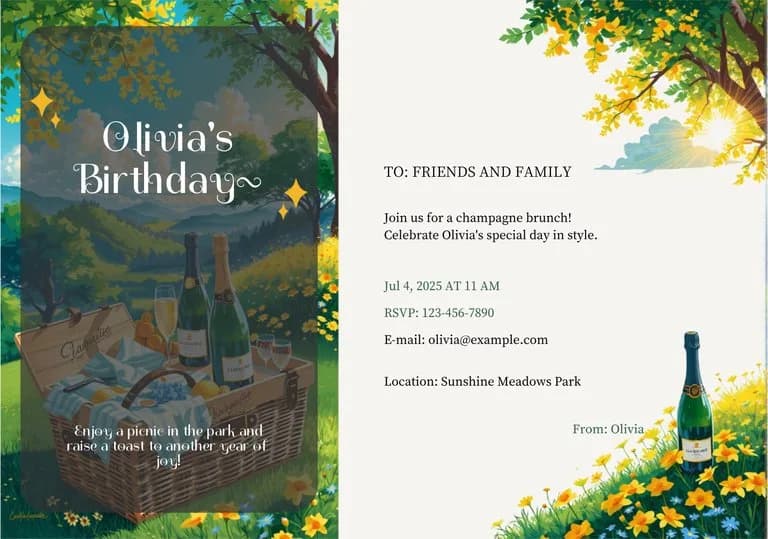
Digital Painting AI Image Prompts reference 101
Digital Painting AI Image Prompts reference 202
VEYVIA / DIGITAL-PAINTINGCURATED
Prompt library

Choose the closest frame to begin.

Open any reference to inspect the full prompt, or take its image and aspect ratio straight into the generator.

2 public prompts
Digital Painting AI Image Prompts prompt 101
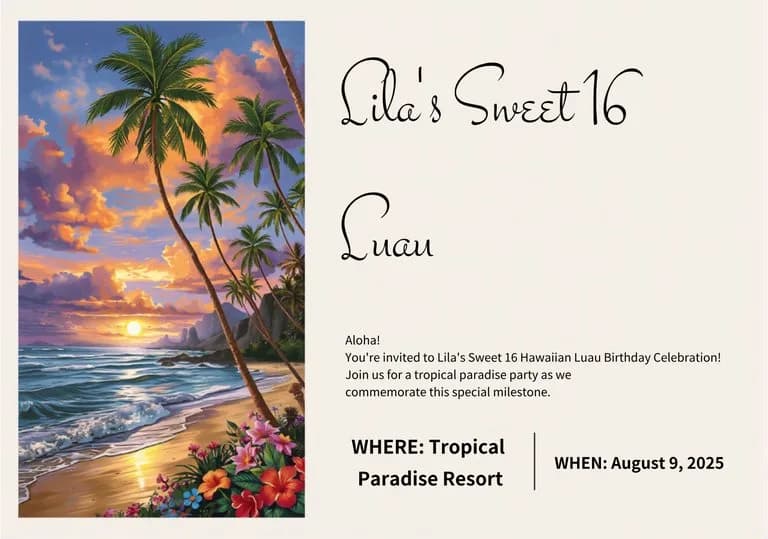
invitationtropicalluau

Modern birthday invitation template. Left side features a vibrant digital painting of a tropical sunset beach with palm trees and hibiscus flowers. Right side is a clean cream-colored space for text, accented with festive icons like balloons and confetti. Professional graphic design, elegant typography, high contrast, and cheerful color palette.

Digital Painting AI Image Prompts prompt 202
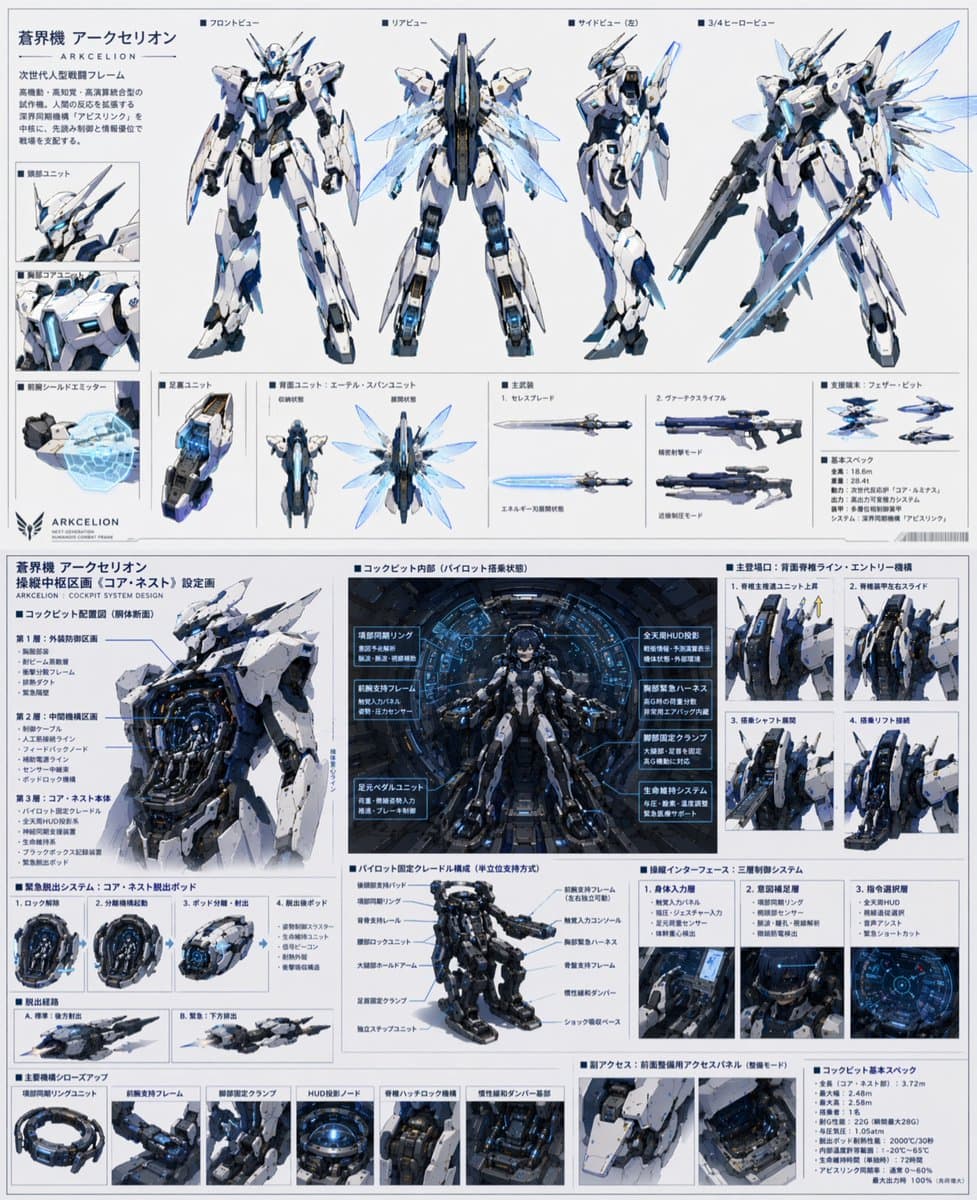
twitterconcept-artsci-fi

GPT-5.4 Thinkingに 「ロボットアニメの主人公が乗る最先端のデザインを設計して」 という一言を伝えて数回壁打ちしてから、GPT-Image-2 で生成させてみた ヤバすぎんだろこのクオリティ

Reference to result

Three steps forward, without starting from a blank canvas.

  1. 01

    Pick a reference

    Choose the frame closest to your goal in composition, color, and purpose.

  2. 02

    Adjust the details

    Change the subject, copy, style, and image ratio in the generator.

  3. 03

    Generate the image

    Keep the prefilled reference, generate, then refine from the result.

Nothing quite fits?

Start with a blank prompt and define the subject, composition, typography, and aspect ratio yourself.

Create from scratch
Working notes

Get closer to a finished image on the first pass.

01

About Digital Painting prompts

Digital Painting prompts help organize visual ideas around a specific style, subject, medium, or photography use case. Published examples may change as the collection grows.

02

How to write a stronger Digital Painting prompt

Name the main subject first, then define composition, environment, lighting, palette, materials, camera or rendering technique, aspect ratio, and the intended output.

03

How to refine the generated result

Remove conflicting style instructions, keep one clear visual direction, and review anatomy, text, logos, perspective, and important category-specific details before publishing.

Common questions

A few things to know before you begin.

What are Digital Painting AI image prompts?

They are reusable visual briefs grouped under the Digital Painting category. Each brief can be adapted to a different subject, reference image, composition, or output size.

How are Digital Painting examples selected for this collection?

Published prompts are assigned to this collection when their subject, style, or intended use matches the Digital Painting category.

Can I customize these Digital Painting prompts?

Yes. Replace the subject and context, then adjust the lighting, palette, materials, lens or rendering method, aspect ratio, and detail level for your project.