
 01
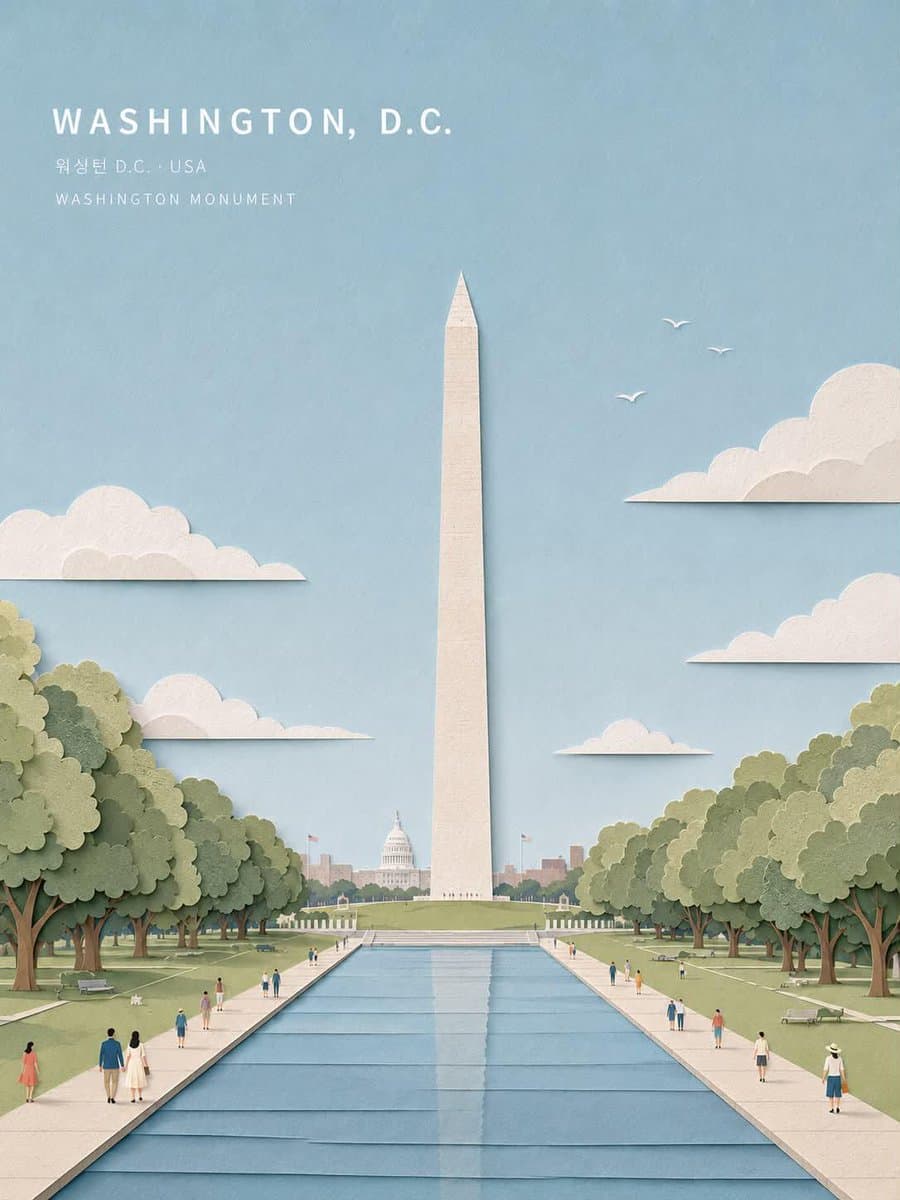
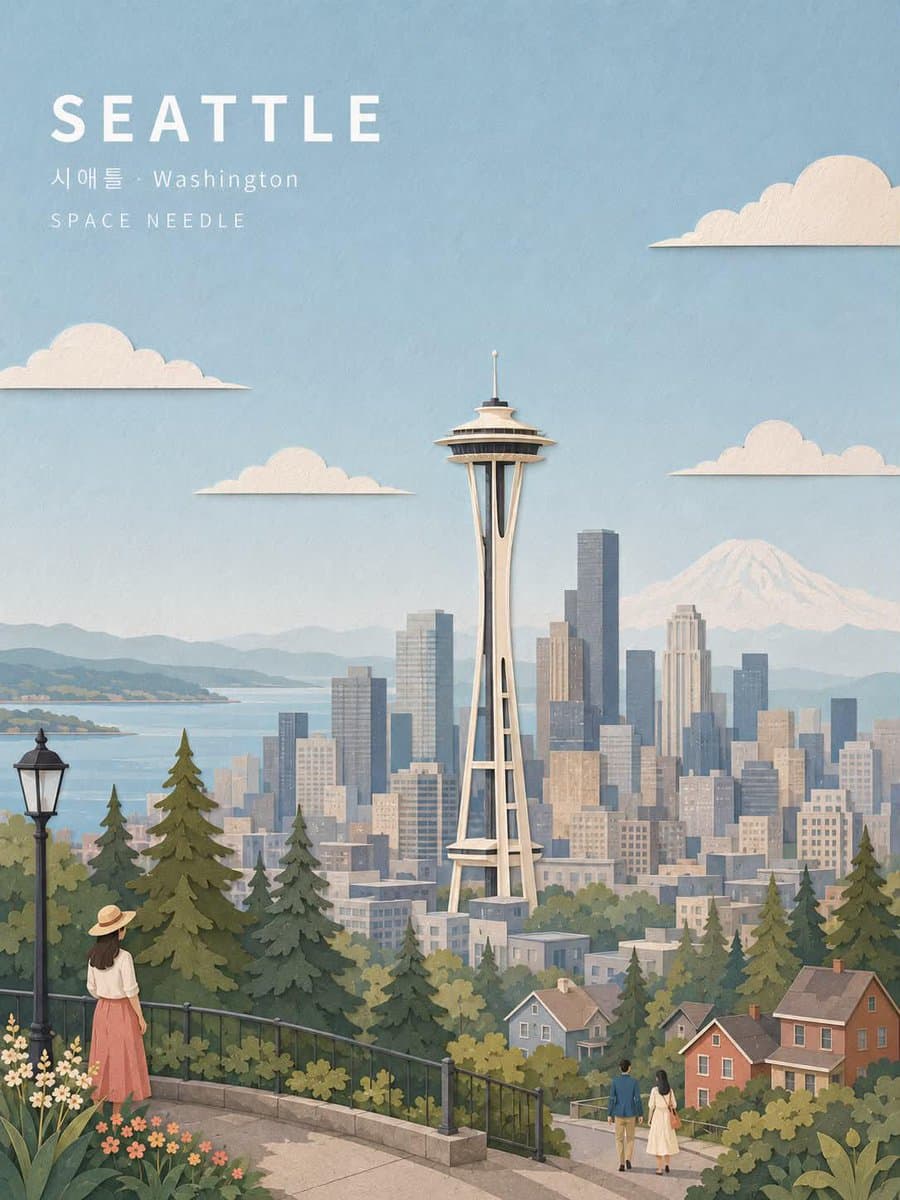
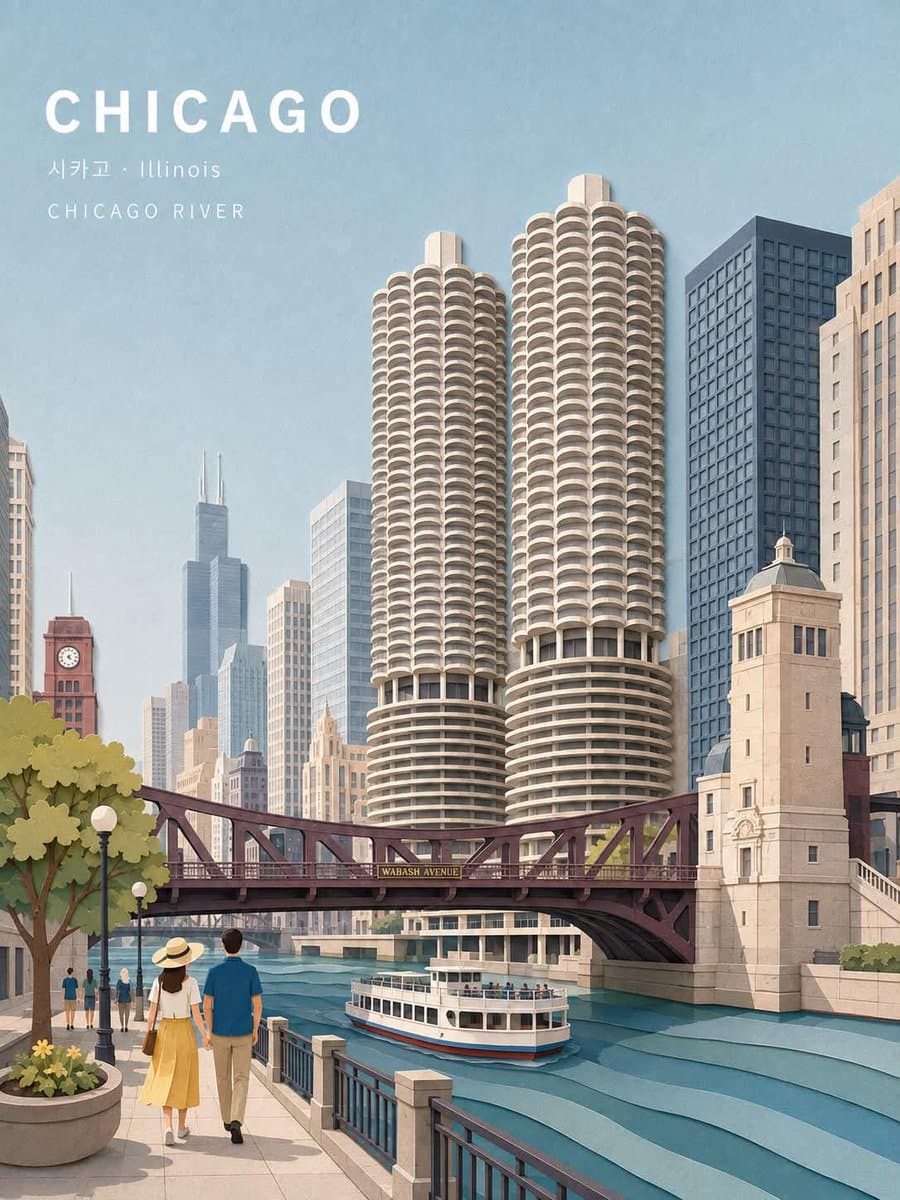
01{ "prompt_type": "universal_city_travel_postcard", "variable": { "city": "ENTER CITY NAME HERE" }, "instruction": "Create a premium illustrated travel postcard for the city provided in the variable. The city is the ONLY user-provided creative variable. Everything else must be intelligently researched, inferred, selected, and generated specifically for that city. Do not require a reference image.", "city_reasoning": { "first_determine": [ "officially recognizable city name", "country", "state, province, territory, or region when applicable", "local-language spelling or transliteration", "one iconic landmark strongly associated with the city", "one authentic environment or viewpoint where that landmark naturally belongs", "distinctive surrounding architecture", "important local geographic features", "appropriate vegetation and landscape", "appropriate transportation or human activity", "a secondary recognizable city feature if compositionally useful" ], "landmark_selection": { "rule": "Automatically choose the single most visually recognizable landmark or architectural symbol of the specified city.", "priority": [ "globally recognizable city landmark", "strongly city-specific architecture", "distinctive skyline feature", "iconic monument", "famous bridge", "historic structure", "recognizable natural landmark when it is the defining visual identity of the city" ], "do_not": [ "combine landmarks from different cities", "invent fictional landmarks", "use a generic building when a recognizable landmark exists", "place the landmark in an impossible geographic setting" ] } }, "fixed_visual_identity": { "style": "elegant handcrafted paper-cut travel illustration", "medium": "layered textured paper collage combined with refined editorial illustration", "aesthetic": "premium vintage tourism poster, sophisticated collectible postcard", "mood": "calm, nostalgic, inviting, picturesque, refined", "visual_language": [ "layered paper construction", "subtle physical paper depth", "soft paper shadows", "matte printed texture", "visible tactile paper grain", "clean simplified shapes", "delicate atmospheric perspective", "restrained pastel colors", "carefully composed architectural silhouettes", "slightly handcrafted edges" ], "important": "The style must remain consistent regardless of which city is entered. Only the city-specific content changes." }, "composition": { "aspect_ratio": "4:5", "orientation": "vertical", "format": "premium destination travel postcard", "visual_hierarchy": [ "large open sky", "upper-left typography", "dominant iconic landmark", "recognizable city environment", "layered foreground", "small human figures for scale and atmosphere" ], "sky": { "coverage": "approximately upper 30-40 percent", "color": "soft powder blue", "texture": "subtle fine paper grain", "clouds": "minimal layered cream paper clouds", "rule": "Keep sufficient negative space for typography and do not overcrowd the sky." }, "landmark": { "position": "dominant central or slightly off-center focal point", "scale": "large enough to immediately identify the city", "silhouette": "architecturally accurate", "detail": "recognizable but artistically simplified", "depth": "clearly separated from foreground and background" }, "foreground": { "purpose": "create depth and a lived-in travel experience", "automatically_select": [ "viewpoint railing", "promenade", "park", "street", "waterfront", "terrace", "hilltop overlook", "historic pedestrian area" ], "selection_rule": "Choose whichever foreground environment naturally complements the selected landmark and is believable for the specified city." }, "background": { "include": [ "city skyline when appropriate", "recognizable local buildings", "natural geography", "water when geographically appropriate", "hills or mountains when geographically appropriate", "trees and landscape" ], "rule": "Background elements must support the city's identity without competing with the primary landmark." } }, "city_specific_environment": { "architecture": { "rule": "Automatically generate surrounding architecture characteristic of the specified city.", "accuracy": "Buildings should look plausibly local in scale, materials, proportions, age, and architectural vocabulary." }, "geography": { "rule": "Automatically incorporate important geographic features only when genuinely associated with the city.", "examples": [ "coastline", "river", "lake", "mountains", "hills", "valleys", "desert", "forest", "plains" ] }, "vegetation": { "rule": "Automatically choose vegetation appropriate to the city's climate and region.", "style": "soft layered paper-cut foliage" }, "transportation": { "rule": "Optionally include one subtle recognizable local transportation element when it strengthens city identity.", "examples": [ "tram", "streetcar", "ferry", "subway entrance", "cable car", "double-decker bus", "trolley", "boat" ], "restriction": "Never add transportation merely for decoration if it is not appropriate to the city." }, "people": { "include": true, "quantity": "small and sparse", "style": "simplified paper-cut travelers and pedestrians", "poses": [ "walking", "looking at the landmark", "standing at an overlook", "sitting", "casually sightseeing" ], "rule": "People are environmental storytelling elements, not the primary subject." } }, "color_system": { "base_palette": [ "powder blue", "warm ivory", "cream", "muted sage", "olive green", "dusty gray", "soft beige", "desaturated terracotta" ], "city_adaptation": "The palette may subtly adapt to the city's natural and architectural colors while preserving the same soft pastel editorial aesthetic.", "saturation": "low to medium", "contrast": "soft", "avoid": [ "neon colors", "extreme saturation", "harsh black shadows", "high-contrast HDR appearance" ] }, "lighting": { "time": "pleasant daytime", "quality": "soft diffuse natural light", "atmosphere": "slightly hazy and peaceful", "shadows": "soft layered paper shadows", "highlight_behavior": "gentle matte highlights", "overall_effect": "warm, calm, cinematic travel-poster atmosphere" }, "typography": { "placement": "upper-left", "hierarchy": "city name largest, location second, landmark third", "city_name": { "content": "{{CITY_NAME}}", "case": "uppercase", "font": "clean modern geometric sans-serif", "weight": "bold", "size": "large", "letter_spacing": "wide", "color": "warm white" }, "location_line": { "content": "{{LOCAL_CITY_NAME}} · {{STATE_REGION_OR_COUNTRY}}", "font": "clean minimalist sans-serif", "weight": "regular", "size": "small", "letter_spacing": "moderate", "color": "warm white" }, "landmark_line": { "content": "{{PRIMARY_LANDMARK_NAME}}", "font": "clean minimalist sans-serif", "weight": "regular", "size": "small", "letter_spacing": "very wide", "case": "uppercase", "color": "warm white" }, "language": { "rule": "Automatically determine an appropriate local-language representation of the city when useful. Preserve the primary city name in universally recognizable Latin characters unless the city convention strongly favors another script.", "accuracy": "All visible text must be correctly spelled." } }, "paper_material": { "paper": "high-quality matte art paper", "grain": "fine subtle tactile grain", "layers": "multiple visibly separated paper layers", "edges": "slightly imperfect handcrafted cut edges", "depth": "subtle realistic paper-layer separation", "printing": "premium vintage offset-print character", "finish": "soft matte archival postcard" }, "camera_and_perspective": { "viewpoint": "cinematic elevated travel viewpoint", "perspective": "natural architectural perspective", "lens_feel": "40-50mm equivalent", "distortion": "minimal", "framing": "balanced and carefully art-directed", "depth": "strong foreground, middle-ground, background separation" }, "image_quality": { "resolution": "high resolution", "detail": "high-quality handcrafted illustration detail", "architecture": "clean and structurally coherent", "composition": "professional tourism campaign quality", "consistency": "every object must belong to the same physical paper-cut world" }, "negative_prompt": [ "photorealistic photography", "3D CGI", "plastic rendering", "generic AI illustration", "generic city skyline", "wrong landmark", "landmark from another city", "fictional architecture", "geographically impossible composition", "duplicated landmarks", "distorted buildings", "warped architecture", "random skyscrapers", "incorrect local geography", "oversaturated colors", "neon colors", "glossy surfaces", "anime", "cartoon caricature", "flat vector art", "excessive outlines", "busy composition", "too many people", "large people", "foreground subject blocking landmark", "incorrect typography", "misspelled city name", "random text", "watermark", "logo", "UI elements", "border", "frame" ], "final_generation_rule": "Generate the entire scene dynamically from the city variable. If the user enters Paris, create a Paris-specific scene; if they enter Tokyo, create a Tokyo-specific scene; if they enter Mumbai, create a Mumbai-specific scene, etc. Automatically select the most recognizable landmark, authentic surrounding environment, appropriate architecture, geography, vegetation, transportation, typography, and secondary details. Never copy the visual contents of another city. Preserve the fixed paper-cut postcard aesthetic, composition quality, typography hierarchy, pastel palette, tactile texture, and premium editorial finish across every city." } @Create image