
Double Exposure prompt library

Double Exposure AI Image Prompts

Browse double exposure examples and reusable AI image prompts for composition, lighting, color, materials, and style.

Browse a focused double exposure category. Use the references as starting points, then rewrite each prompt for your own subject, format, and visual goal.

Visual reference set
double exposure photography
Library size
4 public prompts
Visual reference set04 / REF
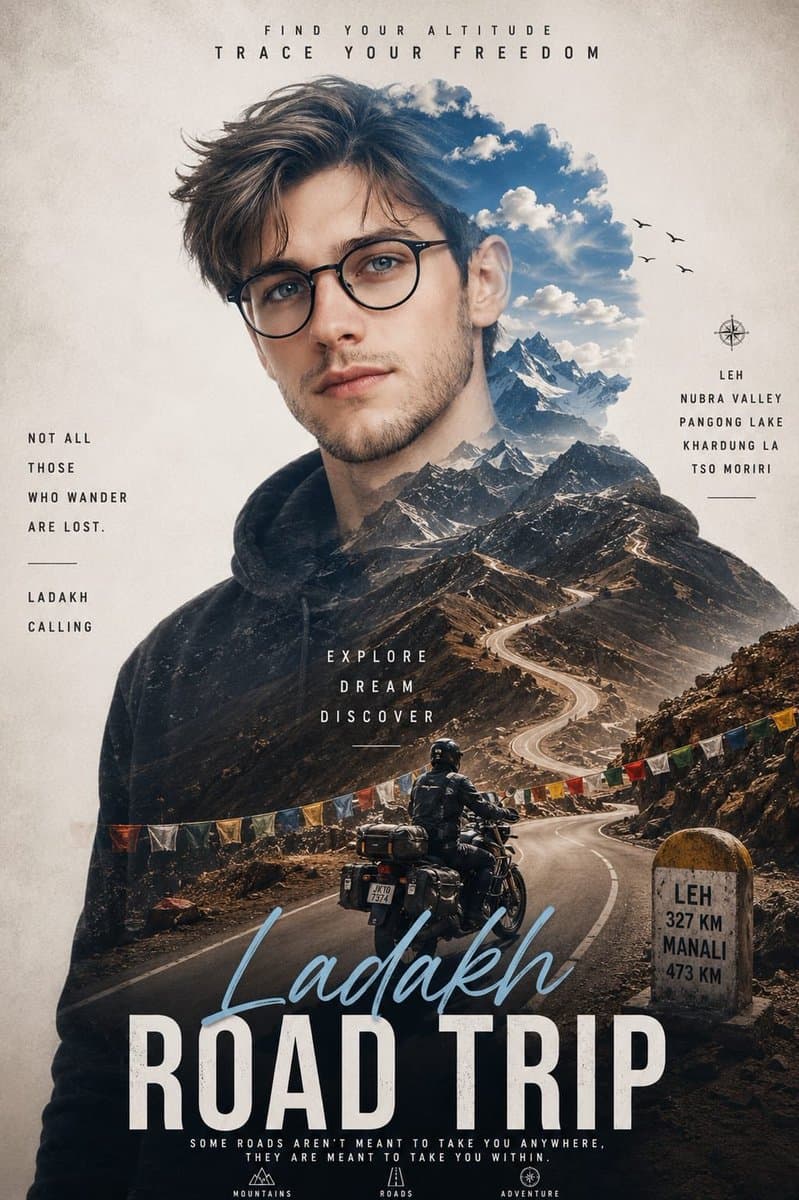
Double Exposure AI Image Prompts reference 101
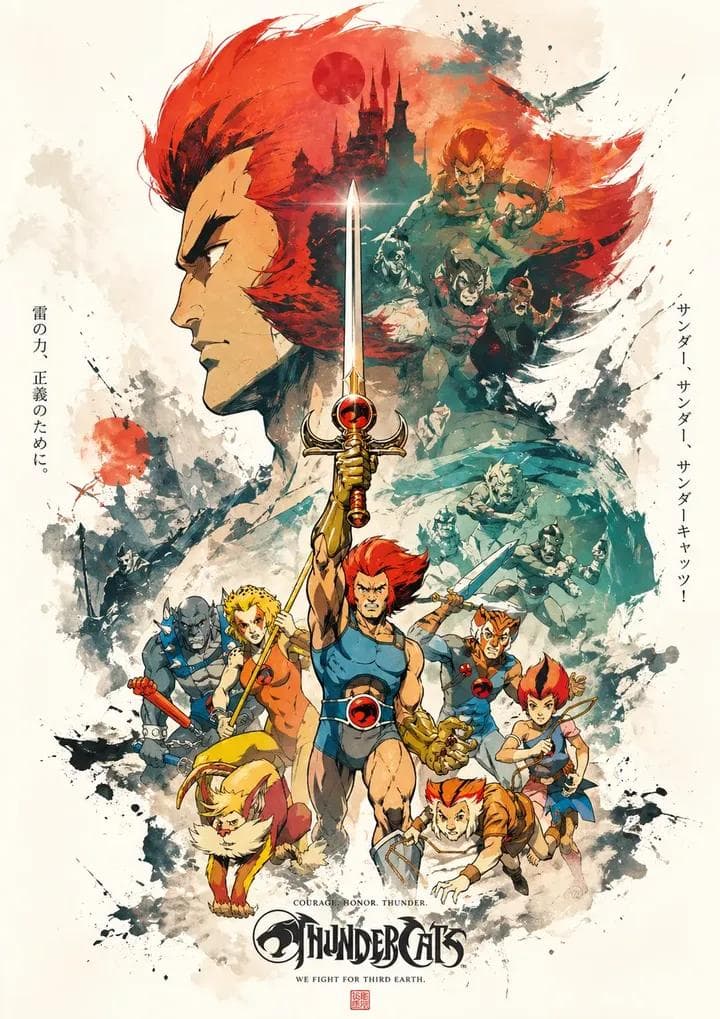
Double Exposure AI Image Prompts reference 202
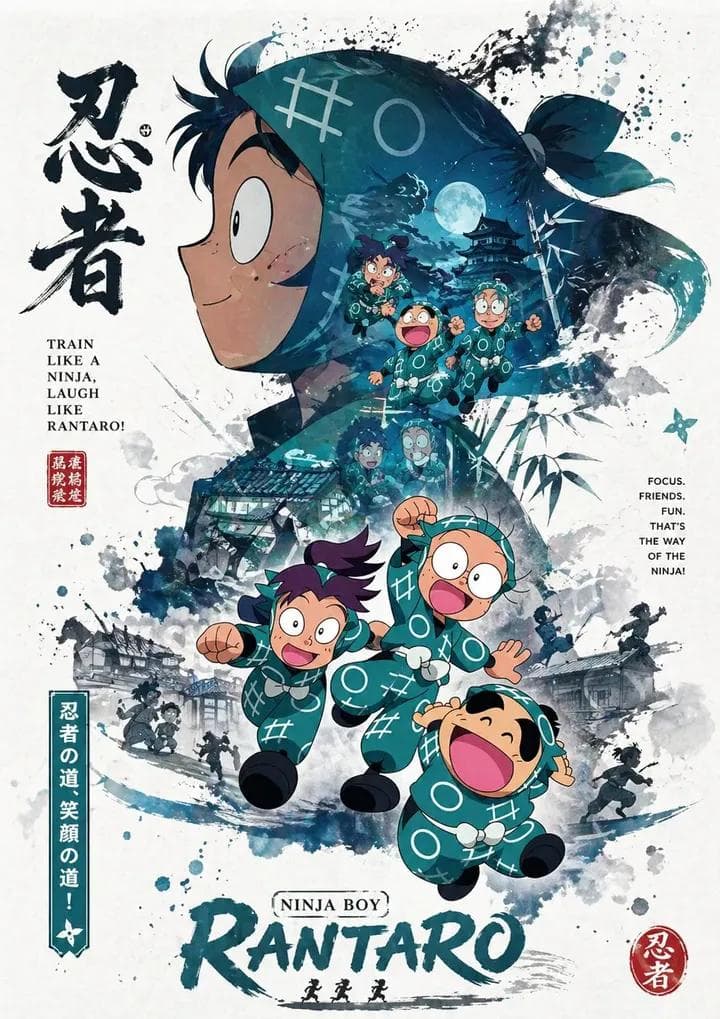
Double Exposure AI Image Prompts reference 303
Double Exposure AI Image Prompts reference 404
VEYVIA / DOUBLE-EXPOSURE-PHOTOGRAPHYCURATED
Prompt library

Choose the closest frame to begin.

Open any reference to inspect the full prompt, or take its image and aspect ratio straight into the generator.

4 public prompts
Double Exposure AI Image Prompts prompt 101
business-flyercorporate-designcircular-photo-frame

Professional business flyer with a clean white background. Central circular frame featuring professionals in a double exposure style with a night cityscape. Bold forest green horizontal bands across the center. Clean sans-serif typography in dark green and black. Minimalist corporate aesthetic with high-contrast layout.
Double Exposure AI Image Prompts prompt 202
a4-postercharacter-posterdouble-exposure-photography

GPT image 2 on ChatGPT Use this prompt Create a propaganda poster themed around the character “BLANKA” with a consistent and hierarchical main visual composition. Poster structure: Top (top half): Use the character’s head, facial features, mask, or half-body silhouette as the main large-sized visual element, forming an easily recognizable iconic image. Middle to bottom: Place the full-length character as the second subject, with a stable standing pose or light movement, serving as the center of the visual composition. Visual style: Use double exposure and narrative collage techniques in and around the character’s large silhouette. Combine various elements such as: layered scenes additional images small character interactions supporting elements environmental backgrounds all arranged in layers of clouds, ink, and white negative space. Additional composition: Place supporting elements on the left and right to create narrative tension and spatial variation. Add a vertical flowing visual line connecting: main character internal collage elements large silhouette at the top to reinforce visual continuity. Aesthetics: Maintain the use of large amounts of negative space. The edges are processed with the effects of: ink diffusion soft blur visual fragmentation to create a poetic and “breathing” Eastern aesthetic. Add more pop and striking colors Overall style: Consistent, premium, and refined. Focus on: visual layering narrative key visual impact visual language of serial posters Size: A4

Double Exposure AI Image Prompts prompt 303
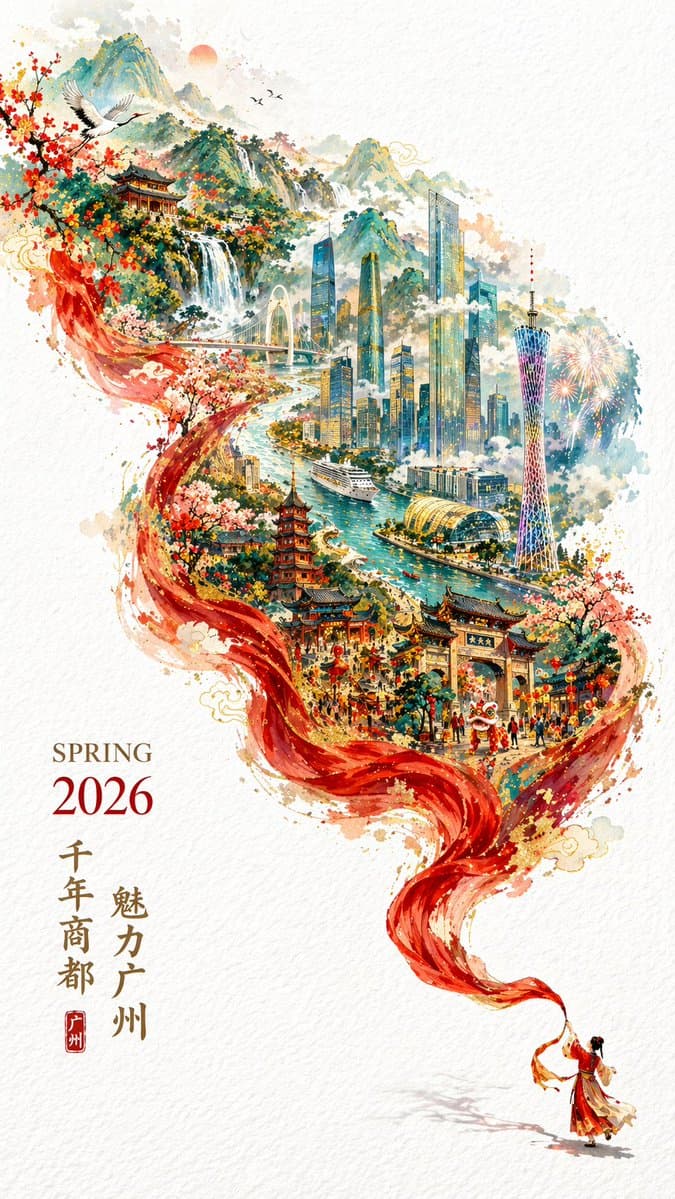
chinese-typographycity-postercity-skyline

gpt image 2生成城市宣传海报。 提示词: 一张充满新春喜庆氛围但不失高雅格调的 2026 城市宣传海报。 双重曝光,构图延续了S型的流动感; 在纯白的纹理背景右下角,一个身穿中国传统服饰的微缩人物正在挥舞着一条长长的红色丝绸舞带,这条红绸在空中舞动,不仅展现出丝绸的柔顺质感,更在向左上方飘动的过程中,奇幻地变形成了一条壮丽的山脉河流。 在这条“河流”中,叠加了一个有山有海河的广州城市手绘图,国潮,景色尽在眼底,壮阔雄伟,令人震撼。 广州的地标建筑(广州塔,珠江新城建筑群,珠江, 广州城里古建筑,游轮,白云山)。 云雾环绕,仙气缥缈,色彩丰富,结构复杂,细节丰富,但因为大面积的留白,画面依然显得清新脱俗,左下角排版着“SPRING 2026”和竖排的宣传语,整体寓意“千年商都,魅力广州”。 文字排版优美,大方,字迹清晰完整,尺寸9:16。

Double Exposure AI Image Prompts prompt 404
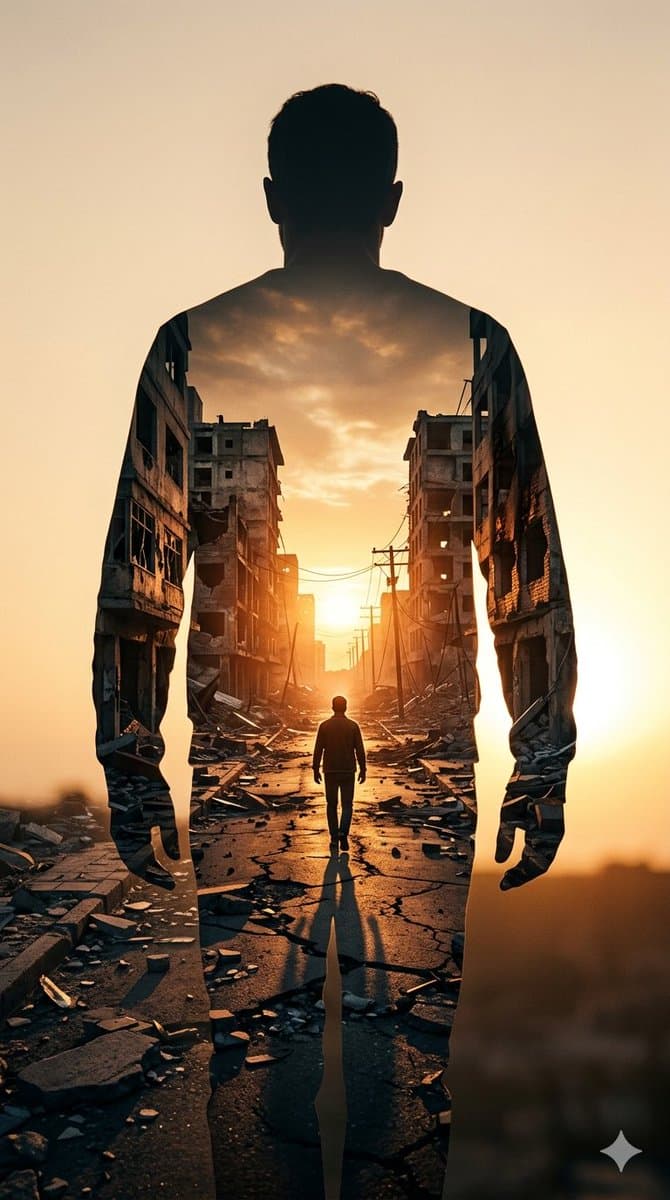
cinematic-lightingdouble-exposure-photographygolden-hour-lighting

Image on Gemini Nano Banana Prompt: ​A high-contrast double exposure photograph. The primary silhouette is the back of a man standing still, facing away from the camera. Inside his silhouette, a secondary scene is revealed: a narrow, war-torn city street at sunset. The street is lined with crumbling, hollowed-out concrete apartment buildings and scattered rubble. A smaller, lone figure walks down the center of the cracked road toward a bright, glowing sun on the horizon. The color palette is dominated by warm ambers, burnt oranges, and deep shadows, creating a somber yet hopeful atmosphere. Hyper-realistic textures, cinematic lighting, 8k resolution.

Reference to result

Three steps forward, without starting from a blank canvas.

  1. 01

    Pick a reference

    Choose the frame closest to your goal in composition, color, and purpose.

  2. 02

    Adjust the details

    Change the subject, copy, style, and image ratio in the generator.

  3. 03

    Generate the image

    Keep the prefilled reference, generate, then refine from the result.

Nothing quite fits?

Start with a blank prompt and define the subject, composition, typography, and aspect ratio yourself.

Create from scratch
Working notes

Get closer to a finished image on the first pass.

01

About Double Exposure prompts

Double Exposure prompts help organize visual ideas around a specific style, subject, medium, or photography use case. Published examples may change as the collection grows.

02

How to write a stronger Double Exposure prompt

Name the main subject first, then define composition, environment, lighting, palette, materials, camera or rendering technique, aspect ratio, and the intended output.

03

How to refine the generated result

Remove conflicting style instructions, keep one clear visual direction, and review anatomy, text, logos, perspective, and important category-specific details before publishing.

Common questions

A few things to know before you begin.

What are Double Exposure AI image prompts?

They are reusable visual briefs grouped under the Double Exposure category. Each brief can be adapted to a different subject, reference image, composition, or output size.

How are Double Exposure examples selected for this collection?

Published prompts are assigned to this collection when their subject, style, or intended use matches the Double Exposure category.

Can I customize these Double Exposure prompts?

Yes. Replace the subject and context, then adjust the lighting, palette, materials, lens or rendering method, aspect ratio, and detail level for your project.