anime-cosplaybeauty-portraitclose-up-portrait
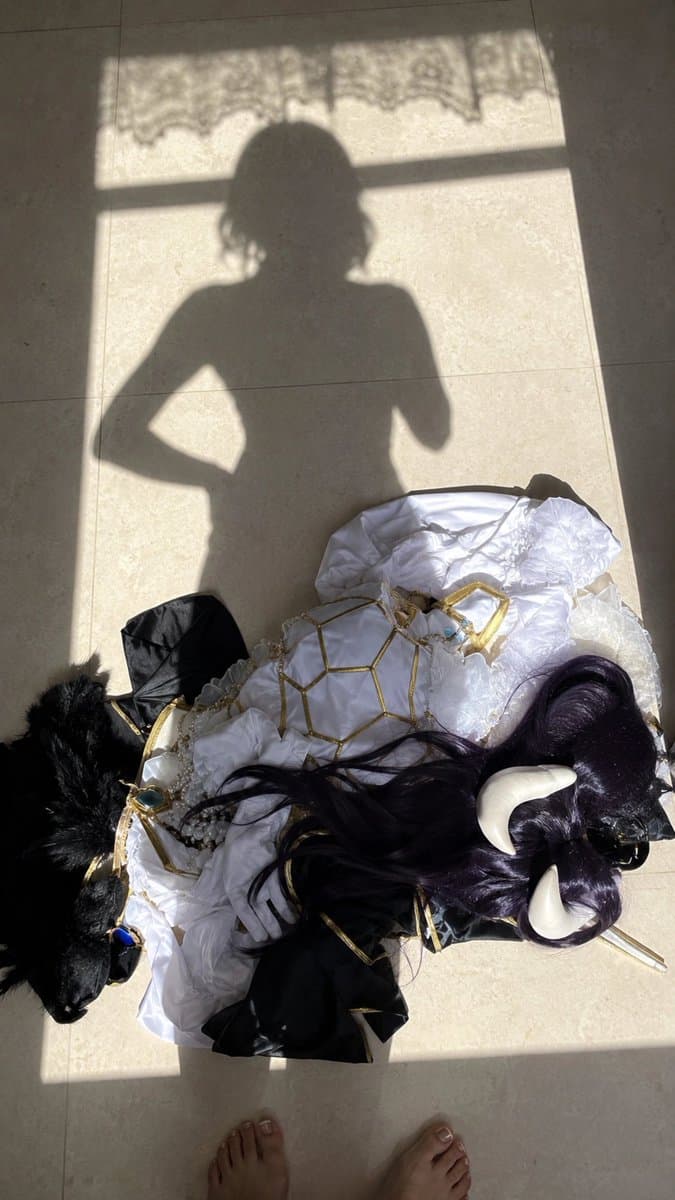
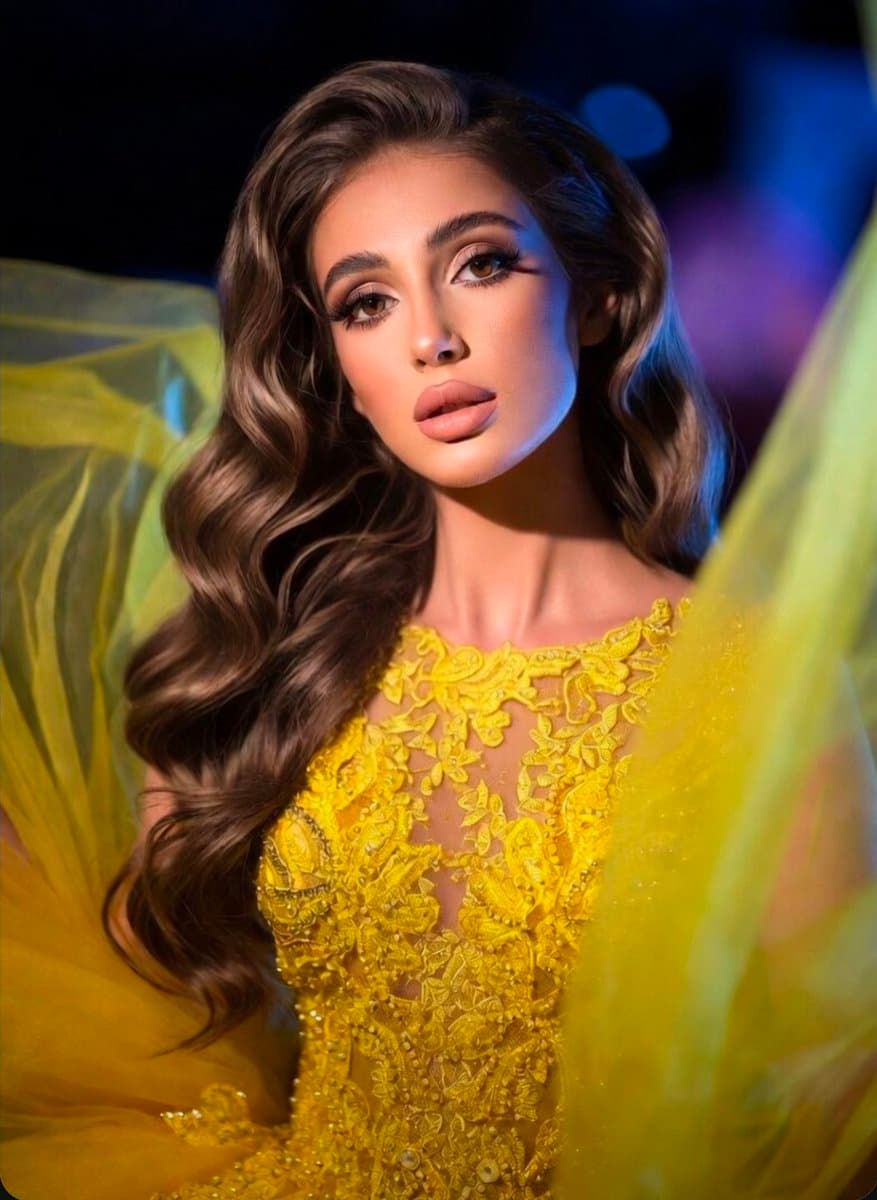
Create a vertical 9:16 close-up smartphone selfie cosplay makeup portrait of an adult woman as Albedo from Overlord. Keep the intimate front-facing phone selfie feeling, with slight wide-angle compression and a casual social-media screenshot texture. Her face is placed slightly above the center of the frame, head gently tilted, eyes softly looking directly into the lens, lips slightly parted or softly closed. The expression should feel calm, elegant, restrained, noble, and subtly dark-fantasy.
She has Albedo-style ultra-long deep black hair with a slight cool blue-black sheen. The hair is center-parted or slightly off-center, falling smoothly around the face with thin face-framing strands near the cheeks and loose ends over the shoulders. Keep a refined cosplay wig texture with slight frizz, natural strand separation, and small selfie imperfections. Do not make the hair purple or blue.
The makeup is Albedo-inspired: cool fair porcelain base, golden or amber contact lenses, slim dark brows, lifted black eyeliner, long dense lashes, subtle lower-eye shadow and highlight, focused glow on the nose bridge, under-eyes, and cupid’s bow, with soft rose-pink or muted dusty-pink glossy lips. Visible skin includes the face, ear-side area, neck, shoulder line, collarbone area, and a small edge of the upper chest. The skin should look delicate, smooth, soft, slightly cool to the touch, and luminous under a thin makeup base, while still keeping natural shoulder and neck texture instead of plastic airbrushing.
Replace the outfit with Albedo’s white dark-fantasy cosplay gown: pure white or ivory fabric, elegant upper-body silhouette, gold spiderweb-like chest ornament or necklace, black and gold collar details, with satin, lace, and synthetic cosplay fabric texture. The chest area is covered by the gown and gold ornament, keeping the look elegant and character-focused rather than revealing. Add black curved demon horns emerging from both sides of the head, with matte texture and subtle surface detail. Add black feathered wings faintly visible behind her or at the frame edges, realistic but not oversized. One white or black long-gloved arm rests lightly across the chest or shoulder as a natural foreground occlusion.
Shoot it like a front-facing smartphone selfie or close handheld cosplay makeup photo, slightly above eye level with a mild downward angle. The composition should be slightly imperfect and offset, not a clean studio portrait. Use soft cool-white indoor window light from the front-left, illuminating the cheeks, nose bridge, shoulder line, and white costume, while the background remains darker. The background is an ordinary indoor room or hallway entrance with an off-white wall, dark door frame, ceiling lines, and a faint ceiling light. Preserve authentic social-media selfie details: mild beauty smoothing, sharpening, compression, slight overexposure, flyaway wig strands, costume folds, prop edges, and a normal lived-in room. Avoid a flawless commercial poster look.
negative prompt: purple hair, Raiden Shogun outfit, pink heart sticker, missing horns, missing wings, blue eyes, childlike face, teenage appearance, oversexualized pose, plastic skin, heavy airbrushing, studio poster lighting, bad hands, extra fingers, distorted eyes, wrong costume, low resolution, uncanny valley
 01
01