Editorial Portrait prompt library

Editorial Portrait AI Image Prompts

Browse editorial portrait examples and reusable AI image prompts for composition, lighting, color, materials, and style.

Browse a focused editorial portrait category based on the PromptPlum taxonomy. Use the references as starting points, then rewrite each prompt for your own subject, format, and visual goal.

Visual reference set
editorial portrait
Library size
5 public prompts
Visual reference set04 / REF
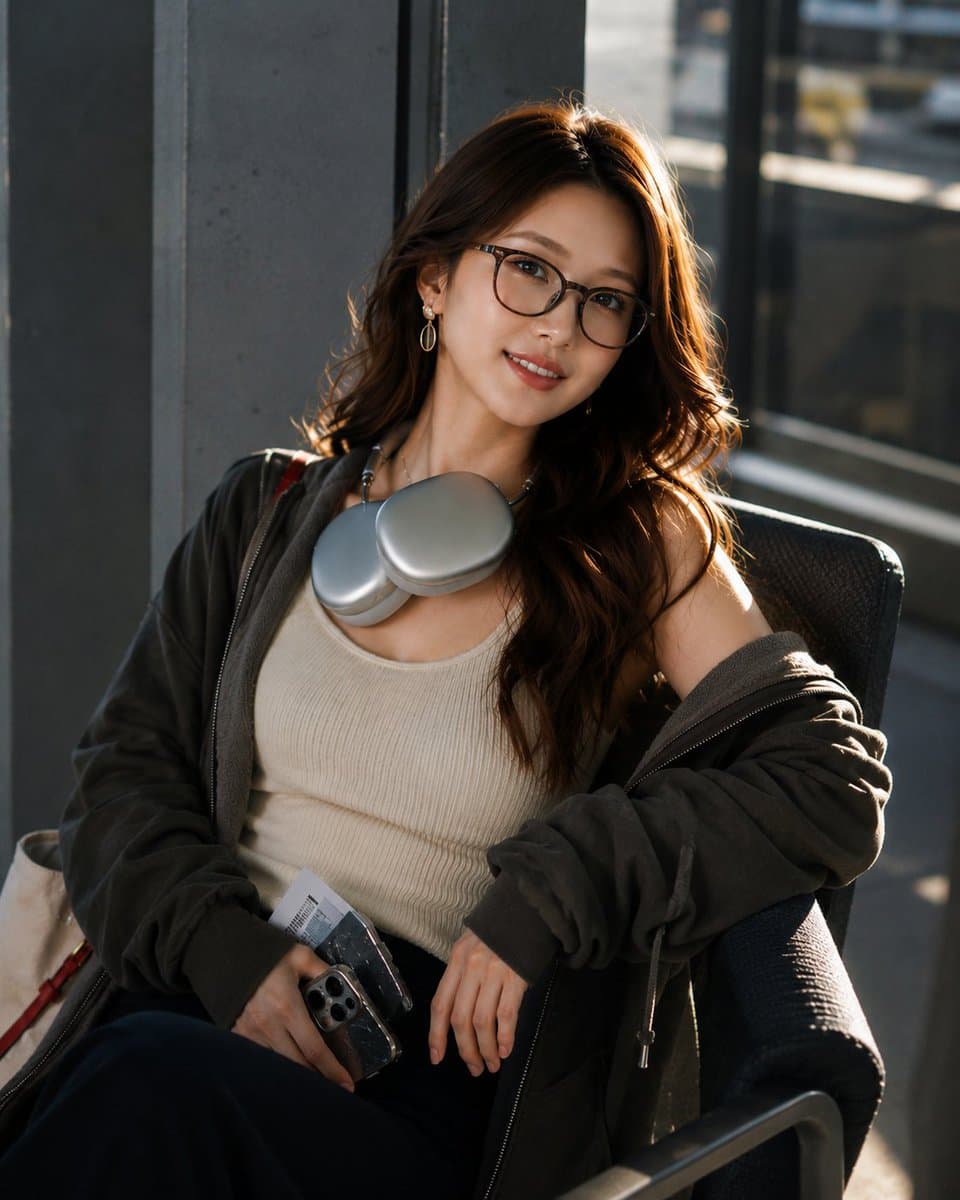
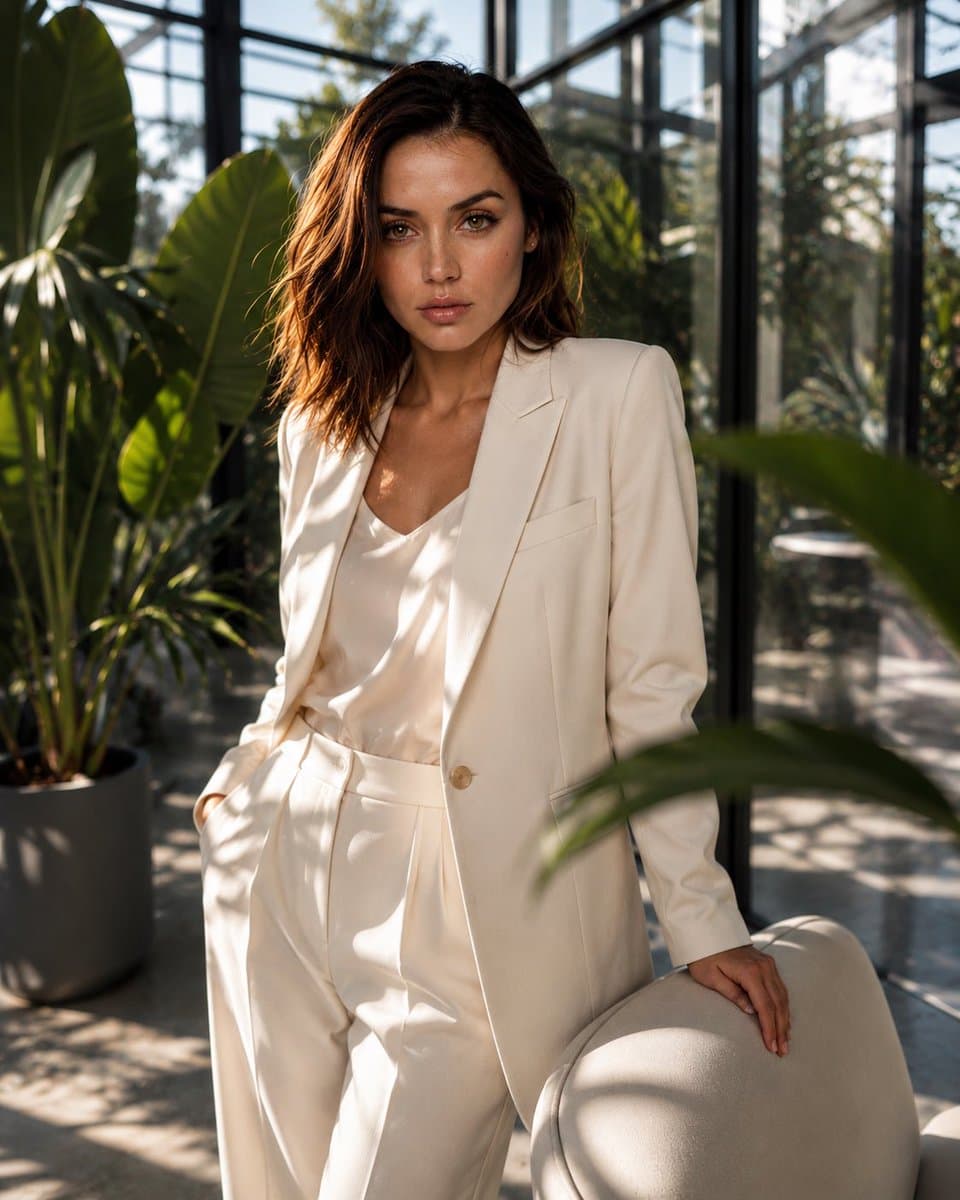
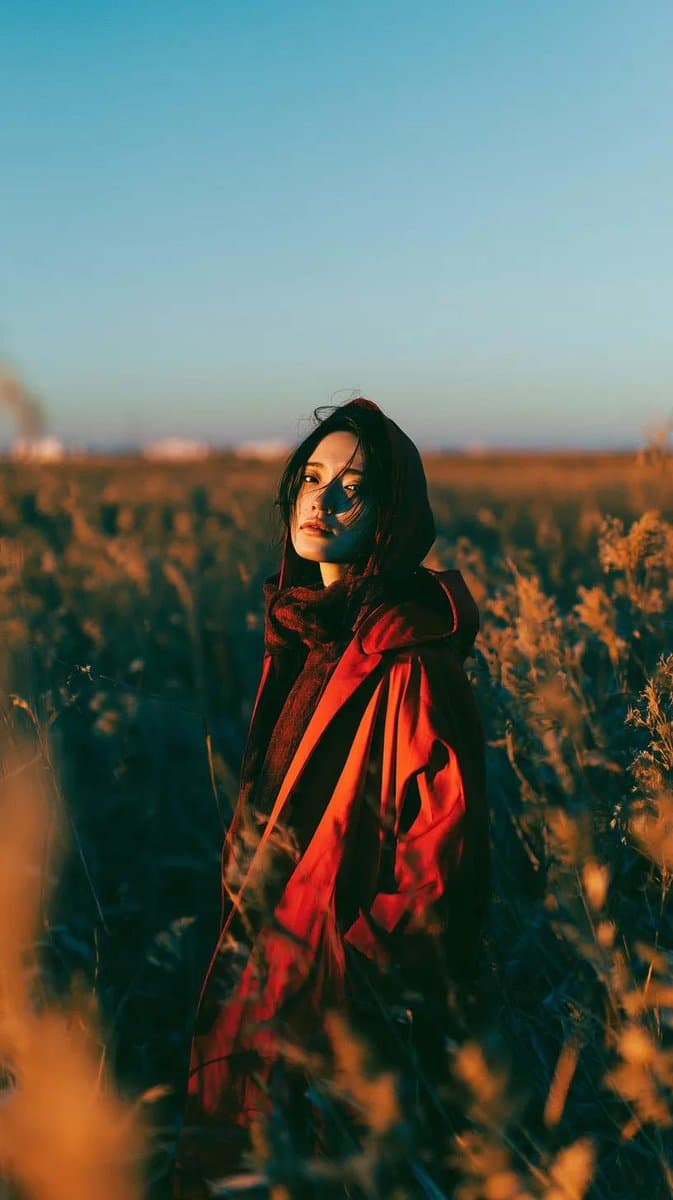
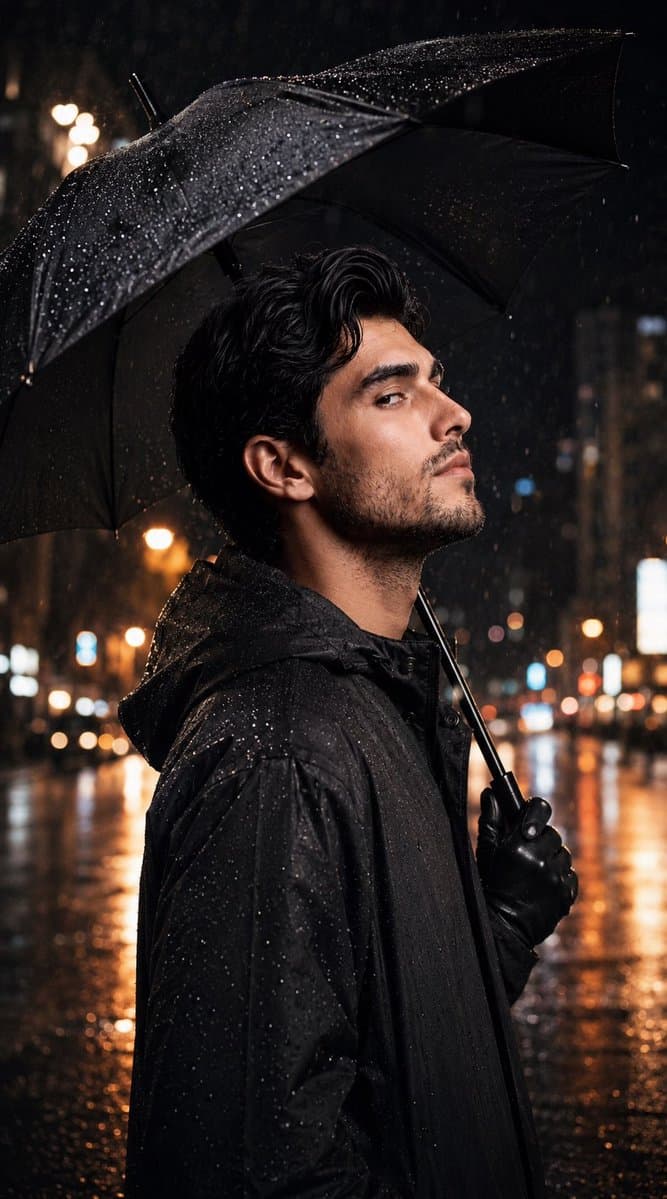
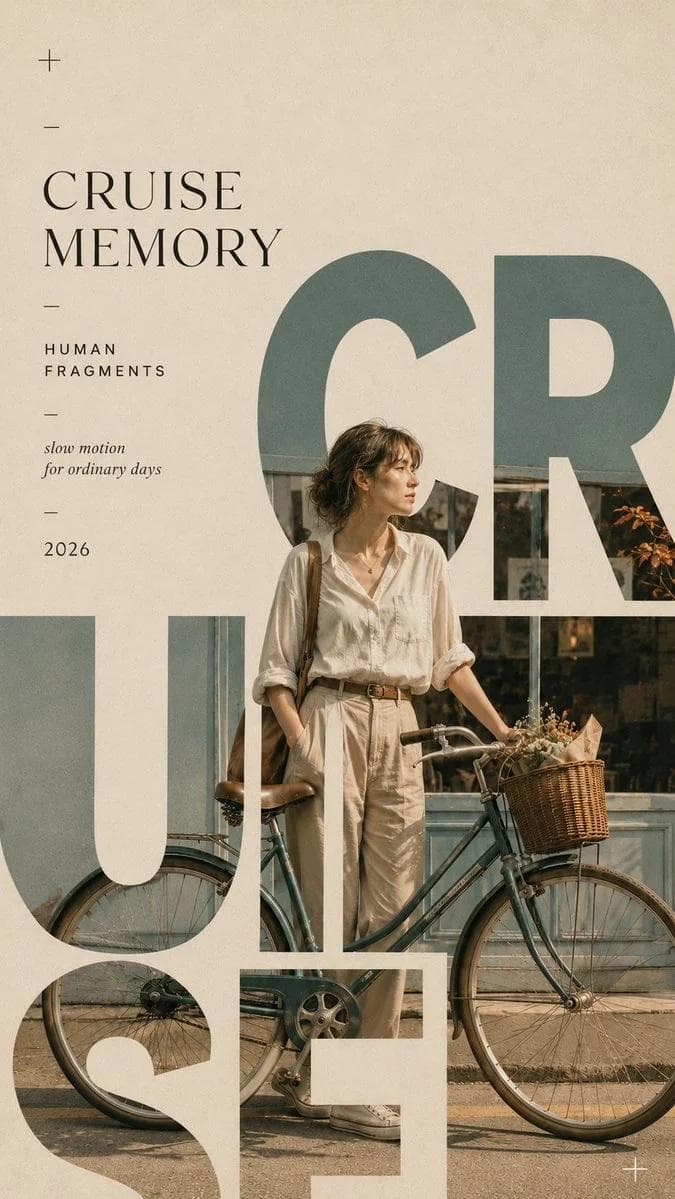
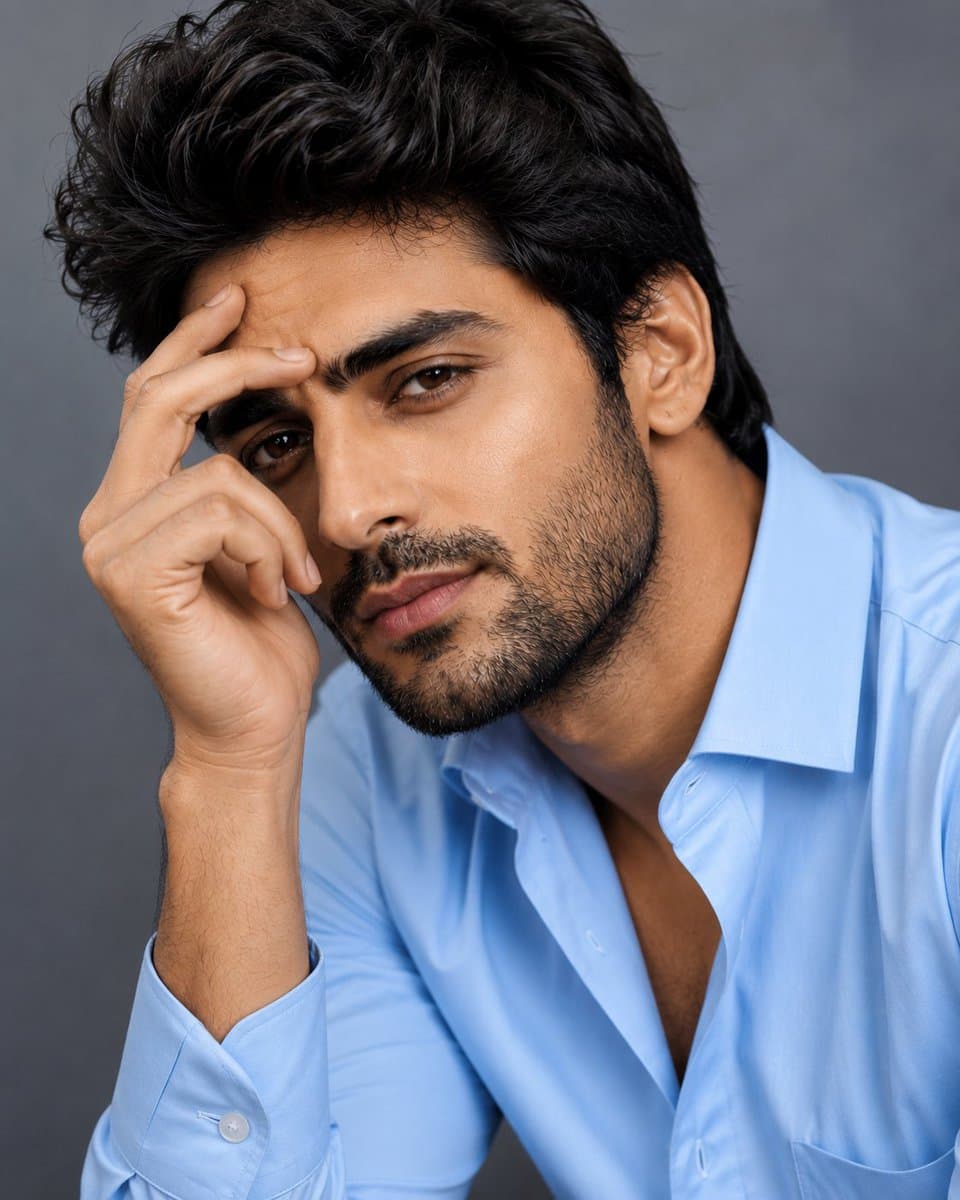
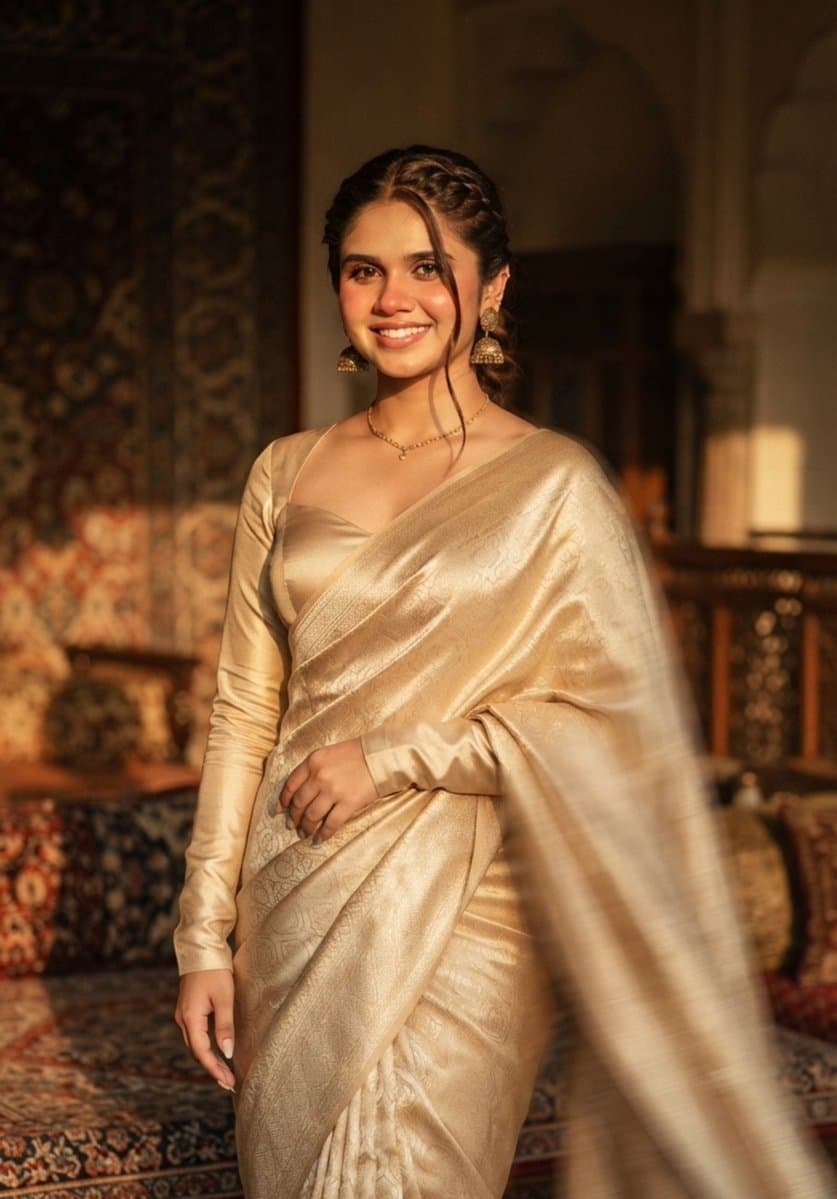
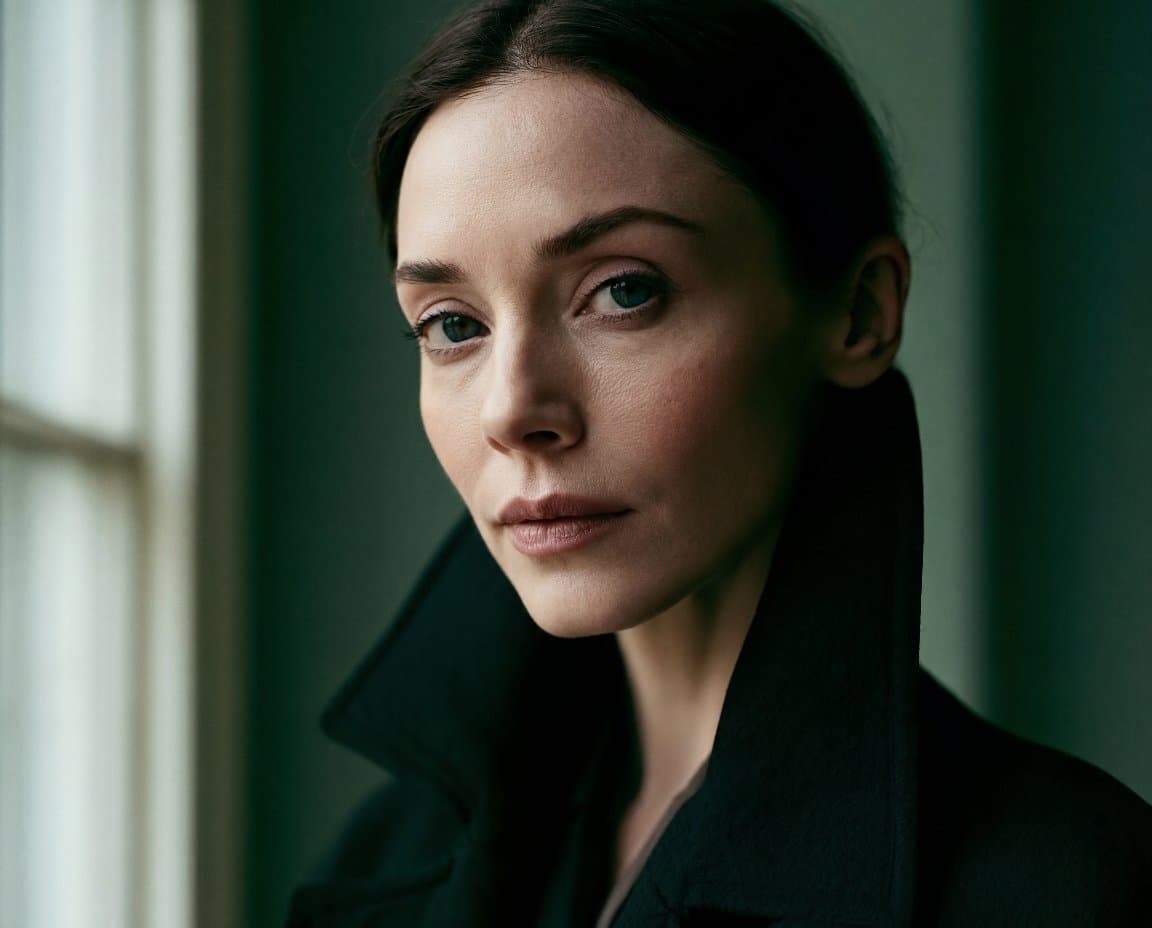
Editorial Portrait AI Image Prompts reference 101
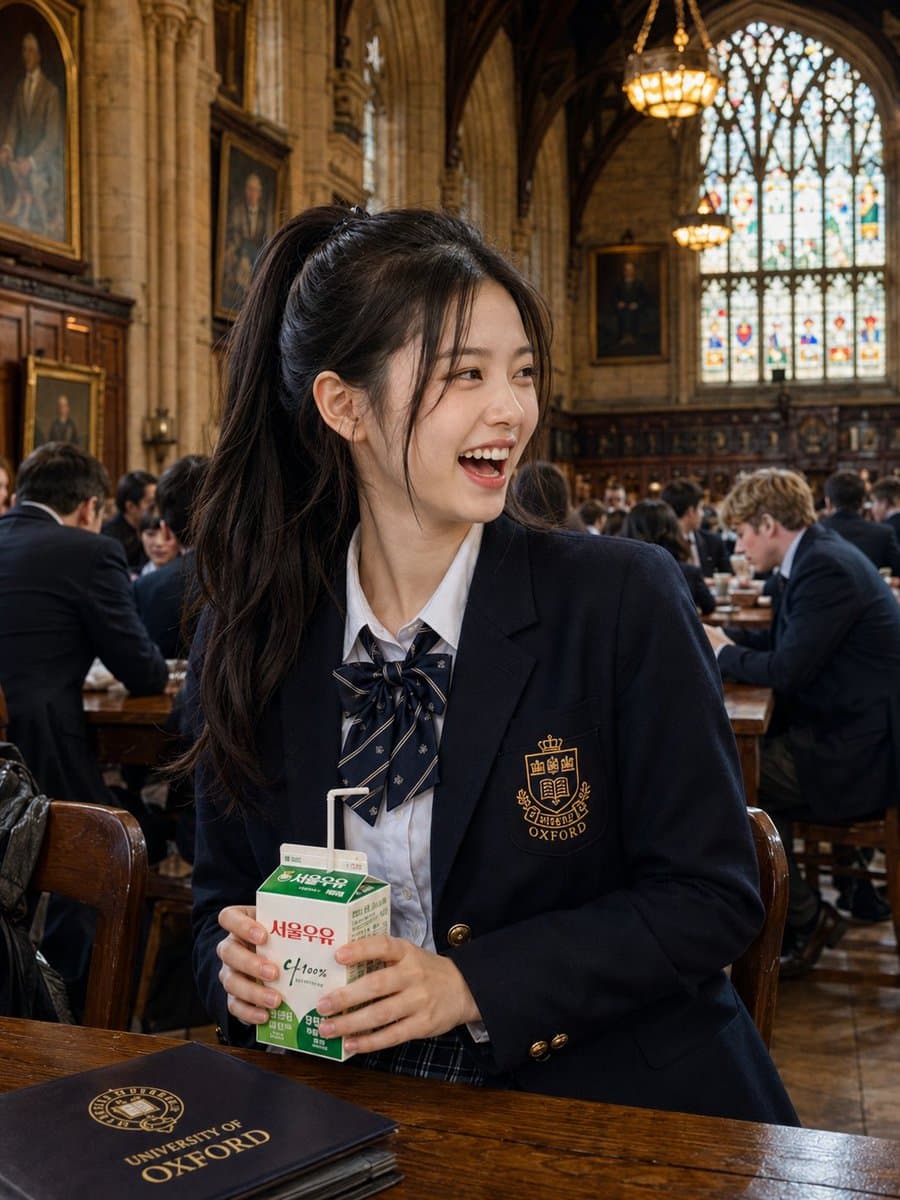
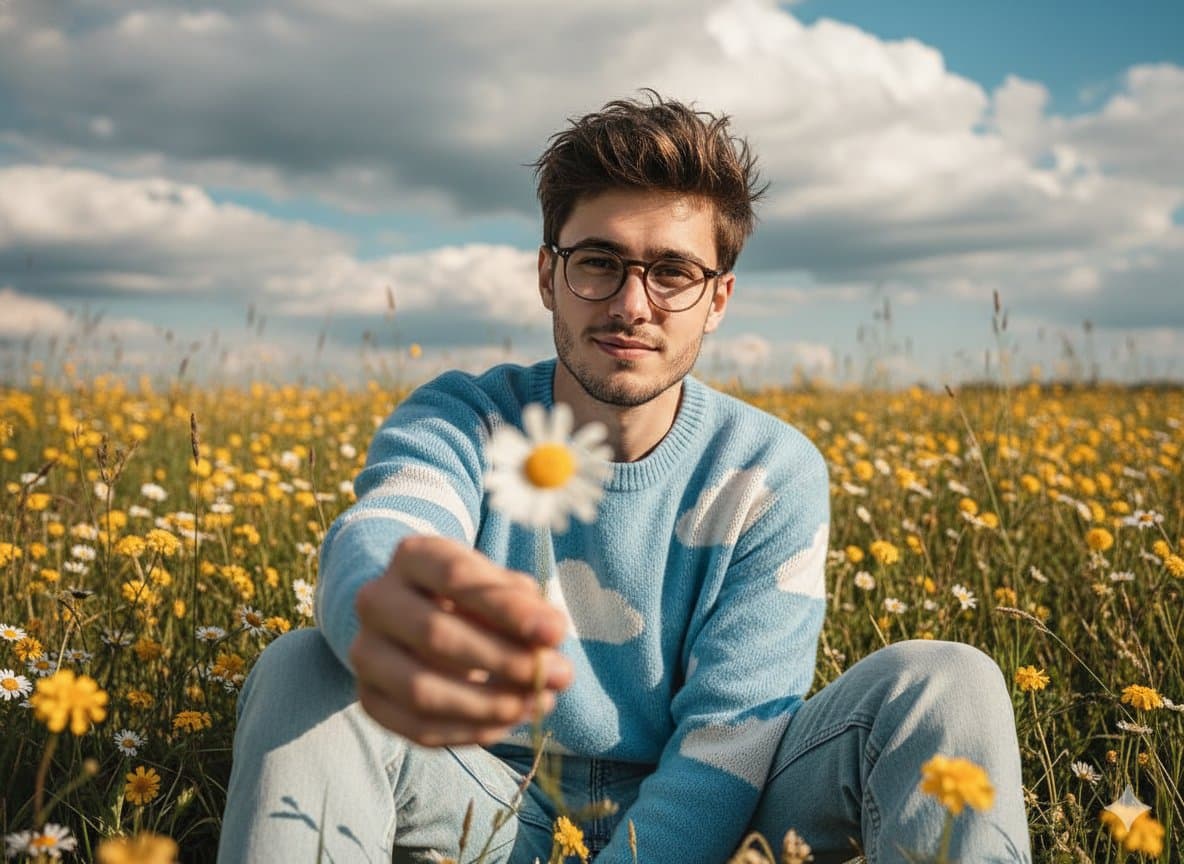
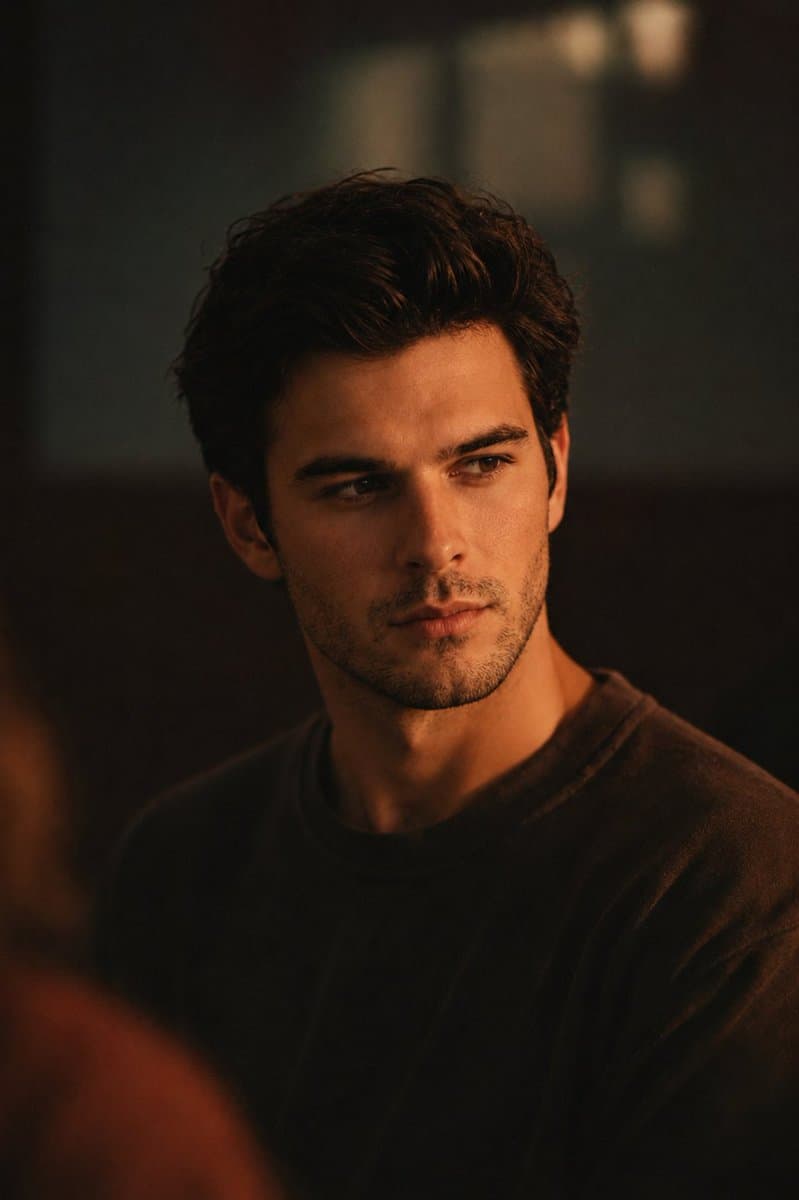
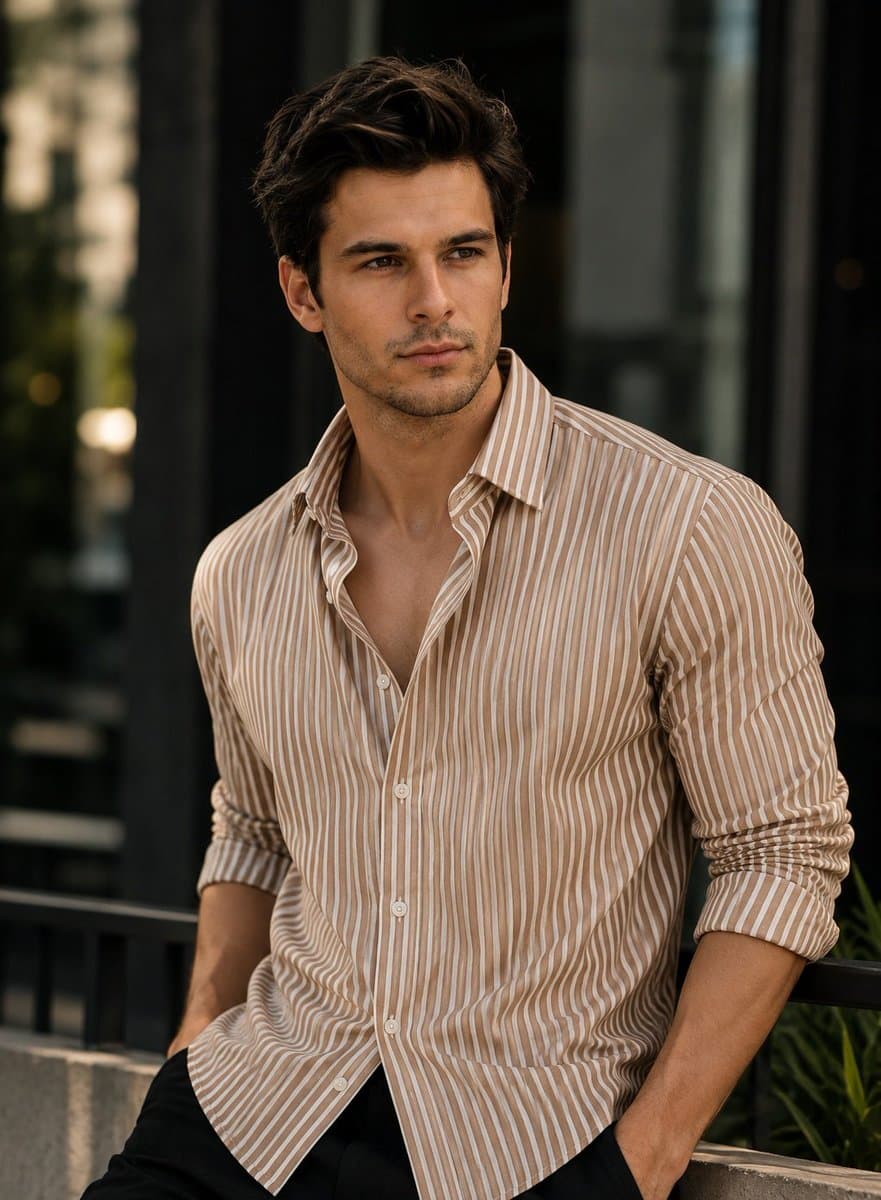
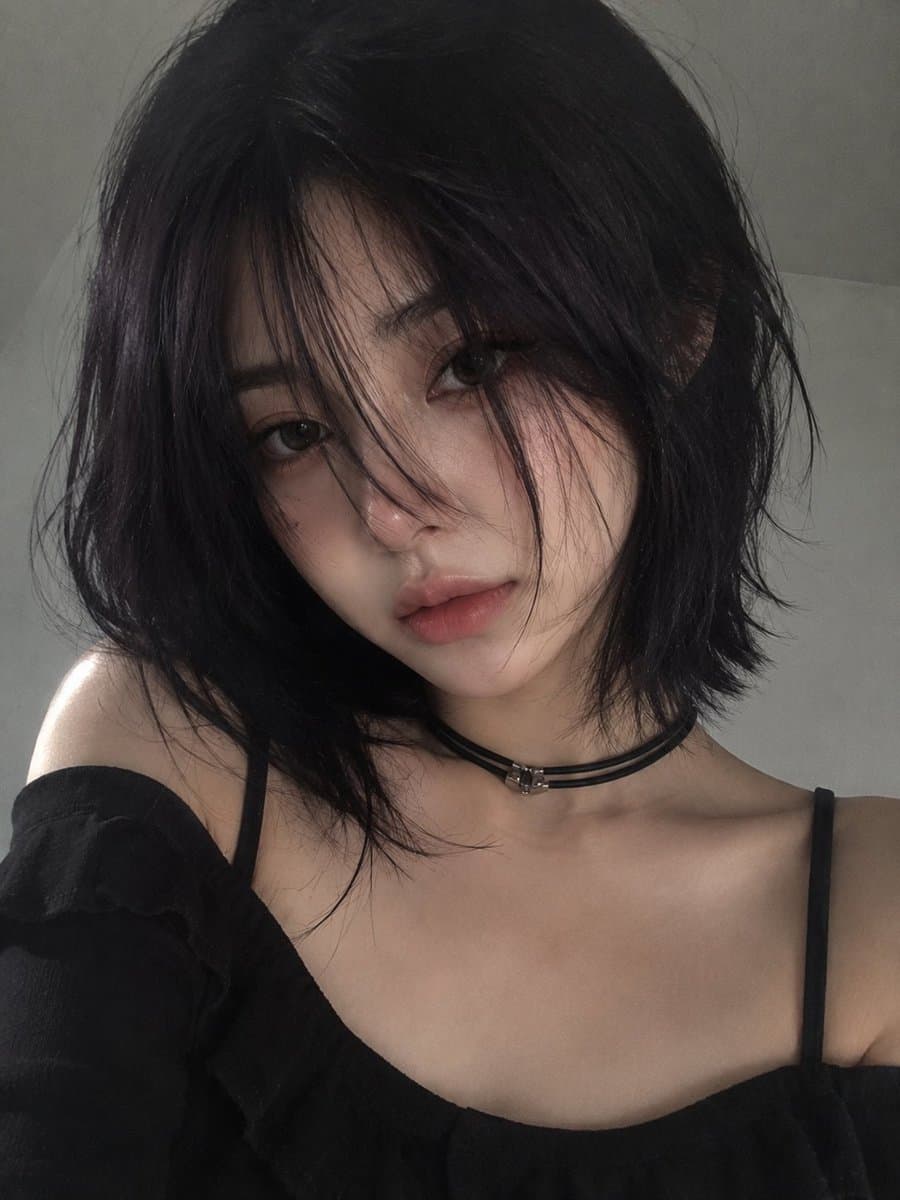
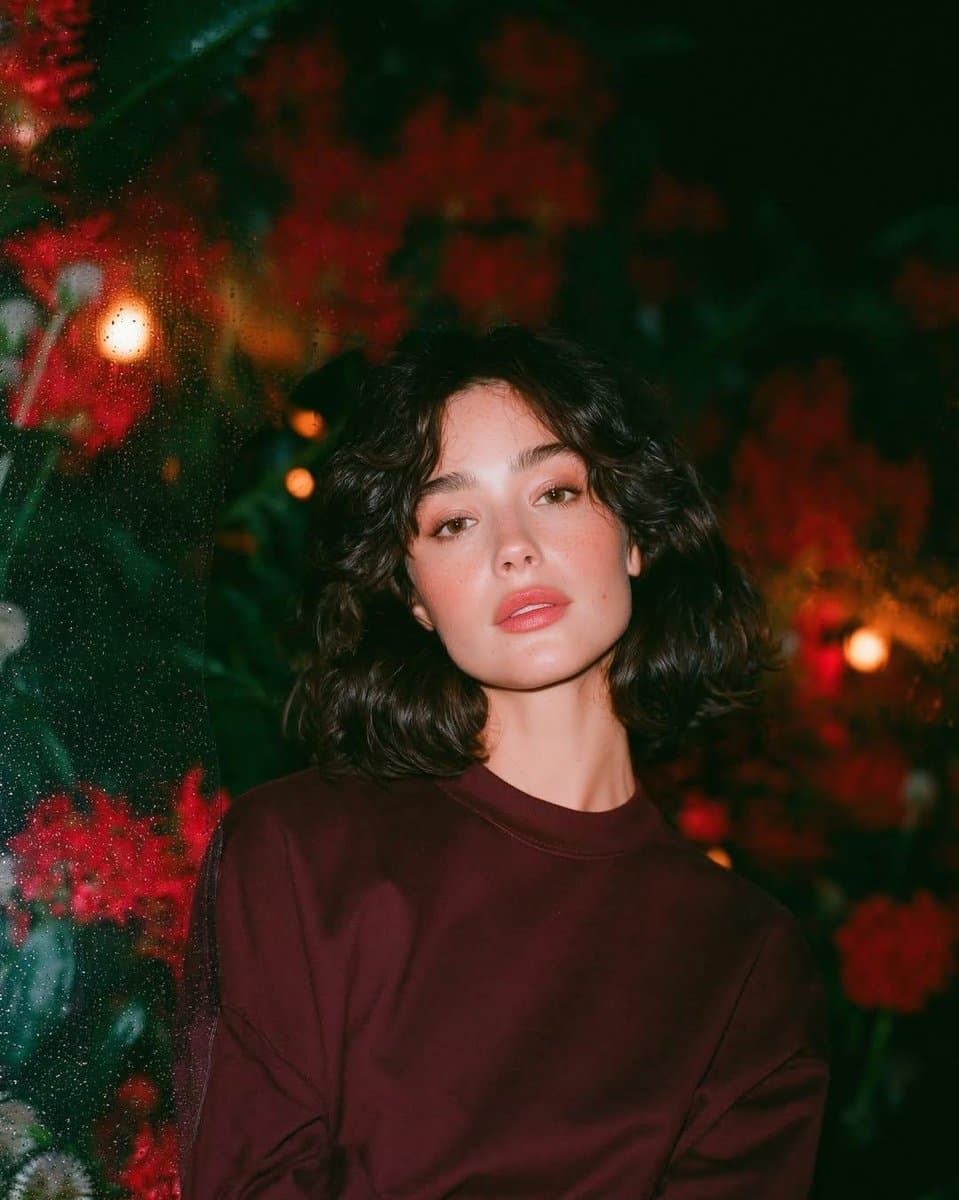
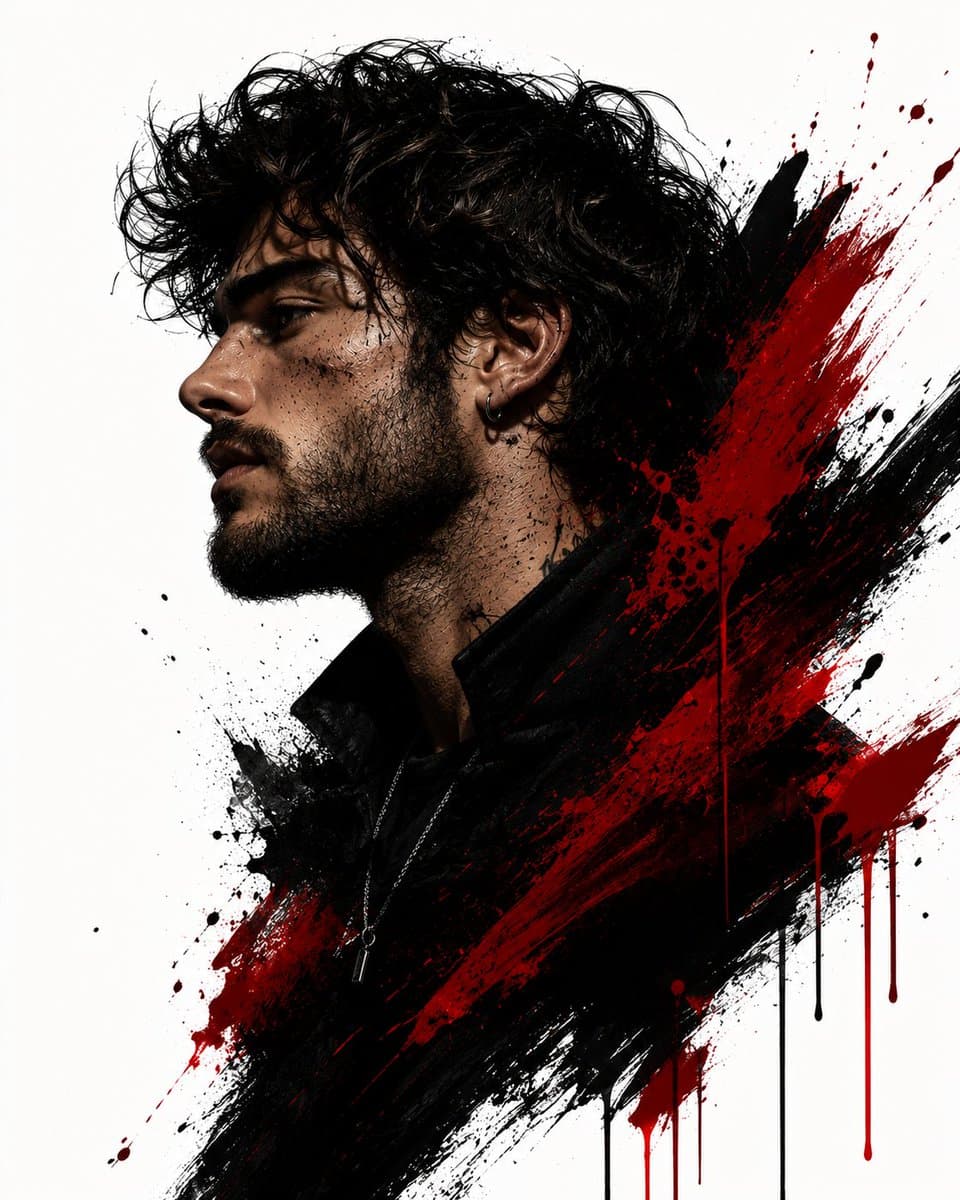
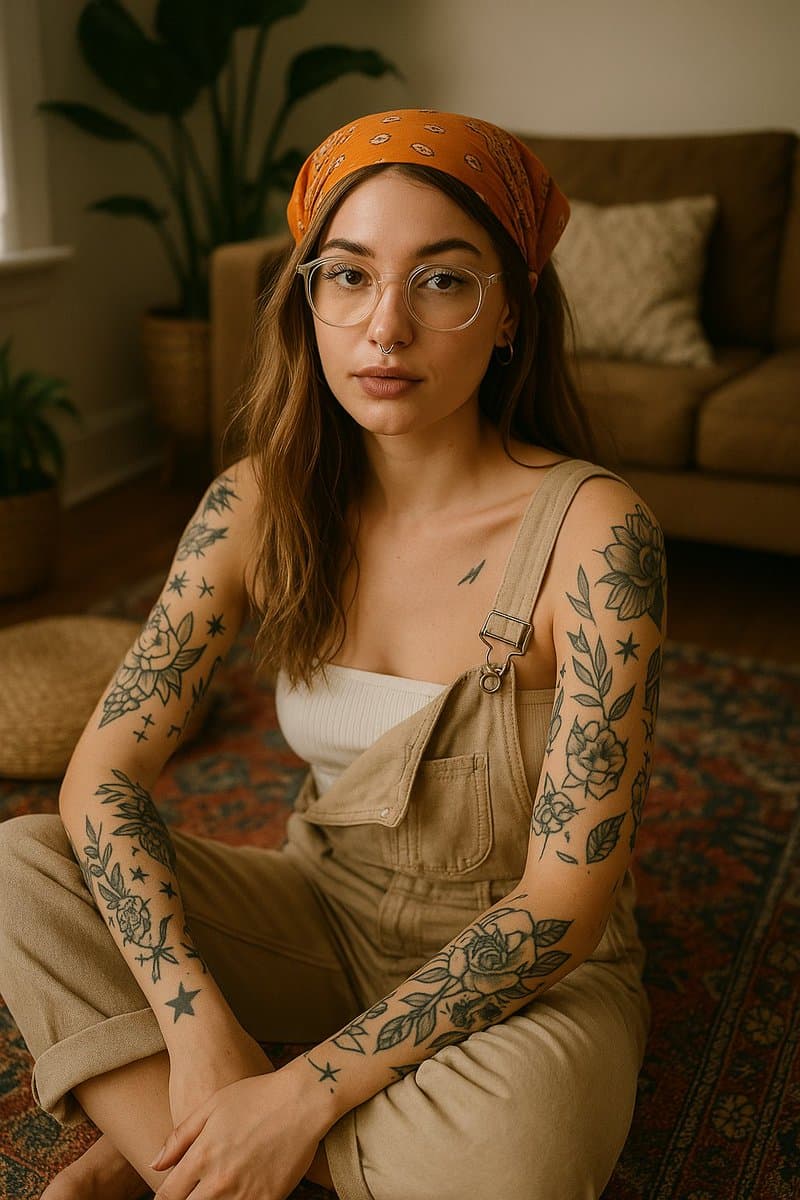
Editorial Portrait AI Image Prompts reference 202
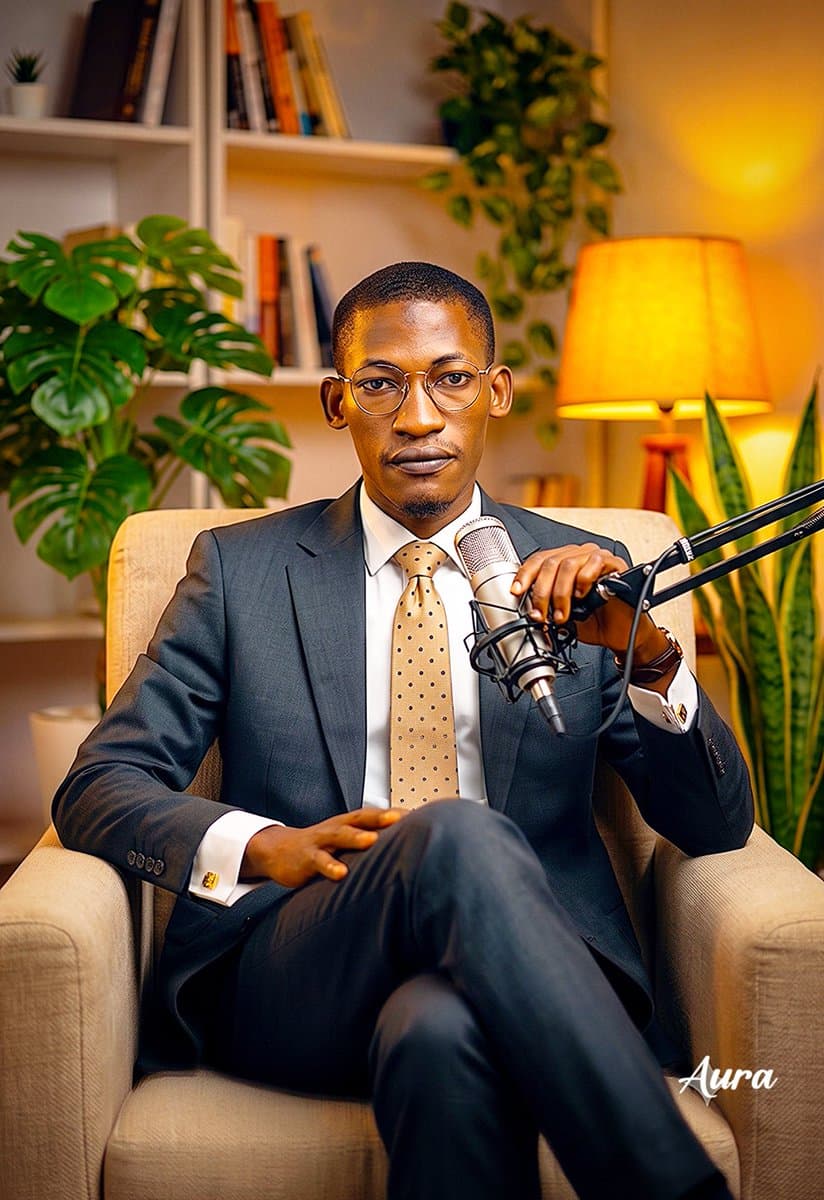
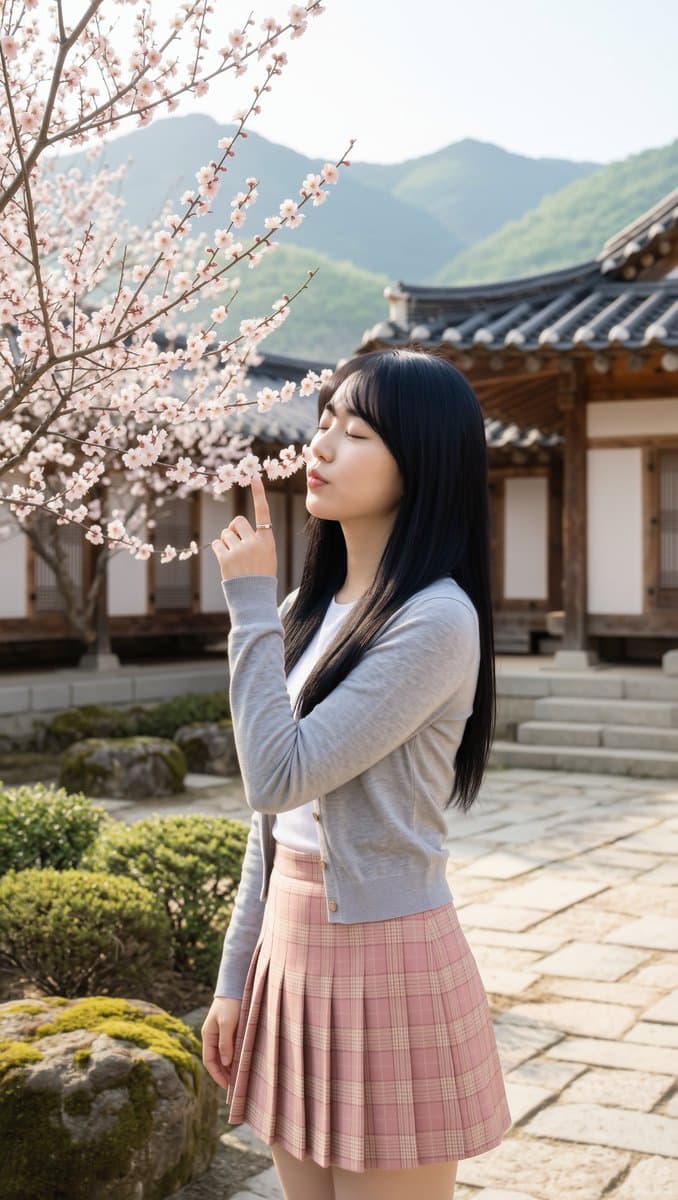
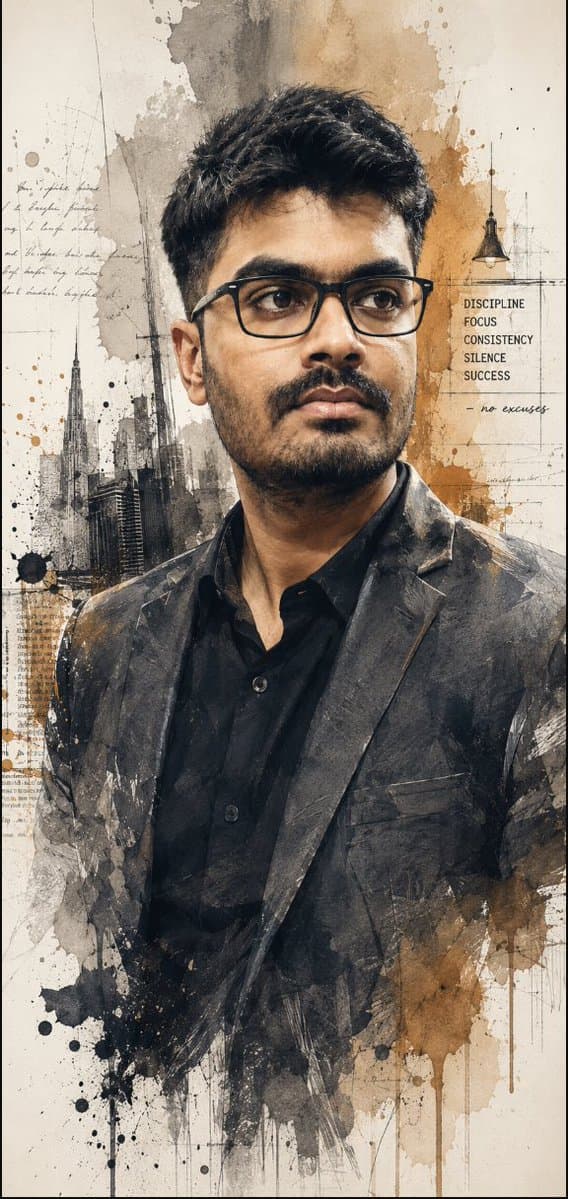
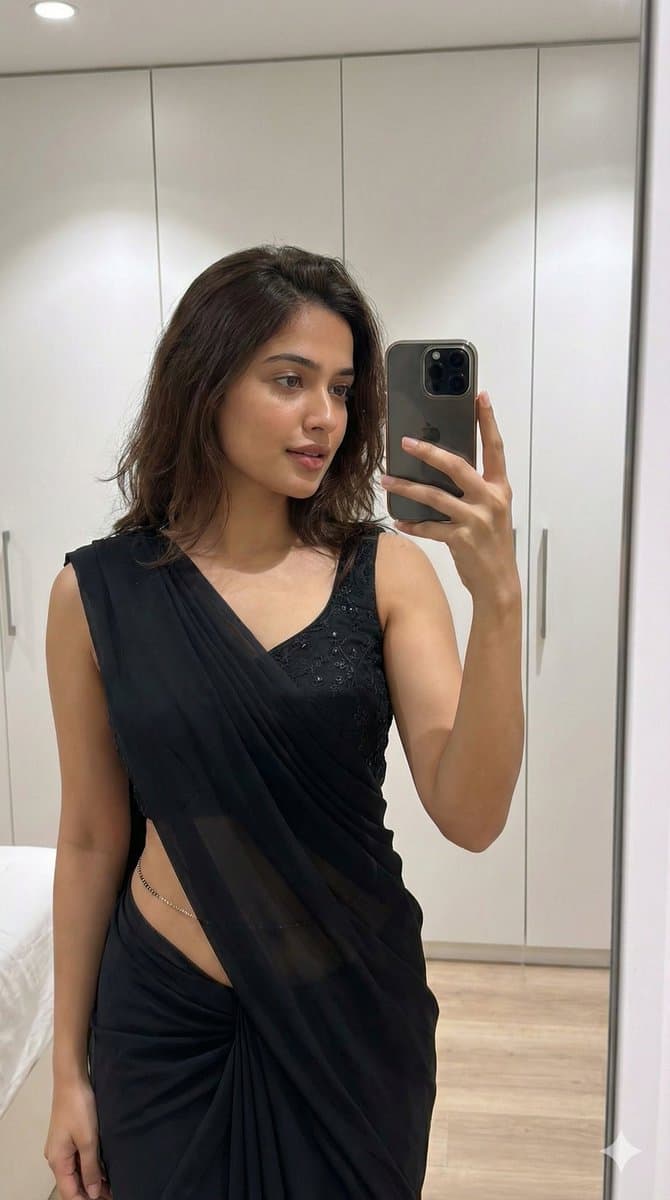
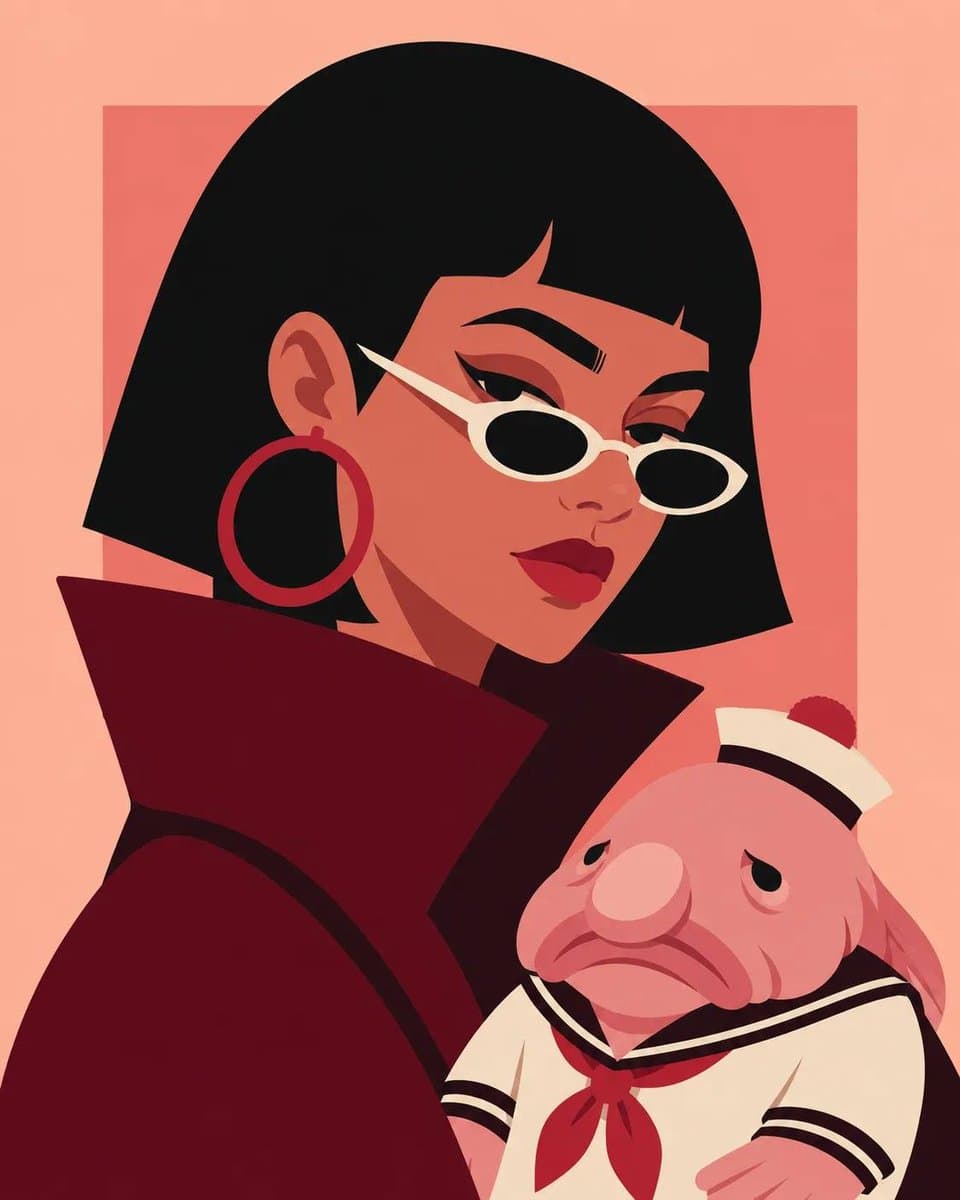
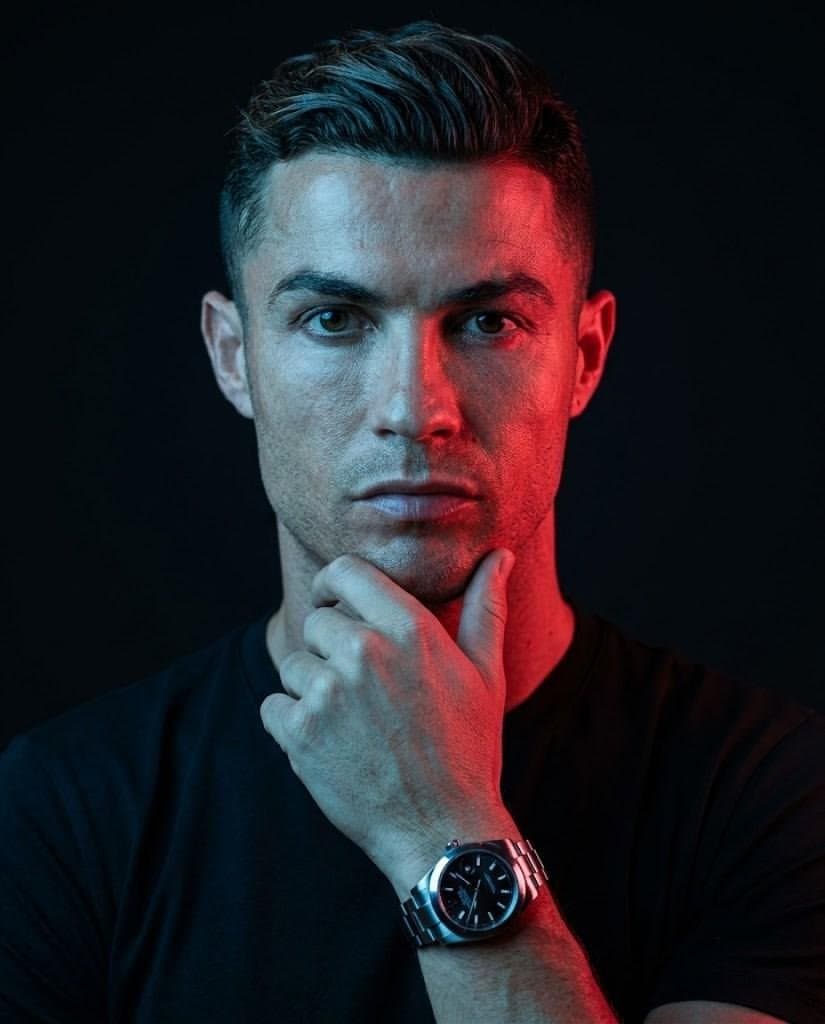
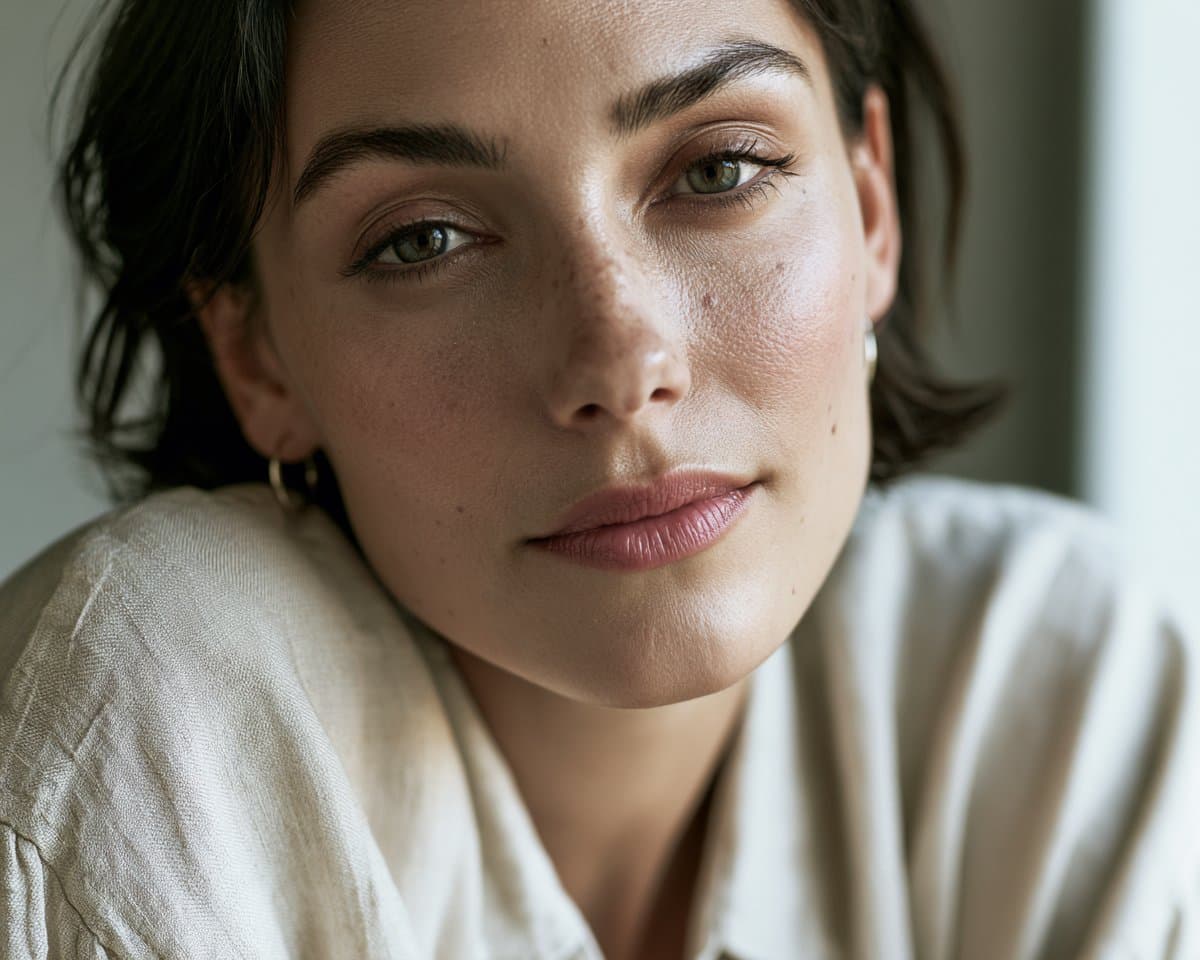
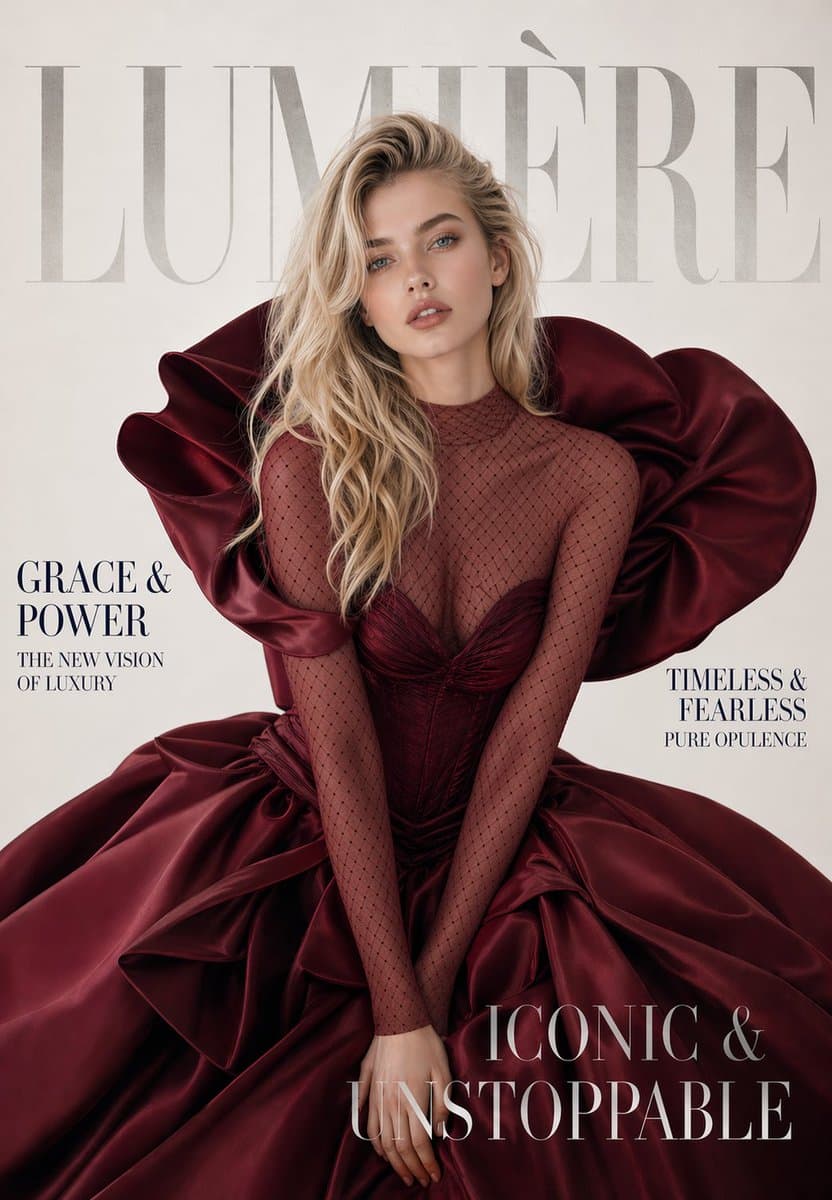
Editorial Portrait AI Image Prompts reference 303
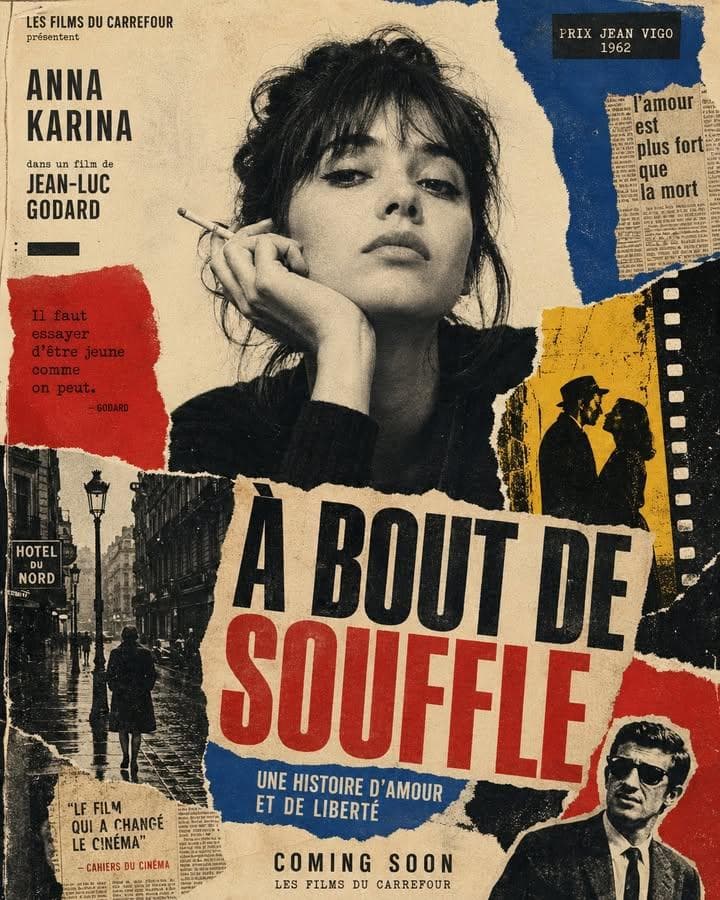
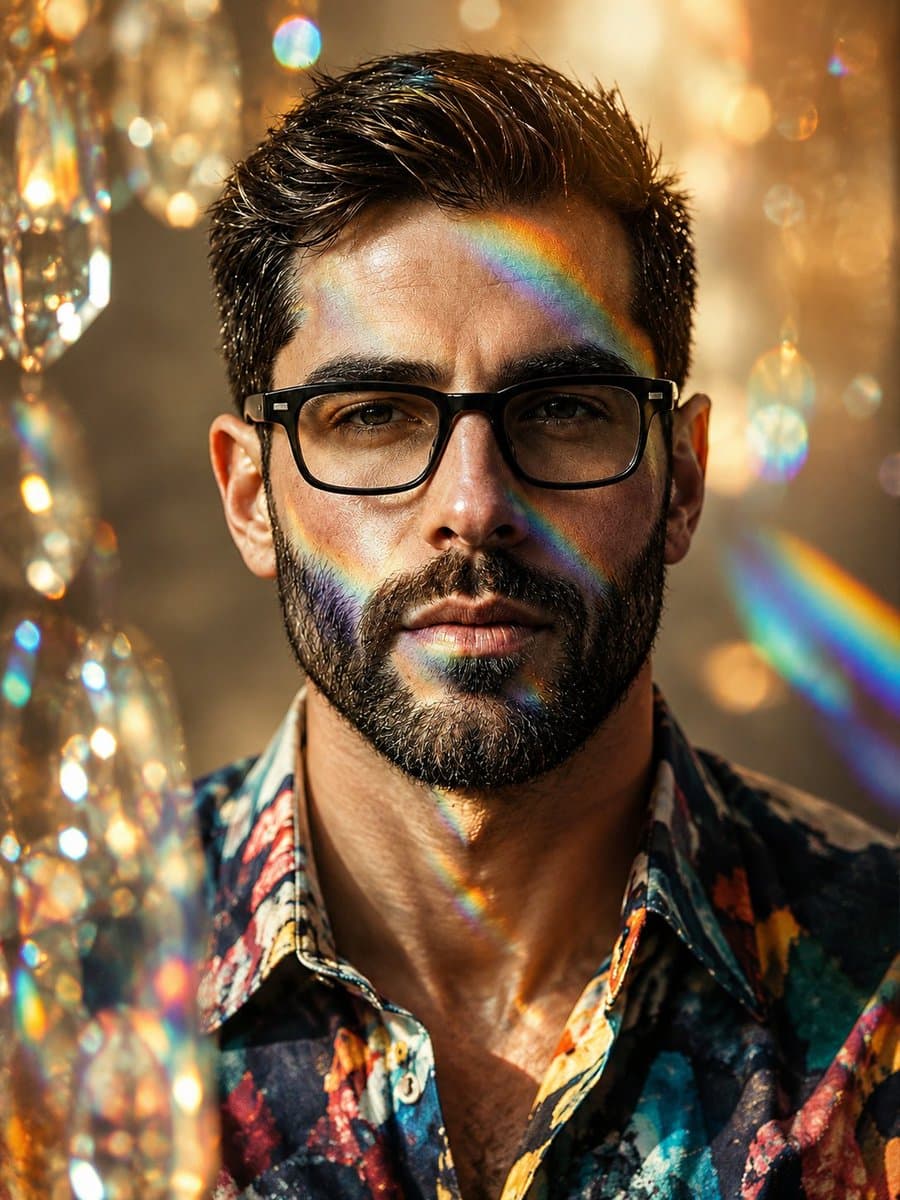
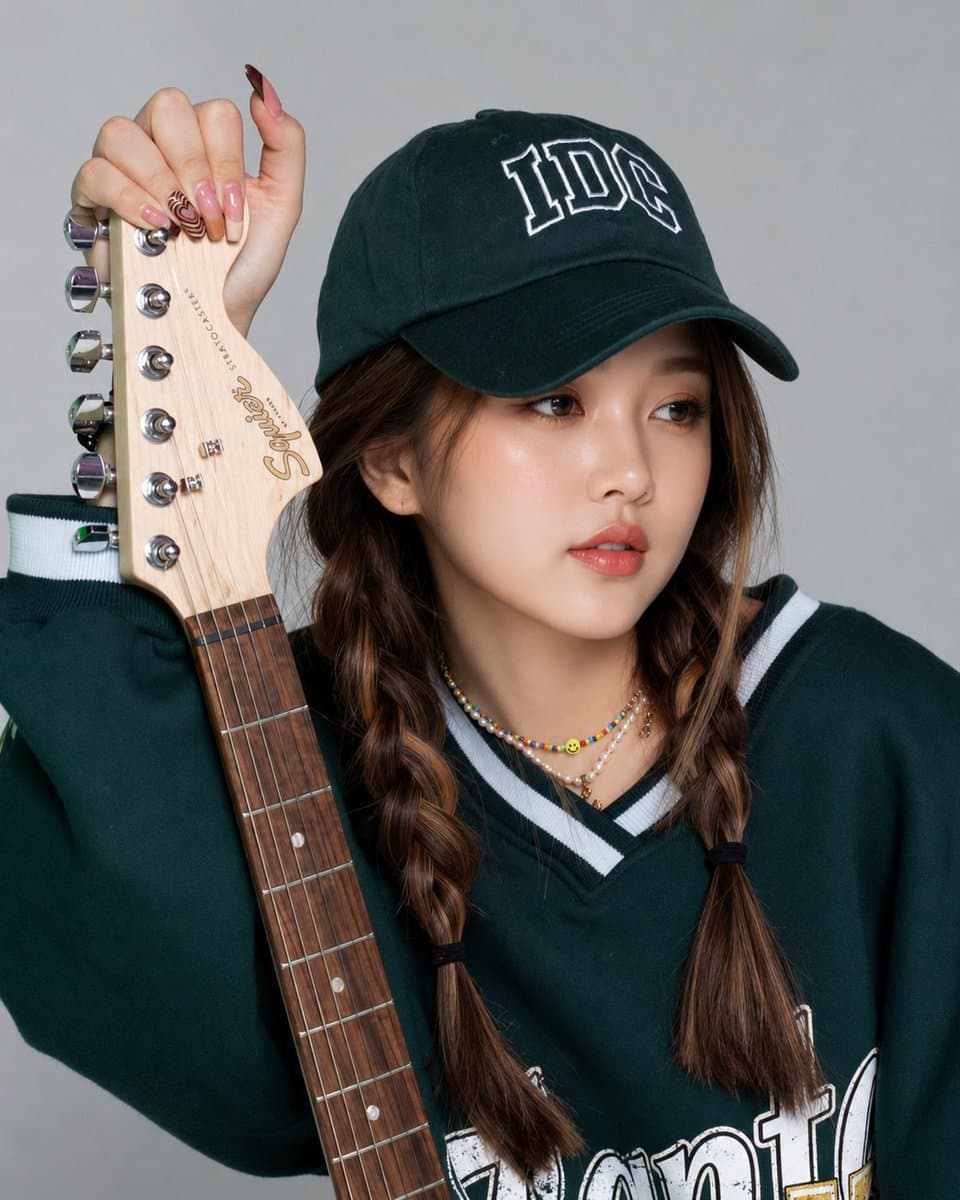
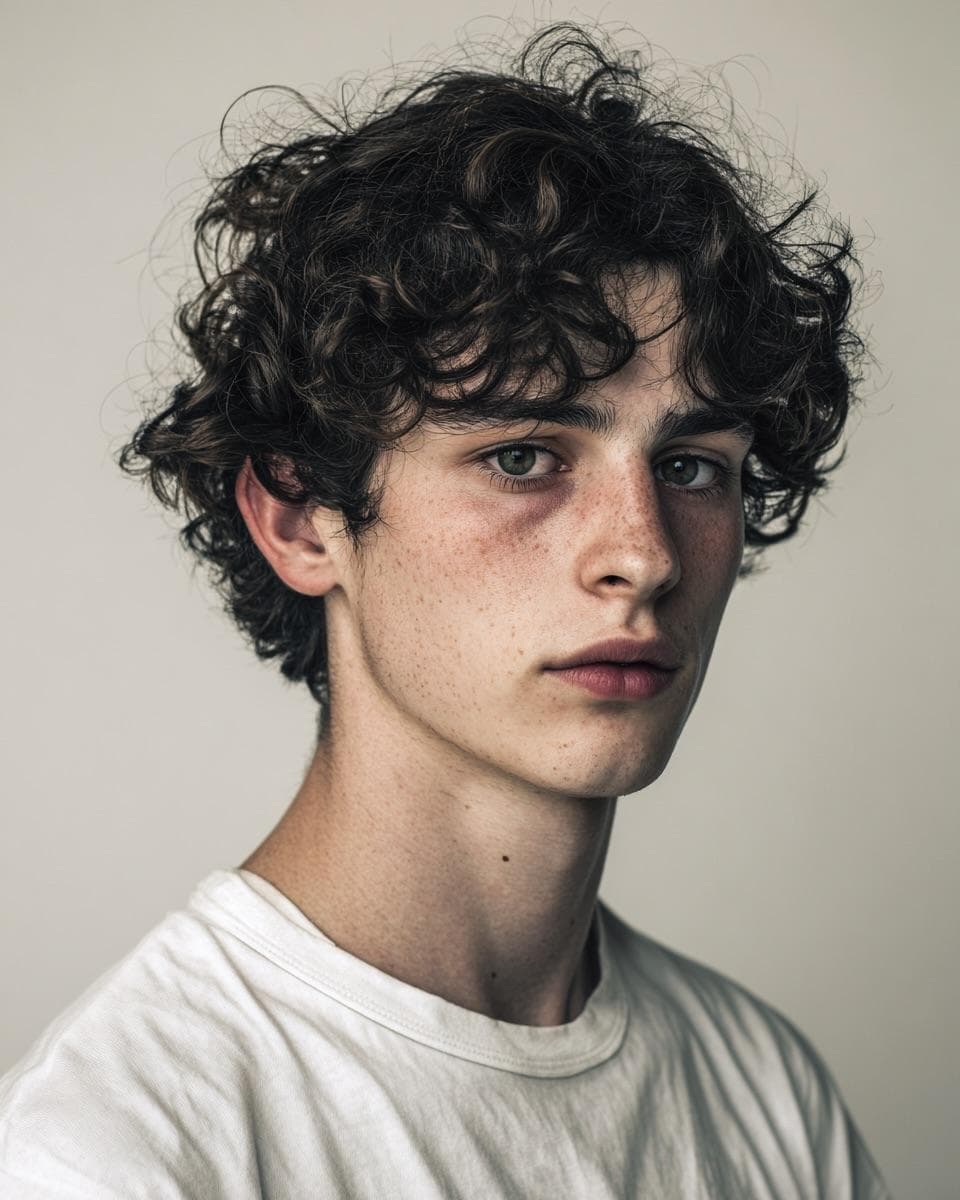
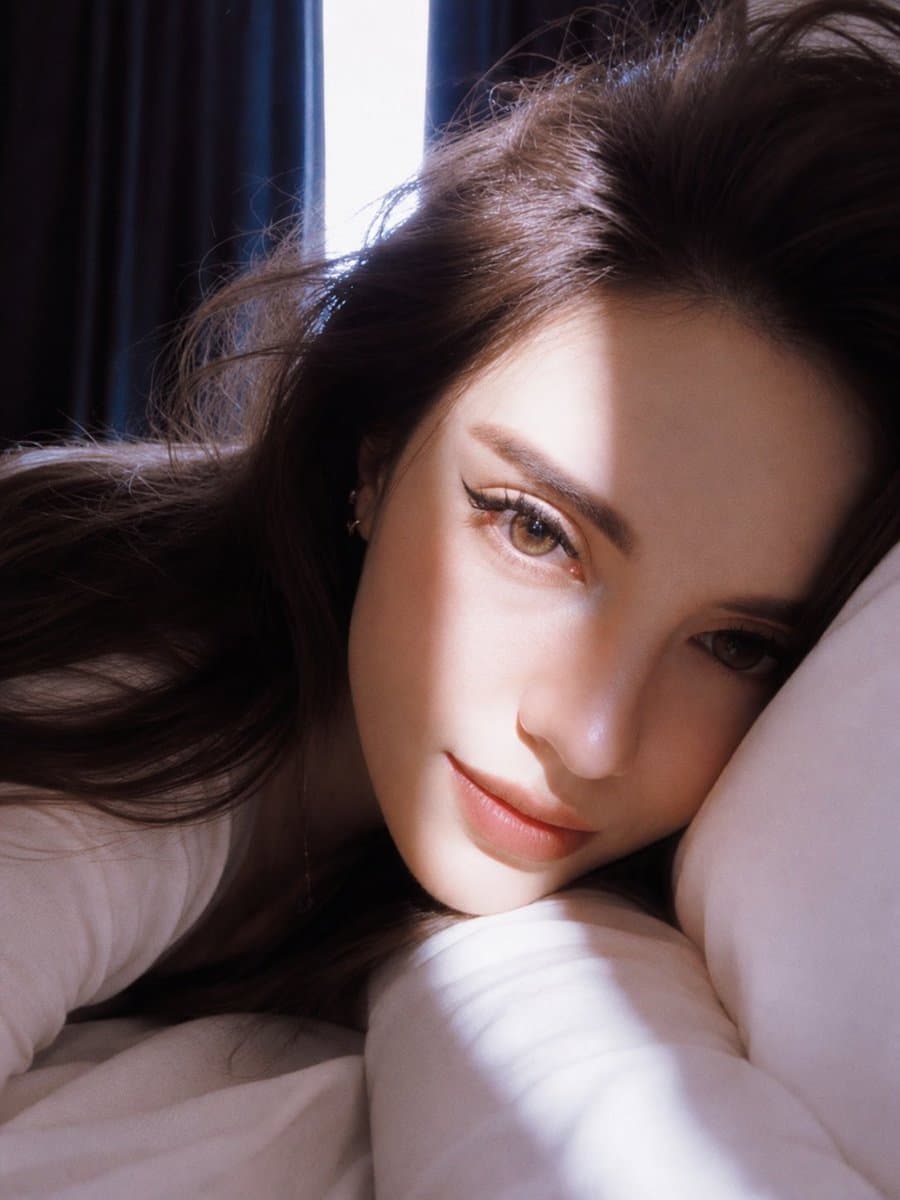
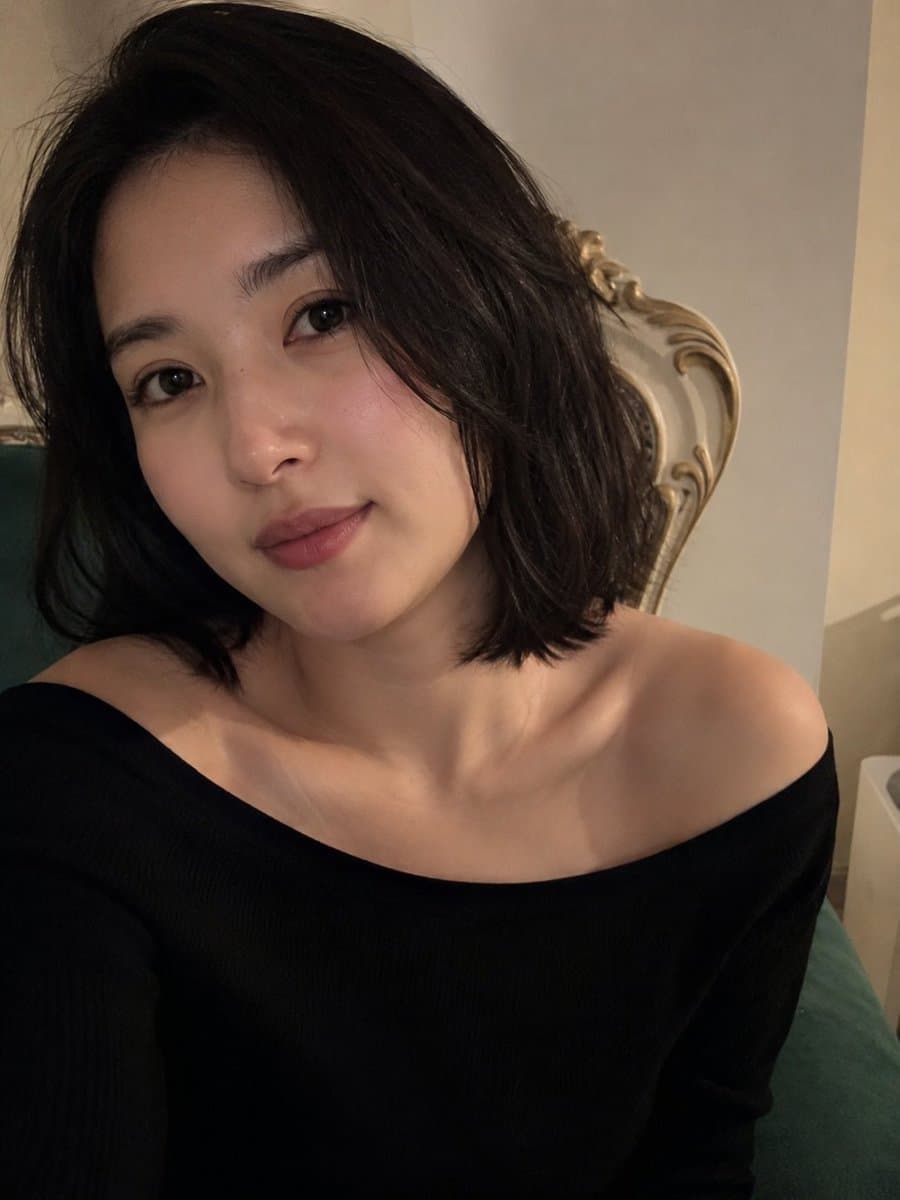
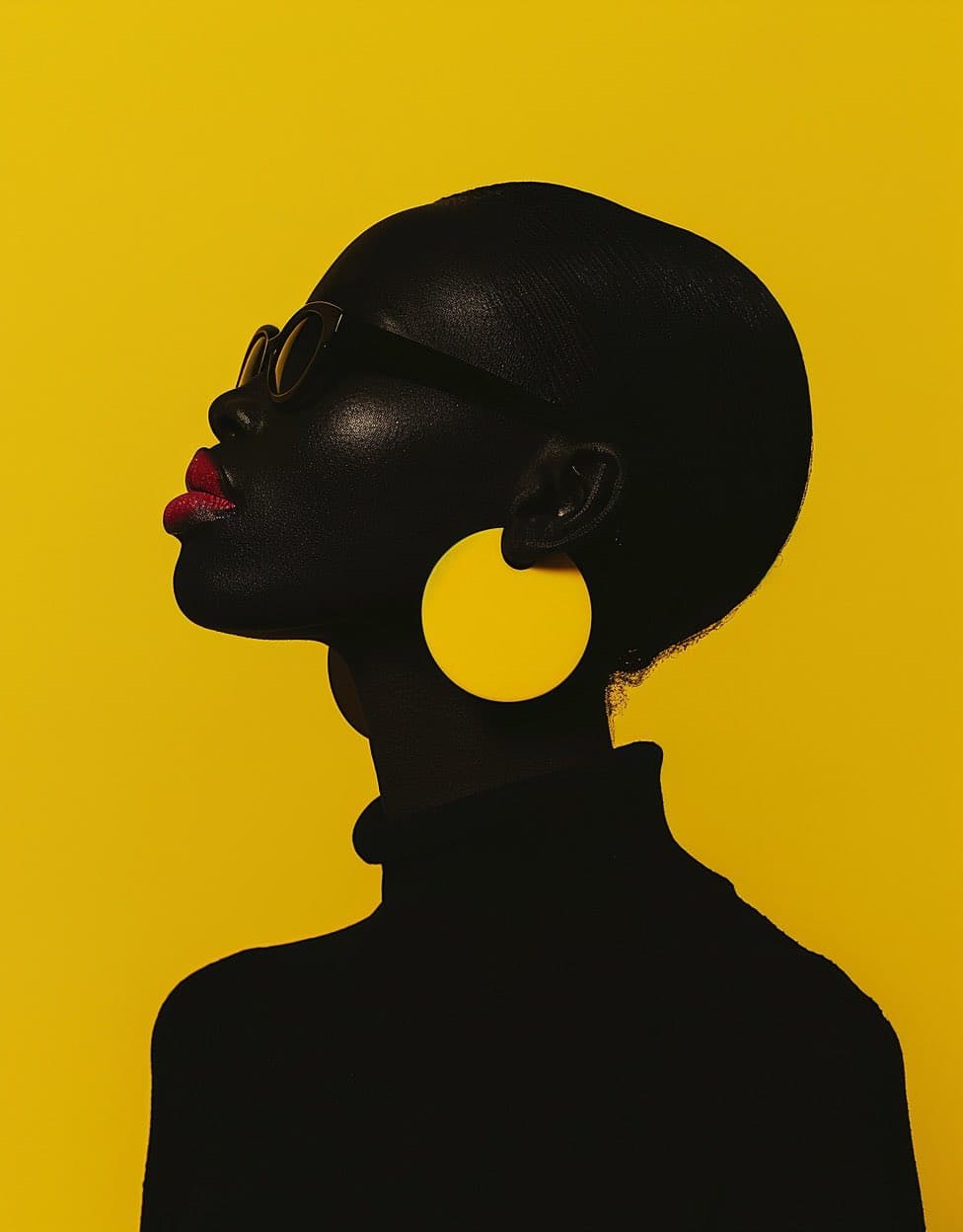
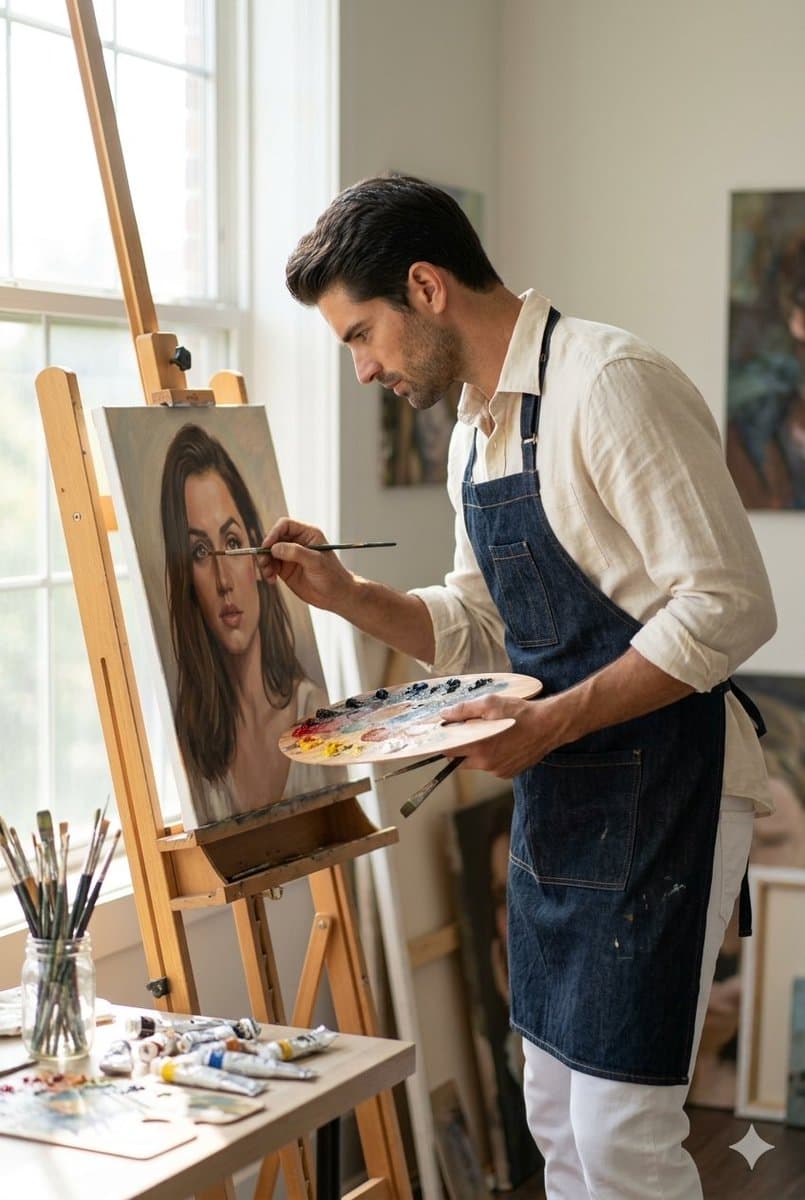
Editorial Portrait AI Image Prompts reference 404
VEYVIA / EDITORIAL-PORTRAITCURATED
Prompt library

Choose the closest frame to begin.

Open any reference to inspect the full prompt, or take its image and aspect ratio straight into the generator.

5 public prompts
Editorial Portrait AI Image Prompts prompt 101
ai image promptsprompt librarychristmas

Use the uploaded image as the only identity reference and preserve the subject's exact facial structure, proportions, skin tone, hairstyle, expression, age, eyewear, and recognizable features. Create an ultra-realistic cozy Christmas editorial portrait from a perfectly centered top-down perspective. The subject lies peacefully on a luxurious cream faux-fur blanket with eyes gently closed and a soft relaxed smile, wearing an oversized deep-burgundy knitted sweater with premium wool texture. Surround the subject with fluffy kittens in white, cream, silver, light-gray, ginger, caramel, and smoky tones, resting naturally around the shoulders, arms, hands, and head while keeping the face visible. Add warm fireplace-style lighting, soft golden highlights, fairy lights, subtle Christmas garlands, creamy bokeh, cinematic shadows, volumetric warm light, realistic fur, shallow depth of field, symmetrical luxury magazine composition, photorealistic HDR detail, 4:5 portrait orientation, and no text, logo, signature, link, or watermark.

Editorial Portrait AI Image Prompts prompt 202
ai image promptsprompt librarysaree

Use the uploaded image as the only facial reference. Preserve the face with 99.9% identity accuracy (facial features, skin tone, smile, hairline, expression). Create an ultra-realistic Vogue India editorial portrait with subtle cinematic motion blur affecting only the hair, saree, and background. Dress her in a champagne-gold Banarasi silk saree with a full-sleeve sweetheart blouse, antique gold jhumkas, and a loose braided low bun with one face-framing strand. Golden-hour side lighting, luxury interior bokeh, Sony A7R V, 85mm f/1.4, HDR RAW, 8K, hyper-realistic, 9:16, face perfectly sharp.

Editorial Portrait AI Image Prompts prompt 303
twitterfashion-photographyphoto-collage

GPT Image 2 on ChatGPT Prompt : Create a premium 1:1 luxury fashion collage advertisement featuring the same beautiful college girl in multiple different portrait styles inside one single image composition. Each section should show a different mood, pose, outfit variation, camera angle, and fashion aesthetic while keeping the same character identity. Include: one soft cinematic close-up portrait one trendy Korean campus look one candid walking shot with handbag one luxury editorial studio pose one playful Gen-Z selfie style frame The girl should have soft glowing skin, natural beauty, expressive eyes, fashionable college outfits, and a luxury pink designer handbag in every frame. Design the overall layout like a high-end fashion magazine collage with asymmetrical composition, overlapping frames, torn paper effects, glossy textures, reflections, fashion graphics, and premium advertising design elements. Use dreamy pink tones throughout the image with cinematic lighting, shallow depth of field, soft shadows, luxury atmosphere, and modern graphic design aesthetics. Add huge thick bold typography perfectly merged into the background with stylish words like “PINK ERA”, “ICONIC”, “CAMPUS LUXE”, and “FASHION”. The final artwork should look like an expensive luxury brand campaign mixed with Vogue editorial design, ultra realistic, highly detailed, cinematic color grading, professional graphics design, trendy social media advertisement, 8K quality, visually stunning.

Editorial Portrait AI Image Prompts prompt 404
twittereditorial-portraitposter-cover

GPT image 2 on ChatGPT Create a vertical poster composition on aged cream paper with a handmade analog feel. Use rough ripped paper edges, layered magazine cutouts, photocopy grain, halftone texture, ink bleed, and slightly imperfect screen-print registration. Keep the subject as the main black-and-white photographic portrait, placed prominently in the center or upper center. Surround the subject with graphic blocks of deep red, cobalt blue, warm yellow, black, and ivory. Add supporting collage fragments such as a rainy European street, film-strip borders, newspaper clippings, urban silhouettes, and cinematic details, arranged like a handmade 1960s art-house movie poster. Use bold condensed typography with a strong visual hierarchy. Add large headline text: “[MAIN TITLE]”. Add smaller subtitle text: “[SUBTITLE]”. Add bottom text: “[BRAND NAME / EVENT NAME / COMING SOON / DATE]”. If needed, include a small top line reading “[TAGLINE]”. The final result should feel cinematic, intellectual, rebellious, and editorial — like a lost 1960s European film poster with a strong point of view. Keep it raw, tactile, printed, imperfect, and handmade. Avoid a glossy modern finish.

Editorial Portrait AI Image Prompts prompt 505
twitterphoto-collageposter-cover

Image created on gpt 1.5 on chat gpt Prompt: Create a vertical poster collage design. The bg consists of four stacked horizontal rounded rectangles. Inside these panels are skyblue and white cinematic shots of a man in various poses. Superimposed in the foreground on the left side is a full-color, high-quality cutout of the same man wearing an unbuttoned skyblue sacket, striking a cool pose. The foreground figure has white sticker-style outline. At the top left, bold “ NEWER GIVE UP “

Reference to result

Three steps forward, without starting from a blank canvas.

  1. 01

    Pick a reference

    Choose the frame closest to your goal in composition, color, and purpose.

  2. 02

    Adjust the details

    Change the subject, copy, style, and image ratio in the generator.

  3. 03

    Generate the image

    Keep the prefilled reference, generate, then refine from the result.

Nothing quite fits?

Start with a blank prompt and define the subject, composition, typography, and aspect ratio yourself.

Create from scratch
Working notes

Get closer to a finished image on the first pass.

01

About Editorial Portrait prompts

Editorial Portrait prompts help organize visual ideas around a specific style, subject, medium, or photography use case. Published examples may change as the collection grows.

02

How to write a stronger Editorial Portrait prompt

Name the main subject first, then define composition, environment, lighting, palette, materials, camera or rendering technique, aspect ratio, and the intended output.

03

How to refine the generated result

Remove conflicting style instructions, keep one clear visual direction, and review anatomy, text, logos, perspective, and important category-specific details before publishing.

Common questions

A few things to know before you begin.

What are Editorial Portrait AI image prompts?

They are reusable visual briefs grouped under the Editorial Portrait category. Each brief can be adapted to a different subject, reference image, composition, or output size.

How are Editorial Portrait examples selected for this collection?

Published prompts are assigned to this collection when their subject, style, or intended use matches the Editorial Portrait category.

Can I customize these Editorial Portrait prompts?

Yes. Replace the subject and context, then adjust the lighting, palette, materials, lens or rendering method, aspect ratio, and detail level for your project.