Glitch Art AI Image Prompts
Browse glitch art examples and reusable AI image prompts for composition, lighting, color, materials, and style.
Browse a focused glitch art category based on the PromptPlum taxonomy. Use the references as starting points, then rewrite each prompt for your own subject, format, and visual goal.
Create a glitch art image

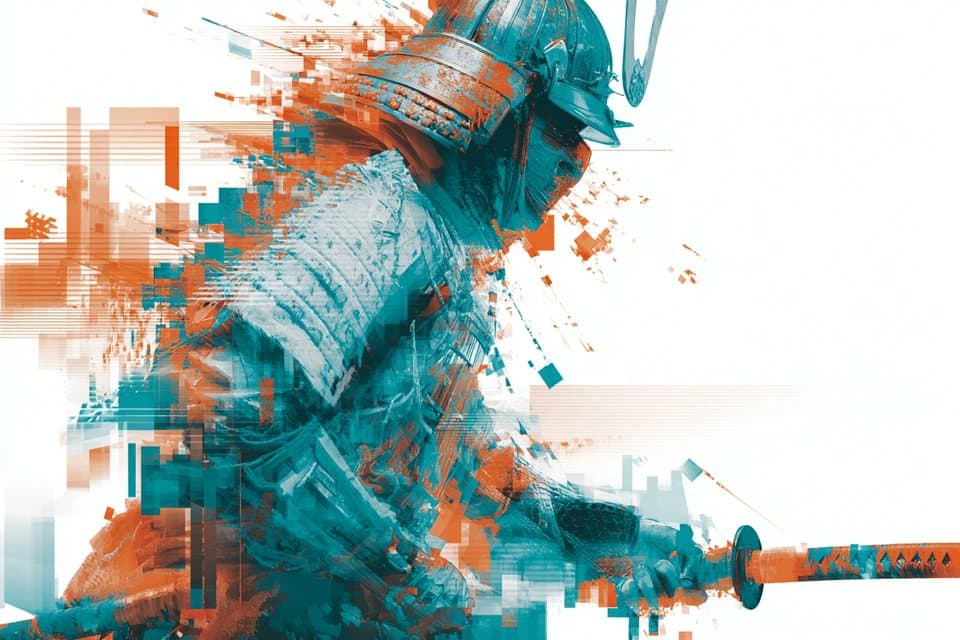
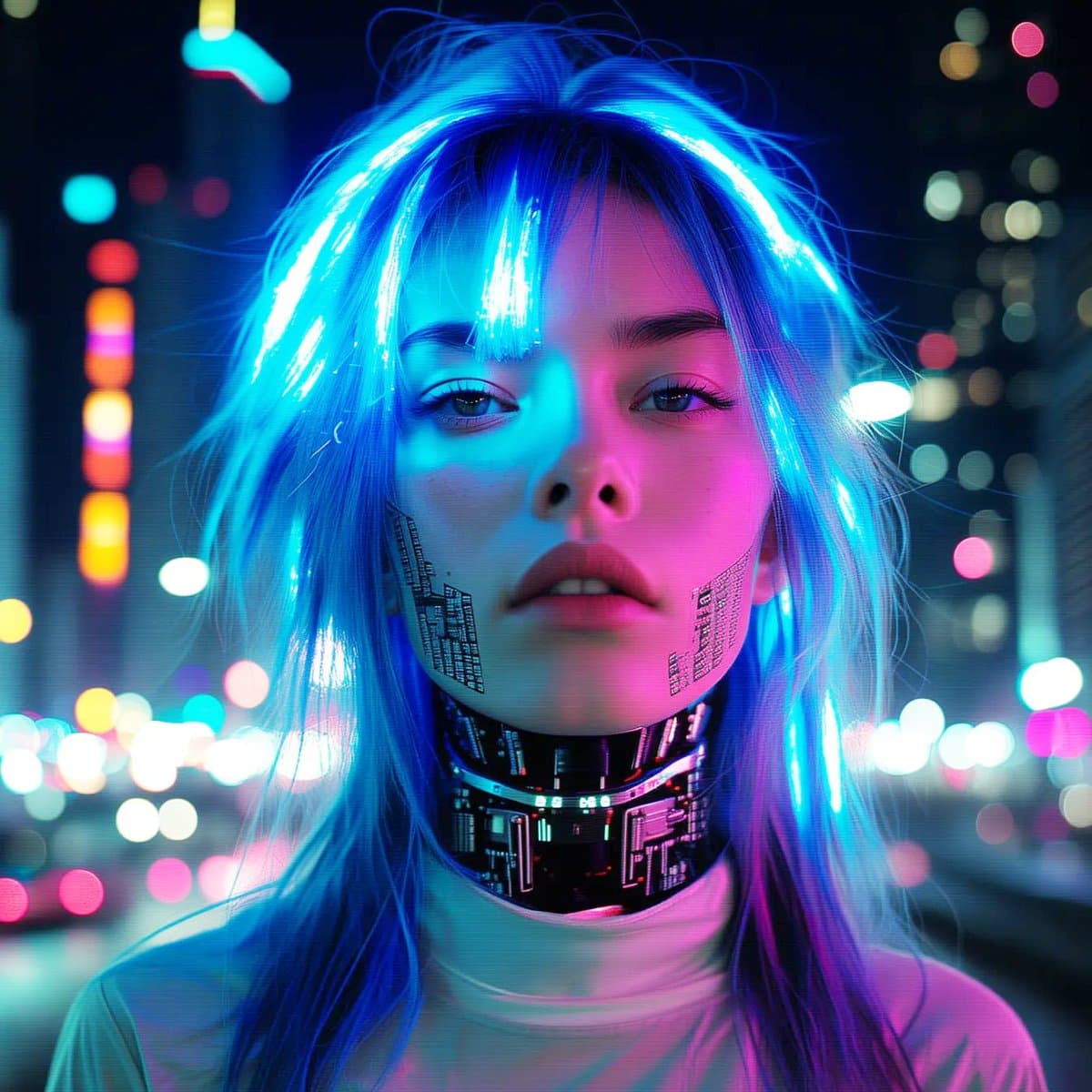
A glitch art-inspired [subject], distorted by fragmented digital overlays, pixel displacement, scanline interference, and unexpected visual corruption. Neon [color1] and [color2] pulse through the composition, creating a sense of controlled chaos that blurs the boundary between the digital world and physical reality. Futuristic atmosphere, sharp contrast, layered distortion, surreal energy, high detail, clean white background.
How to generate Glitch Art AI Image Prompts in three steps in seconds
Use our finely tuned templates to spark your AI creativity instantly
Choose template & click AI
Browse the templates below, select a suitable style, and click the 'AI' button.
Enter relevant information
Customize the pre-filled prompt by entering relevant design details.
Generate and wait
Click generate and wait; usually, your creation finishes in just a few seconds.
Or, create your own Glitch Art AI Image Prompts
Can't find the perfect template? You can customize your own prompt from scratch, defining your own styles and settings.
FAQ
What are Glitch Art AI image prompts?
They are reusable visual briefs grouped under the Glitch Art category. Each brief can be adapted to a different subject, reference image, composition, or output size.
How are Glitch Art examples selected for this collection?
Published prompts are assigned to this collection when their subject, style, or intended use matches the Glitch Art category.
Can I customize these Glitch Art prompts?
Yes. Replace the subject and context, then adjust the lighting, palette, materials, lens or rendering method, aspect ratio, and detail level for your project.