 01
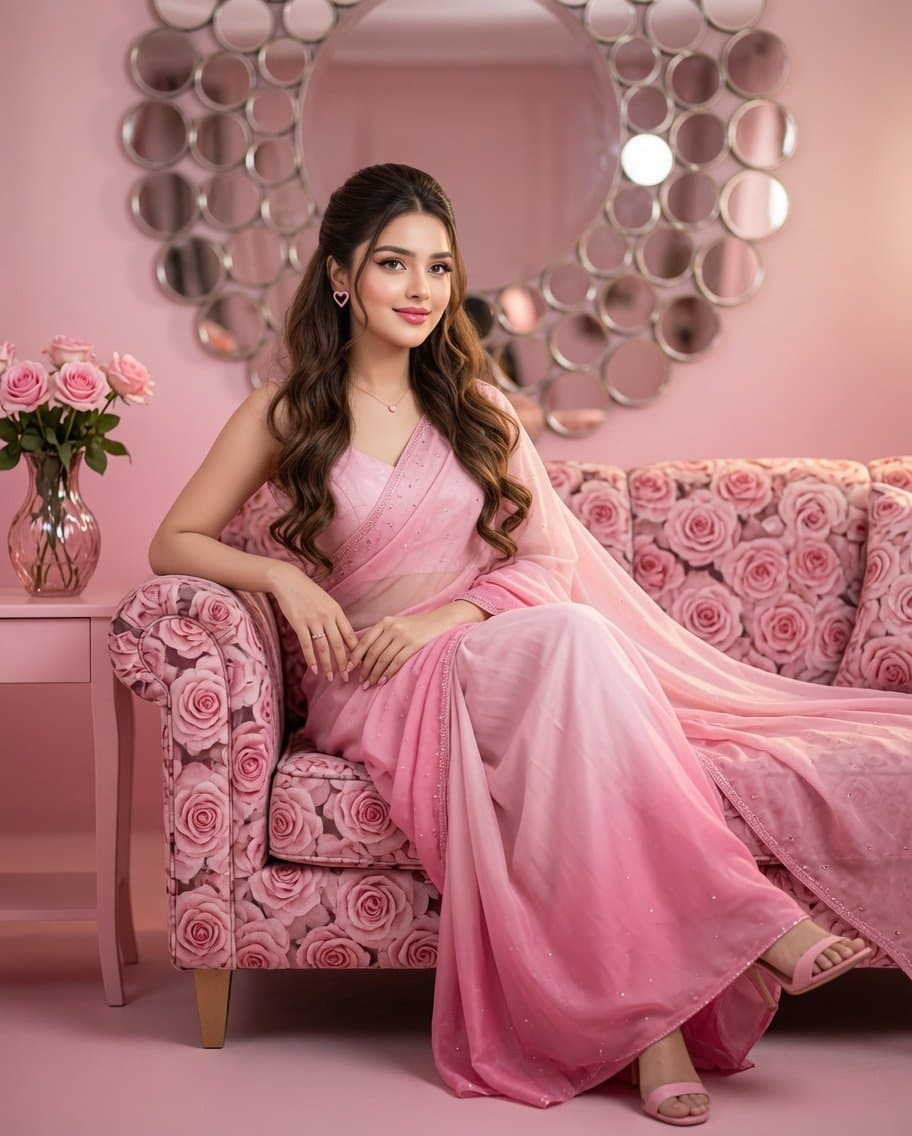
01Ultra-Realistic Luxury Monochrome Pink Editorial Portrait Prompt Create an ultra-realistic, high-end editorial portrait using the provided reference image. Preserve the woman's face with 100% identity accuracy, maintaining the exact facial structure, skin tone, eye shape, eyebrows, nose, lips, jawline, smile, and natural facial proportions. Do not alter or beautify the facial identity. She is wearing an elegant Barbie pink ombré saree with delicate shimmer embroidery and a matching sleeveless blouse. The saree flows gracefully with soft transparent layers and luxurious fabric folds. Every element follows a monochrome pink ombré aesthetic, with shades transitioning from soft blush pink to rich Barbie pink. Her hair is very long chocolate-brown, styled in a half-up half-down hairstyle with soft romantic curls cascading over one shoulder. Makeup is glamorous yet refined, featuring sharp winged eyeliner, ultra-defined arched eyebrows, long thick voluminous eyelashes, warm peach-glow skin, subtle contour, soft pink blush, highlighted cheekbones, and bright glossy Barbie pink lips. Accessories include pink heart-shaped stud earrings, a minimal delicate necklace with a tiny pink pendant, elegant rings, and Barbie pink high-heel sandals. She is seated on a luxurious pink rose-patterned velvet sofa, leaning slightly to one side in a relaxed, graceful pose. One arm rests gently on the sofa while the other is placed naturally on her lap. Her legs are comfortably folded and resting on the sofa, creating a sophisticated editorial composition. Beside the sofa is a stylish pink side table holding a decorative pink glass vase filled with fresh pink roses. The background features a stunning large circular mirror installation with layered round mirrored discs arranged in an artistic pattern, all reflecting soft pink tones. The entire room follows a monochrome ombré Barbie pink palette, including the sofa, mirrors, décor, flowers, side table, floor, and lighting. Lighting is soft cinematic studio lighting with warm diffused illumination, subtle rim lighting on the hair, dreamy glow, premium luxury fashion editorial atmosphere, shallow depth of field, creamy bokeh, ultra-detailed textures, photorealistic skin, realistic fabric physics, HDR, 8K resolution, masterpiece quality, Vogue-style luxury portrait, perfectly balanced composition, elegant feminine aesthetic, natural proportions, and flawless realism.