Ink Drawing prompt library

Ink Drawing AI Image Prompts

Browse ink drawing examples and reusable AI image prompts for composition, lighting, color, materials, and style.

Browse a focused ink drawing category. Use the references as starting points, then rewrite each prompt for your own subject, format, and visual goal.

Visual reference set
ink drawing
Library size
2 public prompts
Visual reference set03 / REF
Ink Drawing AI Image Prompts reference 101
Ink Drawing AI Image Prompts reference 202
Ink Drawing AI Image Prompts reference 303
VEYVIA / INK-DRAWINGCURATED
Prompt library

Choose the closest frame to begin.

Open any reference to inspect the full prompt, or take its image and aspect ratio straight into the generator.

2 public prompts
Ink Drawing AI Image Prompts prompt 101
reference-image-transformationink-drawingeditorial-photography

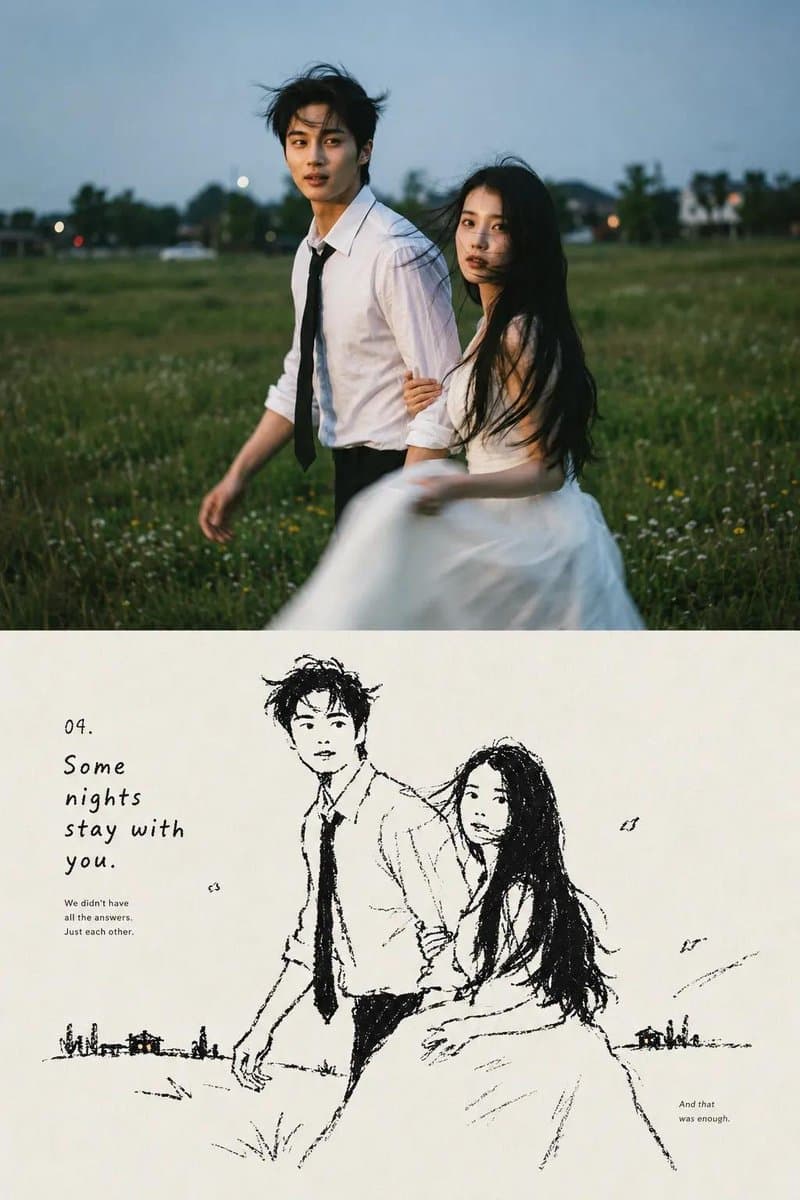
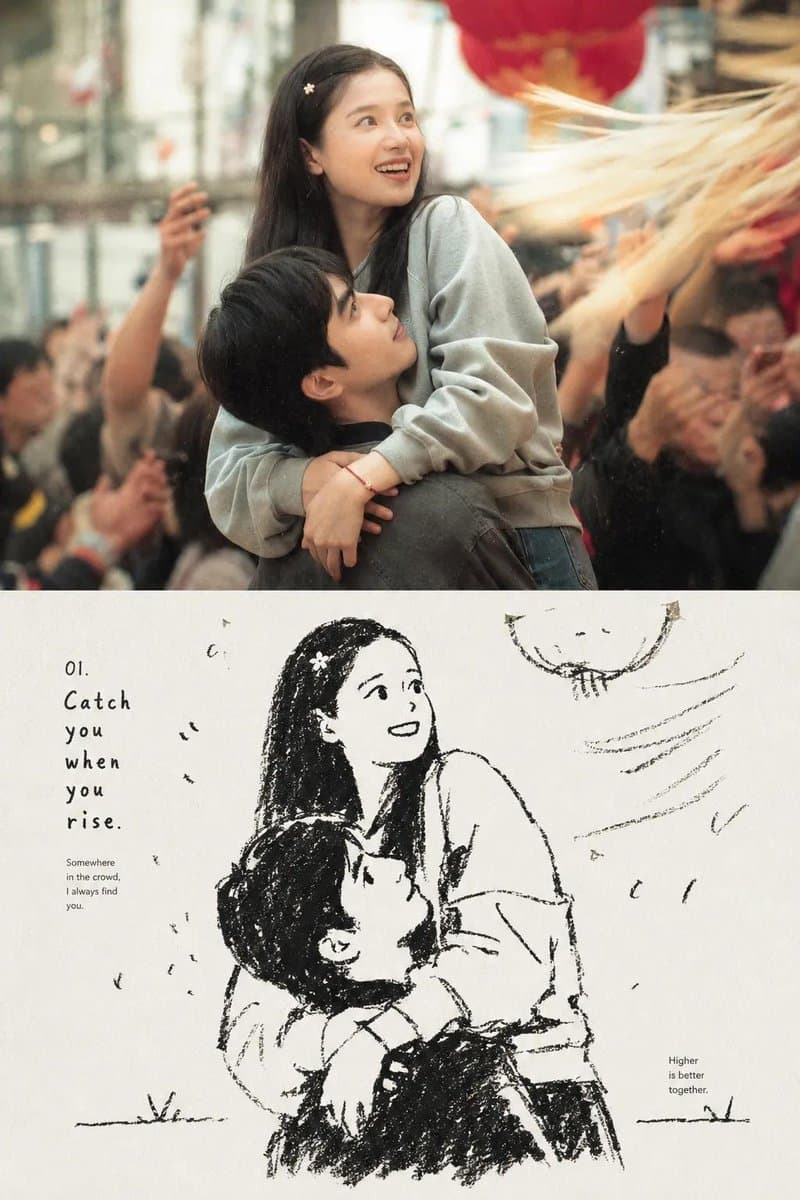
Create a nostalgic editorial photo-to-sketch artbook page based on the reference image. Preserve the same subjects, pose, facial expressions, clothing, composition, and emotional atmosphere from the original photograph. Divide the page vertically into two connected sections: the upper section is a cinematic, ultra-realistic photograph with soft natural lighting, subtle film grain, shallow depth of field, authentic colors, and an intimate candid feeling; the lower section transforms the exact same scene and characters into a loose black-and-white hand-drawn ink illustration on warm off-white textured paper, with expressive imperfect lines, rough cross-hatching, minimal shading, and a handmade sketchbook aesthetic. Add tasteful editorial typography around the illustration, including a small numbered title, short poetic handwritten-style caption, and tiny documentary-style notes, creating the feeling of a premium contemporary photography journal or Japanese-inspired visual diary. Keep generous cream-colored negative space, subtle paper texture, slightly imperfect ink printing, understated vintage layout, sophisticated minimalist graphic design, emotionally warm and cinematic, cohesive transition between photograph and drawing, high detail, natural proportions, authentic human anatomy, no watermark, no logos.

Ink Drawing AI Image Prompts prompt 202
brush-and-inkeditorial-illustrationink-drawing

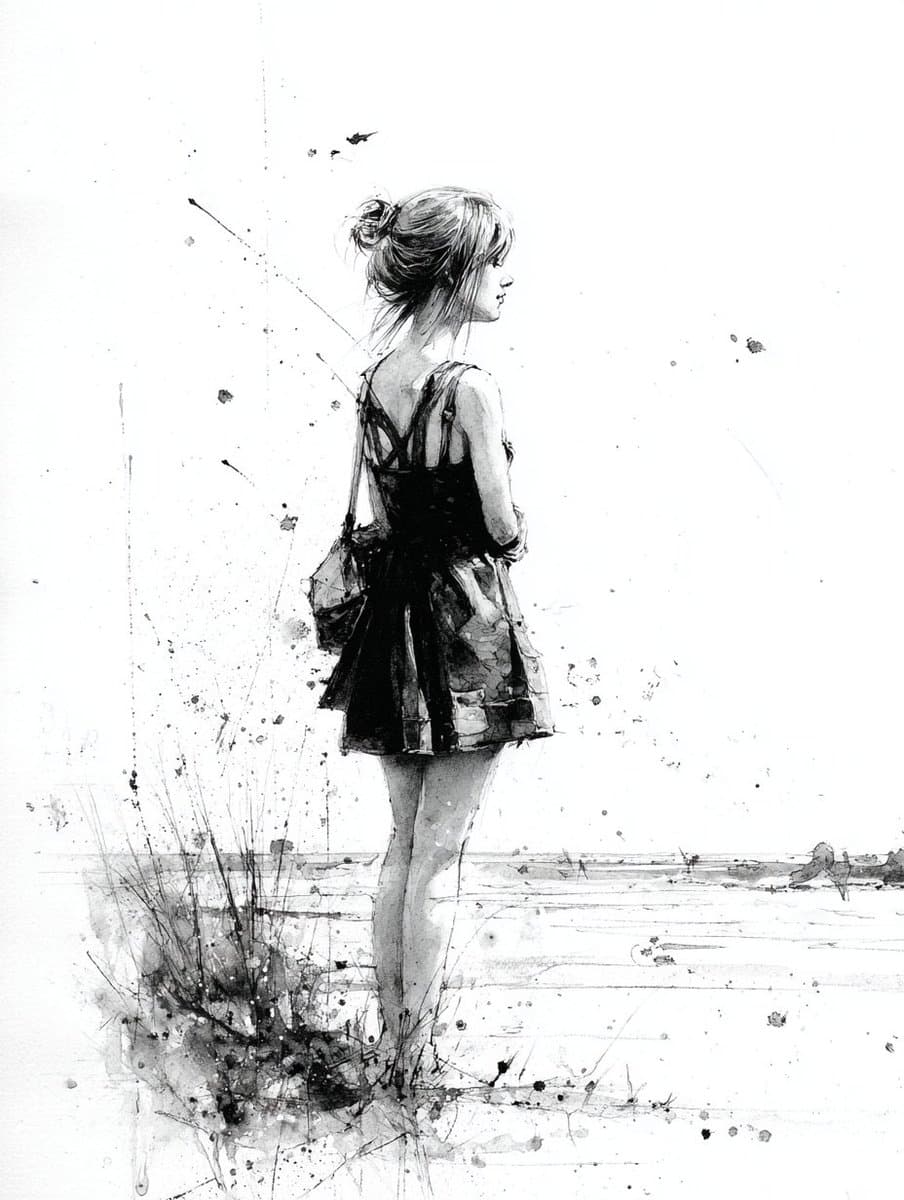
Prompt Share: Brush and Ink with Splatter A brush and ink drawing of [SUBJECT] with gestural linework and splattered ink textures, adding drama and spontaneity. MJ with my --p style

Reference to result

Three steps forward, without starting from a blank canvas.

  1. 01

    Pick a reference

    Choose the frame closest to your goal in composition, color, and purpose.

  2. 02

    Adjust the details

    Change the subject, copy, style, and image ratio in the generator.

  3. 03

    Generate the image

    Keep the prefilled reference, generate, then refine from the result.

Nothing quite fits?

Start with a blank prompt and define the subject, composition, typography, and aspect ratio yourself.

Create from scratch
Working notes

Get closer to a finished image on the first pass.

01

About Ink Drawing prompts

Ink Drawing prompts help organize visual ideas around a specific style, subject, medium, or photography use case. Published examples may change as the collection grows.

02

How to write a stronger Ink Drawing prompt

Name the main subject first, then define composition, environment, lighting, palette, materials, camera or rendering technique, aspect ratio, and the intended output.

03

How to refine the generated result

Remove conflicting style instructions, keep one clear visual direction, and review anatomy, text, logos, perspective, and important category-specific details before publishing.

Common questions

A few things to know before you begin.

What are Ink Drawing AI image prompts?

They are reusable visual briefs grouped under the Ink Drawing category. Each brief can be adapted to a different subject, reference image, composition, or output size.

How are Ink Drawing examples selected for this collection?

Published prompts are assigned to this collection when their subject, style, or intended use matches the Ink Drawing category.

Can I customize these Ink Drawing prompts?

Yes. Replace the subject and context, then adjust the lighting, palette, materials, lens or rendering method, aspect ratio, and detail level for your project.