LinkedIn Profile Picture prompt library

LinkedIn Profile Picture AI Image Prompts

Browse linkedin profile picture examples and reusable AI image prompts for composition, lighting, color, materials, and style.

Browse a focused linkedin profile picture category based on the PromptPlum taxonomy. Use the references as starting points, then rewrite each prompt for your own subject, format, and visual goal.

Visual reference set
linkedin profile picture
Library size
3 public prompts
Visual reference set03 / REF
LinkedIn Profile Picture AI Image Prompts reference 101
LinkedIn Profile Picture AI Image Prompts reference 202
LinkedIn Profile Picture AI Image Prompts reference 303
VEYVIA / LINKEDIN-PROFILE-PICTURECURATED
Prompt library

Choose the closest frame to begin.

Open any reference to inspect the full prompt, or take its image and aspect ratio straight into the generator.

3 public prompts
LinkedIn Profile Picture AI Image Prompts prompt 101
linkedin profile pictureai image promptsprompt library

A realistic studio portrait of a handsome adult man/woman with short, neatly styled dark hair and well-defined facial features, wearing a tailored dark gray suit, crisp white dress shirt, and a navy blue tie. He has a confident, friendly smile and a professional, polished appearance. Soft, even studio lighting, neutral gradient background, sharp focus, natural skin texture, high-end corporate headshot style, photorealistic, 85mm lens look, shallow depth of field.

LinkedIn Profile Picture AI Image Prompts prompt 202
linkedin profile pictureai image promptsprompt library

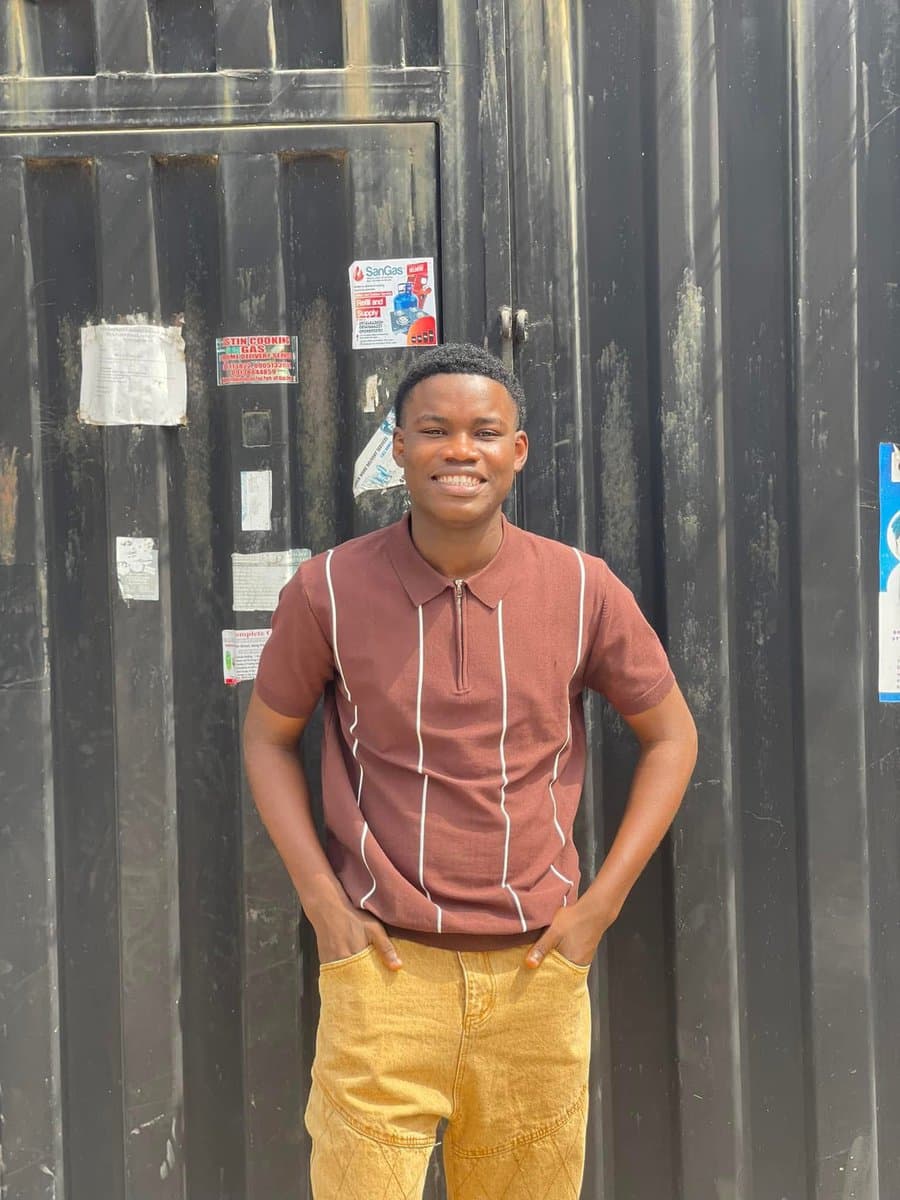
Recreate this image as a LinkedIn profile picture, dressed in a black suit, with a close-up shot. I saw the prompt on Twitter, though.

LinkedIn Profile Picture AI Image Prompts prompt 303
executive portraitsai image promptsprompt library

[Reference Image] Using the provided reference image, recreate the same woman with identical facial features, face shape, soft fair skin, expressive hazel eyes, straight dark-brown hair with full wispy bangs, long glossy loose waves, natural makeup, soft pink blush, nude matte lips, and the exact same elegant facial proportions. She is seated confidently on a modern black chair, wearing a perfectly tailored black business suit with a fitted blazer over a black inner top, black tailored trousers, a silver wristwatch, delicate layered silver necklaces, small stud earrings, and a simple silver ring. One arm rests naturally on the chair while the other hand rests gracefully on her lap, maintaining relaxed posture and direct eye contact with the camera. Background is a seamless warm chocolate-brown studio backdrop with smooth gradient lighting. Soft professional beauty lighting using a large octabox key light with subtle rim lighting, producing smooth skin tones, natural catchlights, gentle shadows, and premium editorial contrast. Luxury corporate branding aesthetic, minimal composition, centered framing, medium portrait, 85mm lens, f/2.0, shallow depth of field, ultra-photorealistic, high-end fashion editorial, executive portrait, LinkedIn premium profile style, magazine-quality retouching, realistic skin texture, HDR, natural colors, cinematic color grading, ultra-detailed, masterpiece, 8K.

Reference to result

Three steps forward, without starting from a blank canvas.

  1. 01

    Pick a reference

    Choose the frame closest to your goal in composition, color, and purpose.

  2. 02

    Adjust the details

    Change the subject, copy, style, and image ratio in the generator.

  3. 03

    Generate the image

    Keep the prefilled reference, generate, then refine from the result.

Nothing quite fits?

Start with a blank prompt and define the subject, composition, typography, and aspect ratio yourself.

Create from scratch
Working notes

Get closer to a finished image on the first pass.

01

About LinkedIn Profile Picture prompts

LinkedIn Profile Picture prompts help organize visual ideas around a specific style, subject, medium, or photography use case. Published examples may change as the collection grows.

02

How to write a stronger LinkedIn Profile Picture prompt

Name the main subject first, then define composition, environment, lighting, palette, materials, camera or rendering technique, aspect ratio, and the intended output.

03

How to refine the generated result

Remove conflicting style instructions, keep one clear visual direction, and review anatomy, text, logos, perspective, and important category-specific details before publishing.

Common questions

A few things to know before you begin.

What are LinkedIn Profile Picture AI image prompts?

They are reusable visual briefs grouped under the LinkedIn Profile Picture category. Each brief can be adapted to a different subject, reference image, composition, or output size.

How are LinkedIn Profile Picture examples selected for this collection?

Published prompts are assigned to this collection when their subject, style, or intended use matches the LinkedIn Profile Picture category.

Can I customize these LinkedIn Profile Picture prompts?

Yes. Replace the subject and context, then adjust the lighting, palette, materials, lens or rendering method, aspect ratio, and detail level for your project.