Photo Transformation AI Image Prompts
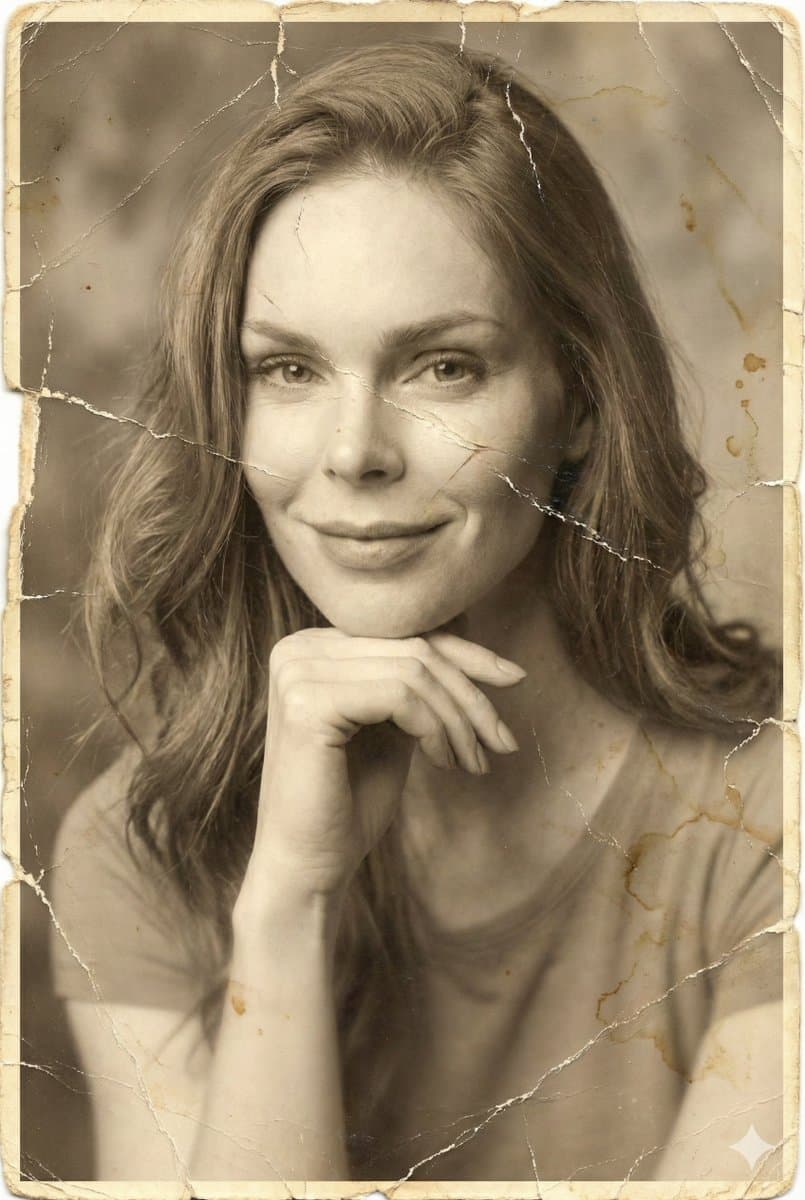
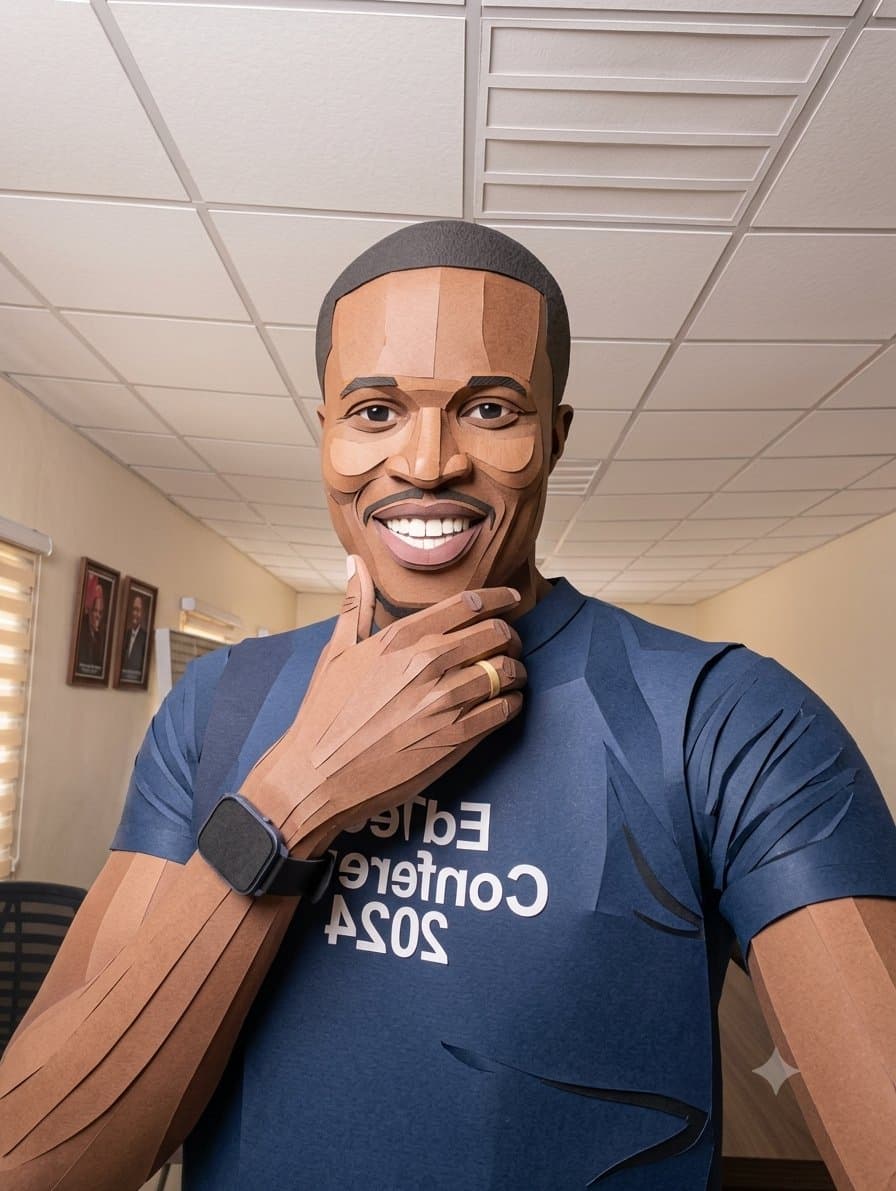
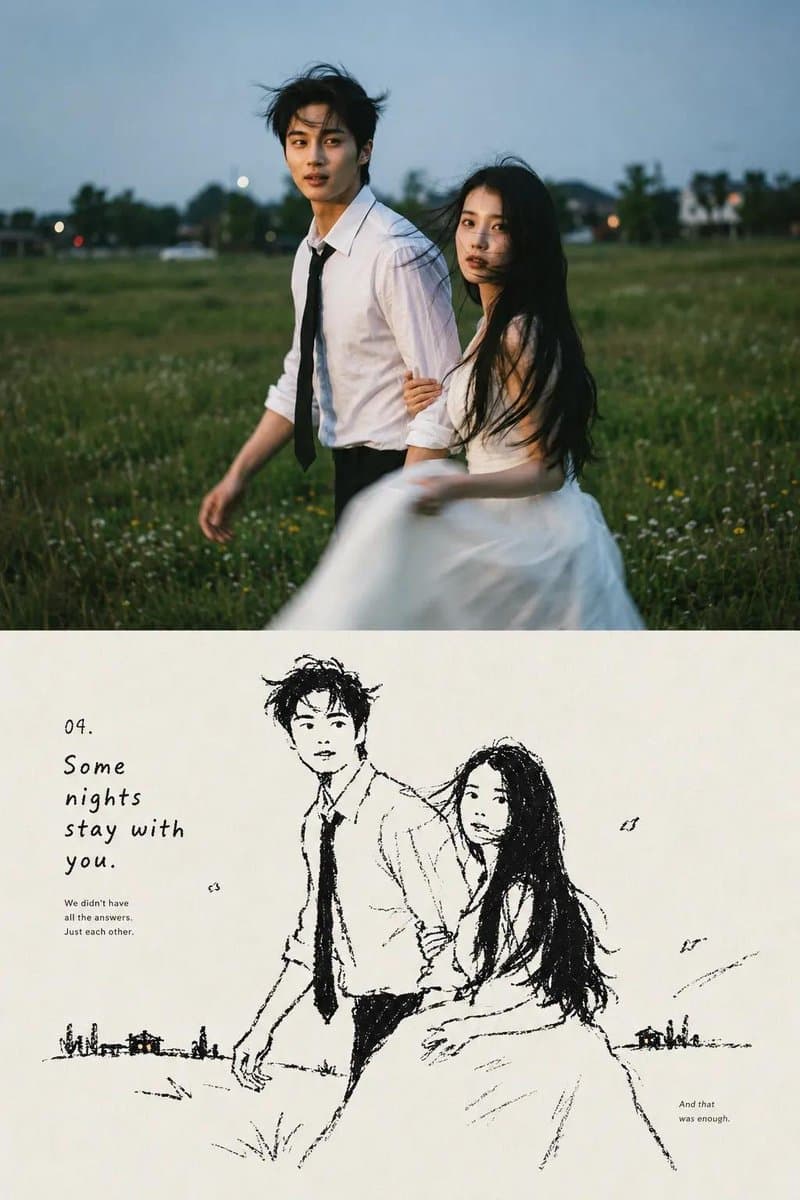
Browse photo transformation examples and reusable AI image prompts for composition, lighting, color, materials, and style.
Browse a focused photo transformation category based on the PromptPlum taxonomy. Use the references as starting points, then rewrite each prompt for your own subject, format, and visual goal.
Create a photo transformation image


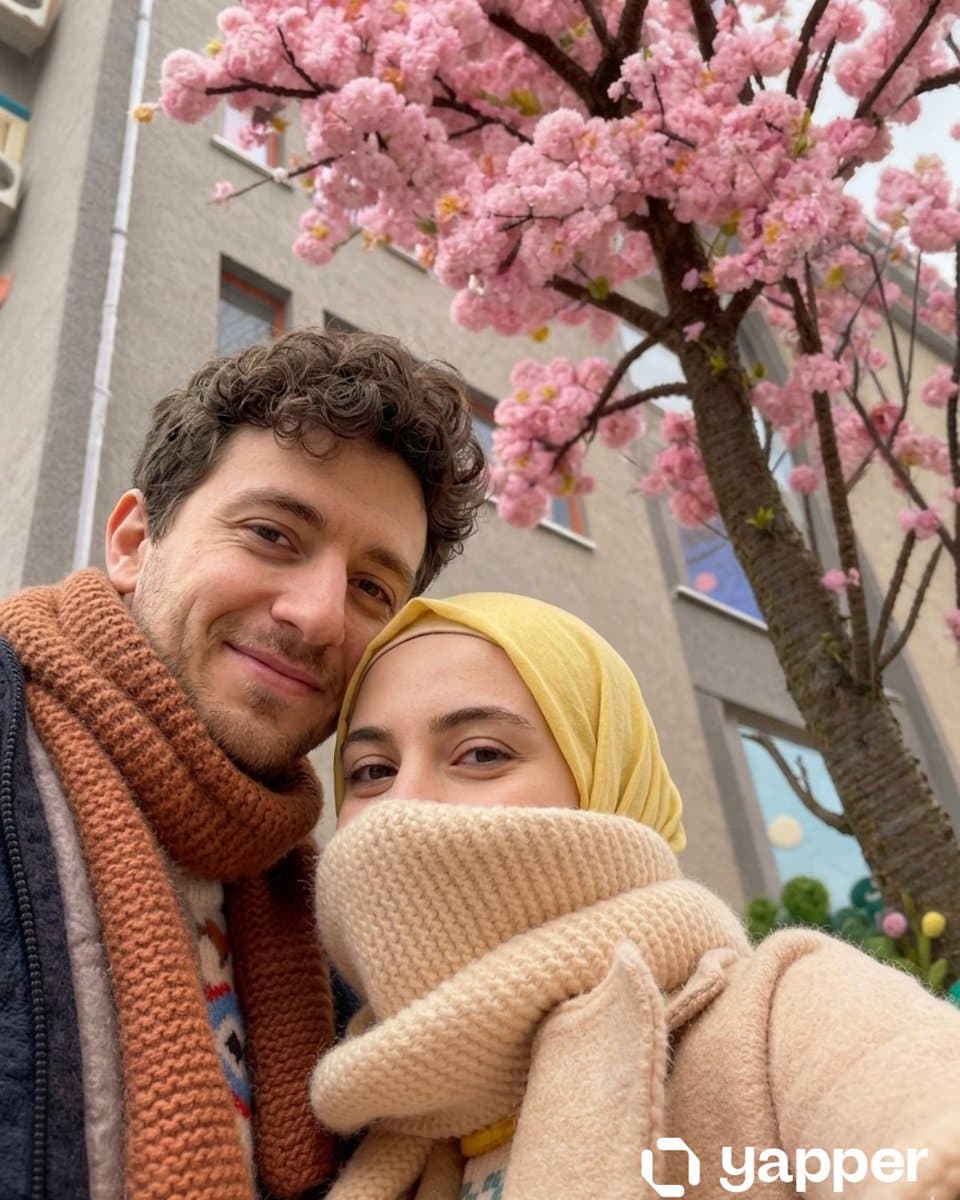
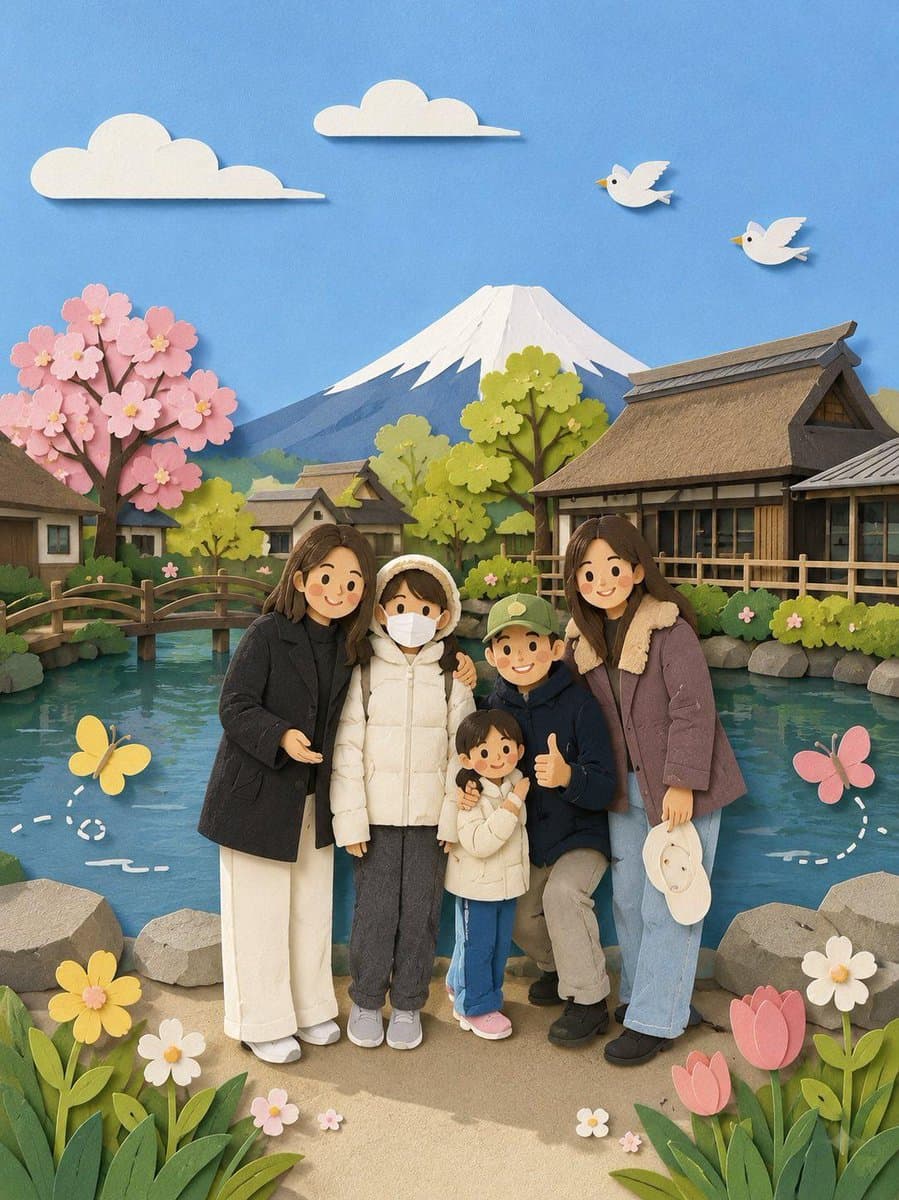
A high-resolution photo of a meticulously handcrafted, 3D needle-felted wool sculpture version of the scene from the reference photo. Preserve the exact composition, poses, expressions, and number of people from the original image. Every element, including human skin, hair, and background, must be transformed into soft, dense, matte felted wool fibers with a slightly fuzzy, tangible, matte texture. Faces are simplified and stylized like plush toys with embroidered eyes and distinct blush marks on the cheeks (like in the reference photo), yet still recognizable. All clothing (including specific logos like 'VANS', specific cuts, and colors) must be rendered as knitted or felted fabric. Include realistic details typical of handmade felt toys, such as visible poke marks from the felting needle and slightly soft, rounded edges. The lighting should be soft and directional to accentuate the 3D wool textures. Shallow depth of field focusing on the felt figures against a softly blurred, felted-diorama-style background. --iw 2.0 --ar [insert aspect ratio of your photo] --stylize 150 --v 6.0

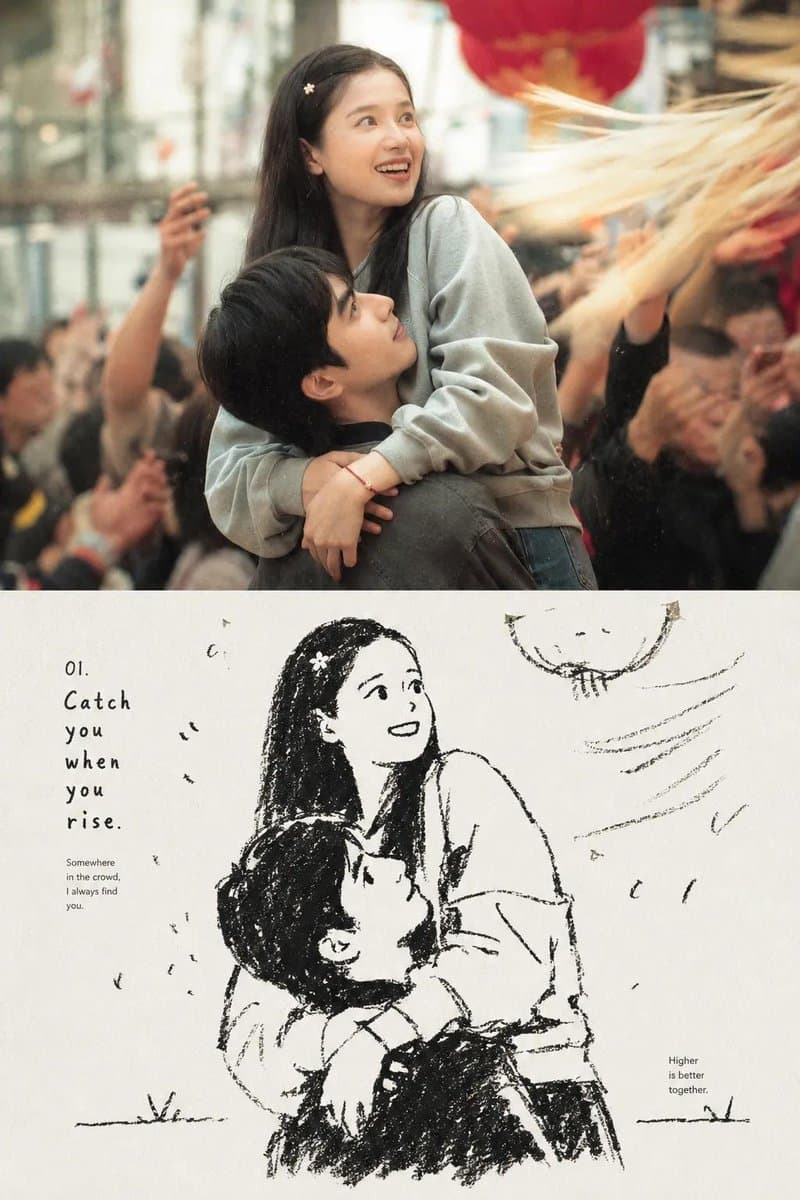
Transform the uploaded photograph into a hand-painted 1990s Japanese television animation cel. Preserve the subject's identity, facial features, hairstyle, clothing, pose, composition and framing exactly. Do not redesign the subject or alter their proportions — translate the same face, the same haircut, the same outfit and the same camera angle into cel animation. The person must stay instantly recognizable. Style: hand-inked animation cel painted in gouache on acetate, photographed over a painted background plate. Bold uniform ink linework with varying weight, closed clean contours, flat cel-shaded fills with hard two-tone shadow edges — no soft gradients on skin or fabric. Lighting: single flat key with a crisp shadow terminator, small hard specular highlight blocks in the hair, warm rim light along the jaw and shoulders. Rendering: faint acetate sheen, cel dust and hairline scratches, slight registration offset between the line layer and the paint layer, 4:3-era film grain, soft analog bloom around highlights, slightly desaturated telecine color. Color palette: muted 90s broadcast tones — dusty teal, oxidized red, mustard, warm grey — skin painted in three flat steps. Background: the same setting as the photo, repainted as a soft airbrushed watercolor background plate carrying less detail than the subject, gentle depth haze. Mood: quiet, nostalgic, late-night broadcast. No 3D render, no digital vector gloss, no modern high-frame-rate shading, no HDR, no added text, no watermark, no extra characters. 👉 More looks + the app:

A high-resolution photo of a meticulously handcrafted, 3D needle-felted wool sculpture version of the scene from the reference photo. Preserve the exact composition, poses, expressions, and number of people from the original image. Every element, including human skin, hair, and background, must be transformed into soft, dense, matte felted wool fibers with a slightly fuzzy, tangible, matte texture. Faces are simplified and stylized like plush toys with embroidered eyes and distinct blush marks on the cheeks (like in the reference photo), yet still recognizable. All clothing (including specific logos like 'VANS', specific cuts, and colors) must be rendered as knitted or felted fabric. Include realistic details typical of handmade felt toys, such as visible poke marks from the felting needle and slightly soft, rounded edges. The lighting should be soft and directional to accentuate the 3D wool textures. Shallow depth of field focusing on the felt figures against a softly blurred, felted-diorama-style background. --iw 2.0 --ar [insert aspect ratio of your photo] --stylize 150 --v 6.0
How to generate Photo Transformation AI Image Prompts in three steps in seconds
Use our finely tuned templates to spark your AI creativity instantly
Choose template & click AI
Browse the templates below, select a suitable style, and click the 'AI' button.
Enter relevant information
Customize the pre-filled prompt by entering relevant design details.
Generate and wait
Click generate and wait; usually, your creation finishes in just a few seconds.
Or, create your own Photo Transformation AI Image Prompts
Can't find the perfect template? You can customize your own prompt from scratch, defining your own styles and settings.
FAQ
What are Photo Transformation AI image prompts?
They are reusable visual briefs grouped under the Photo Transformation category. Each brief can be adapted to a different subject, reference image, composition, or output size.
How are Photo Transformation examples selected for this collection?
Published prompts are assigned to this collection when their subject, style, or intended use matches the Photo Transformation category.
Can I customize these Photo Transformation prompts?
Yes. Replace the subject and context, then adjust the lighting, palette, materials, lens or rendering method, aspect ratio, and detail level for your project.