Professional Portrait prompt library

Professional Portrait AI Image Prompts

Browse professional portrait examples and reusable AI image prompts for composition, lighting, color, materials, and style.

Browse a focused professional portrait category based on the PromptPlum taxonomy. Use the references as starting points, then rewrite each prompt for your own subject, format, and visual goal.

Visual reference set
professional portrait
Library size
3 public prompts
Visual reference set03 / REF
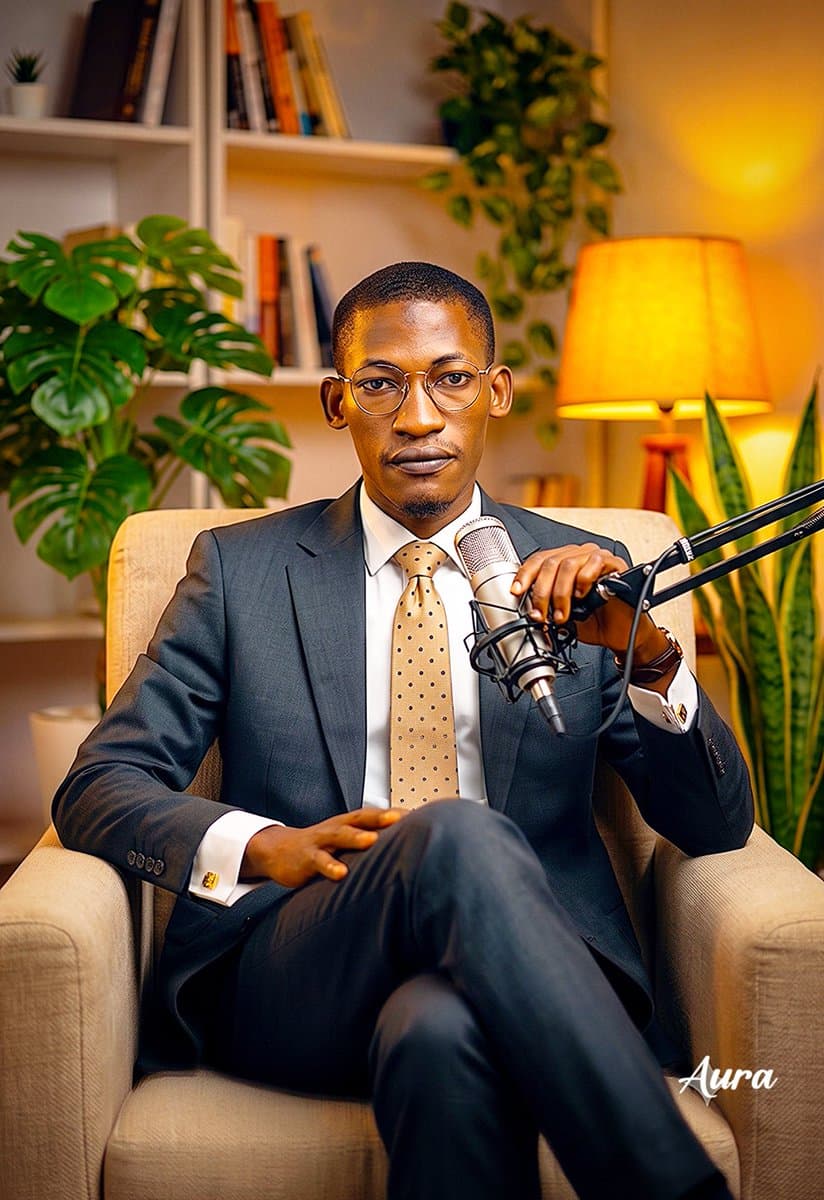
Professional Portrait AI Image Prompts reference 101
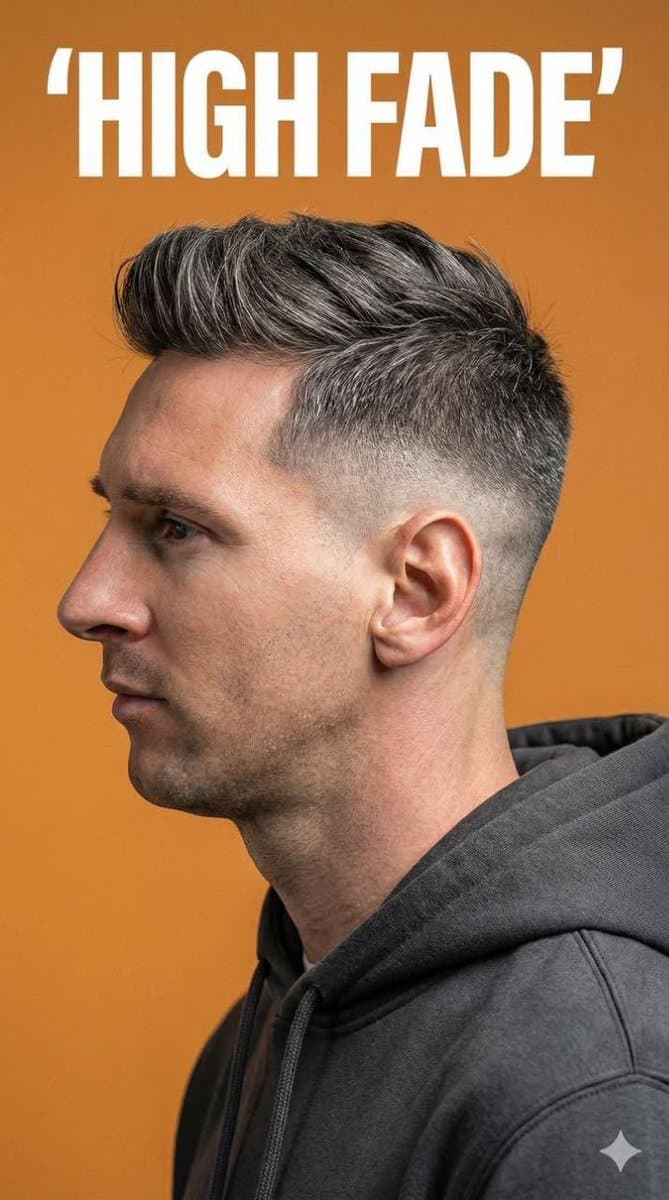
Professional Portrait AI Image Prompts reference 202
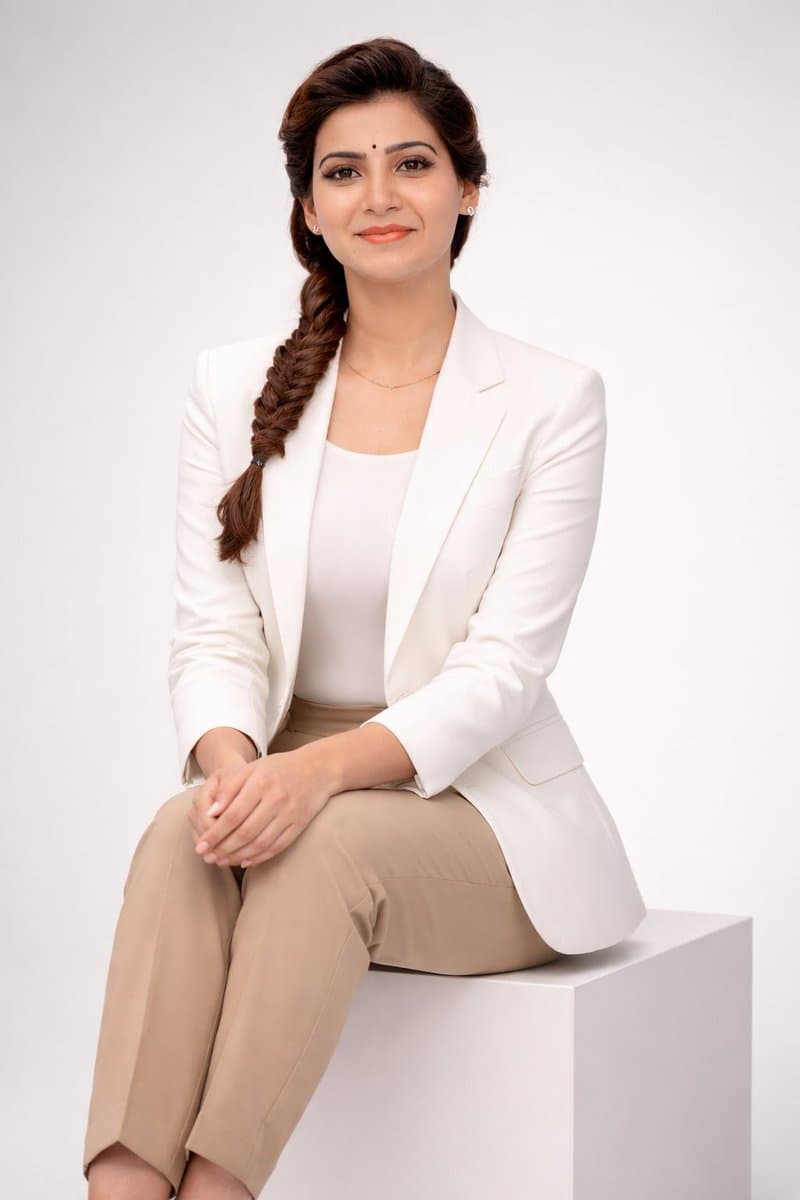
Professional Portrait AI Image Prompts reference 303
VEYVIA / PROFESSIONAL-PORTRAITCURATED
Prompt library

Choose the closest frame to begin.

Open any reference to inspect the full prompt, or take its image and aspect ratio straight into the generator.

3 public prompts
Professional Portrait AI Image Prompts prompt 101
professional-portraitprofessional portraitai image prompts

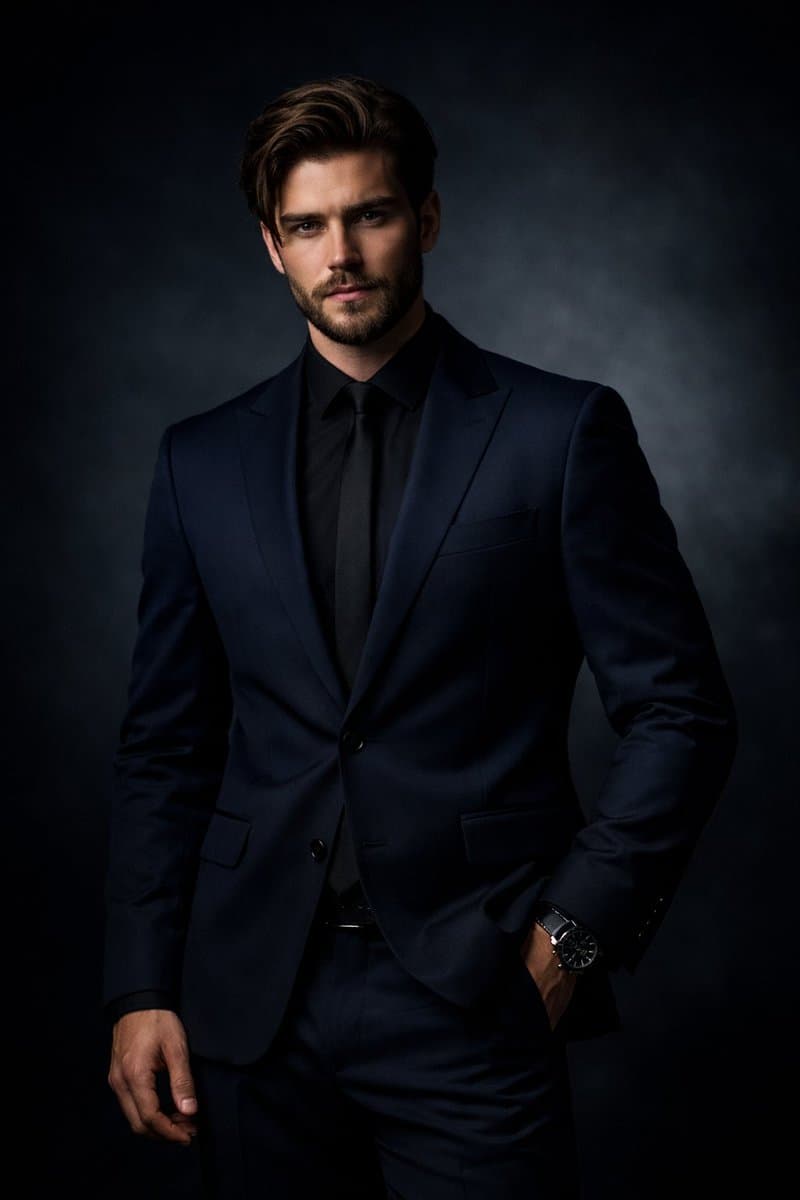
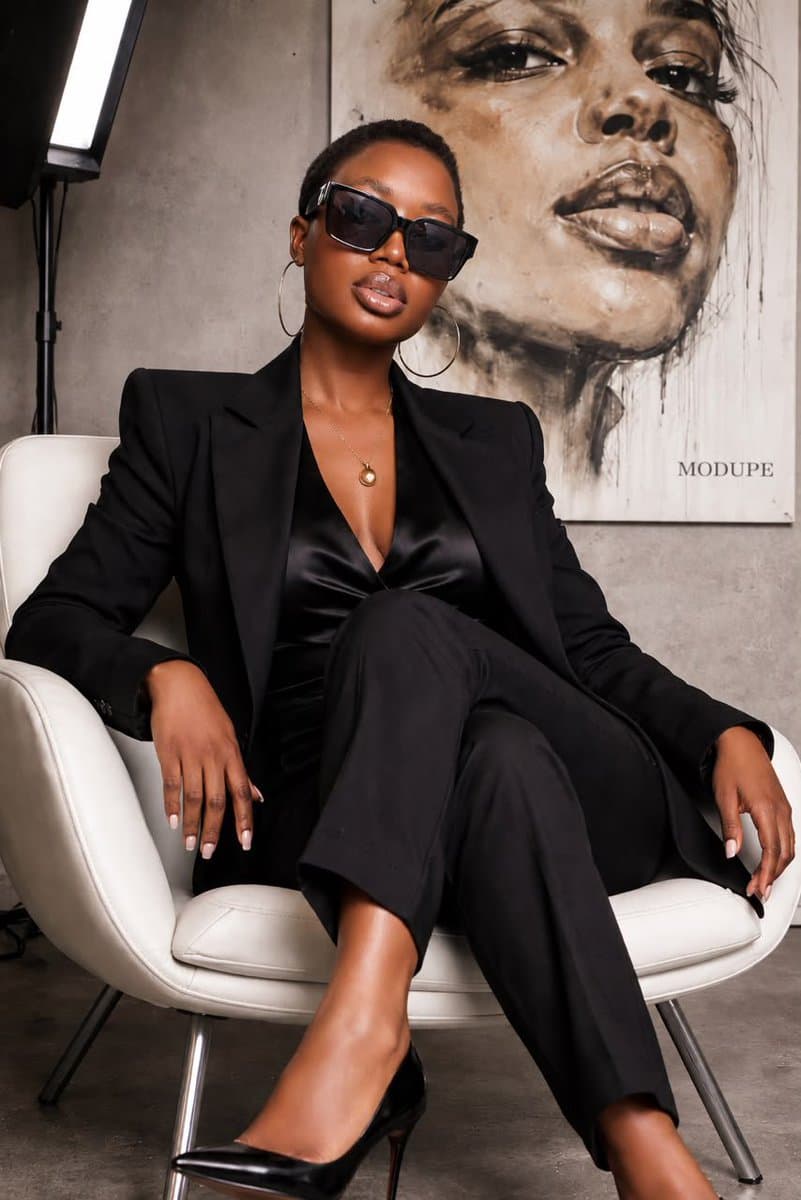
Create a professional studio portrait of a confident adult wearing a navy blazer over a dark shirt and a modern wristwatch. Pose the subject with an index finger touching the temple in a thoughtful gesture, shoulders relaxed, and direct eye contact with the camera. Use a neutral gray gradient background, soft cinematic studio lighting, sharp facial detail, natural skin texture, minimal composition, and a polished corporate-headshot aesthetic. Frame from the chest or waist up with shallow depth of field and clean high-resolution editorial photography.

Professional Portrait AI Image Prompts prompt 202
professional portraitai image promptsprompt library

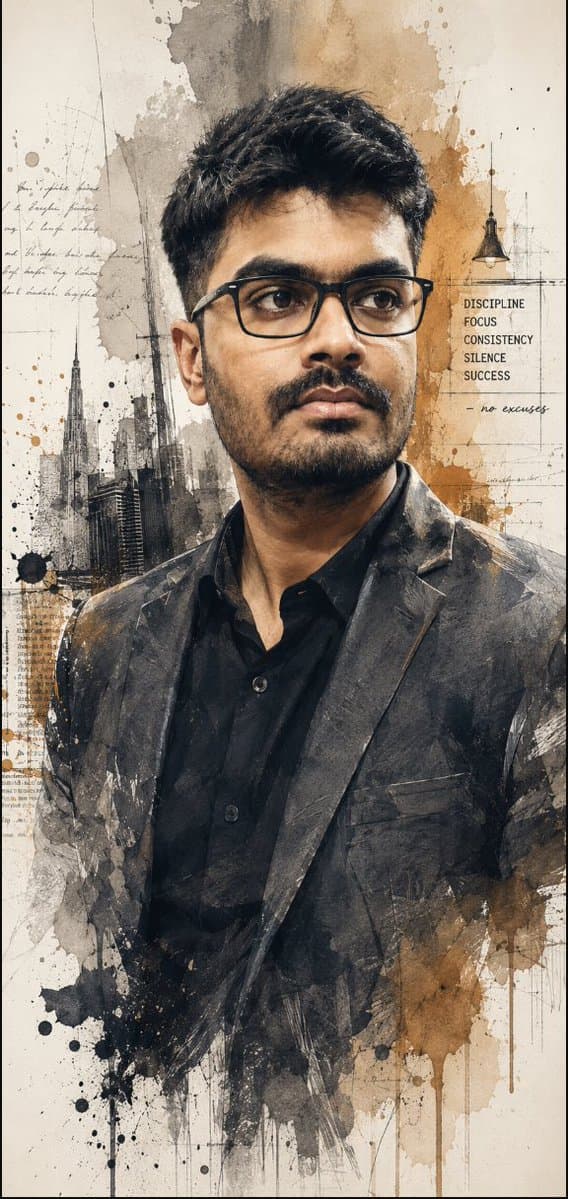
⏬⏬ ⏬ [A refined watercolor-style portrait of a confident, mature man with short salt-and-pepper hair, well groomed beard as shown in original uploaded image, and black rectangular eyeglasses. He is dressed in a charcoal blazer over a black button-up shirt, looking thoughtfully into the distance with a calm, professional expression. The artwork features realistic facial details blended with elegant watercolor splashes in warm beige, gray, and sepia tones on a clean off-white background, creating a sophisticated, modern editorial aesthetic. Use uploaded reference images for facial features and expression alignment and spactacles if. Aspect ratio 10:21.]

Professional Portrait AI Image Prompts prompt 303
professional portraitai image promptsprompt library

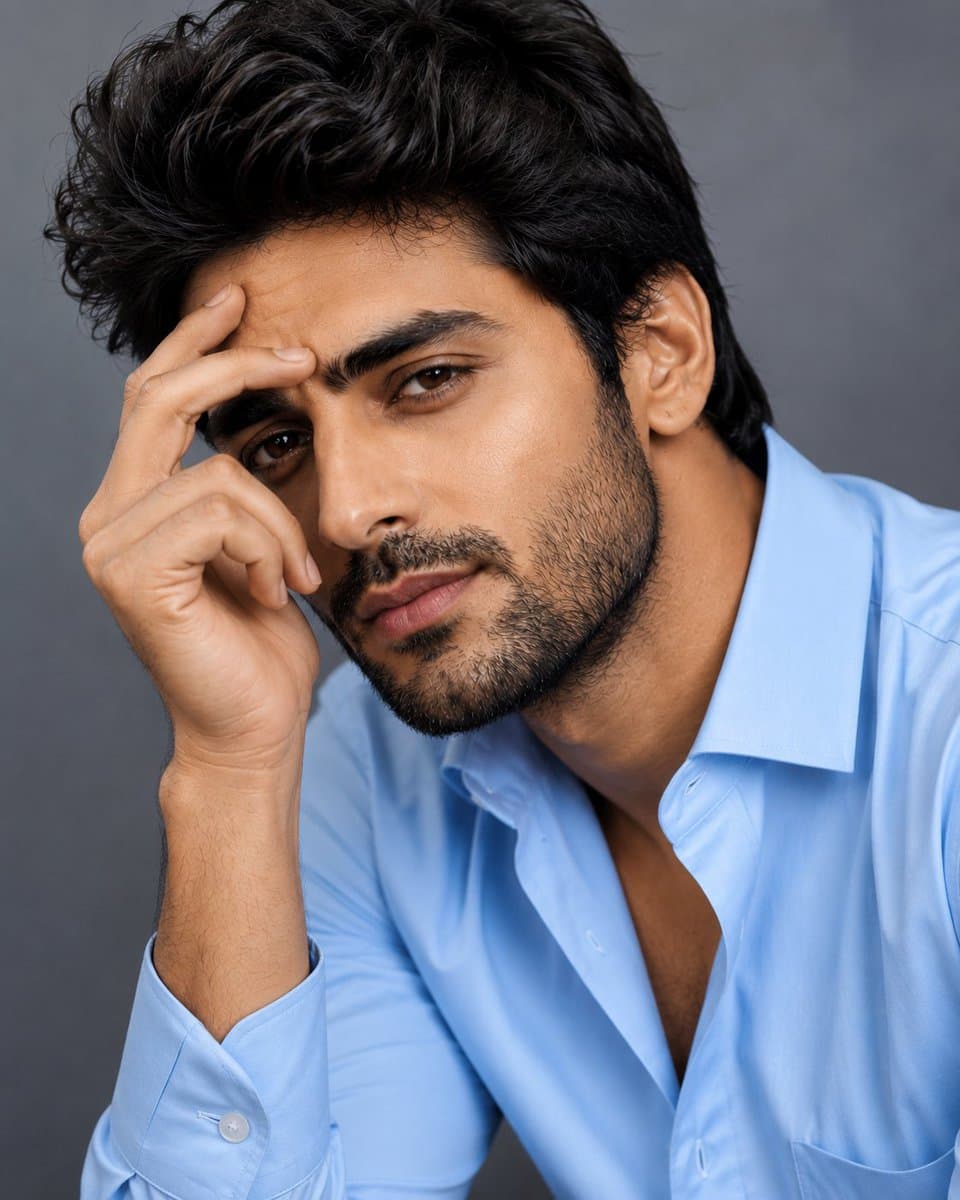
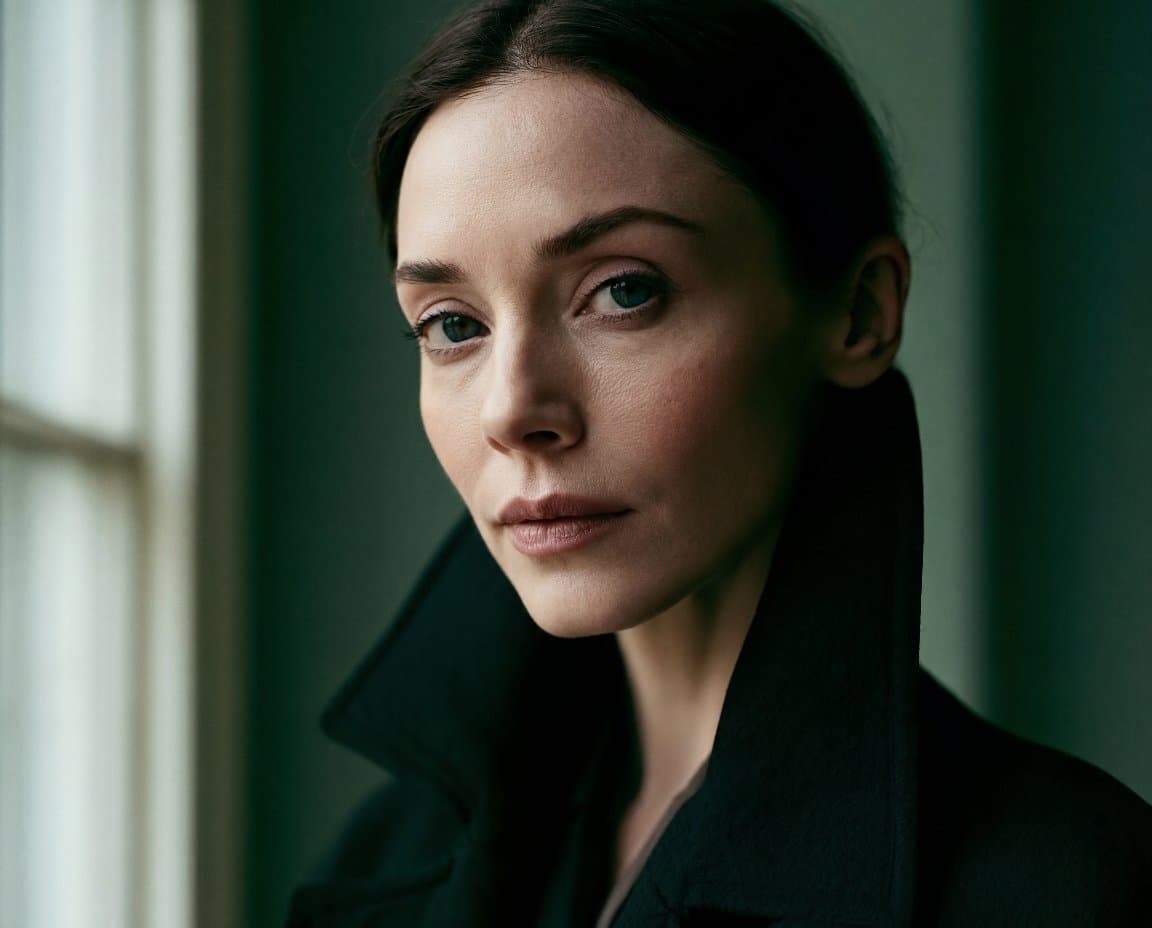
Create a high-end fashion editorial style close-up studio portrait of a handsome young man with sharp facial features, thick textured black hair, well-groomed stubble, expressive dark eyes, and a confident yet natural expression. He is dressed in a perfectly fitted light blue button-down shirt with the top buttons casually open, giving a sophisticated and modern look. Capture the portrait with soft cinematic studio lighting, subtle shadows, and professional beauty retouching that preserves realistic skin texture. Use a neutral grey seamless background with shallow depth of field and premium DSLR quality. The subject should be photographed in multiple elegant close-up poses typical of a luxury magazine photoshoot: resting one hand lightly on his temple, gently touching his chin, leaning slightly forward with an intense gaze, tilting his head while looking directly into the camera, or casually placing fingers near his forehead for a thoughtful expression. Focus on natural confidence, refined masculinity, and effortless style with ultra-sharp facial details, crisp fabric texture, balanced composition, 85mm lens look, f/1.8 depth of field, editorial color grading, photorealistic quality, and a premium fashion campaign aesthetic.

Reference to result

Three steps forward, without starting from a blank canvas.

  1. 01

    Pick a reference

    Choose the frame closest to your goal in composition, color, and purpose.

  2. 02

    Adjust the details

    Change the subject, copy, style, and image ratio in the generator.

  3. 03

    Generate the image

    Keep the prefilled reference, generate, then refine from the result.

Nothing quite fits?

Start with a blank prompt and define the subject, composition, typography, and aspect ratio yourself.

Create from scratch
Working notes

Get closer to a finished image on the first pass.

01

About Professional Portrait prompts

Professional Portrait prompts help organize visual ideas around a specific style, subject, medium, or photography use case. Published examples may change as the collection grows.

02

How to write a stronger Professional Portrait prompt

Name the main subject first, then define composition, environment, lighting, palette, materials, camera or rendering technique, aspect ratio, and the intended output.

03

How to refine the generated result

Remove conflicting style instructions, keep one clear visual direction, and review anatomy, text, logos, perspective, and important category-specific details before publishing.

Common questions

A few things to know before you begin.

What are Professional Portrait AI image prompts?

They are reusable visual briefs grouped under the Professional Portrait category. Each brief can be adapted to a different subject, reference image, composition, or output size.

How are Professional Portrait examples selected for this collection?

Published prompts are assigned to this collection when their subject, style, or intended use matches the Professional Portrait category.

Can I customize these Professional Portrait prompts?

Yes. Replace the subject and context, then adjust the lighting, palette, materials, lens or rendering method, aspect ratio, and detail level for your project.