Silhouette prompt library

Silhouette AI Image Prompts

Browse silhouette examples and reusable AI image prompts for composition, lighting, color, materials, and style.

Browse a focused silhouette category. Use the references as starting points, then rewrite each prompt for your own subject, format, and visual goal.

Visual reference set
silhouette portrait
Library size
3 public prompts
Visual reference set04 / REF
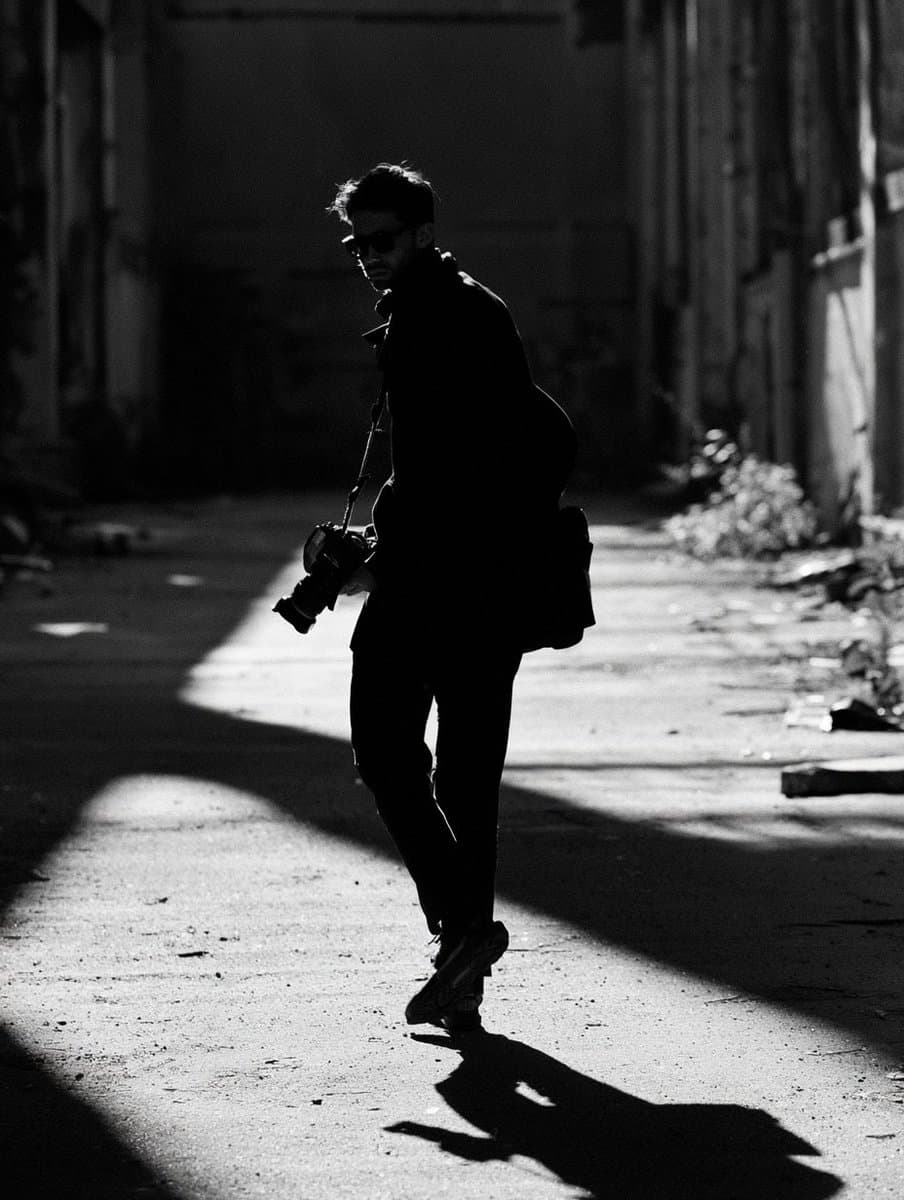
Silhouette AI Image Prompts reference 101
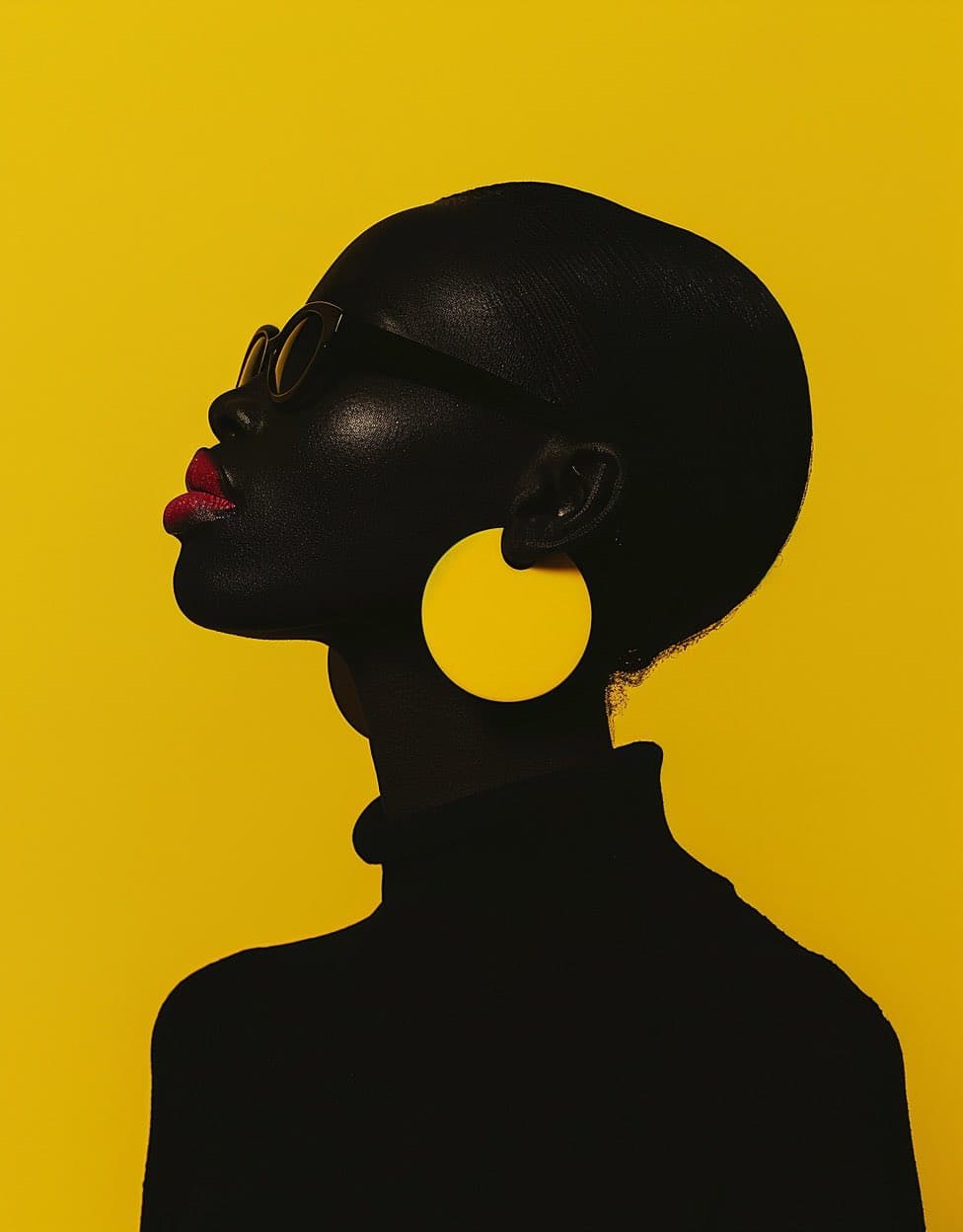
Silhouette AI Image Prompts reference 202
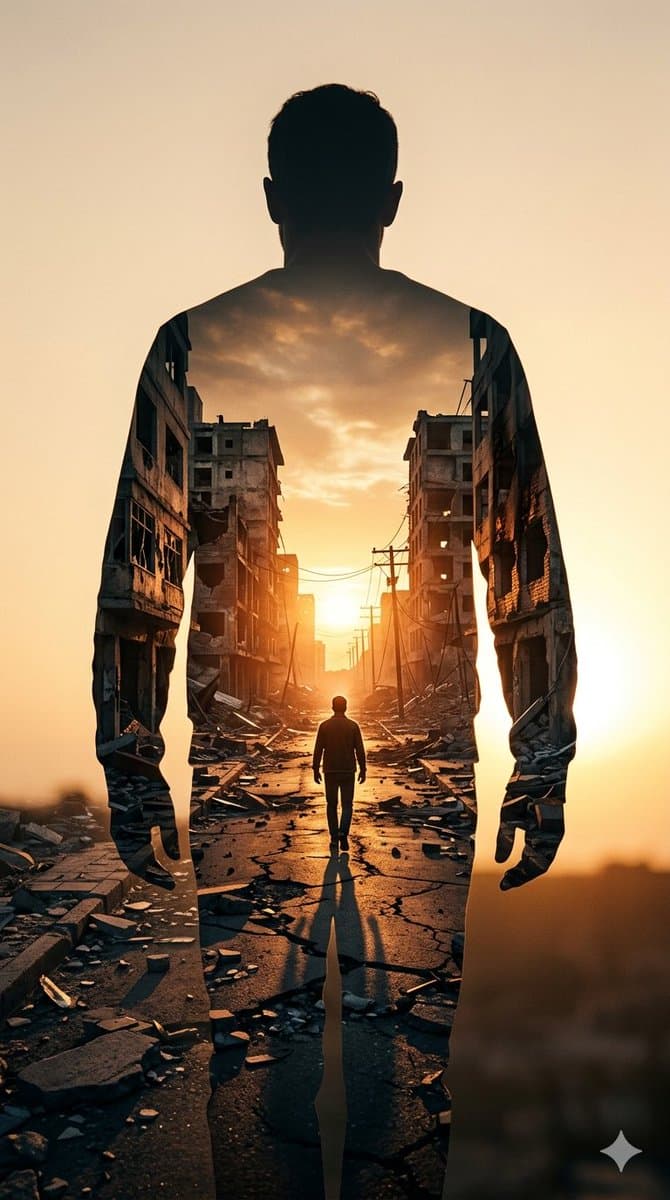
Silhouette AI Image Prompts reference 303
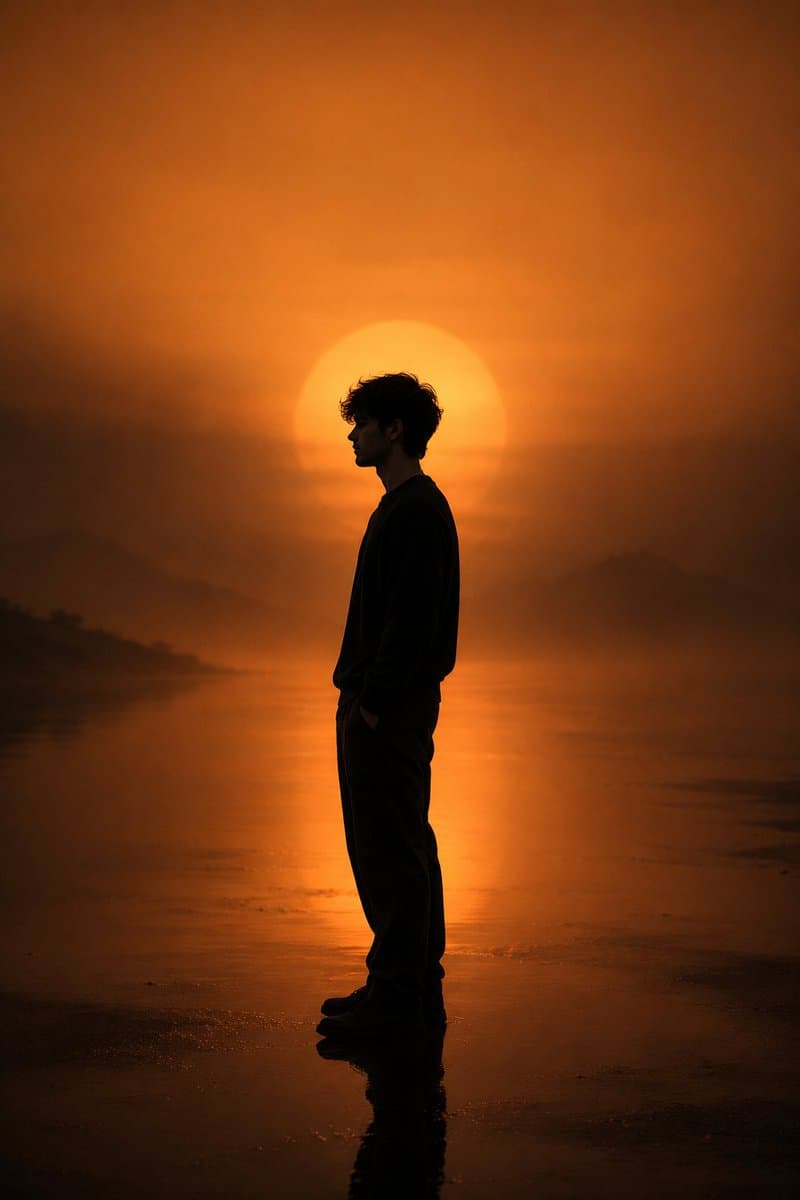
Silhouette AI Image Prompts reference 404
VEYVIA / SILHOUETTE-PORTRAITCURATED
Prompt library

Choose the closest frame to begin.

Open any reference to inspect the full prompt, or take its image and aspect ratio straight into the generator.

3 public prompts
Silhouette AI Image Prompts prompt 101
cinematic-portraitmonochromatic-color-paletteside-profile-portrait

Create a cinematic minimalist portrait using my uploaded photo Place the subject in full-body side profile, standing still and facing left, with a calm, introspective posture and hands in pockets. The subject should appear as a dark silhouette with subtle soft lighting, preserving natural proportions. In the background, add a large glowing sun (or orb) directly behind the subject, low on the horizon, partially diffused through thick atmospheric fog. Use a warm monochromatic color palette.

Silhouette AI Image Prompts prompt 202
editorial-portraitfemale-portraitgeometric-layout

Minimalist side-profile studio portrait of an adult Black woman rendered as a deep black silhouette against a saturated yellow background, sculptural sunglasses, oversized circular yellow earrings, vivid crimson lips, sleek close-cropped hair, elegant elongated neck, bold geometric composition, crisp high-contrast editorial lighting and clean negative space.

Silhouette AI Image Prompts prompt 303
cinematic-lightingdouble-exposure-photographygolden-hour-lighting

Image on Gemini Nano Banana Prompt: ​A high-contrast double exposure photograph. The primary silhouette is the back of a man standing still, facing away from the camera. Inside his silhouette, a secondary scene is revealed: a narrow, war-torn city street at sunset. The street is lined with crumbling, hollowed-out concrete apartment buildings and scattered rubble. A smaller, lone figure walks down the center of the cracked road toward a bright, glowing sun on the horizon. The color palette is dominated by warm ambers, burnt oranges, and deep shadows, creating a somber yet hopeful atmosphere. Hyper-realistic textures, cinematic lighting, 8k resolution.

Reference to result

Three steps forward, without starting from a blank canvas.

  1. 01

    Pick a reference

    Choose the frame closest to your goal in composition, color, and purpose.

  2. 02

    Adjust the details

    Change the subject, copy, style, and image ratio in the generator.

  3. 03

    Generate the image

    Keep the prefilled reference, generate, then refine from the result.

Nothing quite fits?

Start with a blank prompt and define the subject, composition, typography, and aspect ratio yourself.

Create from scratch
Working notes

Get closer to a finished image on the first pass.

01

About Silhouette prompts

Silhouette prompts help organize visual ideas around a specific style, subject, medium, or photography use case. Published examples may change as the collection grows.

02

How to write a stronger Silhouette prompt

Name the main subject first, then define composition, environment, lighting, palette, materials, camera or rendering technique, aspect ratio, and the intended output.

03

How to refine the generated result

Remove conflicting style instructions, keep one clear visual direction, and review anatomy, text, logos, perspective, and important category-specific details before publishing.

Common questions

A few things to know before you begin.

What are Silhouette AI image prompts?

They are reusable visual briefs grouped under the Silhouette category. Each brief can be adapted to a different subject, reference image, composition, or output size.

How are Silhouette examples selected for this collection?

Published prompts are assigned to this collection when their subject, style, or intended use matches the Silhouette category.

Can I customize these Silhouette prompts?

Yes. Replace the subject and context, then adjust the lighting, palette, materials, lens or rendering method, aspect ratio, and detail level for your project.