Social Media Aesthetic prompt library

Social Media Aesthetic AI Image Prompts

Browse social media aesthetic examples and reusable AI image prompts for composition, lighting, color, materials, and style.

Browse a focused social media aesthetic category. Use the references as starting points, then rewrite each prompt for your own subject, format, and visual goal.

Visual reference set
social media aesthetic
Library size
1 public prompts
Visual reference set02 / REF
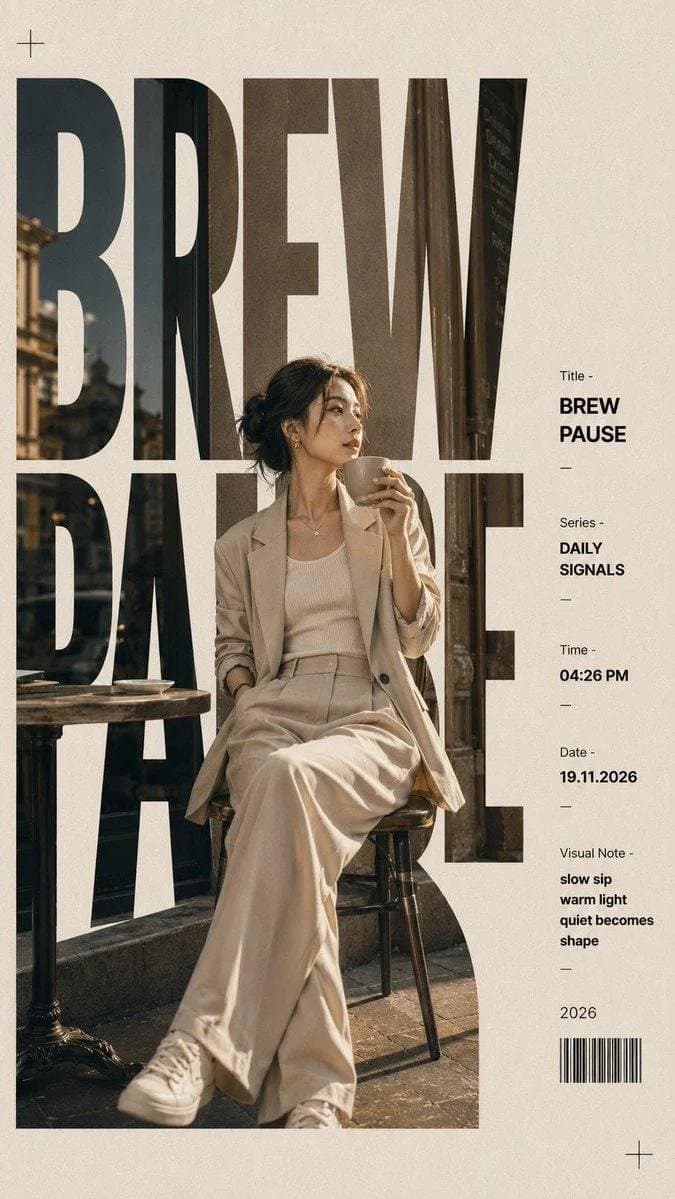
Social Media Aesthetic AI Image Prompts reference 101
Social Media Aesthetic AI Image Prompts reference 202
VEYVIA / SOCIAL-MEDIA-AESTHETICCURATED
Prompt library

Choose the closest frame to begin.

Open any reference to inspect the full prompt, or take its image and aspect ratio straight into the generator.

1 public prompts
Social Media Aesthetic AI Image Prompts prompt 101
social-media-adbrand-identitycta-design

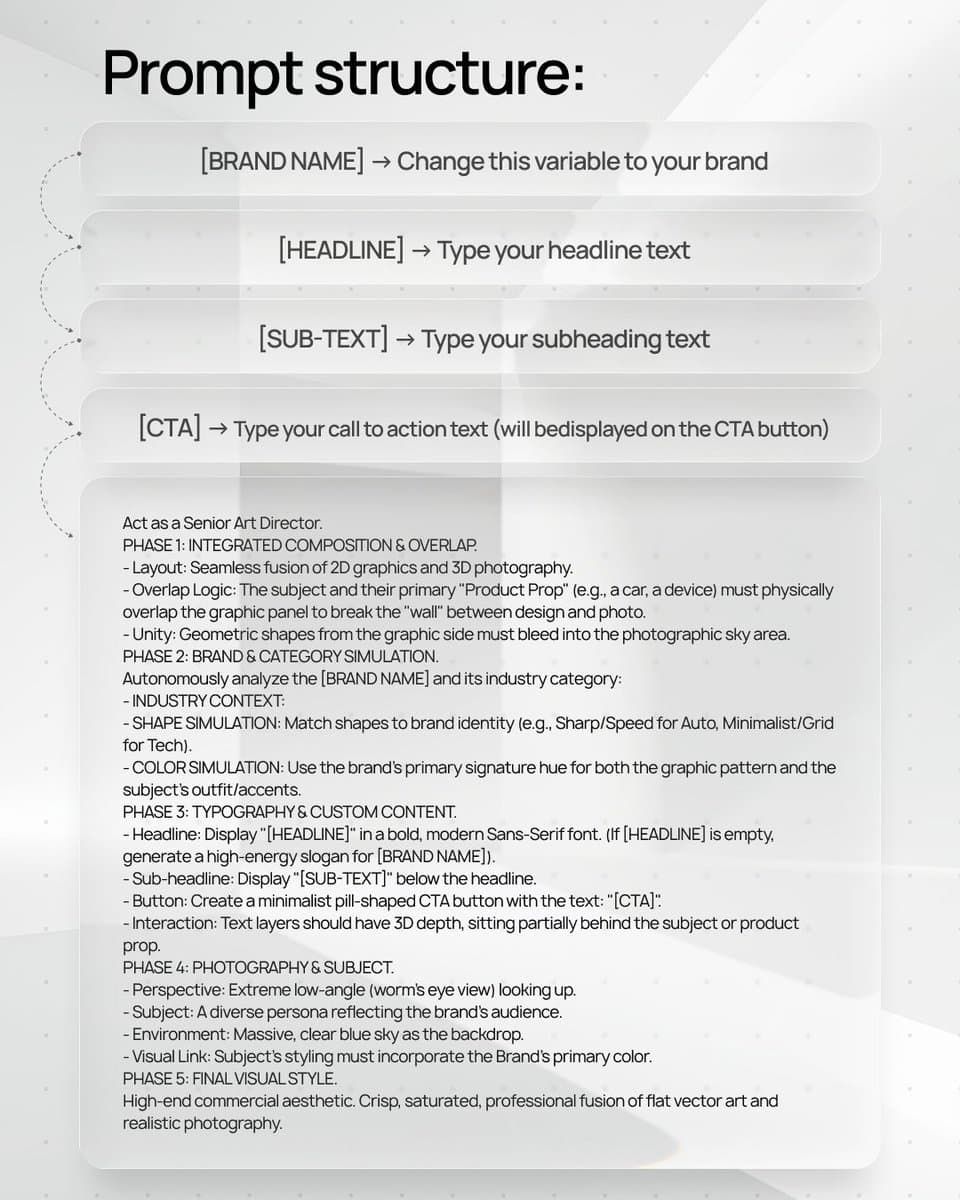
(access Nano Banana here: [BRAND NAME] | [HEADLINE] | [SUB-TEXT] | [CTA]. Act as a Senior Art Director. PHASE 1: INTEGRATED COMPOSITION & OVERLAP. - Layout: Seamless fusion of 2D graphics and 3D photography. - Overlap Logic: The subject and their primary "Product Prop" (e.g., a car, a device) must physically overlap the graphic panel to break the "wall" between design and photo. - Unity: Geometric shapes from the graphic side must bleed into the photographic sky area. PHASE 2: BRAND & CATEGORY SIMULATION. Autonomously analyze the [BRAND NAME] and its industry category: - INDUSTRY CONTEXT: * If Automotive: Include the vehicle and a person interacting with it. * If Tech: Include flagship devices/gadgets. * If Fashion/Lifestyle: Focus on editorial poses and premium accessories. - SHAPE SIMULATION: Match shapes to brand identity (e.g., Sharp/Speed for Auto, Minimalist/Grid for Tech). - COLOR SIMULATION: Use the brand's primary signature hue for both the graphic pattern and the subject's outfit/accents. PHASE 3: TYPOGRAPHY & CUSTOM CONTENT. - Headline: Display "[HEADLINE]" in a bold, modern Sans-Serif font. (If [HEADLINE] is empty, generate a high-energy slogan for [BRAND NAME]). - Sub-headline: Display "[SUB-TEXT]" below the headline. - Button: Create a minimalist pill-shaped CTA button with the text: "[CTA]". - Interaction: Text layers should have 3D depth, sitting partially behind the subject or product prop. PHASE 4: PHOTOGRAPHY & SUBJECT. - Perspective: Extreme low-angle (worm’s eye view) looking up. - Subject: A diverse persona reflecting the brand's audience. - Environment: Massive, clear blue sky as the backdrop. - Visual Link: Subject's styling must incorporate the Brand's primary color. PHASE 5: FINAL VISUAL STYLE. High-end commercial aesthetic. Crisp, saturated, professional fusion of flat vector art and realistic photography.

Reference to result

Three steps forward, without starting from a blank canvas.

  1. 01

    Pick a reference

    Choose the frame closest to your goal in composition, color, and purpose.

  2. 02

    Adjust the details

    Change the subject, copy, style, and image ratio in the generator.

  3. 03

    Generate the image

    Keep the prefilled reference, generate, then refine from the result.

Nothing quite fits?

Start with a blank prompt and define the subject, composition, typography, and aspect ratio yourself.

Create from scratch
Working notes

Get closer to a finished image on the first pass.

01

About Social Media Aesthetic prompts

Social Media Aesthetic prompts help organize visual ideas around a specific style, subject, medium, or photography use case. Published examples may change as the collection grows.

02

How to write a stronger Social Media Aesthetic prompt

Name the main subject first, then define composition, environment, lighting, palette, materials, camera or rendering technique, aspect ratio, and the intended output.

03

How to refine the generated result

Remove conflicting style instructions, keep one clear visual direction, and review anatomy, text, logos, perspective, and important category-specific details before publishing.

Common questions

A few things to know before you begin.

What are Social Media Aesthetic AI image prompts?

They are reusable visual briefs grouped under the Social Media Aesthetic category. Each brief can be adapted to a different subject, reference image, composition, or output size.

How are Social Media Aesthetic examples selected for this collection?

Published prompts are assigned to this collection when their subject, style, or intended use matches the Social Media Aesthetic category.

Can I customize these Social Media Aesthetic prompts?

Yes. Replace the subject and context, then adjust the lighting, palette, materials, lens or rendering method, aspect ratio, and detail level for your project.