Studio Lighting prompt library

Studio Lighting AI Image Prompts

Browse studio lighting examples and reusable AI image prompts for composition, lighting, color, materials, and style.

Browse a focused studio lighting category based on the PromptPlum taxonomy. Use the references as starting points, then rewrite each prompt for your own subject, format, and visual goal.

Visual reference set
studio lighting
Library size
4 public prompts
Visual reference set04 / REF
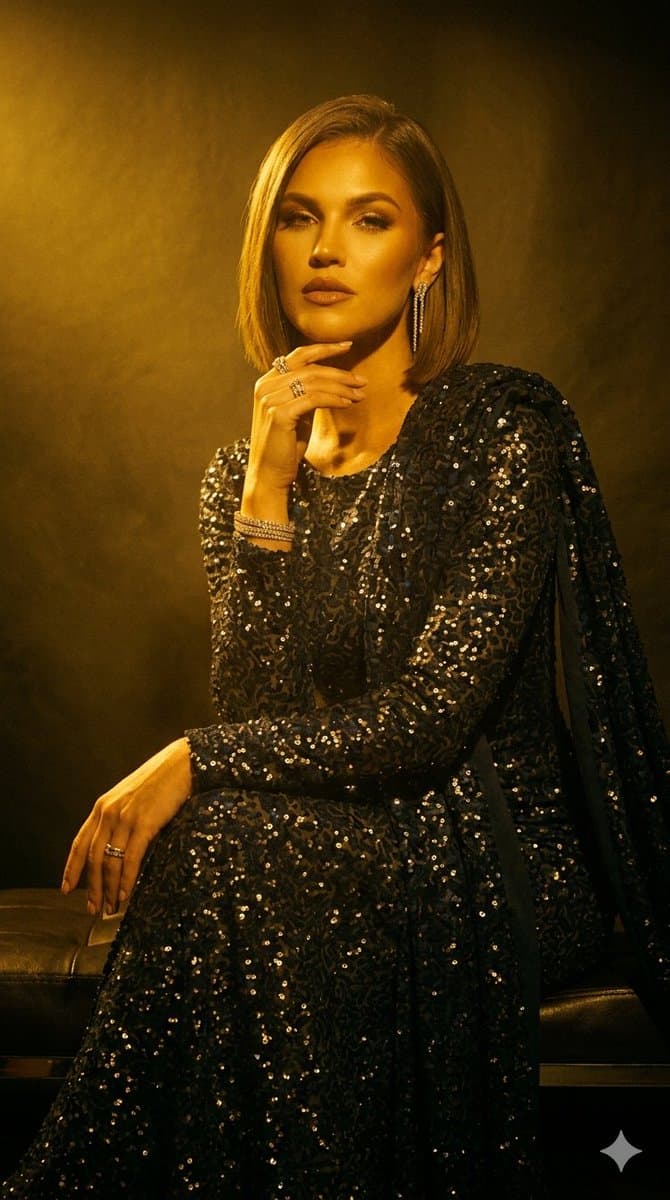
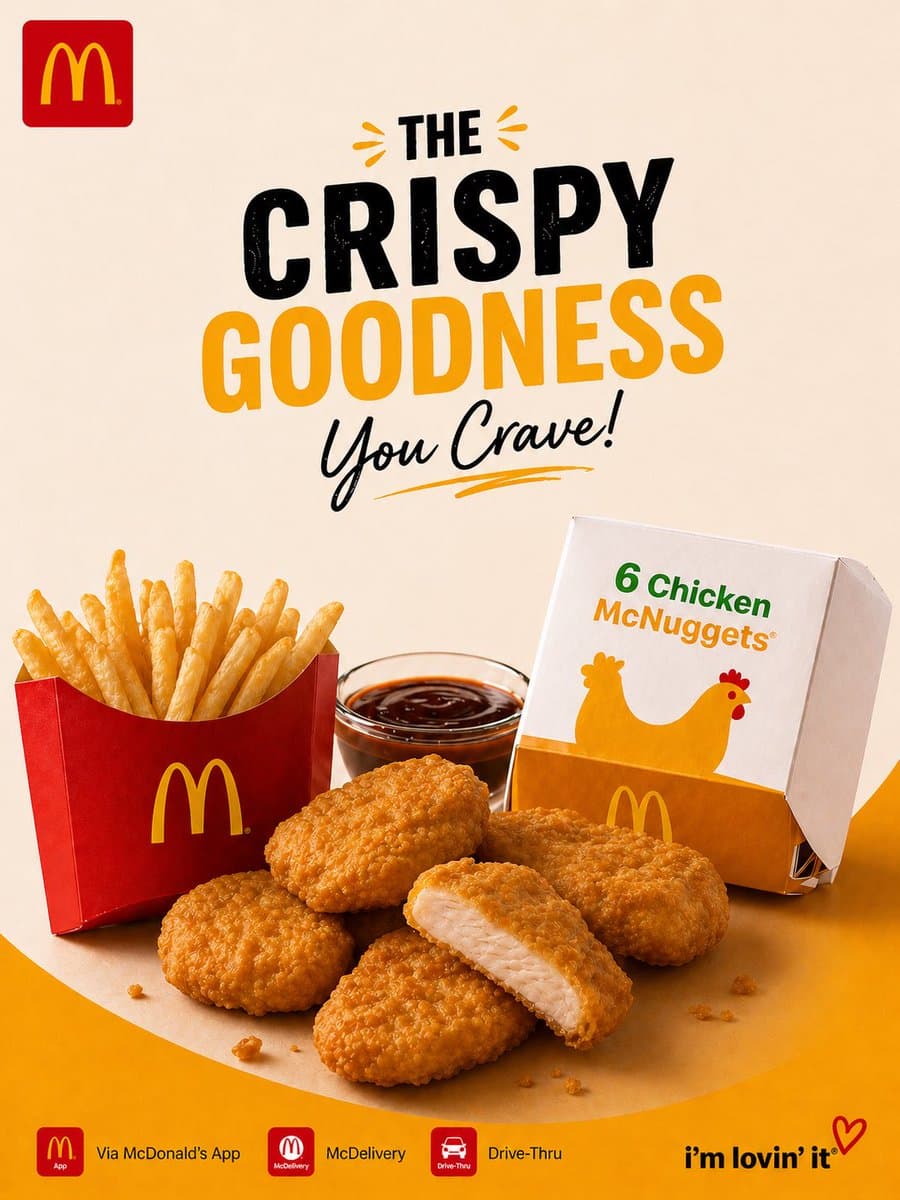
Studio Lighting AI Image Prompts reference 101
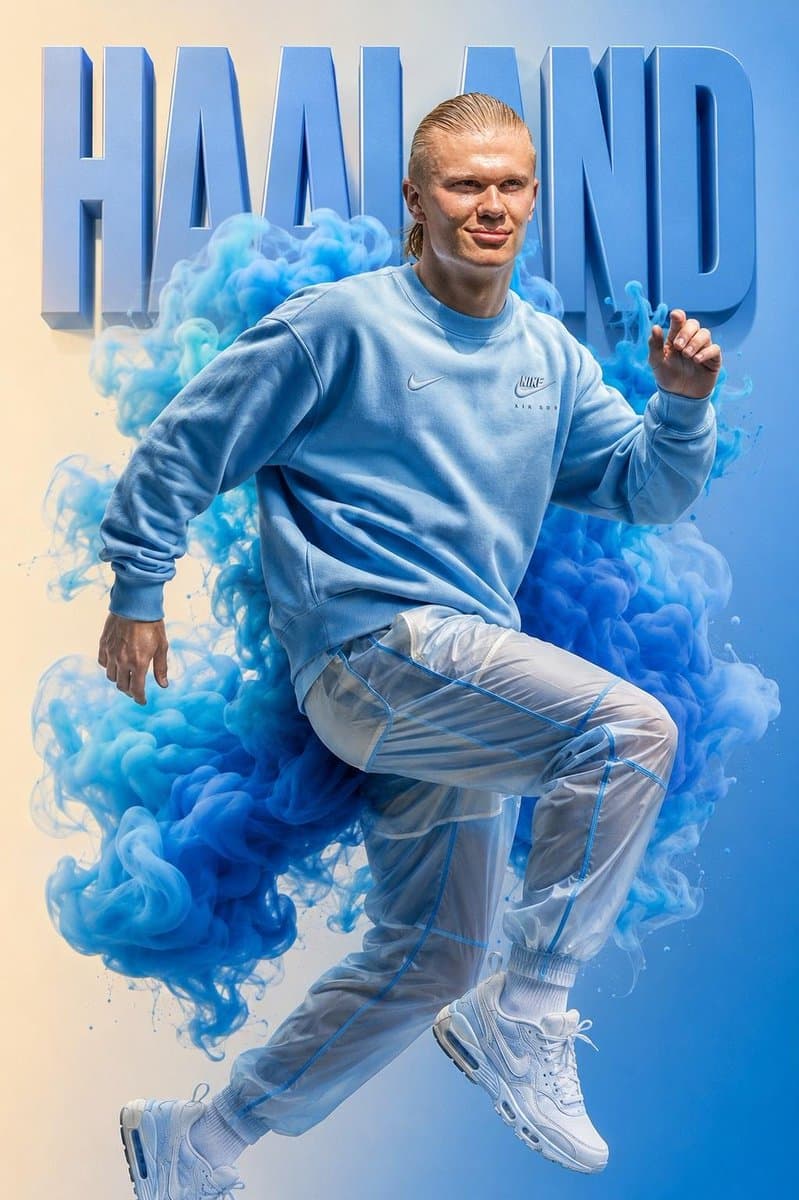
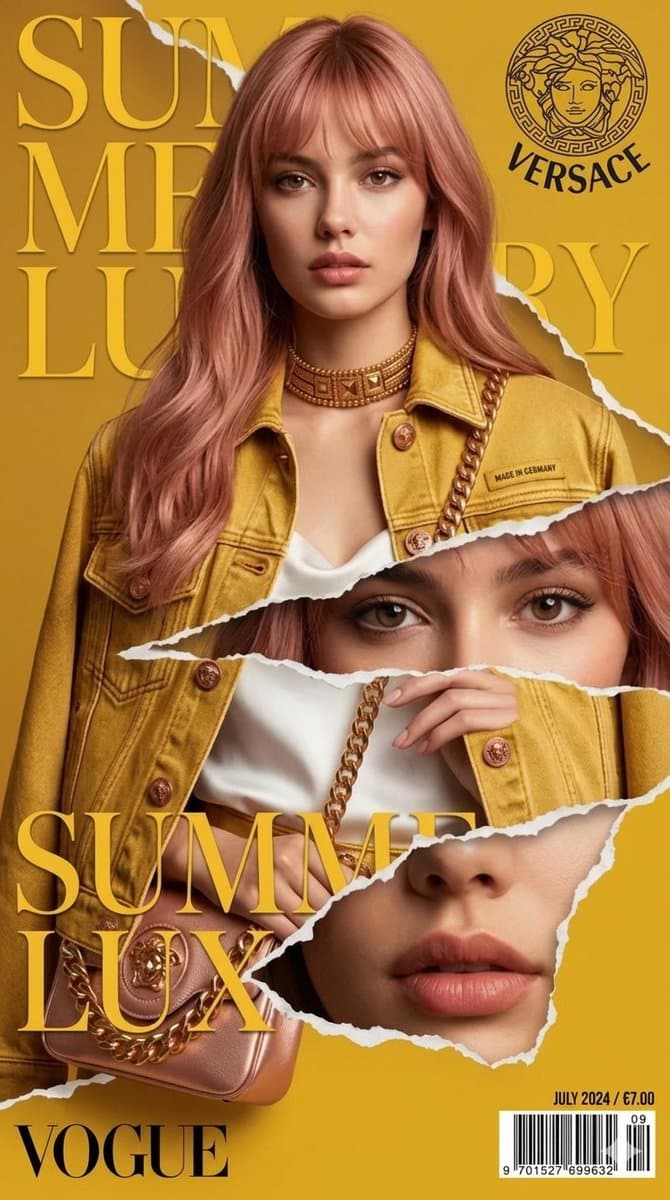
Studio Lighting AI Image Prompts reference 202
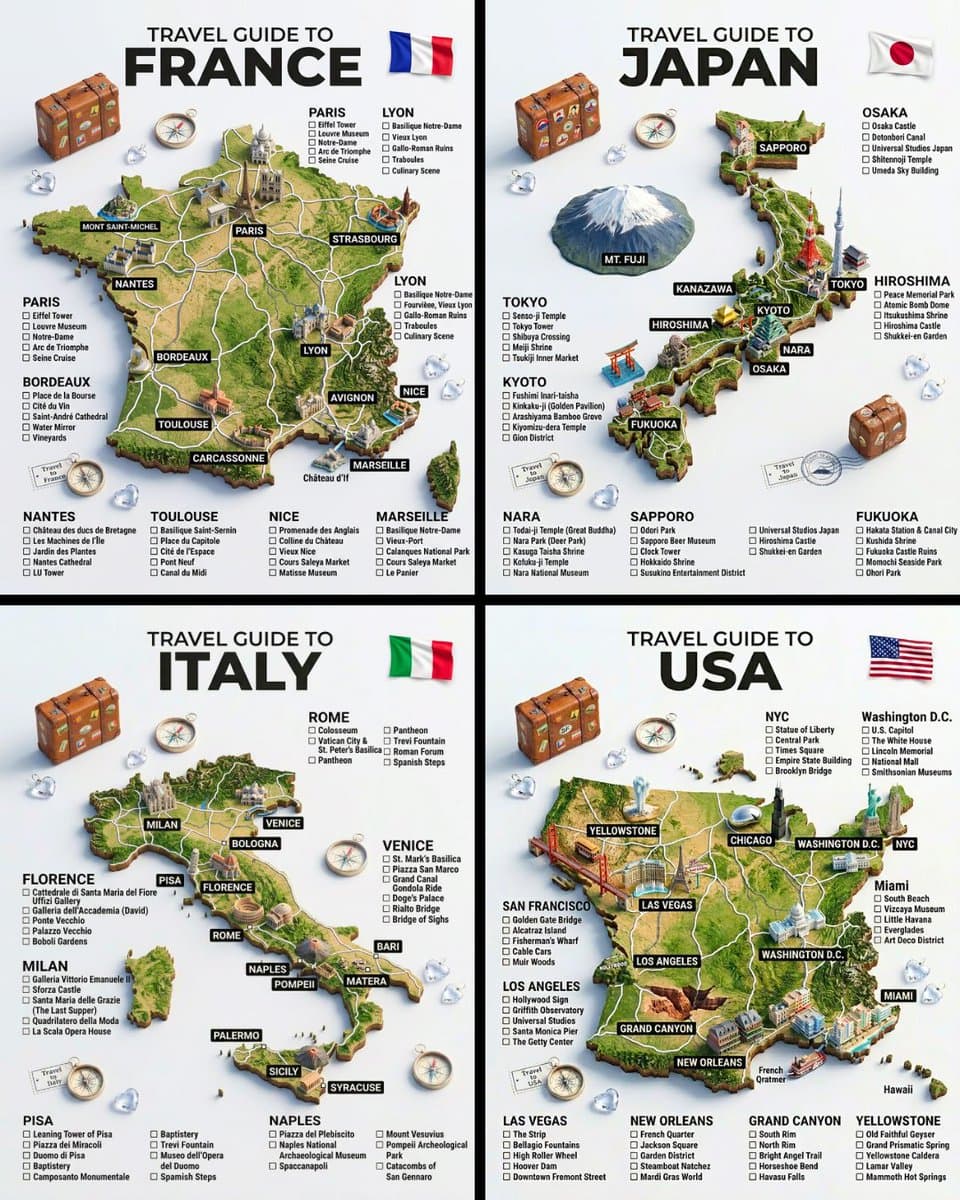
Studio Lighting AI Image Prompts reference 303
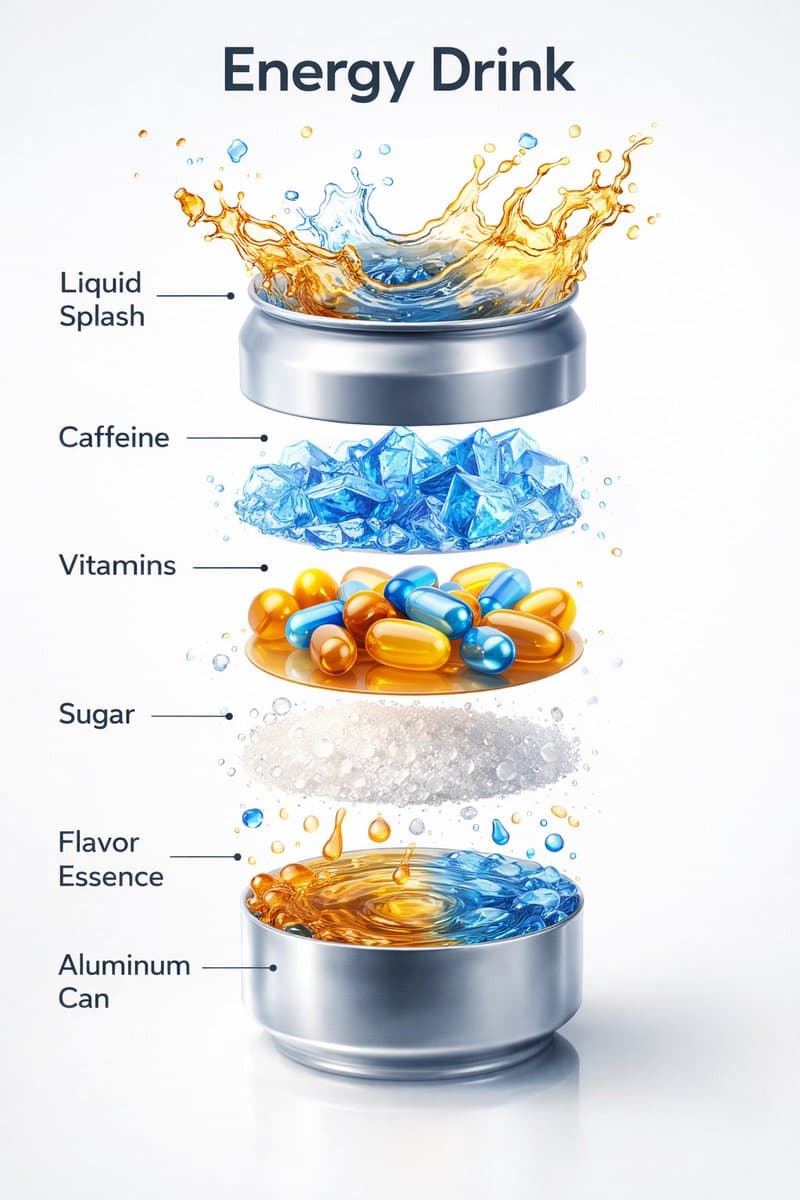
Studio Lighting AI Image Prompts reference 404
VEYVIA / STUDIO-LIGHTINGCURATED
Prompt library

Choose the closest frame to begin.

Open any reference to inspect the full prompt, or take its image and aspect ratio straight into the generator.

4 public prompts
Studio Lighting AI Image Prompts prompt 101
neon lighting / noirai image promptsprompt library

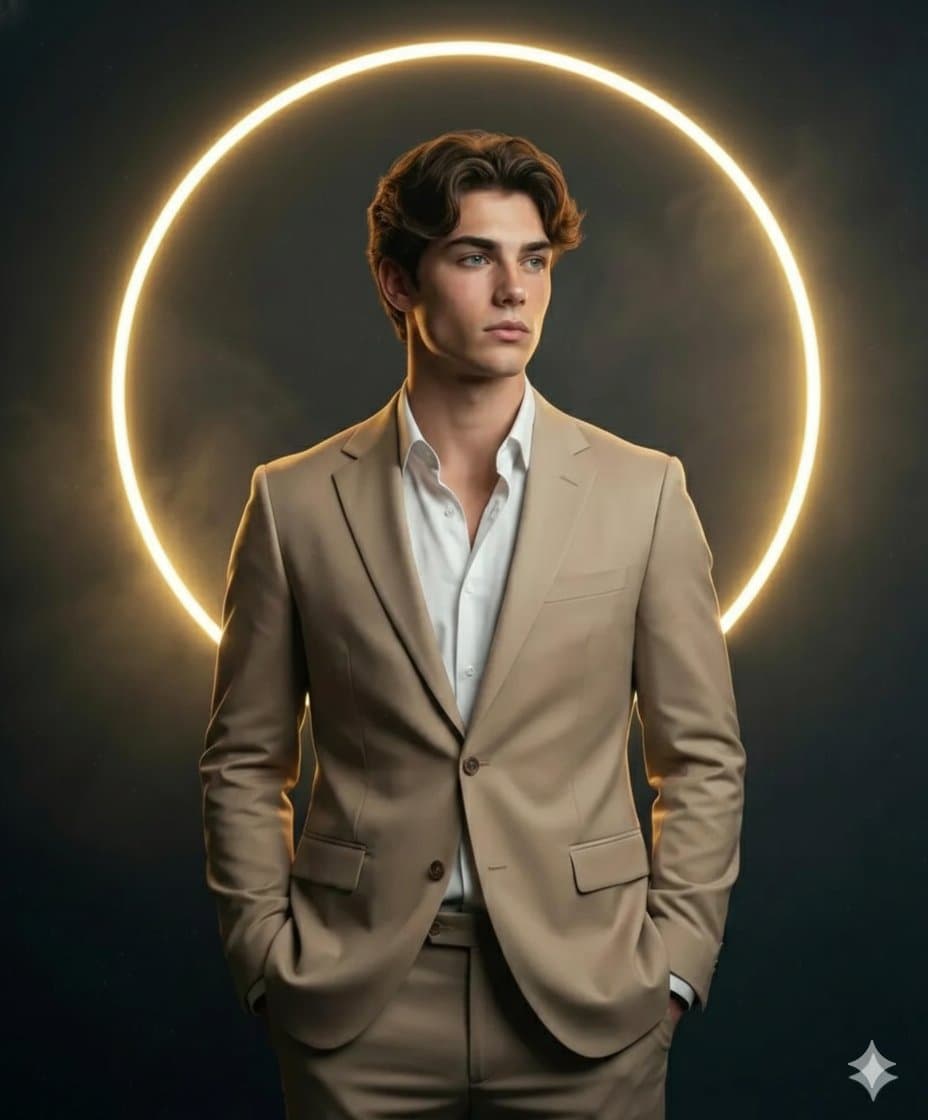
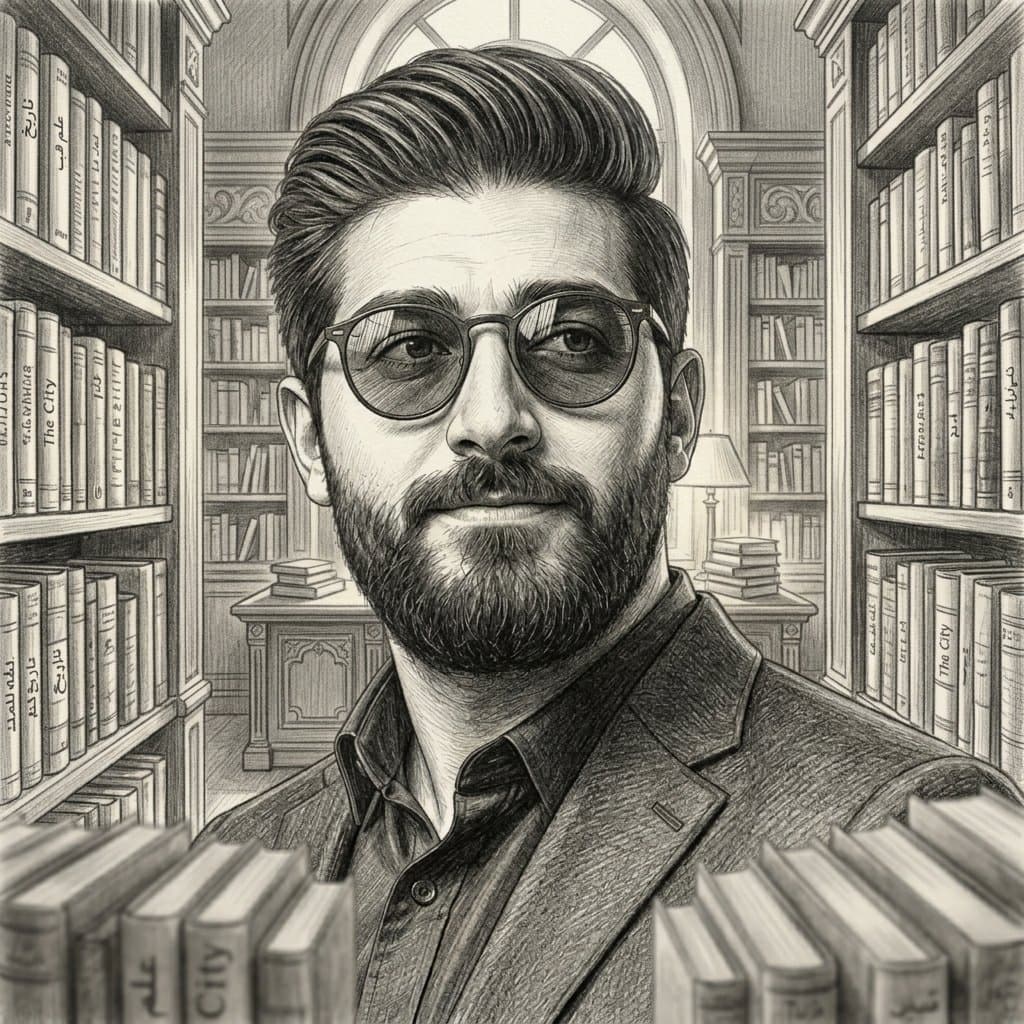
A hyper-realistic, close-up cinematic portrait of a man with a little beard looking upward. He is wearing black turtleneck. The focal point is a pair of glowing neon red translucent glasses that cast a vibrant red light across his brow and cheekbones. His eyes are a piercing, electric blue, reflecting a bright digital screen. The lighting is low-key with a dramatic "dual tone" effect: hot red light from the eyewear clashing with a cool teal/cyan rim light along his jaw and neck. Deep black background, 8k resolution, shot on 35mm lens, moody synthwave aesthetic.

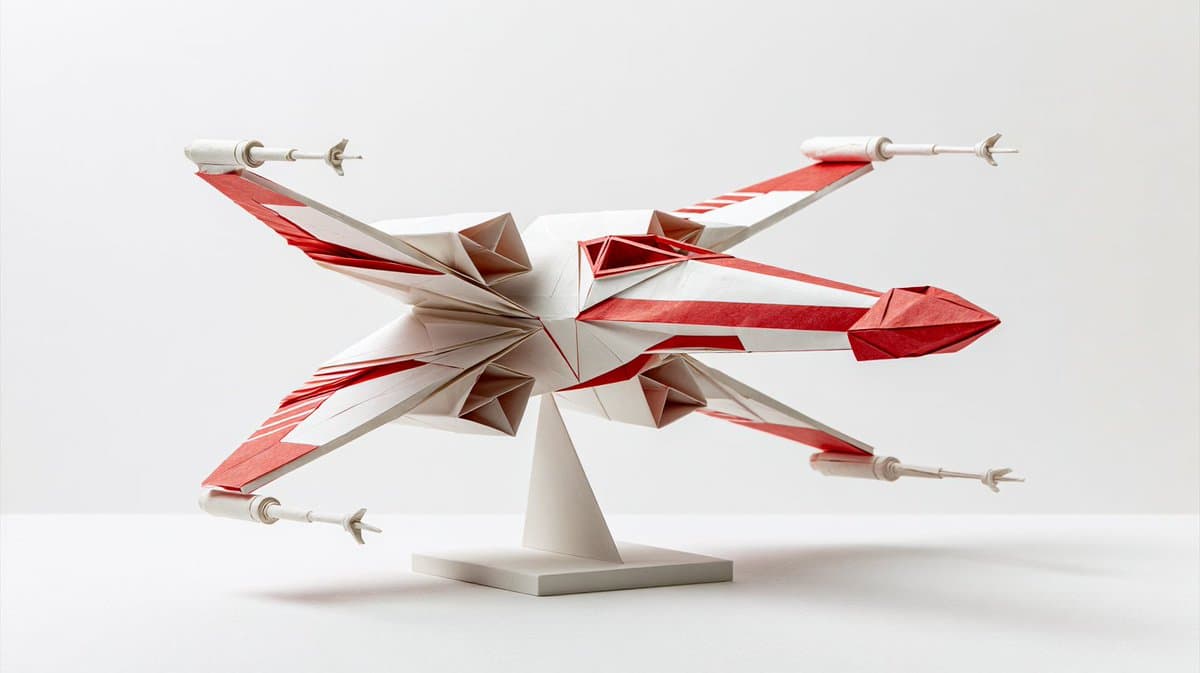
Studio Lighting AI Image Prompts prompt 202
origami & papercraftai image promptsprompt library

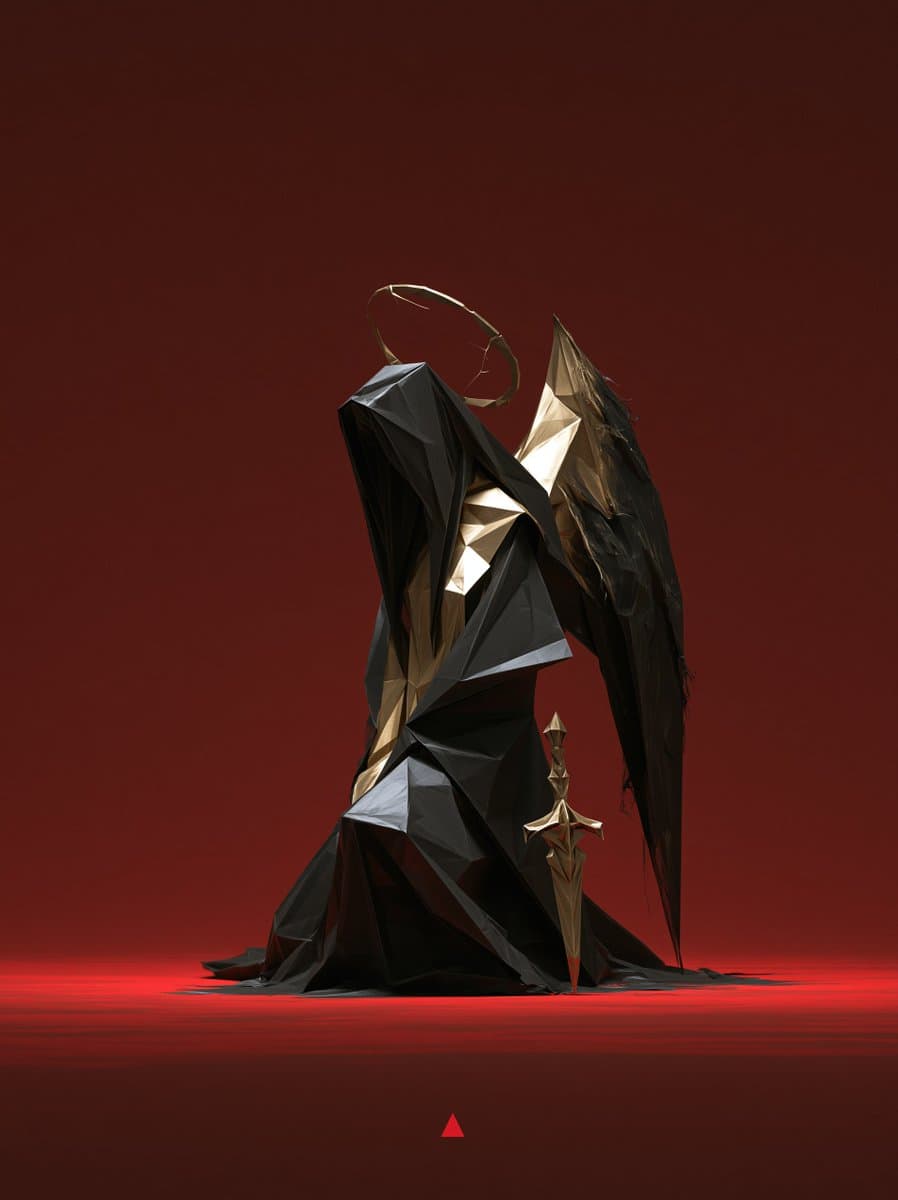
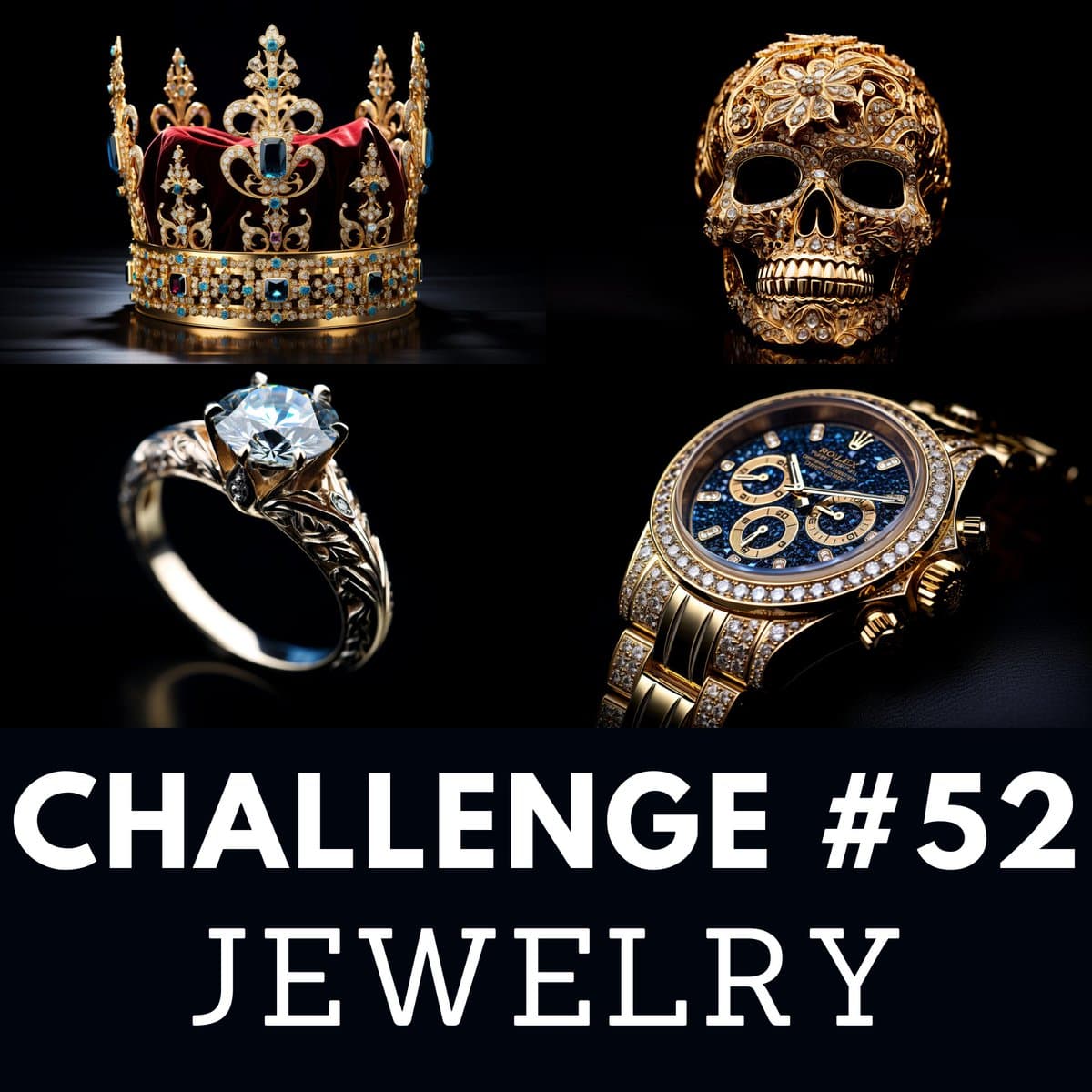
Some vehicles are already works of art. Now imagine them folded entirely from paper. This prompt turns any iconic car, aircraft, or machine into a premium origami sculpture. Replace the brackets and create yours 👇 Origami artwork of [VEHICLE NAME], folded from [MAIN PAPER COLOR] paper with [ACCENT COLORS], [ICONIC VEHICLE SHAPE], [KEY DETAILS], white background, soft studio lighting, crisp folds, detailed paper texture, premium origami sculpture

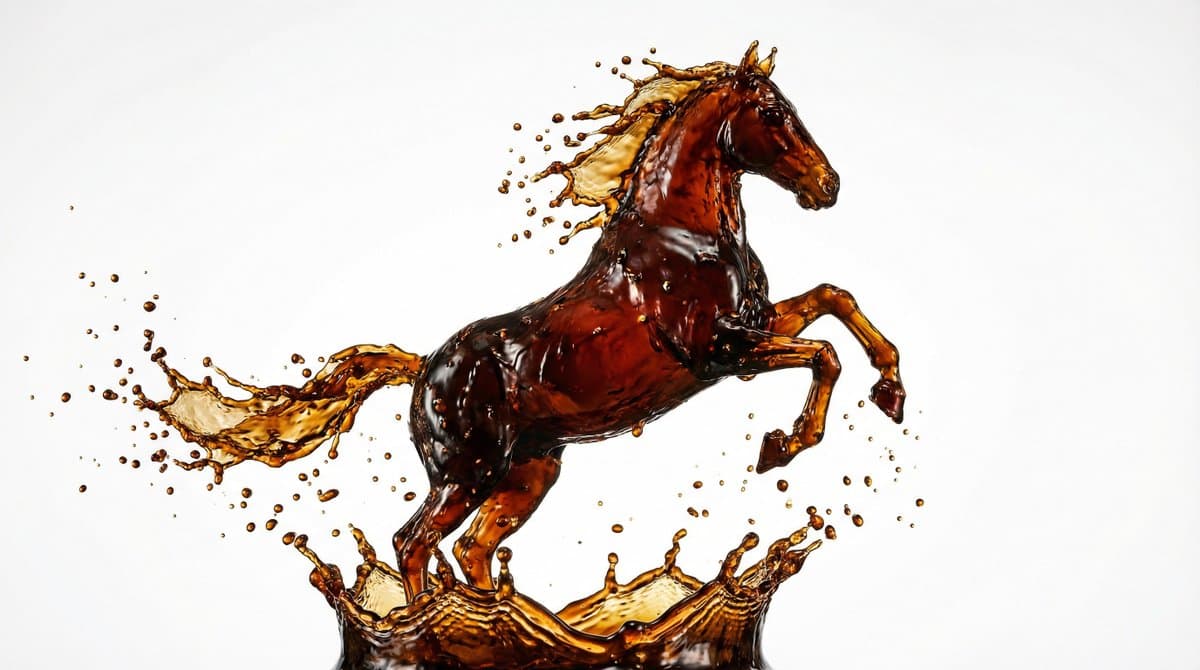
Studio Lighting AI Image Prompts prompt 303
custom name artai image promptsprompt library

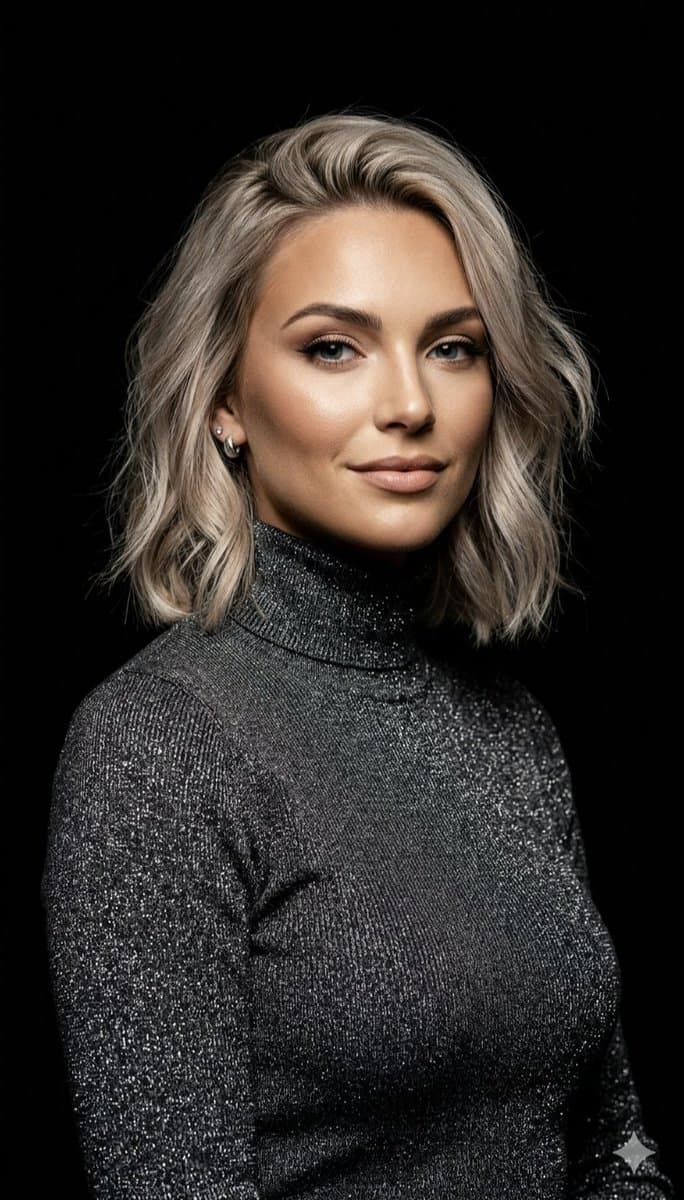
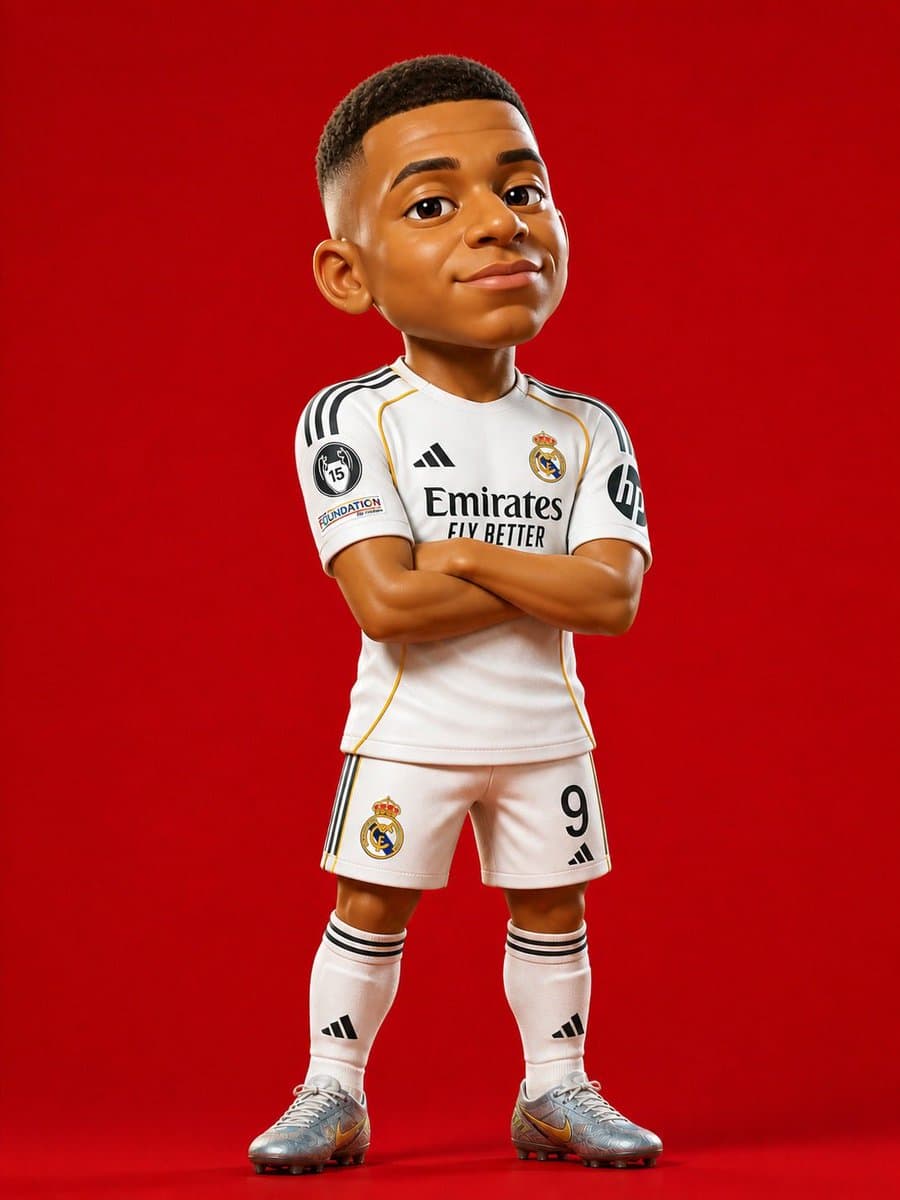
Prompt Studio: Liquid Sculpture with Nano Banana Pro, in Firefly Frozen moment of [LIQUID - coffee/wine/honey/paint/milk] splashing into the shape of [OBJECT/ANIMAL/LETTER]. Pure [COLOR] background, studio lighting with dramatic highlights, ultra-high-speed photography aesthetic. Every droplet crystal sharp, impossible fluid dynamics, commercial advertising quality.

Studio Lighting AI Image Prompts prompt 404
twittereditorial-portraiturefashion-photography

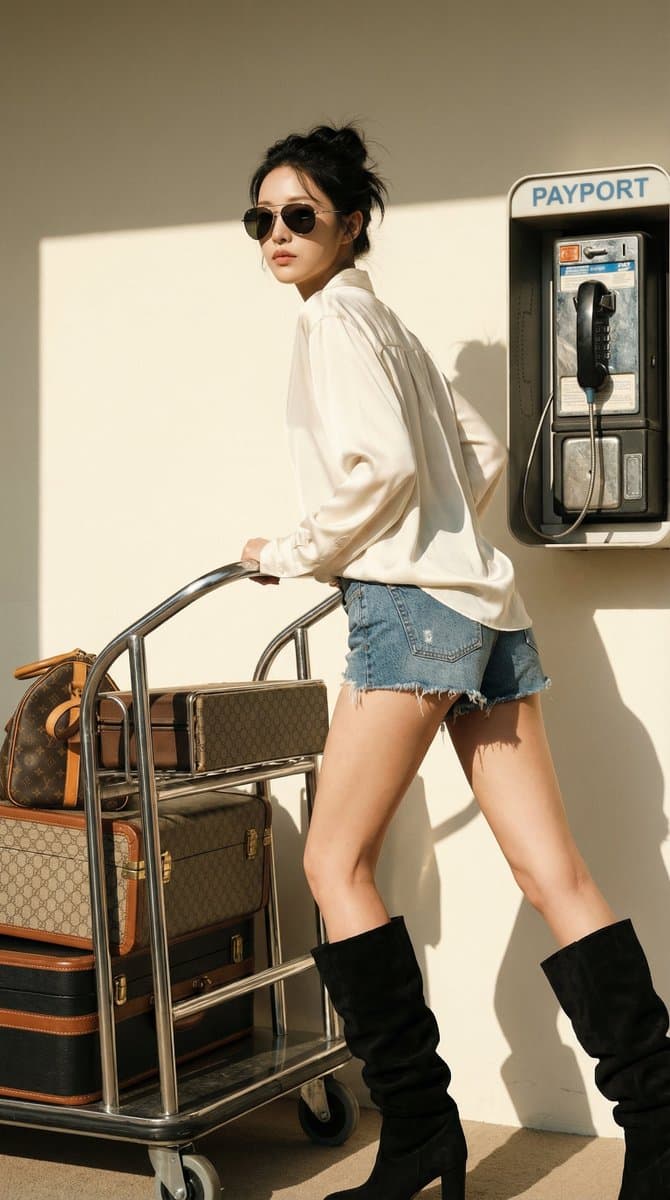
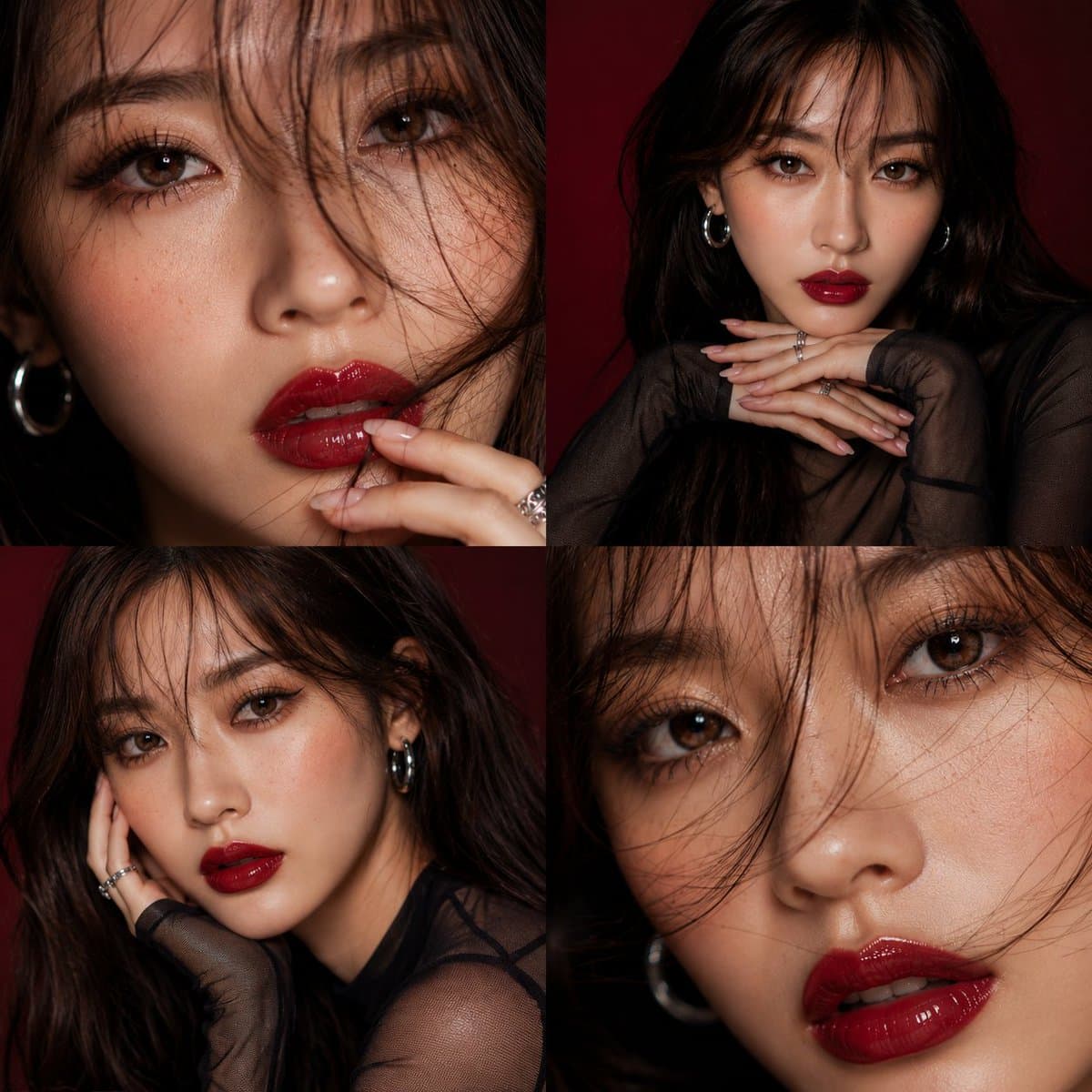
Sunlight did the styling. The close frame hooks, the full frame lands. 寄りで惹いて、全身で決める。 先用近景抓住人,再用全身把这组旅行时装讲完整。 🔧 近景+全身双张,硬侧光,白衬衫丹宁短裤,复古电话亭+行李车 💬 你会把近景放封面,还是把全身放第一张? 🧵 Prompt ↓ { "portrait_prompt": { "subject": { "description": "Based on <User Portrait>, a poised high-fashion woman with dark hair in a loose updo, oversized aviator sunglasses, and a calm, detached editorial expression, styled for a luxury travel fashion shoot.", "features": { "hair": "dark hair in a soft messy updo with loose face-framing strands", "eyes": "hidden behind dark oversized aviator sunglasses", "expression": "cool, composed, confident" }, "pose": "Based on user-uploaded pose reference, matching the body angle, hand placement on the luggage cart, leg spacing, and over-the-shoulder head turn from the uploaded pose image." }, "attire": { "type": "Based on user-uploaded clothing reference", "details": [ "oversized ivory silk blouse", "frayed denim shorts", "black slouchy knee-high boots", "oversized aviator sunglasses" ], "color": "ivory, washed blue denim, black" }, "composition": { "shot_type": "Full body", "focal_length": "65mm", "aperture": "f/4", "camera_angle": "eye-level", "camera_height": "waist-level", "framing": "tight full-body editorial crop, camera placed closer to the subject, subject fills around 75% of the frame, minimal empty wall, payphone and luggage cart remain visible as supporting props, clean crop around head and boots", "aspect_ratio": "4:5" }, "lighting": { "type": "hard natural sunlight", "direction": "strong side light from frame right, creating a crisp shadow on the wall behind the subject", "mood": "sunlit, sculpted, clean, luxurious" }, "color_palette": { "film_simulation": "Fujifilm PRO Neg Hi inspired color grading", "style": "polished luxury travel editorial", "tones": [ "warm cream wall and sunlit skin highlights", "washed denim blue with deep black boots" ], "grade_notes": [ "highlight roll-off: bright but controlled", "shadow tint: neutral-warm", "contrast curve: medium-high contrast", "grain: minimal fine grain" ] }, "environment": { "setting": "sunlit retro airport payphone corner", "background": "cream wall, vintage payphone, chrome luggage cart, stacked luxury suitcases", "atmosphere": "dry afternoon light, sharp shadow edges, clean editorial travel mood" }, "mood": "confident, polished, affluent, sun-baked, editorial", "technical_tags": [ "photorealistic", "high-fashion editorial", "luxury travel aesthetic", "natural skin texture", "sharp optics" ], "character_reference": "Based on user-uploaded character reference", "clothing_reference": "Based on user-uploaded clothing reference", "negative_prompt": "camera too far away, wide establishing shot, ultra wide lens distortion, excessive empty background, awkward crop, broken anatomy, extra limbs, deformed hands, warped cart geometry, plastic skin, over-processed HDR, random bokeh, soft flat studio lighting, messy snapshot framing" } }

Reference to result

Three steps forward, without starting from a blank canvas.

  1. 01

    Pick a reference

    Choose the frame closest to your goal in composition, color, and purpose.

  2. 02

    Adjust the details

    Change the subject, copy, style, and image ratio in the generator.

  3. 03

    Generate the image

    Keep the prefilled reference, generate, then refine from the result.

Nothing quite fits?

Start with a blank prompt and define the subject, composition, typography, and aspect ratio yourself.

Create from scratch
Working notes

Get closer to a finished image on the first pass.

01

About Studio Lighting prompts

Studio Lighting prompts help organize visual ideas around a specific style, subject, medium, or photography use case. Published examples may change as the collection grows.

02

How to write a stronger Studio Lighting prompt

Name the main subject first, then define composition, environment, lighting, palette, materials, camera or rendering technique, aspect ratio, and the intended output.

03

How to refine the generated result

Remove conflicting style instructions, keep one clear visual direction, and review anatomy, text, logos, perspective, and important category-specific details before publishing.

Common questions

A few things to know before you begin.

What are Studio Lighting AI image prompts?

They are reusable visual briefs grouped under the Studio Lighting category. Each brief can be adapted to a different subject, reference image, composition, or output size.

How are Studio Lighting examples selected for this collection?

Published prompts are assigned to this collection when their subject, style, or intended use matches the Studio Lighting category.

Can I customize these Studio Lighting prompts?

Yes. Replace the subject and context, then adjust the lighting, palette, materials, lens or rendering method, aspect ratio, and detail level for your project.