Surrealism / Photorealism prompt library

Surrealism / Photorealism AI Image Prompts

Browse surrealism / photorealism examples and reusable AI image prompts for composition, lighting, color, materials, and style.

Browse a focused surrealism / photorealism category. Use the references as starting points, then rewrite each prompt for your own subject, format, and visual goal.

Visual reference set
surrealism photorealism
Library size
1 public prompts
Visual reference set02 / REF
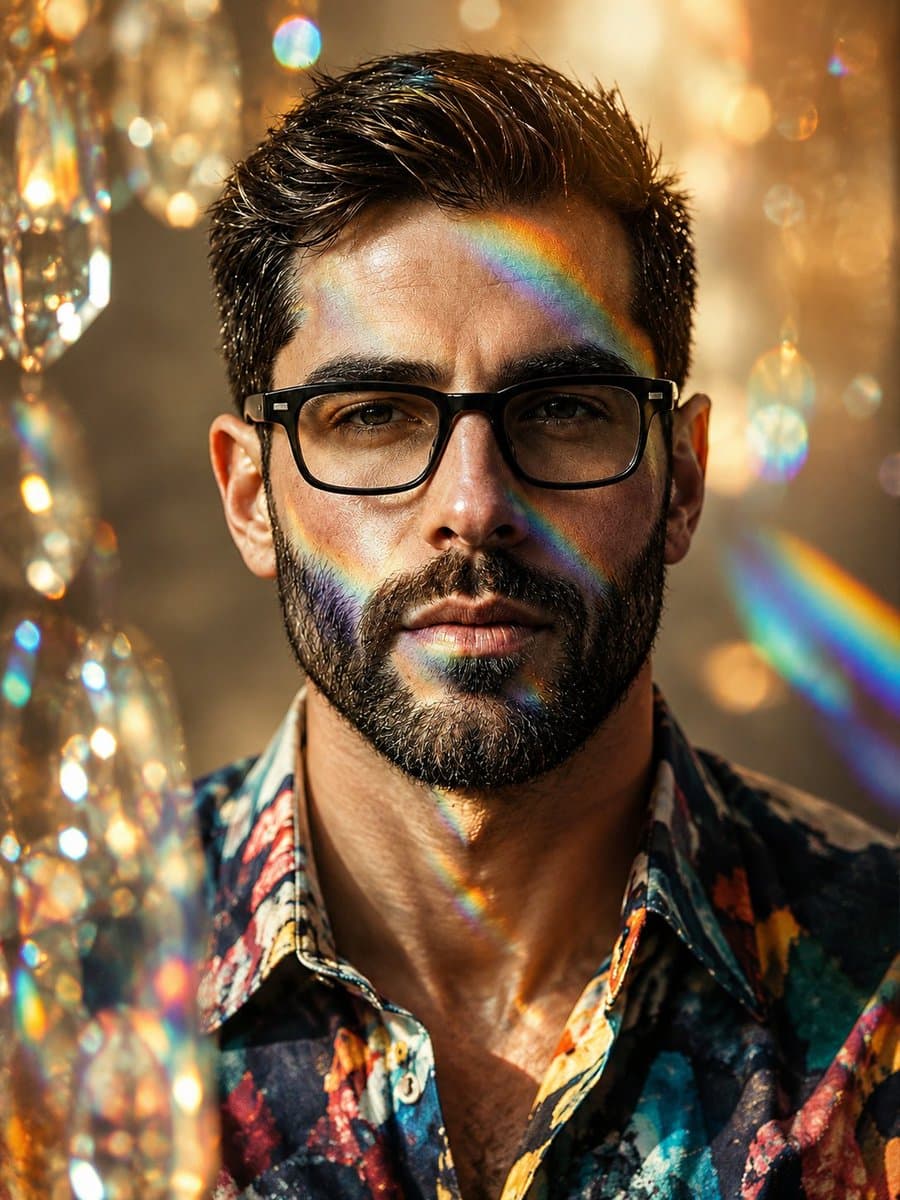
Surrealism / Photorealism AI Image Prompts reference 101
Surrealism / Photorealism AI Image Prompts reference 202
VEYVIA / SURREALISM-PHOTOREALISMCURATED
Prompt library

Choose the closest frame to begin.

Open any reference to inspect the full prompt, or take its image and aspect ratio straight into the generator.

1 public prompts
Surrealism / Photorealism AI Image Prompts prompt 101
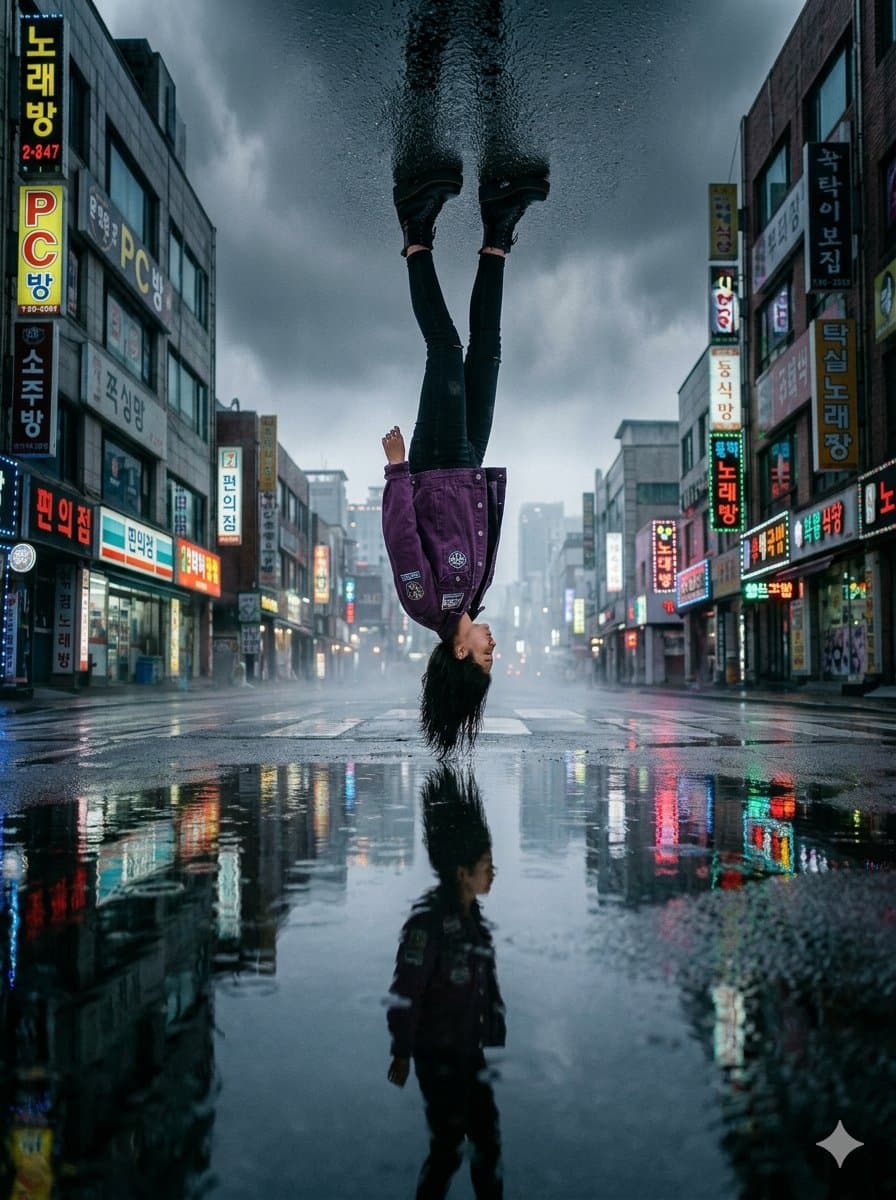
surreal-portraitupside-downgravity-illusion

A surreal, cinematic full-body shot of a woman wearing a purple denim jacket and black jeans, appearing to hang upside down from the sky. Her feet are firmly touching a dark, wet asphalt surface that forms the "ceiling" at the top of the frame. The bottom half of the image features a glowing, rain-slicked city street with vibrant neon Korean storefront signs, reflecting her perfectly in the deep puddles. The atmosphere is moody and overcast with thick mist and high contrast lighting. 8k resolution, photorealistic, shot on a 35mm lens, 3:4 aspect ratio.

Reference to result

Three steps forward, without starting from a blank canvas.

  1. 01

    Pick a reference

    Choose the frame closest to your goal in composition, color, and purpose.

  2. 02

    Adjust the details

    Change the subject, copy, style, and image ratio in the generator.

  3. 03

    Generate the image

    Keep the prefilled reference, generate, then refine from the result.

Nothing quite fits?

Start with a blank prompt and define the subject, composition, typography, and aspect ratio yourself.

Create from scratch
Working notes

Get closer to a finished image on the first pass.

01

About Surrealism / Photorealism prompts

Surrealism / Photorealism prompts help organize visual ideas around a specific style, subject, medium, or photography use case. Published examples may change as the collection grows.

02

How to write a stronger Surrealism / Photorealism prompt

Name the main subject first, then define composition, environment, lighting, palette, materials, camera or rendering technique, aspect ratio, and the intended output.

03

How to refine the generated result

Remove conflicting style instructions, keep one clear visual direction, and review anatomy, text, logos, perspective, and important category-specific details before publishing.

Common questions

A few things to know before you begin.

What are Surrealism / Photorealism AI image prompts?

They are reusable visual briefs grouped under the Surrealism / Photorealism category. Each brief can be adapted to a different subject, reference image, composition, or output size.

How are Surrealism / Photorealism examples selected for this collection?

Published prompts are assigned to this collection when their subject, style, or intended use matches the Surrealism / Photorealism category.

Can I customize these Surrealism / Photorealism prompts?

Yes. Replace the subject and context, then adjust the lighting, palette, materials, lens or rendering method, aspect ratio, and detail level for your project.