Time Lapse prompt library

Time Lapse AI Image Prompts

Browse time lapse examples and reusable AI image prompts for composition, lighting, color, materials, and style.

Browse a focused time lapse category based on the PromptPlum taxonomy. Use the references as starting points, then rewrite each prompt for your own subject, format, and visual goal.

Visual reference set
time lapse
Library size
2 public prompts
Visual reference set02 / REF
Time Lapse AI Image Prompts reference 101
Time Lapse AI Image Prompts reference 202
VEYVIA / TIME-LAPSECURATED
Prompt library

Choose the closest frame to begin.

Open any reference to inspect the full prompt, or take its image and aspect ratio straight into the generator.

2 public prompts
Time Lapse AI Image Prompts prompt 101
time-lapseeditingphotorealistic

Ultra-realistic cinematic time-lapse renovation scene inside a residential living room. Show the room transforming from dusty construction with exposed wires, ladders, tools, and unfinished walls into a warm modern interior. Workers install recessed lights, smooth and paint walls, build fireplace shelving, lay dark wood flooring, hang a chandelier, move in seating and a rug, add curtains, plants, books, and decor, then clean away debris. Blend believable stages into one wide-angle visual narrative with natural worker motion blur, volumetric daylight, detailed materials, and a final cozy ambient glow.

Time Lapse AI Image Prompts prompt 202
time lapseai image promptsprompt library

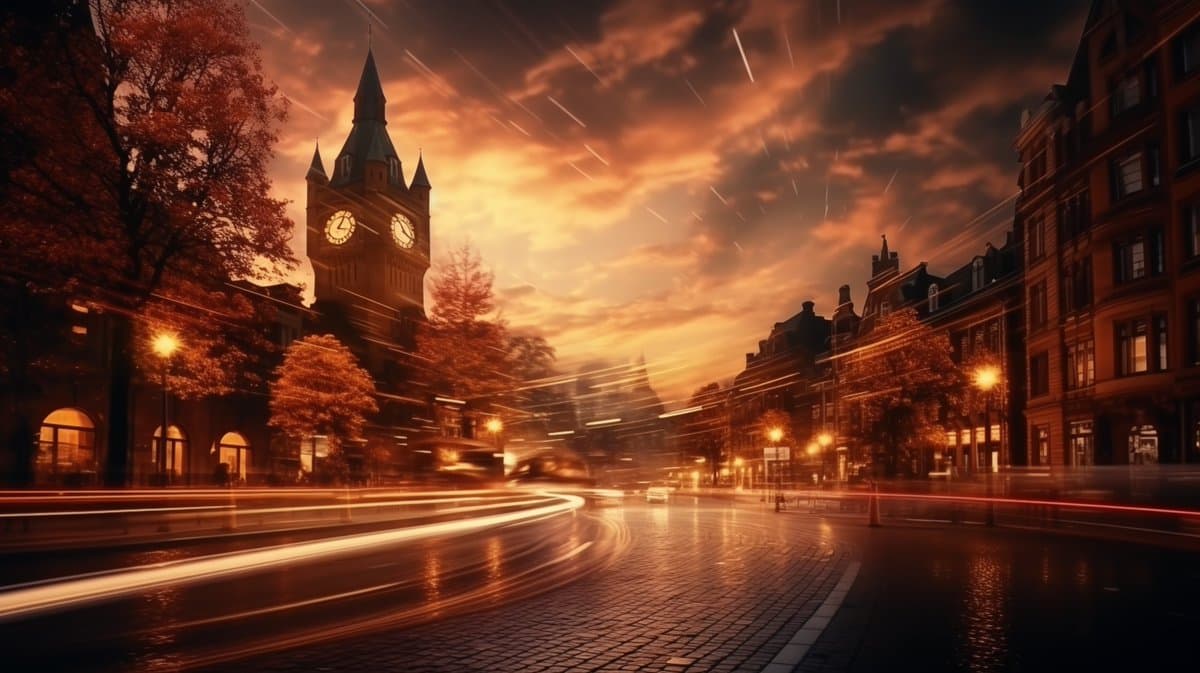
Time lapse photography of a [place], [time of the day/ lighting], realistic style with a touch of surrealism, long exposure effect to capture movement [add elements], [color palette], dramatic contrasts --ar 16:9 --v 5.2 --style raw

Reference to result

Three steps forward, without starting from a blank canvas.

  1. 01

    Pick a reference

    Choose the frame closest to your goal in composition, color, and purpose.

  2. 02

    Adjust the details

    Change the subject, copy, style, and image ratio in the generator.

  3. 03

    Generate the image

    Keep the prefilled reference, generate, then refine from the result.

Nothing quite fits?

Start with a blank prompt and define the subject, composition, typography, and aspect ratio yourself.

Create from scratch
Working notes

Get closer to a finished image on the first pass.

01

About Time Lapse prompts

Time Lapse prompts help organize visual ideas around a specific style, subject, medium, or photography use case. Published examples may change as the collection grows.

02

How to write a stronger Time Lapse prompt

Name the main subject first, then define composition, environment, lighting, palette, materials, camera or rendering technique, aspect ratio, and the intended output.

03

How to refine the generated result

Remove conflicting style instructions, keep one clear visual direction, and review anatomy, text, logos, perspective, and important category-specific details before publishing.
Common questions

A few things to know before you begin.

What are Time Lapse AI image prompts?

They are reusable visual briefs grouped under the Time Lapse category. Each brief can be adapted to a different subject, reference image, composition, or output size.

How are Time Lapse examples selected for this collection?

Published prompts are assigned to this collection when their subject, style, or intended use matches the Time Lapse category.

Can I customize these Time Lapse prompts?

Yes. Replace the subject and context, then adjust the lighting, palette, materials, lens or rendering method, aspect ratio, and detail level for your project.