HDR to WEBP Converter
Convert HDR images to WEBP for free. High-quality and fast conversion right in your browser.
Why Choose Our Converter?
Fast HDR Conversion
Our advanced conversion engine processes your images in seconds, right in your browser.
Ad-Free
Enjoy a clean, distraction-free interface with zero advertisements, ever.
Batch-Convert HDR
Convert between almost all popular image formats including JPG, PNG, WebP, and AVIF.
Browser-Based
No software to install. Everything happens in your browser for maximum convenience.
Easy-to-Use
Simple drag and drop interface designed for everyone. No technical skills required.
Private & Secure
Your files never leave your device. We don't store or see your images.
Free Online Image Converter
Veyvia's built-in image converter is the perfect tool for designers and developers who need high-quality results without the hassle. Optimize your assets for the web or prepare social media graphics with ease.
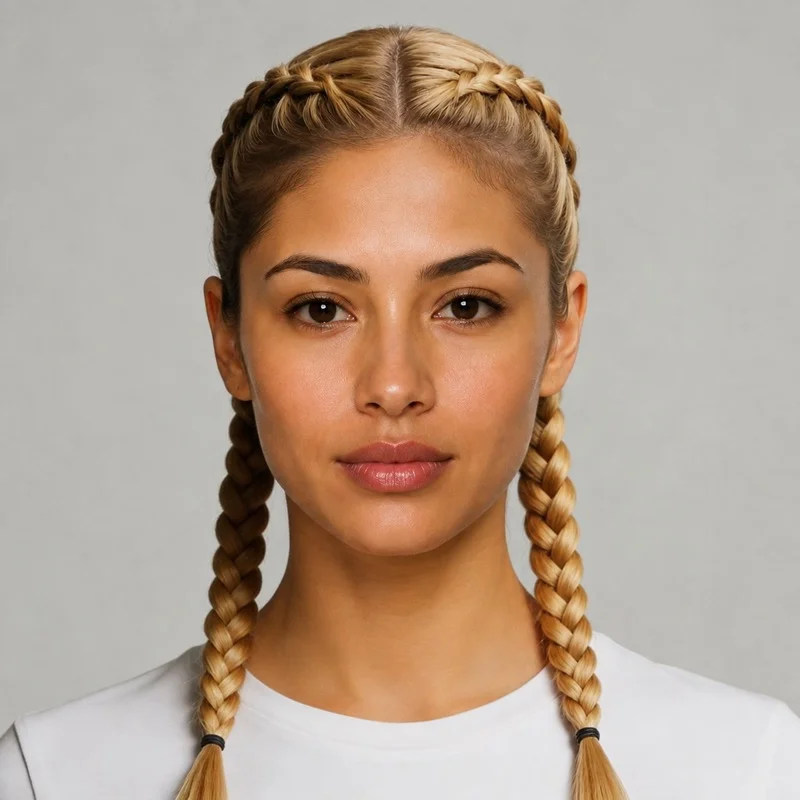
Format conversion example
How to Convert Images?
1. Choose Images
Select or drag and drop your image files to start.
2. Start Conversion
Adjust settings and click convert to process.
3. Download Images
Download your converted files instantly.
What is a HDR?
HDR
HDR is a standard image format supported by our converter. Optimize and transform your HDR files with ease.
What is a WebP?
Web Picture
WebP is a modern image format that provides superior lossless and lossy compression for images on the web. It was developed by Google and is designed to create smaller, richer images that make the web faster. WebP images are significantly smaller than equivalent JPG or PNG files.
How to Batch-Convert HDR to WEBP?
Are you looking to convert multiple HDR images fast and easy? Our online image converter is engineered for batch conversions, allowing you to load dozens of HDR files to your desired format swiftly and effortlessly. Whether it's WEBP, we've got you covered. Simply drag & drop your files, choose the target format, and watch as our tool delivers high-quality conversions in a blink. You can then download your converted files as a ZIP folder. Say goodbye to the tedious, time-consuming process of converting images one by one and embrace the future of batch image conversion.
Common Use Cases
Optimize Images for the Web
Reduce file sizes while maintaining quality to improve your website's performance and SEO.
Convert RAW Files
Easily convert professional RAW formats to shareable JPEG or WebP images.
Create Consistent Branding
Ensure all your brand assets are in the same format for consistent presentation across platforms.
Batch Image Conversion
Process dozens of files at once to save time and streamline your workflow.
Want to do more than just convert formats?
Changing formats is just the beginning. With our AI Creative Studio, you can completely transform the style or content of your images, generating fresh, stylized masterpieces from plain text!